 Idle Train Empire Tycoon
Restore Lab
Provided by Playgama
Restore Labvia Playgama







 The Hustler
 Agrarian Magnate
 Idle Chicken Farm
 Sell Lemons Idle
 Gas Station 24: Simulator
 Capitalist Hunter
 Wild Manager
 My Gym Manager: Idle Tycoon
 Open to Offers!
 Car Wash Idle
 Find the Needle
 Wooden Vest
 Tiny Cinema
 Farm Care Tycoon
 Fishing Island
 Army Base
 Kickoff Academy: Football Tycoon
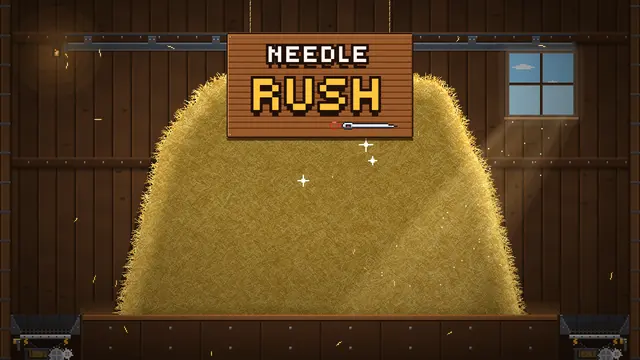 Needle Rush
 Chicken Farm
 Bank Tycoon Simulator Money Empire
 Capy Market
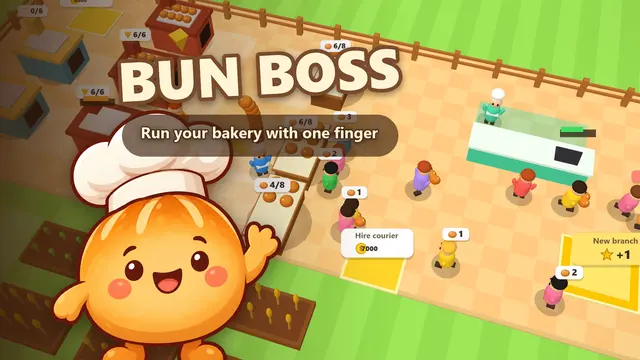 Bun Boss
 Monster Card Shop
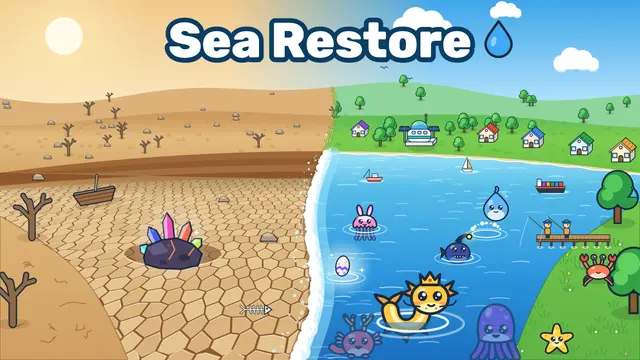 Sea Restore
 Restaurant Tycoon
 Rusty Park
 Vet Tycoon: Pet Hospital
 Would You Like to See My Ants?
 Fish Eggs for Animals
 Egg Empire
 City Rush 2000
 Sticky Memo - Ripping Game
 Market Hero
 Thriller Cafe
 Swim Fitness Club
 Hedgies
 Grow a Garden 3D
 Chef Tycoon
 Scary Rooms: Idle Horror
 Money Factory - Earn a Billion
 Kinder Garden
 Hotel Manager Simulator
 Sweet Supermarket Simulator
 Mars Colony
 Burger Restaurant Simulator 3D
 Animal Care Tycoon
 Gas Station - Stick Simulator
 Survival Tycoon: City of Zombie
 Idle Magic Academy Tycoon
 Supermarket Manager
 Idle Hotel Empire Tycoon
 Supermarket Empire
 Airplane Factory - Tycoon
 Stickman Clicker
 Farm Business Saga
 Money Maker
 Merge Plane Tycoon
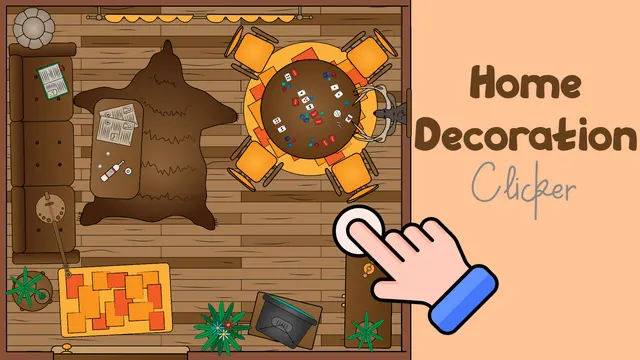 Home Decor Clicker
 Capi bar
 My Little Farm
 Cooking Shawarma Idle Game
 Trash Baron
 Tiny Sports Empire Idle
 ObbyTycoon: Money Tycoon
Play Restore Lab online
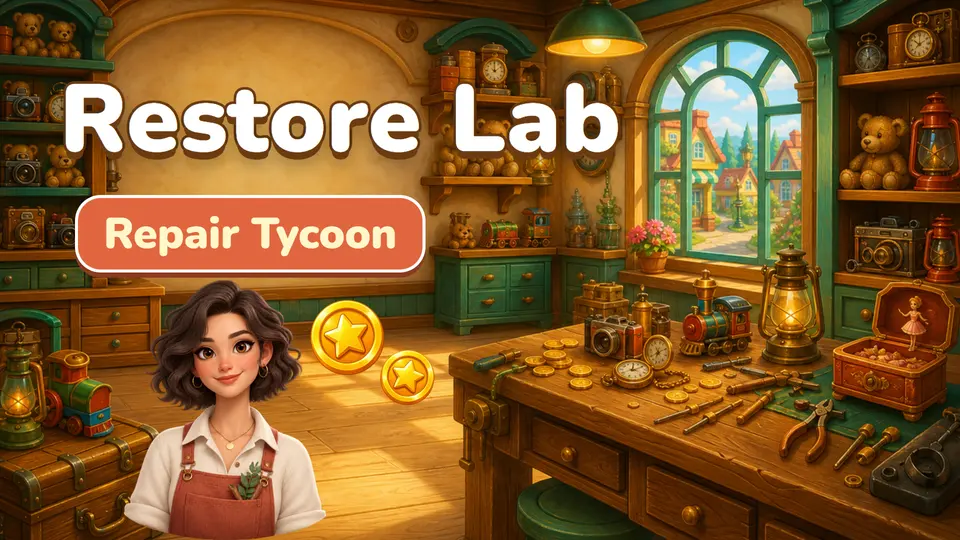
Restore Lab is a cozy idle repair tycoon. Start with one workbench and a pair of dirty sneakers, then grow a whole restoration business! Tap items to repair them faster, upgrade your benches and hire helpers who keep the shop running even while you are away.
Use repeated interactions to make progress and review the available improvements. Check what an upgrade changes before spending resources on it. Coins appear in the game’s progression or objectives. Upgrades are part of the progression described by the provider.
How to play Restore Lab
Controls and instructions
1. Tap an item on a workbench to repair it and earn coins. Tap quickly to fill the rush meter for double income.
2. Press Upgrade to raise a bench's level and earnings. At levels 25, 50, 100, 200 and beyond the bench works twice as fast.
3. Hire a helper so the bench works on its own, including while you are offline.
4. Open new benches for more valuable items, and buy Tools for permanent multipliers.
5. Complete Goals for bonus coins. Use Buy x1 / x10 / MAX to upgrade in bulk.
6. Open the Map to move to a new district when you have earned enough: income is multiplied and you keep a permanent perk.
7. When a collector arrives, repair the item by hand: pick a tool and drag over the object to wash, scrape, glue and polish.
Controls: mouse or touch. Progress saves automatically. Language: English or Russian in Settings.
Getting started with Restore Lab
- Compare an upgrade’s cost with the benefit described in the game.
- Check what the game lets you do with coins before spending them.
- Compare the upgrade description with your next objective before choosing it.
About this game
- Platform
- Web browser
- Supported devices
- Android, iOS, Desktop
- Screen orientation
- Portrait
- Languages
- American English, Russian (Russia)
- Genres
- Simulation, Tycoon, Clicker, Management, Cozy, Idle
- In-game purchases
- None listed by the provider
- Provider
- Playgama
- Provider audience
- Male, Female
Game features and tags
- Iphone
- Casual
- Business
- Relaxing
- Addictive
- Shop
- Time Management
- Touchscreen
- Desktop
- 1 Player
- Incremental
- Resource Management
Restore Lab images
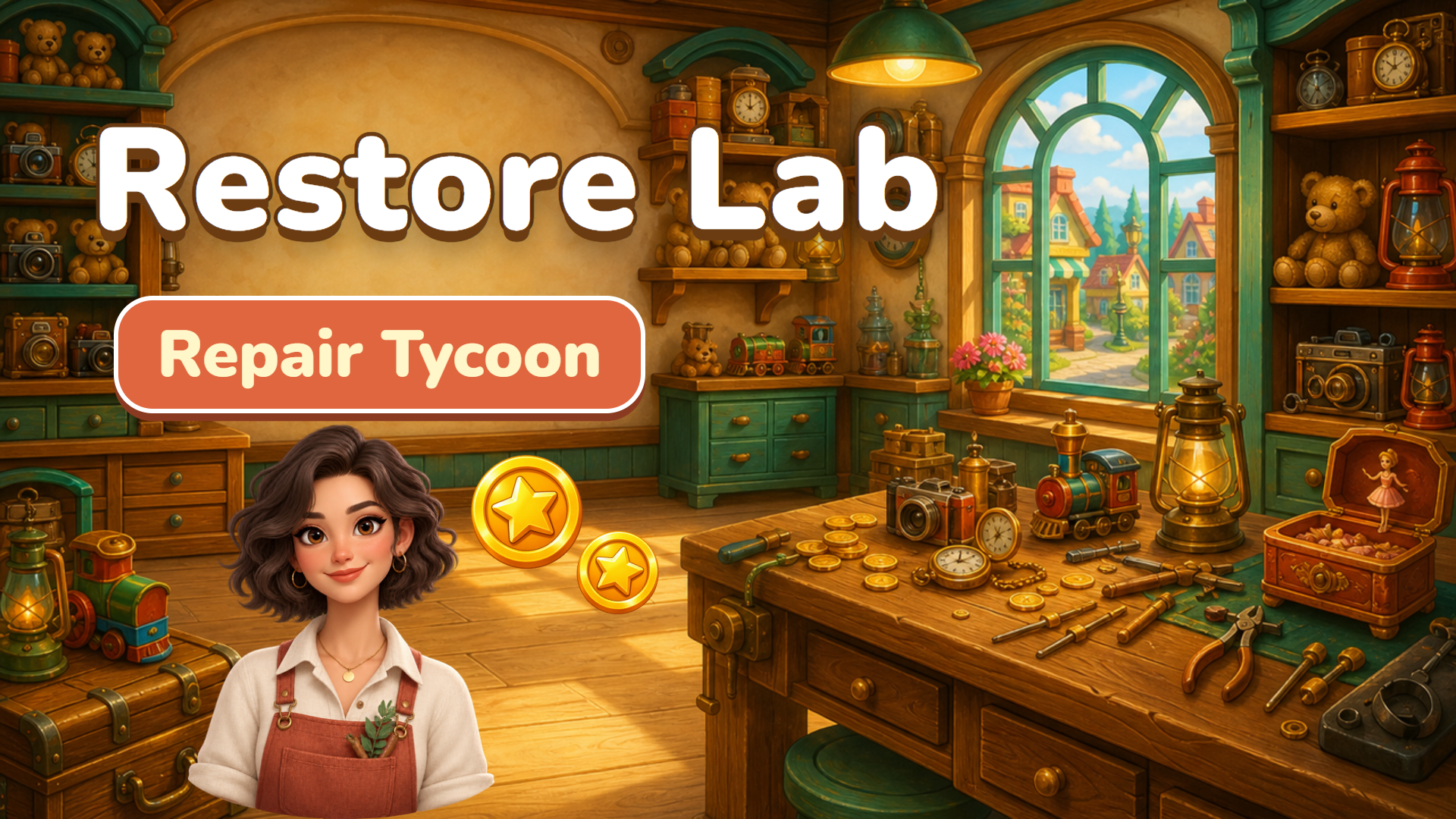
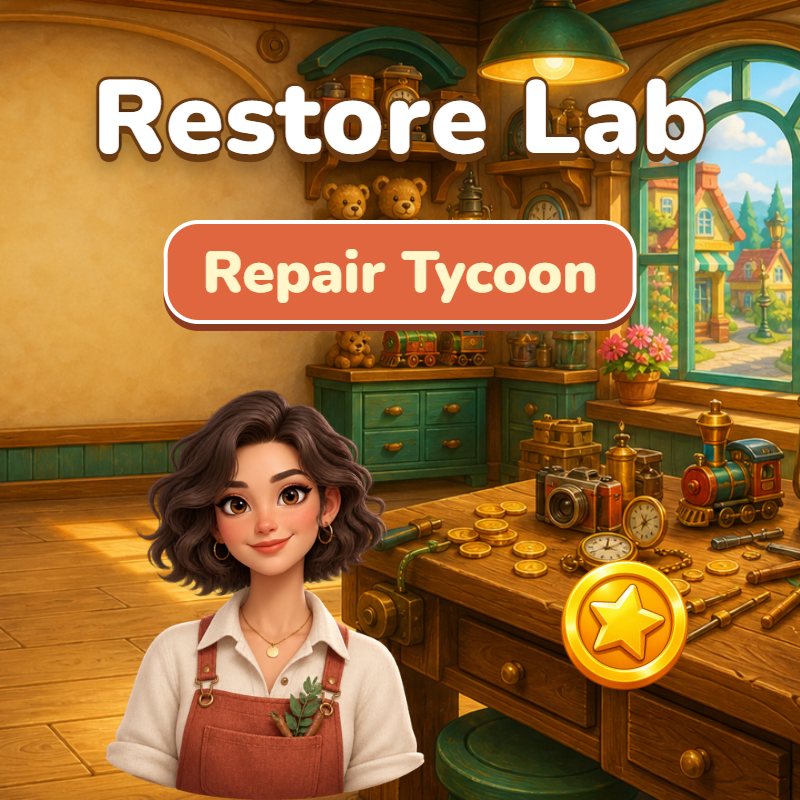
Questions about Restore Lab
How do I start playing?
Choose Play now in the game window above to load Restore Lab through Playgama. Read the controls and instructions above before you start.
Which devices can I play on?
The provider lists support for Android, iOS, Desktop. Play in your web browser using the controls described above.
Which languages does the game support?
American English, Russian (Russia).
Does the game have in-game purchases?
The provider lists no in-game purchases for this game. Games may display advertisements.
Related game categories
Game facts and artwork supplied by Playgama. Descriptions adapted and getting-started guidance added by LookBear. Game content, ads and purchases are provided by Playgama and the game provider.