 Your Obby Parkour
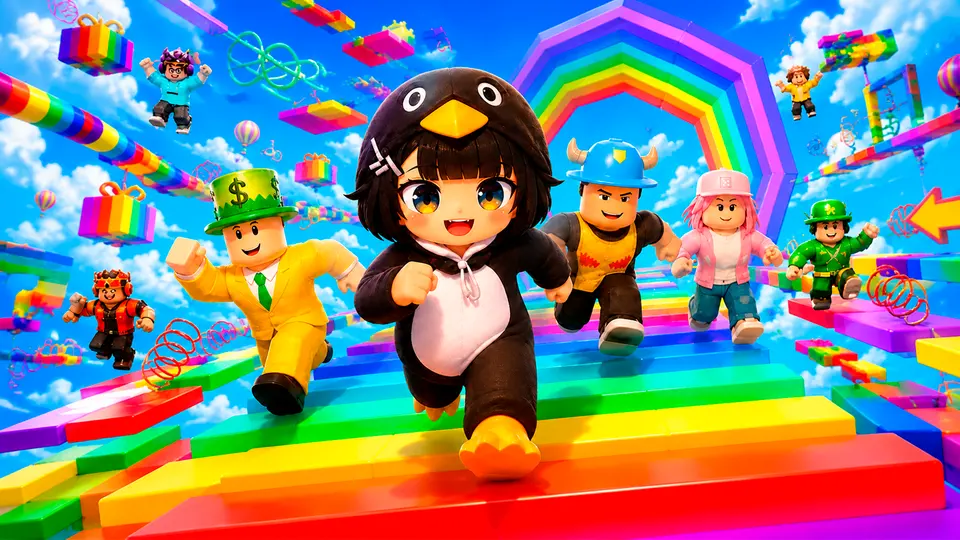
Obby All Games: Dash or Die
Provided by Playgama
Obby All Games: Dash or Dievia Playgama

 Obby Dont Splash He Knows
 Bonk Royale
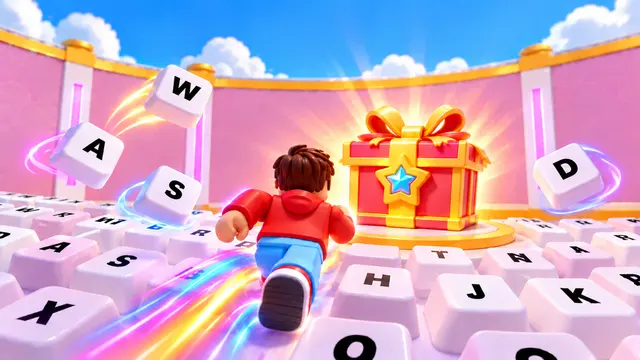
 Obby: Keyboard Run +1 Speed
 +1 Wings Keyboard Speed
 Casual Party Games
 Obby Build Empire
 Sprunki: Collect All Characters!
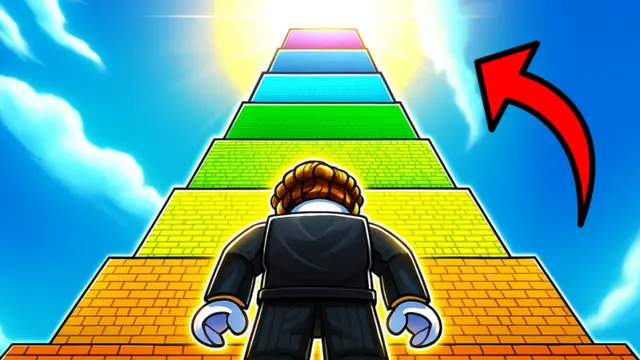 Obby: +1 Jump per Click
 Only Jump RPG
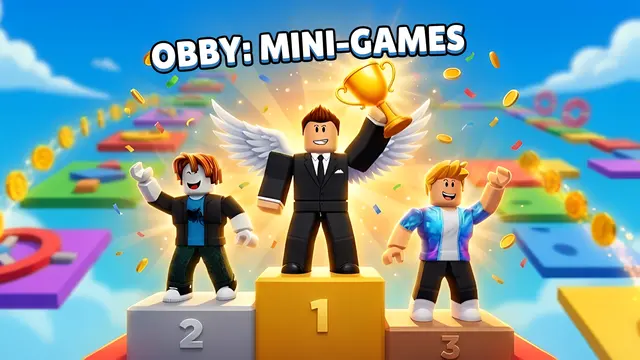 Obby: Mini-Games
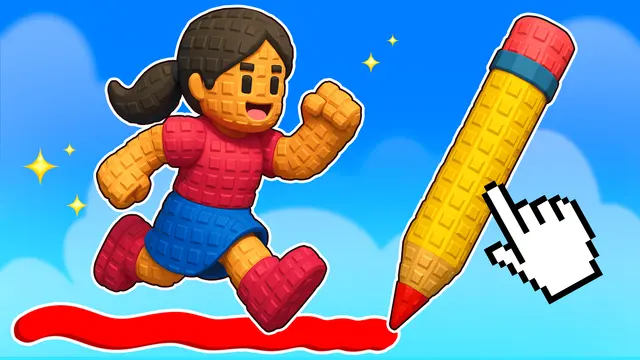 Obby online with friends: Draw and Jump!
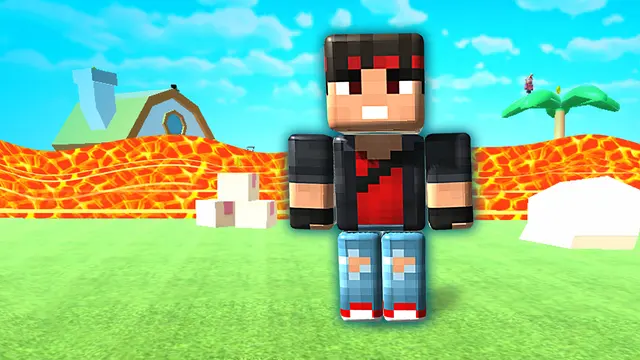 Robby The Lava Tsunami
 Your Obby Labyrinth
 Geometry Maze Maps V2
 Obby: Climb and Slide
 Get Tall And Fall (Online)
 Escape School Duel
 +1 Speed per Step | Obby Mode
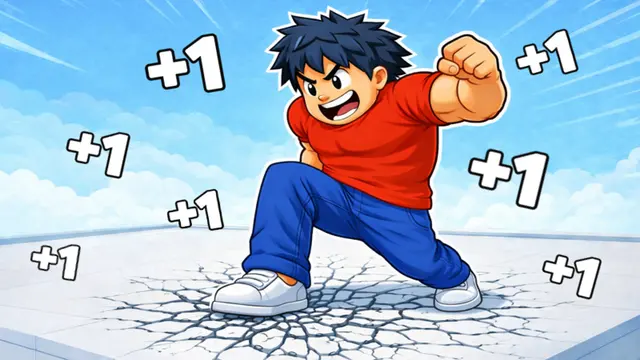 Break a Tower: Obby
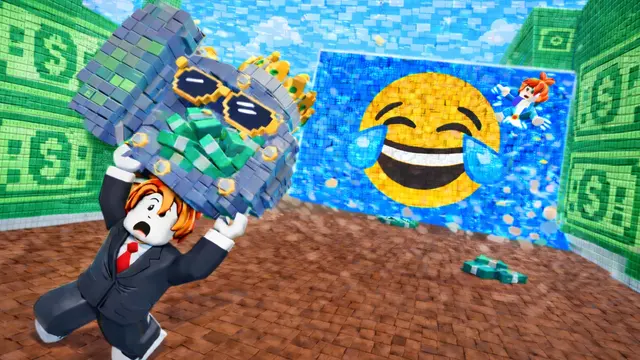 Wave Run: Brainrot Escape!
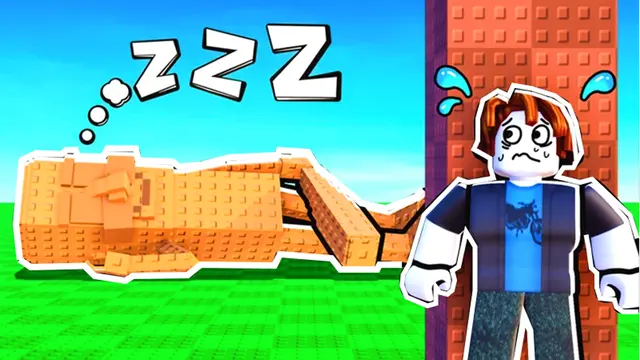 Obby Parkour: Sleeping Brainrots
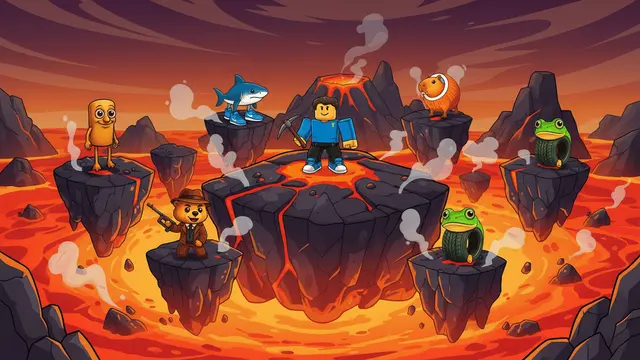 Obby: Brainrot escape from Lava
 PLAYMUSIC
 Bunny Escape
 Mine Jump
 Secret Parkour
 Easy Obby Parkour
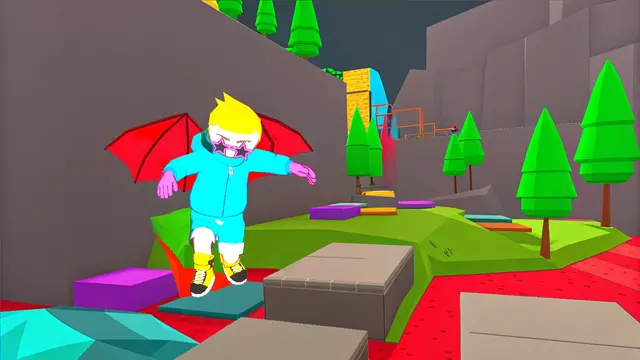 Ultimate Obby Parkour Adventure Online
 BouncePop Quest
 Gravity Speed Run
 Ball: Path Through Obstacles
 Mushroom Runners
 Your Obby Size
 Head Jump
 Chroma Trek
 Mega Jump
 Cosmic Dash
 STAIR BALL
 Your Obby Escape
 Robot Unicorn Dash
 Escape Tsunami for Brainrots
 Bottle Bottle
 Bouncy Ball
 Escape Police for Brainrots
 Obby: Survival Island
 Obby Saves Brainrots from Tsunami
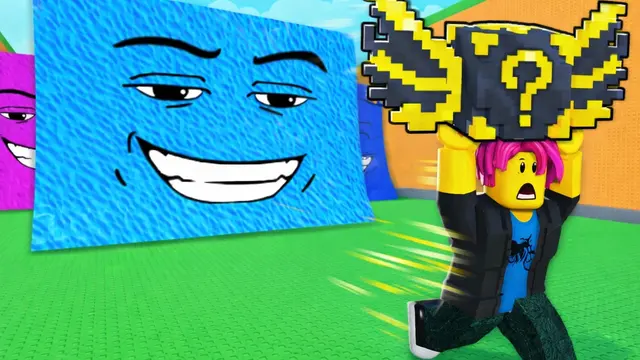 Escape Waves for Lucky Blocks
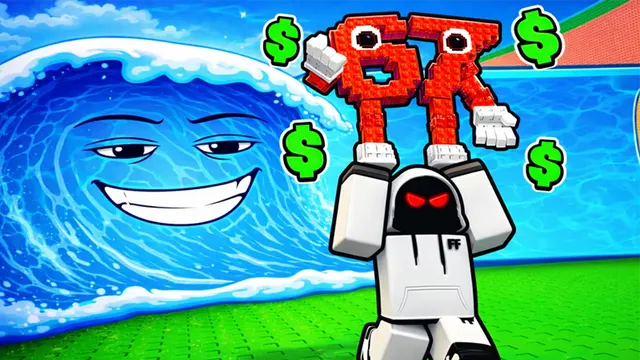 Escape from Wave for Brainrots
 Rolling Balls Sea Race
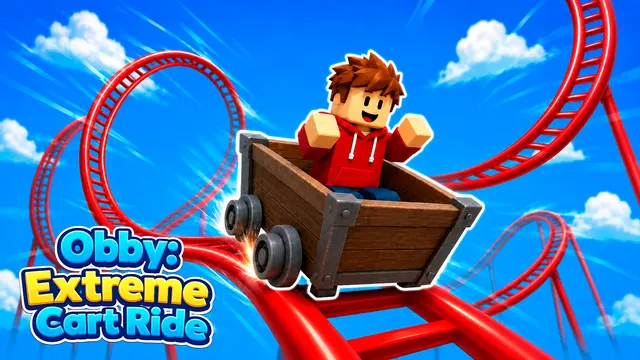 Obby: Extreme Cart Ride
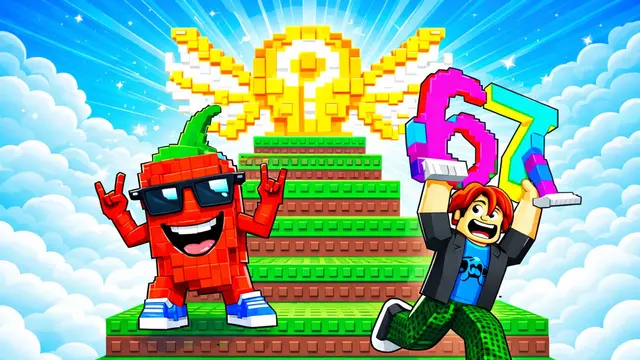 Jump And Run For Brainrot
 GreenPEAK
 Obby: Parkour with Ragdoll
 Hook King Runner
 Obby: Run Star | Speed and Pets
 Block Party: Obby, Robby, Mini games!
 Cube Trap
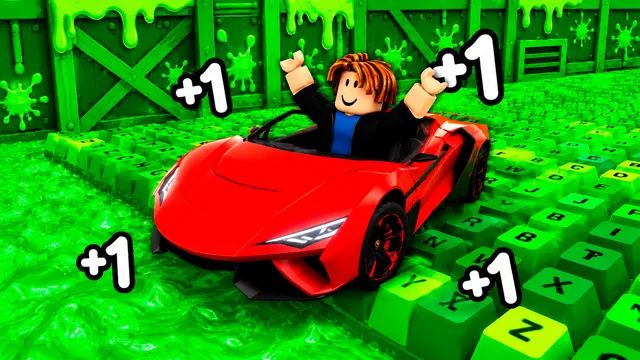 Obby Car Keyboard Parkour
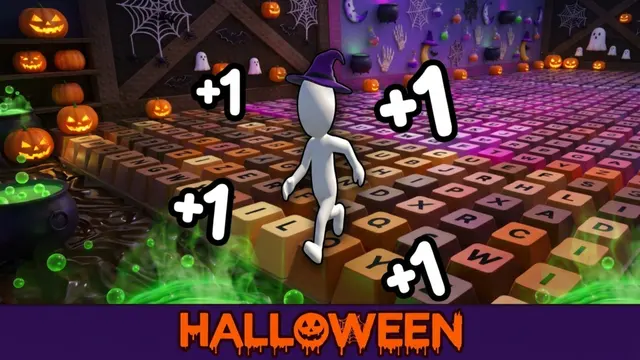 +1 Speed Keyboard Escape [HALLOWEEN UPDATE]
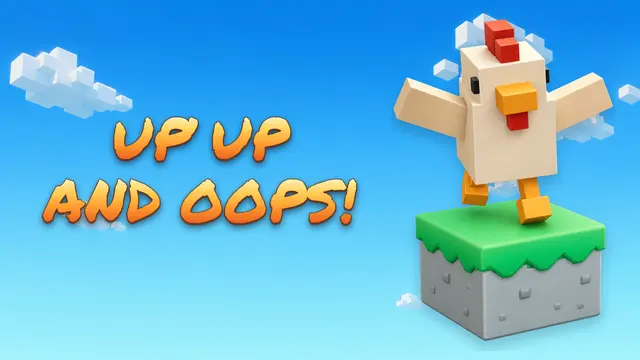 Up, Up, and Oops!
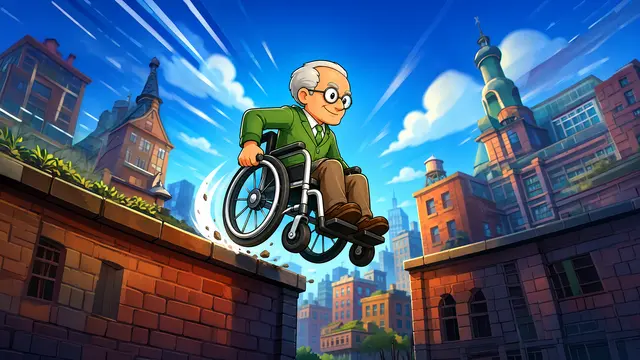 Wheelchair parkour: No limits
 Go Balloons!
 Keyboard Escape: +1 Speed | Sweets
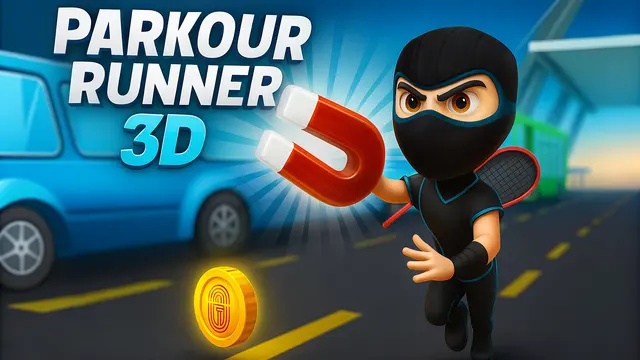
 Parkour Run - 3D Runner
Play Obby All Games: Dash or Die online
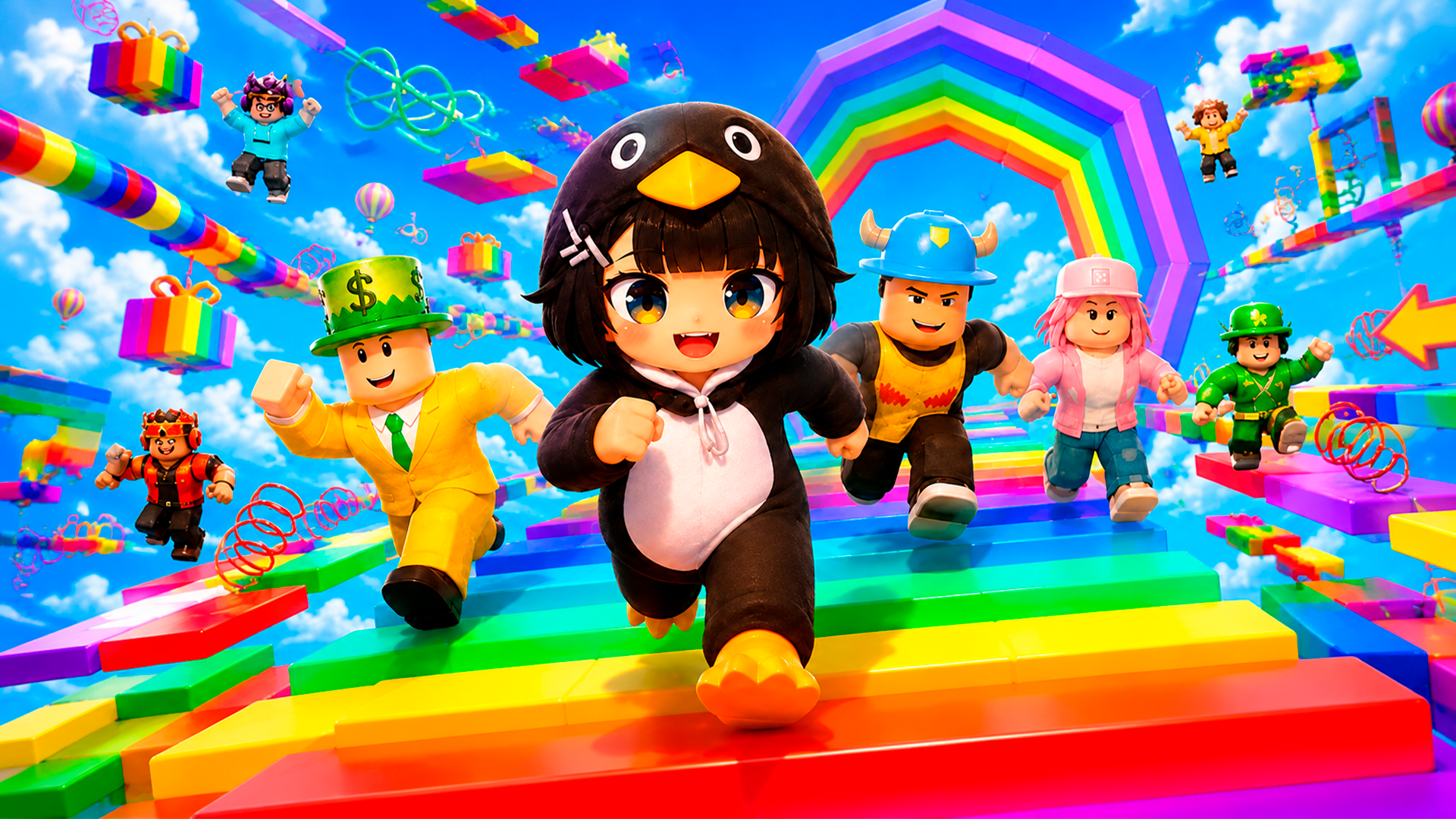
Run across giant platforms, jump over gaps, dodge traps, and try to reach the finish line. Every map offers a new adventure: conquer colorful rainbow courses, escape from rising lava, explore a giant obstacle map, or test your skills in an awesome bike parkour challenge! Speed, skill, and perfect timing are the keys to victory.
Navigate the platforms and obstacles using the movement controls provided. Learn how movement and jumping work together before attempting a difficult gap. Traps are among the hazards described in the game. The instructions describe joystick input.
How to play Obby All Games: Dash or Die
Controls and instructions
Choose an obby map or mini-game and try to reach the finish line. Jump across platforms, avoid traps, and do not fall into the gaps. In the lava challenge, move quickly before the rising lava catches you. During bike parkour, control your bike carefully and keep your balance on difficult obstacles.
Desktop controls:
W, A, S, D — move your character or control the bike.
Space — jump.
Mouse — move the camera and look around.
Mobile controls:
Move using virtual joystick.
Tap the jump button to overcome obstacles.
Swipe across the screen to rotate the camera.
Getting started with Obby All Games: Dash or Die
- Test a short movement or jump first, then judge the next obstacle.
- Look at a trap’s position before approaching it.
- Start with a short joystick movement to judge how the character responds.
About this game
- Platform
- Web browser
- Supported devices
- Android, iOS, Desktop
- Screen orientation
- Landscape
- Languages
- American English, Russian (Russia)
- Genres
- Running, Platform, Obby, Parkour
- In-game purchases
- Available
- Provider
- Playgama
- Provider audience
- Male, Female
Game features and tags
- Dash
- Avoid
- Roblox
- Obstacles
- Agility
- 67 Obby
Obby All Games: Dash or Die images
Questions about Obby All Games: Dash or Die
How do I start playing?
Choose Play now in the game window above to load Obby All Games: Dash or Die through Playgama. Read the controls and instructions above before you start.
Which devices can I play on?
The provider lists support for Android, iOS, Desktop. Play in your web browser using the controls described above.
Which languages does the game support?
American English, Russian (Russia).
Does the game have in-game purchases?
The provider lists optional in-game purchases. Any available purchases are handled inside the game. Games may display advertisements.
Related game categories
Game facts and artwork supplied by Playgama. Descriptions adapted and getting-started guidance added by LookBear. Game content, ads and purchases are provided by Playgama and the game provider.