 +1 Grass Cutting: Become Stronger
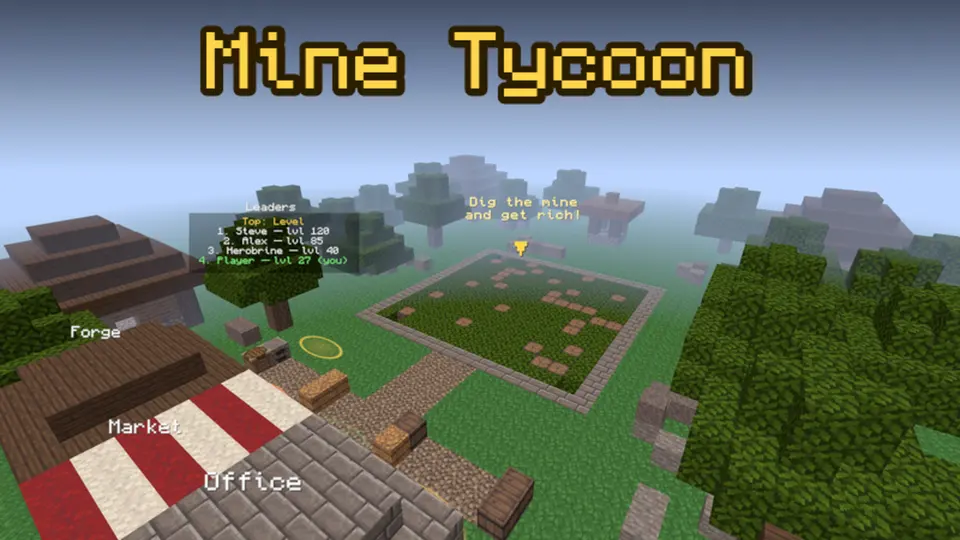
Mine Tycoon
Provided by Playgama
Mine Tycoonvia Playgama





 Aura Farm: RNG
 Egg Escape Tycoon
 Obby Ultimate Parkour
 Obby: Steal an Egg - The Great Escape
 Chicken Farm
 Bank Tycoon Simulator Money Empire
 Capy Market
 +1 Damage Evolution
 Grow the Baby
 Monster Card Shop
 Don't Look Down, Kitty!
 Keyboard Rush
 Squishy Clicker
 Obby Throw an Egg
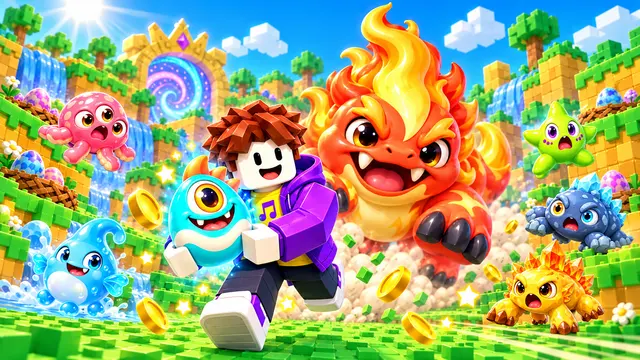 Thief Steal a Monster Egg
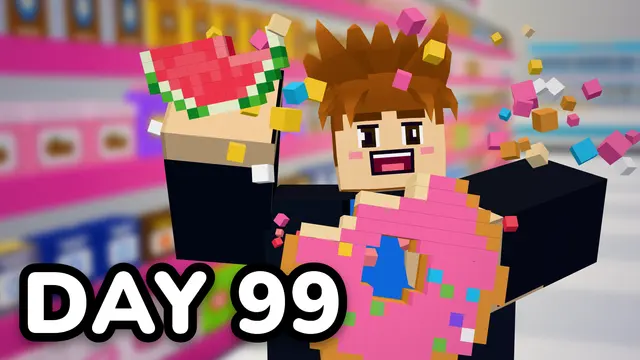 Eat the Whole Supermarket
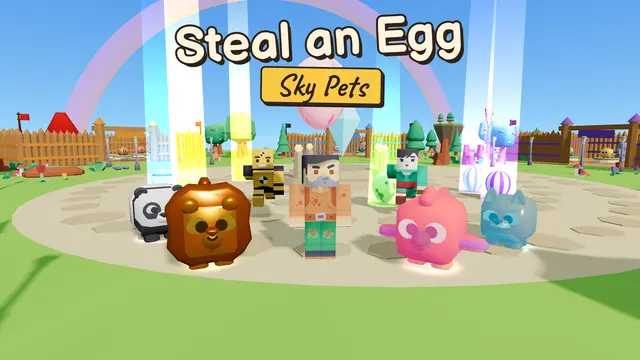 Steal an Egg: Sky Pets
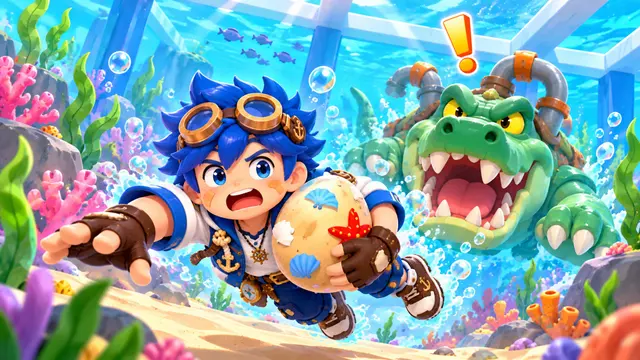 Obby Swim for Egg
 Nest Heist
 +1 Wings Escape
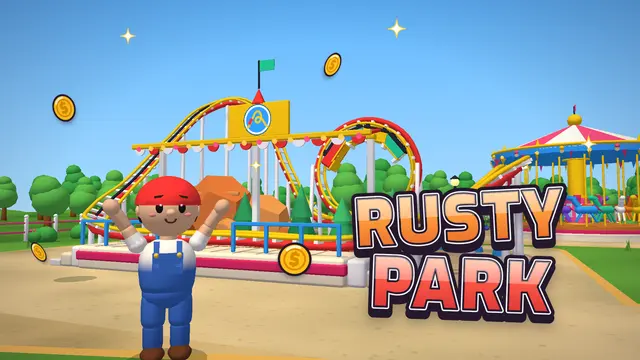 Rusty Park
 Event Horizon: Black Hole Idle
 Web Shoot +1
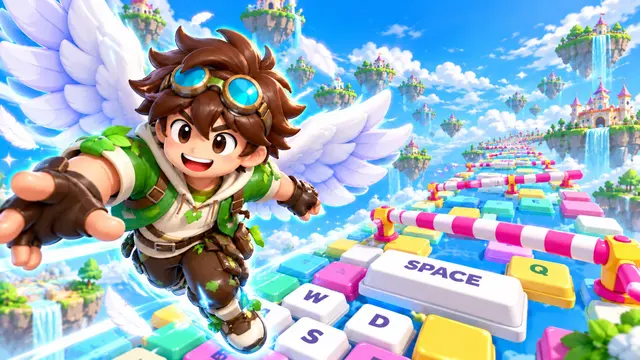 +1 Wings Keyboard Speed
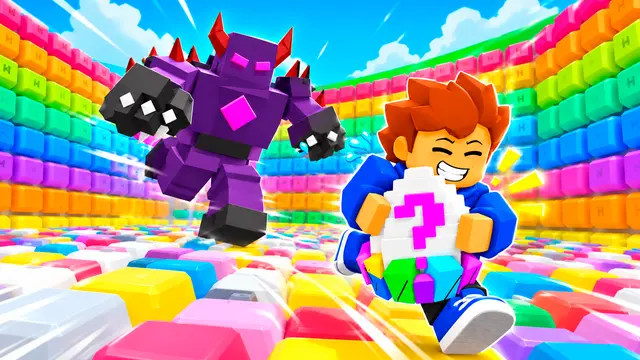 Grow an Egg: Brainrot Pets Online
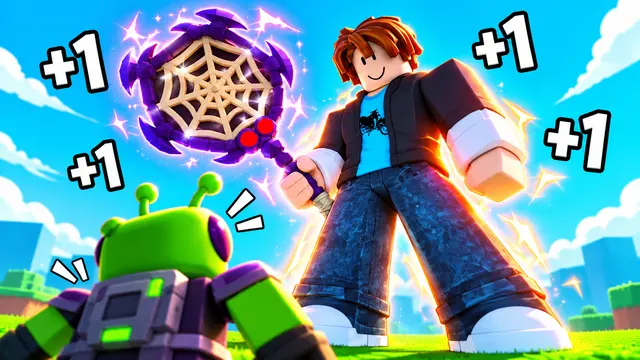 +1 Smash Monsters Evolution
 Blok Fishing
 +1 Wings for Eggs
 OBBY: Throw Food for Pets!
 Lap Money: Merge Cars
 Fish Eggs for Animals
 Egg Empire
 Anime Lifting Simulator
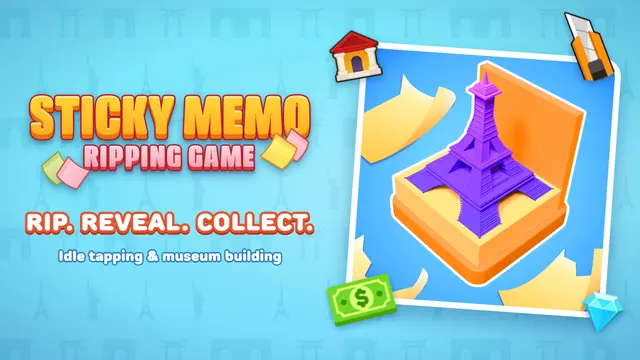 Sticky Memo - Ripping Game
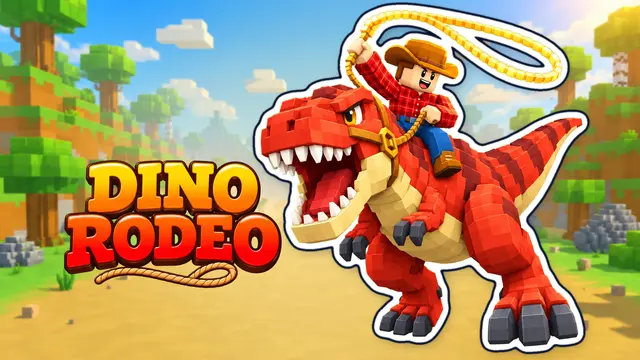 Dino Rodeo 3D
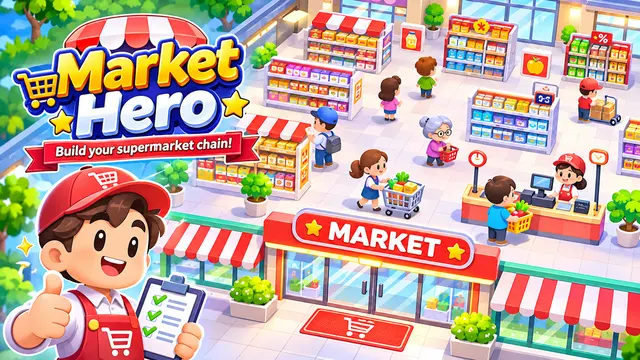 Market Hero
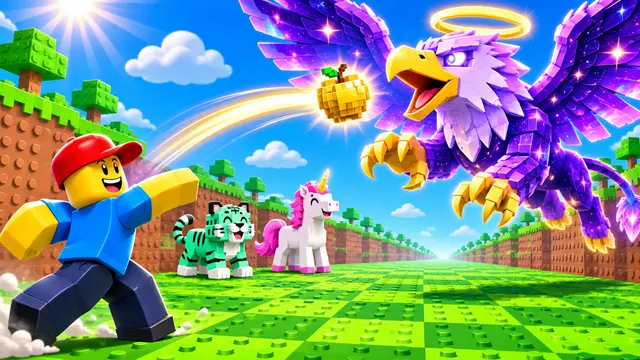 Toss Treats, Catch Pets
 Throw Food - Catch Animals
 Steal a Weapon!
 Idle Train Empire Tycoon
 Speed per Click: Obby
 Idle Game Dev Simulator
 Obby: Click and Grow
 My Arcade Center
 Blocks Shooter 3D! Run, Shoot, Merge Weapons!
 Grow Slime
 Find The Pets
 Egg Thief
 Obby Royal races in flight
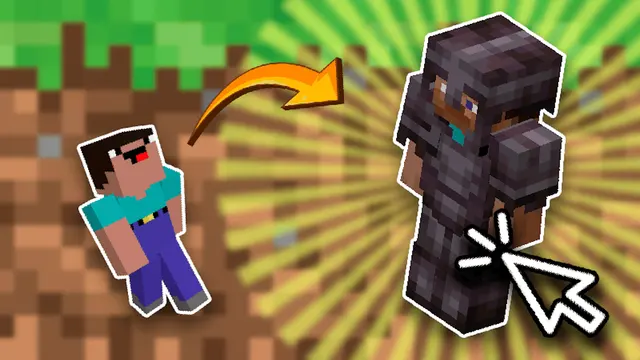 Steve Evolution Mega Clicker
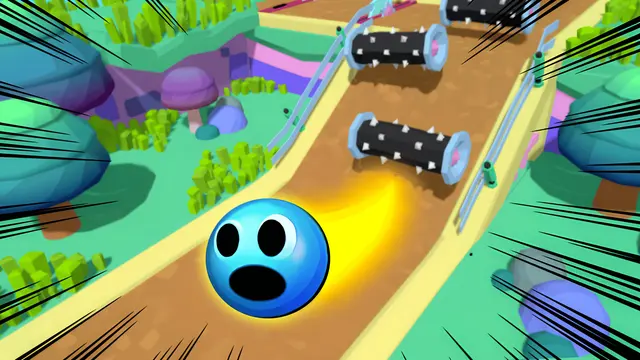 Ball: Path Through Obstacles
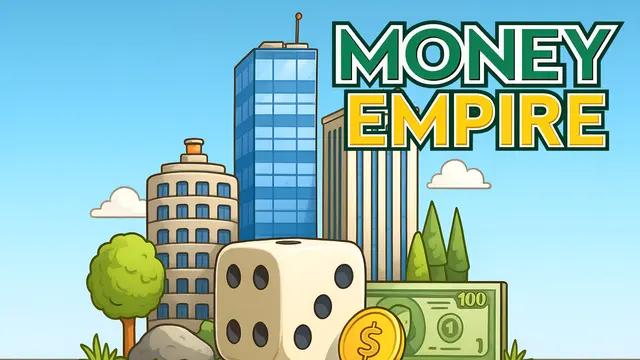 Money Empire
 Steve parkour in mine
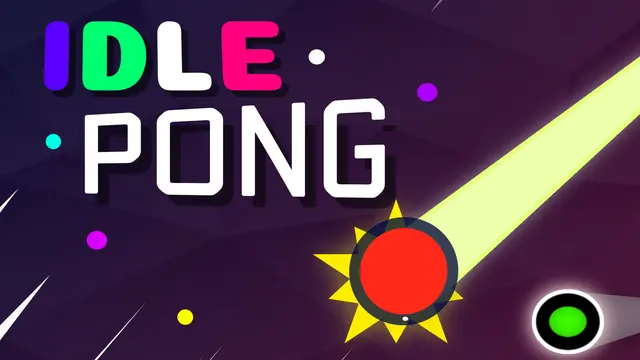 Idle Pong
 Millionaire Factory
 Idle Cookie Tycoon
 PolyBounce Tycoon
 Your Obby Escape
 Build a Road
 Obby: Upgrade Your Lucky Machine!
 Obby Upgrade Your Speed!
 Money Factory: Tycoon Idle Game
 Money cutter idle
 Hook King Runner
Play Mine Tycoon online
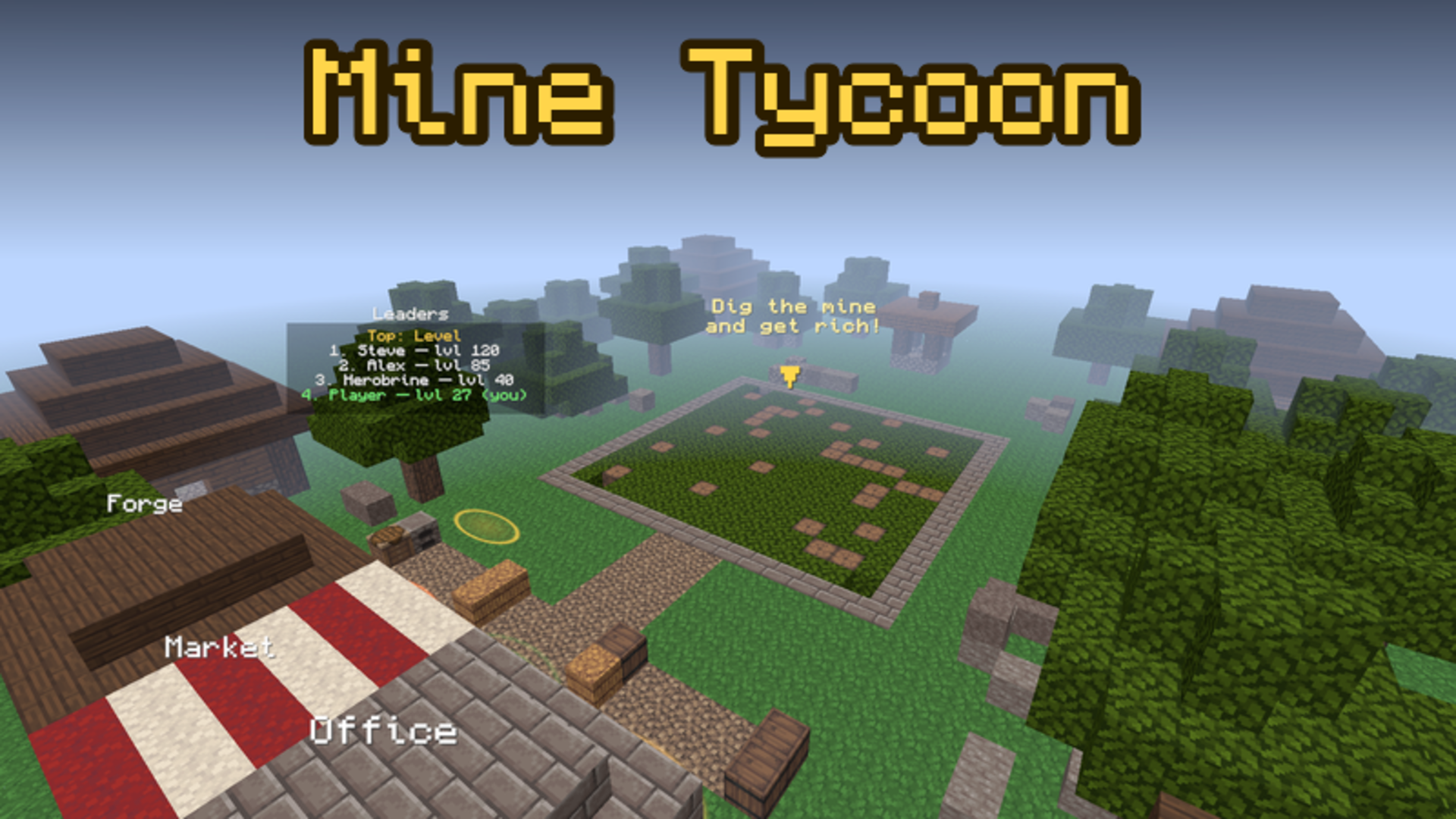
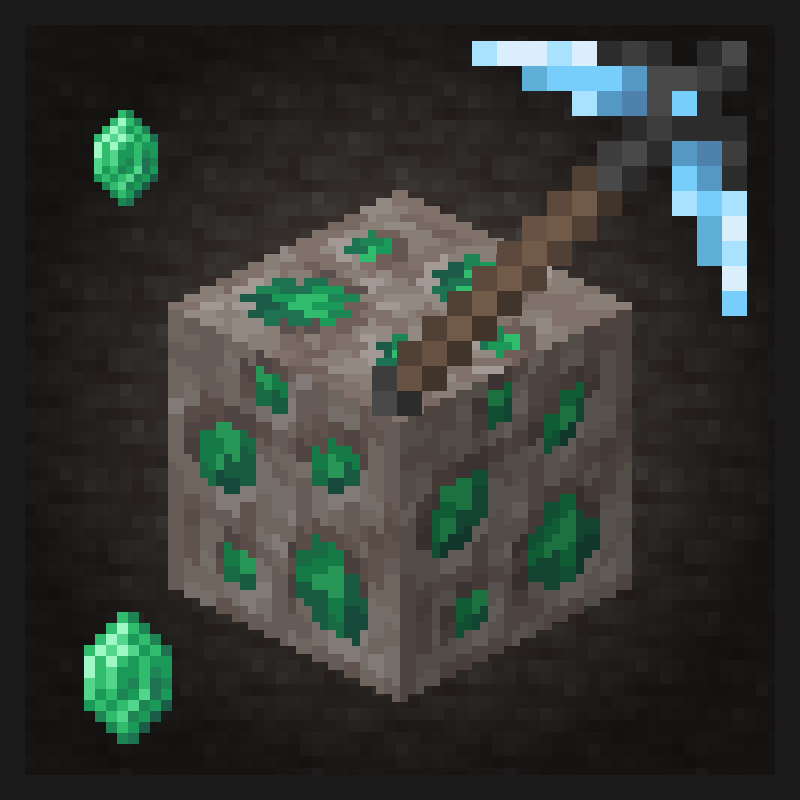
A blocky world, a pickaxe in your hand and a mine that grows with you! Dig dirt, stone and ore — every block really breaks, and the right tool digs faster. Sell your loot to villagers at the market, complete their orders and buy new pickaxes, shovels and axes at the forge.
Use repeated interactions to make progress and review the available improvements. Check what an upgrade changes before spending resources on it. Character tasks or quests provide goals to work toward as you explore. The controls include access to an inventory.
How to play Mine Tycoon
Controls and instructions
Your goal is to dig the mine, sell the loot and get richer.
Desktop controls:
WASD — move, Space — jump, mouse — look around
hold the left mouse button on a block — dig
E — inventory, T — blow up TNT, H — climb out of the mine
Ctrl — free the cursor to press buttons
Mobile controls:
left stick — move, arrow button — jump
swipe the screen — look around, hold your finger on a block — dig
How to progress:
1) Go down into the mine in the middle of the village and dig blocks — they go into your bag.
2) Bring the loot to the market: villagers buy it for emeralds and give profitable orders.
3) Buy better tools at the forge, a new mine and upgrades at the office.
4) Dig out the whole mine to get a reward and a fresh mine with new ores.
5) Hire golems and collect their income when you come back.
6) Rebirth for stars and unlock new worlds.
Tip: keep digging without pauses — combos give you more loot!
Getting started with Mine Tycoon
- Compare an upgrade’s cost with the benefit described in the game.
- Check the current task before deciding where to go next.
- Check the listed inventory input when you need to review what you are carrying.
About this game
- Platform
- Web browser
- Supported devices
- Android, iOS, Desktop
- Screen orientation
- Landscape
- Languages
- American English, Russian (Russia), Turkish (Türkiye)
- Genres
- Arcade, Adventure, 3d, Tycoon, Clicker, Obby, Idle
- In-game purchases
- Available
- Provider
- Playgama
- Provider audience
- Male, Female
Game features and tags
- Mineblock
- Cube
- Casual
- Addictive
- Digging
- Collecting
- 1 Player
- Mine
- Incremental
- Mining
- Minecraft Clicker
Mine Tycoon images
Questions about Mine Tycoon
How do I start playing?
Choose Play now in the game window above to load Mine Tycoon through Playgama. Read the controls and instructions above before you start.
Which devices can I play on?
The provider lists support for Android, iOS, Desktop. Play in your web browser using the controls described above.
Which languages does the game support?
American English, Russian (Russia), Turkish (Türkiye).
Does the game have in-game purchases?
The provider lists optional in-game purchases. Any available purchases are handled inside the game. Games may display advertisements.
Related game categories
Game facts and artwork supplied by Playgama. Descriptions adapted and getting-started guidance added by LookBear. Game content, ads and purchases are provided by Playgama and the game provider.