 Keyboard Rush

Keyboard Escape Classic
Provided by Playgama

Keyboard Escape Classicvia Playgama




 Ball: Path Through Obstacles
 Parkour World
 Parkour World 2
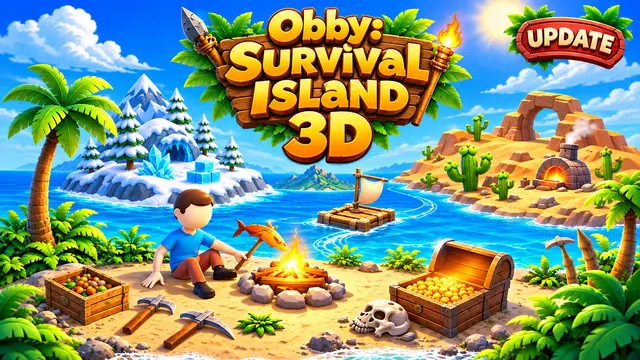 Obby: Survival Island
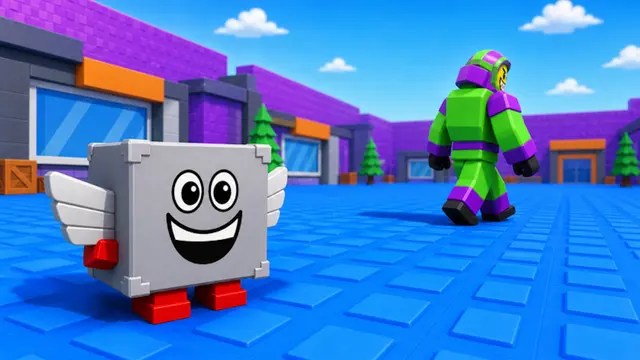 Be like a Lucky Block
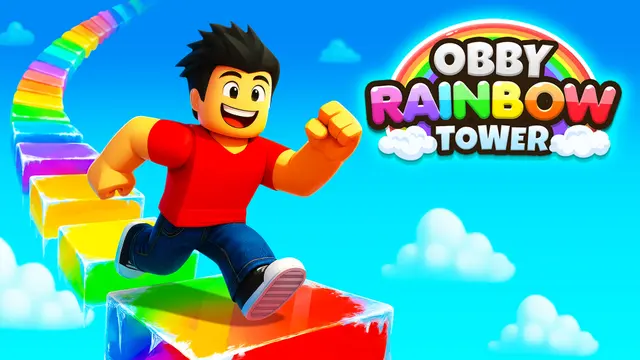 Obby Rainbow Tower
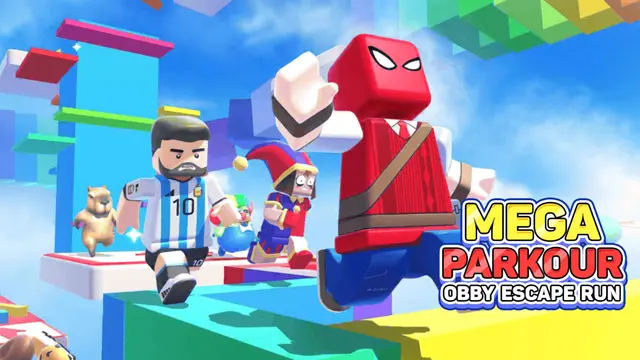 Mega Parkour: Obby Escape Run
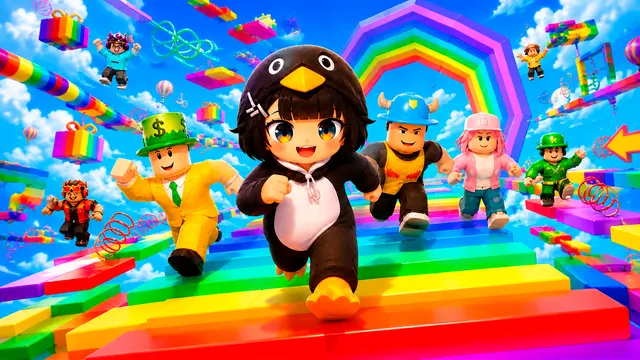 Obby All Games: Dash or Die
 Obby: Run Star | Speed and Pets
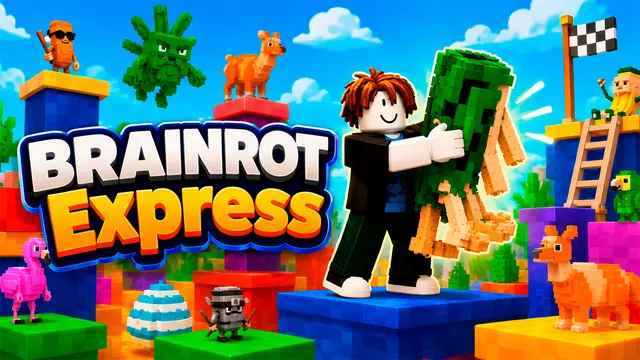 Brainrot Express
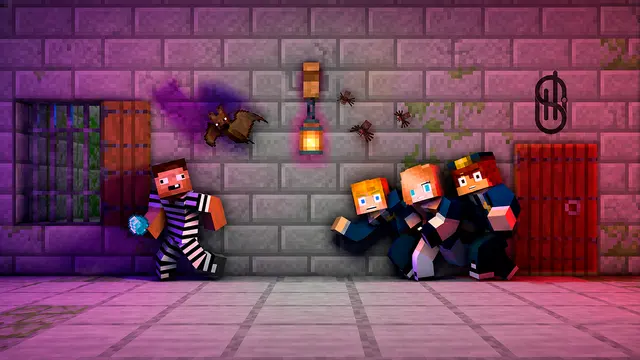 Newbie’s Escape from Blogger Prison
 Block Party: Obby, Robby, Mini games!
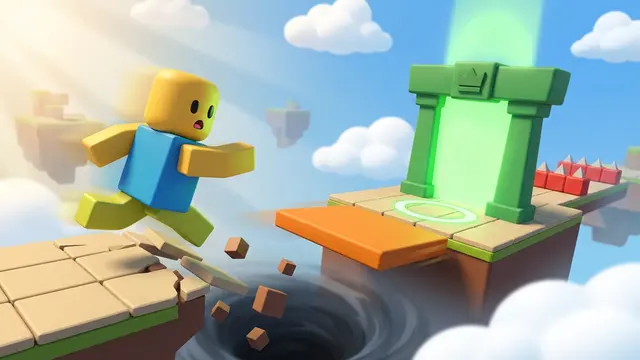 Cube Trap
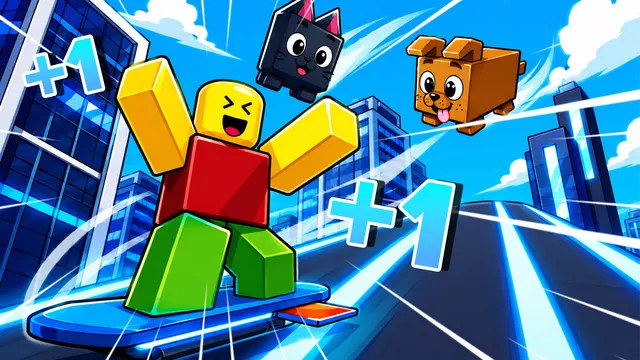 Obby Parkour: Crazy Descent
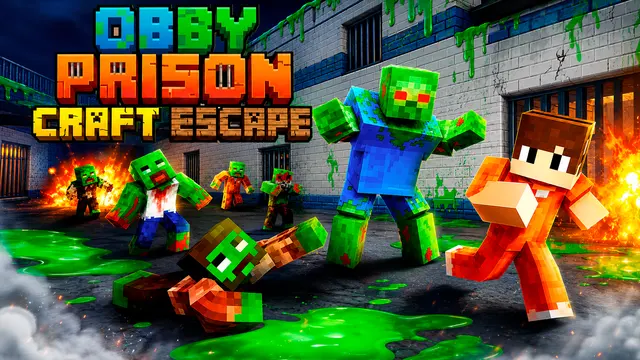 Obby Prison Craft Escape
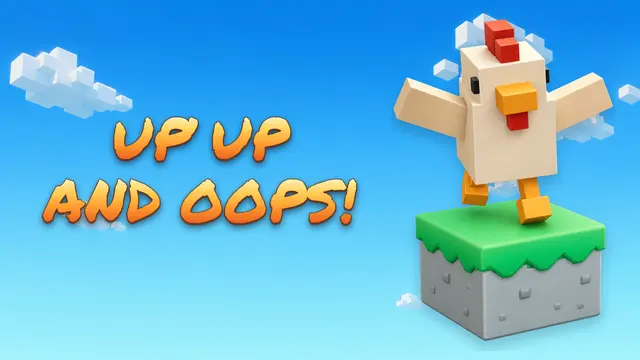 Up, Up, and Oops!
 Tower Of ASMR
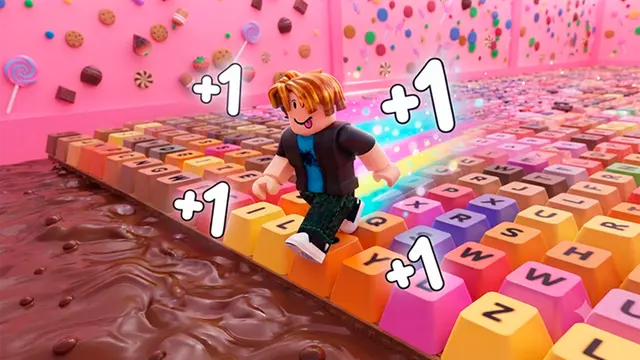 Keyboard Escape: +1 Speed | Sweets
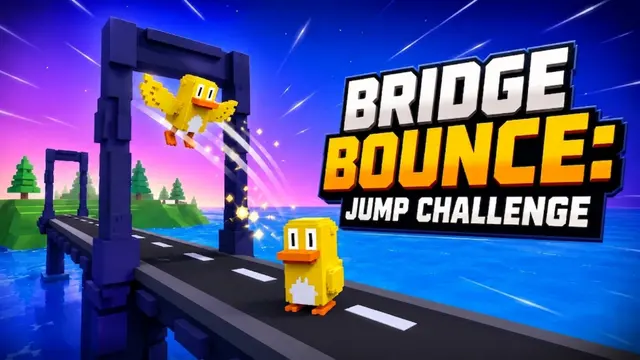 Bridge Bounce: Jump Challenge
 +1 Grass Cutting: Become Stronger
 Obby: +1 Jump with Brainrot
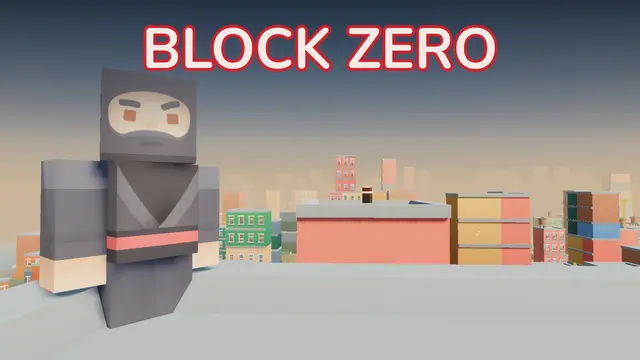 Block Zero
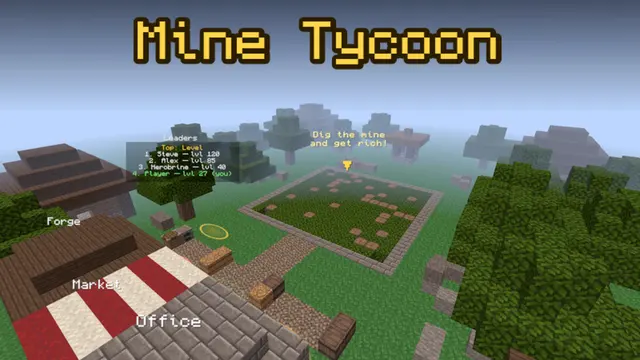 Mine Tycoon
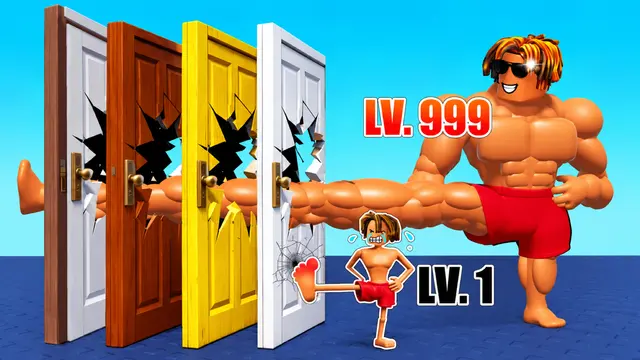 Obby: +1 Click Wall Breaker
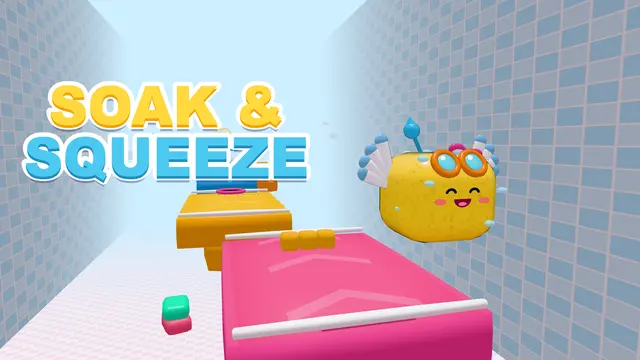 Soak & Squeeze
 Obby: Dig to the center of the Earth
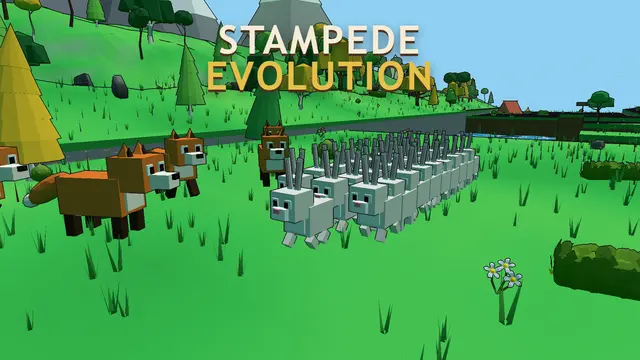 Stampede Evolution
 Steals Eggs From Animals
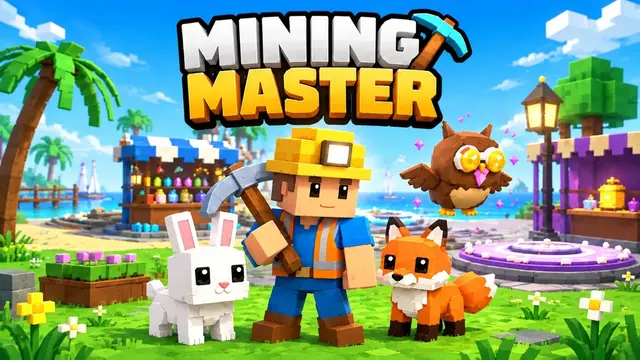 Mining Master
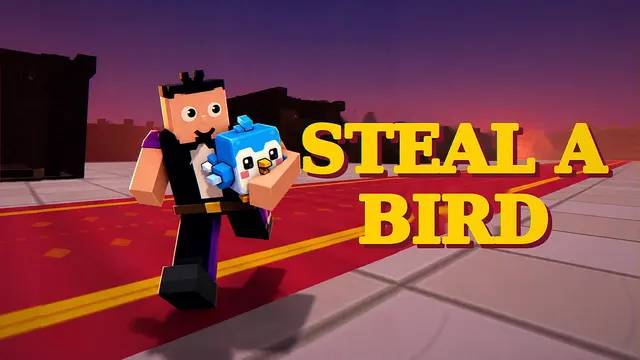 Steal a Bird
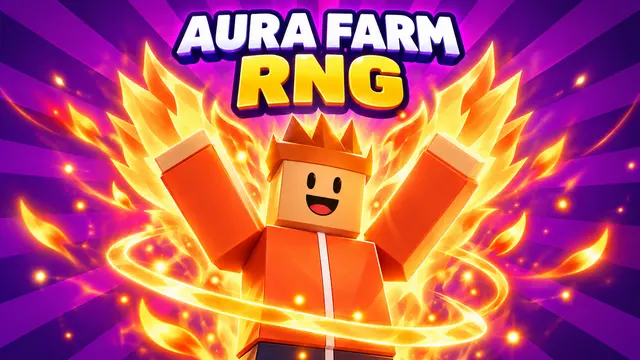 Aura Farm: RNG
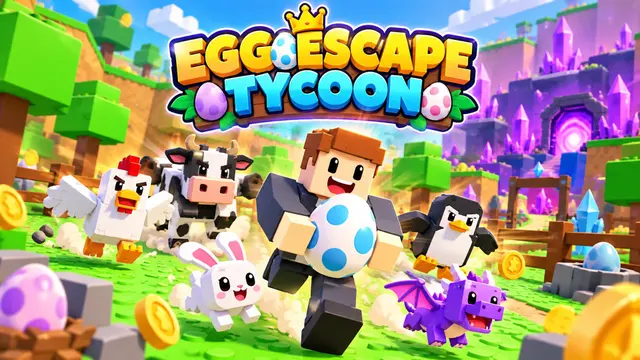 Egg Escape Tycoon
 Sunny Bay Heroes
 Obby: Steal an Egg - The Great Escape
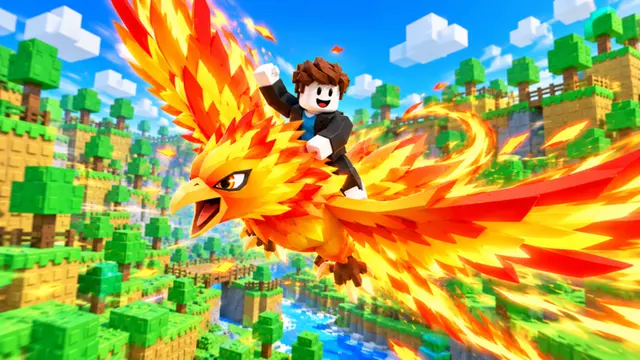 Master of Riding a Pet
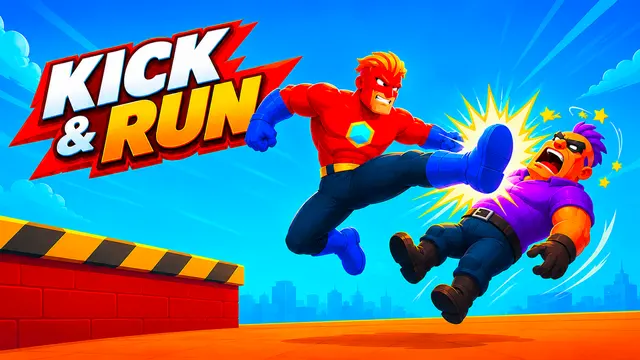 Kick & Run
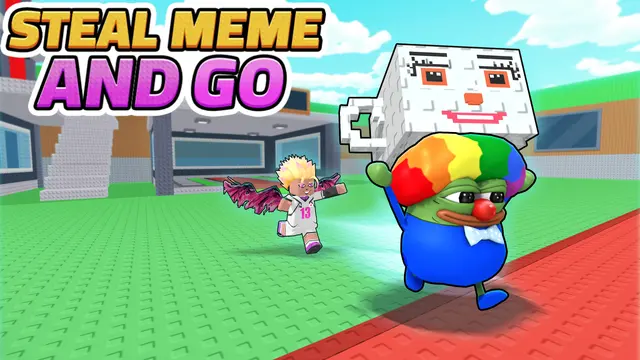 Steal Meme And Go
 Steal an Egg: Farm
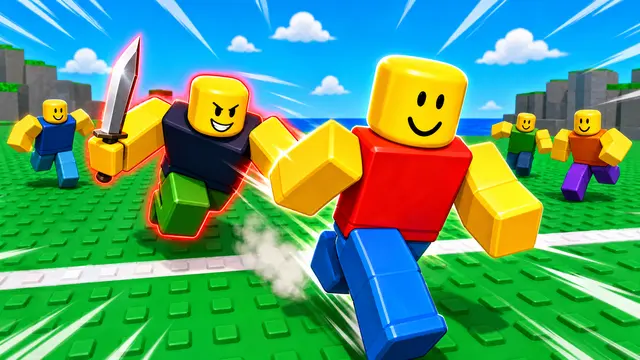 Tag Valley
 Obby Sail for Egg
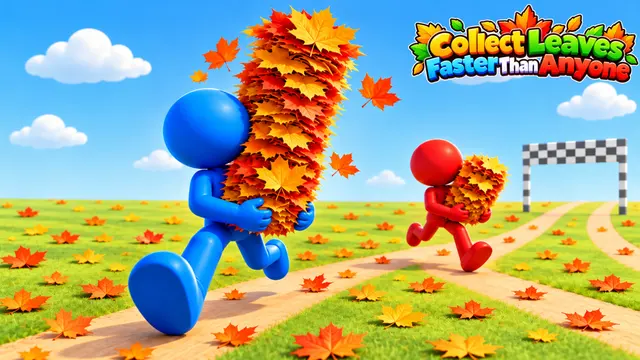 Collect Leaves Faster Than Anyone
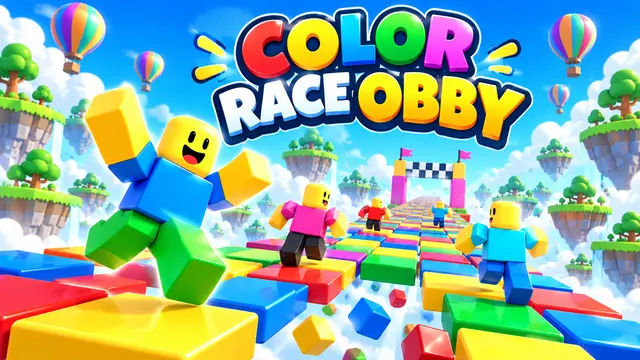 Color Race Obby
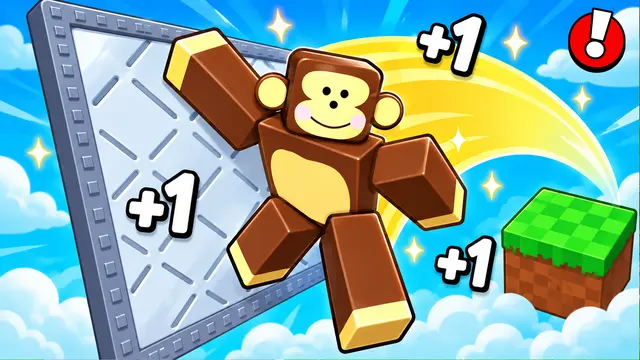 +1 Monkey Escape Speed: Obby Mode
 Steal an Egg 3D
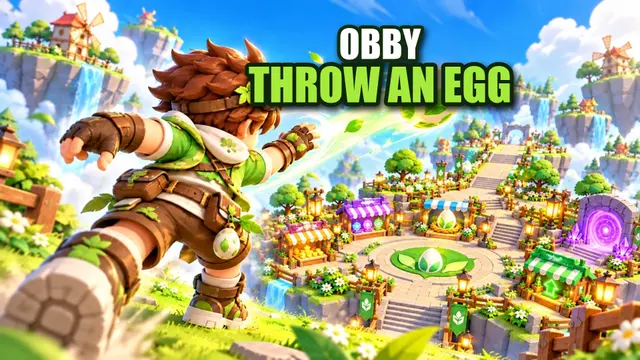 Obby Throw an Egg
 Obby Break an Egg
 Obby Cut the Grass for Egg
 Frutiger Friends IO
 Thief Steal a Monster Egg
 Obby Dont Splash He Knows
 Steal an Egg: Sky Pets
 Obby Swim for Egg
 Obby +1 Roll Ice Cream
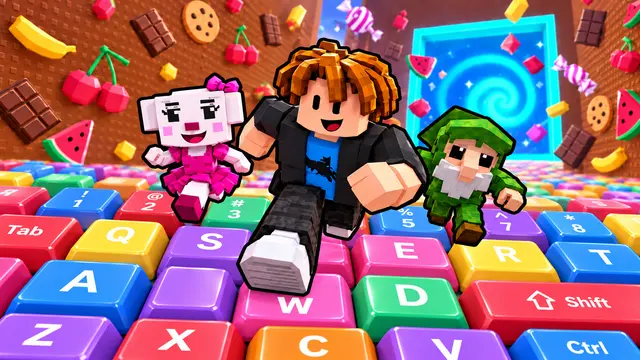 Obby: Keyboard Run +1 Speed
 Nest Heist
 Mega Block Survivors
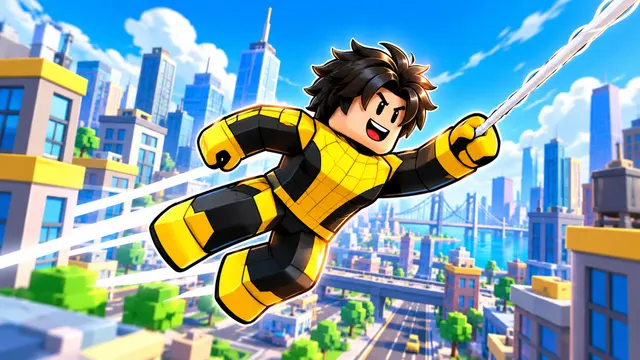 Web Shoot +1
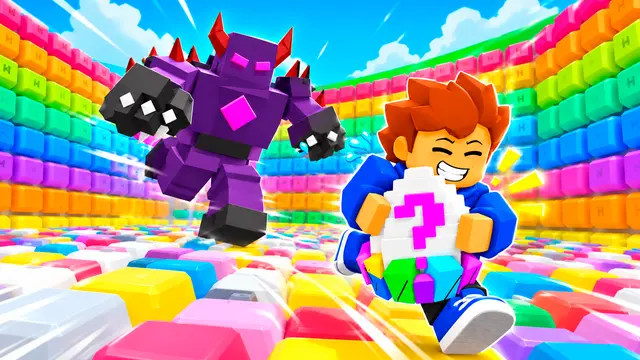 Grow an Egg: Brainrot Pets Online
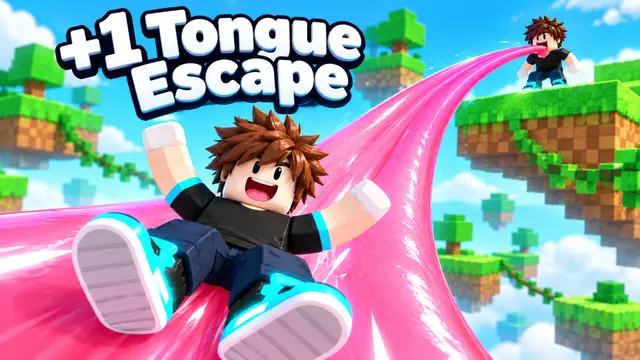 +1 Tongue Escape
 Blok Fishing
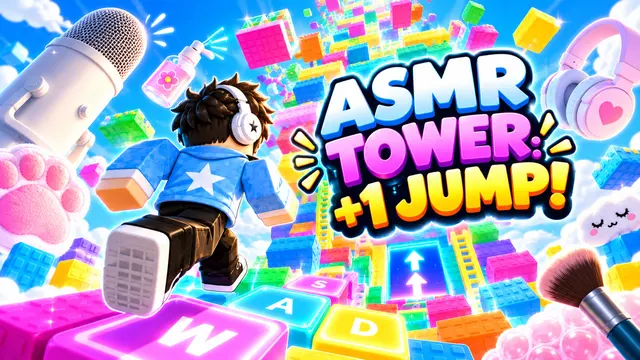 ASMR Tower: +1 Jump
 +1 Wings for Eggs
 Monster Truck Sky Obby
 Break the Egg and Run away!
Play Keyboard Escape Classic online
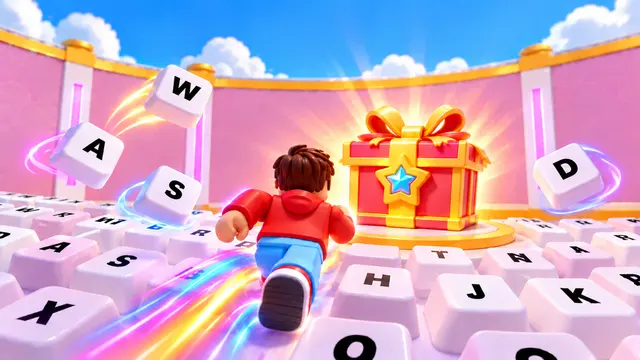
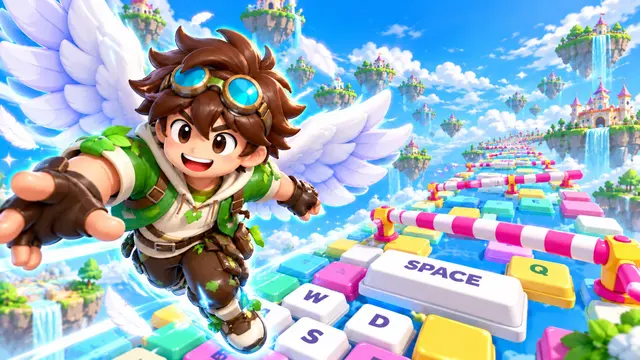
Run across a giant world made of candy and chocolate keyboard keys: each key you press clicks like a real keyboard and makes you faster. Start in an open candy hub with treadmills, trails, auras and rebirths, then escape through 10 themed stages: marshmallow rolls, a chocolate tsunami, lollipop gates, cotton candy winds and a licorice maze, with funny guards waiting on the arenas. Collect Wins on the pads in every Safe Zone, unlock faster treadmills, collect hats, pets, skins and emotes, and climb the speed leaderboard.
Navigate the platforms and obstacles using the movement controls provided. Learn how movement and jumping work together before attempting a difficult gap. An approaching tsunami adds urgency to the collection challenge. Finding a route through a maze is part of the challenge.
How to play Keyboard Escape Classic
Controls and instructions
Move with WASD or the arrow keys and jump with Space; on mobile use the left stick and the jump button, swipe on the right side to turn the camera. Every key you step on adds speed, and treadmills add it while you stand on them. Reach the next Safe Zone, step on the yellow Wins pad to bank Wins, and use them for trails, auras and cosmetics. Avoid falling into the chocolate, rolling marshmallows, the chocolate wave and the arena guards. Press E or tap the button near a stand to open it. Rebirth when you reach the level to get a permanent multiplier.
Getting started with Keyboard Escape Classic
- Test a short movement or jump first, then judge the next obstacle.
- Keep the route back to safety in mind while choosing your next target.
- Use recognizable turns or landmarks to keep track of your route.
About this game
- Platform
- Web browser
- Supported devices
- Android, iOS, Desktop
- Screen orientation
- Landscape and Portrait
- Languages
- American English, Russian (Russia)
- Genres
- Adventure, 3d, Running, Platform, Obby
- In-game purchases
- None listed by the provider
- Provider
- Playgama
- Provider audience
- Male, Female
Game features and tags
- 2d
- Fast Paced
- Casual
- Hyper Casual
- Addictive
- Dash
- Pet
- Obstacles
- Jumping
- Speed
- Collecting
- Challenge
- Agility
- 1 Player
- Incremental
Keyboard Escape Classic images


Questions about Keyboard Escape Classic
How do I start playing?
Choose Play now in the game window above to load Keyboard Escape Classic through Playgama. Read the controls and instructions above before you start.
Which devices can I play on?
The provider lists support for Android, iOS, Desktop. Play in your web browser using the controls described above.
Which languages does the game support?
American English, Russian (Russia).
Does the game have in-game purchases?
The provider lists no in-game purchases for this game. Games may display advertisements.
Related game categories
Game facts and artwork supplied by Playgama. Descriptions adapted and getting-started guidance added by LookBear. Game content, ads and purchases are provided by Playgama and the game provider.