 Desert Gunship

Wingstorm
Provided by Playgama

Wingstormvia Playgama







 Number Shooter: Ball Blast
 SKY RUSH
 Bullseye Idle
 Freekick Hero
 Toy Smash
 Sky Kingdoms: Castle Siege
 Horizon: Flight Into the Light
 Rocket Rush
 Supernova: The "Charon" Protocol
 Zasteroid
 Clown Fiesta
 Road Gunner 3D
 Harbor Dispatch
 Army Run 3D
 Bandana Blitz
 Slime Heroes
 Chess Tactics
 Jade Toss: Arrow Challenge
 Rebound Rascals
 Iron Defense
 Bonk Islands
 Jelly Sandbox Playground
 Crown Guard
 Sol Coalition Force
 Dispatch Panic
 Feed Them All!
 Rocket Bloom
 Log Flyer: Grandpa Takes Off
 Purr Magic: Merge Balls
 +1 Damage Evolution
 Last Archer
 Ragdoll Arena
 Bomb the Castle
 Angry Pets: 3D Boom!
 Naval Base
 +1 Guns vs Zombies
 Frutiger Friends IO
 Voxplode: Destruction Sim
 Cannon Blast 3D
 Goo Turf
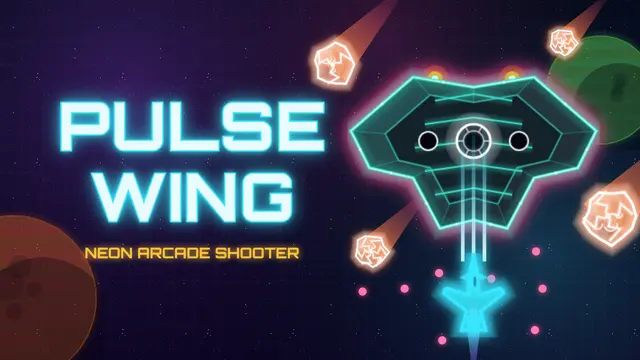 Pulse Wing
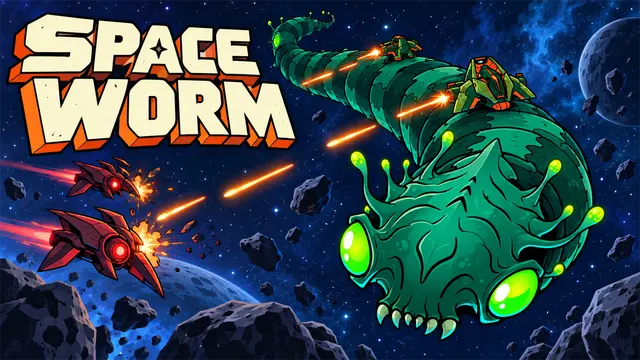 Space Worm
 Shadow Ninja
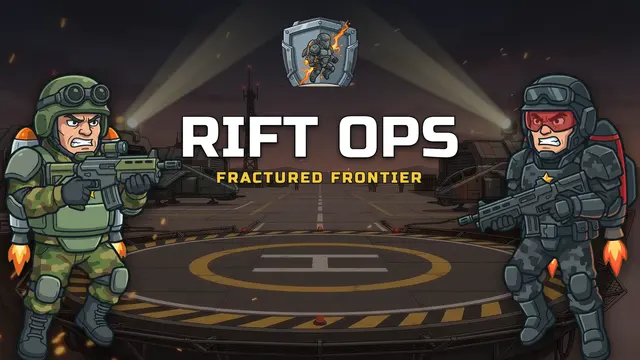 RIFT OPS: Fractured Frontier
 Cube Playground: Ragdoll Sandbox 3D
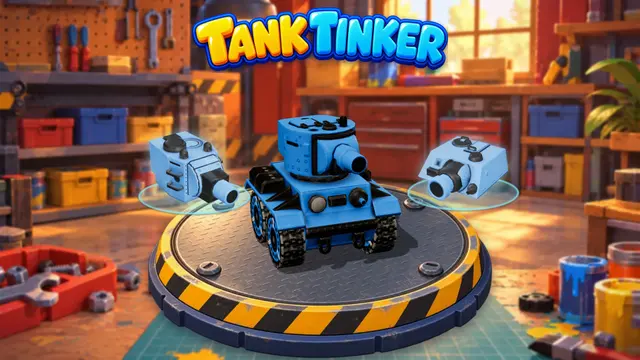 Tank Tinker
 Pinata Masters
 Tank Smash
 GoSplash
 Sanych: Pop Slayer
 Sprunki: Collect All Characters!
 Space Strike: Galaxy Shooter
 Zombie Space Episode II
 Archer Ragdoll
 Tank Fury: Boss Battle 2D
 Rolling In Gears
 Slasty: Candy Tower
 Rise of the Dead
 One Man Army: Battle Game
 Geometry Arrow 2
 Rooftop Run
 Dark City. Multiplayer
 Bouncy Motors
 Soccer Dash
Play Wingstorm online
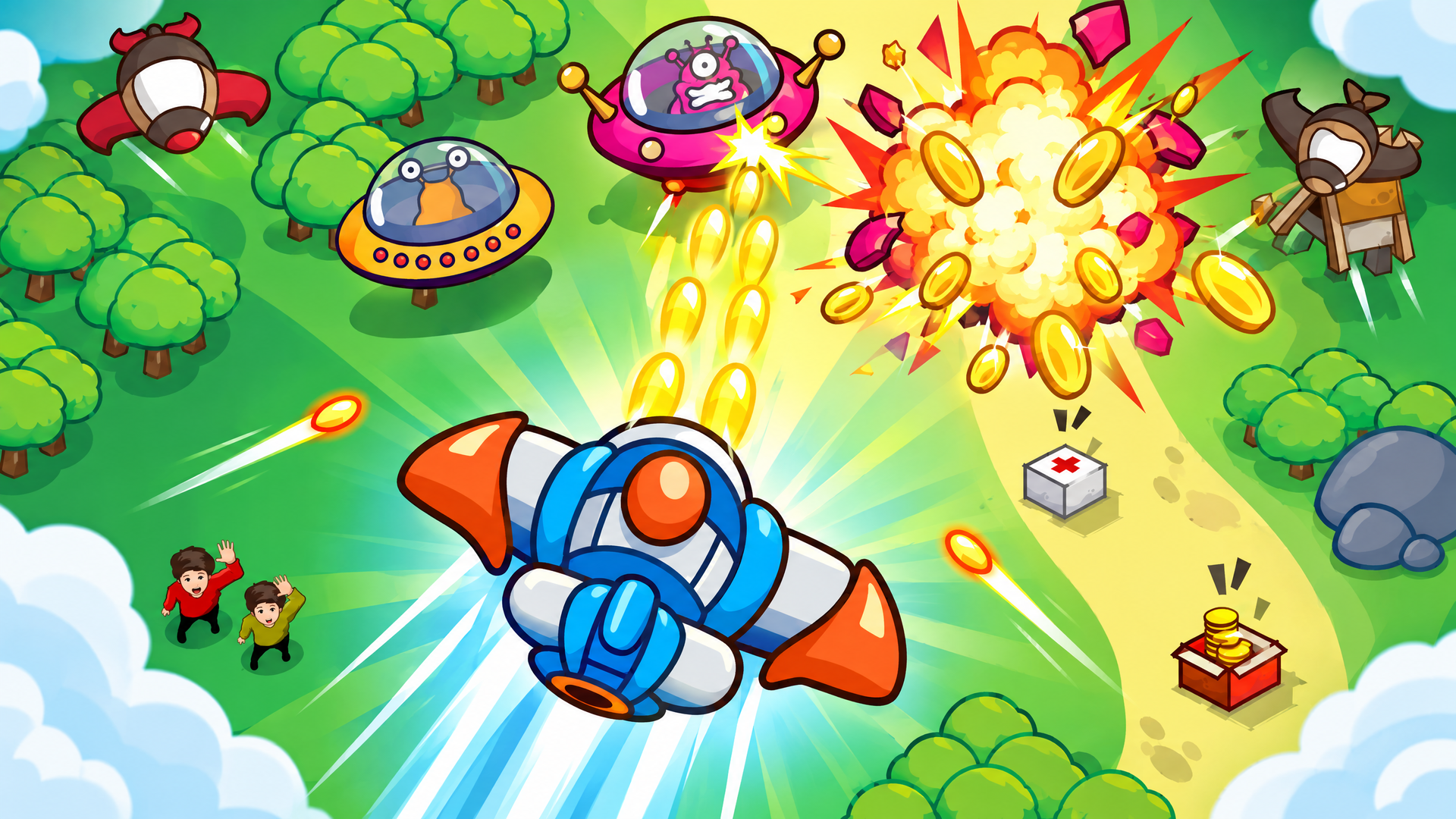
Wingstorm is a colourful arcade shoot-'em-up you play with one finger. Your plane fires on its own, so you just drag to weave through waves of goofy enemy planes and UFO saucers, dodge their bullets and fill the sky with puffy explosions. Fly across 30 levels in 10 worlds, from Green Meadows and Sunny Isles to Frosty Peaks and Storm Canyon.
Learn the aiming and firing controls, then follow the objective shown in the game. Movement and interaction inputs may be separate from the weapon controls. The provider describes a ranking or leaderboard feature. Coins appear in the game’s progression or objectives.
How to play Wingstorm
Controls and instructions
Touch / mouse: press anywhere and drag to move your plane. It fires automatically.
Keyboard: Arrow keys or WASD to move, hold Shift for precise movement, Space or B to drop a bomb, P or Esc to pause.
Shoot enemies and dodge their bullets.
Collect crates: coins, health, bombs and weapon power.
Fly over people on the ground to rescue them.
Clear the screen in a tight spot using a bomb.
Finish levels to earn stars and coins, then unlock and upgrade planes in the Hangar.
Getting started with Wingstorm
- Check aiming, firing and movement inputs individually before combining them.
- Read what contributes to the ranking rather than assuming it is based on time.
- Check what the game lets you do with coins before spending them.
About this game
- Platform
- Web browser
- Supported devices
- Android, iOS, Desktop
- Screen orientation
- Portrait
- Languages
- American English
- Genres
- Arcade, Shooting, Flying
- In-game purchases
- Available
- Provider
- Playgama
- Provider audience
- Male, Female
Game features and tags
- Plane
- Fast Paced
- Casual
- Dodge
- Addictive
- Avoid
- Endless
- Flight
- 1 Player
- Arcade Shooter
Wingstorm images

Questions about Wingstorm
How do I start playing?
Choose Play now in the game window above to load Wingstorm through Playgama. Read the controls and instructions above before you start.
Which devices can I play on?
The provider lists support for Android, iOS, Desktop. Play in your web browser using the controls described above.
Which languages does the game support?
American English.
Does the game have in-game purchases?
The provider lists optional in-game purchases. Any available purchases are handled inside the game. Games may display advertisements.
Related game categories
Game facts and artwork supplied by Playgama. Descriptions adapted and getting-started guidance added by LookBear. Game content, ads and purchases are provided by Playgama and the game provider.