 Idle Train Empire Tycoon
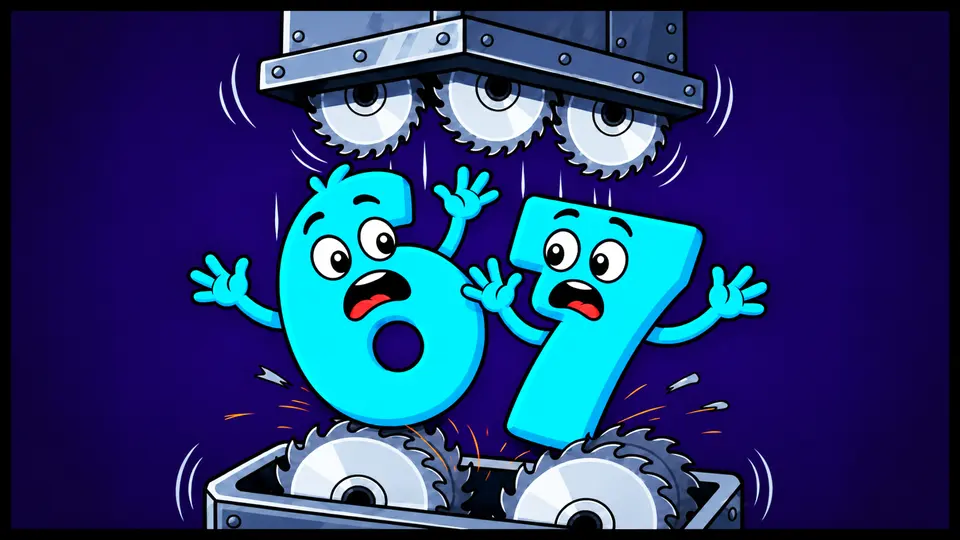
Brainrot Crusher Idle
Provided by Playgama

Brainrot Crusher Idlevia Playgama






 Fisher Clicker
 Money Factory: Tycoon Idle Game
 Arrows Idle
 Money cutter idle
 Knight Crown Idle
 Epic Mine Idle
 Mole Dig Clicker
 Ant Colony Idle
 Black Hole: Eat the Universe
 Pickaxe Crusher Idle
 Clickdom
 Garden Pals IDLE
 Obby: Build an ASMR Keyboard Tycoon
 Moon Potato Clicker
 Idle Chicken Farm
 Harvest Haulers
 Ashfall Industries
 Jelly Drop: Merge & Sell
 Deep Drill
 Run Clicker: Tap Muscle Up
 Bullseye Idle
 Dumplings: Who Will You Get?
 Click That Button
 Mowmentum
 Veggie Harvest
 Obby: +1 Jump with Brainrot
 Tap the Crop
 Restore Lab
 Hatch That Egg: Tap & Crack
 Mine Tycoon
 Crust Crusher
 Obby: Dig to the center of the Earth
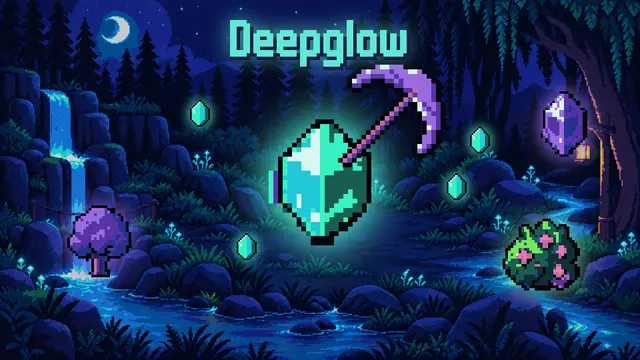 Deepglow
 Aura Clicker
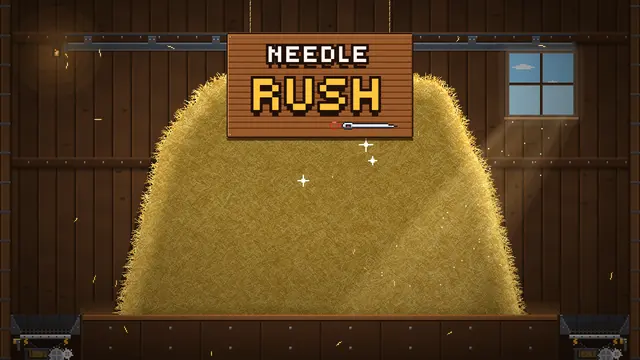 Needle Rush
 Chicken Farm
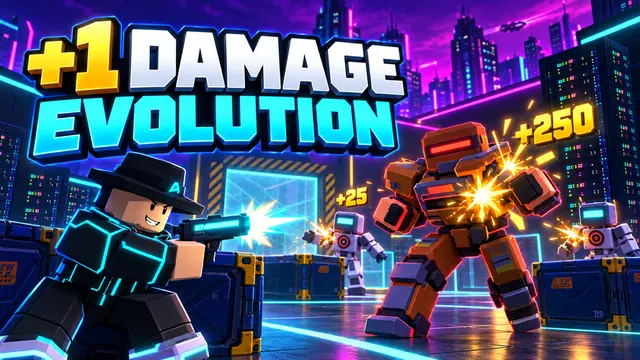 +1 Damage Evolution
 Sea Restore
 Squishy Clicker
 Dumpling Clicker
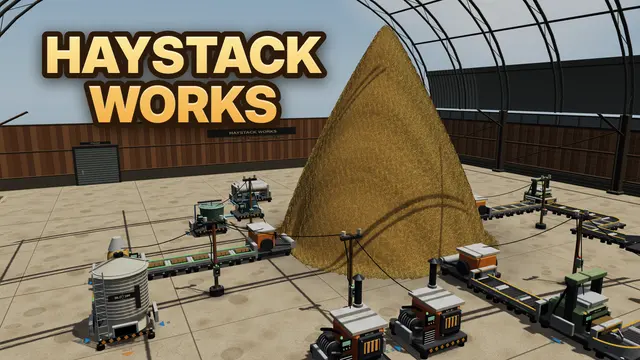 Haystack Works
 Eat the Whole Supermarket
 Grow a Bonfire
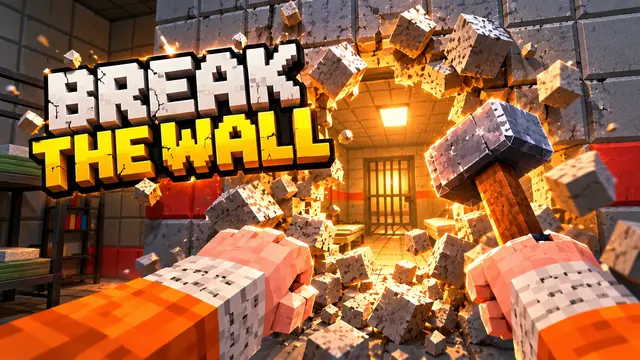 Break the Wall: Prison Escape
 Collect Million Coins
 Garden Clicker
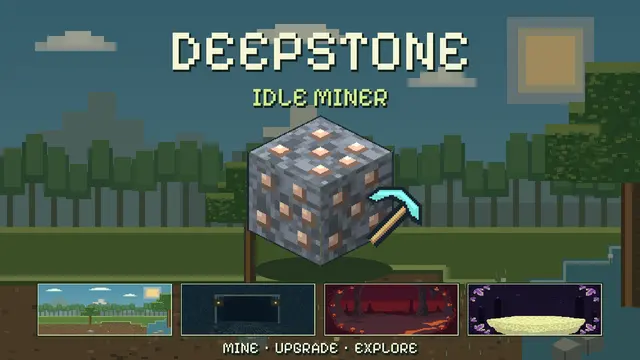 Deepstone: Idle Miner Clicker
 Slime Merge: Unlock All Forms!
 Stamp the Parcel
 Event Horizon: Black Hole Idle
 +1 Smash Monsters Evolution
 Yoshi Mood
 EON: Planet Evolution
 Harvest Ring
 Would It Smash?
 Mog Clicker
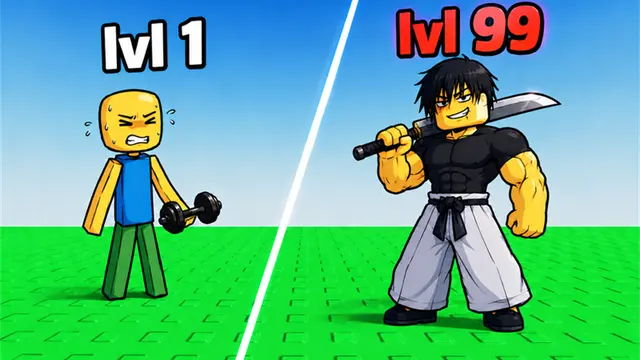 Anime Lifting Simulator
 Sticky Memo - Ripping Game
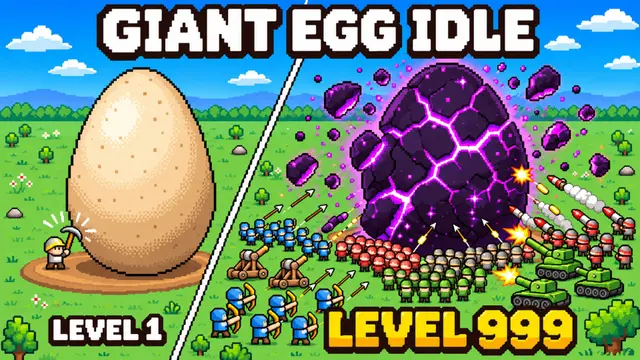 Giant Egg Idle
 Tap Arena
 TNT Mining
 Dungeon Master - Cult & Craft
 Speed per Click: Obby
 Obby: Click and Grow
Play Brainrot Crusher Idle online
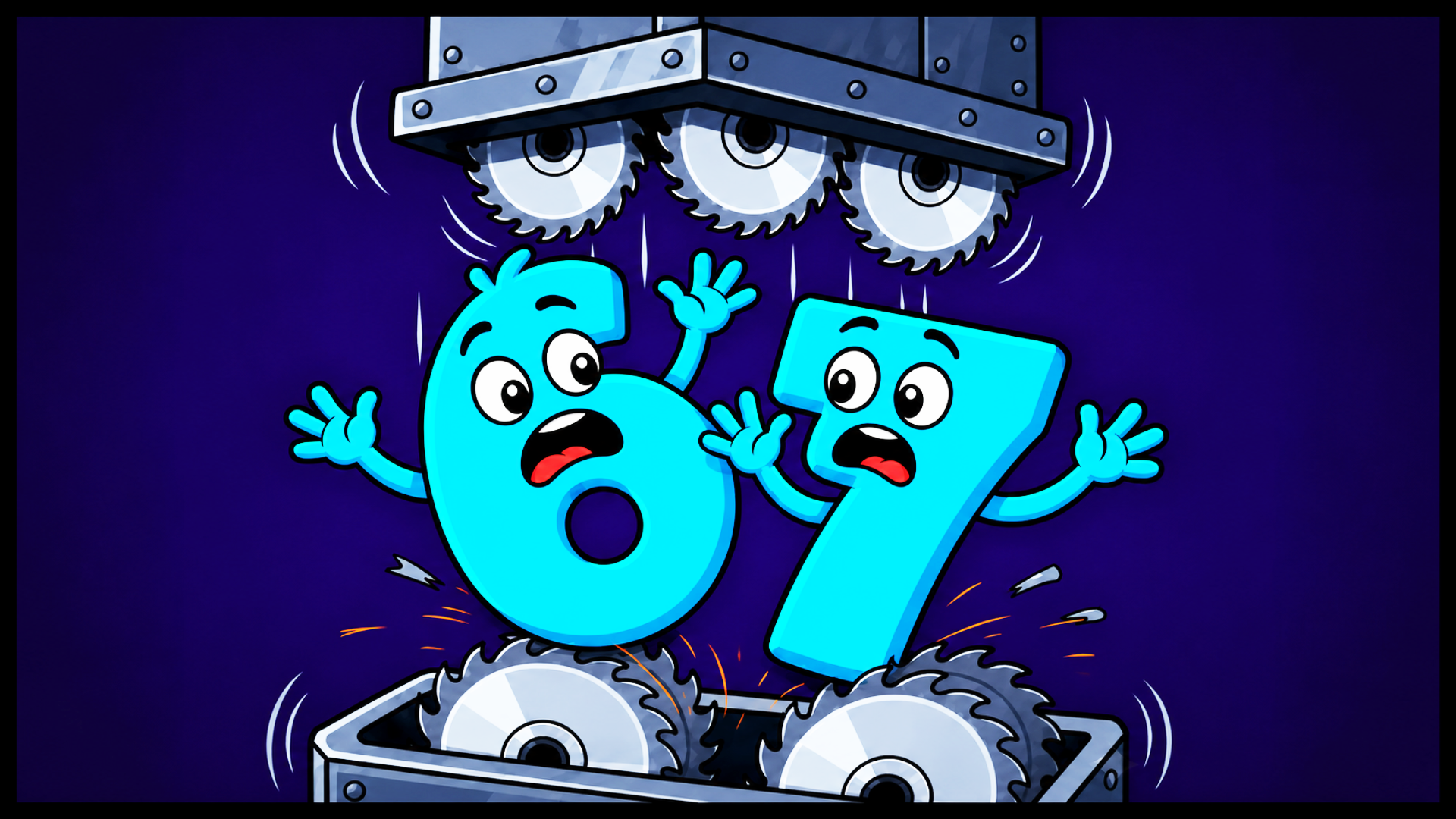
In Brainrot Crusher Idle, crush bizarre Brainrots to earn money and grow your factory. Start with a simple crusher and unlock increasingly strange Brainrots that generate bigger rewards. Upgrade your crushers, boost your income, automate production, and unlock powerful enhancements to maximize your profits.
Use repeated interactions to make progress and review the available improvements. Check what an upgrade changes before spending resources on it. Character tasks or quests provide goals to work toward as you explore. Upgrades are part of the progression described by the provider.
How to play Brainrot Crusher Idle
Controls and instructions
Desktop Controls:
Left Mouse Button: Click to control the character and interact with the in-game UI.
Mobile Controls:
Tap: Tap to control the character and interact with buttons and the in-game UI.
Getting started with Brainrot Crusher Idle
- Compare an upgrade’s cost with the benefit described in the game.
- Check the current task before deciding where to go next.
- Compare the upgrade description with your next objective before choosing it.
About this game
- Platform
- Web browser
- Supported devices
- Android, iOS, Desktop
- Screen orientation
- Landscape
- Languages
- American English
- Genres
- Clicker, Idle
- In-game purchases
- Available
- Provider
- Playgama
- Provider audience
- Male, Female
Game features and tags
- Meme
- Addictive
- Roblox
- 1 Player
- Incremental
Brainrot Crusher Idle images

Questions about Brainrot Crusher Idle
How do I start playing?
Choose Play now in the game window above to load Brainrot Crusher Idle through Playgama. Read the controls and instructions above before you start.
Which devices can I play on?
The provider lists support for Android, iOS, Desktop. Play in your web browser using the controls described above.
Which languages does the game support?
American English.
Does the game have in-game purchases?
The provider lists optional in-game purchases. Any available purchases are handled inside the game. Games may display advertisements.
Related game categories
Game facts and artwork supplied by Playgama. Descriptions adapted and getting-started guidance added by LookBear. Game content, ads and purchases are provided by Playgama and the game provider.