 Mowmentum
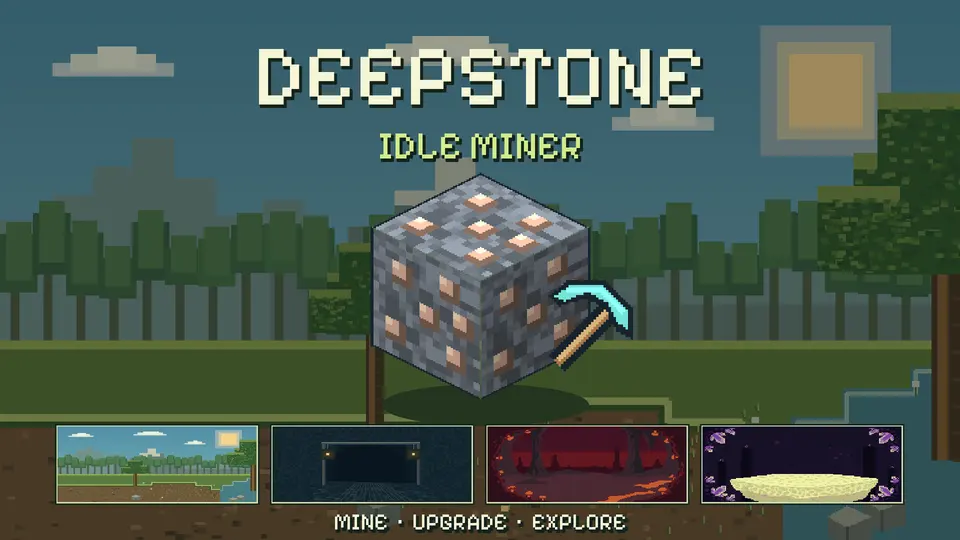
Deepstone: Idle Miner Clicker
Provided by Playgama

Deepstone: Idle Miner Clickervia Playgama








 Garden Pals IDLE
 Idle Chicken Farm
 Ashfall Industries
 Run Clicker: Tap Muscle Up
 Bullseye Idle
 Wild Manager
 Dumplings: Who Will You Get?
 My Gym Manager: Idle Tycoon
 +1 Grass Cutting: Become Stronger
 Cheat and Don't Get Caught!
 Cut it : Voxel Crusher
 Veggie Harvest
 Rocket Rush
 Tap the Crop
 Car Wash Idle
 Restore Lab
 Night Lake: Monster Fishing
 Steal a Pet!
 Cuddle Crane
 Mine Tycoon
 Crust Crusher
 Wooden Vest
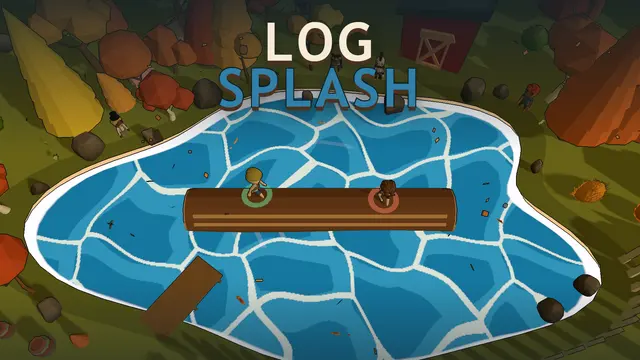 Log Splash
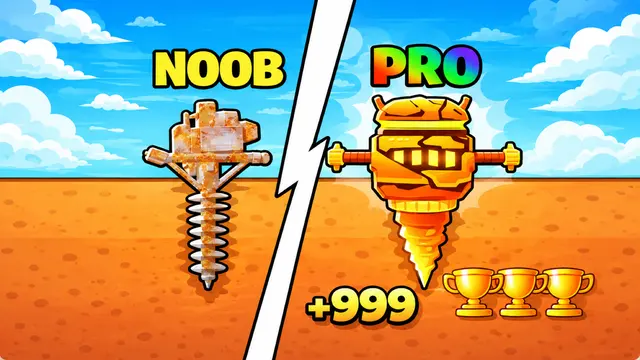 Obby: Dig to the center of the Earth
 Bee Swarm
 +1 Pickaxe Hit: Break Blocks
 Lighthouse Mage: Idle Defense
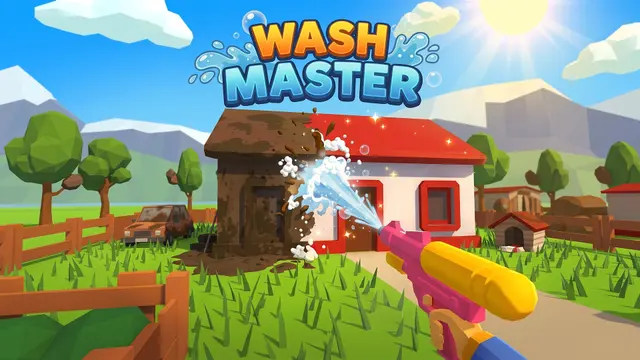 Wash Master
 +1 Strength for escape
 Army Base
 Duck You
 Grave: Necromancer Mortician
 Kickoff Academy: Football Tycoon
 Hot Diggity Dogs
 Obby: Steal an Egg - The Great Escape
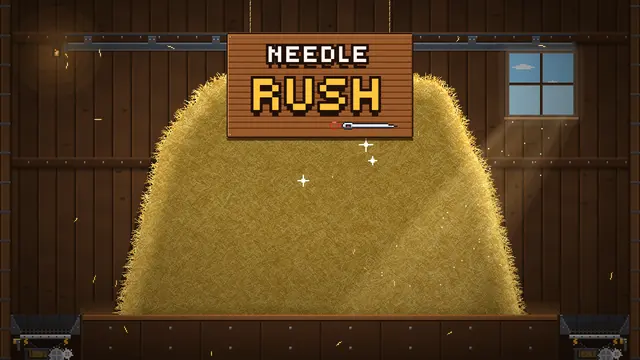 Needle Rush
 Bank Tycoon Simulator Money Empire
 RC Racing
 +1 Damage Evolution
 Bun Boss
 Grow the Baby
 Monster Card Shop
 Build a Skyscraper!
 Pull-up Bar Tricks
 Squishy Clicker
 Dumpling Clicker
 Zone Breaker
 Harvest Rush
 Grow a Bonfire
 Collect Million Coins
 Obby: Build a Car Farm
 Stamp the Parcel
 Rusty Park
 Joker Ritual
 Yoshi Mood
 EON: Planet Evolution
 Drink the Ocean
 Harvest Ring
 Would It Smash?
 OBBY: Throw Food for Pets!
 Would You Like to See My Ants?
 Break the Egg and Run away!
 Throw Foods For Pets
 Anime Lifting Simulator
Play Deepstone: Idle Miner Clicker online
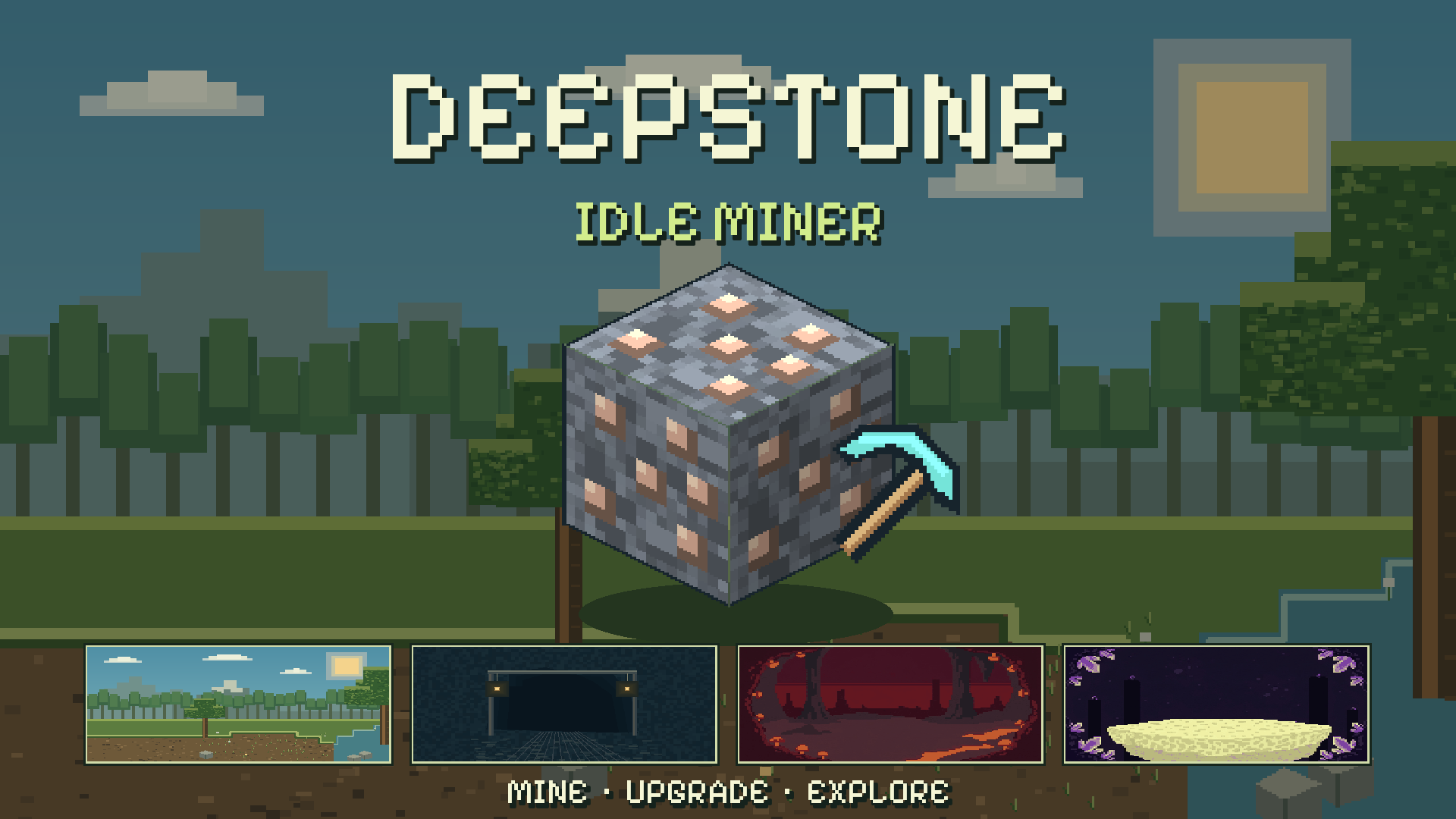
Build your mining empire one block at a time! Mine resources, collect rare ores and unlock four pixel-art biomes, from peaceful forests to mysterious underground caves and otherworldly landscapes. Upgrade your pickaxes, improve your mining skills and hire helpers to automate production.
Use repeated interactions to make progress and review the available improvements. Check what an upgrade changes before spending resources on it. The provider describes a ranking or leaderboard feature. Upgrades are part of the progression described by the provider.
How to play Deepstone: Idle Miner Clicker
Controls and instructions
Mine blocks to collect resources, upgrade your pickaxe and unlock new ores and biomes. Hire helpers to automate mining, earn achievements and increase your income. There is no final victory screen—keep improving your mine and aim for a higher score on the leaderboard.
Desktop controls:
Left mouse button: click the block to mine.
Space: mine while the mining area is focused.
Shop buttons: buy pickaxes, upgrades and helpers.
Biome button: travel between unlocked biomes.
Menu: adjust language, sound and hold-to-mine settings.
Mobile controls: tap the block to mine and tap buttons to buy upgrades or open menus. Play in landscape orientation.
Getting started with Deepstone: Idle Miner Clicker
- Compare an upgrade’s cost with the benefit described in the game.
- Read what contributes to the ranking rather than assuming it is based on time.
- Compare the upgrade description with your next objective before choosing it.
About this game
- Platform
- Web browser
- Supported devices
- Android, Desktop
- Screen orientation
- Landscape
- Languages
- American English, European Spanish, French (France), Russian (Russia)
- Genres
- Arcade, Simulation, Skill, Clicker, Idle
- In-game purchases
- None listed by the provider
- Provider
- Playgama
- Provider audience
- Male, Female
Game features and tags
- Casual
- Addictive
- Webgl
- Collecting
- 1 Player
- Mine
- Incremental
- Resource Management
- Mining
- Pixel
Deepstone: Idle Miner Clicker images
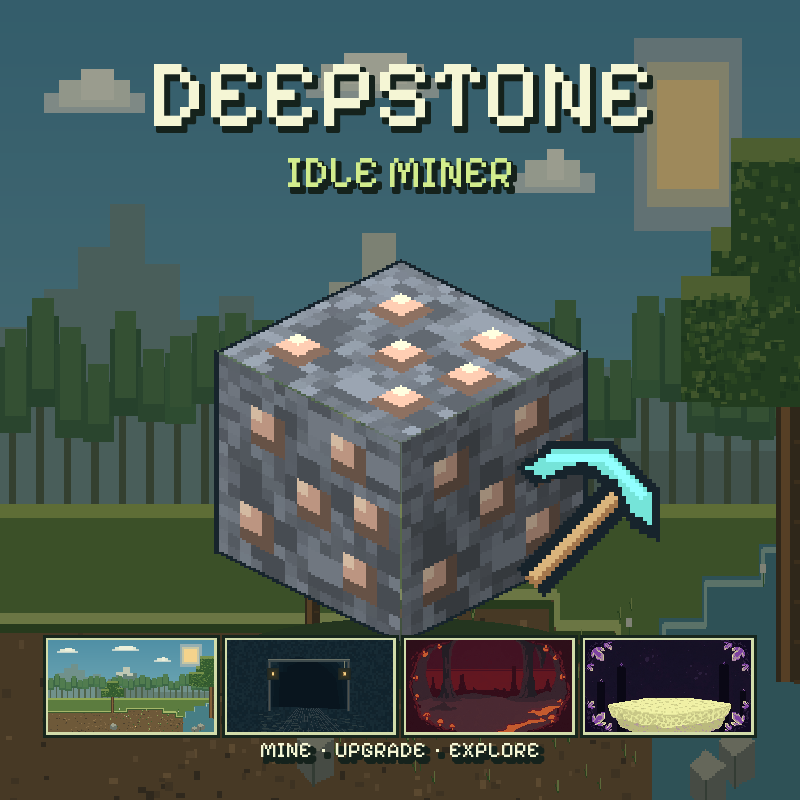
Questions about Deepstone: Idle Miner Clicker
How do I start playing?
Choose Play now in the game window above to load Deepstone: Idle Miner Clicker through Playgama. Read the controls and instructions above before you start.
Which devices can I play on?
The provider lists support for Android, Desktop. Play in your web browser using the controls described above.
Which languages does the game support?
American English, European Spanish, French (France), Russian (Russia).
Does the game have in-game purchases?
The provider lists no in-game purchases for this game. Games may display advertisements.
Related game categories
Game facts and artwork supplied by Playgama. Descriptions adapted and getting-started guidance added by LookBear. Game content, ads and purchases are provided by Playgama and the game provider.