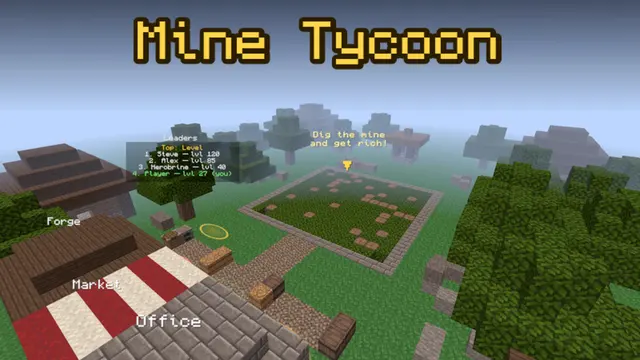
 Mine Tycoon

Obby: Build an ASMR Keyboard Tycoon
Provided by Playgama

Obby: Build an ASMR Keyboard Tycoonvia Playgama







 Chef Tycoon
 Scary Rooms: Idle Horror
 My Arcade Center
 Money Factory - Earn a Billion
 Monster Slayer. Idle Clicker
 Gas Station Simulator
 Survival Tycoon: City of Zombie
 Idle Magic Academy Tycoon
 Idle Hotel Empire Tycoon
 Obby Toilet Line
 Lucky Brainrot Blocks Online
 Idle Vlogger Simulator
 Obby: +1 Digging Power per Click
 Click Click Clicker
 Steve Evolution Mega Clicker
 Idle Supermarket Tycoon
 Sigma Boy: Musical Clicker
 Idle Crafting Empire Tycoon
 Idle Cinema Tycoon
 Click & Idle - Slimes!
 Airplane Factory - Tycoon
 Shopping Simulator
 RPG Idle Clicker
 Stickman Clicker
 Click Kitty Idle
 Obby +1 Power!
 Idle Pong
 Tap Hunters
 Money Maker
 Spin and Collect
 PolyBounce Tycoon
 Slime Clicker
 Merge Plane Tycoon
 Crusher Block
 Insect Clicker
 Obby: Upgrade Your Lucky Machine!
 Build an Aquapark
 Bird Game Clicker
 Feeding A Black Hole
 Obby Upgrade Your Speed!
 Maskinery Idle
 Obby Upgrade Your Jump
 Home Decor Clicker
 Clicker Knights Vs Dragons
 My Phone Store
 Poker Clicker
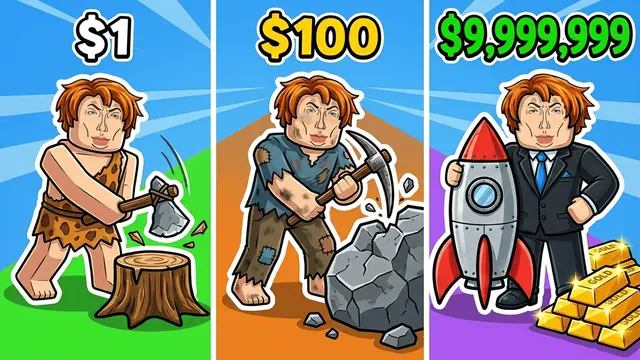 Obby: Mine, Build, Launch
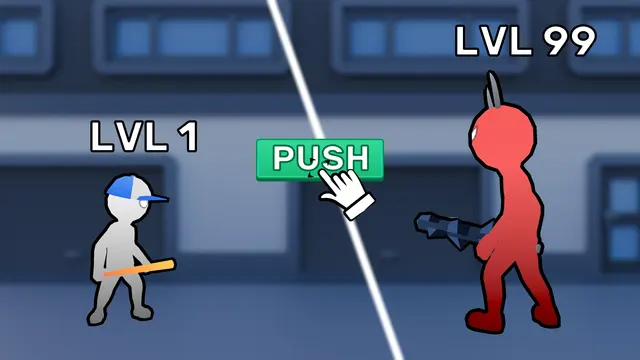 Boys - Battle for the District
 Idle Zoo Tycoon
 Squid Game Evolution: All Characters!
 Spinner Clicker 2D
 Fisher Clicker
 Arrows Idle
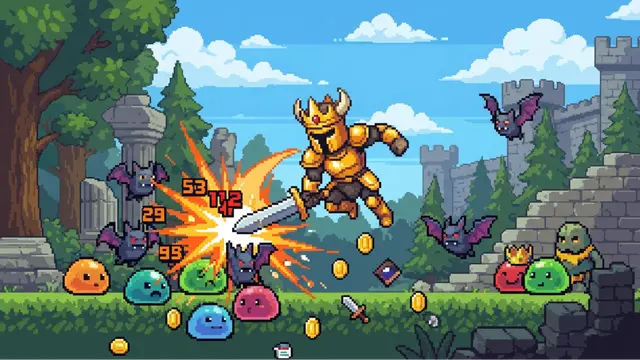 Knight Crown Idle
 Epic Mine Idle
 Mine Mining Islands 2: Skyblock City!
 Tiny Sports Empire Idle
 ObbyTycoon: Money Tycoon
 Mole Dig Clicker
 Survival for 100 dollars
 Ant Colony Idle
 Black Hole: Eat the Universe
 Garage Boss
 JUICE TYCOON
Play Obby: Build an ASMR Keyboard Tycoon online
In Obby: Build an ASMR Keyboard Tycoon, build your own ASMR keyboard and turn it into a massive money-making machine. Every key press earns cash, and your goal is to create the most profitable and satisfying keyboard possible! Upgrade your typing speed, increase the money earned from every key press, and unlock new keyboard colors, designs, and effects.
Use repeated interactions to make progress and review the available improvements. Check what an upgrade changes before spending resources on it. The provider describes a ranking or leaderboard feature. Upgrades are part of the progression described by the provider.
How to play Obby: Build an ASMR Keyboard Tycoon
Controls and instructions
PC
WASD / Arrow Keys — Move
Space — Jump
Hold Right Mouse Button — Rotate the camera
Mobile
Virtual Joystick — Move
Swipe — Rotate the camera
Getting started with Obby: Build an ASMR Keyboard Tycoon
- Compare an upgrade’s cost with the benefit described in the game.
- Read what contributes to the ranking rather than assuming it is based on time.
- Compare the upgrade description with your next objective before choosing it.
About this game
- Platform
- Web browser
- Supported devices
- Android, iOS, Desktop
- Screen orientation
- Landscape
- Languages
- American English, Russian (Russia)
- Genres
- Tycoon, Clicker, Obby, Idle
- In-game purchases
- Available
- Provider
- Playgama
- Provider audience
- Male, Female
Game features and tags
- Roblox
- Asmr
Obby: Build an ASMR Keyboard Tycoon images


Questions about Obby: Build an ASMR Keyboard Tycoon
How do I start playing?
Choose Play now in the game window above to load Obby: Build an ASMR Keyboard Tycoon through Playgama. Read the controls and instructions above before you start.
Which devices can I play on?
The provider lists support for Android, iOS, Desktop. Play in your web browser using the controls described above.
Which languages does the game support?
American English, Russian (Russia).
Does the game have in-game purchases?
The provider lists optional in-game purchases. Any available purchases are handled inside the game. Games may display advertisements.
Related game categories
Game facts and artwork supplied by Playgama. Descriptions adapted and getting-started guidance added by LookBear. Game content, ads and purchases are provided by Playgama and the game provider.