 Moon Potato Clicker

Black Hole: Eat the Universe
Provided by Playgama

Black Hole: Eat the Universevia Playgama






 Space Cleaner
 Boys - Battle for the District
 Squid Game Evolution: All Characters!
 Spinner Clicker 2D
 Fisher Clicker
 Money Factory: Tycoon Idle Game
 Arrows Idle
 Money cutter idle
 Knight Crown Idle
 Epic Mine Idle
 Mole Dig Clicker
 Ant Colony Idle
 Pickaxe Crusher Idle
 Clickdom
 Garden Pals IDLE
 Obby: Build an ASMR Keyboard Tycoon
 Idle Chicken Farm
 Brainrot Crusher Idle
 Harvest Haulers
 Ashfall Industries
 Jelly Drop: Merge & Sell
 Deep Drill
 Run Clicker: Tap Muscle Up
 Bullseye Idle
 Dumplings: Who Will You Get?
 Click That Button
 Mowmentum
 Veggie Harvest
 Obby: +1 Jump with Brainrot
 Tap the Crop
 Restore Lab
 Hatch That Egg: Tap & Crack
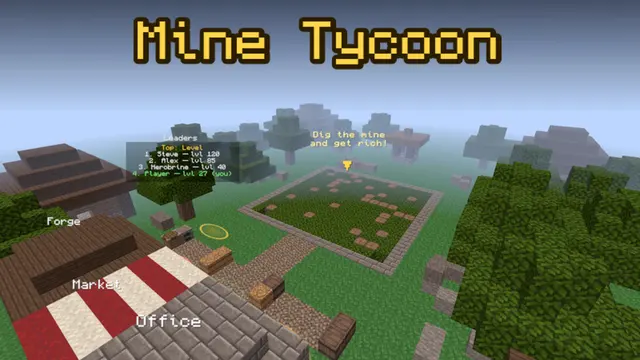 Mine Tycoon
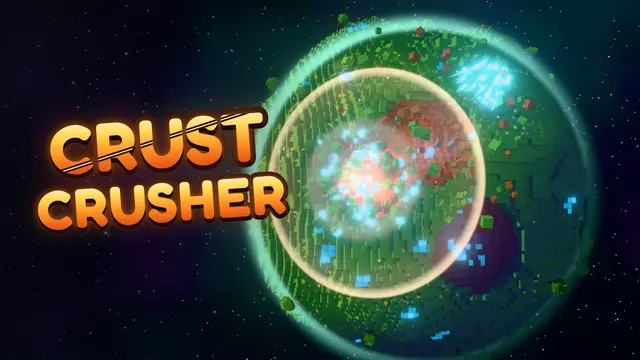 Crust Crusher
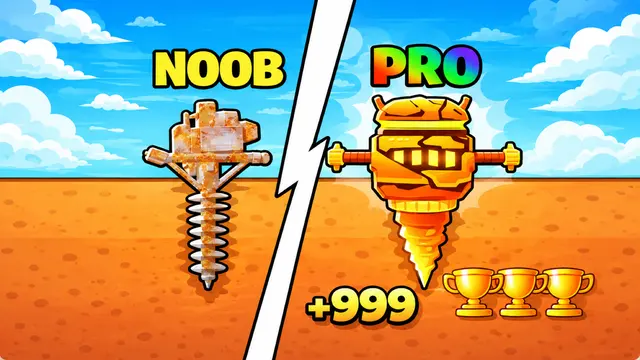 Obby: Dig to the center of the Earth
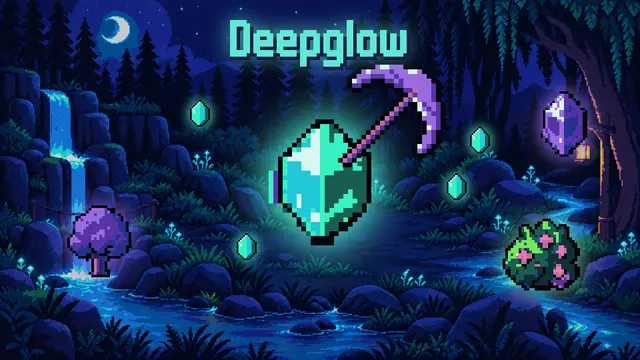 Deepglow
 Aura Clicker
 Needle Rush
 Chicken Farm
 +1 Damage Evolution
 Sea Restore
 Squishy Clicker
 Dumpling Clicker
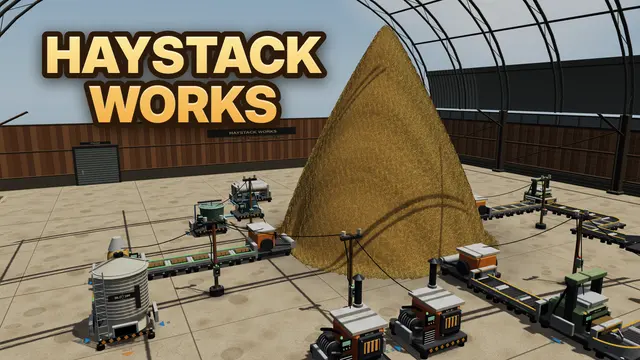 Haystack Works
 Eat the Whole Supermarket
 Grow a Bonfire
 Break the Wall: Prison Escape
 Collect Million Coins
 Garden Clicker
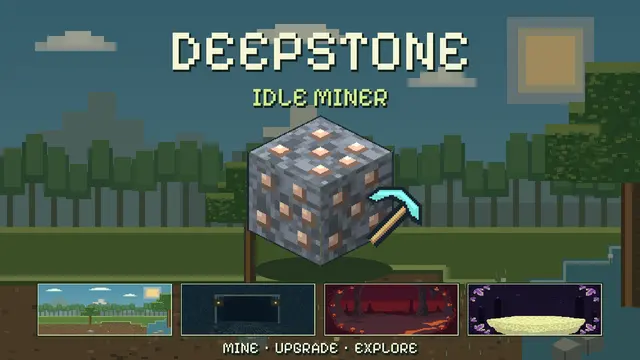 Deepstone: Idle Miner Clicker
 Slime Merge: Unlock All Forms!
 Stamp the Parcel
 +1 Smash Monsters Evolution
 Yoshi Mood
 EON: Planet Evolution
 Harvest Ring
 Would It Smash?
 Mog Clicker
 Anime Lifting Simulator
 Sticky Memo - Ripping Game
 Giant Egg Idle
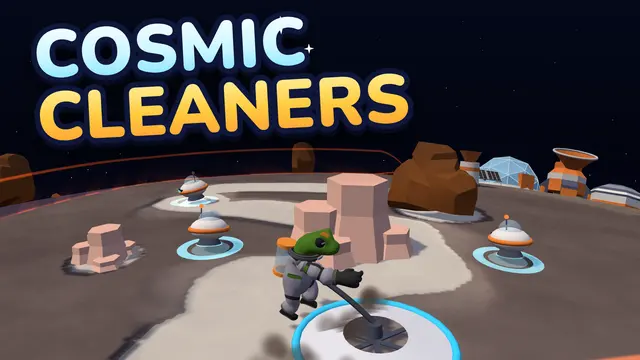 Cosmic Cleaners
 Tap Arena
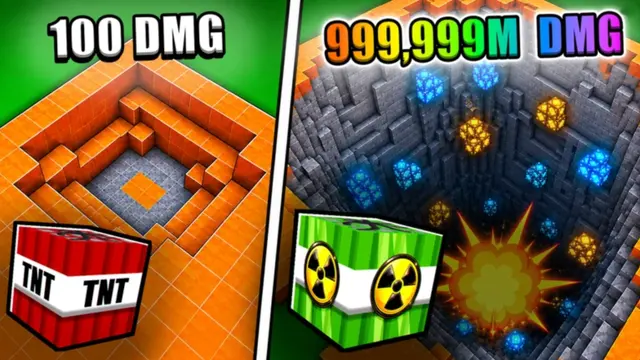 TNT Mining
Play Black Hole: Eat the Universe online
Devour atoms, then planets, stars, and whole galaxies. Upgrade your pull, unlock skins and hats, spin for boosts, and collapse the universe to bank Dark Matter — then grow back faster. Grow a hungry black hole from atoms to galaxies — upgrade, prestige, and devour the universe.
Use repeated interactions to make progress and review the available improvements. Check what an upgrade changes before spending resources on it. Upgrades are part of the progression described by the provider.
How to play Black Hole: Eat the Universe
Controls and instructions
Tap or click the black hole to pull in matter. Buy upgrades to widen your pull and auto-feed. Spin the wheel for
boosts, equip skins and hats, and collapse the universe to earn Dark Matter — permanent power that makes each new
run grow faster.
Getting started with Black Hole: Eat the Universe
- Compare an upgrade’s cost with the benefit described in the game.
- Compare the upgrade description with your next objective before choosing it.
About this game
- Platform
- Web browser
- Supported devices
- Android, iOS, Desktop
- Screen orientation
- Landscape and Portrait
- Languages
- American English
- Genres
- Clicker, Space, Idle
- In-game purchases
- None listed by the provider
- Provider
- Playgama
- Provider audience
- Male, Female
Game features and tags
- Incremental
- Resource Management
- Hole Io
- Planet Clicker
Black Hole: Eat the Universe images


Questions about Black Hole: Eat the Universe
How do I start playing?
Choose Play now in the game window above to load Black Hole: Eat the Universe through Playgama. Read the controls and instructions above before you start.
Which devices can I play on?
The provider lists support for Android, iOS, Desktop. Play in your web browser using the controls described above.
Which languages does the game support?
American English.
Does the game have in-game purchases?
The provider lists no in-game purchases for this game. Games may display advertisements.
Related game categories
Game facts and artwork supplied by Playgama. Descriptions adapted and getting-started guidance added by LookBear. Game content, ads and purchases are provided by Playgama and the game provider.