 Mowmentum
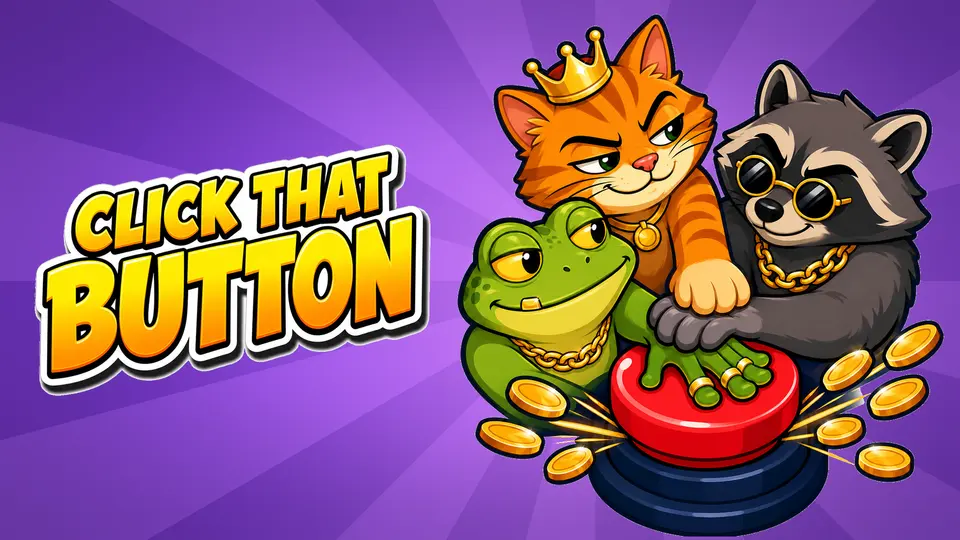
Click That Button
Provided by Playgama

Click That Buttonvia Playgama
 Harvest Ring
 Would It Smash?
 Sticky Memo - Ripping Game
 Giant Egg Idle
 Cosmic Cleaners
 Tap Arena
 Idle Train Empire Tycoon
 Rolling In Gears
 Geometry Arrow 2
 Rooftop Run
 Soccer Dash
 Speed per Click: Obby
 Idle Game Dev Simulator
 Only Jump RPG
 Yoga Master - Flex Running
 Shape Transforming: Shifting Run
 My Arcade Center
 Build And Run
 Climb Up!
 Monster Slayer. Idle Clicker
 Stack Ball 3D
 Bubble Shooter: Tap & Pop
 Geometry Maze Maps V2
 Stand on the Right Color, Robby!
 Mr Shooter
 Knife vs Fruits
 Slice & Soar
 Resize Stickman
 Catoom! - Bomb Barrel
 Fristailo Granny!
 On Fire Basketball Shots
 Street Racer 2D
 Grow Slime
 Spin&Mow
 Epicrolla
 Idle Vlogger Simulator
 Canyon Drifter
 SlowMo Sniper
 Click Click Clicker
 Build levels – earn money!
 Stunsteval Siderollers
 Sigma Boy: Musical Clicker
 Robbie: TikTak Slot Machines
 Mouse Survivor
 Jiffy
 Money Pong
 Turbo Racer Extreme
 Golf Invaders
 Click & Idle - Slimes!
 Zigzag Snow Adventure
 Gravity Speed Run
 Ball: Path Through Obstacles
 Snowball Dash
 Raised Knight
 Snake of Balls
 Money Empire
 Drone Dash - Time Challenges!
 Shopping Simulator
 Head Jump
 RPG Idle Clicker
 Winged Wheels 2
 Stickman Clicker
 Click Kitty Idle
 Chroma Trek
Play Click That Button online
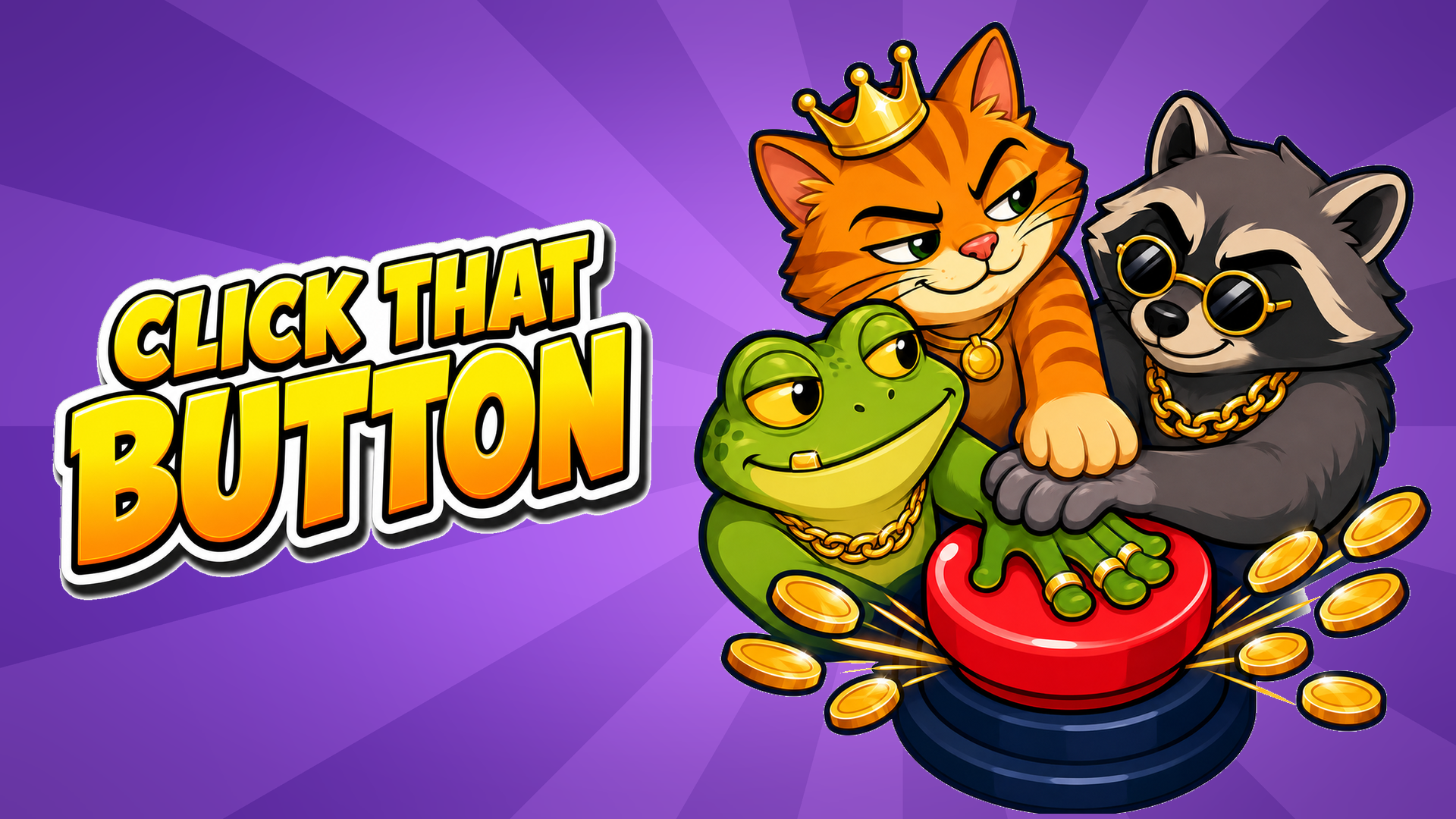
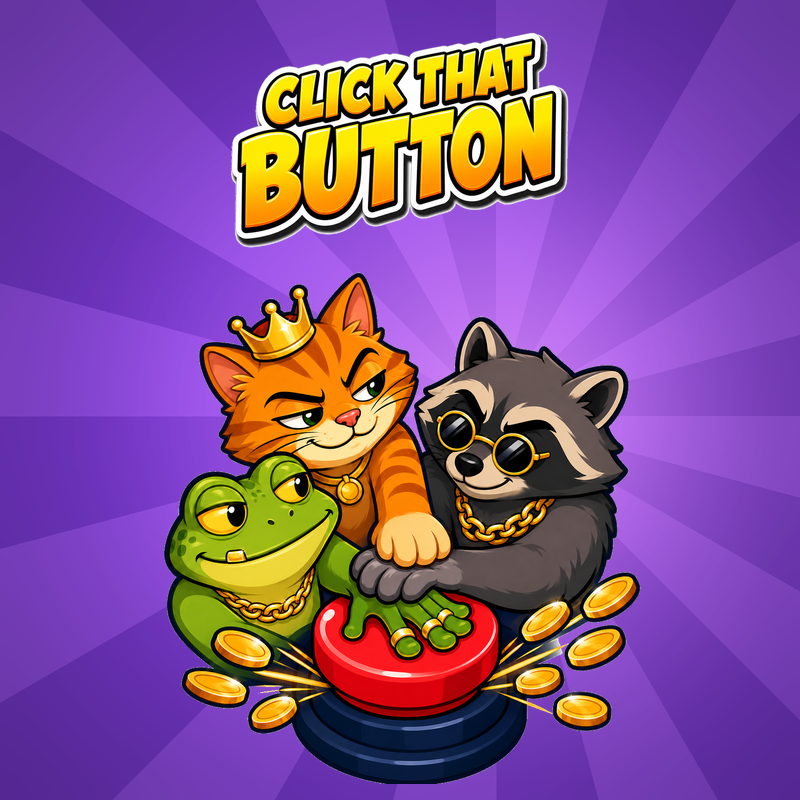
One big red button, and an empire that grows every time you hit it. Cash from each tap buys upgrades that make the next tap worth more, then hired hands that tap alongside you and keep earning while you are away. Behind them wait eleven collectable buttons, six tiers of hands to merge, combo chains that pay out crits, golden buttons that rain money, and the guardians standing between you and the next button.
Use repeated interactions to make progress and review the available improvements. Check what an upgrade changes before spending resources on it. Upgrades are part of the progression described by the provider.
How to play Click That Button
Controls and instructions
Tap or click the big button to earn cash - the spacebar works too. Spend that cash on the upgrade rows beside the stage: raise your income per tap, then hire hands, which tap for you on their own and keep going while the game is closed. Tap quickly to build the combo meter for critical hits. Use the arrows under the button to move between buttons you have unlocked, merge three matching hands into a stronger tier from the roster, and tap fast to beat the boss guardians that appear as you level up. Watch for golden buttons drifting across the screen - catch one for a burst of cash.
Getting started with Click That Button
- Compare an upgrade’s cost with the benefit described in the game.
- Compare the upgrade description with your next objective before choosing it.
About this game
- Platform
- Web browser
- Supported devices
- Android, iOS, Desktop
- Screen orientation
- Landscape and Portrait
- Languages
- American English, Arabic (Egypt), Azerbaijani (Azerbaijan), Chinese (China), German (Germany), Dutch (Netherlands), European Spanish, French (France), Hindi (India), Indonesian (Indonesia), Italian (Italy), Japanese (Japan), Korean (South Korea), Kazakh (Kazakhstan), Polish (Poland), European Portuguese, Russian (Russia), Thai (Thailand), Turkish (Türkiye), Ukrainian (Ukraine), Uzbek (Uzbekistan), Vietnamese (Vietnam)
- Genres
- Arcade, Skill, Clicker, Idle
- In-game purchases
- Available
- Provider
- Playgama
- Provider audience
- Male, Female
Game features and tags
- Casual
- Addictive
- One Button
- Collecting
- 1 Player
- Incremental
- Simple
Click That Button images
Questions about Click That Button
How do I start playing?
Choose Play now in the game window above to load Click That Button through Playgama. Read the controls and instructions above before you start.
Which devices can I play on?
The provider lists support for Android, iOS, Desktop. Play in your web browser using the controls described above.
Which languages does the game support?
American English, Arabic (Egypt), Azerbaijani (Azerbaijan), Chinese (China), German (Germany), Dutch (Netherlands), European Spanish, French (France), Hindi (India), Indonesian (Indonesia), Italian (Italy), Japanese (Japan), Korean (South Korea), Kazakh (Kazakhstan), Polish (Poland), European Portuguese, Russian (Russia), Thai (Thailand), Turkish (Türkiye), Ukrainian (Ukraine), Uzbek (Uzbekistan), Vietnamese (Vietnam).
Does the game have in-game purchases?
The provider lists optional in-game purchases. Any available purchases are handled inside the game. Games may display advertisements.
Related game categories
Game facts and artwork supplied by Playgama. Descriptions adapted and getting-started guidance added by LookBear. Game content, ads and purchases are provided by Playgama and the game provider.