 Pocket Mart
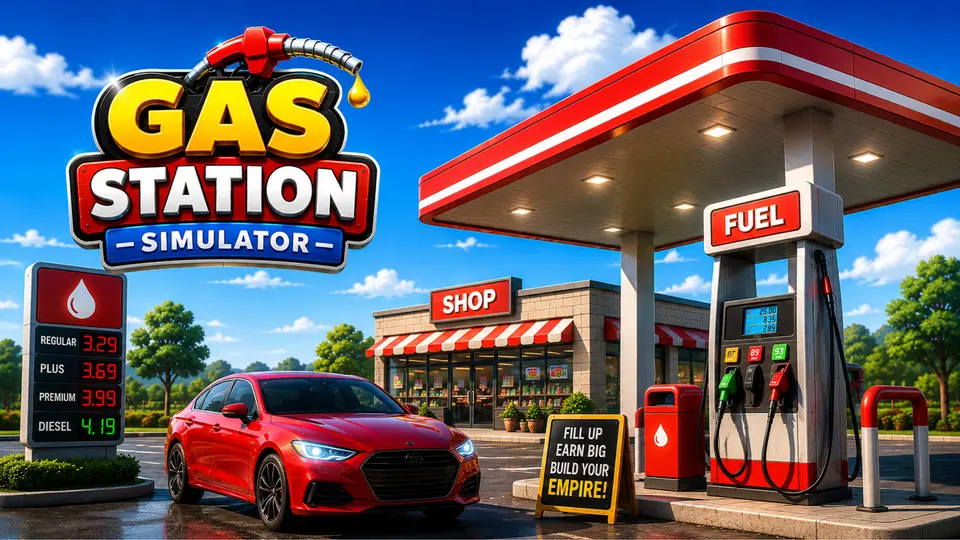
City Gas Station Simulator
Provided by Playgama

City Gas Station Simulatorvia Playgama







 Vet Tycoon: Pet Hospital
 Lumberjack Simulator
 Fish Eggs for Animals
 Build a Winter Resort
 City Rush 2000
 Obby Steal a Car
 Fix It Garage
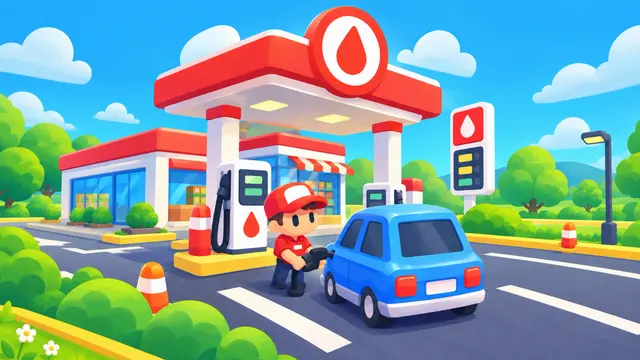 Pump It Up
 Market Hero
 My Pet Hotel
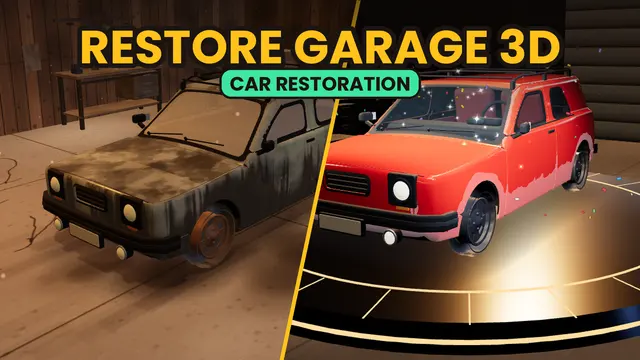 Restore Garage 3D: Car Restoration
 Gearline Tycoon: Idle Car Factory
 Swim Fitness Club
 Grand Trade Miami: Open World Simulator
 Idle Train Empire Tycoon
 Idle Game Dev Simulator
 Idle Airport Tycoon
 Grow a Garden 3D
 MR RACER Stunt Mania
 My Arcade Center
 Hyper Cars Ramp Crash
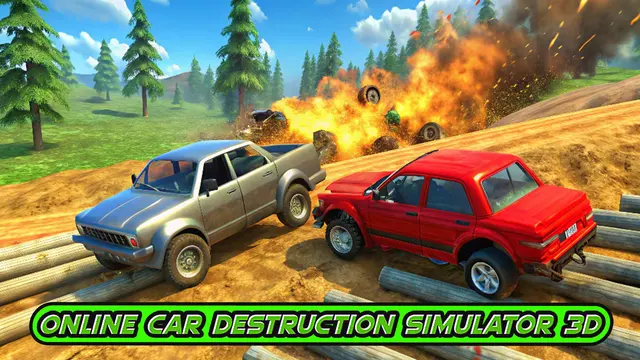 Online Car Destruction Simulator 3D
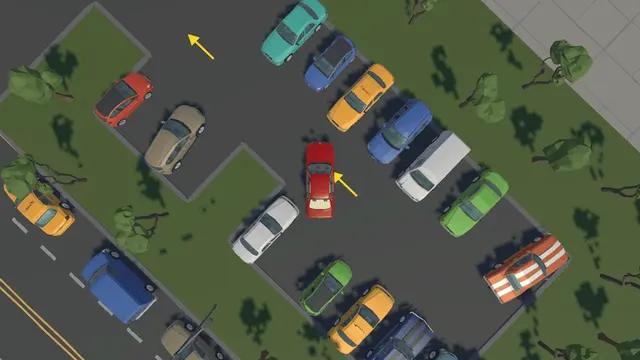 Parking Master: Urban Challenges
 Hotel Manager Simulator
 Sweet Supermarket Simulator
 Car Destruction King
 Car Smash Simulator: Crash & Tune
 Animal Care Tycoon
 Gas Station - Stick Simulator
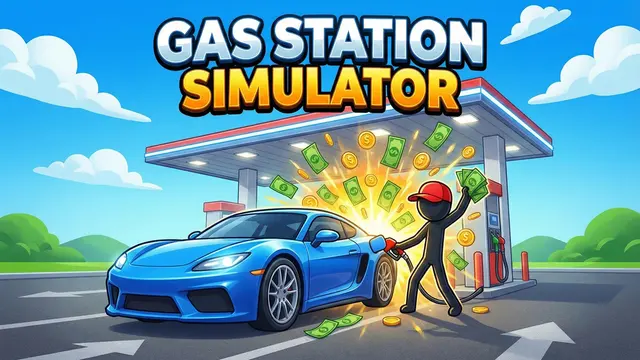 Gas Station Simulator
 Field Master
 Supermarket Manager
 Supermarket Empire
 Idle Supermarket Tycoon
 Idle Crafting Empire Tycoon
 Idle Cinema Tycoon
 Farm Business Saga
 Police Chase Simulator
 Buggy Simulator Sandbox 3D
 StreetRacer: Realistic Destruction
 Millionaire Factory
 Simulator GT Motorsport
 Idle Cookie Tycoon
 Furious GT Drift
 USA Luxury 4x4 SUV Offroad Driving Simulator
 Crime and Vice City Police
 My Phone Store
 PC Cafe Simulator 3D
 Idle Zoo Tycoon
 Car Dealership
 Dream Supermarket: 3D Shop
 Trash Baron
 Crash Test Simulator 3d
 Car Crash Sandbox
 ObbyTycoon: Money Tycoon
 Drive & Crash Sandbox
 Shop Cashier Simulator 3D
 Garage Boss
 JUICE TYCOON
 My resale. Cases and sales
 The Hustler
 Agrarian Magnate
 Mine Obby 3D: Car Wash Tycoon
 Mine Blogger Simulator 3D
Play City Gas Station Simulator online
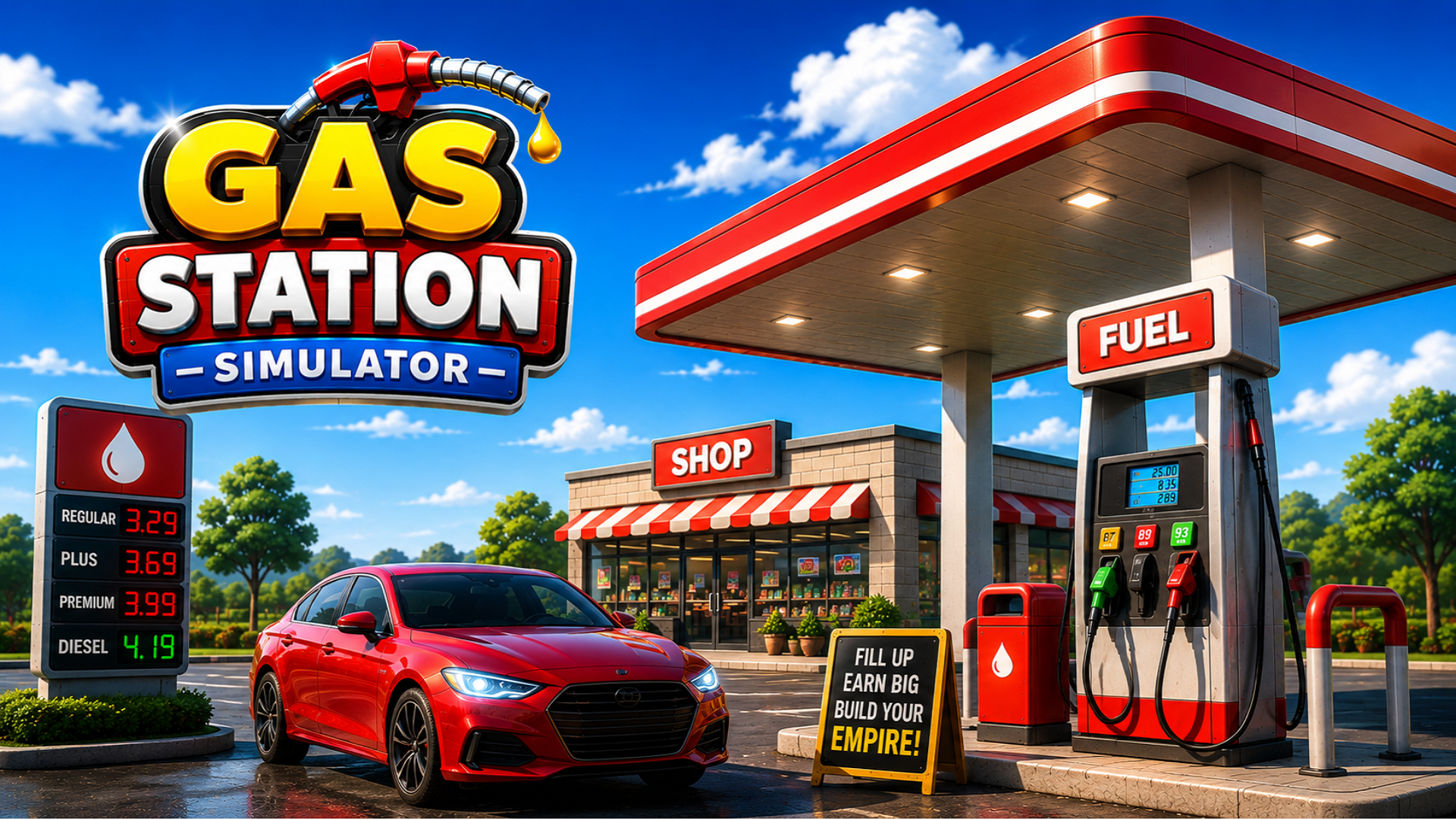
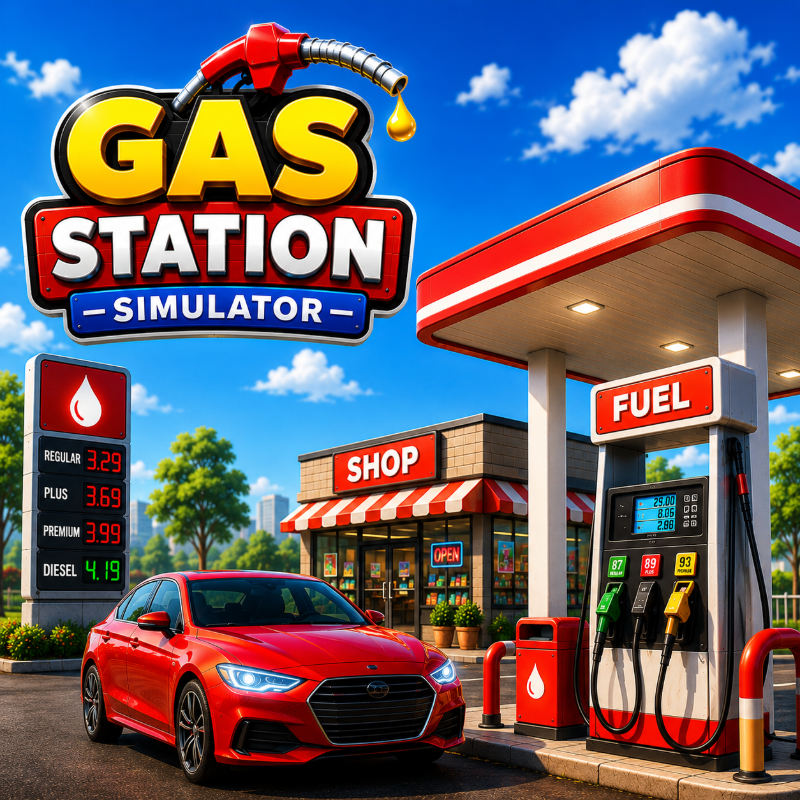
Build and manage your own fuel station in City Gas Station Simulator! Start with a small gas station and turn it into a successful business empire. Serve customers, fill vehicles with fuel, collect payments, complete missions, and invest your earnings to expand and upgrade your business.
Manage the activity at the center of the game and decide where to put your resources next. Read how income, purchases and improvements are connected. Upgrades are part of the progression described by the provider. The instructions describe joystick input.
How to play City Gas Station Simulator
Controls and instructions
Desktop
WASD = Player Movement
Mouse = Camera Movement
Mouse Left Click = Action (Filling Fuel, Upgrades, etc)
Mouse Right Click = Pick Cash
Ctrl = Controls Info
H = Employee Hiring
R = Market
Q = Shop
Space = Sprint
Enter = Day End
Mobile
On-Screen Joystick: Move in all directions by dragging the joystick.
Getting started with City Gas Station Simulator
- Identify the next purchase requirement before committing your resources.
- Compare the upgrade description with your next objective before choosing it.
- Start with a short joystick movement to judge how the character responds.
About this game
- Platform
- Web browser
- Supported devices
- Android, iOS, Desktop
- Screen orientation
- Landscape
- Languages
- American English
- Genres
- Simulation, 3d, Car, Tycoon, Management
- In-game purchases
- None listed by the provider
- Provider
- Playgama
- Provider audience
- Male, Female
Game features and tags
- Games For Pc
- Casual
- Business
- Webgl
- Desktop
- 1 Player
- Resource Management
City Gas Station Simulator images
Questions about City Gas Station Simulator
How do I start playing?
Choose Play now in the game window above to load City Gas Station Simulator through Playgama. Read the controls and instructions above before you start.
Which devices can I play on?
The provider lists support for Android, iOS, Desktop. Play in your web browser using the controls described above.
Which languages does the game support?
American English.
Does the game have in-game purchases?
The provider lists no in-game purchases for this game. Games may display advertisements.
Related game categories
Game facts and artwork supplied by Playgama. Descriptions adapted and getting-started guidance added by LookBear. Game content, ads and purchases are provided by Playgama and the game provider.