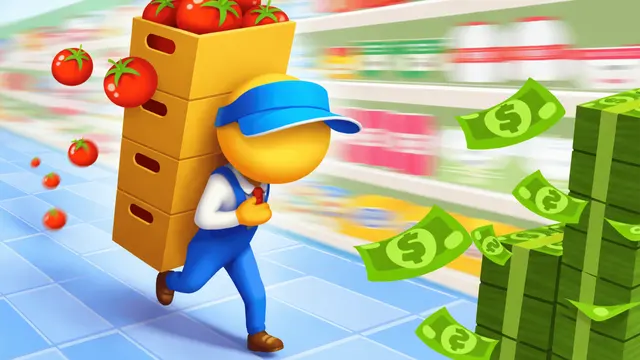
 Supermarket Empire
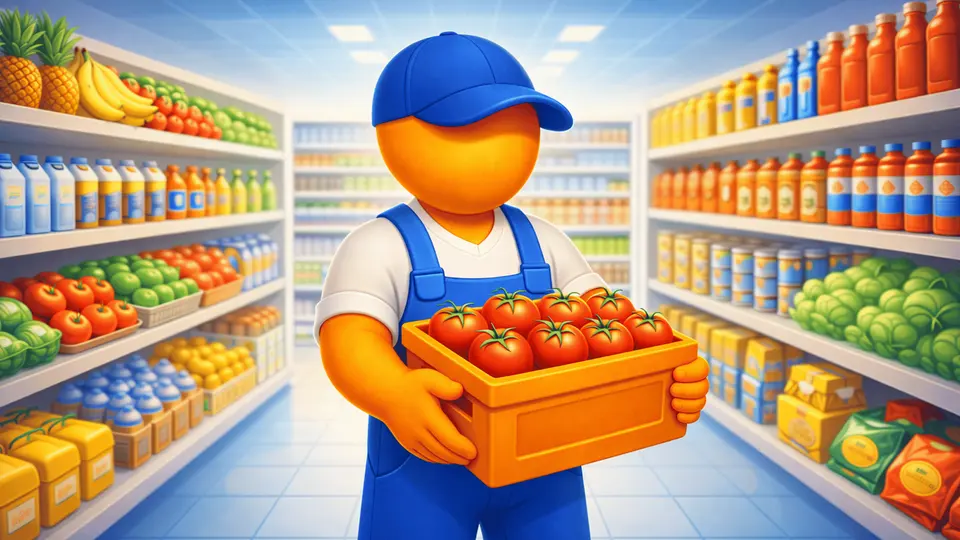
Supermarket Manager
Provided by Playgama

Supermarket Managervia Playgama






 Minimarket 67/7: Store Tycoon
 Sell Lemons Idle
 Gas Station 24: Simulator
 Capitalist Hunter
 Wild Manager
 My Gym Manager: Idle Tycoon
 My Little Kingdom
 Braveward
 Open to Offers!
 Busy Bites Tycoon
 Car Wash Idle
 Restore Lab
 Wooden Vest
 Tiny Cinema
 Farm Care Tycoon
 Pocket Mart
 Scoop Empire
 Army Base
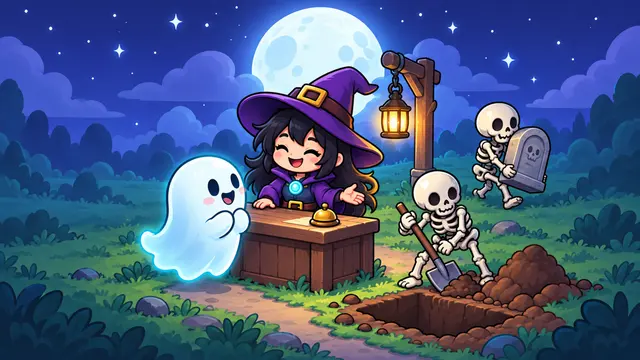 Grave: Necromancer Mortician
 Kickoff Academy: Football Tycoon
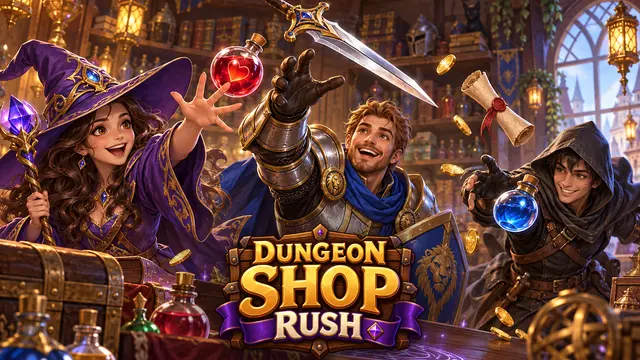 Dungeon Shop Rush
 Bank Tycoon Simulator Money Empire
 Capy Market
 Reaper’s Graveyard Shift
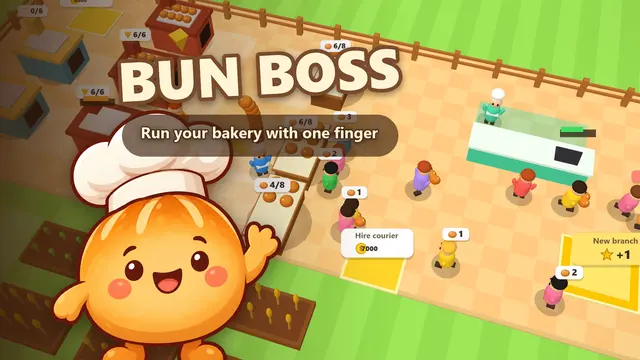 Bun Boss
 Peel the Potato
 Grow the Baby
 Monster Card Shop
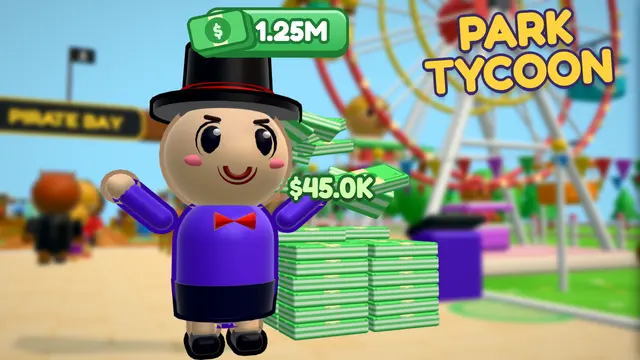 Park Tycoon
 Colonora: Colony Survival
 French Fries Tycoon: Farm to Fryer
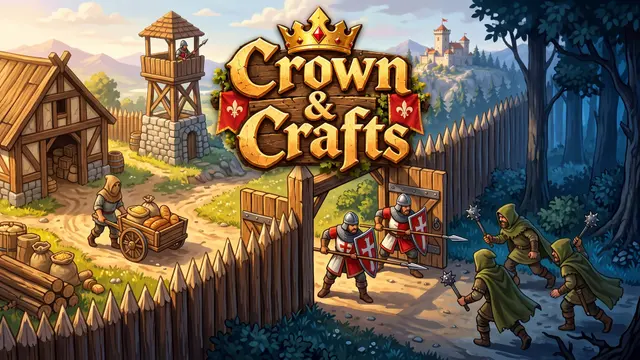 Crown & Crafts
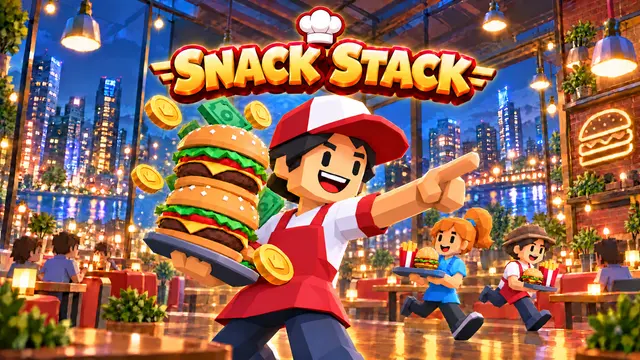 Snack Stack
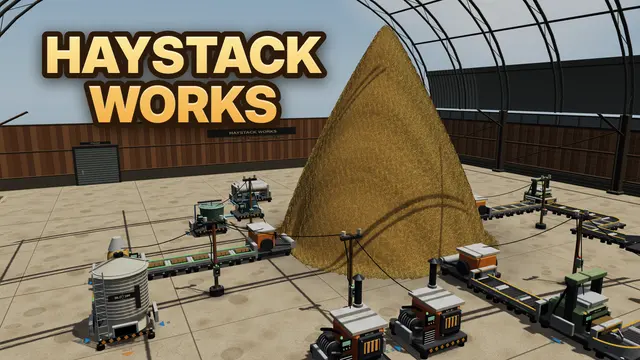 Haystack Works
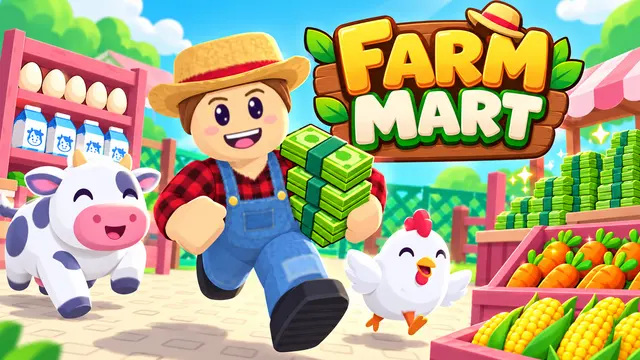 Farm mart
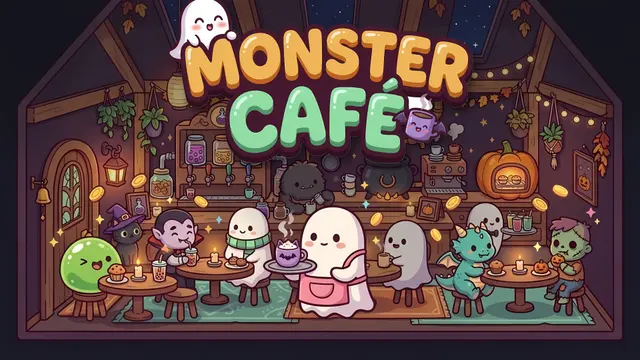 Monster Cafe: Idle Tycoon
 Big Bob's Burger Truck
 Restaurant Tycoon
 Rusty Park
 City Gas Station Simulator
 Happy Supermarket 3D Simulator
 Vet Tycoon: Pet Hospital
 Car Inspection Tycoon
 Lumberjack Simulator
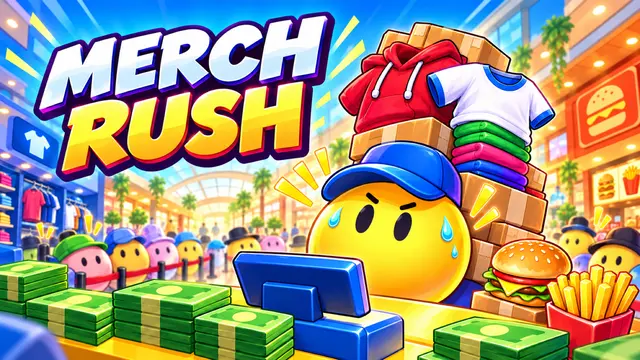 Merch Rush
 Fish Eggs for Animals
 Build a Winter Resort
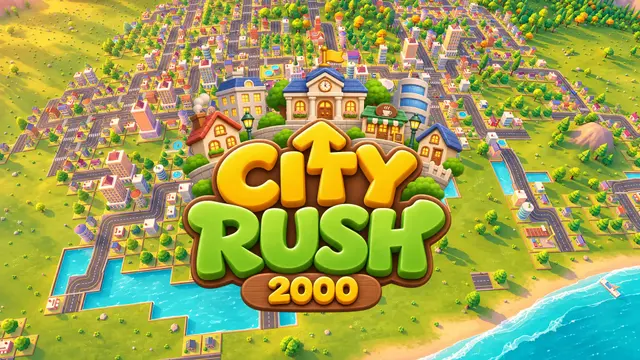 City Rush 2000
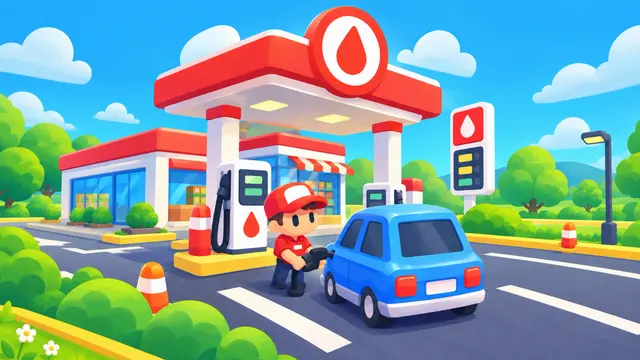 Pump It Up
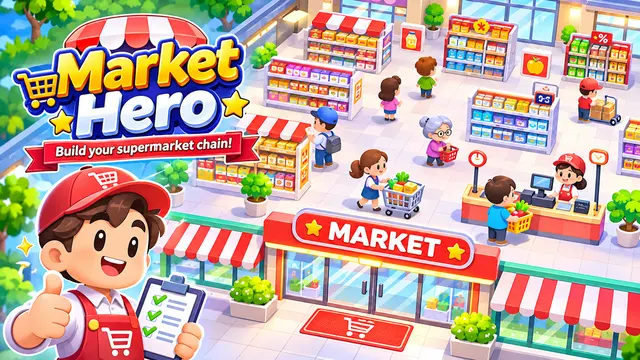 Market Hero
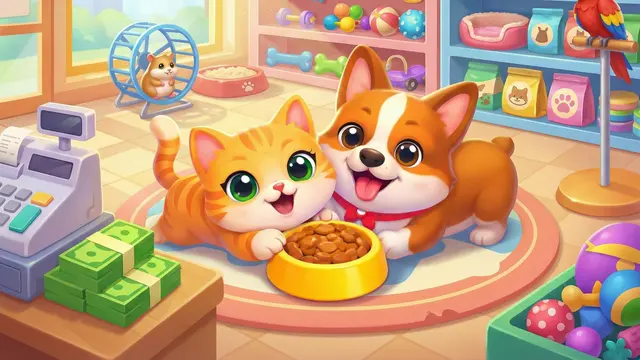 My Pet Hotel
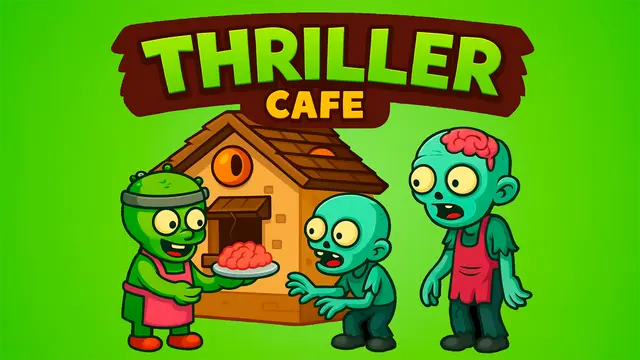 Thriller Cafe
 Swim Fitness Club
 Box buider
 Grand Trade Miami: Open World Simulator
 Hedgies
 Grow a Garden 3D
 Night Club Security
 Chef Tycoon
 Scary Rooms: Idle Horror
 Dead Land: Survival
 Prison Architect: Cage Break Tycoon
 Money Factory - Earn a Billion
 Car Sales Empire Simulator
Play Supermarket Manager online
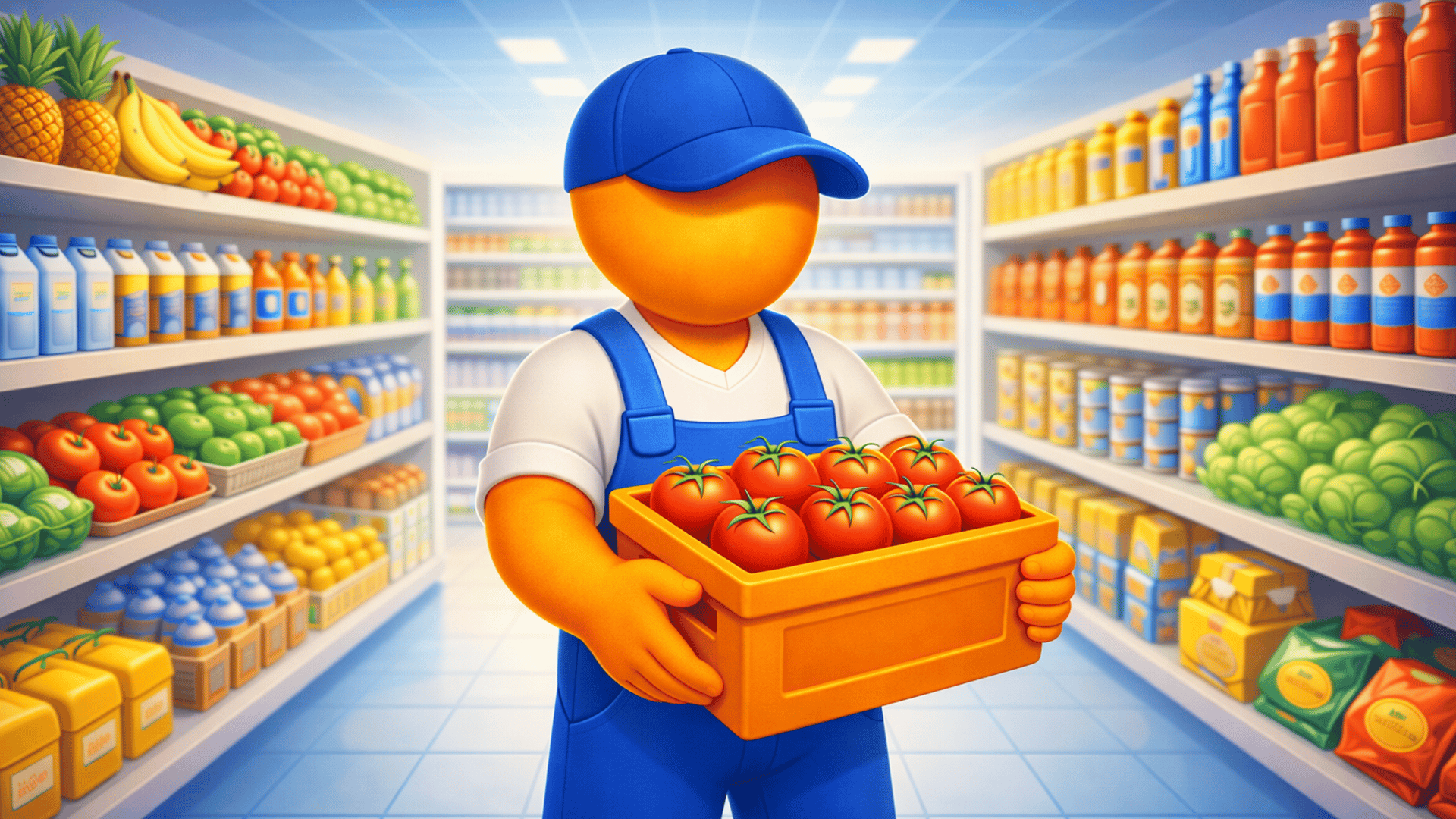
Try your hand as a Supermarket Manager! Develop your store by purchasing shelves for products, which you will need to stock yourself at the beginning. Earn profits by serving customers and invest your earnings to hire staff like stockers and cashiers.
Manage the activity at the center of the game and decide where to put your resources next. Read how income, purchases and improvements are connected. The listed controls include WASD input.
How to play Supermarket Manager
Controls and instructions
For PC Controls = Use the left mouse button or the WASD keys to move your character
For Smartphone Controls = Hold your finger on the screen and drag it in the direction you want the character to move
To purchase a shelf or a cash register, stand on the corresponding areas marked on the game field
To stock shelves with products, first load products from the warehouse, then carry them to the appropriate shelf
In the warehouse area, you'll find a computer. Approaching it will open the store management menu. Here, you can improve product quality or hire staff
Getting started with Supermarket Manager
- Identify the next purchase requirement before committing your resources.
- Check the action mappings as well as movement; extra actions may use different keys.
About this game
- Platform
- Web browser
- Supported devices
- Android, iOS, Desktop
- Screen orientation
- Landscape
- Languages
- American English, German (Germany), European Spanish, French (France), Indonesian (Indonesia), Italian (Italy), Polish (Poland), European Portuguese, Russian (Russia), Turkish (Türkiye)
- Genres
- Simulation, Tycoon, Shopping, Management
- In-game purchases
- None listed by the provider
- Provider
- Playgama
- Provider audience
- Male, Female
Game features and tags
- Business
- Shop
- Time Management
- Roblox Tycoon
Supermarket Manager images

Questions about Supermarket Manager
How do I start playing?
Choose Play now in the game window above to load Supermarket Manager through Playgama. Read the controls and instructions above before you start.
Which devices can I play on?
The provider lists support for Android, iOS, Desktop. Play in your web browser using the controls described above.
Which languages does the game support?
American English, German (Germany), European Spanish, French (France), Indonesian (Indonesia), Italian (Italy), Polish (Poland), European Portuguese, Russian (Russia), Turkish (Türkiye).
Does the game have in-game purchases?
The provider lists no in-game purchases for this game. Games may display advertisements.
Related game categories
Game facts and artwork supplied by Playgama. Descriptions adapted and getting-started guidance added by LookBear. Game content, ads and purchases are provided by Playgama and the game provider.