 Wooden Vest

Obby: Build a Car Farm
Provided by Playgama

Obby: Build a Car Farmvia Playgama






 Wild Manager
 +1 Grass Cutting: Become Stronger
 Rich Mom Family Simulator Luxury Life
 Drift Tycoon
 Police Mom Simulator
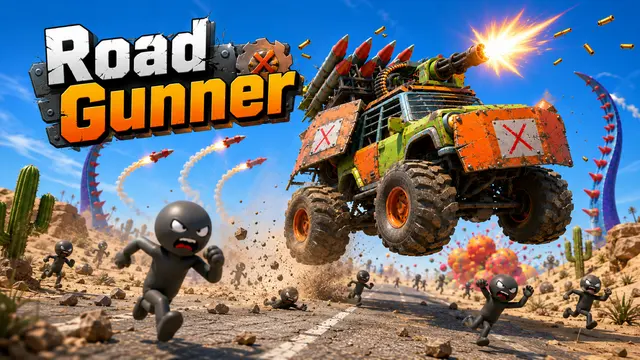 Road Gunner 3D
 Relic Rush 3D
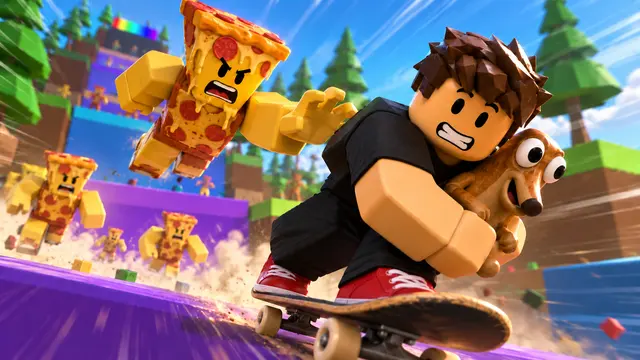 Collect Brainrots on a Skateboard Online
 Steal a Pet!
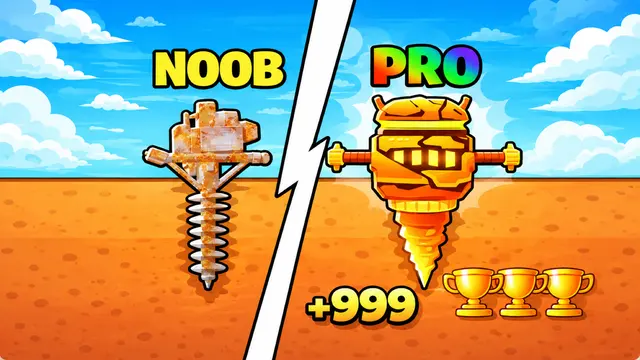 Obby: Dig to the center of the Earth
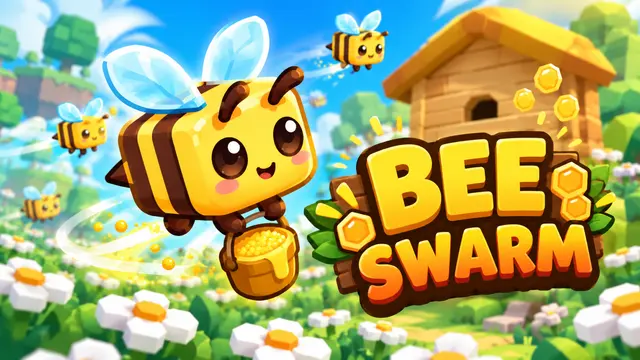 Bee Swarm
 Scoop Empire
 Fishing Island
 +1 Pickaxe Hit: Break Blocks
 Steals Eggs From Animals
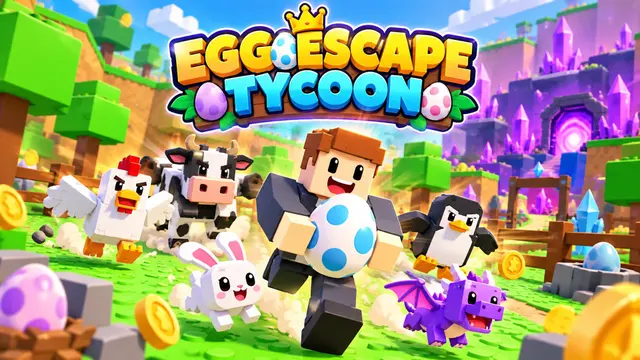 Egg Escape Tycoon
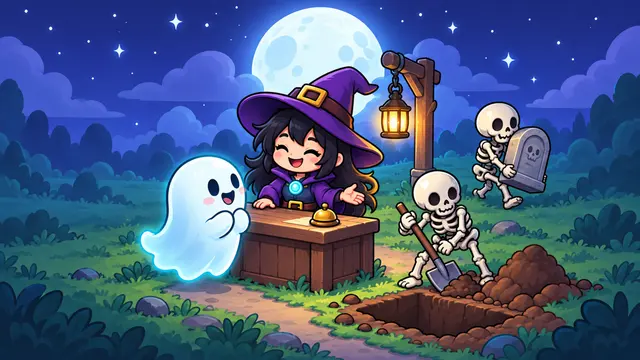 Grave: Necromancer Mortician
 Kickoff Academy: Football Tycoon
 Sunny Bay Heroes
 Obby: Steal an Egg - The Great Escape
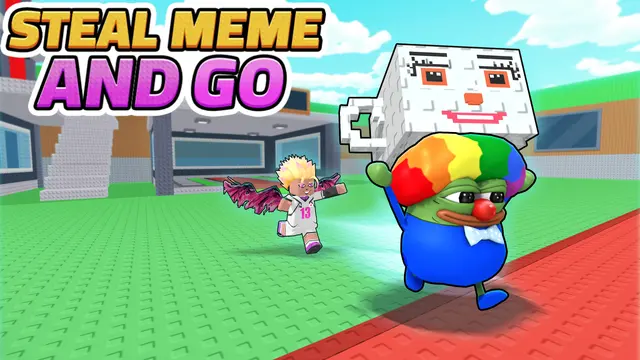 Steal Meme And Go
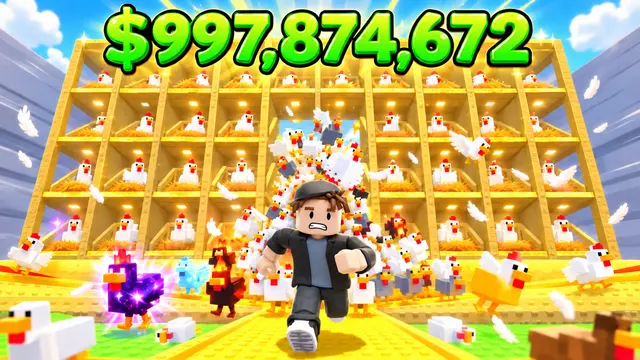 Chicken Farm
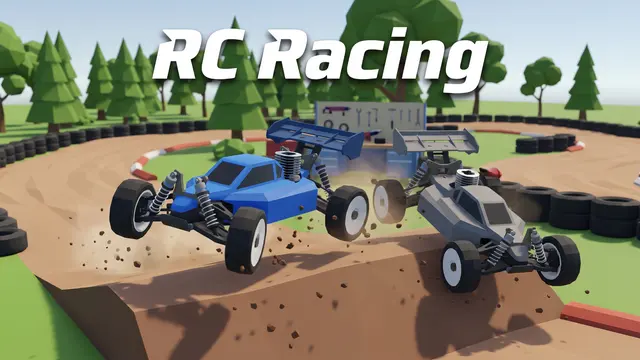 RC Racing
 Capy Market
 Reaper’s Graveyard Shift
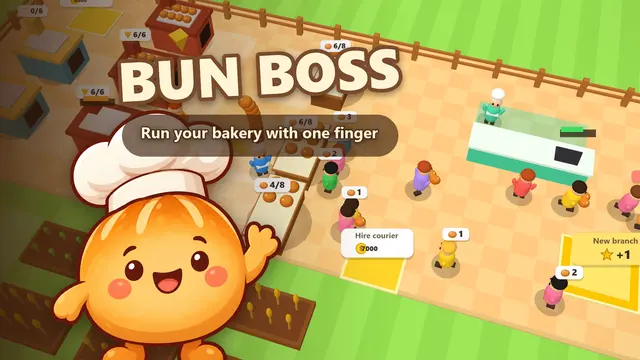 Bun Boss
 Peel the Potato
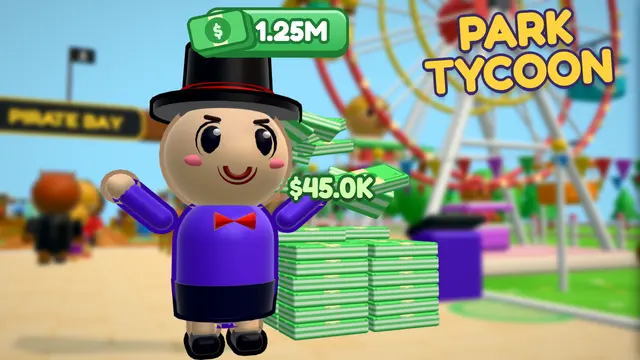 Park Tycoon
 Build a Skyscraper!
 Steal an Egg 3D
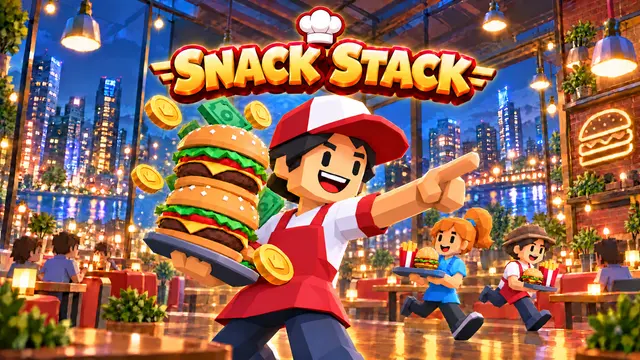 Snack Stack
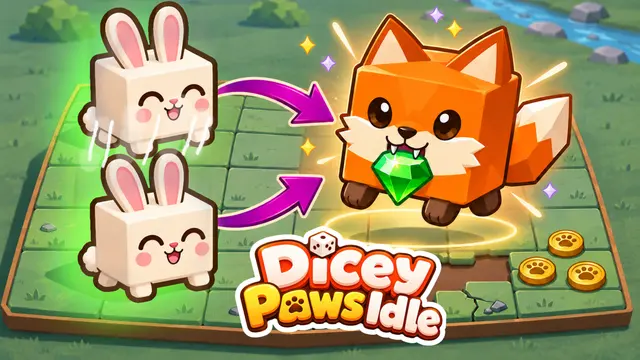 Dicey Paws Idle
 Harvest Rush
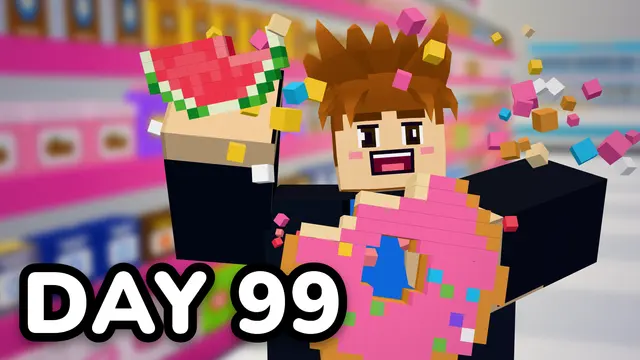 Eat the Whole Supermarket
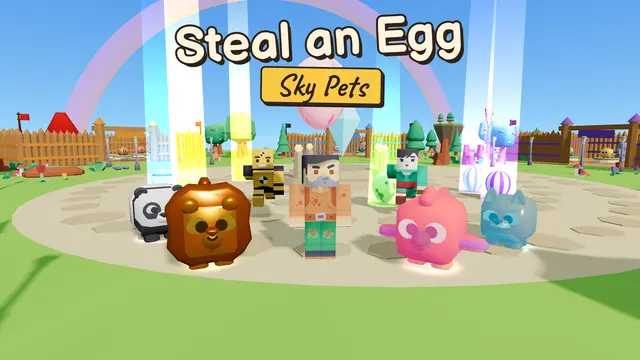 Steal an Egg: Sky Pets
 Nest Heist
 Master Car Destruction
 Event Horizon: Black Hole Idle
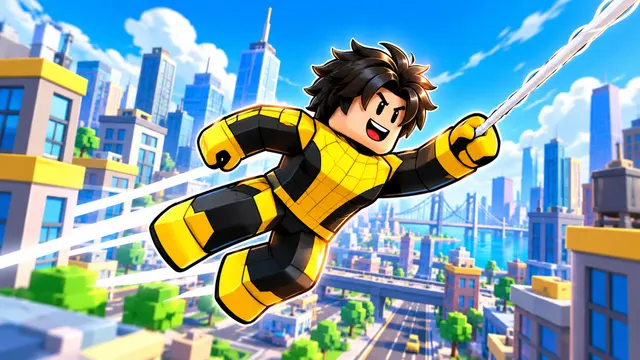 Web Shoot +1
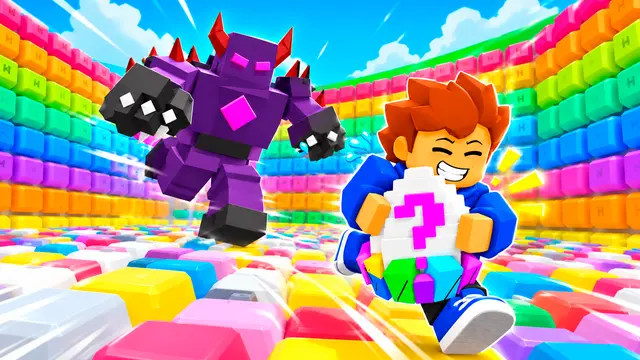 Grow an Egg: Brainrot Pets Online
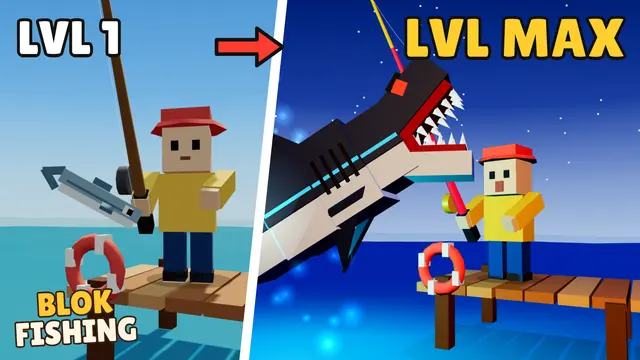 Blok Fishing
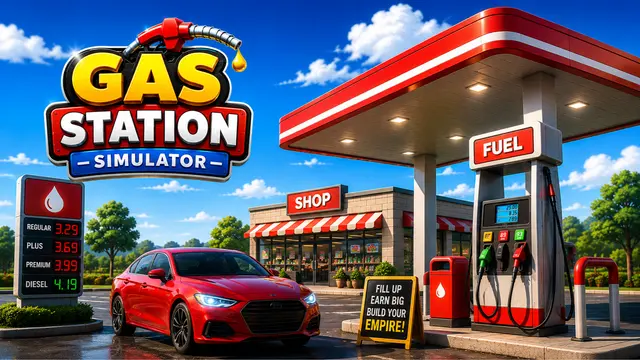 City Gas Station Simulator
 Vet Tycoon: Pet Hospital
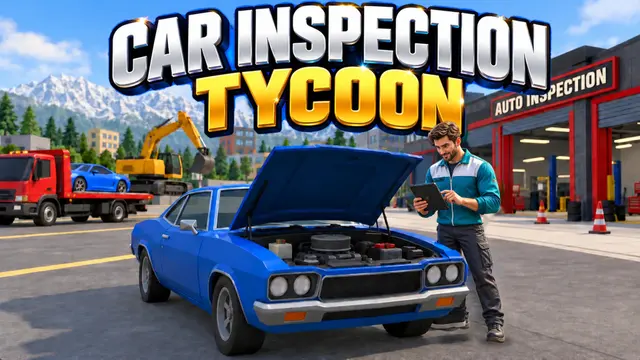 Car Inspection Tycoon
 OBBY: Throw Food for Pets!
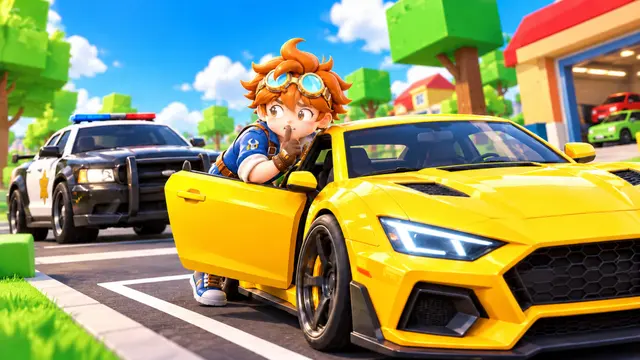 Obby Steal a Car
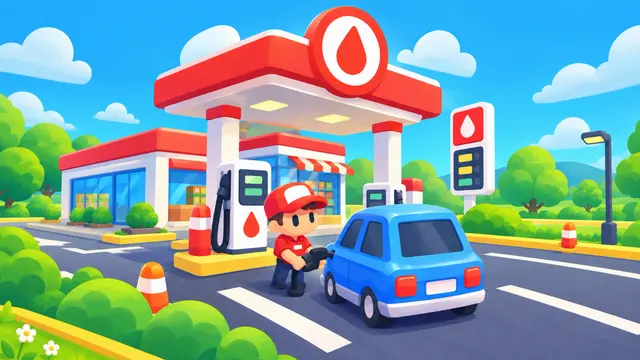 Pump It Up
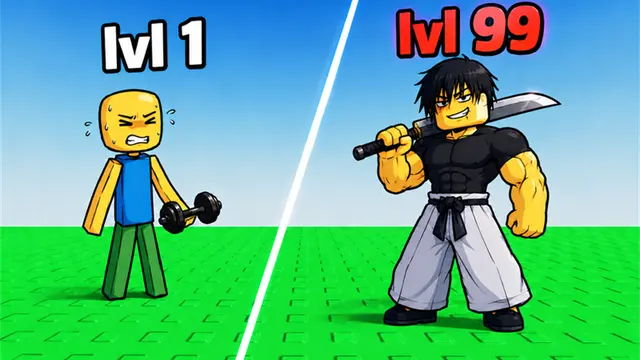 Anime Lifting Simulator
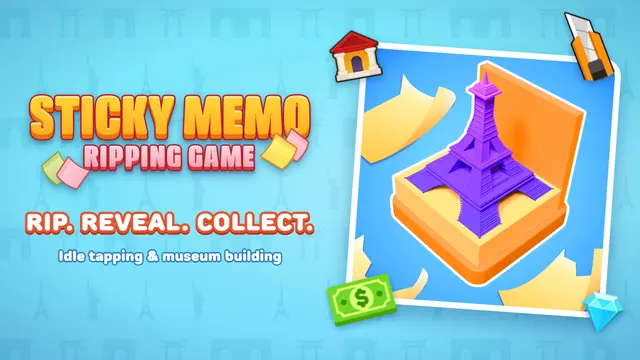 Sticky Memo - Ripping Game
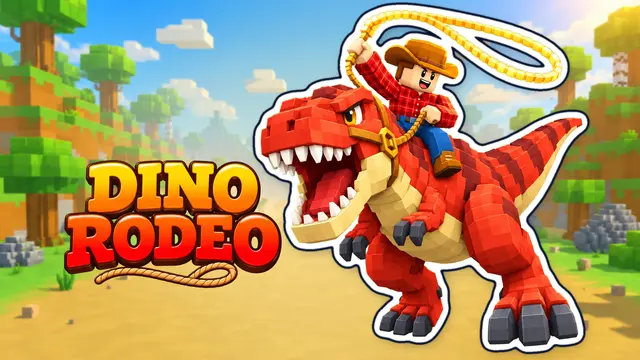 Dino Rodeo 3D
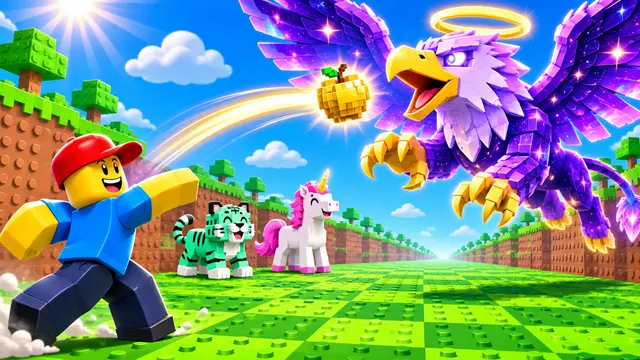 Toss Treats, Catch Pets
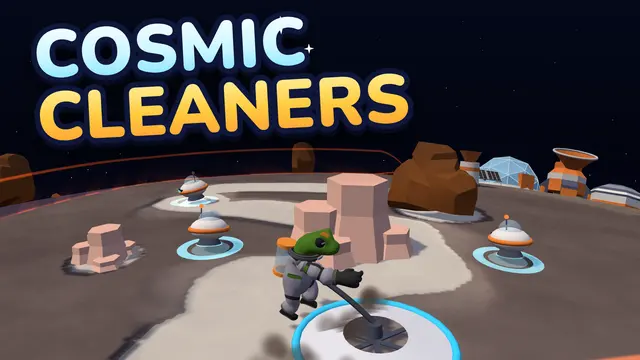 Cosmic Cleaners
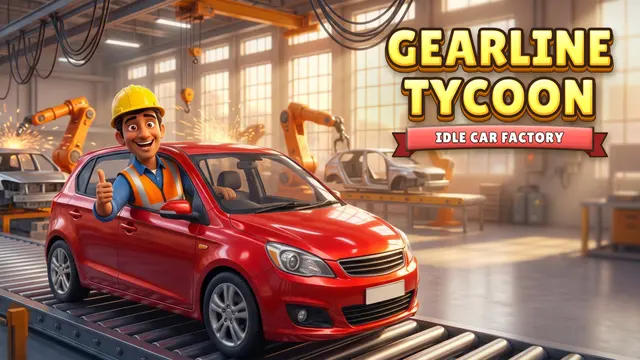 Gearline Tycoon: Idle Car Factory
 Swim Fitness Club
 Idle Train Empire Tycoon
 Idle Game Dev Simulator
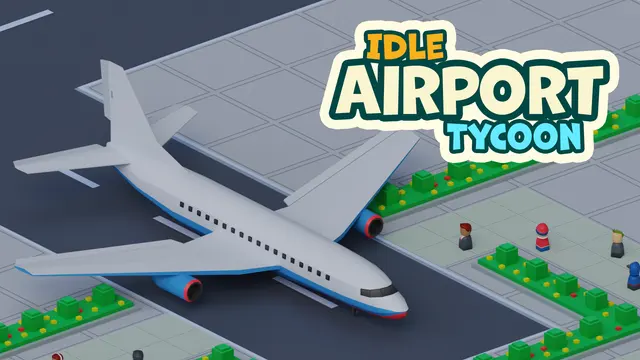 Idle Airport Tycoon
 Grow a Garden 3D
 Hyper Cars Ramp Crash
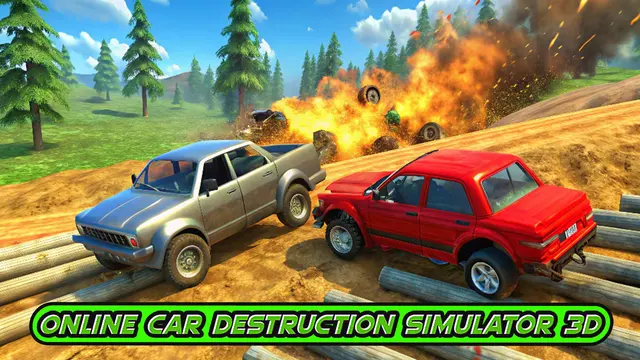 Online Car Destruction Simulator 3D
 Money Factory - Earn a Billion
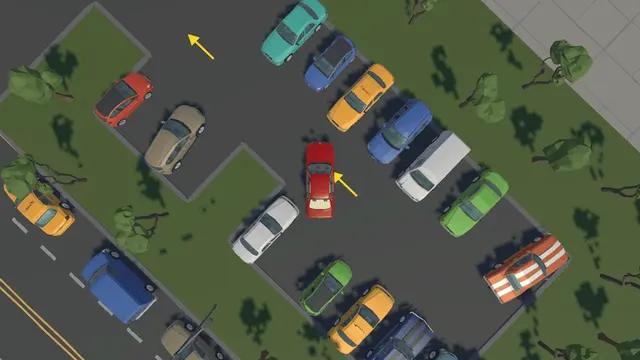 Parking Master: Urban Challenges
 Turbo Stunt Racing
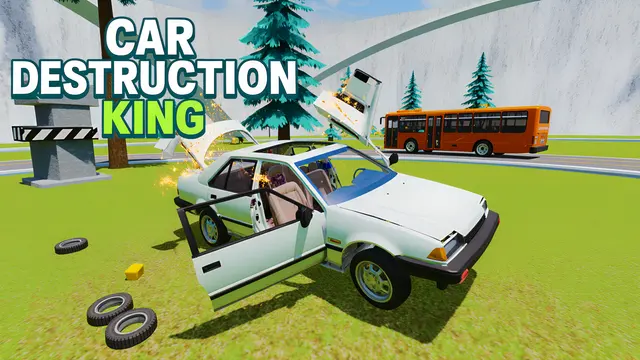 Car Destruction King
Play Obby: Build a Car Farm online
Build your own car farm on a colorful island! Start with your first vehicles, merge three identical cars into a better one and expand your collection. Your cars produce parts: collect them, take them to the service center and invest your in-game currency in a bigger farm.
Bring matching pieces together and consider how each combination changes your available space or resources. The instructions explain which items can be combined. Upgrades are part of the progression described by the provider. The instructions describe joystick input.
How to play Obby: Build a Car Farm
Controls and instructions
Your goal is to grow your car farm and discover all 30 car tiers. Step on floor buttons to buy and merge cars. Collect the parts they produce, take them to the service center deposit pad, then collect your in-game currency. Buy more cars and upgrade parts sales speed.
PC:
WASD or arrow keys — move.
Space — jump; left Shift — run.
Hold the right mouse button and move the mouse — rotate the camera.
Mouse wheel — zoom in or out.
Tab — toggle cursor lock; while locked, move the mouse to rotate the camera.
Left mouse button — select interface buttons.
Phone/tablet:
Left joystick — move.
Swipe the look area — rotate the camera.
Jump button — jump; zoom buttons — zoom in or out.
Tap interface buttons to use them.
Getting started with Obby: Build a Car Farm
- Check the matching requirements before combining pieces.
- Compare the upgrade description with your next objective before choosing it.
- Start with a short joystick movement to judge how the character responds.
About this game
- Platform
- Web browser
- Supported devices
- Android, iOS, Desktop
- Screen orientation
- Landscape
- Languages
- American English, Russian (Russia)
- Genres
- Arcade, Simulation, 3d, Car, Tycoon, Obby, Merge, Idle
- In-game purchases
- Available
- Provider
- Playgama
- Provider audience
- Male, Female
Game features and tags
- Casual
- Addictive
- Collecting
- 1 Player
- Incremental
- Building
- Resource Management
- Parkour Minecraft
- Car For Kids
- 67 Obby
Obby: Build a Car Farm images


Questions about Obby: Build a Car Farm
How do I start playing?
Choose Play now in the game window above to load Obby: Build a Car Farm through Playgama. Read the controls and instructions above before you start.
Which devices can I play on?
The provider lists support for Android, iOS, Desktop. Play in your web browser using the controls described above.
Which languages does the game support?
American English, Russian (Russia).
Does the game have in-game purchases?
The provider lists optional in-game purchases. Any available purchases are handled inside the game. Games may display advertisements.
Related game categories
Game facts and artwork supplied by Playgama. Descriptions adapted and getting-started guidance added by LookBear. Game content, ads and purchases are provided by Playgama and the game provider.