 Pocket Mart
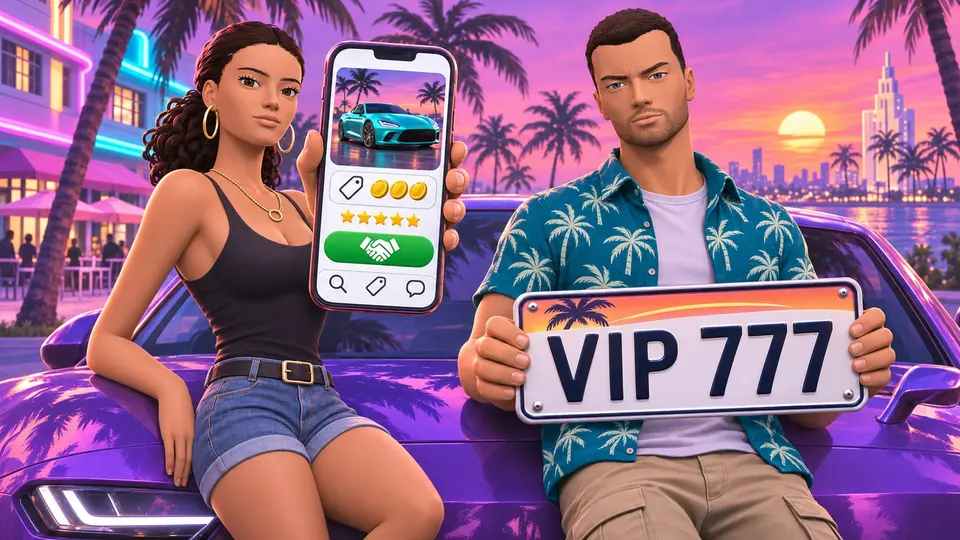
Grand Trade Miami: Open World Simulator
Provided by Playgama

Grand Trade Miami: Open World Simulatorvia Playgama





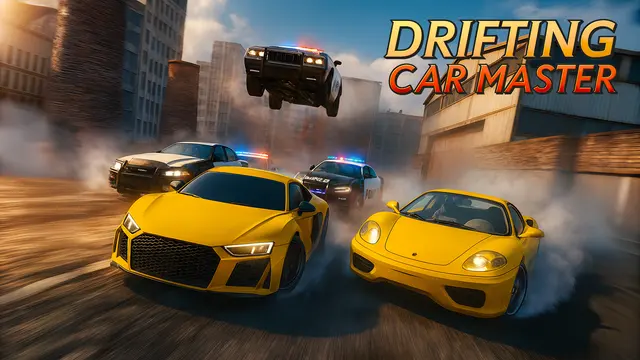 Drifting Car Master
 Farm Business Saga
 Mr.Reckless Car Chase Simulator
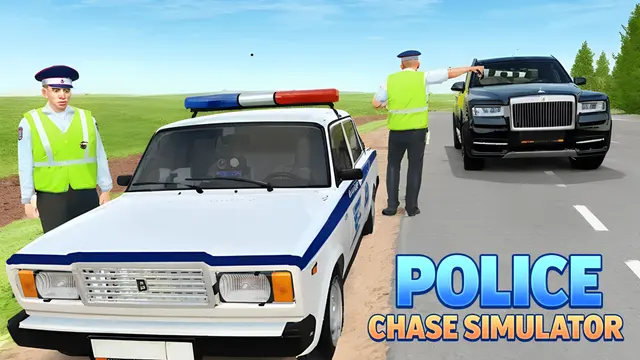 Police Chase Simulator
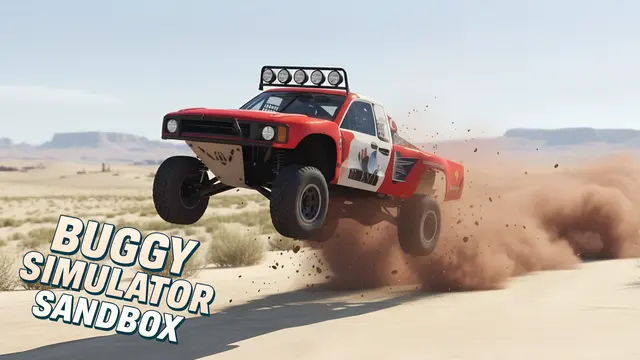 Buggy Simulator Sandbox 3D
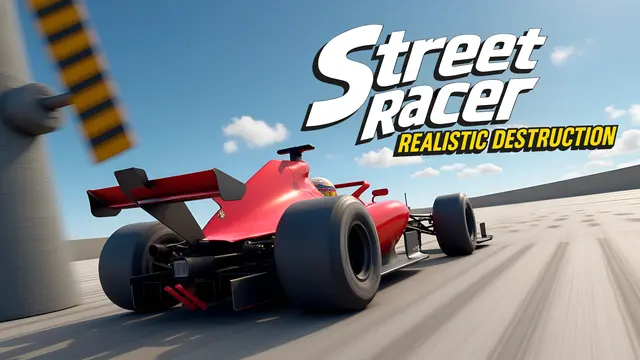 StreetRacer: Realistic Destruction
 Millionaire Factory
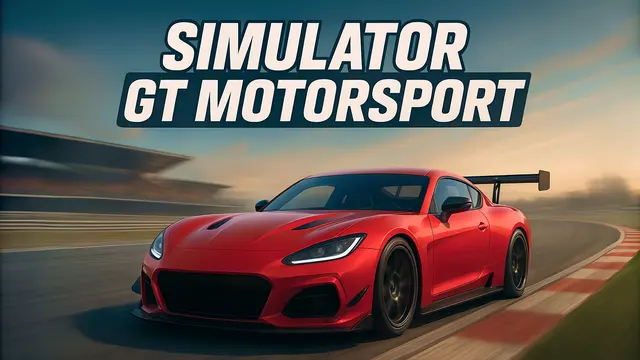 Simulator GT Motorsport
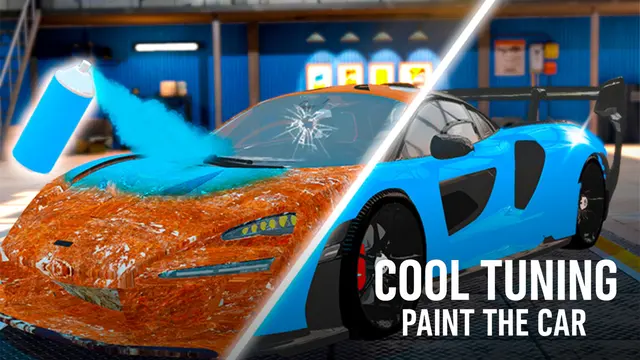 Cool Tuning - Paint the Car
 Drag Racing Club
 Idle Cookie Tycoon
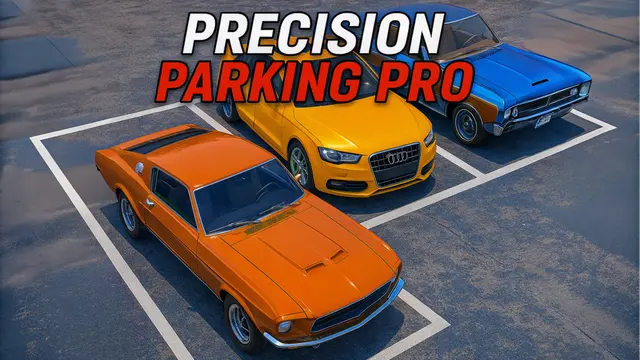 Precision Parking Pro
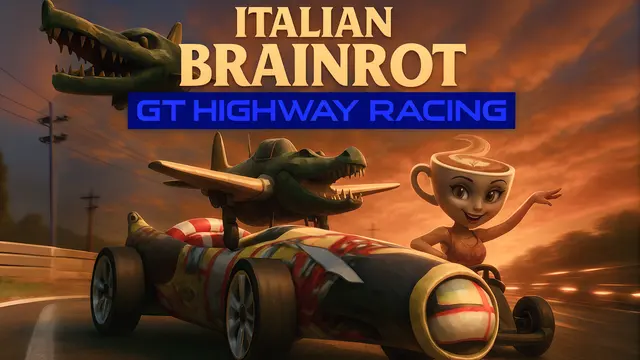 Italian Brainrot GT Highway Racing
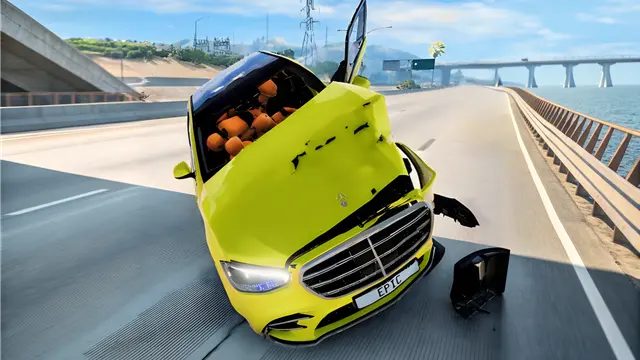 BMG Crash Test
 Furious GT Drift
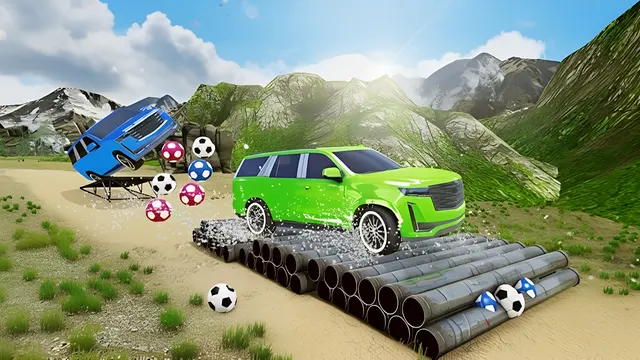 USA Luxury 4x4 SUV Offroad Driving Simulator
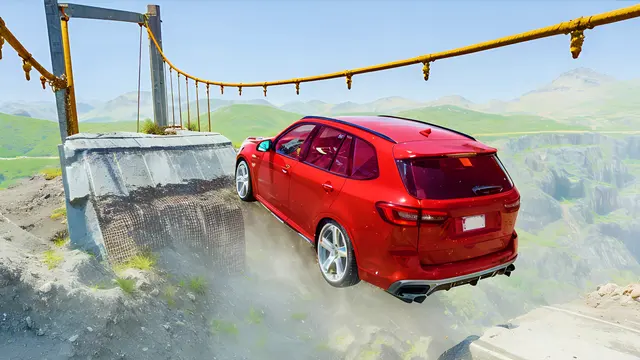 Crime and Vice City Police
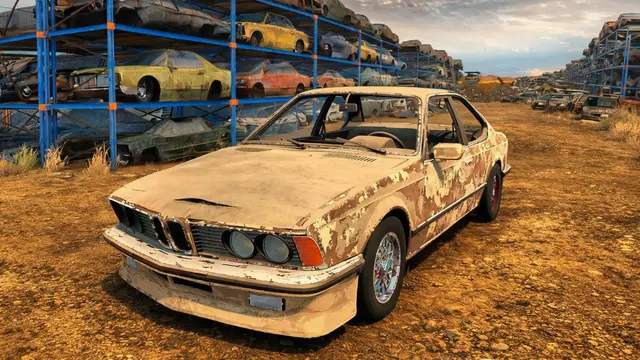 Mechanic Simulator: Car Repair
 My Phone Store
 Idle Zoo Tycoon
 Car Dealership
 Trash Baron
 City Tuk Tuk Rickshaw Game Auto Games
 Crash Test Simulator 3d
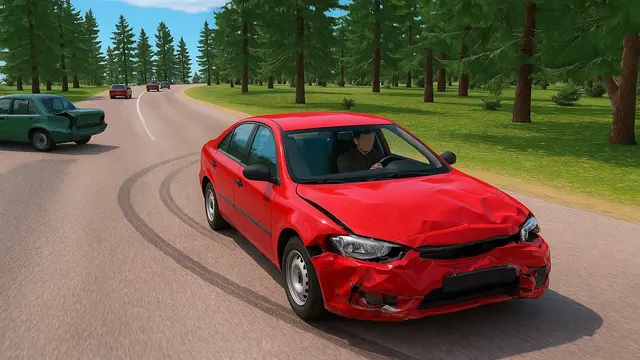 Car Crash Sandbox
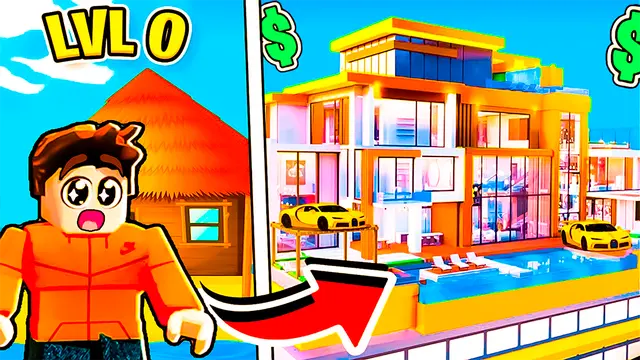 ObbyTycoon: Money Tycoon
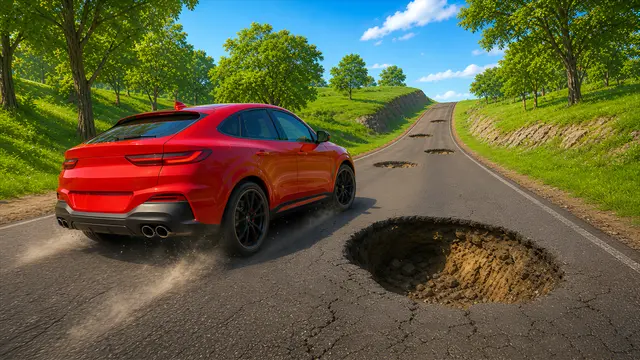 Drive & Crash Sandbox
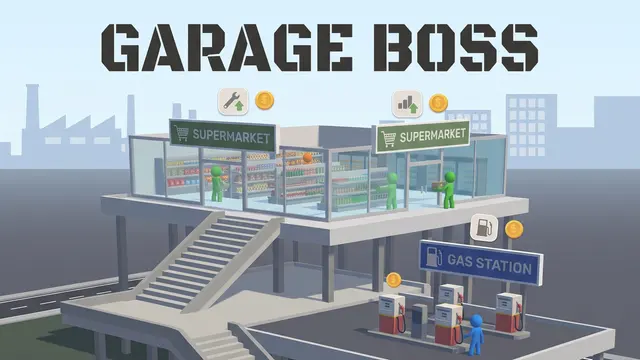 Garage Boss
 JUICE TYCOON
 My resale. Cases and sales
 The Hustler
 Agrarian Magnate
 Chop Up!
 Car Parking Driving School
 Ashfall Industries
 Sell Lemons Idle
 Gas Station 24: Simulator
 TRAFFIC Rush Online
 Open City SUV Car Stunts
 City Bus Simulator Driving Games
 Capitalist Hunter
 Wild Manager
 E-Rickshaw Simulator
 My Gym Manager: Idle Tycoon
 My Little Kingdom
 Rich Mom Family Simulator Luxury Life
 Braveward
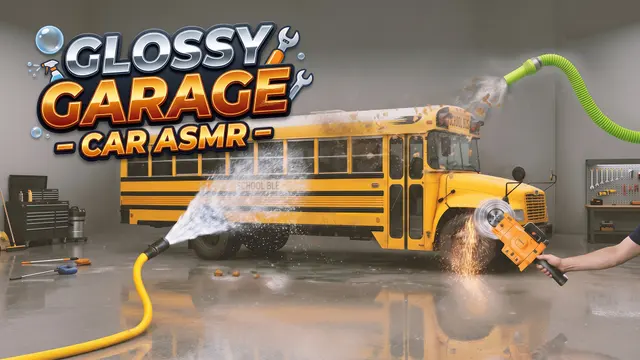 Glossy Garage - Car ASMR
 Drift Tycoon
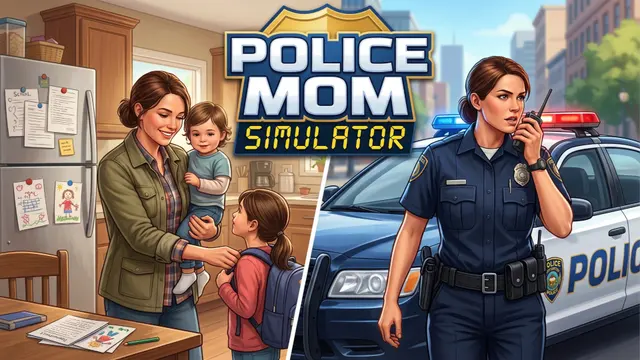 Police Mom Simulator
 Open to Offers!
 Busy Bites Tycoon
 Car Wash Idle
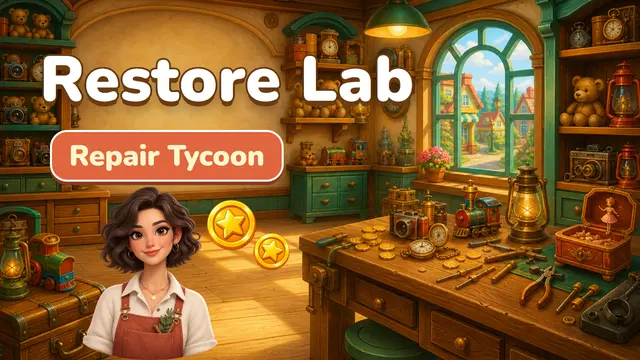 Restore Lab
 Relic Rush 3D
 Wooden Vest
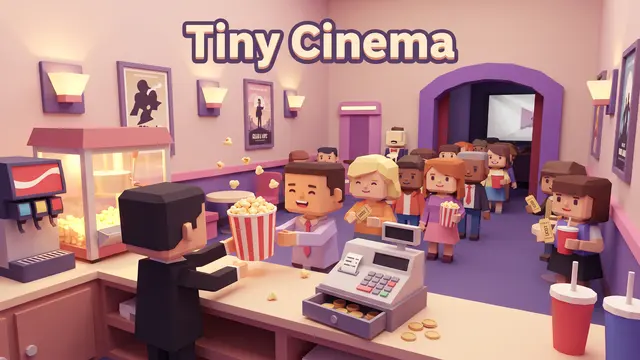 Tiny Cinema
 Farm Care Tycoon
 Scoop Empire
 Army Base
 Grave: Necromancer Mortician
 Kickoff Academy: Football Tycoon
 Monster Wheels Turbo Rush
 Dungeon Shop Rush
Play Grand Trade Miami: Open World Simulator online
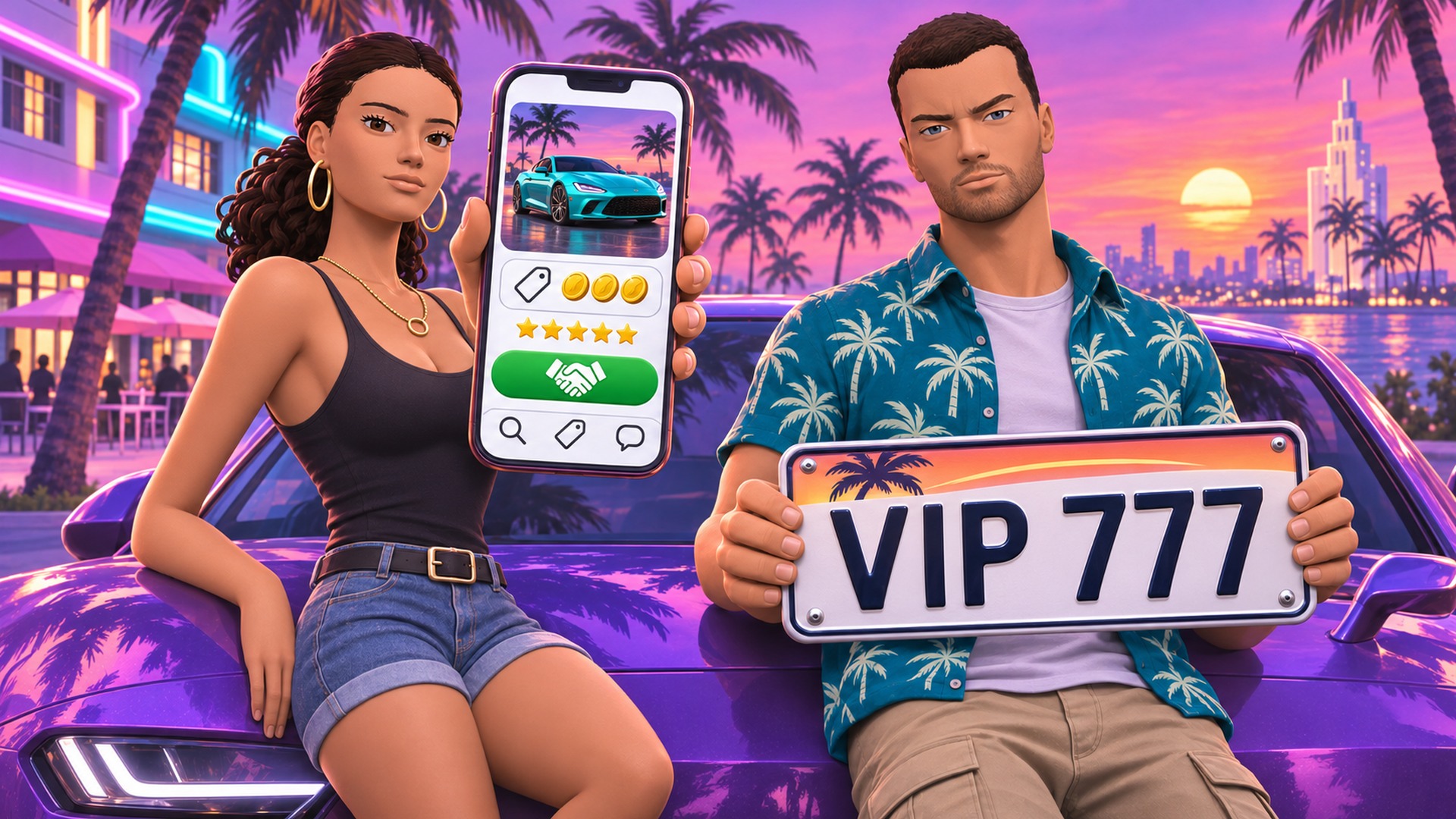
Open-world reseller simulator in a sunny town by the ocean. Find things and bargains, list them on your phone, haggle with buyers in chats and meet them to close the deal. Repair broken items and sell them for many times more.
Get familiar with the vehicle and the route ahead. Read the movement controls and the game’s objective before setting off. The listed controls include WASD input.
How to play Grand Trade Miami: Open World Simulator
Controls and instructions
Goal: get rich by flipping things - buy low, sell high and save up for a penthouse. Your seller reputation opens new places in town. Desktop: WASD walk, Shift run, mouse look, E action, Space jump, Tab phone, B bag, M map, hold G weapons, P pause. Phones and tablets: the left side of the screen moves, the right side looks around, action buttons are on screen. The phone has listings, chats with buyers, the map, tasks, the garage and plates.
Getting started with Grand Trade Miami: Open World Simulator
- Check whether steering, acceleration and braking use separate controls.
- Check the action mappings as well as movement; extra actions may use different keys.
About this game
- Platform
- Web browser
- Supported devices
- Android, iOS, Desktop
- Screen orientation
- Landscape and Portrait
- Languages
- American English, Russian (Russia)
- Genres
- Simulation, Car, Tycoon, Management, Driving
- In-game purchases
- Available
- Provider
- Playgama
- Provider audience
- Male, Female
Game features and tags
- Customization
- Casual
- Business
- Car Tuning
- Webgl
- Collecting
- 1 Player
- Resource Management
- Open World
Grand Trade Miami: Open World Simulator images

Questions about Grand Trade Miami: Open World Simulator
How do I start playing?
Choose Play now in the game window above to load Grand Trade Miami: Open World Simulator through Playgama. Read the controls and instructions above before you start.
Which devices can I play on?
The provider lists support for Android, iOS, Desktop. Play in your web browser using the controls described above.
Which languages does the game support?
American English, Russian (Russia).
Does the game have in-game purchases?
The provider lists optional in-game purchases. Any available purchases are handled inside the game. Games may display advertisements.
Related game categories
Game facts and artwork supplied by Playgama. Descriptions adapted and getting-started guidance added by LookBear. Game content, ads and purchases are provided by Playgama and the game provider.