 Farm Care Tycoon
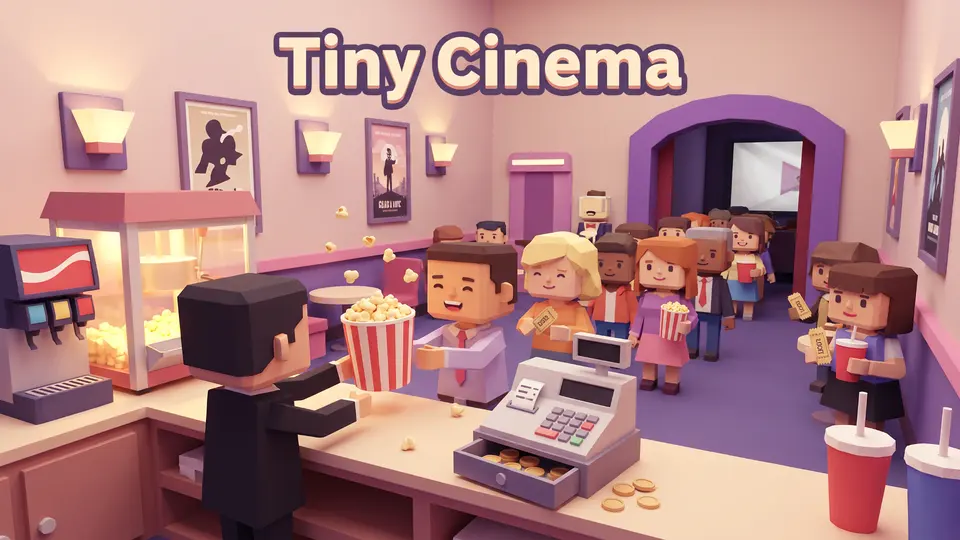
Tiny Cinema
Provided by Playgama

Tiny Cinemavia Playgama








 Pearl Paws
 Peel the Potato
 Monster Card Shop
 Park Tycoon
 French Fries Tycoon: Farm to Fryer
 Snack Stack
 Chicken Farm 3D
 Haystack Works
 Farm mart
 Cat on a Vacuum: Home Cleaning Simulator
 Monster Cafe: Idle Tycoon
 Single Dad Simulator Family Life
 Steal an Egg: Sky Pets
 Nest Heist
 Rusty Park
 Cozy Craft Co.
 City Gas Station Simulator
 Happy Supermarket 3D Simulator
 Car Inspection Tycoon
 Lumberjack Simulator
 Fish Eggs for Animals
 Build a Winter Resort
 Egg Empire
 Fix It Garage
 Hair Salon Master
 Market Hero
 Ok! I Pull Up Capybay!
 Moose Cafe
 Puppy Ranch: Pet Breeder
 My Pet Hotel
 Swim Fitness Club
 Idle Train Empire Tycoon
 Hedgies
 Idle Game Dev Simulator
 Idle Airport Tycoon
 Grow a Garden 3D
 My Arcade Center
 Hotel Manager Simulator
 Sweet Supermarket Simulator
 Animal Care Tycoon
 Gas Station - Stick Simulator
 Gas Station Simulator
 Grow Slime
 Island Expander
 Field Master
 Supermarket Manager
 Supermarket Empire
 Idle Supermarket Tycoon
 Idle Crafting Empire Tycoon
 Idle Cinema Tycoon
 Farm Business Saga
 Millionaire Factory
 Idle Cookie Tycoon
 My Phone Store
 PC Cafe Simulator 3D
 My Bakery
 Idle Zoo Tycoon
 Dream Supermarket: 3D Shop
 Trash Baron
 ObbyTycoon: Money Tycoon
 Shop Cashier Simulator 3D
 Garage Boss
 JUICE TYCOON
 My resale. Cases and sales
Play Tiny Cinema online
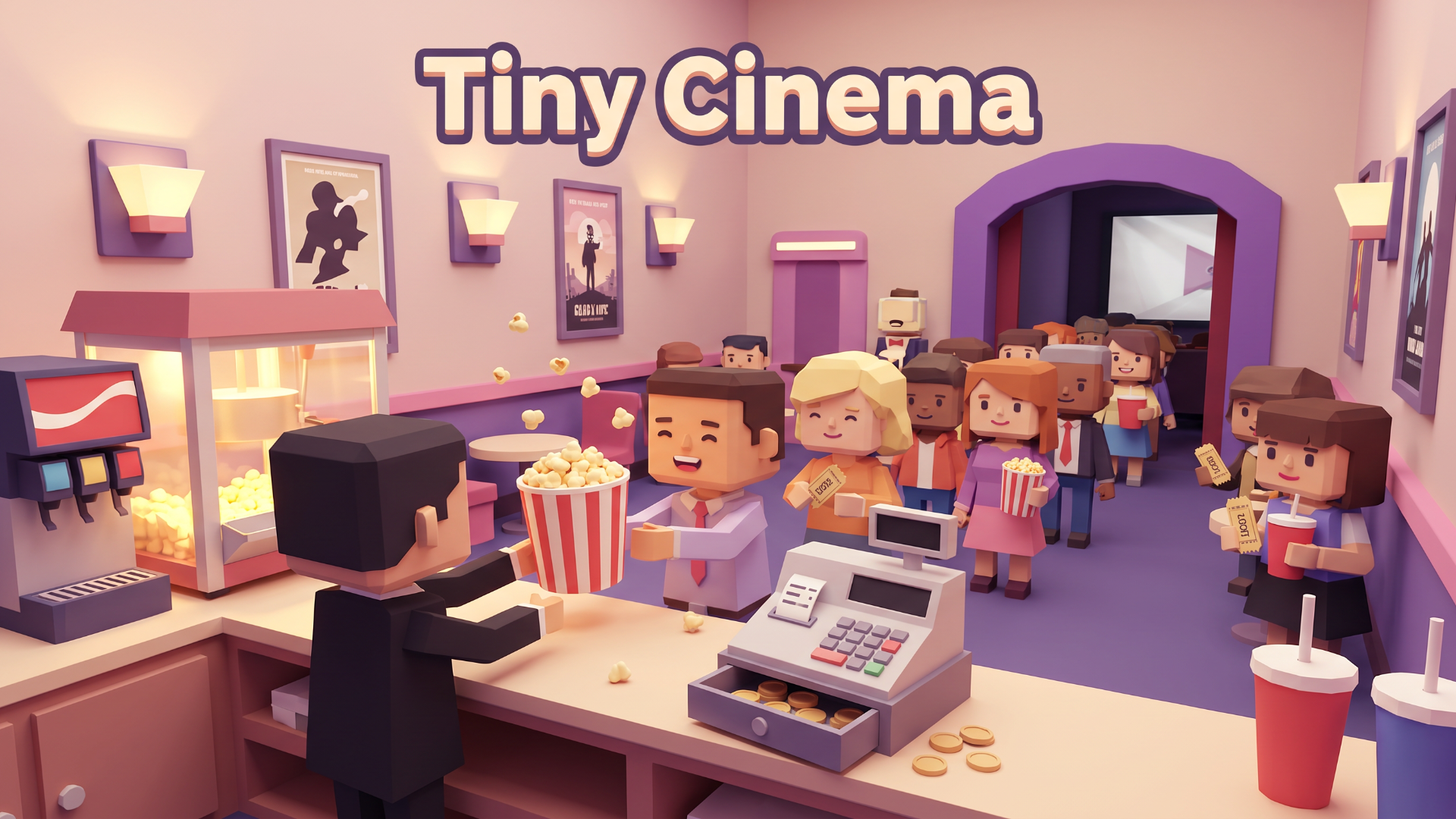
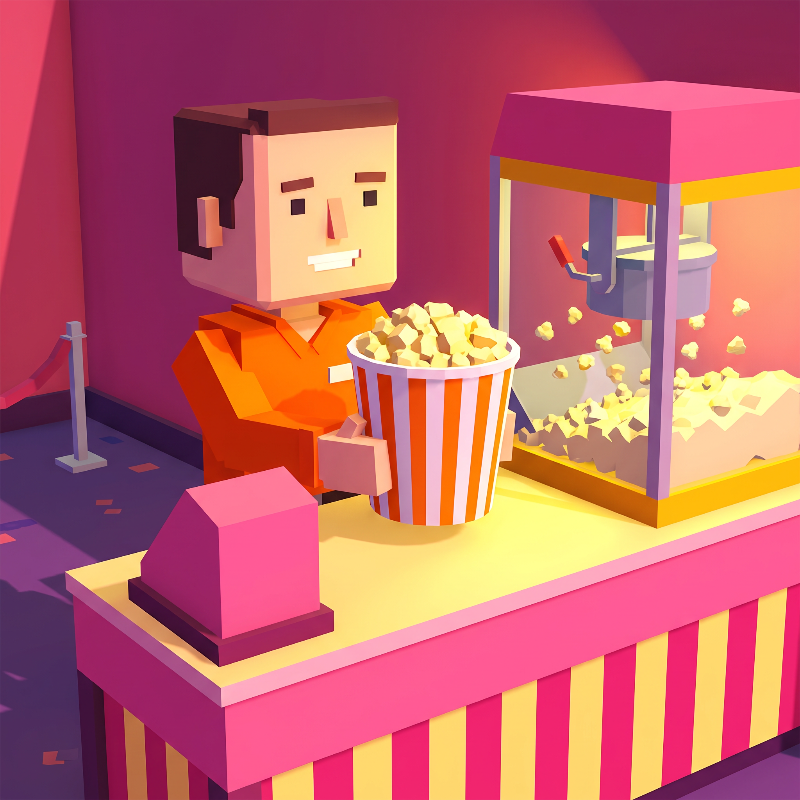
Grab fresh popcorn from the machine, stock the snack counter and ring up happy moviegoers. Every guest pays twice: once for snacks and once for a ticket when they take their seat. Messy seats slow the queue, so tidy up between films.
Manage the activity at the center of the game and decide where to put your resources next. Read how income, purchases and improvements are connected. Upgrades are part of the progression described by the provider. The instructions describe joystick input.
How to play Tiny Cinema
Controls and instructions
Drag anywhere to walk (floating joystick for touch and mouse; WASD or arrow keys on a keyboard). Everything else happens when you walk over it: grab popcorn at the machines, serve the counter and car windows, collect cash, tidy seats, and stand on a pad to spend your earnings on seats, machines, upgrades and helpers. Finish the cinema to open the Drive-In. M mutes, Esc closes panels.
Getting started with Tiny Cinema
- Identify the next purchase requirement before committing your resources.
- Compare the upgrade description with your next objective before choosing it.
- Start with a short joystick movement to judge how the character responds.
About this game
- Platform
- Web browser
- Supported devices
- Android, iOS, Desktop
- Screen orientation
- Landscape and Portrait
- Languages
- American English
- Genres
- Simulation, 3d, Tycoon, Management, Cozy
- In-game purchases
- None listed by the provider
- Provider
- Playgama
- Provider audience
- Male, Female
Game features and tags
- Casual
- Business
- Addictive
- Shop
- Time Management
- Collecting
- 1 Player
- Incremental
Tiny Cinema images
Questions about Tiny Cinema
How do I start playing?
Choose Play now in the game window above to load Tiny Cinema through Playgama. Read the controls and instructions above before you start.
Which devices can I play on?
The provider lists support for Android, iOS, Desktop. Play in your web browser using the controls described above.
Which languages does the game support?
American English.
Does the game have in-game purchases?
The provider lists no in-game purchases for this game. Games may display advertisements.
Related game categories
Game facts and artwork supplied by Playgama. Descriptions adapted and getting-started guidance added by LookBear. Game content, ads and purchases are provided by Playgama and the game provider.