 Dead Land: Survival
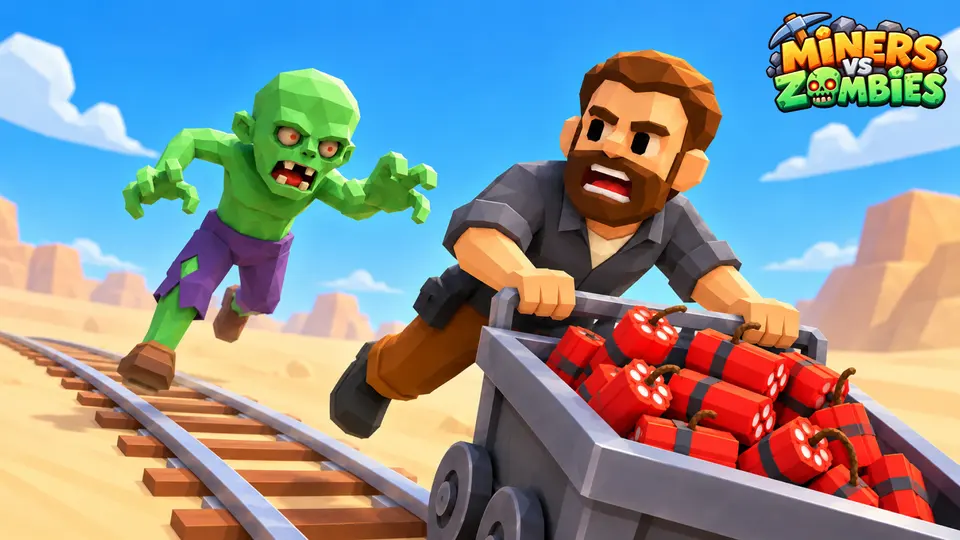
Miners vs Zombies
Provided by Playgama

Miners vs Zombiesvia Playgama

 Build Car for Kill Zombies
 Outpost 9
 Lanternborne
 +1 Zombie Survival
 Eggmental
 Outpost Siege
 Nothing 2 Lose
 Undead & Unemployed
 Zombie Survival: Blackout
 DeadMart: Outbreak Register
 Last Bus
 Wasteland Gas Station
 Drill to Earth's Core: Zombie
 Zomboblox 2: Real Online
 Zombie Space Episode II
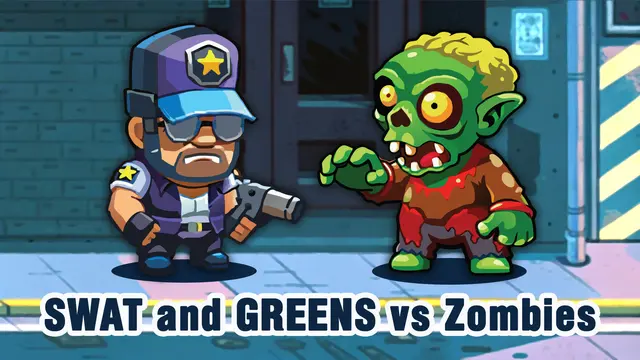 SWAT and GREENS vs Zombies
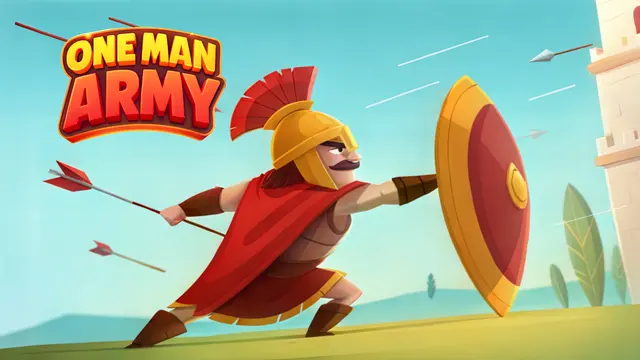 One Man Army: Battle Game
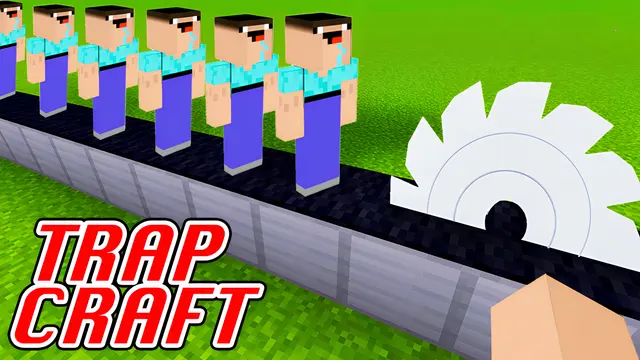 Trap Craft
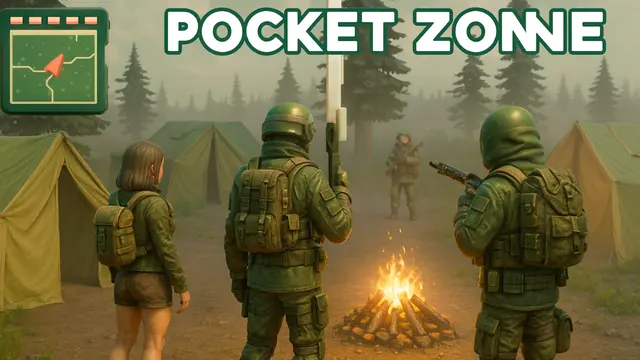 Pocket ZONE
 Woods of Nevia: Forest Survival
 Far Orion: New worlds
 Plants vs Zombies Fusion Mode
 Revoxel 3D - Voxel RPG Shooter
 Animals vs Zombies
 Game of Warrior
 Primal Druid - Kingdom of Animals
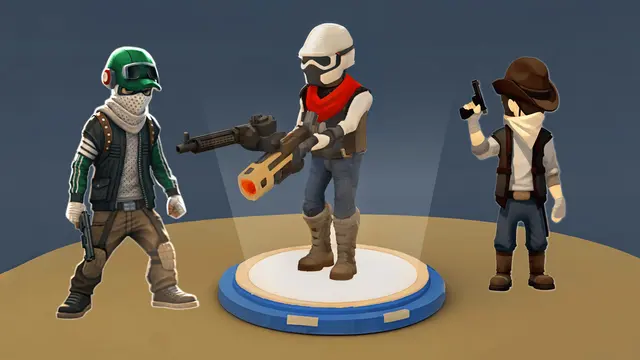 Badlands Hero
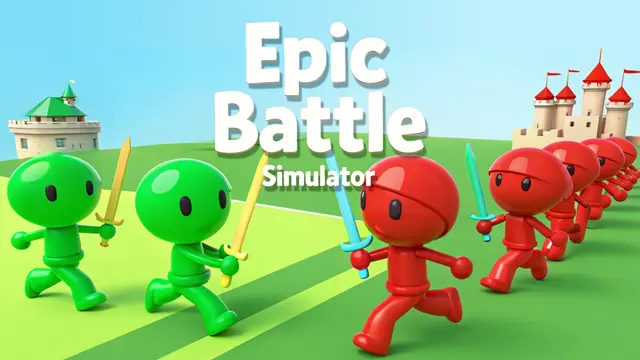 Epic Battle Simulator
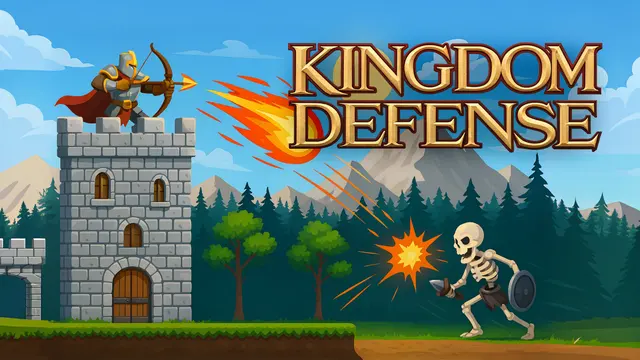 Kingdom Defense
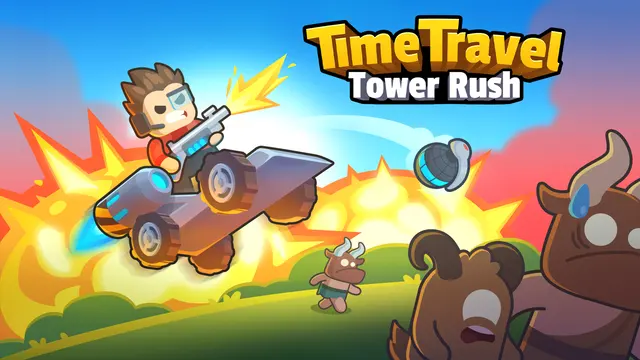 Time Travel: Tower Rush - TD
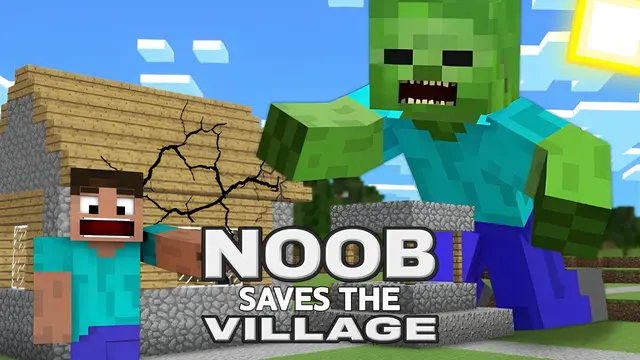 Noob saves the village
 Carvivor Ops
 Wednesday’s Battle: Monster Symphony
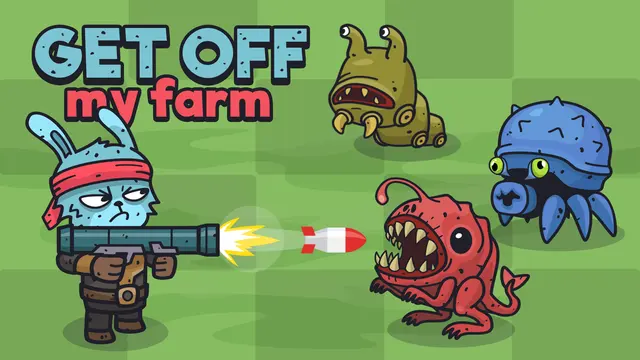 Get Off My Farm!
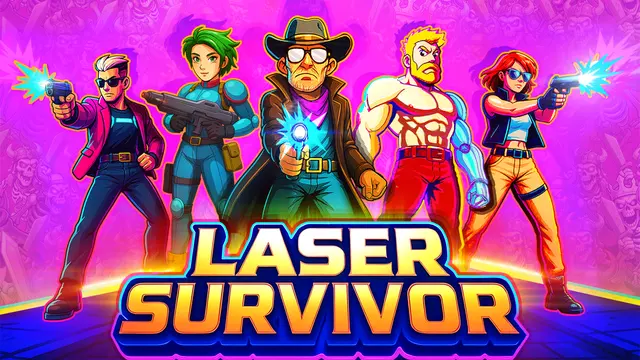 Laser Survivor
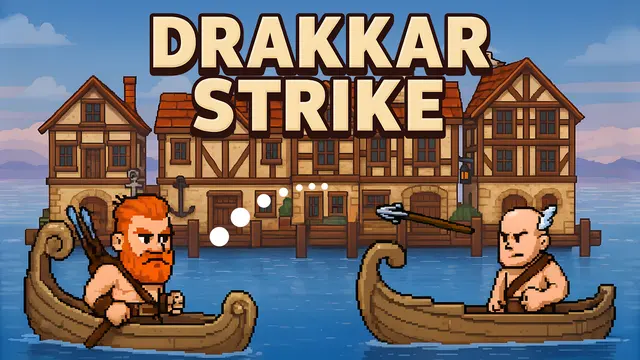 Drakkar Strike
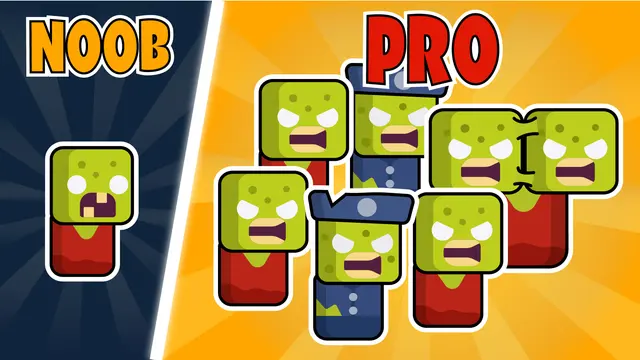 Build Your Zombie Horde
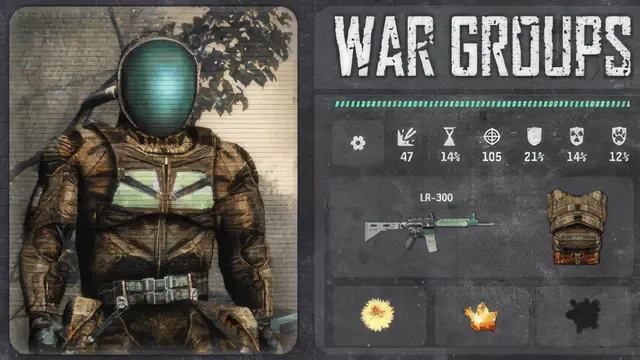 War Groups
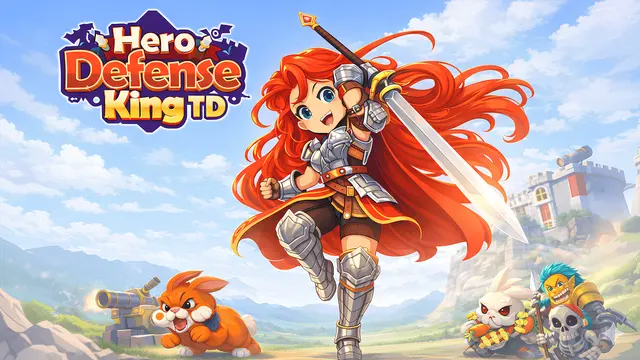 Hero Defense King
 PVZ Fusion Cheats
 Red & Blue: Online. Build! Destroy! Fight!
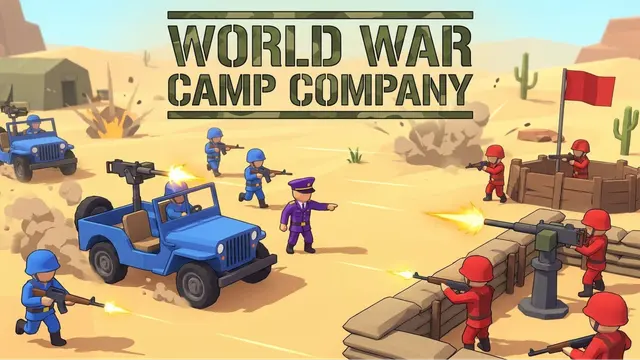 World War Camp Company
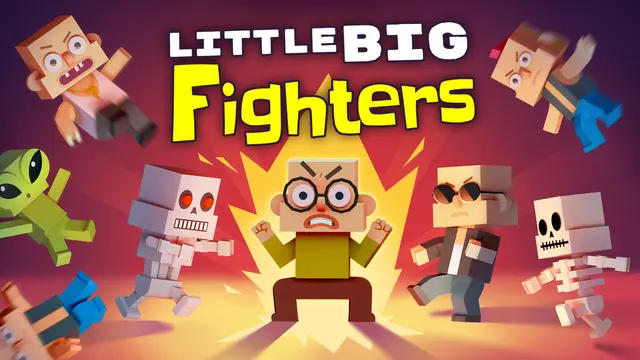 Little Big Fighters
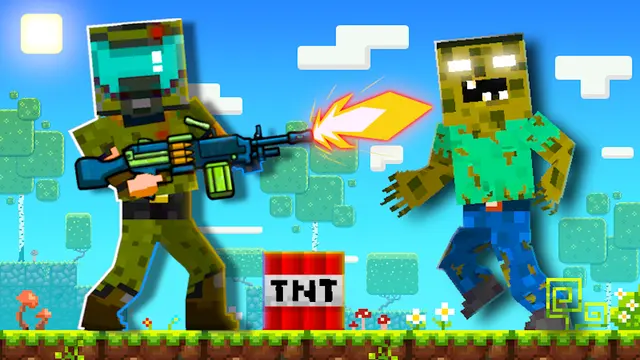 Noob Legends Dungeon Adventures
 Rift of Hell - Demons War
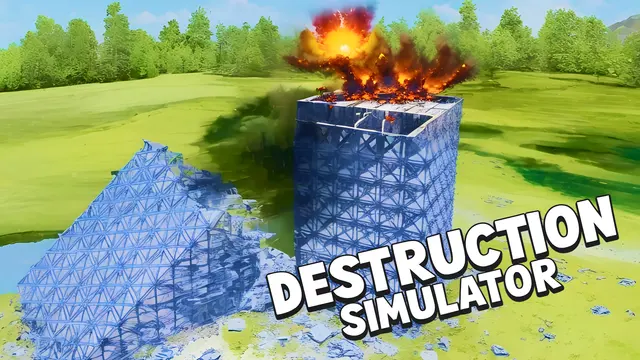 Destruction Simulator
 BeastForge Rival
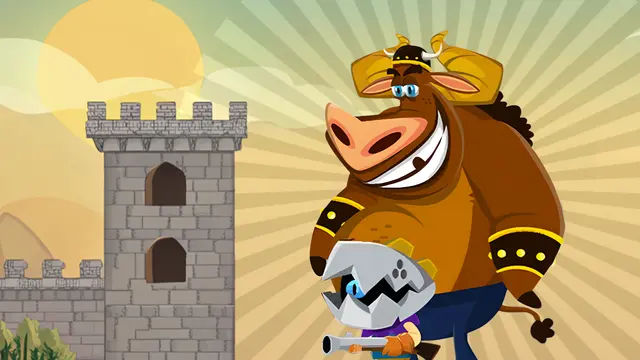 Archery Master - Castle Battle
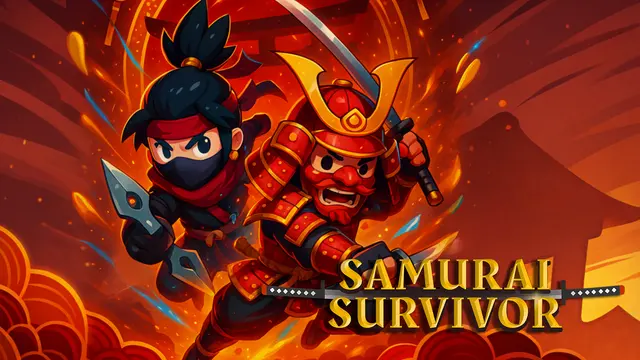 Samurai Survivor
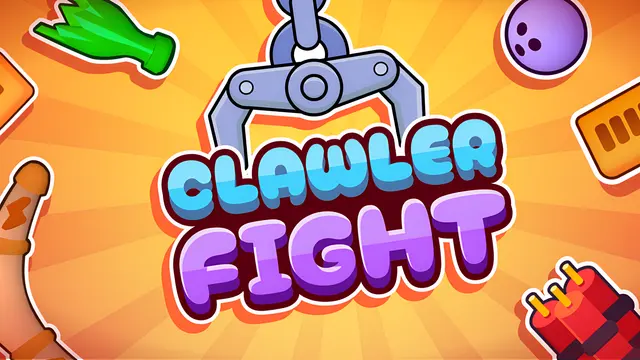 Clawler Fight
 Madness: Ward number 6
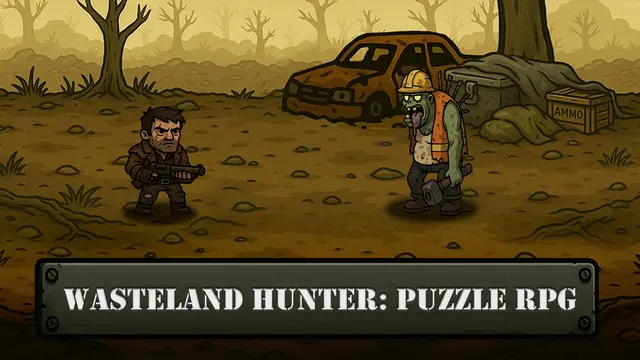 Wasteland Hunter: puzzle RPG
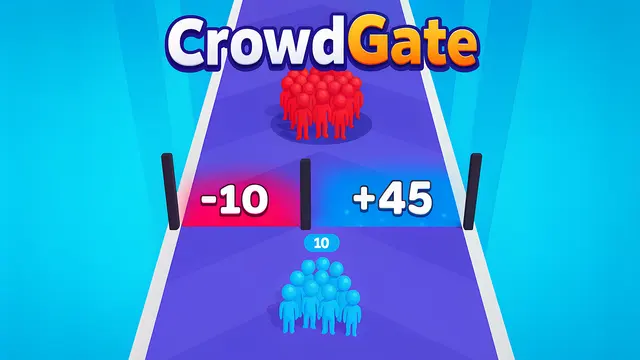 CrowdGate
 99 Nights In The Forest - Survival Simulator
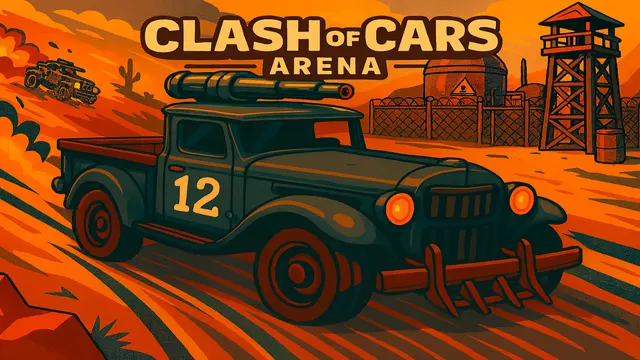 Clash of Cars: Arena
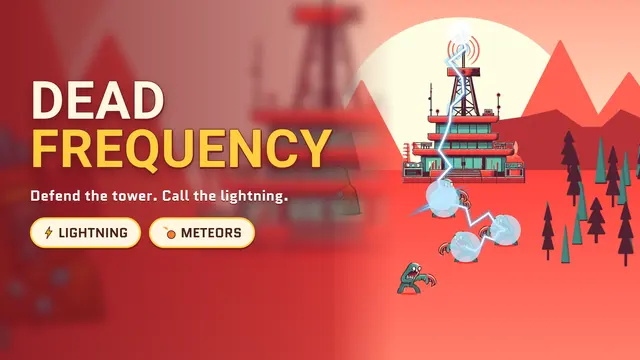 DEAD FREQUENCY
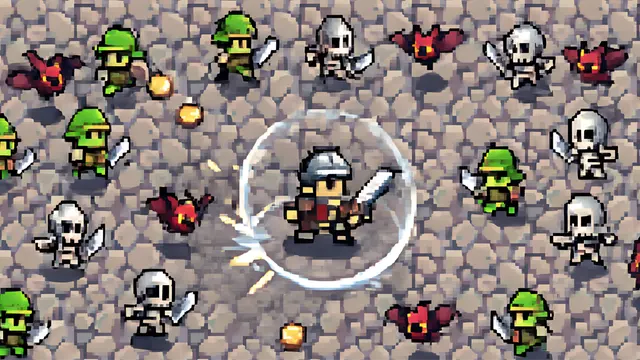 Pixel hero survivor
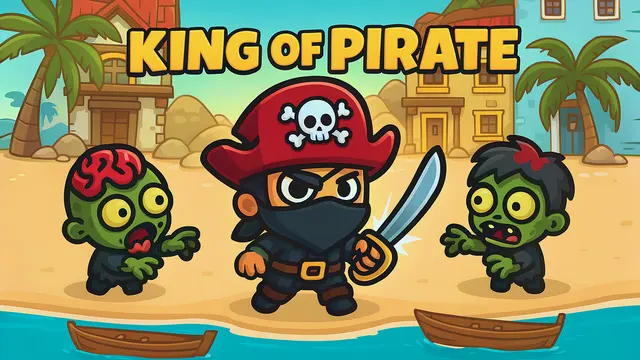 King of pirate
 Pixel Conquest
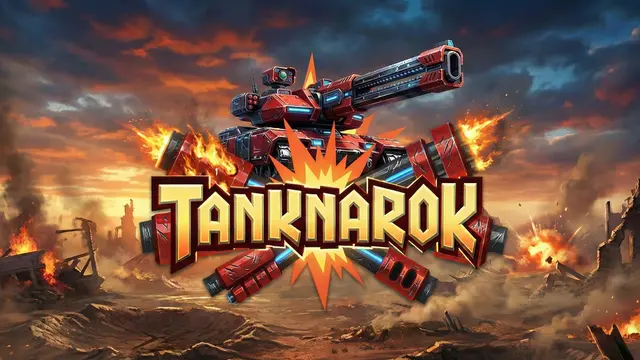 TANKNAROK
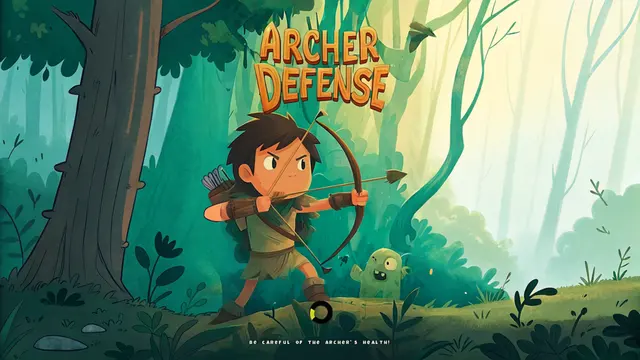 Archer Defense
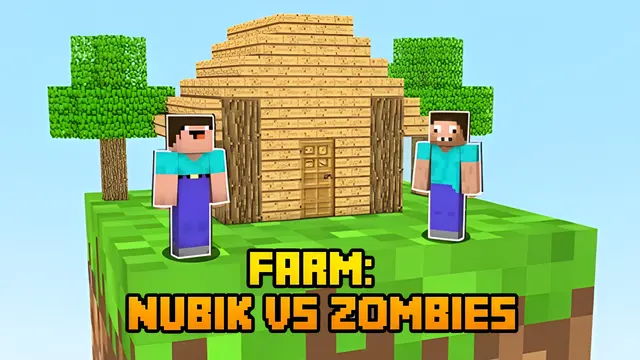 Farm: Nubik Vs Zombies
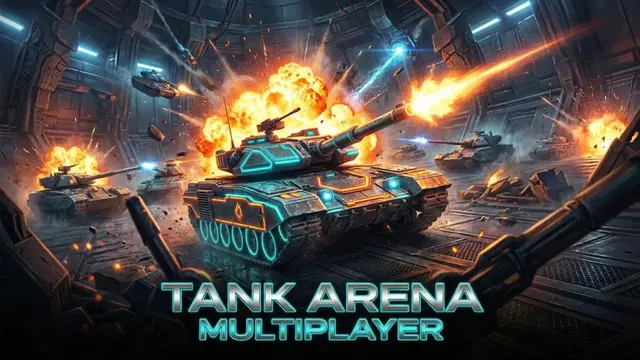 TANK ARENA MULTIPLAYER
 Loopvival
Play Miners vs Zombies online
Mine resources, grow your base, and hold the line against endless zombie waves. Hire workers, build fences, turrets and shooters, upgrade production chains from ore to ammo, and survive tougher bosses every few waves in this tower-defense strategy game.
Work toward the survival objective while keeping track of the threats described in the game. Learn the movement and interaction controls before taking a risk. Upgrades are part of the progression described by the provider. The listed controls include WASD input.
How to play Miners vs Zombies
Controls and instructions
Move with WASD or the on-screen stick. Mine ore and gather materials, then spend them on buildings and upgrades. Repair and upgrade fences before waves break through. Hire shooters, place turrets, and keep production running so you always have ammo. Survive each wave, beat bosses, and expand the base between attacks.
Getting started with Miners vs Zombies
- Check the current threat and available actions before moving into an unfamiliar area.
- Compare the upgrade description with your next objective before choosing it.
- Check the action mappings as well as movement; extra actions may use different keys.
About this game
- Platform
- Web browser
- Supported devices
- Android, iOS, Desktop
- Screen orientation
- Portrait
- Languages
- American English, Russian (Russia), Turkish (Türkiye)
- Genres
- Action, Strategy, Zombie, Survival
- In-game purchases
- None listed by the provider
- Provider
- Playgama
- Provider audience
- Male, Female
Game features and tags
- Defense
- 1 Player
- Mine
- Incremental
- Horde Survival
- Resource Management
- Mining
- Action Rpg
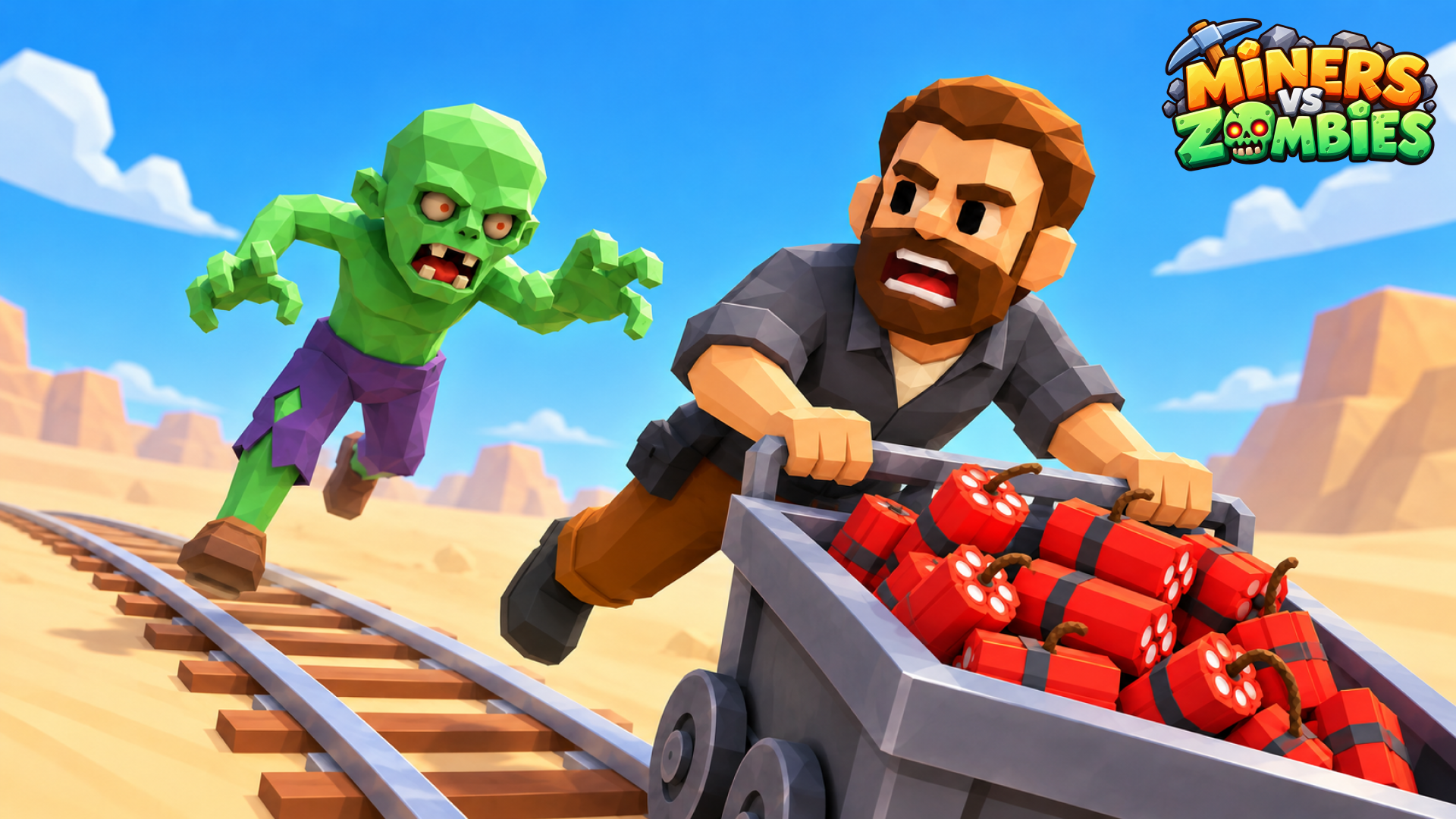
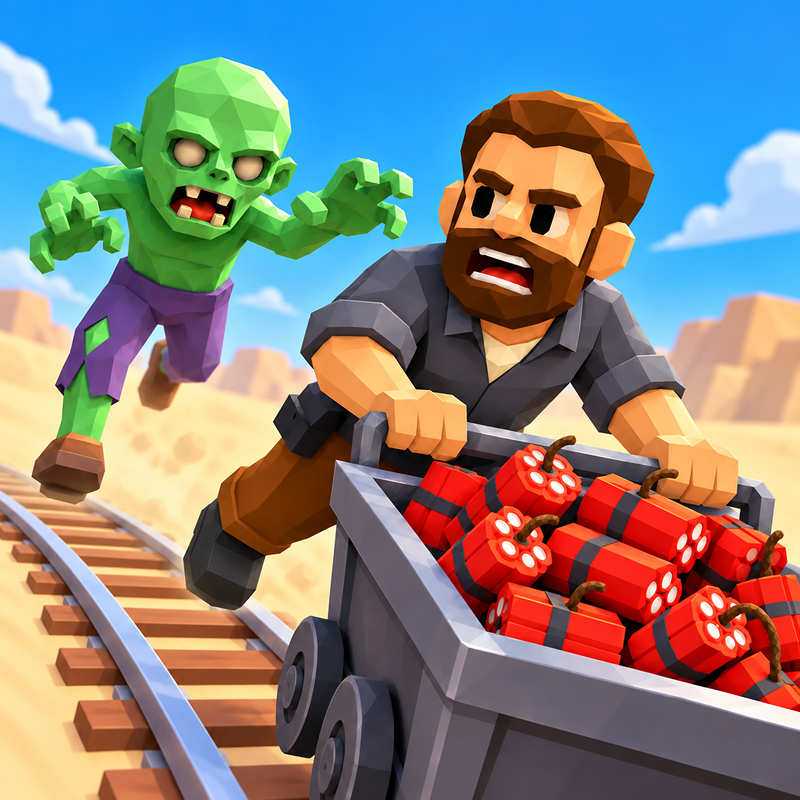
Miners vs Zombies images
Questions about Miners vs Zombies
How do I start playing?
Choose Play now in the game window above to load Miners vs Zombies through Playgama. Read the controls and instructions above before you start.
Which devices can I play on?
The provider lists support for Android, iOS, Desktop. Play in your web browser using the controls described above.
Which languages does the game support?
American English, Russian (Russia), Turkish (Türkiye).
Does the game have in-game purchases?
The provider lists no in-game purchases for this game. Games may display advertisements.
Related game categories
Game facts and artwork supplied by Playgama. Descriptions adapted and getting-started guidance added by LookBear. Game content, ads and purchases are provided by Playgama and the game provider.