 Dead Land: Survival
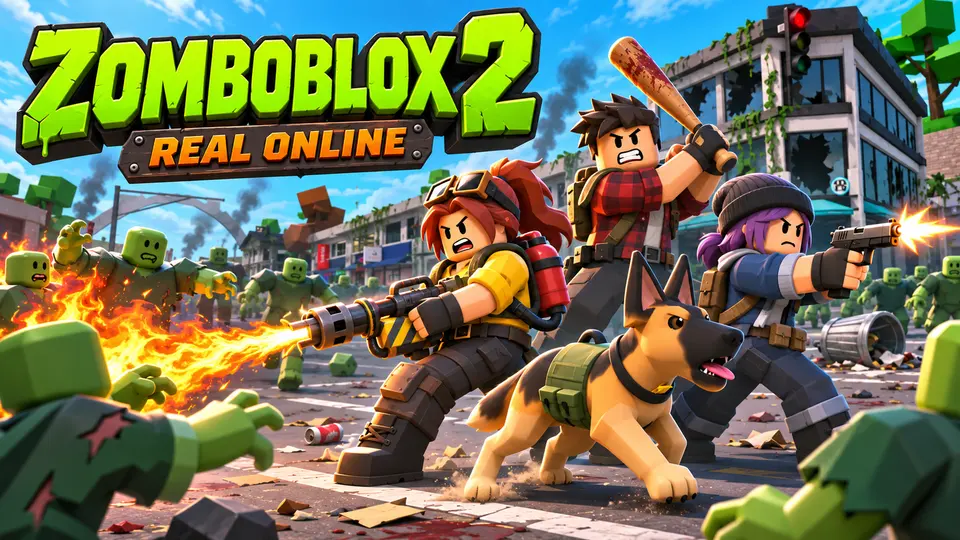
Zomboblox 2: Real Online
Provided by Playgama
Zomboblox 2: Real Onlinevia Playgama

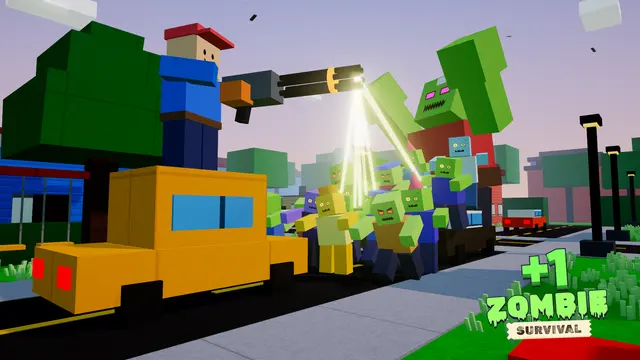 +1 Zombie Survival
 RoboStrike 3D
 Bug War
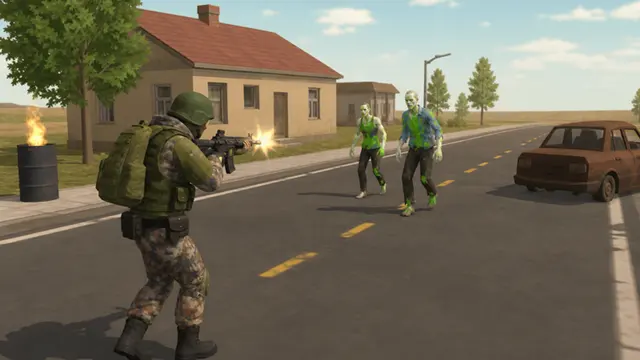 Mutant Zone: Zombie Merge Fighter
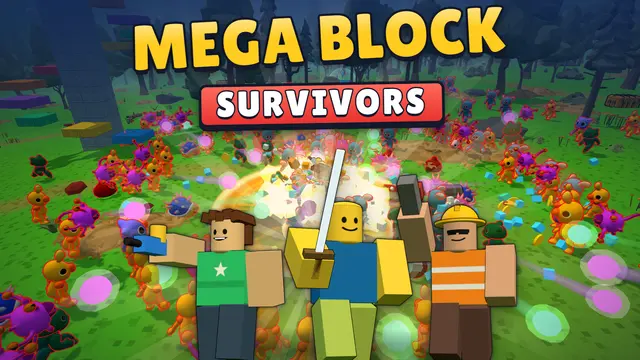 Mega Block Survivors
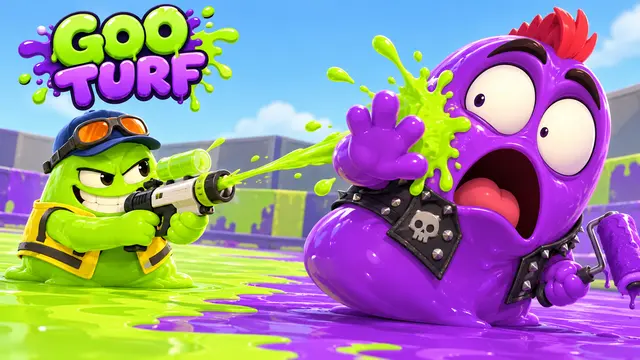 Goo Turf
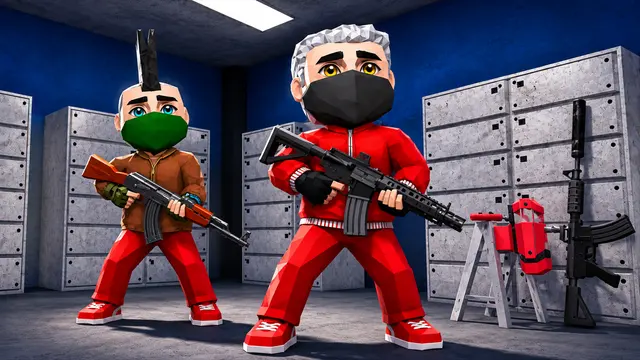 Heist Crew: Crime, Robbery and Escape
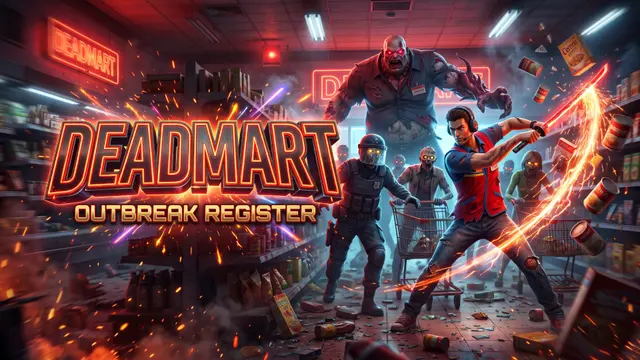 DeadMart: Outbreak Register
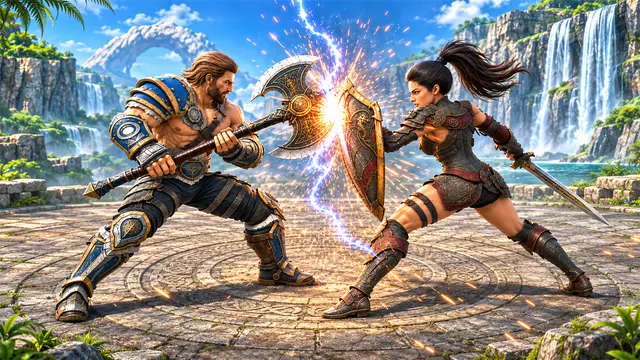 Island Arena: Steel and Honor
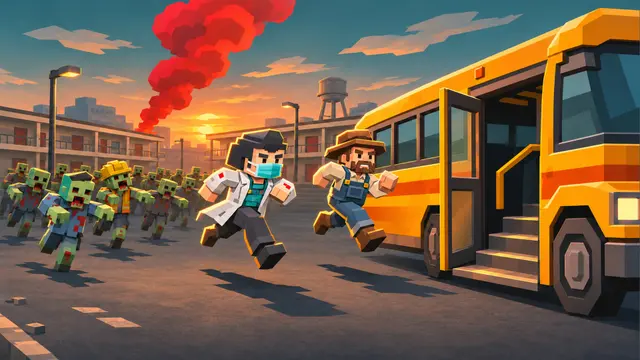 Last Bus
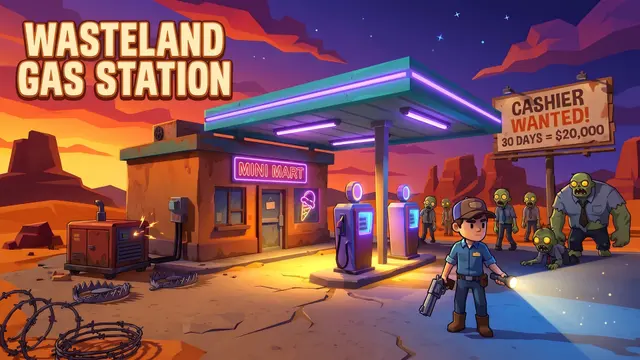 Wasteland Gas Station
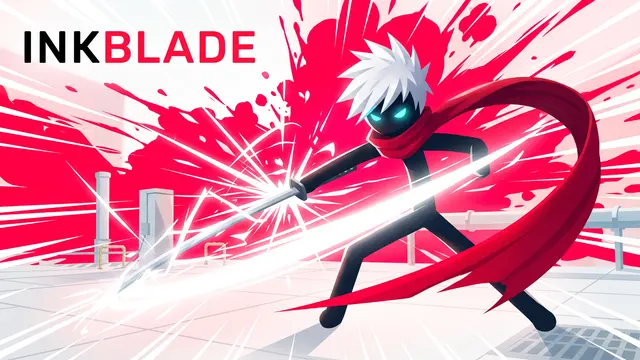 Ink Blade
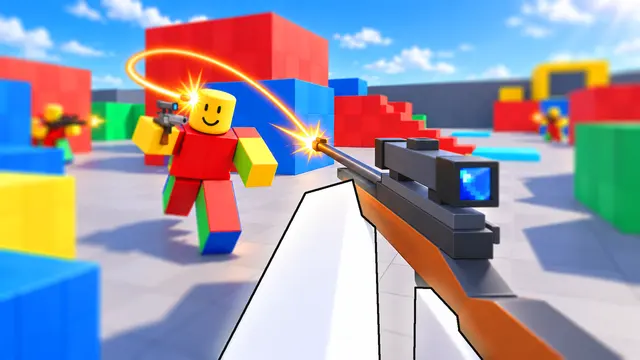 Tapshot.io
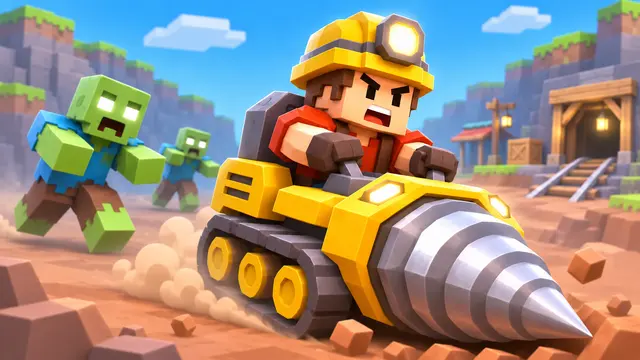 Drill to Earth's Core: Zombie
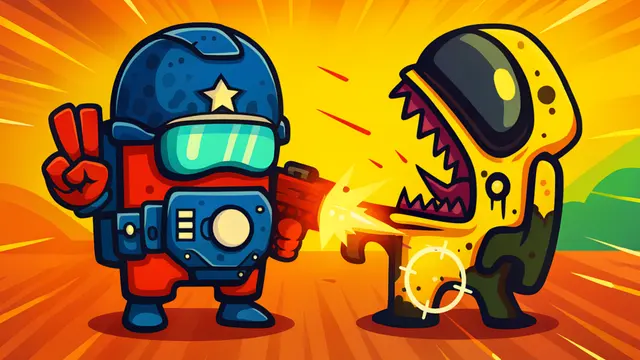 Zombie Space Episode II
 Rise of the Dead
 Hazmob FPS: Online Shooter
 Heroes of Arena
 Woods of Nevia: Forest Survival
 99 Nights in the Forest. Horror Multiplayer
 FPS Gun Shooting Game 3D
 ENDLESS Z SURVIVOR
 Skyblock 3D: Survival
 War V: Path of the Survivor!
 Zombie Monster Survivors
 Blocks Shooter 3D! Run, Shoot, Merge Weapons!
 Obby: King of the Hill
 Zombie Hunter: Survival
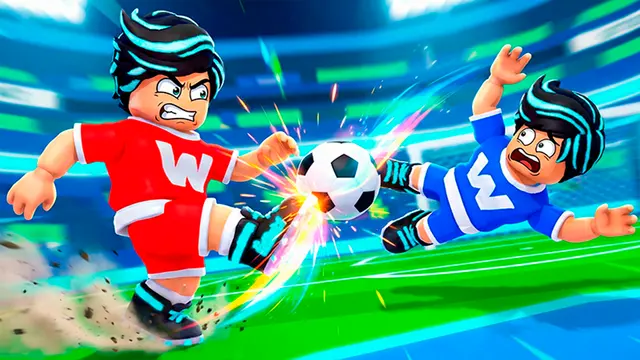 Obby Football Soccer 3D
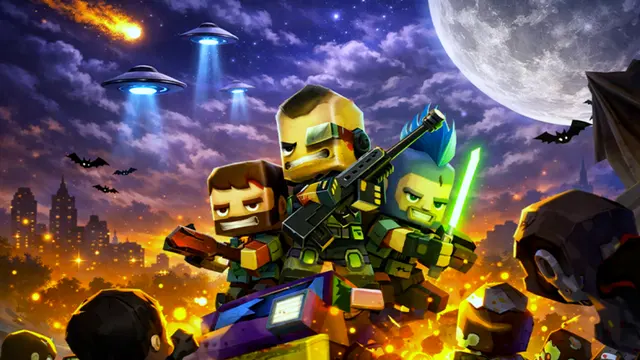 Zombie Raid
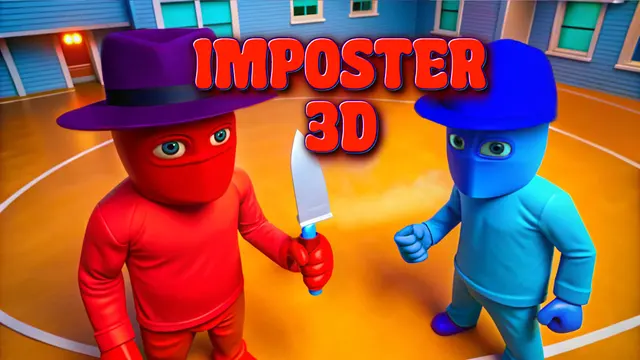 Imposter 3D
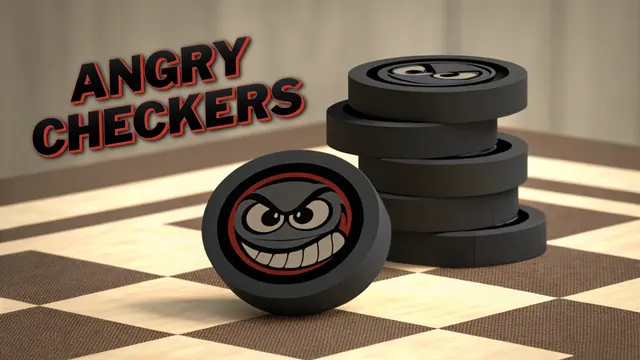 Angry Checkers
 Rift of Hell - Demons War
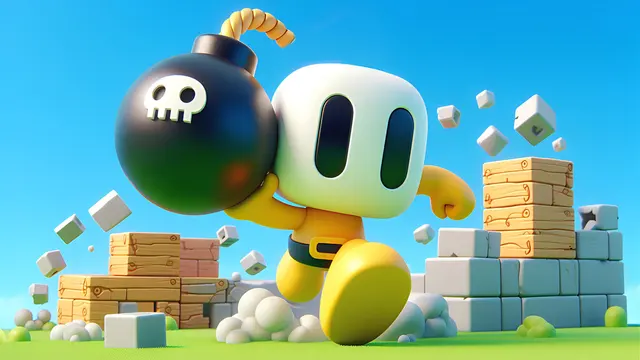 BOMBAMAN 3D
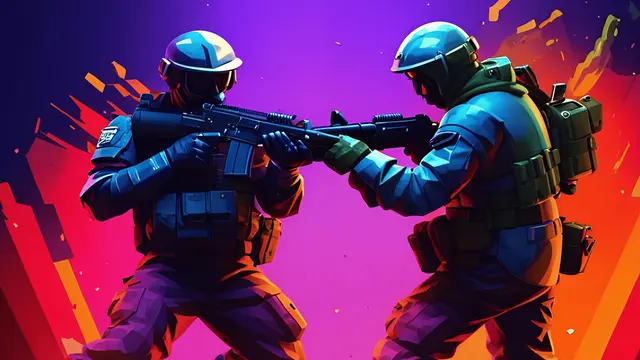 EdgeFire
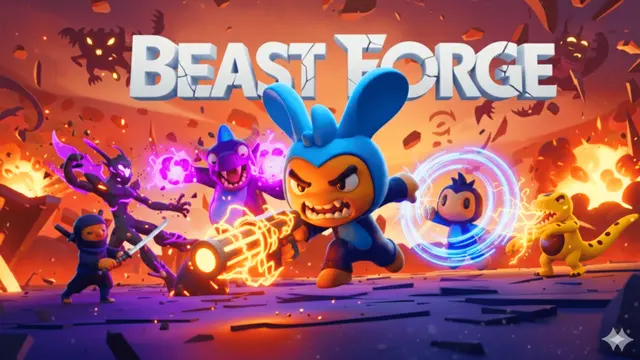 BeastForge Rival
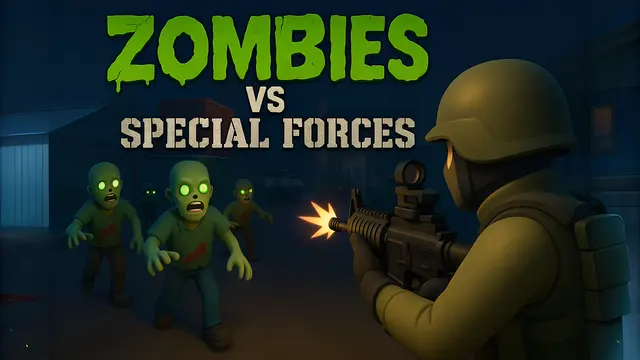 Zombies vs special forces
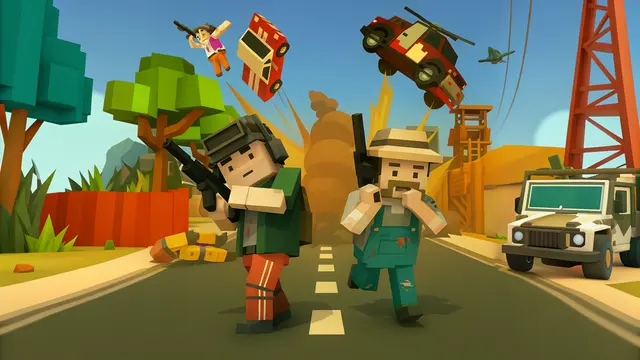 Cube shooter
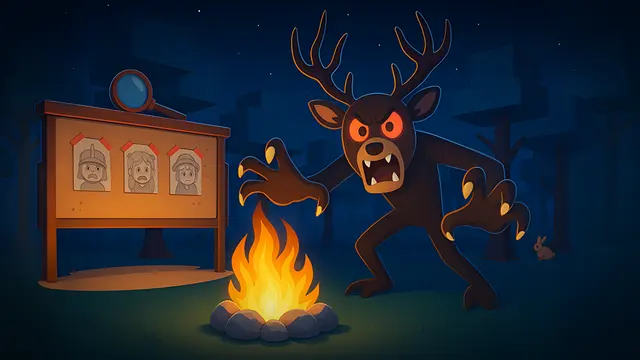 Survival Sandbox for 99 Nights
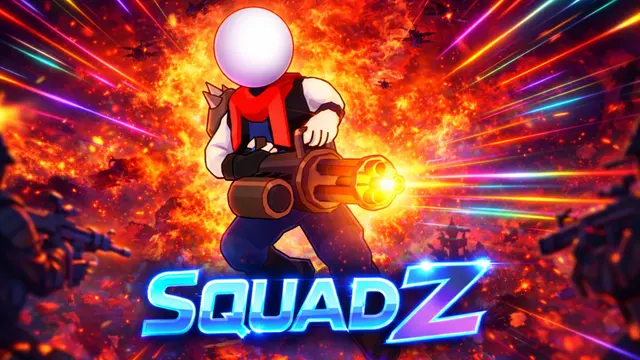 SquadZ
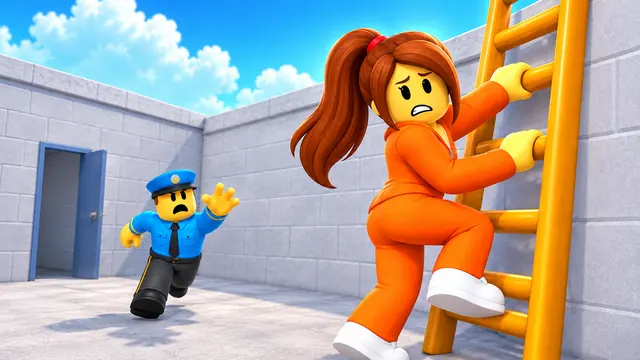 Your Obby Escape
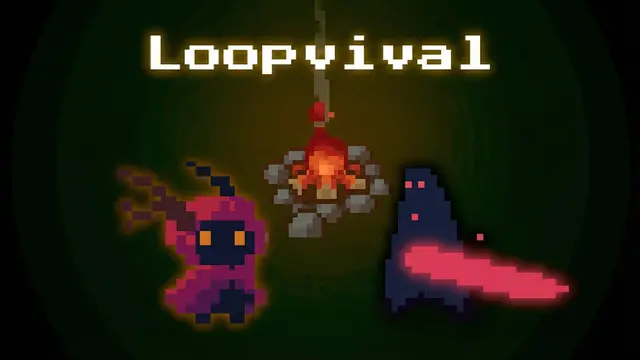 Loopvival
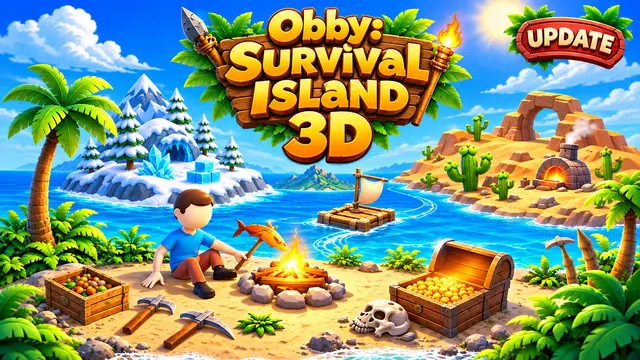 Obby: Survival Island
 Bomb Royale Online
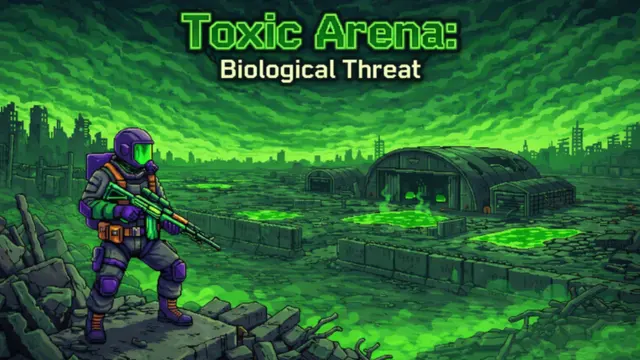 Toxic Arena: Biological Threat
 Mine Mining Islands 2: Skyblock City!
 Gun Craft and Fight
 Long Drive to Horizons Sim
 Zombie Terminator
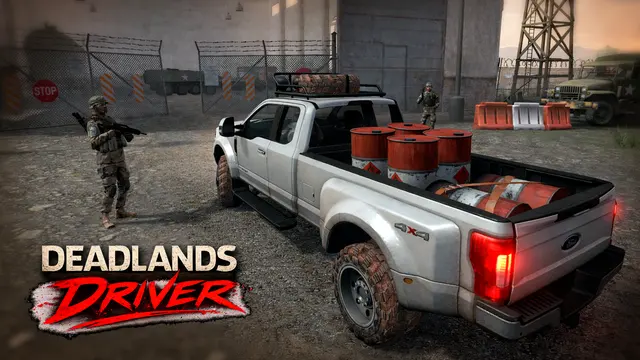 Dead Lands Driver Open World
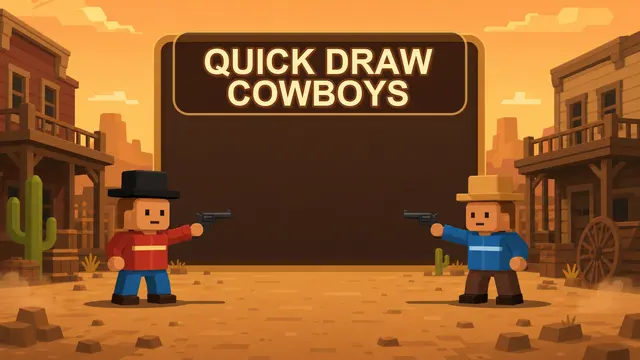 Quick Draw Cowboys
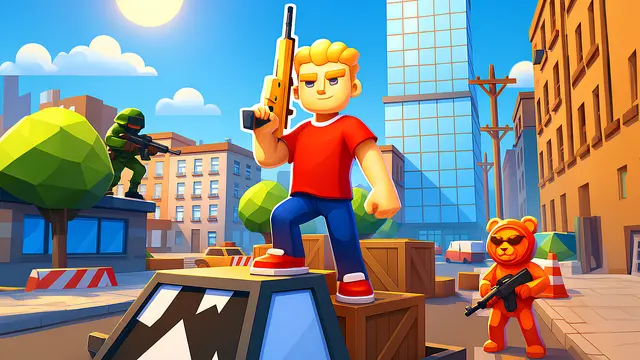 Obby: Battle Arena
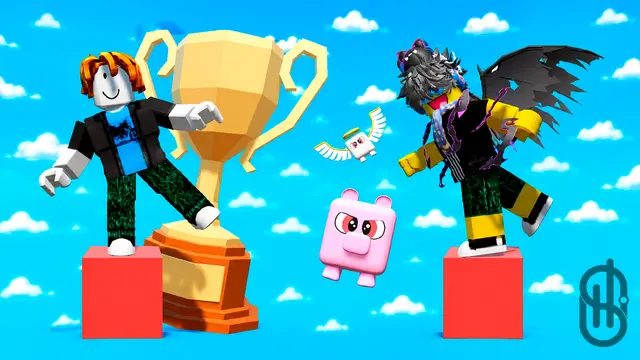 Block Party: Obby, Robby, Mini games!
 Rustlings online
 Collect Brainrot Arena
 Merge Rockets: Obby
 Farm Defenders
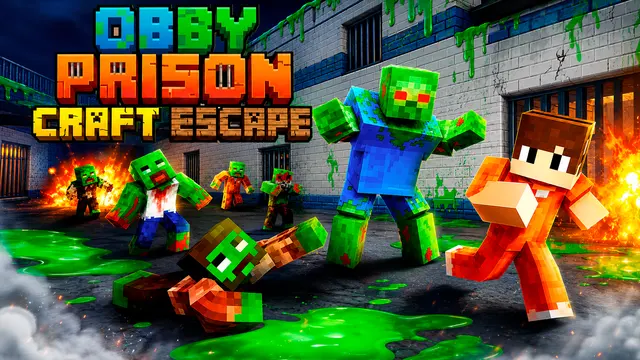 Obby Prison Craft Escape
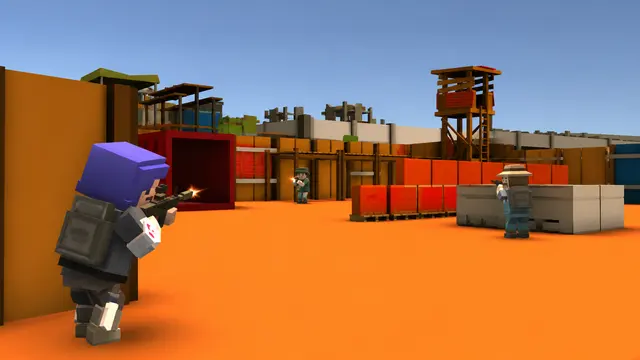 Craft the War
 Wild Wolf Simulator Animal Games
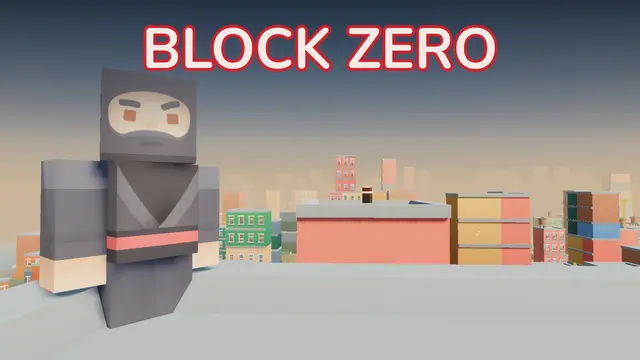 Block Zero
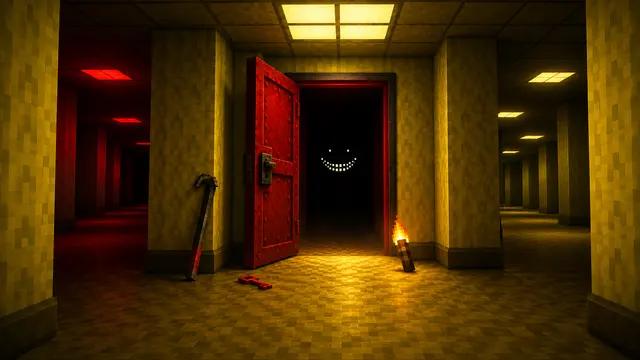 Backrooms Craft
 Collect Brainrots on a Skateboard Online
 Obby: +1 Click Wall Breaker
Play Zomboblox 2: Real Online online
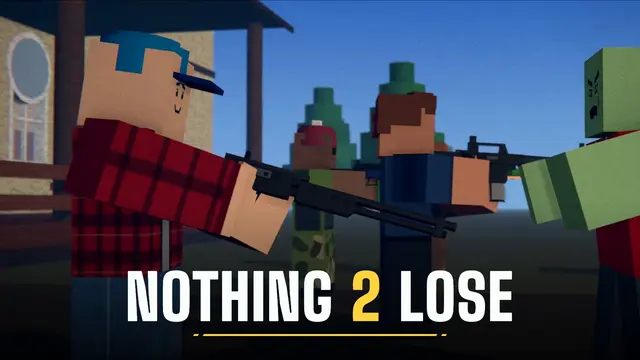
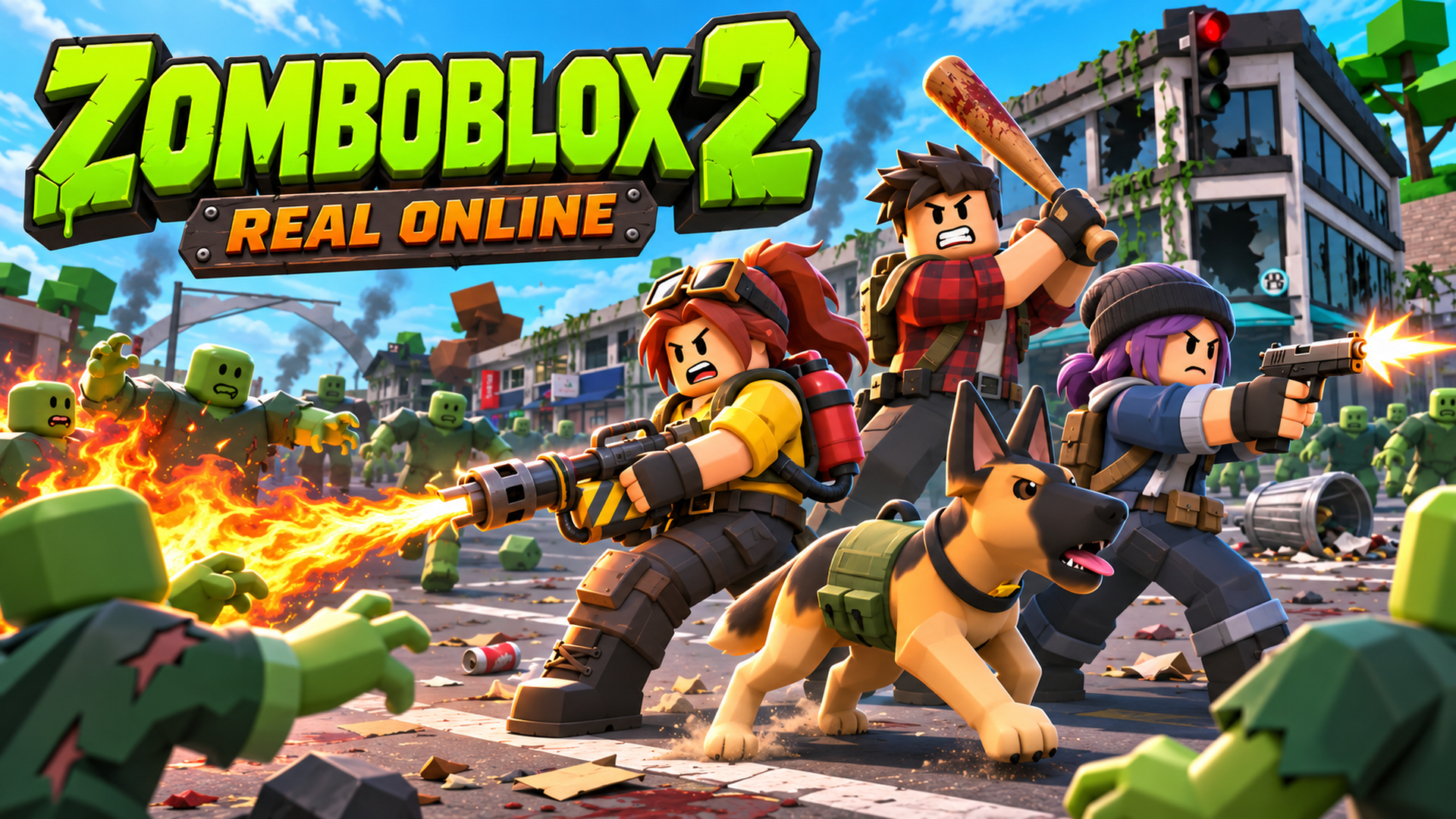
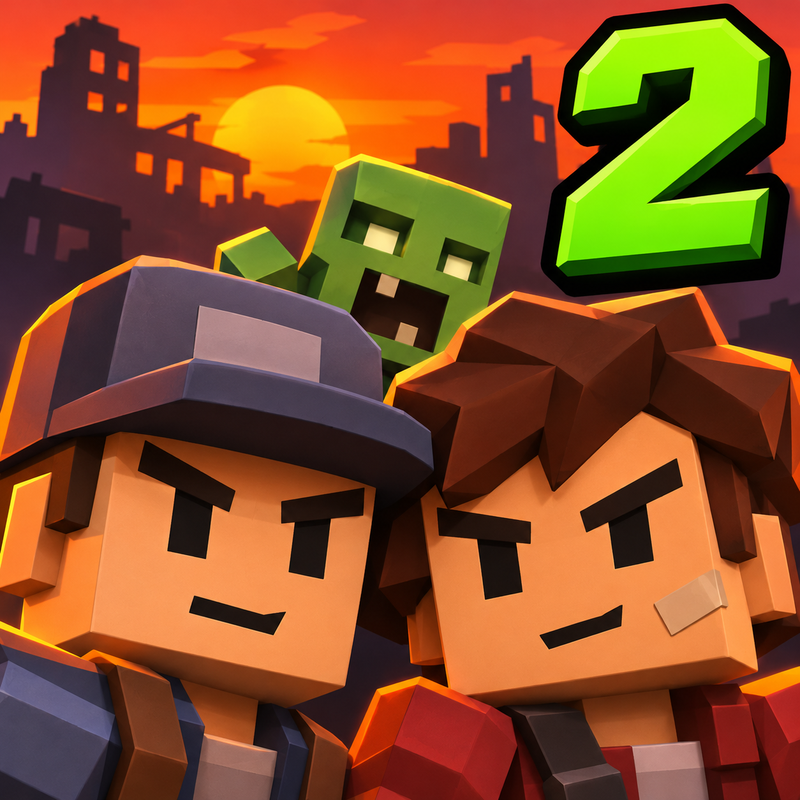
Survive a blocky zombie city together with your friends in real online co-op. Create a room, share the code and play in one shared world: the same zombies, the same base, the same night waves. By day explore streets, houses and stores for loot, chop trees and drive cars; by night defend your campfire base against the undead and a world boss.
Work through an obstacle course by reading the route and controlling your movement. Check the available movement actions before taking on the next section. Character tasks or quests provide goals to work toward as you explore. The controls include access to an inventory.
How to play Zomboblox 2: Real Online
Controls and instructions
Survive as many days as you can: loot the city by day, build and defend your base at night, complete story quests and level up. Invite friends with the Friends button and a room code.
PC: WASD - move, Space - jump, Left mouse - attack / use item, E - interact, Q - drop item, Shift - aim, Tab - inventory, right mouse - rotate camera, N - nitro in some cars.
Mobile: joystick to move, swipe to look, on-screen buttons to attack, jump, interact and drop.
Getting started with Zomboblox 2: Real Online
- Look at the next landing area before committing to a jump.
- Check the current task before deciding where to go next.
- Check the listed inventory input when you need to review what you are carrying.
About this game
- Platform
- Web browser
- Supported devices
- Android, iOS, Desktop
- Screen orientation
- Landscape
- Languages
- American English, Russian (Russia)
- Genres
- Action, 3d, Multiplayer, Co Op, Obby, Zombie, Pvp, Survival, Crafting
- In-game purchases
- Available
- Provider
- Playgama
- Provider audience
- Male, Female
Game features and tags
- Roblox
- Webgl
- Apocalypse
- Defense
- Combat
- Collecting
- Building
- Horde Survival
- Open World
- Roblox Shooting
- Action Adventure
- 67 Obby
Zomboblox 2: Real Online images
Questions about Zomboblox 2: Real Online
How do I start playing?
Choose Play now in the game window above to load Zomboblox 2: Real Online through Playgama. Read the controls and instructions above before you start.
Which devices can I play on?
The provider lists support for Android, iOS, Desktop. Play in your web browser using the controls described above.
Which languages does the game support?
American English, Russian (Russia).
Does the game have in-game purchases?
The provider lists optional in-game purchases. Any available purchases are handled inside the game. Games may display advertisements.
Related game categories
Game facts and artwork supplied by Playgama. Descriptions adapted and getting-started guidance added by LookBear. Game content, ads and purchases are provided by Playgama and the game provider.