 BEAR PICKSprunki Sandbox: Ragdoll Playground Mode
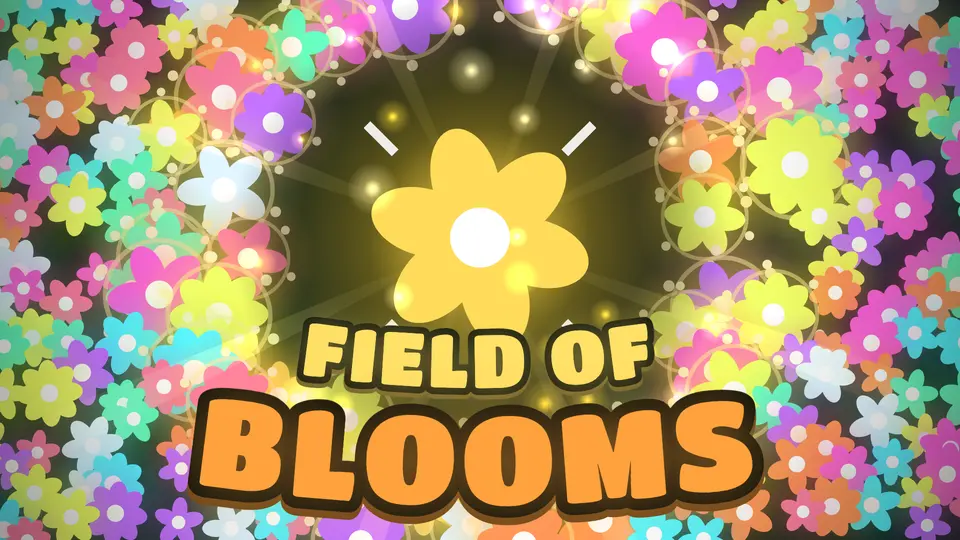
Field of Blooms
Provided by Playgama

Field of Bloomsvia Playgama
BEAR PICKSprunki Sandbox: Ragdoll Playground Mode Idle Train Empire Tycoon
 Gangsta Island: Crime City
 Hedgies
 Bridge Builder
 Dungeon Master - Cult & Craft
 Zombie Derby 2
 Construction Set - 3D Builder
 Race On Cars in Moscow
 Sweet Supermarket Simulator
 Skyblock 3D: Survival
 Bus Jam: Pick up them all!
 Constructor Bricks
 Mavy The Fish Mom
 Craftsman Land
 Car Destruction King
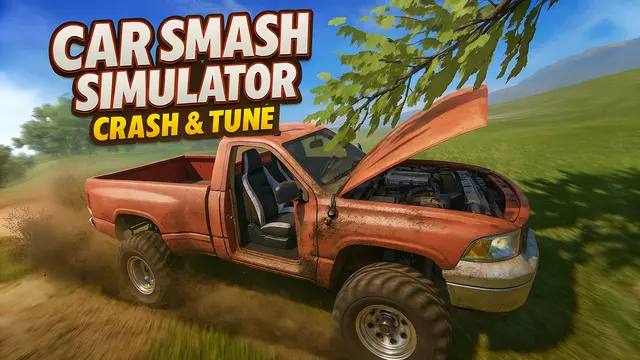 Car Smash Simulator: Crash & Tune
 God Of Entropy
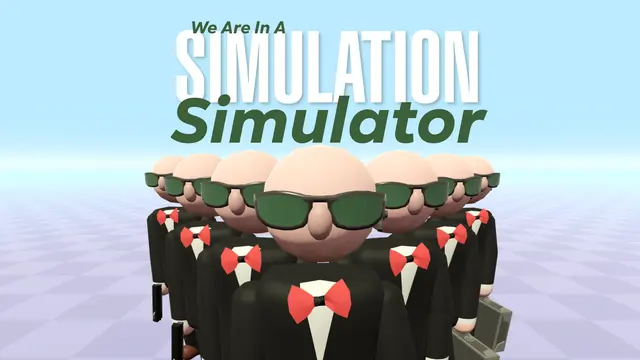 We Are In A Simulation Simulator
 Millionaire Life
 DreamBlox
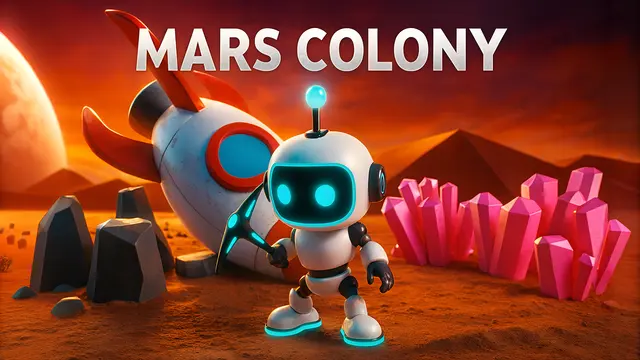 Mars Colony
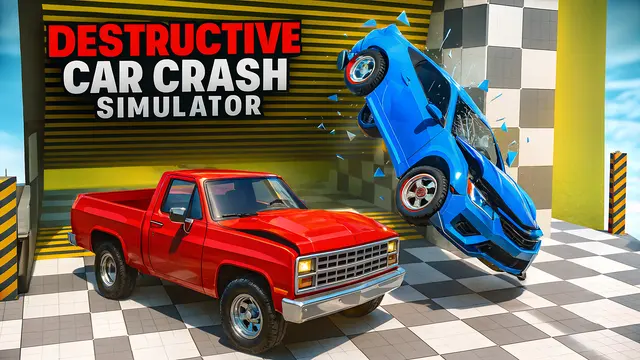 Destructive Car Crash Simulator
 Playground Ragdoll Sandbox
 Car Wash DIY
 Hard Working Man
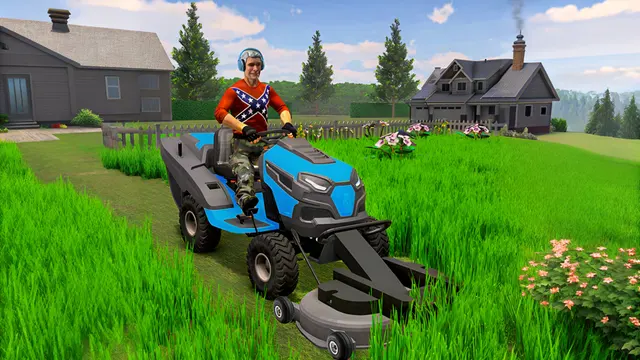 Ultimate Lawn Mowing Simulator: Mower Master
 Burger Restaurant Simulator 3D
 Pregnant Mother Simulator
 Animal Care Tycoon
 Gas Station - Stick Simulator
 Animal Evolution Simulator
 Deadly Catch!
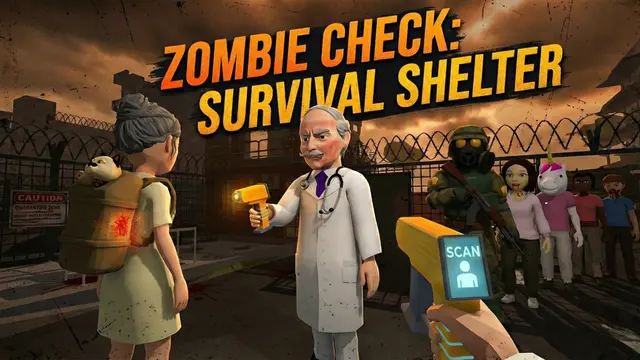 Zombie Check: Survival Shelter
 Gas Station Simulator
 Grow Slime
 Fun fishing
 I am Crazy Bird
 Island Expander
 Field Master
 Supermarket Manager
 Supermarket Empire
 Trash Master
 Driver Club: Highway Racing
 Idle Vlogger Simulator
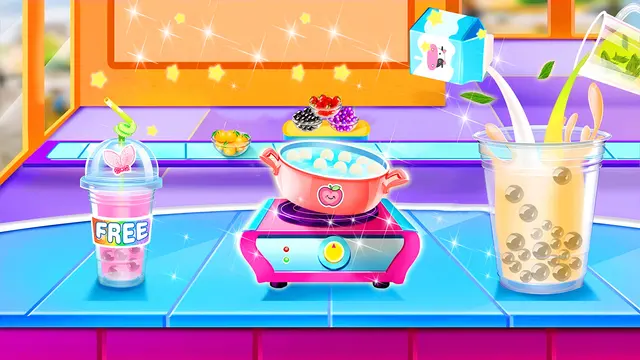 Bubble Tea Cocktail Maker Mix Drinks
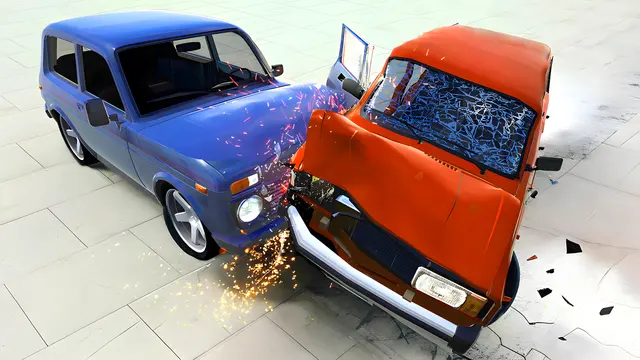 Beam Drive Car Crash Test Simulator
 Destruction Simulator
 Idle Supermarket Tycoon
 Airport Controller
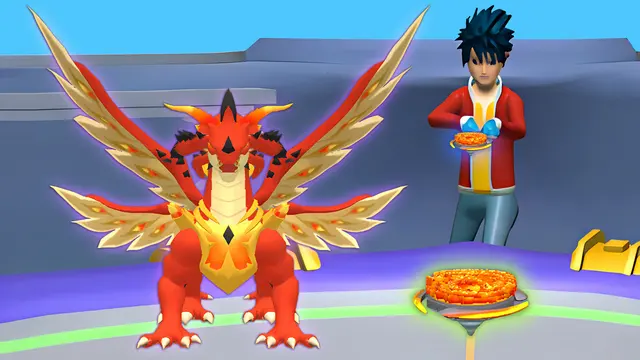 Mystical Blade 3D
 Idle Crafting Empire Tycoon
 Idle Cinema Tycoon
 Pow
 Winged Wheels 2
 Drifting Car Master
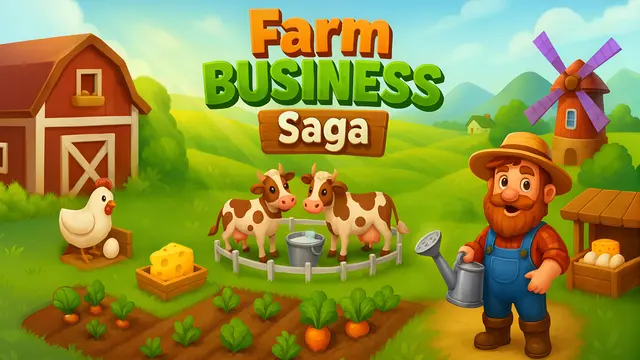 Farm Business Saga
 Mr.Reckless Car Chase Simulator
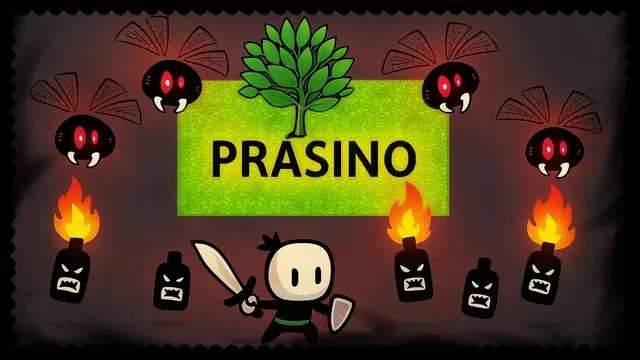 Prásino
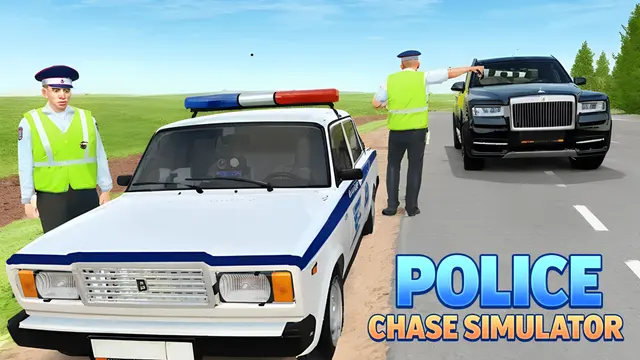 Police Chase Simulator
 Buggy Simulator Sandbox 3D
 Tiny Delivery
 99 Nights In The Forest - Survival Simulator
 Money Maker
 StreetRacer: Realistic Destruction
 Car Crash Test: Abandoned City
 Millionaire Factory
 Road Crosser
 My Dogy Virtual Pet
 Kind Shelter - Animal Care and Treatment
 Simulator GT Motorsport
 Mini ASMR Relaxing Game Relax
 Cool Tuning - Paint the Car
Play Field of Blooms online
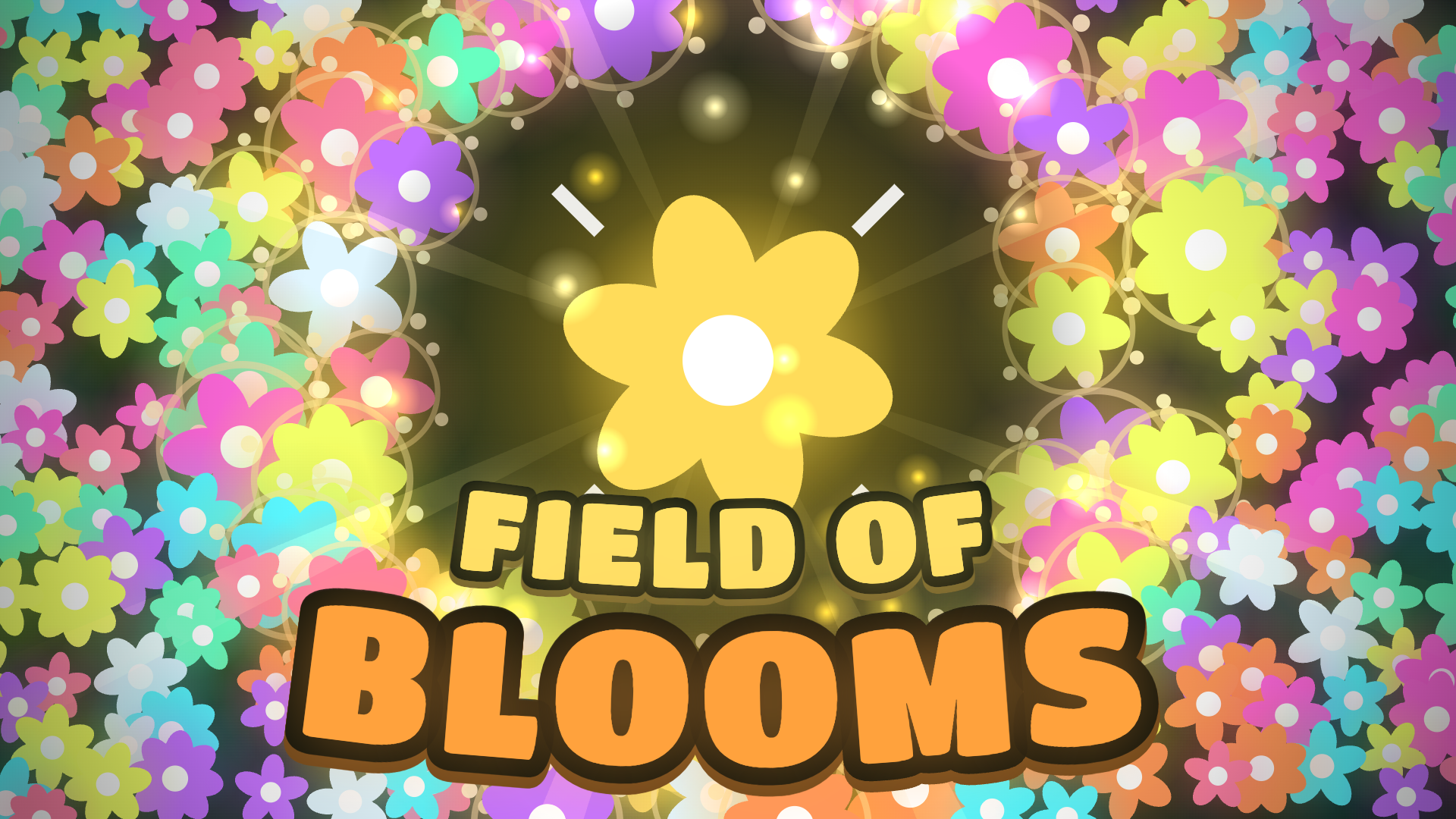
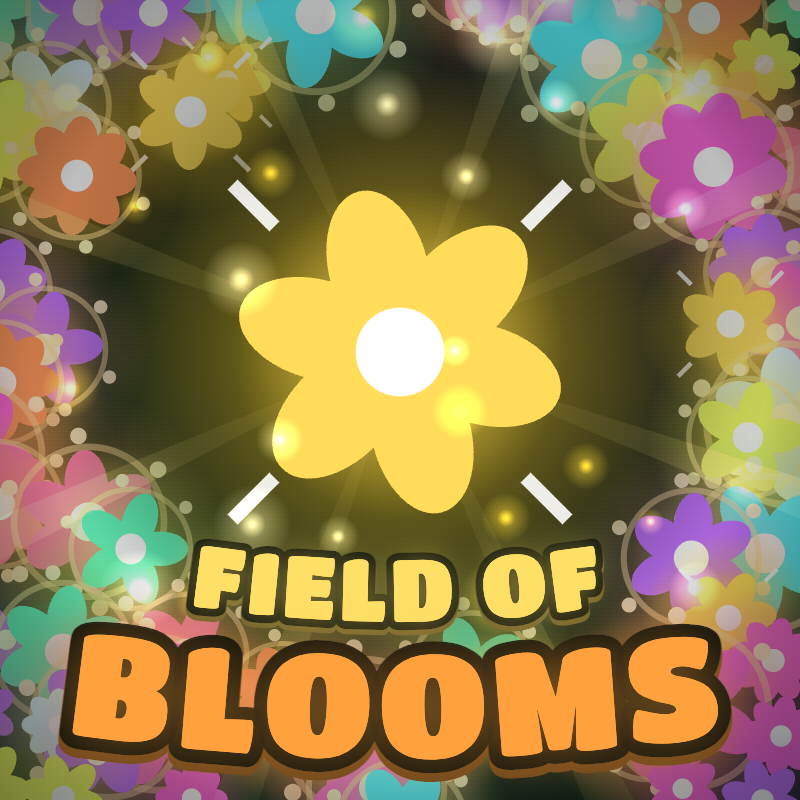
Sweep the watering can across the field and dry sprouts open in a line behind your cursor. Then the fertilizer turns them into fat golden heads, then the basket collects the lot. Cash in what you gathered, buy a wider spray and a longer timer, and go back for more.
Explore the activity being simulated and learn which parts you can control. Read the instructions to understand how each interaction affects your next step.
How to play Field of Blooms
Controls and instructions
Mouse: move to guide your tool, nothing to click or hold. Move to the edge of the screen to scroll the garden.
Touch: hold and drag your finger. Drag near the edge to scroll.
Space, Esc or Tab pauses.
1, 2, 3 or the buttons at the bottom switch tools.
Getting started with Field of Blooms
- Try the main interaction first, then review the options it opens.
About this game
- Platform
- Web browser
- Supported devices
- Android, iOS, Desktop
- Screen orientation
- Landscape and Portrait
- Languages
- American English, Chinese (China), German (Germany), European Spanish, French (France), Hindi (India), Indonesian (Indonesia), Italian (Italy), Japanese (Japan), Korean (South Korea), Polish (Poland), European Portuguese, Russian (Russia), Thai (Thailand), Turkish (Türkiye), Ukrainian (Ukraine), Vietnamese (Vietnam)
- Genres
- Simulation
- In-game purchases
- None listed by the provider
- Provider
- Playgama
- Provider audience
- Male, Female
Game features and tags
- Relaxing
- Collecting
- Plant
- 1 Player
Field of Blooms images
Questions about Field of Blooms
How do I start playing?
Choose Play now in the game window above to load Field of Blooms through Playgama. Read the controls and instructions above before you start.
Which devices can I play on?
The provider lists support for Android, iOS, Desktop. Play in your web browser using the controls described above.
Which languages does the game support?
American English, Chinese (China), German (Germany), European Spanish, French (France), Hindi (India), Indonesian (Indonesia), Italian (Italy), Japanese (Japan), Korean (South Korea), Polish (Poland), European Portuguese, Russian (Russia), Thai (Thailand), Turkish (Türkiye), Ukrainian (Ukraine), Vietnamese (Vietnam).
Does the game have in-game purchases?
The provider lists no in-game purchases for this game. Games may display advertisements.
Related game categories
Game facts and artwork supplied by Playgama. Descriptions adapted and getting-started guidance added by LookBear. Game content, ads and purchases are provided by Playgama and the game provider.