 Rise of the Dead
Zombie Survival: Blackout
Provided by Playgama
Zombie Survival: Blackoutvia Playgama


 Zombie Wave Arena
 Space Survivor
 Deorbit - Space Survivors
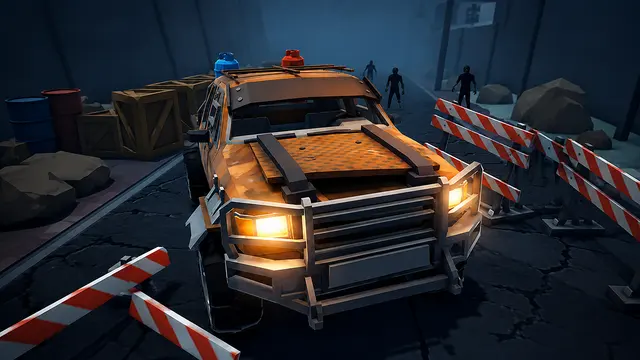 Cars vs Zombies
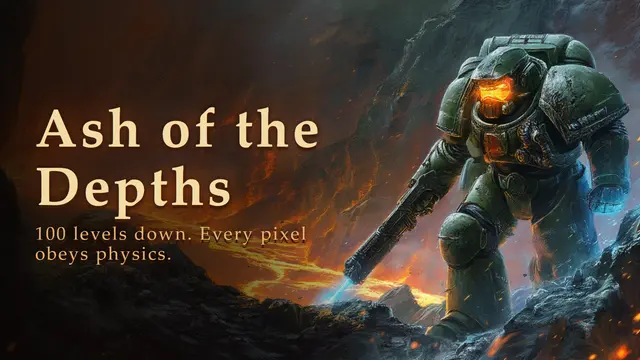 Ash of the Depths
 Clown Fiesta
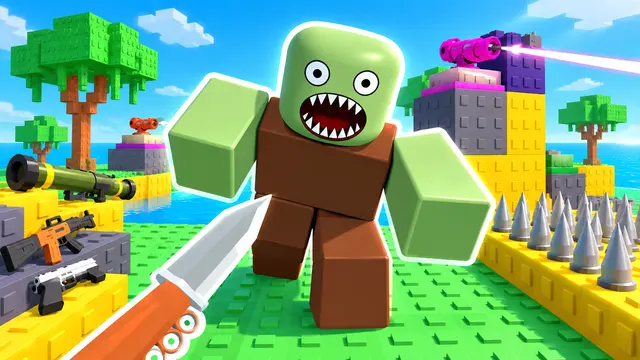 Build and Defend your Base
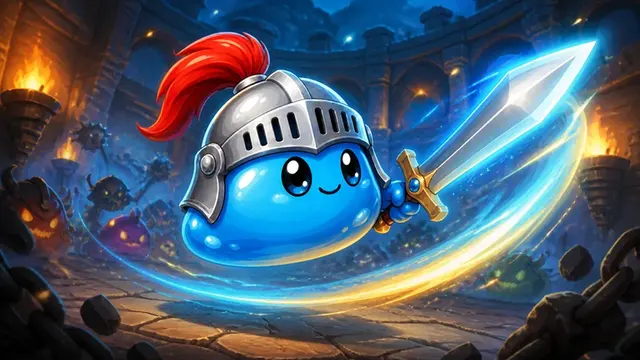 Slime Heroes
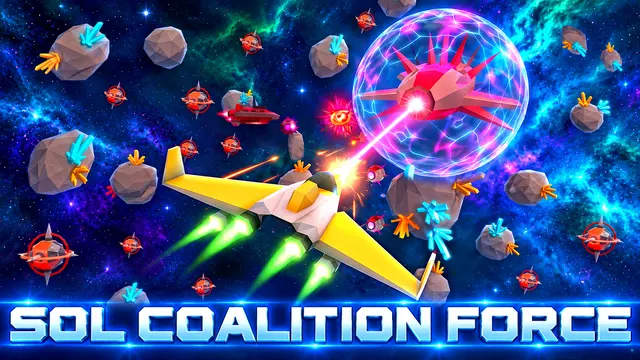 Sol Coalition Force
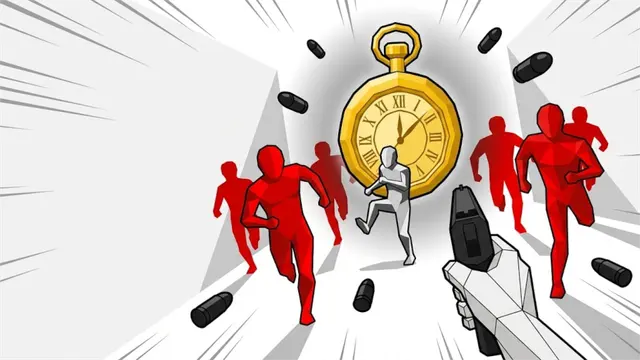 TIME STOP
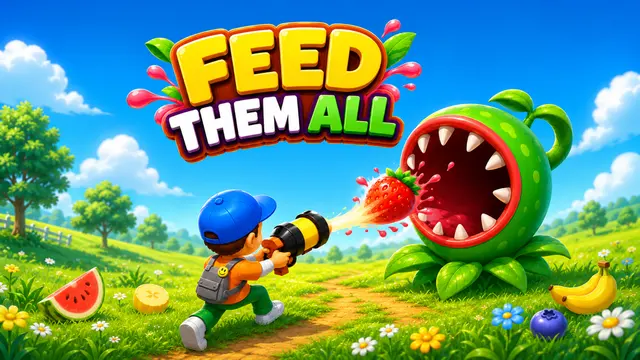 Feed Them All!
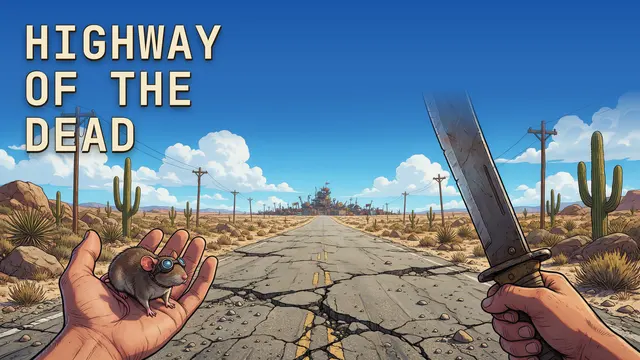 Highway of the Dead
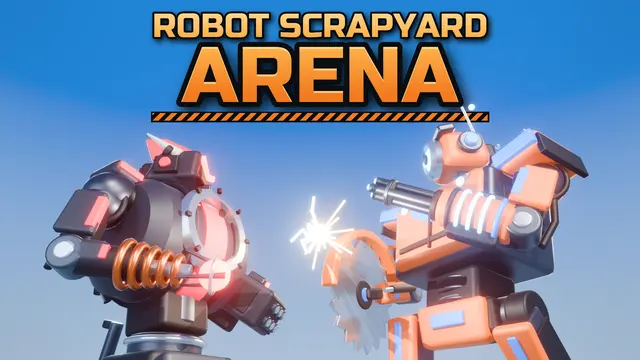 Robot Scrapyard Arena
 Build Car for Kill Zombies
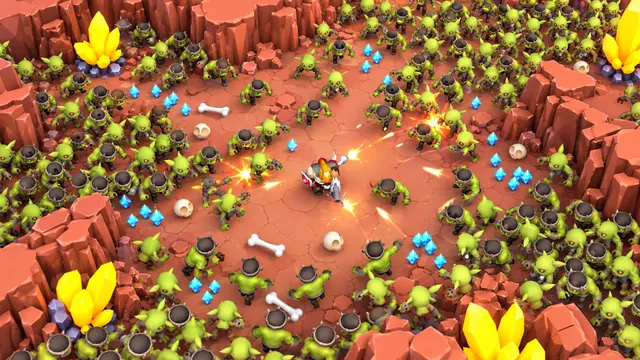 Mine And Rush Survival
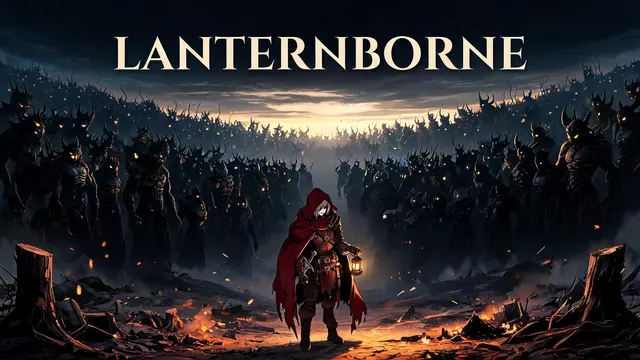 Lanternborne
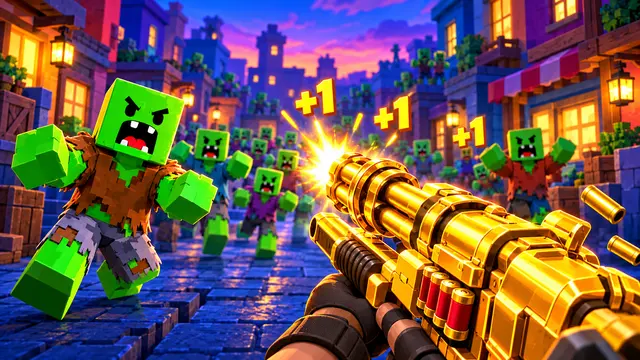 +1 Guns vs Zombies
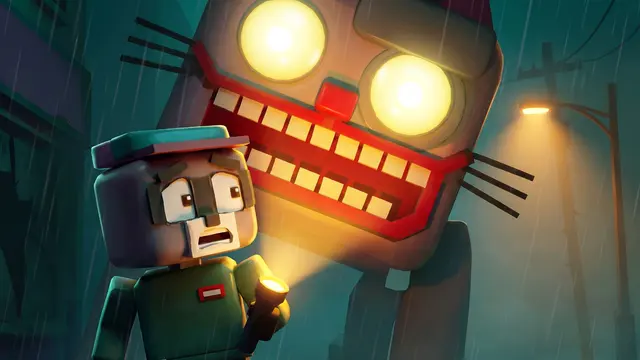 Escape From Whisker Street
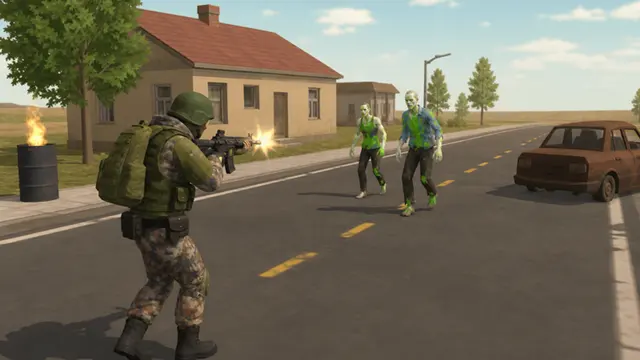 Mutant Zone: Zombie Merge Fighter
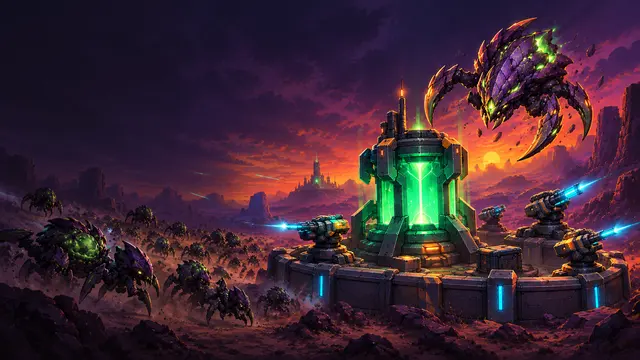 Outpost Siege
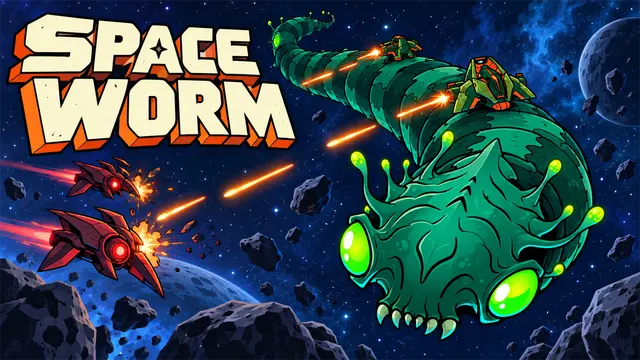 Space Worm
 Heist Crew: Crime, Robbery and Escape
 Escaping Blockov
 DeadMart: Outbreak Register
 Snipers War: FPS Strike
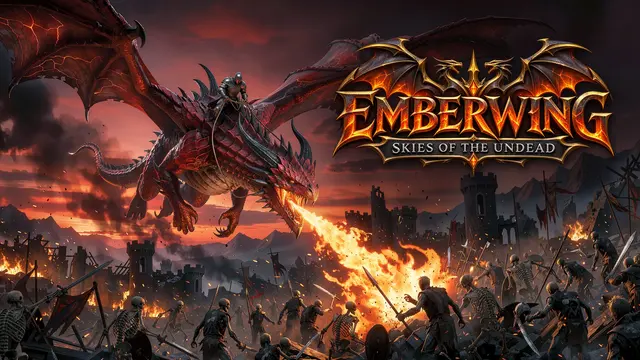 Emberwing: Skies of the Undead
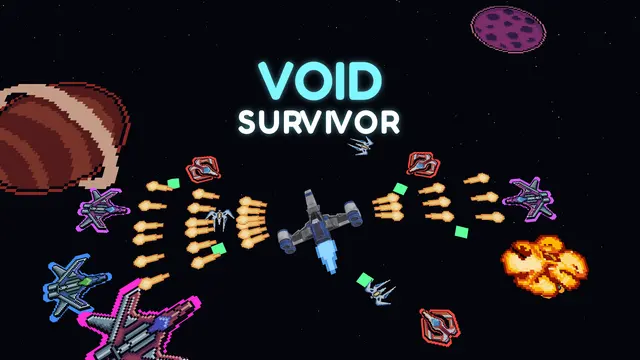 Starship Gem Rush
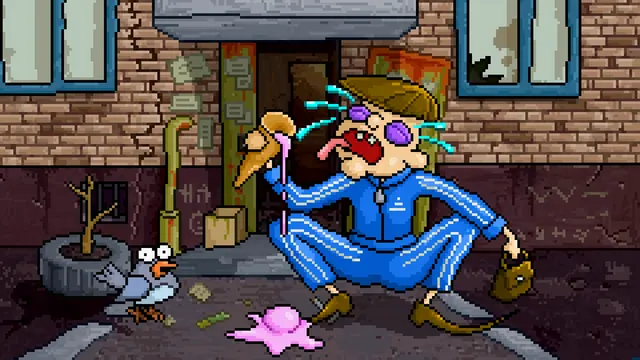 Wellies Survivors
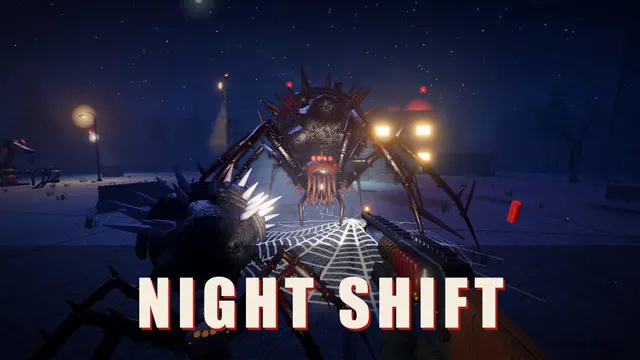 Night Shift: Blackwood Lab
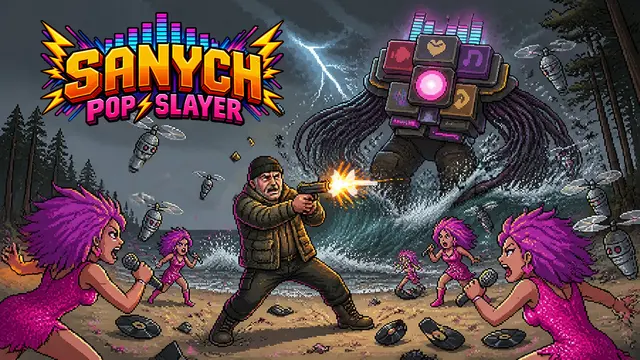 Sanych: Pop Slayer
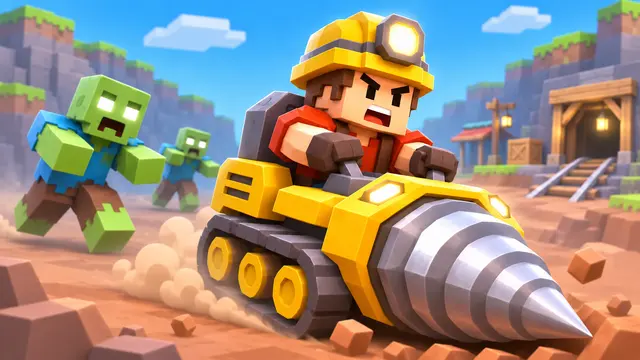 Drill to Earth's Core: Zombie
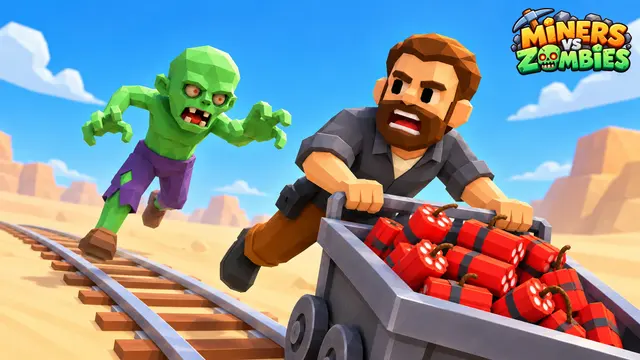 Miners vs Zombies
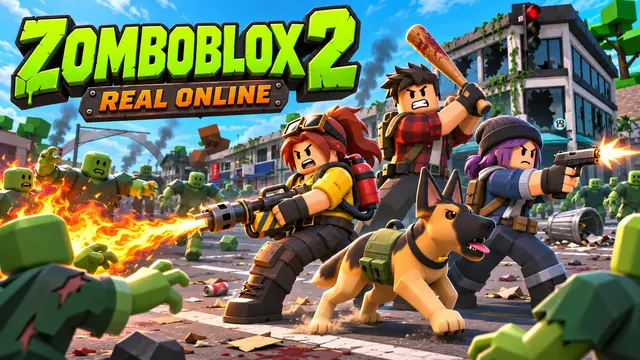 Zomboblox 2: Real Online
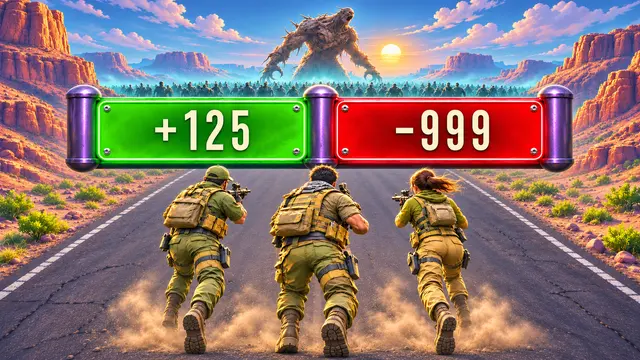 Zombie Army Rush
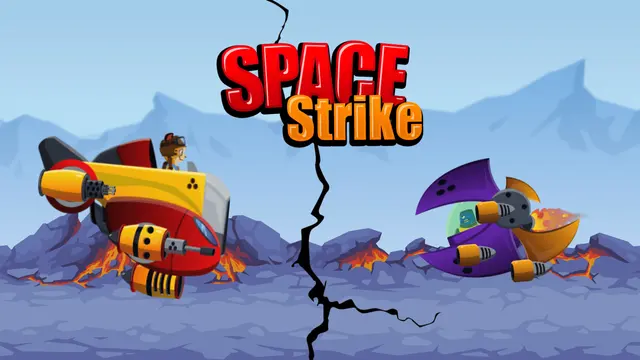 Space Strike: Galaxy Shooter
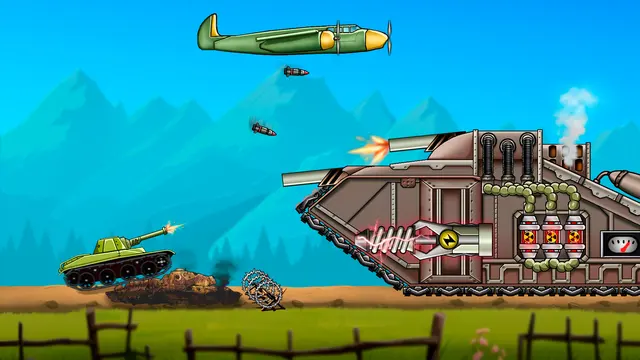 Tank Fury: Boss Battle 2D
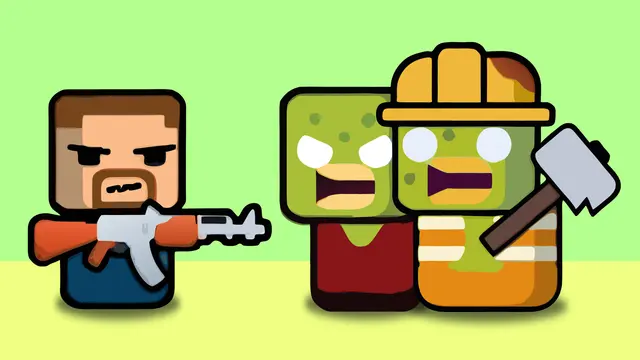 Zombie Horde: Build & Survive
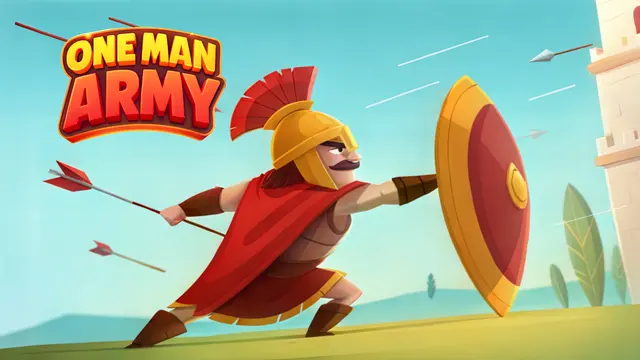 One Man Army: Battle Game
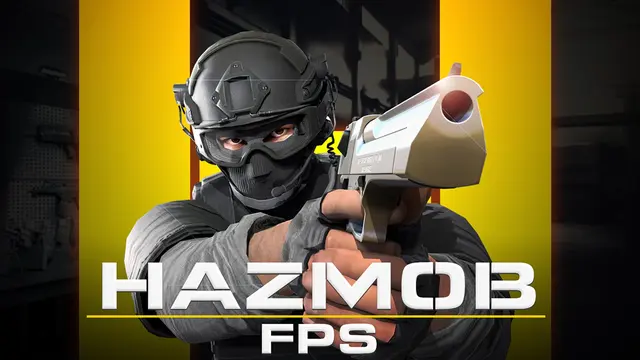 Hazmob FPS: Online Shooter
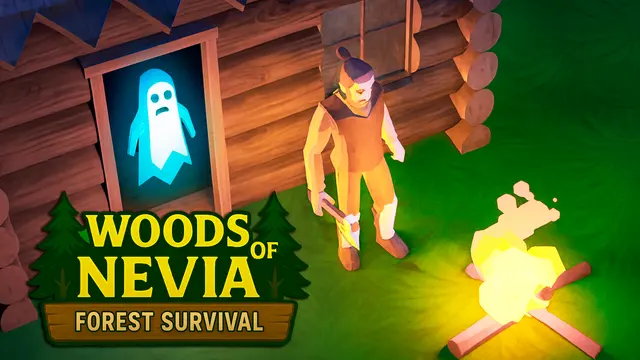 Woods of Nevia: Forest Survival
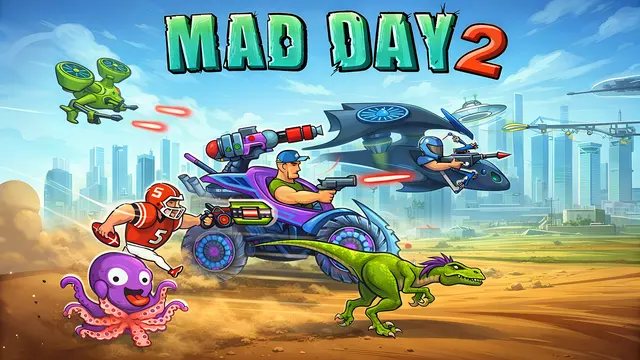 Mad Day 2 Special
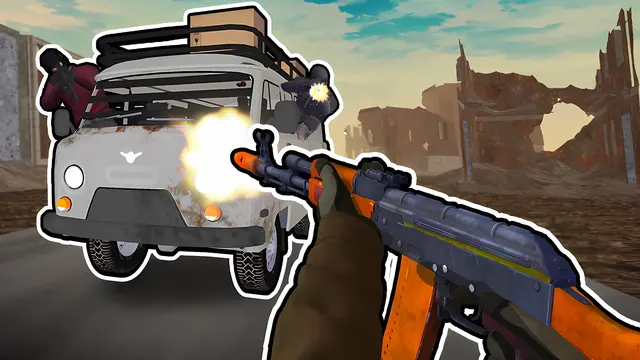 Road Chase: Shooter Realistic Guns
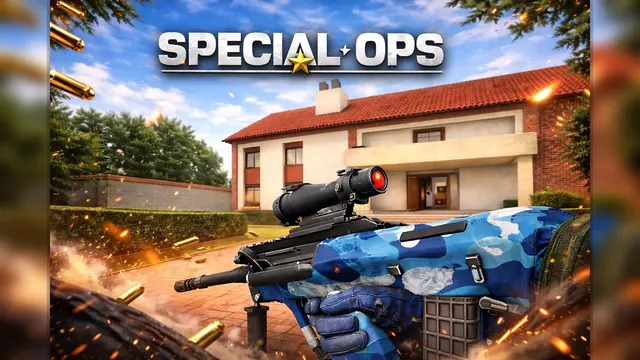 Special Ops: GO
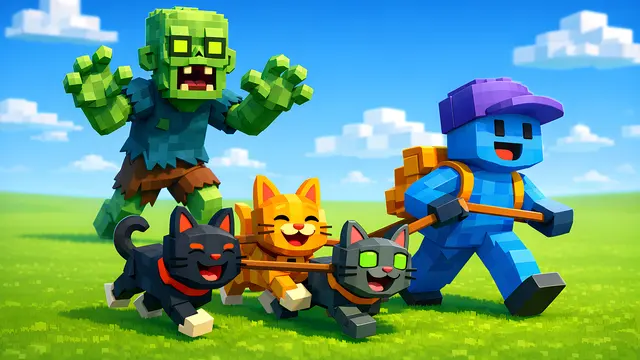 Animals vs Zombies
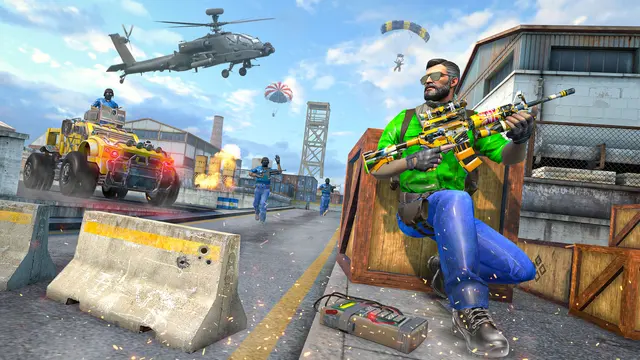 FPS Gun Shooting Game 3D
 We not survive
 Agent Sniper City
 Badlands Hero
 Slow Time Ninja
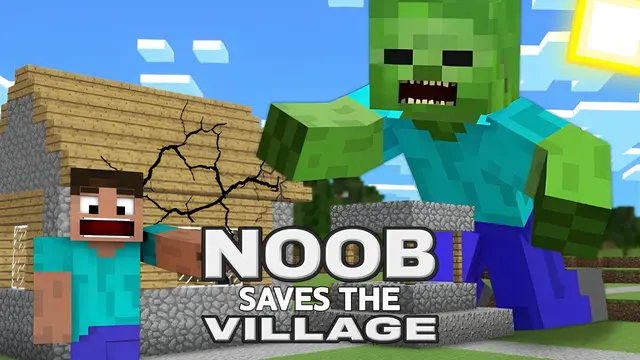 Noob saves the village
 Carvivor Ops
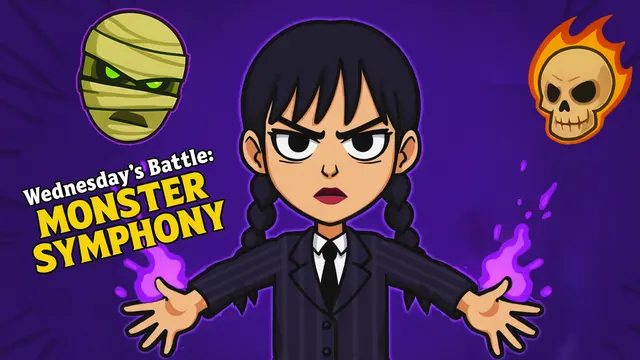 Wednesday’s Battle: Monster Symphony
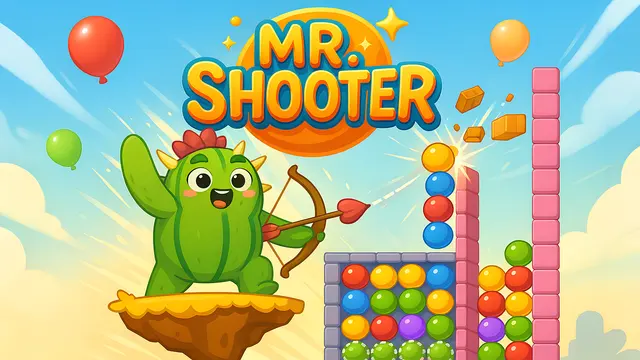 Mr Shooter
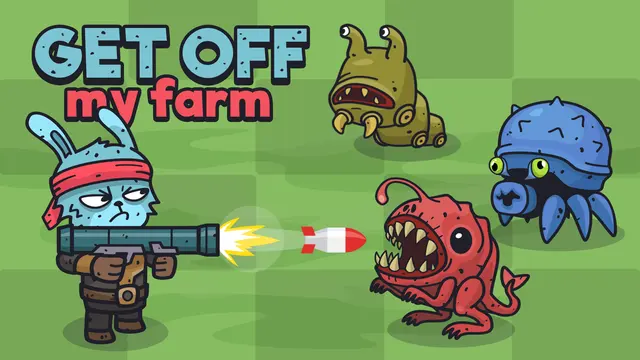 Get Off My Farm!
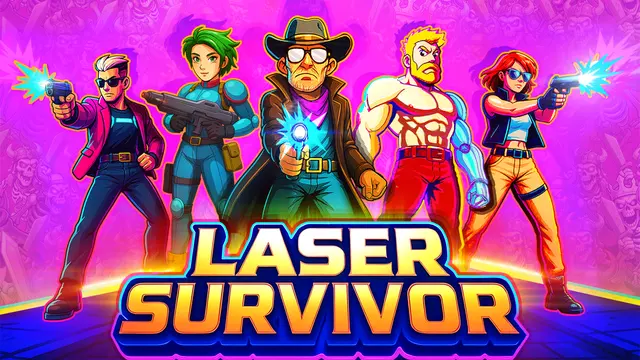 Laser Survivor
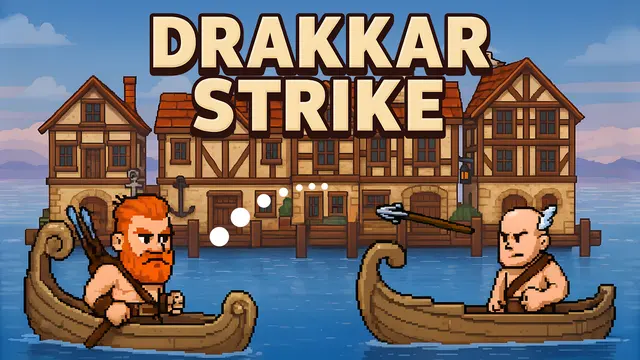 Drakkar Strike
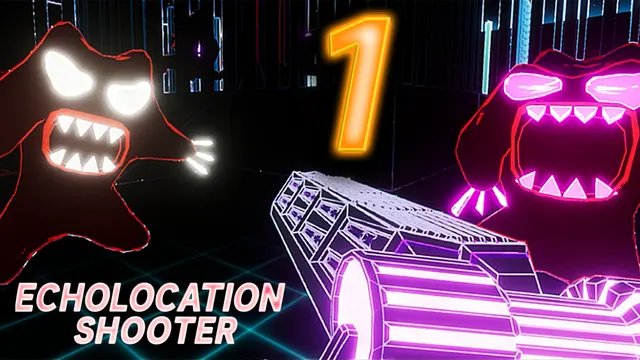 Echolocation Shooter
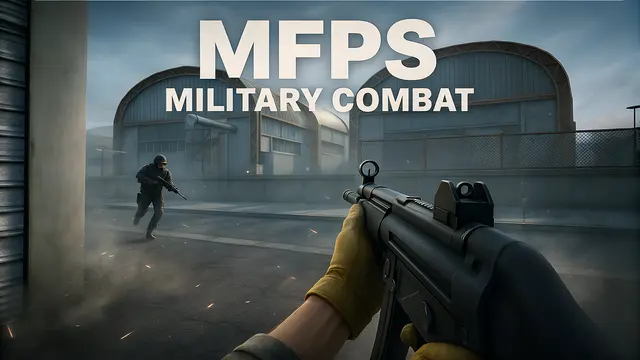 MFPS:Military Combat
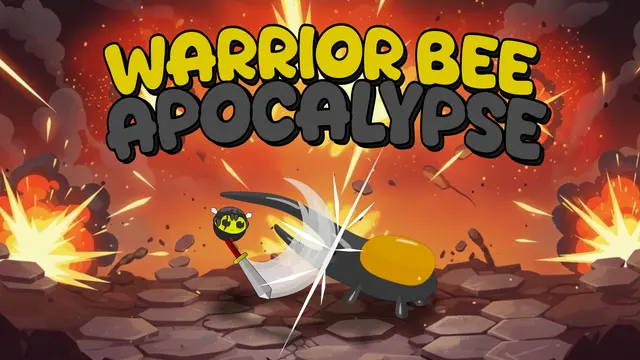 Warrior Bee Apocalypse
 Blocks Shooter 3D! Run, Shoot, Merge Weapons!
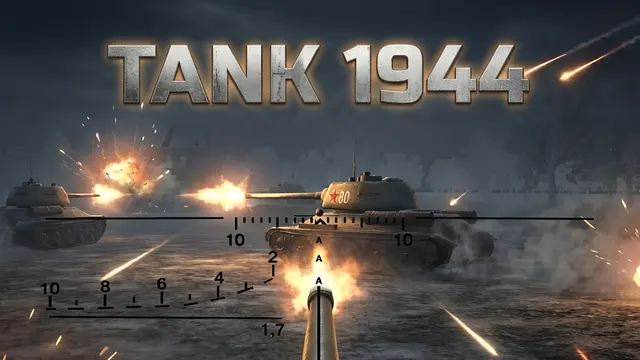 Tank 1944
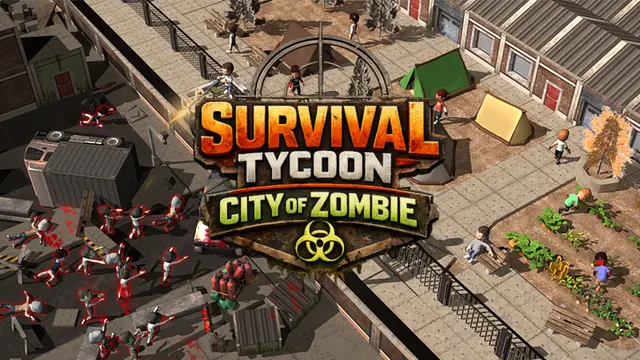 Survival Tycoon: City of Zombie
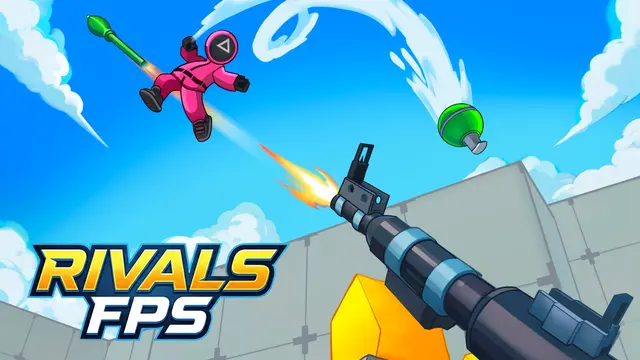 RIVALS FPS: Online Shooter
 Party Games Mini Shooter Battle
Play Zombie Survival: Blackout online
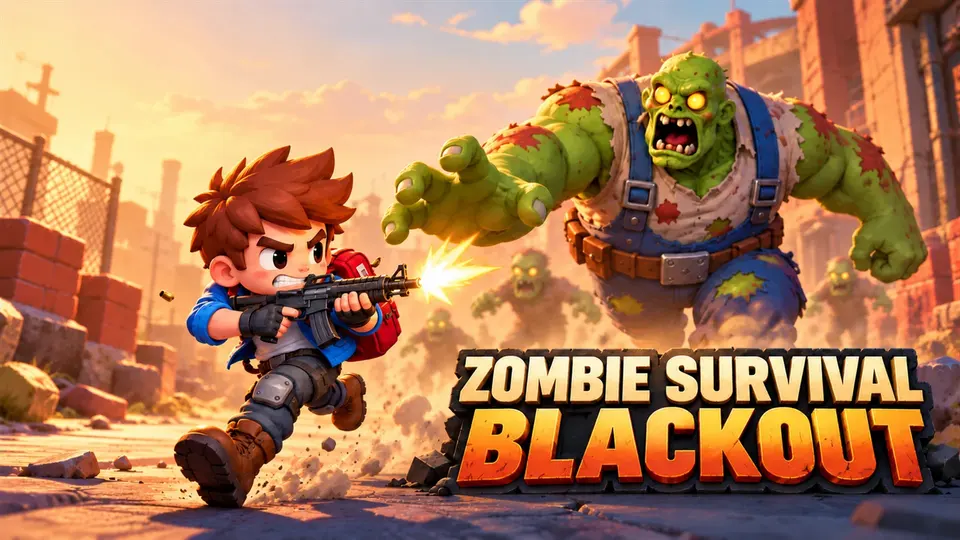
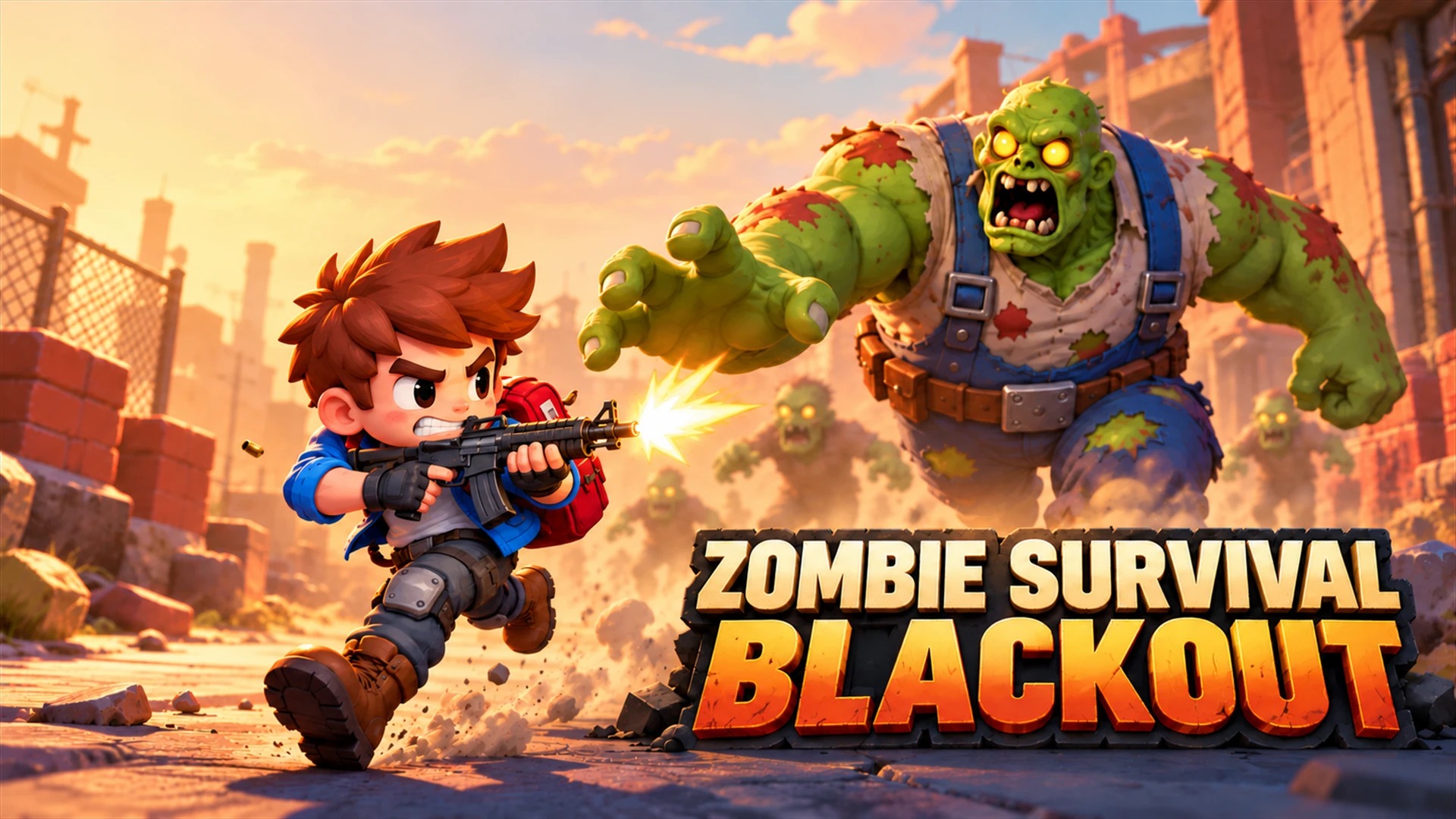
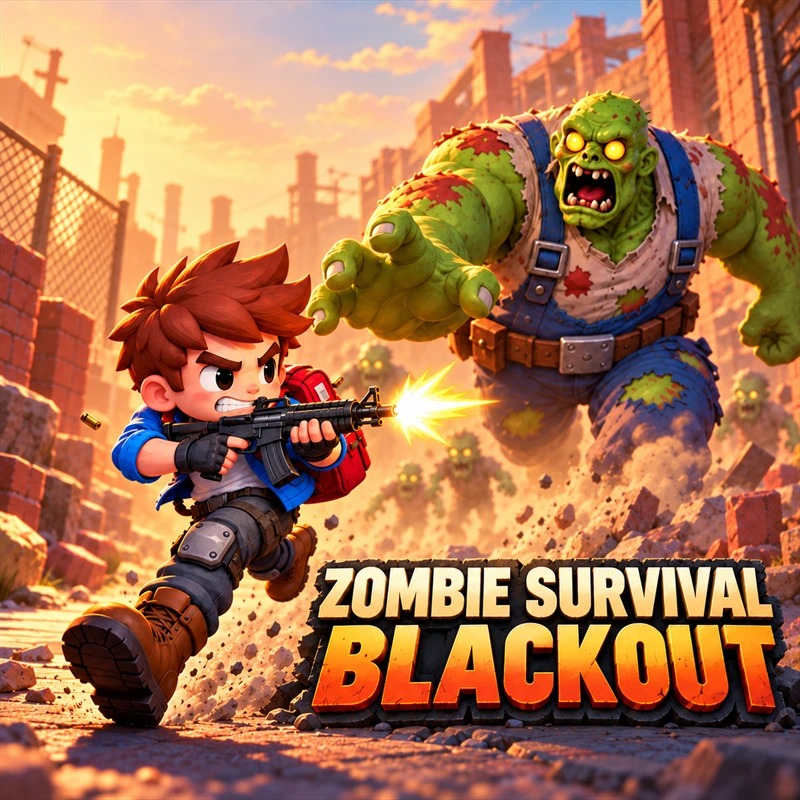
Survive the zombie horde in an action roguelite shooter with automatic fire. Collect XP, choose powers such as rockets, lightning, meteors and drones, rescue survivors and escape by helicopter. Between fights, equip and upgrade gear, merge items and grow your camp.
Work toward the survival objective while keeping track of the threats described in the game. Learn the movement and interaction controls before taking a risk. Upgrades are part of the progression described by the provider. The listed controls include WASD input.
How to play Zombie Survival: Blackout
Controls and instructions
Move with WASD or the arrow keys (on phones: drag anywhere on the screen). Your hero shoots automatically. Collect XP crystals, level up and pick a new power each level. Defeat the district boss, rescue survivors and get them to the helicopter. Between fights, equip and upgrade gear. P pauses the game.
Getting started with Zombie Survival: Blackout
- Check the current threat and available actions before moving into an unfamiliar area.
- Compare the upgrade description with your next objective before choosing it.
- Check the action mappings as well as movement; extra actions may use different keys.
About this game
- Platform
- Web browser
- Supported devices
- Android, iOS, Desktop
- Screen orientation
- Landscape and Portrait
- Languages
- American English, Polish (Poland), Russian (Russia)
- Genres
- Action, Shooting, Zombie, Survival
- In-game purchases
- None listed by the provider
- Provider
- Playgama
- Provider audience
- Male, Female
Game features and tags
- 2d
- Bullet
- Apocalypse
- 1 Player
- Shoot Em Up
- Roguelike
- Horde Survival
- 2d Action
- Survivors Likes
Zombie Survival: Blackout images
Questions about Zombie Survival: Blackout
How do I start playing?
Choose Play now in the game window above to load Zombie Survival: Blackout through Playgama. Read the controls and instructions above before you start.
Which devices can I play on?
The provider lists support for Android, iOS, Desktop. Play in your web browser using the controls described above.
Which languages does the game support?
American English, Polish (Poland), Russian (Russia).
Does the game have in-game purchases?
The provider lists no in-game purchases for this game. Games may display advertisements.
Related game categories
Game facts and artwork supplied by Playgama. Descriptions adapted and getting-started guidance added by LookBear. Game content, ads and purchases are provided by Playgama and the game provider.