 Speed per Click: Obby
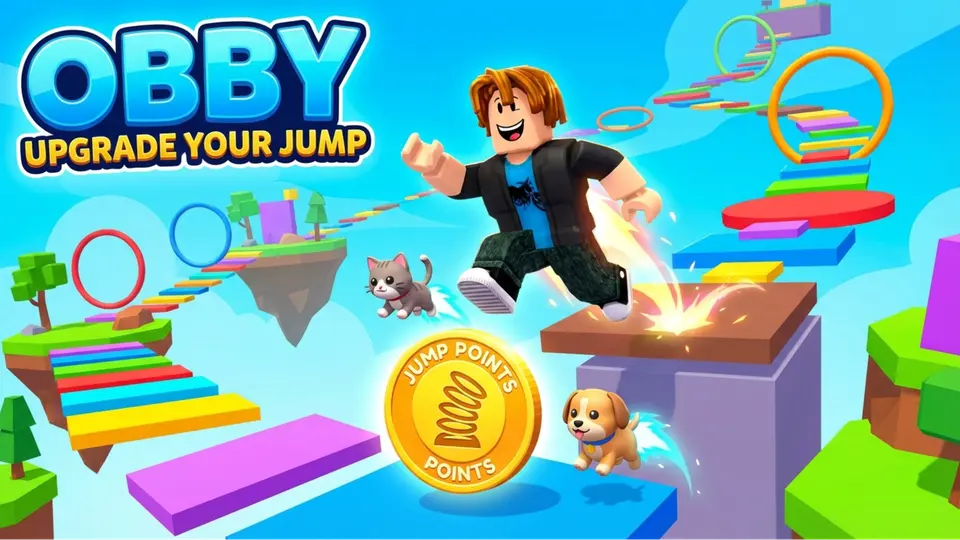
Obby Upgrade Your Jump
Provided by Playgama
Obby Upgrade Your Jumpvia Playgama



 My Fast Brainrot
 Survive Lava for Brainrots!
 Obby online with friends: Draw and Jump!
 Baby Brainrots - Multiplayer with Friends!
 Build a Go-Kart
 Obby: Theme Park World
 Robby The Lava Tsunami
 Barry Prison: Parkour Escape!
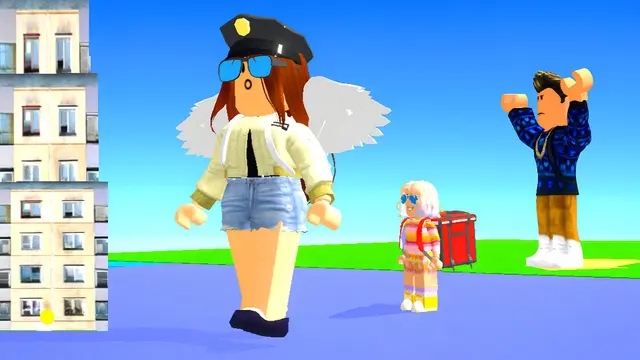 Obby Easy Grow!
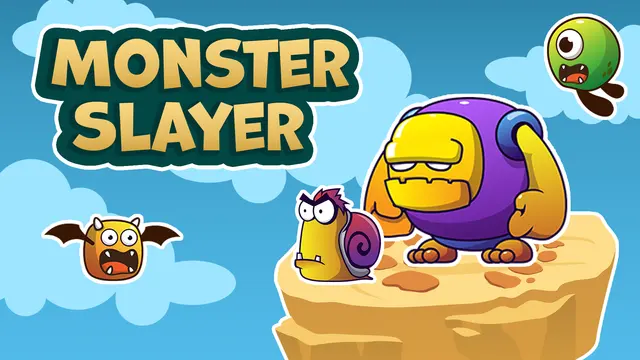 Monster Slayer. Idle Clicker
 Your Obby Labyrinth
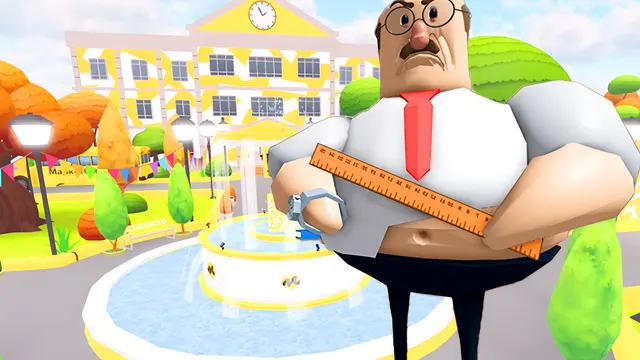 School Escape Obby
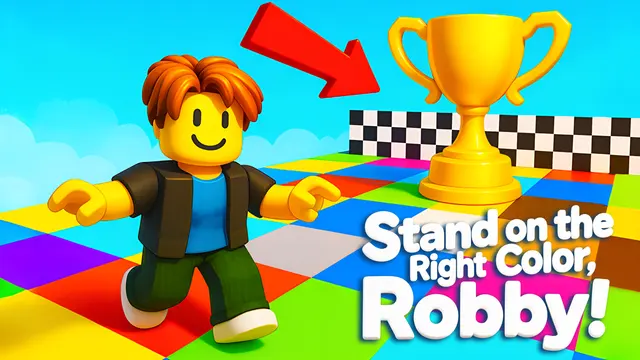 Stand on the Right Color, Robby!
 Happy Obby Land
 Your Obby Parkour
 Obby: Climb and Slide
 Survive the Disasters: Obby
 Obby: Ragdoll Boxing
 Blocks Shooter 3D! Run, Shoot, Merge Weapons!
 Obby: King of the Hill
 Get Tall And Fall (Online)
 Obby Football Soccer 3D
 Impossible Parkour 3D
 Find Brainrot Obby
 Unboxing Brainrots
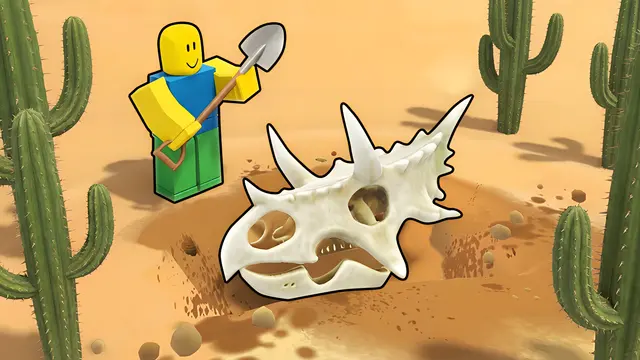 Obby: Dig it
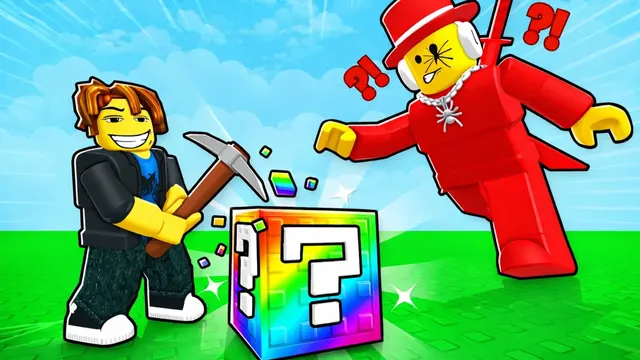 Break a Lucky Block!
 Grow Slime
 Fun fishing
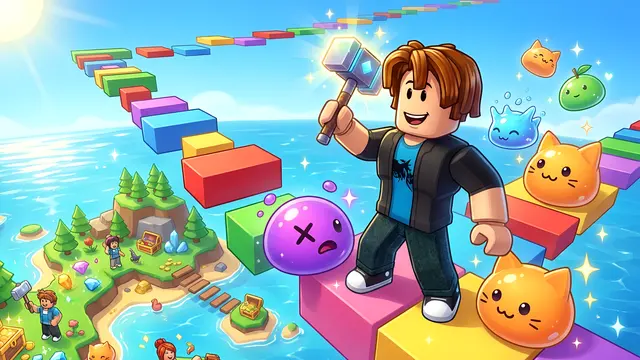 Build Obby World
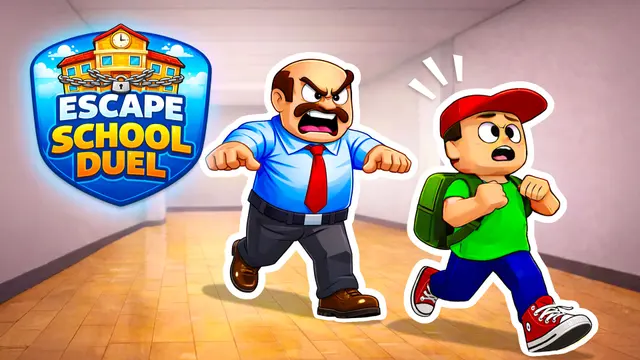 Escape School Duel
 +1 Speed per Step | Obby Mode
 Break a Tower: Obby
 Catch a Brainrot From Bosses
 The Aesthetic World of Obby
 +1 SPEED: Escape School
 Wave Run: Brainrot Escape!
 Obby: Escape from Tsunami Brainrot
 Escape Tsunami and save Brainrots
 Find Capybara: Valley of Monsters
 Find The Pets
 Obby Parkour: Sleeping Brainrots
 Breinrot Bog
 Mine Block Party: World of Minigames
 Obby: Escape from Lava and Survive
 Mine Mining Islands: Skyblock Village!
 Ladder to Brainhot: Climb Obby
 Obby: Save the Brainrots Online
 Obby Toilet Line
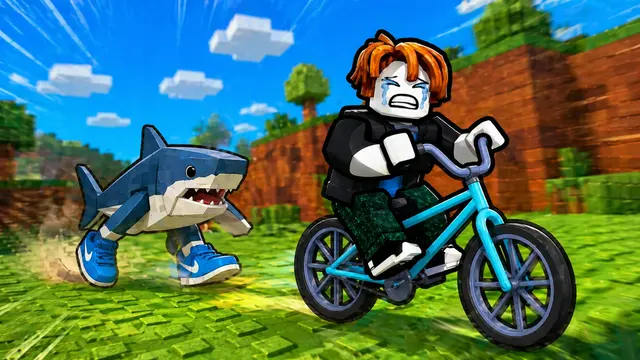 Ride a Bike for Brainrots
 Obby Space Challenge: Starships
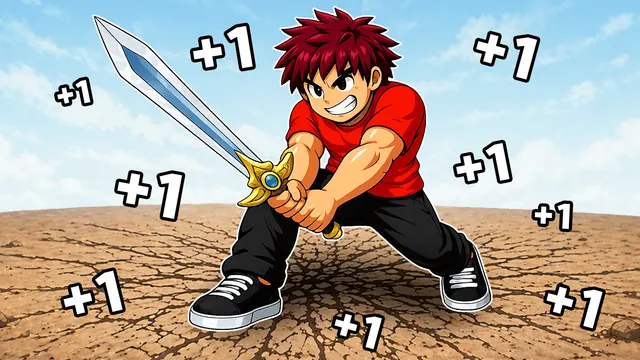 Obby: Sword Hero Adventure
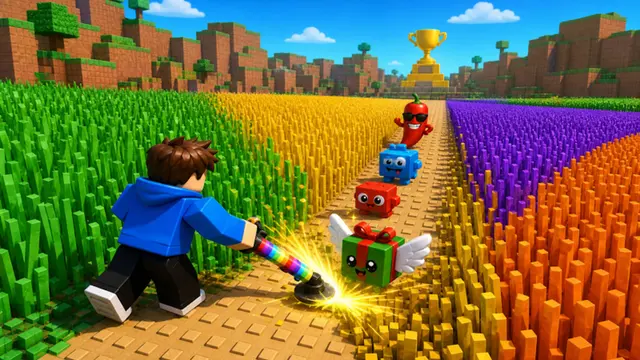 Cut Grass for Brainrots
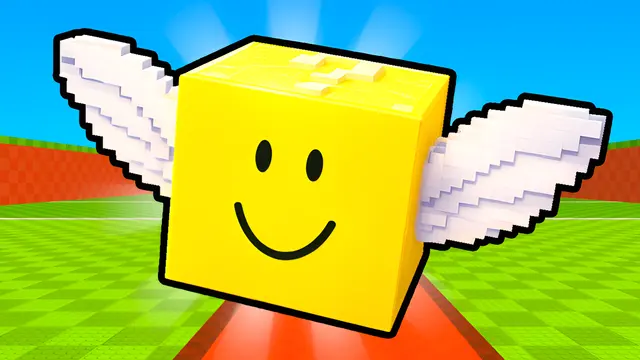 Lucky Brainrot Blocks Online
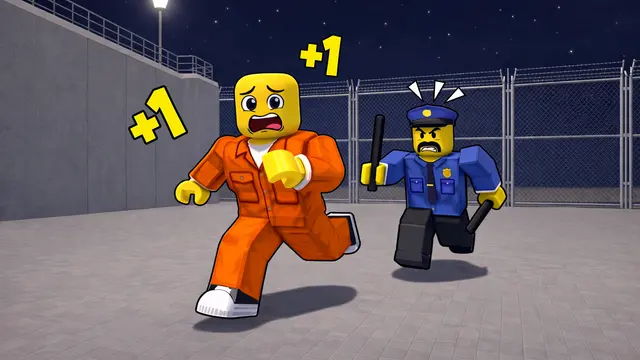 +1 Speed: Escape Prison
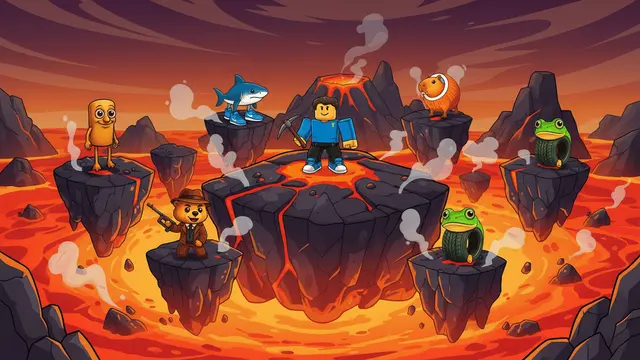 Obby: Brainrot escape from Lava
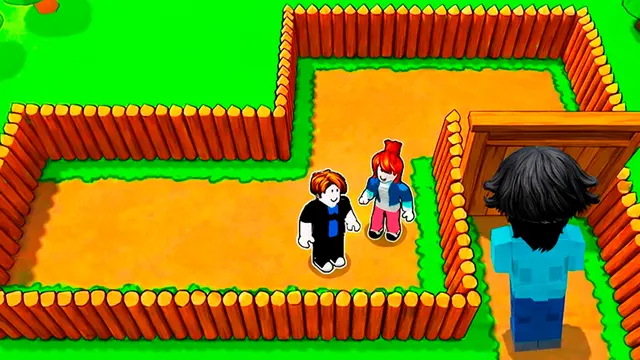 Obby: Defend your base from 67
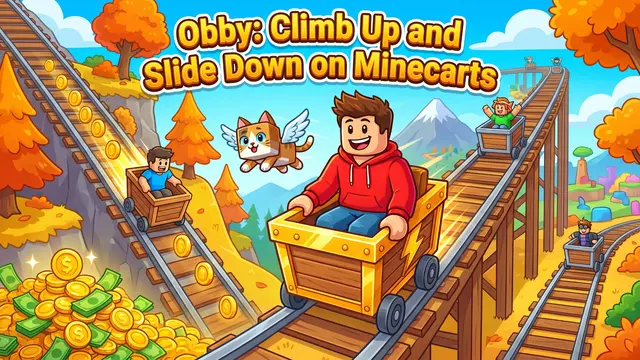 Obby: Climb Up and Slide Down on Minecarts
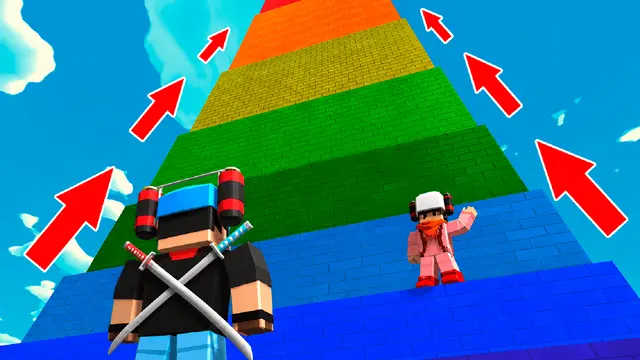 Robby +1 To Jump Power Per Second
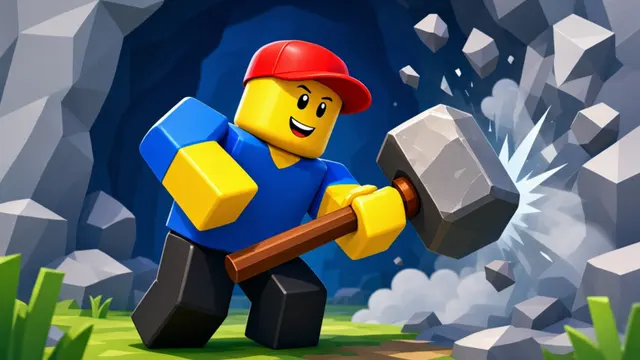 Obby: Mine Crasher
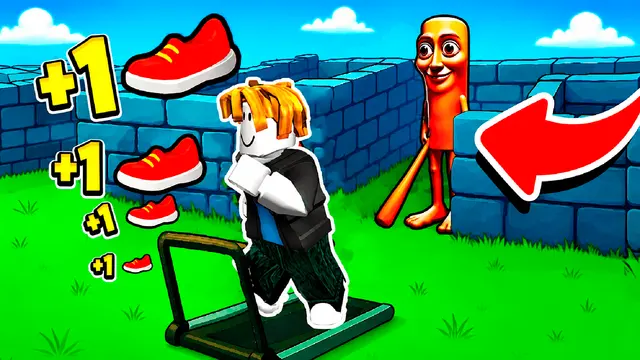 Robby: The Speed Maze
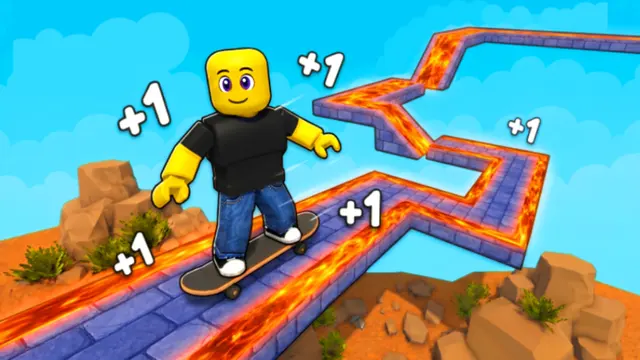 SKATE: +1 Speed
 Idle Vlogger Simulator
 Egg Thief
Play Obby Upgrade Your Jump online
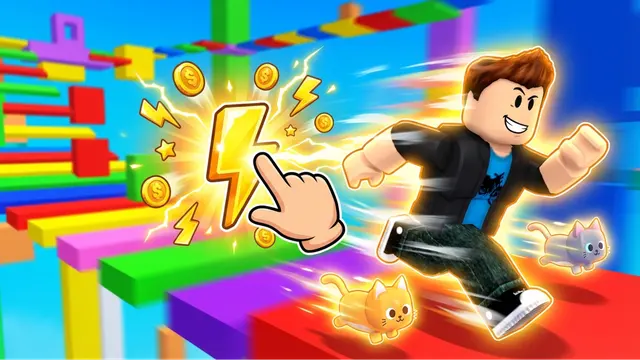
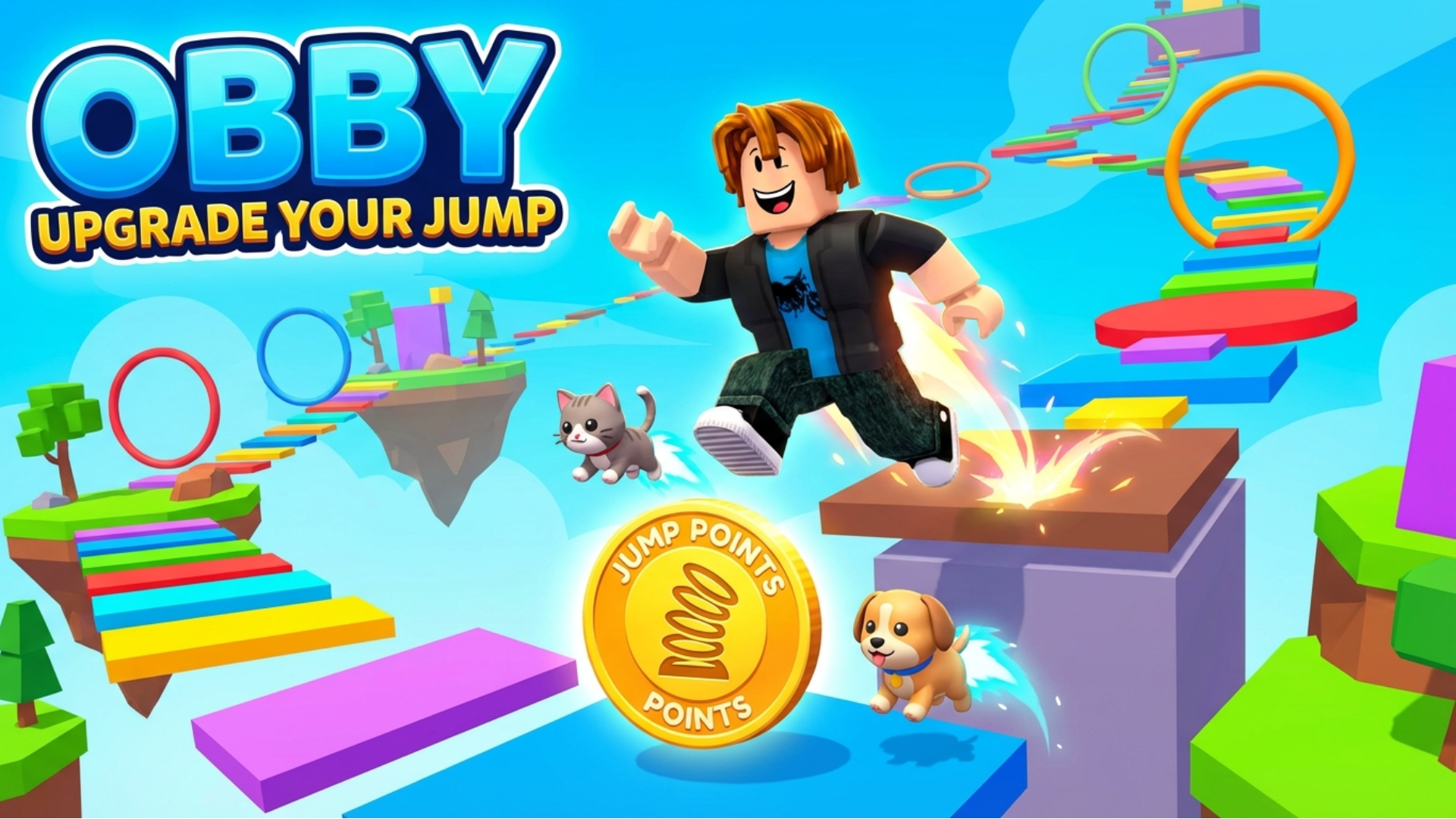
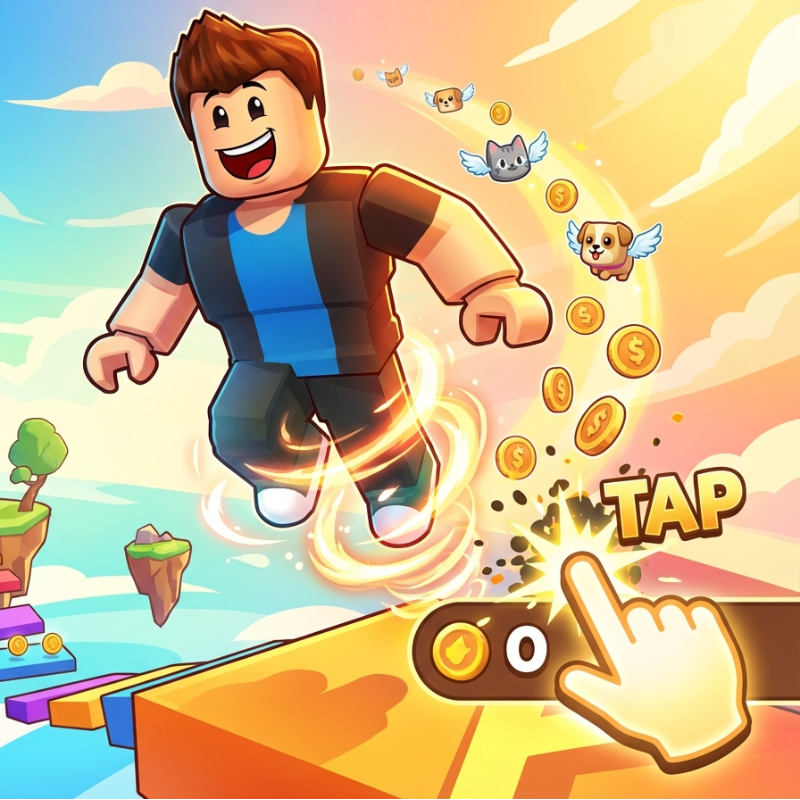
In Obby Upgrade Your Jump it’s super fun and simple: tap → earn Jump Points → jump higher! Unlock pets to boost your progress: they make taps stronger and give 2 or 3 points per tap depending on the pet. Level up, beat your records, and show everyone how high you can fly!
Use repeated interactions to make progress and review the available improvements. Check what an upgrade changes before spending resources on it. Upgrades are part of the progression described by the provider. The instructions describe joystick input.
How to play Obby Upgrade Your Jump
Controls and instructions
Tap to increase characteristics
Character controls:
WASD or arrow keys — movement
Rotate the camera while holding the right mouse button
Space — jump
Touch controls:
Joystick for movement
Camera rotation — small swipes on the screen
Getting started with Obby Upgrade Your Jump
- Compare an upgrade’s cost with the benefit described in the game.
- Compare the upgrade description with your next objective before choosing it.
- Start with a short joystick movement to judge how the character responds.
About this game
- Platform
- Web browser
- Supported devices
- Android, iOS, Desktop
- Screen orientation
- Landscape
- Languages
- American English, German (Germany), European Spanish, French (France), Italian (Italy), Polish (Poland), Russian (Russia), Turkish (Türkiye)
- Genres
- Clicker, Obby
- In-game purchases
- Available
- Provider
- Playgama
- Provider audience
- Male, Female
Game features and tags
- Roblox
- Jumping
- Agility
- 1 Player
Obby Upgrade Your Jump images
Questions about Obby Upgrade Your Jump
How do I start playing?
Choose Play now in the game window above to load Obby Upgrade Your Jump through Playgama. Read the controls and instructions above before you start.
Which devices can I play on?
The provider lists support for Android, iOS, Desktop. Play in your web browser using the controls described above.
Which languages does the game support?
American English, German (Germany), European Spanish, French (France), Italian (Italy), Polish (Poland), Russian (Russia), Turkish (Türkiye).
Does the game have in-game purchases?
The provider lists optional in-game purchases. Any available purchases are handled inside the game. Games may display advertisements.
Related game categories
Game facts and artwork supplied by Playgama. Descriptions adapted and getting-started guidance added by LookBear. Game content, ads and purchases are provided by Playgama and the game provider.