 +1 Grass Cutting: Become Stronger
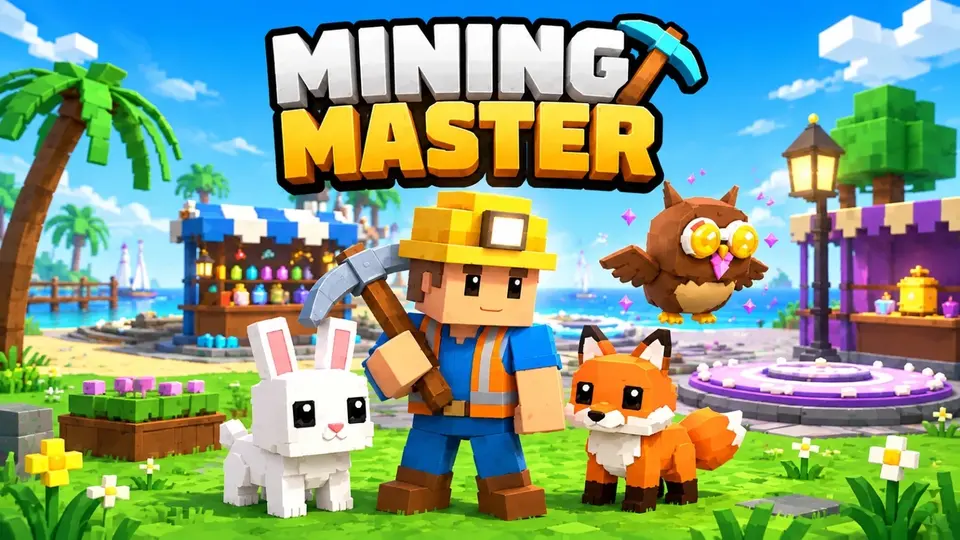
Mining Master
Provided by Playgama
Mining Mastervia Playgama






 Obby: Click and Grow
 Skyblock 3D: Survival
 Find The Pets
 Mine Mining Islands: Skyblock Village!
 Egg Thief
 Steve parkour in mine
 Your Obby Escape
 Parkour World 2
 Noob Fuse
 Mine Miner 3D: Mayor of Dream Island
 Roll to Riches
 Mine Obby: +1 Dig Power per Hit
 Mine Obby 3D: Car Wash Tycoon
 TNT Sandbox
 Newbie’s Escape from Blogger Prison
 Obby Prison Craft Escape
 Only Up Obby: Tower Climb
 Heist Idle
 Cheat and Don't Get Caught!
 Wild Wolf Simulator Animal Games
 Obby Up: Parkour Run
 Wildkin Isles
 Obby Way
 Web Swing Obby: Aqualand
 Relic Rush 3D
 Wooden Vest
 Pocket Mart
 WildBlocks — A Tiny Living World
 +1 Strength for escape
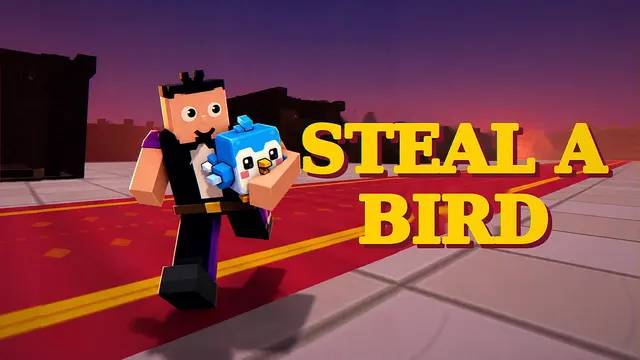 Steal a Bird
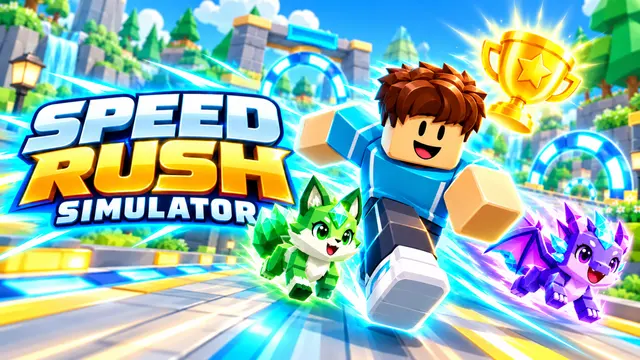 Speed Rush Simulator
 Aura Farm: RNG
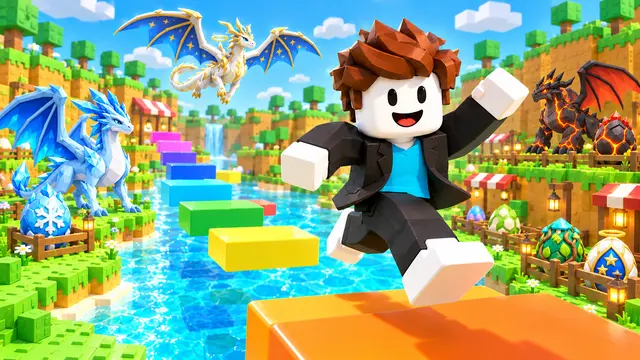 Obby Ultimate Parkour
 Sunny Bay Heroes
 Ultimate Horse Simulator
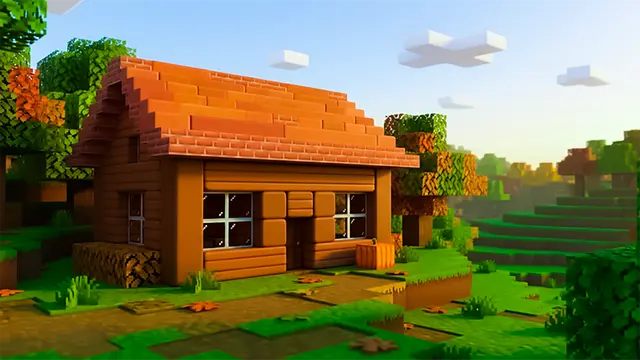 Noob in Mine - Sandbox & Craft
 Steal Meme And Go
 Capy Market
 Master of Break an Eggs
 Animal Hospital 3D
 Peel the Potato
 Sky Islands Obby
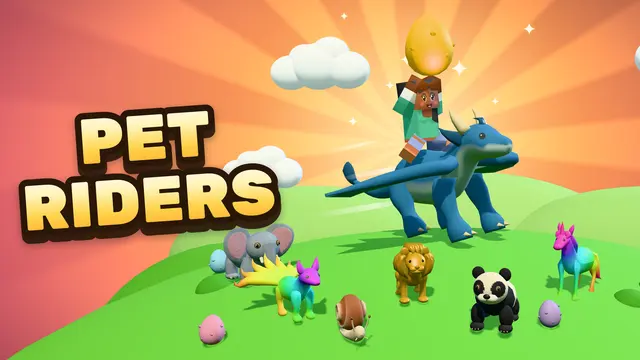 Pet Riders
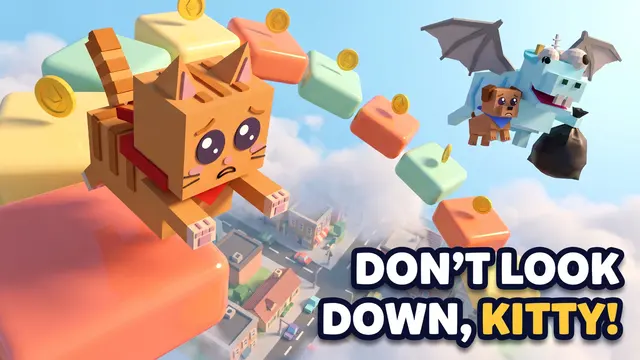 Don't Look Down, Kitty!
 Build a Skyscraper!
 ASMR Keyboard Escape Classic
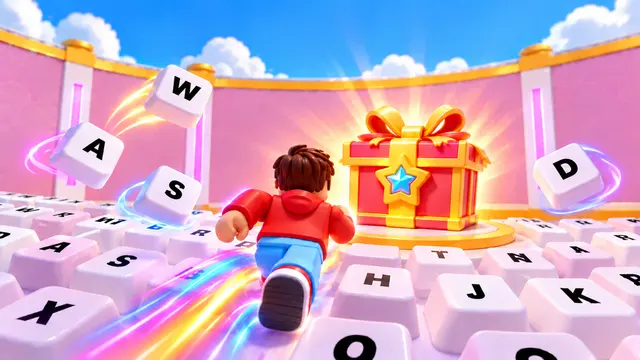 Keyboard Rush
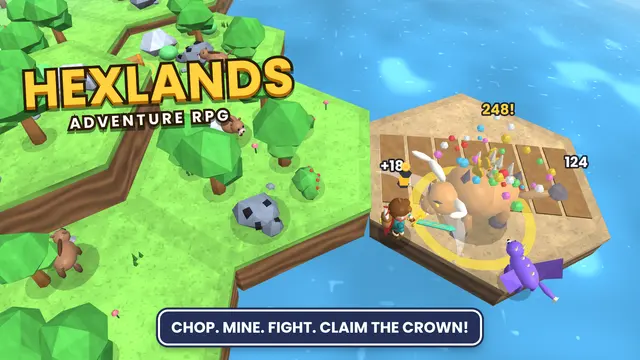 Hexlands
 Zone Breaker
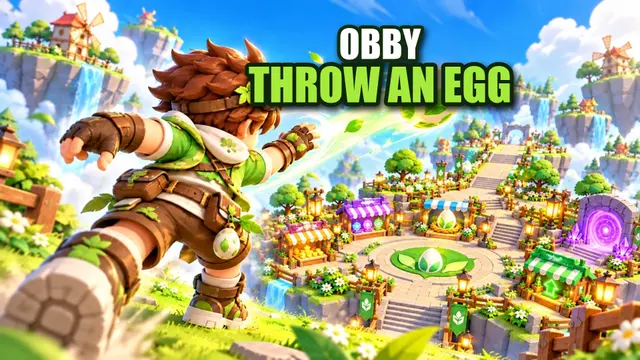 Obby Throw an Egg
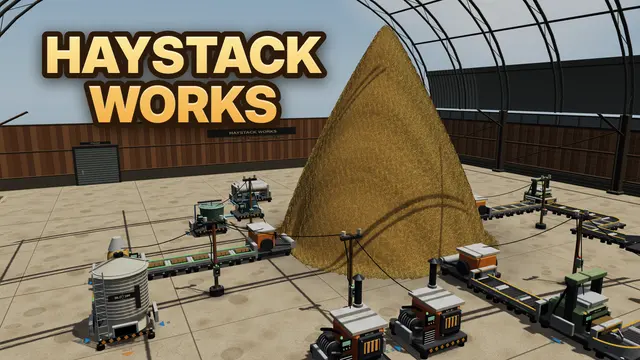 Haystack Works
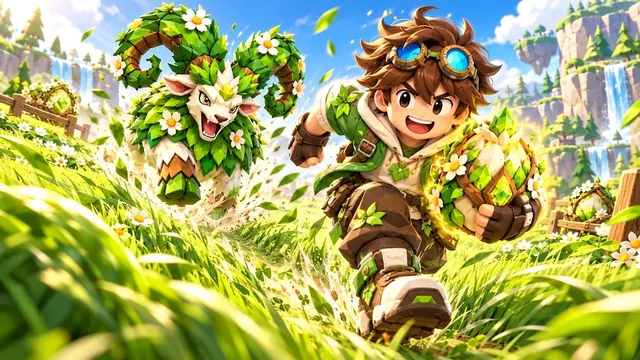 Obby Cut the Grass for Egg
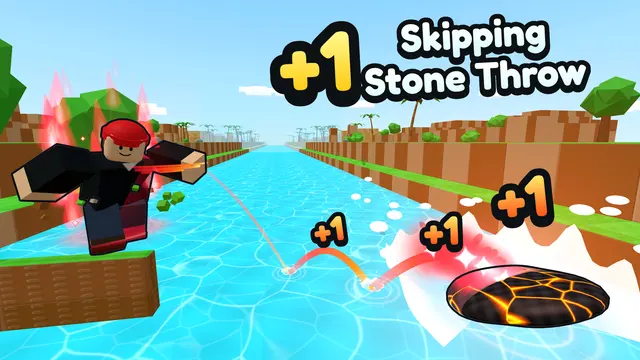 +1 Skipping Stone Throw
 Keyboard Escape Classic
 Thief Steal a Monster Egg
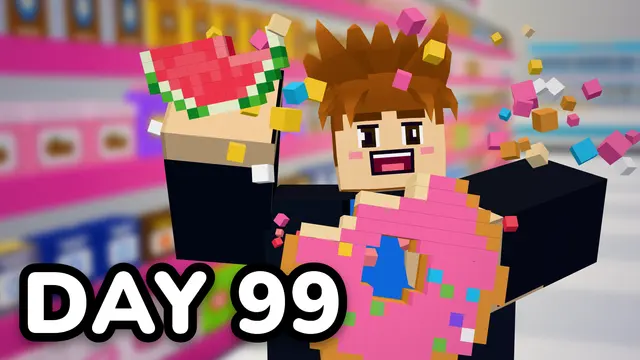 Eat the Whole Supermarket
 Star Rank Heroes
 Collect Million Coins
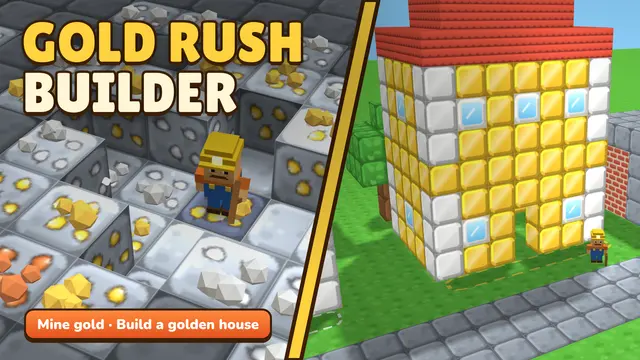 Gold Rush Builder
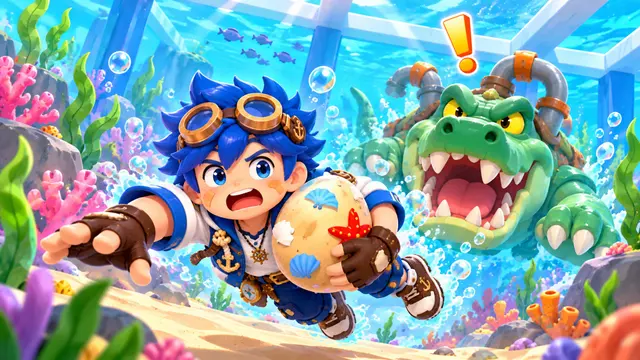 Obby Swim for Egg
 Obby: Build a Car Farm
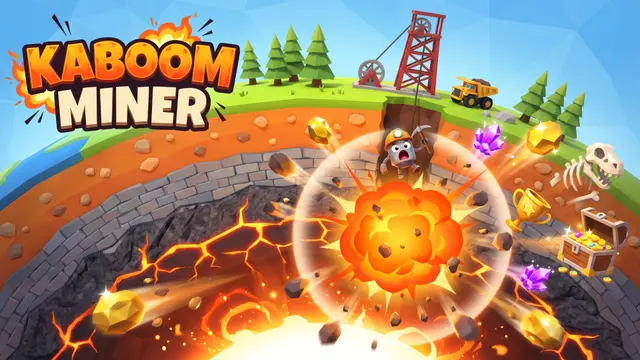 Kaboom Miner
 +1 Wings Escape
 Event Horizon: Black Hole Idle
Play Mining Master online
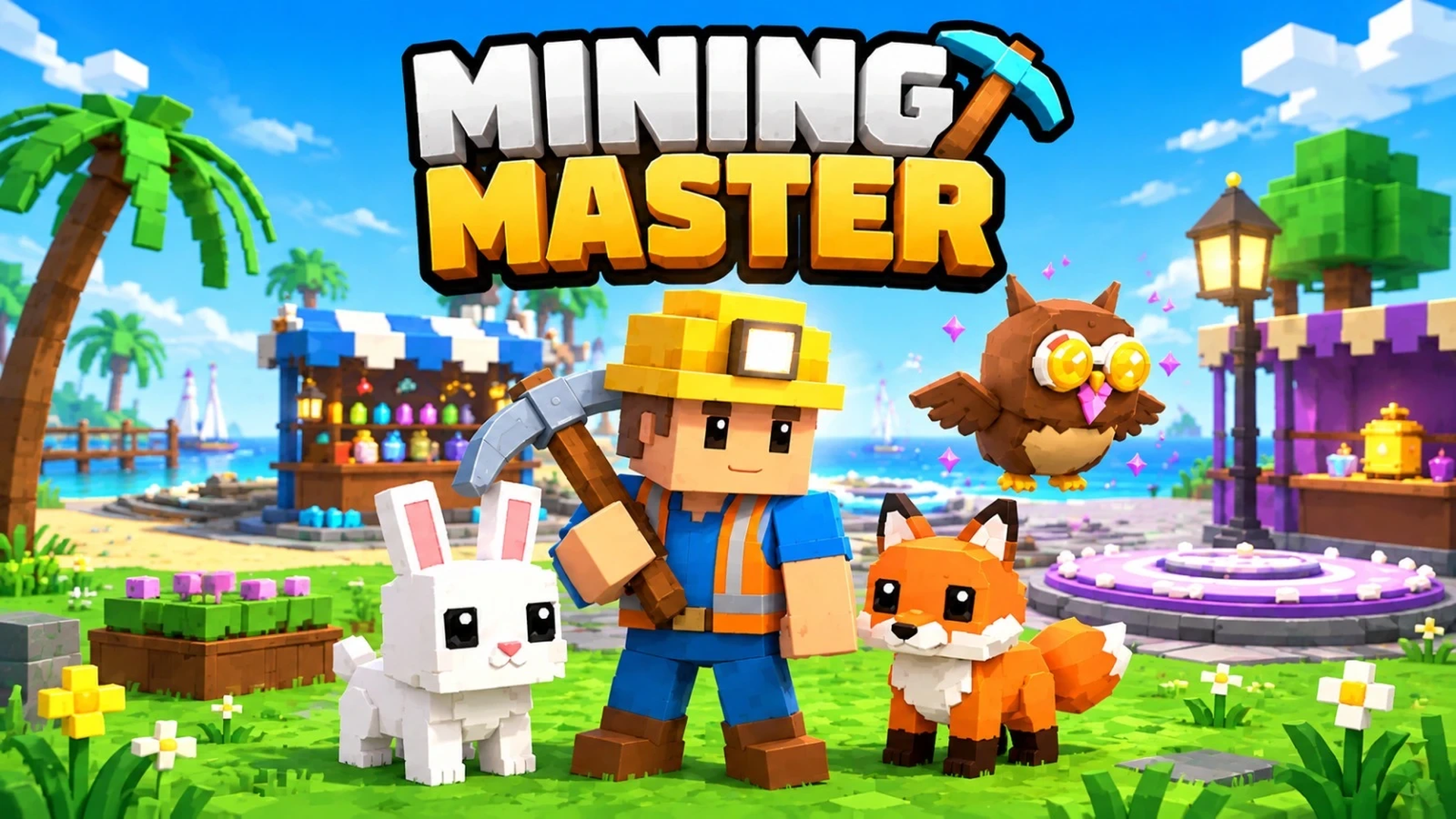
Mining Master is a blocky 3D mining simulator set in a sunny voxel world by the sea. Dig blocks and ores, sell your bag for coins, upgrade your gear and dig through six layers, from Topsoil to the Frozen Abyss. Hatch pets from eggs, forge treasures at the Forge, play Plinko, and rebirth for permanent bonuses!
Use repeated interactions to make progress and review the available improvements. Check what an upgrade changes before spending resources on it. Coins appear in the game’s progression or objectives. Upgrades are part of the progression described by the provider.
How to play Mining Master
Controls and instructions
Desktop: WASD to walk, click or hold left click to dig blocks. Space to jump. Press E or click UI buttons to shop, manage pets and rebirth.
Mobile: Move with the virtual stick, tap or hold blocks to mine. Tap buttons to upgrade tools, hatch eggs and sell.
Getting started with Mining Master
- Compare an upgrade’s cost with the benefit described in the game.
- Check what the game lets you do with coins before spending them.
- Compare the upgrade description with your next objective before choosing it.
About this game
- Platform
- Web browser
- Supported devices
- Android, iOS, Desktop
- Screen orientation
- Landscape and Portrait
- Languages
- American English
- Genres
- Adventure, Simulation, 3d, Clicker, Obby, Minecraft
- In-game purchases
- None listed by the provider
- Provider
- Playgama
- Provider audience
- Male, Female
Game features and tags
- Cube
- Casual
- Addictive
- Webgl
- Digging
- 1 Player
- Mine
- Sandbox
- Resource Management
- Mining
- Pixel
- Ai
Mining Master images

Questions about Mining Master
How do I start playing?
Choose Play now in the game window above to load Mining Master through Playgama. Read the controls and instructions above before you start.
Which devices can I play on?
The provider lists support for Android, iOS, Desktop. Play in your web browser using the controls described above.
Which languages does the game support?
American English.
Does the game have in-game purchases?
The provider lists no in-game purchases for this game. Games may display advertisements.
Related game categories
Game facts and artwork supplied by Playgama. Descriptions adapted and getting-started guidance added by LookBear. Game content, ads and purchases are provided by Playgama and the game provider.