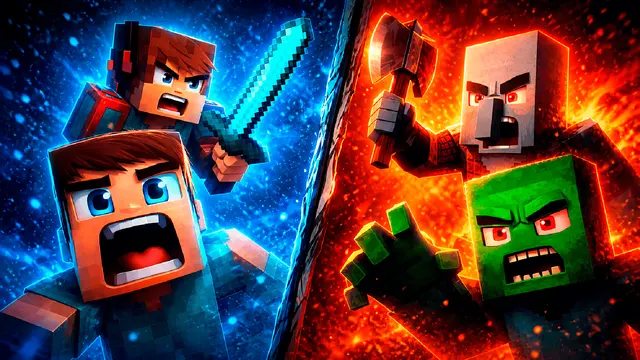
 Mine Mining Islands 2: Skyblock City!
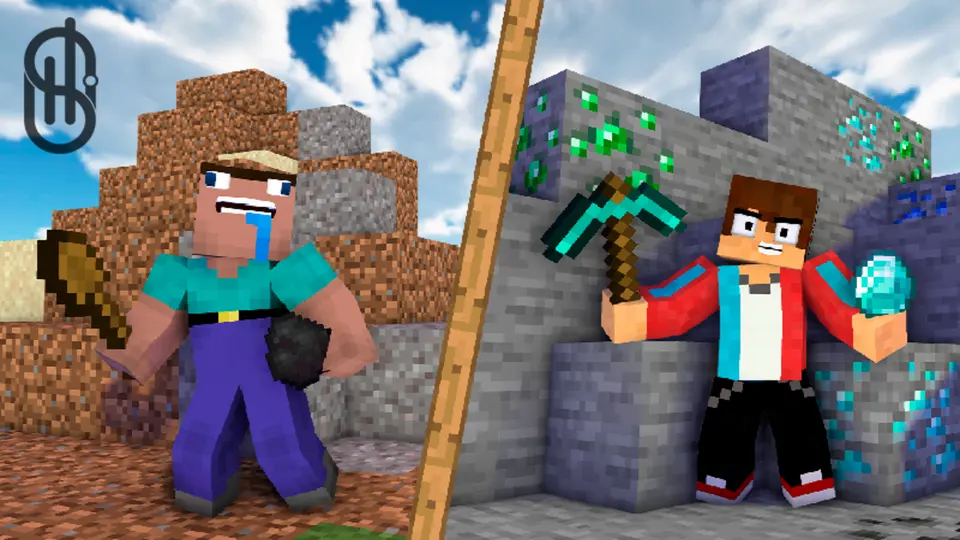
Mine Mining Islands: Skyblock Village!
Provided by Playgama
Mine Mining Islands: Skyblock Village!via Playgama



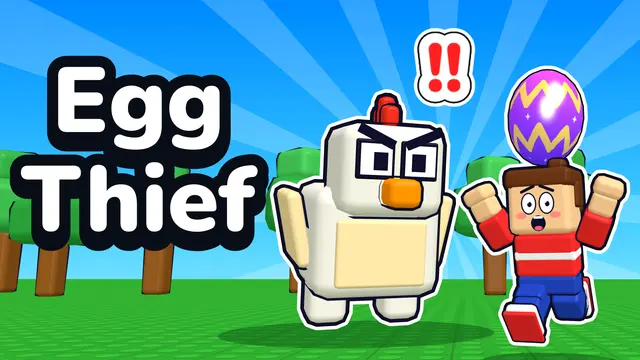
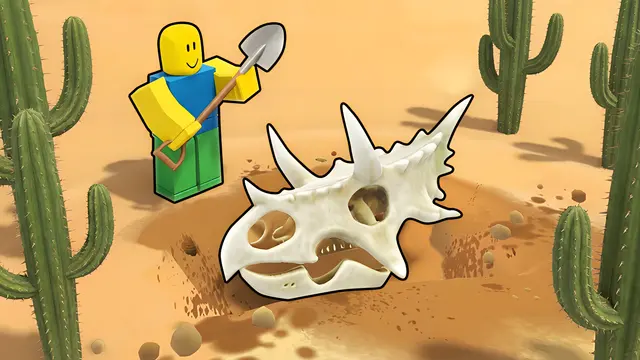 Obby: Dig it
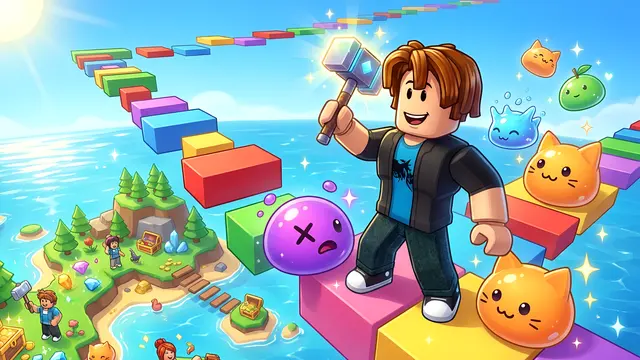 Build Obby World
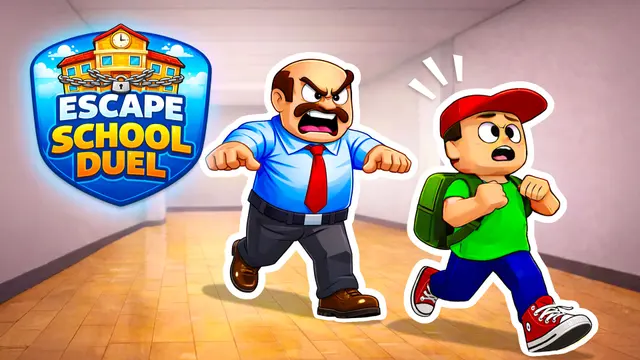 Escape School Duel
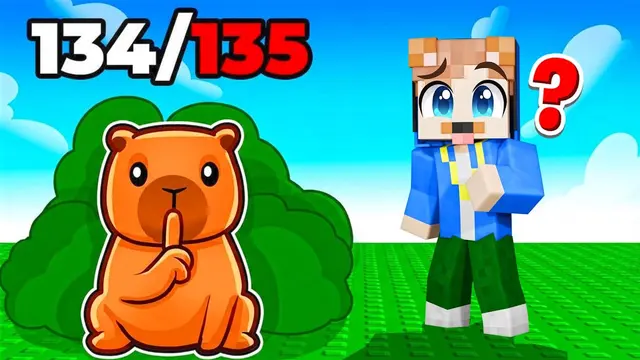 Find Capybara: Valley of Monsters
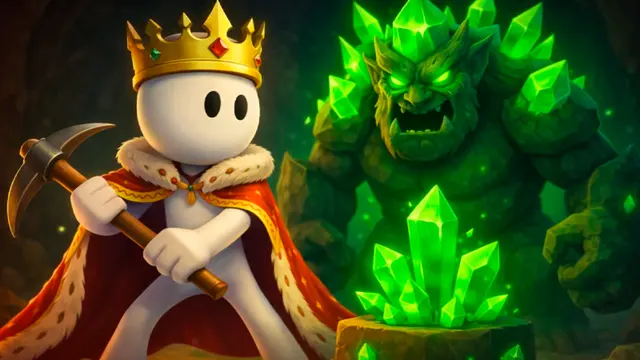 King Dungeon
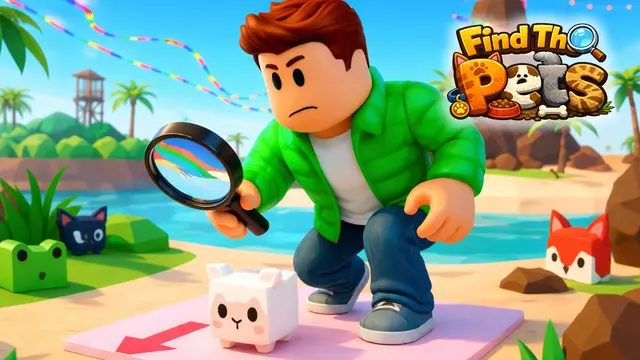 Find The Pets
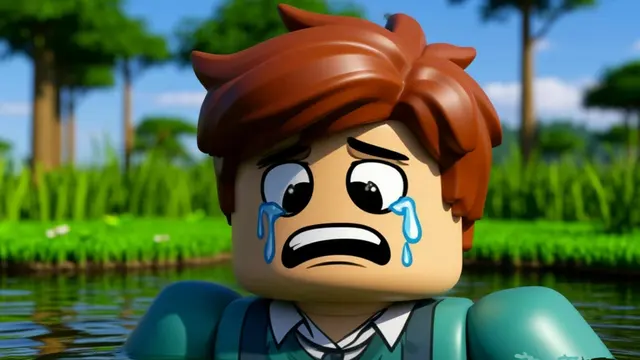 Breinrot Bog
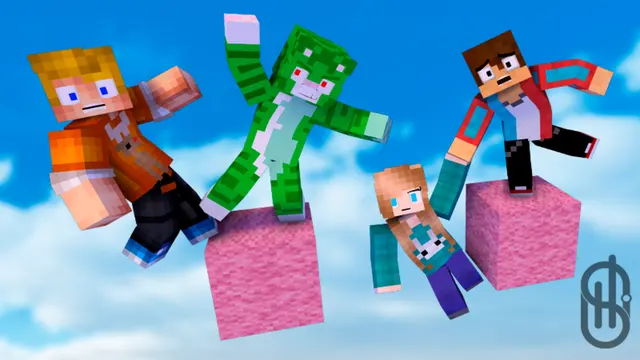 Mine Block Party: World of Minigames
 Obby: Mine Crasher
 Yenemy
 Secret Parkour
 Ultimate Obby Parkour Adventure Online
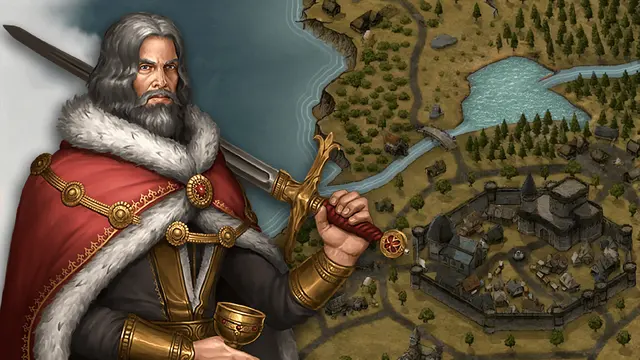 Idle Crafting Empire Tycoon
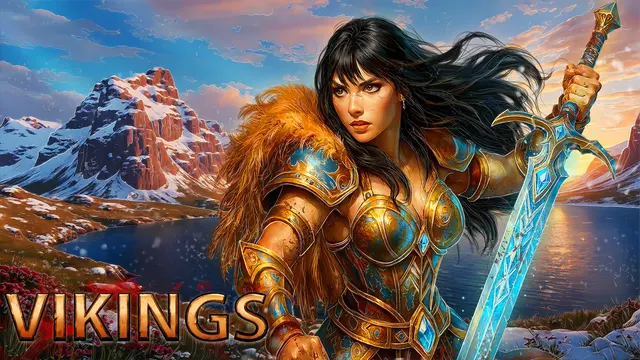 Vikings
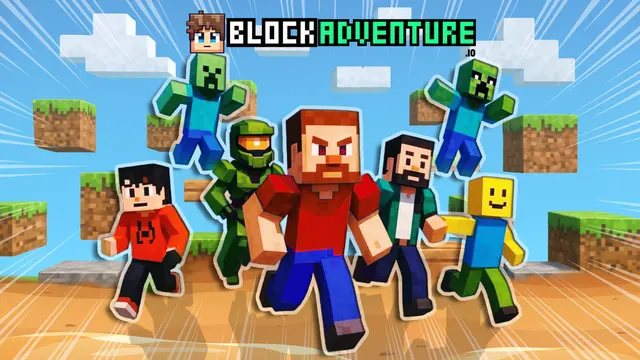 Blockadventure io
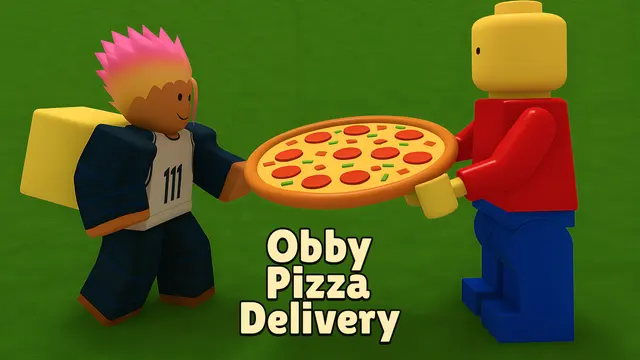 Obby Pizza Delivery
 Steve parkour in mine
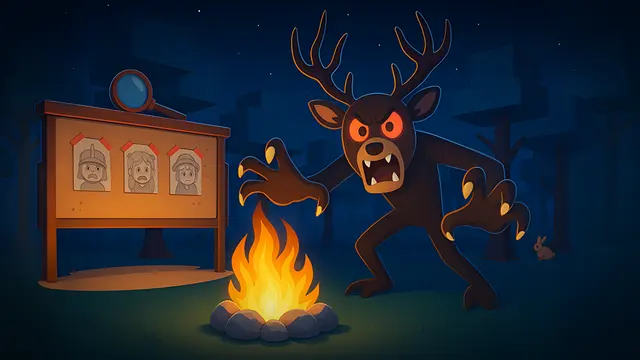 Survival Sandbox for 99 Nights
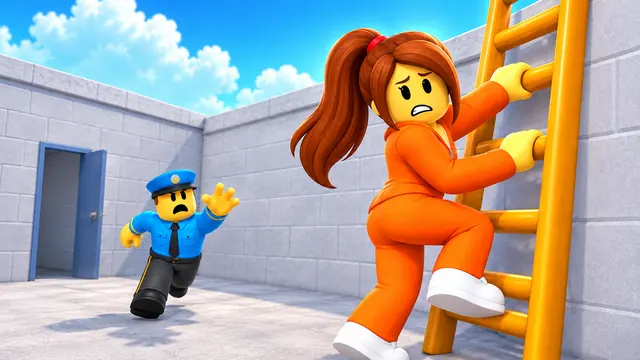 Your Obby Escape
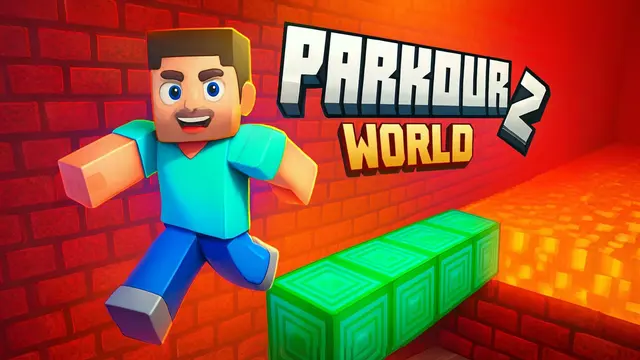 Parkour World 2
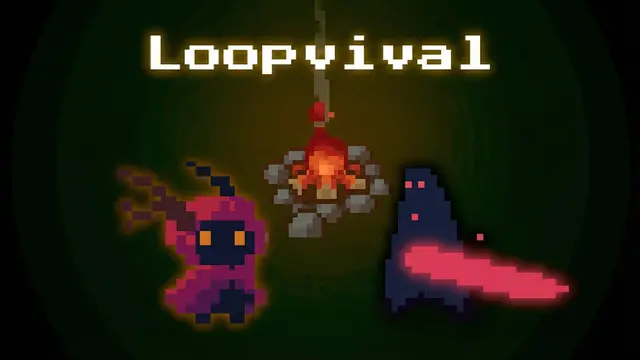 Loopvival
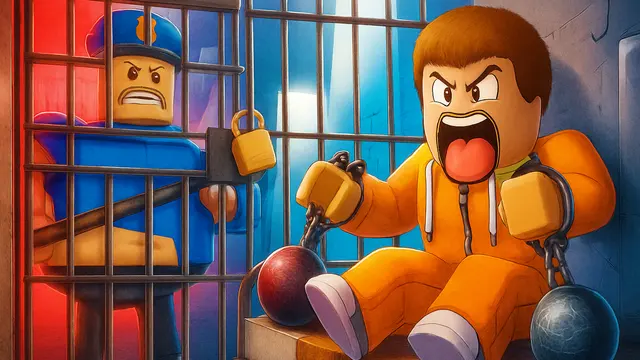 Obby Prison Barry Escape
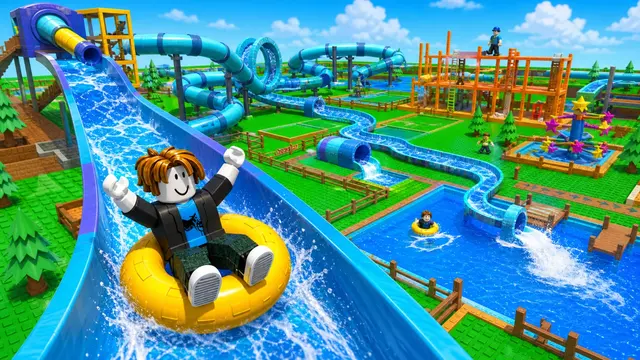 Build an Aquapark
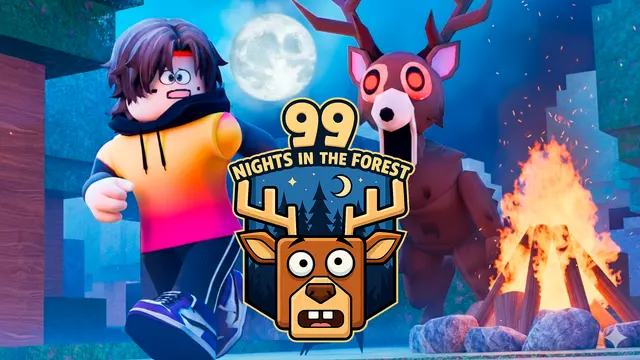 99 Nights In The Forest
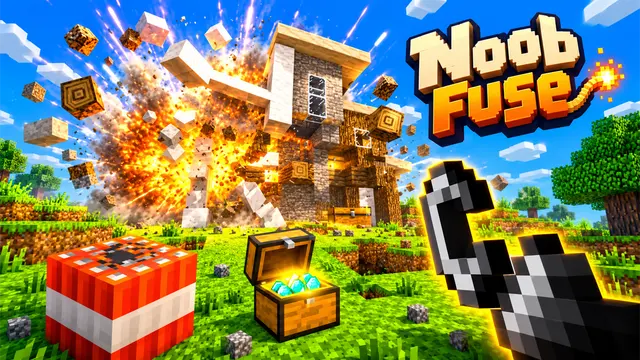 Noob Fuse
 Robby: Escape The Rooms
 CraftMart
 Survival Island
 ObbyTycoon: Money Tycoon
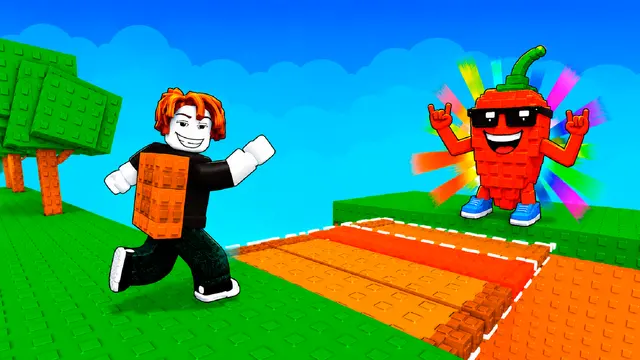 Robby: Build Bridge To Brainrots
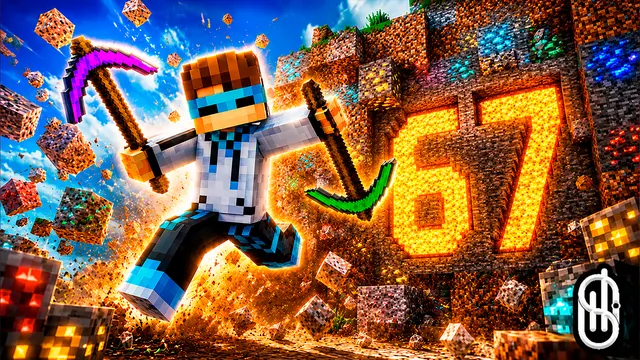 Mine Obby: +1 Dig Power per Hit
 Exploring the Galaxy 1: Andora
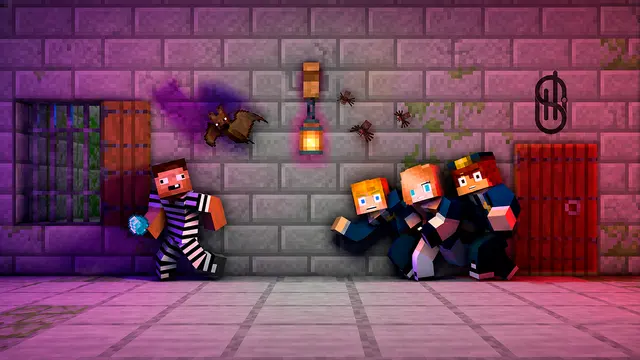 Newbie’s Escape from Blogger Prison
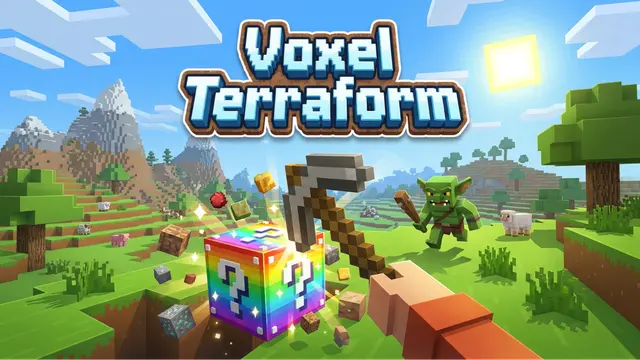 Voxel Terraform
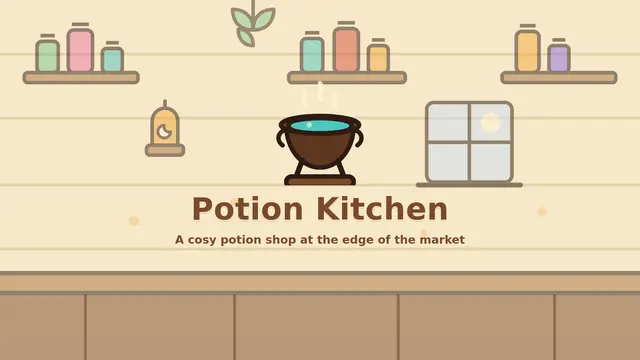 Potion Kitchen
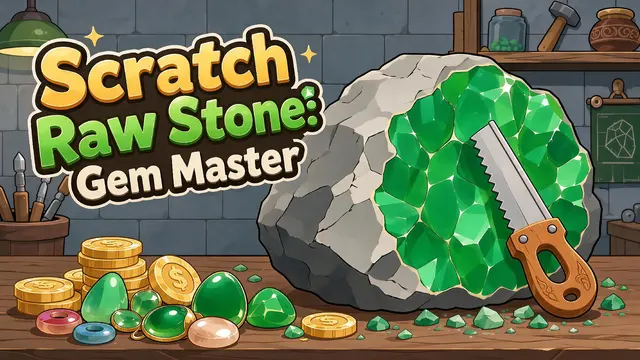 Scratch Raw Stone: Gem Master
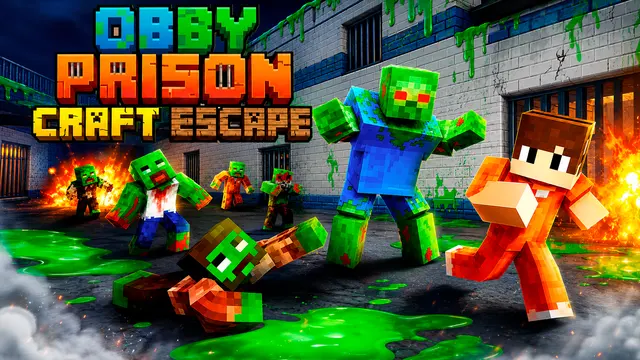 Obby Prison Craft Escape
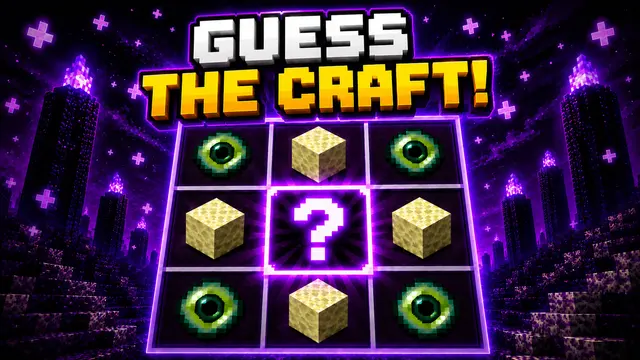 Guess the Craft: Blocky Recipes
 Only Up Obby: Tower Climb
 +1 Grass Cutting: Become Stronger
 Kingdom Master
 Toybox: Pixel World Sandbox
 Steal An Egg - Grow Animals
 Obby Up: Parkour Run
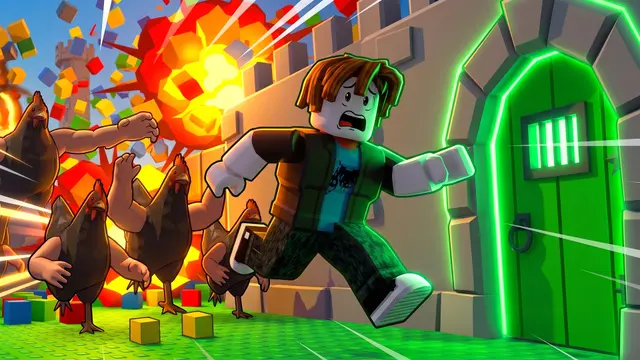 Obby Way
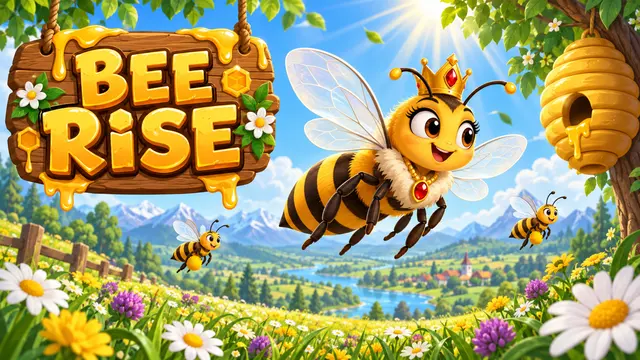 Bee Rise
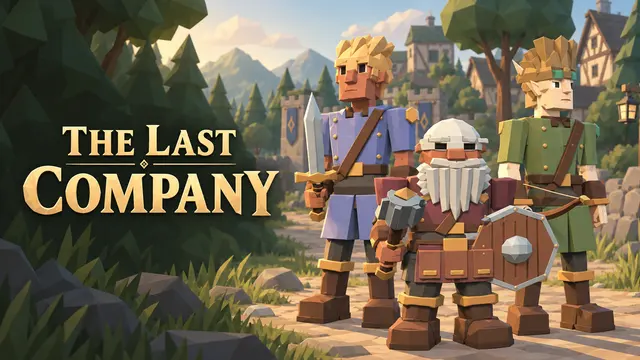 The Last Company
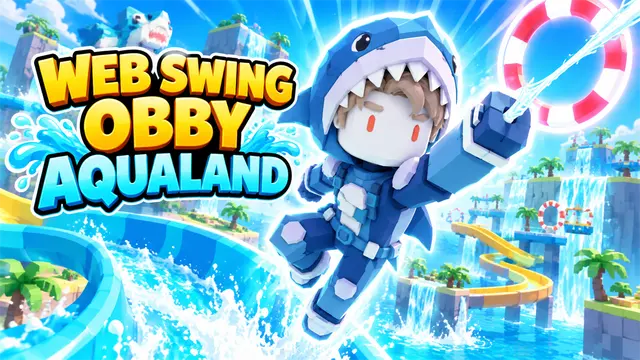 Web Swing Obby: Aqualand
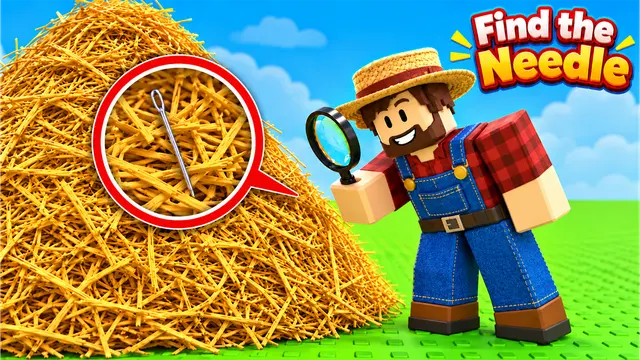 Find the Needle
 Steal a Pet!
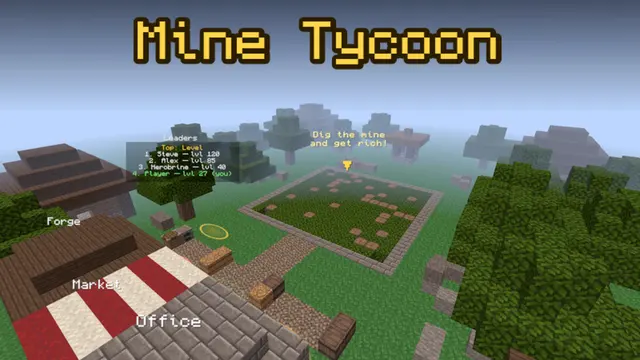 Mine Tycoon
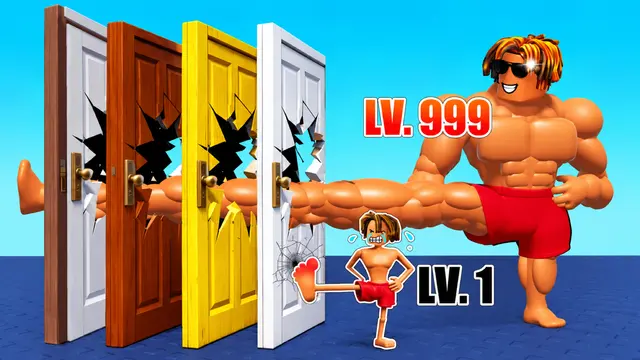 Obby: +1 Click Wall Breaker
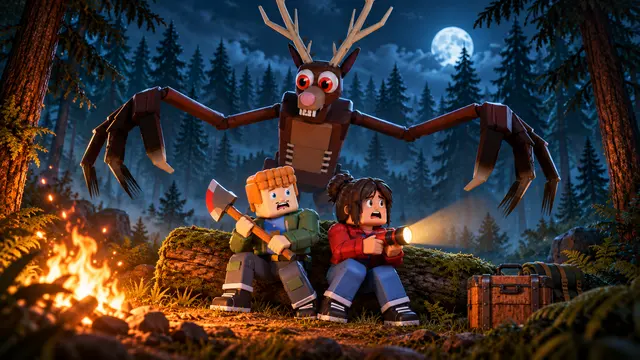 99 Night Survivor
 Wooden Vest
 Obby: Dig to the center of the Earth
 Pocket Mart
 Deepglow
 Steals Eggs From Animals
 Steal a Bird
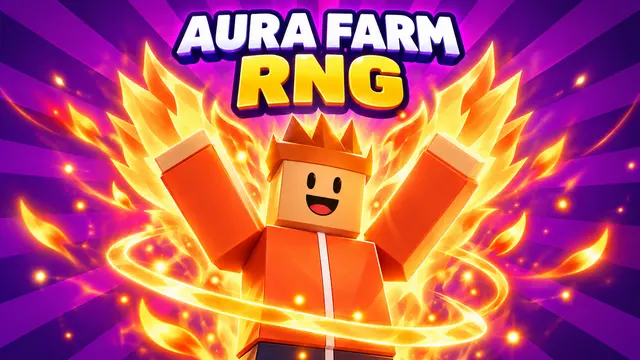 Aura Farm: RNG
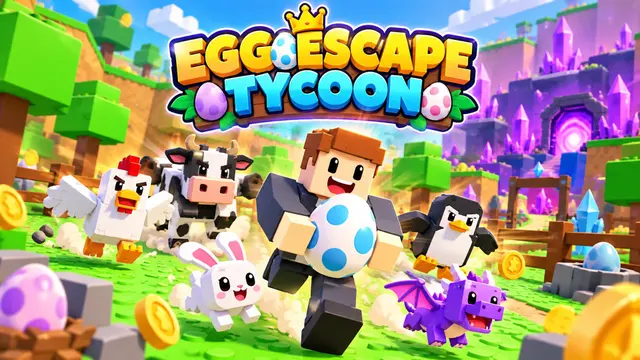 Egg Escape Tycoon
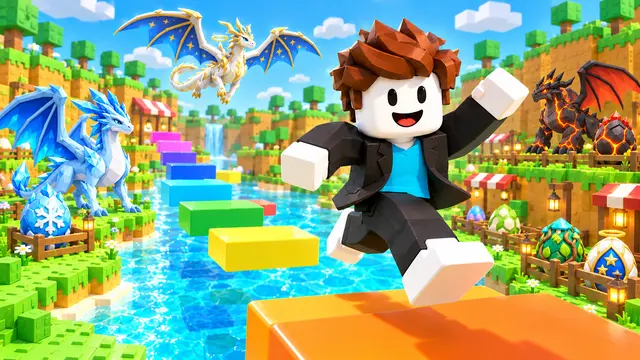 Obby Ultimate Parkour
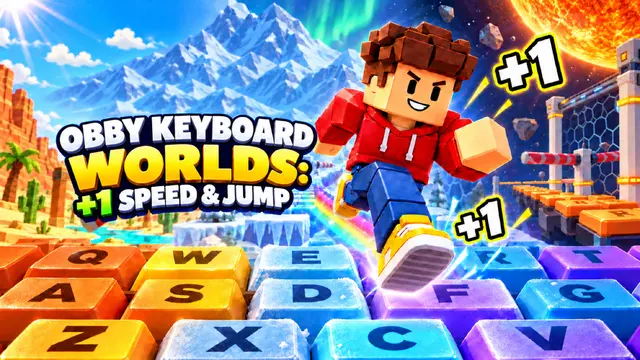 Obby Keyboard Worlds: +1 Speed & Jump
 Obby: Steal an Egg - The Great Escape
Play Mine Mining Islands: Skyblock Village! online
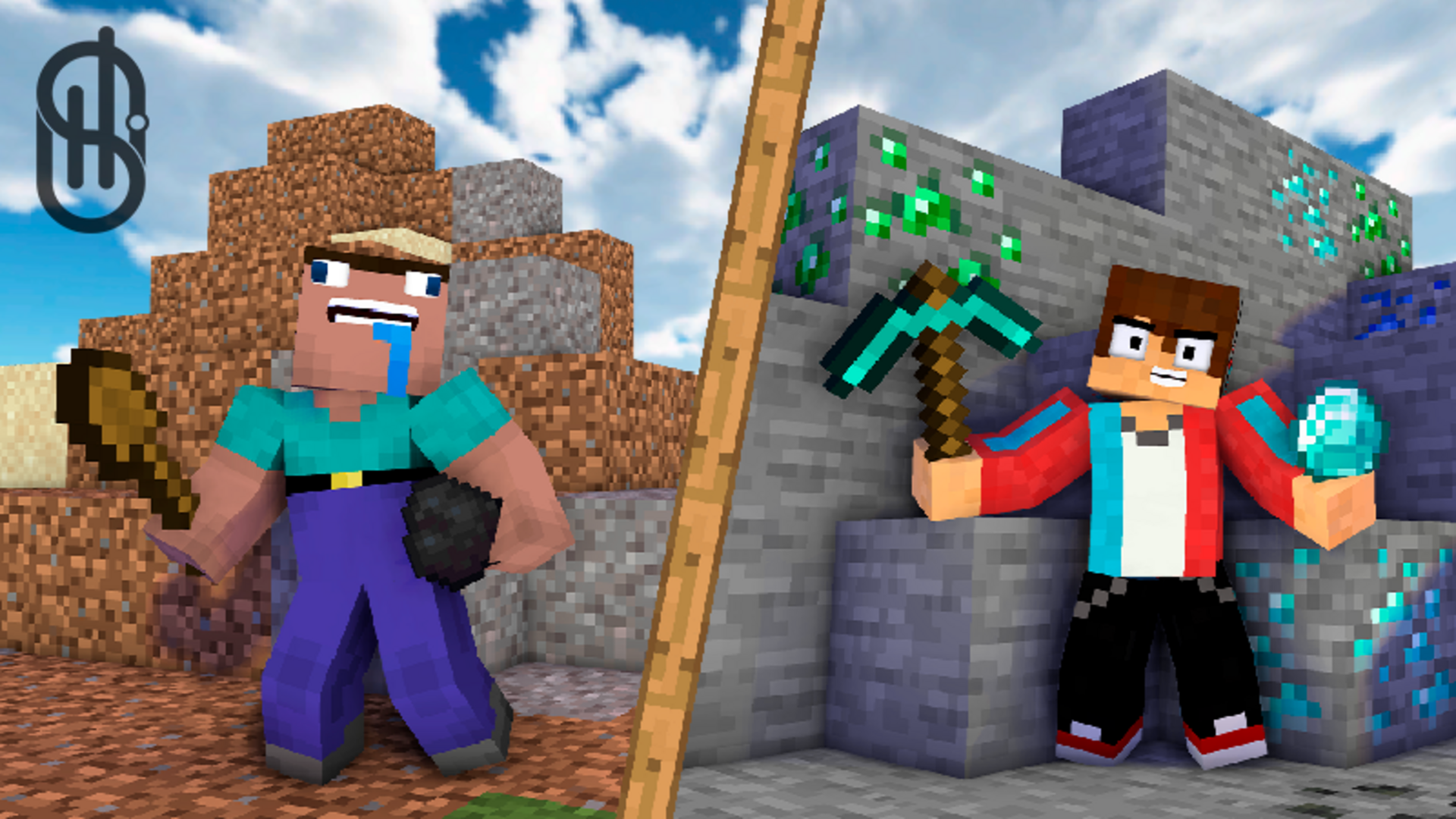
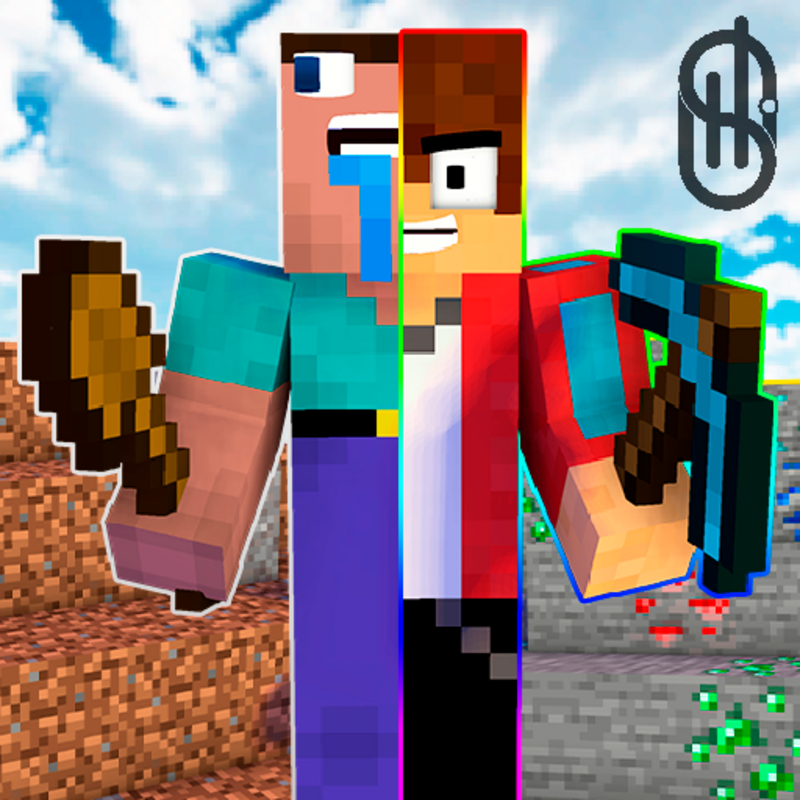
In this game you will plunge into the world of mining adventures! - Become the mayor of your village: upgrade your village. Discover new opportunities and bargain with the residents! - Variety of islands: be the discoverer of new islands! Each island opens up new opportunities for your adventure! - Upgrade your character: Upgrade your character's skills, making him faster, luckier and stronger. - Competitive spirit: Get resources and sell them to become the richest player in this game!
Make decisions about the resources and activities under your control. The instructions explain how purchases, tasks and improvements fit together. Coins appear in the game’s progression or objectives. Upgrades are part of the progression described by the provider.
How to play Mine Mining Islands: Skyblock Village!
Controls and instructions
Desktop controls:
W, A, S, D or ↑, ←, ↓, → — move.
The space bar is a jump.
Mouse movement is camera control.
Left mouse button — destruction of blocks
Management for mobile devices:
The joystick on the left is moving.
The button on the left with the image of the tool is the destruction of blocks.
The button on the right is jump.
Swipes on the right side of the screen — camera control.
Getting started with Mine Mining Islands: Skyblock Village!
- Find the current goal and resource requirements before making a purchase.
- Check what the game lets you do with coins before spending them.
- Compare the upgrade description with your next objective before choosing it.
About this game
- Platform
- Web browser
- Supported devices
- Android, iOS, Desktop
- Screen orientation
- Landscape
- Languages
- American English, Russian (Russia), Turkish (Türkiye)
- Genres
- Adventure, Obby, Minecraft, Management, Crafting
- In-game purchases
- None listed by the provider
- Provider
- Playgama
- Provider audience
- Male, Female
Game features and tags
- Mineblock
- Digging
- Collecting
- 1 Player
- Mine
- Sandbox
- Mining
- Minecraft Io
- Minecraft For Kids
- Minecraft Challenges
- Minecraft Adventure
Mine Mining Islands: Skyblock Village! images
Questions about Mine Mining Islands: Skyblock Village!
How do I start playing?
Choose Play now in the game window above to load Mine Mining Islands: Skyblock Village! through Playgama. Read the controls and instructions above before you start.
Which devices can I play on?
The provider lists support for Android, iOS, Desktop. Play in your web browser using the controls described above.
Which languages does the game support?
American English, Russian (Russia), Turkish (Türkiye).
Does the game have in-game purchases?
The provider lists no in-game purchases for this game. Games may display advertisements.
Related game categories
Game facts and artwork supplied by Playgama. Descriptions adapted and getting-started guidance added by LookBear. Game content, ads and purchases are provided by Playgama and the game provider.