 Speed per Click: Obby
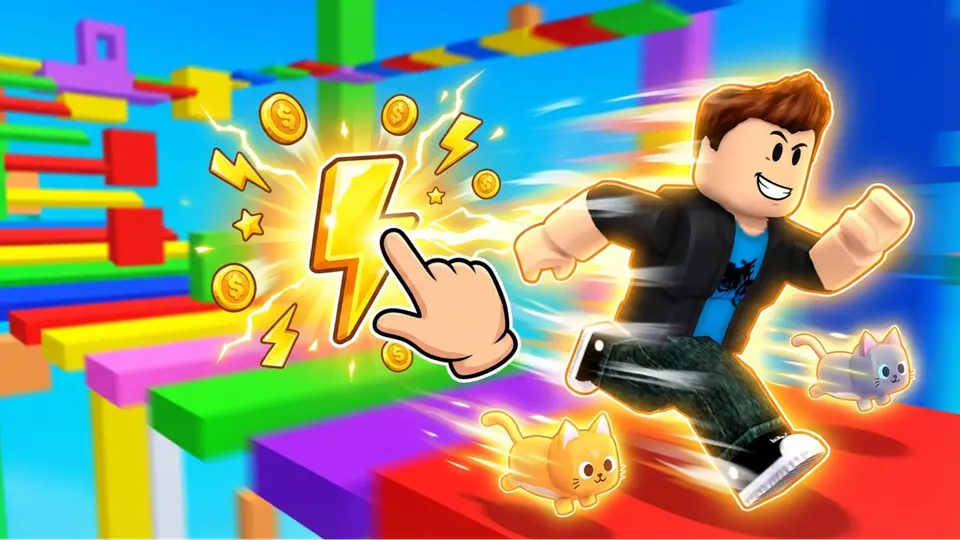
Obby Upgrade Your Speed!
Provided by Playgama

Obby Upgrade Your Speed!via Playgama



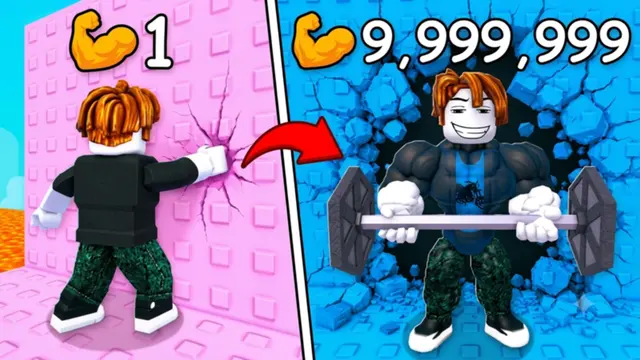

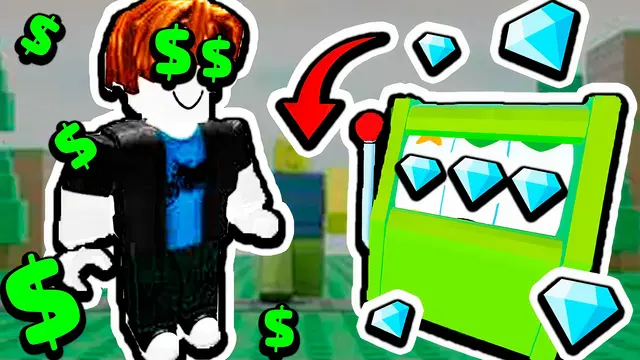 Obby: Upgrade Your Lucky Machine!
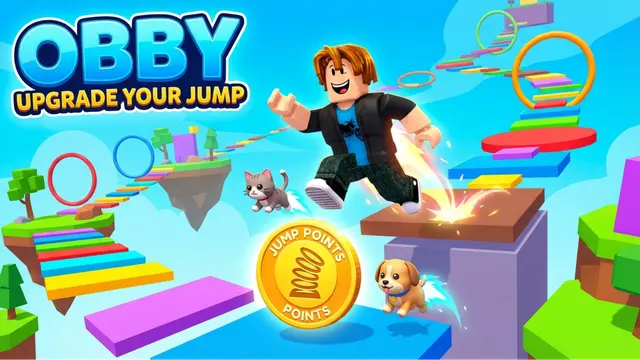 Obby Upgrade Your Jump
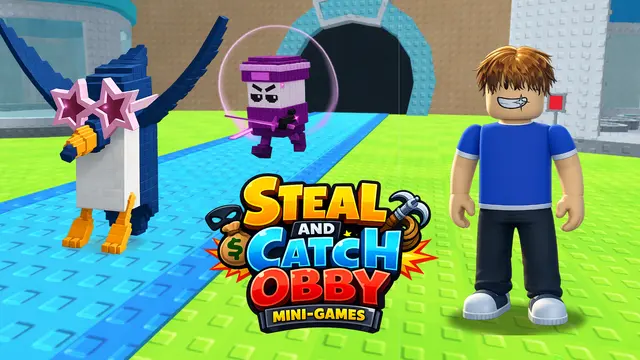 Steal and Catch Obby: Mini-Games
 Robby Mini Games
 Robby: Double jump for brainrots
 Roller for Brainrots
 Mega Parkour: Obby Escape Run
 Brainrot Express
 Obby: Build an ASMR Keyboard Tycoon
 Cube Trap
 Obby Parkour: Crazy Descent
 Paint the Keyboard
 Ninja Obby Speed Run
 +1 Speed Keyboard Escape [HALLOWEEN UPDATE]
 Keyboard Escape: +1 Speed | Sweets
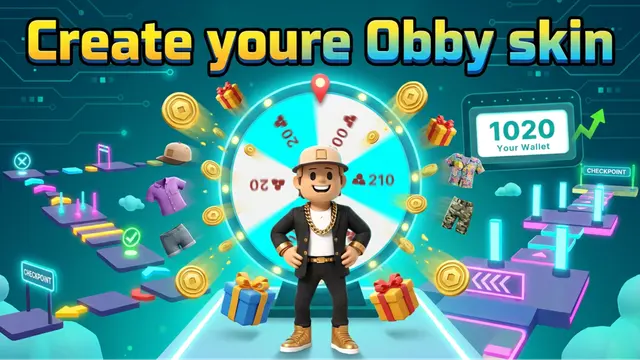 Create youre Obby skin
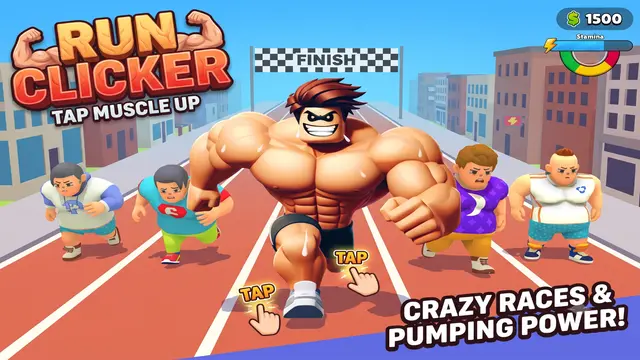 Run Clicker: Tap Muscle Up
 Bullseye Idle
 Dumplings: Who Will You Get?
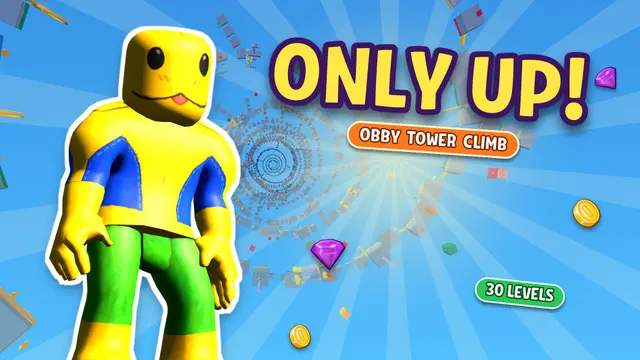 Only Up Obby: Tower Climb
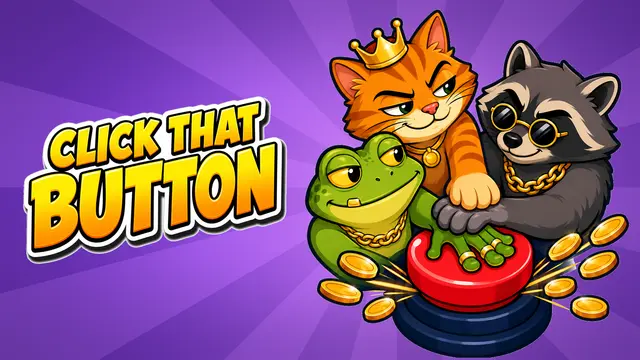 Click That Button
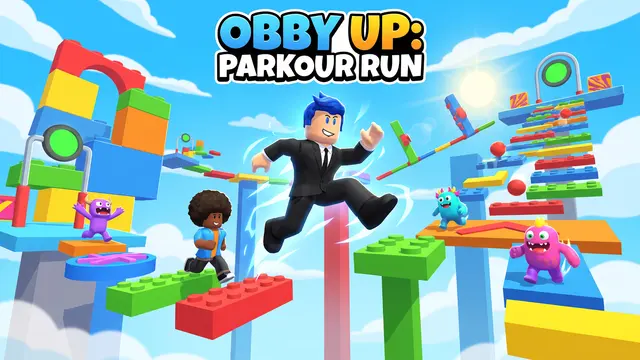 Obby Up: Parkour Run
 Mowmentum
 Wildkin Isles
 Veggie Harvest
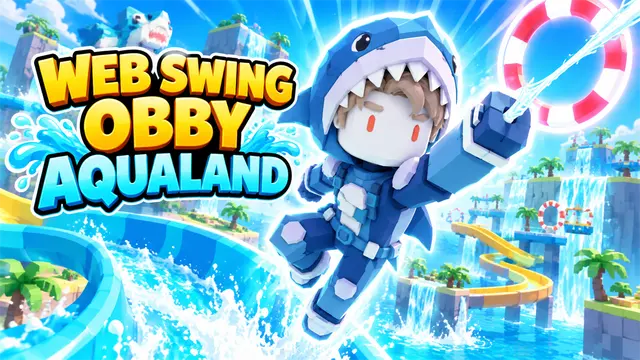 Web Swing Obby: Aqualand
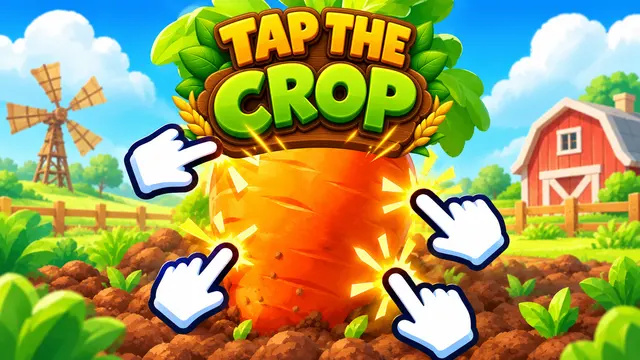 Tap the Crop
 Open to Offers!
 Crazy Driver
 Find the Needle
 Hatch That Egg: Tap & Crack
 Collect Brainrots on a Skateboard Online
 Crust Crusher
 Wooden Vest
 Obby: Dig to the center of the Earth
 Mutant Mash: Merge Garden
 Mining Master
 Aura Farm: RNG
 Duck You
 Aura Clicker
 Obby Ultimate Parkour
 Obby Keyboard Worlds: +1 Speed & Jump
 Obby: Steal an Egg - The Great Escape
 Break and Steal Eggs
 Smash and Steal an Egg!
 Build Car for Kill Zombies
 ASMR Obby Slicer
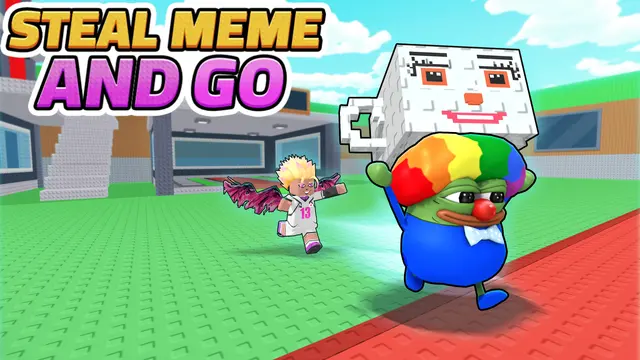 Steal Meme And Go
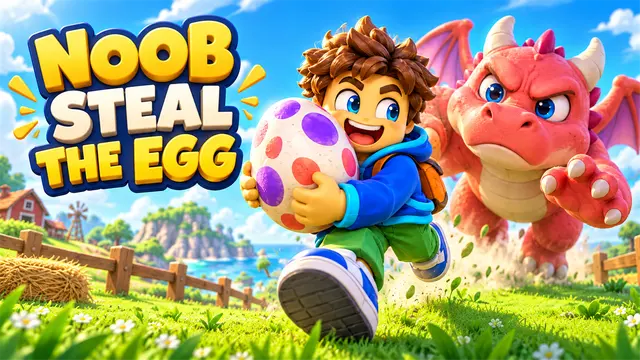 Noob: Steal the Egg
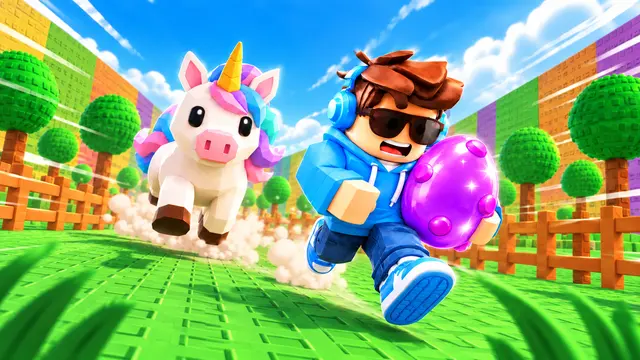 Steal an Egg: Farm
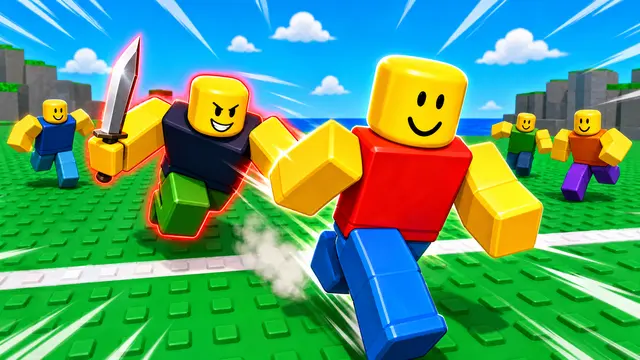 Tag Valley
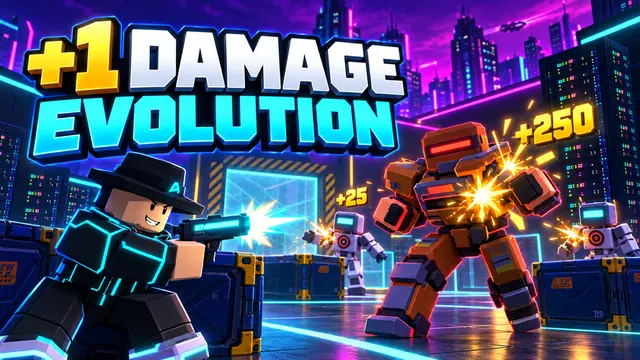 +1 Damage Evolution
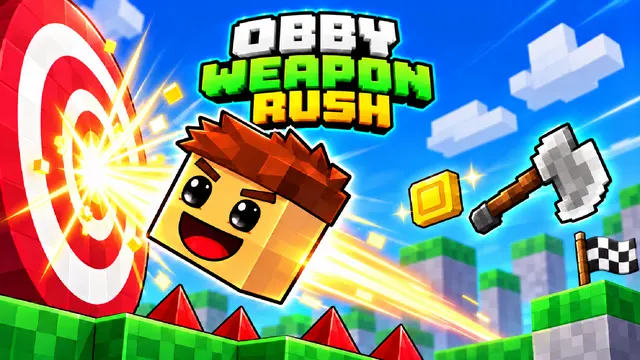 Obby Weapon Rush
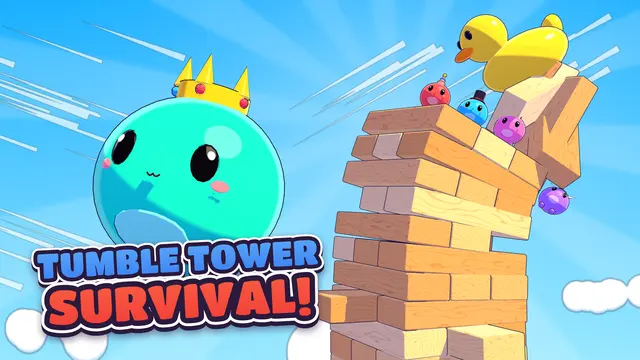 Tumble Tower Survival
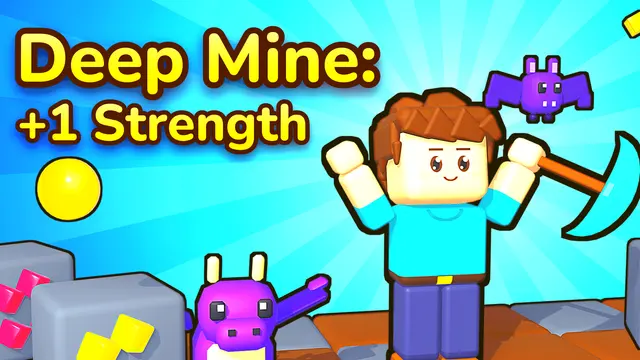 Deep Mine: +1 Strength
 Collect Leaves Faster Than Anyone
 Don't Look Down, Kitty!
 Build a Skyscraper!
 Color Race Obby
 Keyboard Rush
 +1 Monkey Escape Speed: Obby Mode
 Throw an Egg!
 Sea Restore
 Squishy Clicker
Play Obby Upgrade Your Speed! online
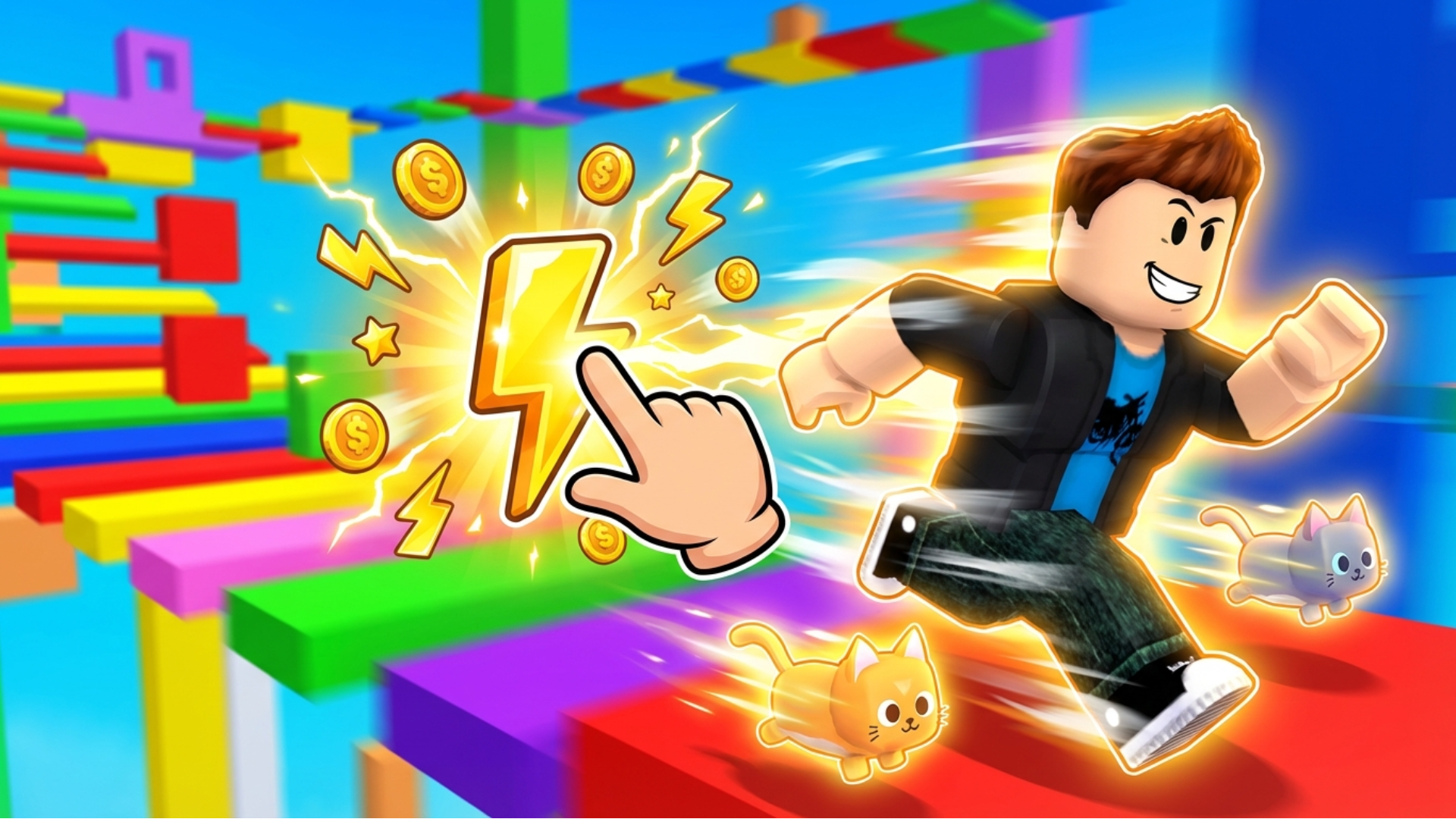
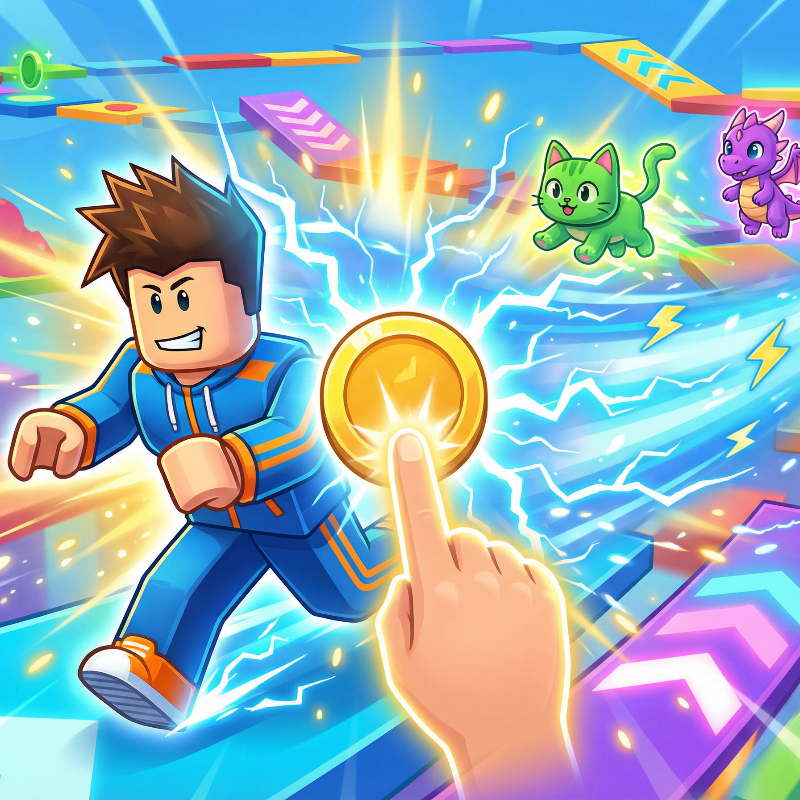
In Obby Upgrade Your Speed you power up by tapping: tap → earn Run Points → run faster! Unlock pets to boost progress and strengthen taps: you get 2 or 3 points per tap depending on your pet. Hit crazy speed, beat your records, and feel the rush!
Use repeated interactions to make progress and review the available improvements. Check what an upgrade changes before spending resources on it. Upgrades are part of the progression described by the provider. The instructions describe joystick input.
How to play Obby Upgrade Your Speed!
Controls and instructions
Tap to increase characteristics
Character controls:
WASD or arrow keys — movement
Rotate the camera while holding the right mouse button
Space — jump
Touch controls:
Joystick for movement
Camera rotation — small swipes on the screen
Getting started with Obby Upgrade Your Speed!
- Compare an upgrade’s cost with the benefit described in the game.
- Compare the upgrade description with your next objective before choosing it.
- Start with a short joystick movement to judge how the character responds.
About this game
- Platform
- Web browser
- Supported devices
- Android, iOS, Desktop
- Screen orientation
- Landscape
- Languages
- American English, German (Germany), European Spanish, French (France), Italian (Italy), Polish (Poland), Russian (Russia), Turkish (Türkiye)
- Genres
- Arcade, Clicker, Obby
- In-game purchases
- Available
- Provider
- Playgama
- Provider audience
- Male, Female
Game features and tags
- Roblox
- Speed
- 1 Player
- Incremental
Obby Upgrade Your Speed! images
Questions about Obby Upgrade Your Speed!
How do I start playing?
Choose Play now in the game window above to load Obby Upgrade Your Speed! through Playgama. Read the controls and instructions above before you start.
Which devices can I play on?
The provider lists support for Android, iOS, Desktop. Play in your web browser using the controls described above.
Which languages does the game support?
American English, German (Germany), European Spanish, French (France), Italian (Italy), Polish (Poland), Russian (Russia), Turkish (Türkiye).
Does the game have in-game purchases?
The provider lists optional in-game purchases. Any available purchases are handled inside the game. Games may display advertisements.
Related game categories
Game facts and artwork supplied by Playgama. Descriptions adapted and getting-started guidance added by LookBear. Game content, ads and purchases are provided by Playgama and the game provider.