 Grow the Baby
Fishing Island
Provided by Playgama
Fishing Islandvia Playgama







 Farm Care Tycoon
 Pocket Mart
 Scoop Empire
 Leaf Blower: Autumn Yard
 Leaf Blower Tycoon
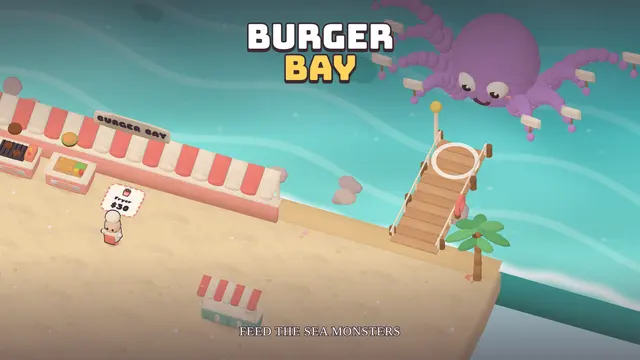 Burger Bay
 Kickoff Academy: Football Tycoon
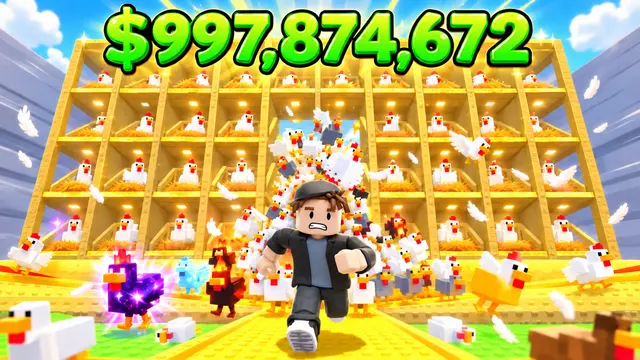 Chicken Farm
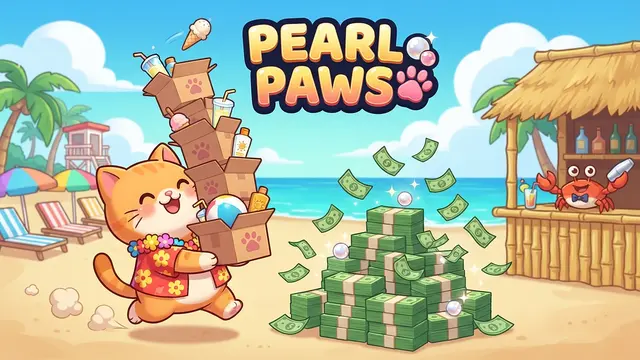 Pearl Paws
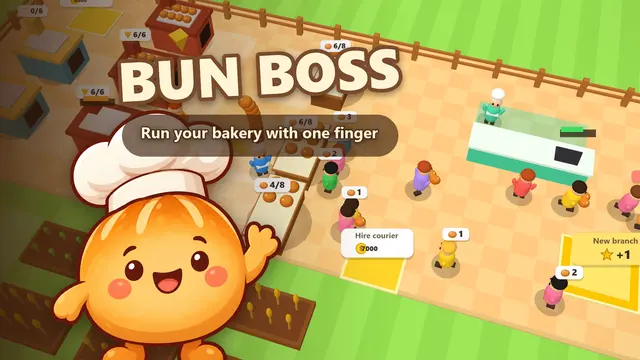 Bun Boss
 Park Tycoon
 Hlbina
 Sir Shiba: Monster Island
 Snack Stack
 Chicken Farm 3D
 Sea Restore
 Squishy Clicker
 Harvest Rush
 Monster Cafe: Idle Tycoon
 Single Dad Simulator Family Life
 Obby: Build a Car Farm
 Nest Heist
 Smartphone Legends
 Harvest Rush: Tractor Farm
 Would You Like to See My Ants?
 Lap Money: Merge Cars
 Throw Foods For Pets
 City Rush 2000
 Sticky Memo - Ripping Game
 Cosmic Cleaners
 Throw Food - Catch Animals
 Gearline Tycoon: Idle Car Factory
 Swim Fitness Club
 Idle Train Empire Tycoon
 Idle Game Dev Simulator
 Idle Airport Tycoon
 Grow a Garden 3D
 Chef Tycoon
 Scary Rooms: Idle Horror
 Money Factory - Earn a Billion
 Burger Restaurant Simulator 3D
 Gas Station Simulator
 Grow Slime
 Survival Tycoon: City of Zombie
 Idle Magic Academy Tycoon
 Idle Hotel Empire Tycoon
 Idle Supermarket Tycoon
 Idle Crafting Empire Tycoon
 Idle Cinema Tycoon
 Airplane Factory - Tycoon
 Money Empire
 Millionaire Factory
 Idle Cookie Tycoon
 PolyBounce Tycoon
 Merge Plane Tycoon
 My Phone Store
 PC Cafe Simulator 3D
 My Bakery
 Idle Zoo Tycoon
 Money Factory: Tycoon Idle Game
 Garage Boss
 Capy Cafe
 OIL RIG Driller
 The Hustler
Play Fishing Island online
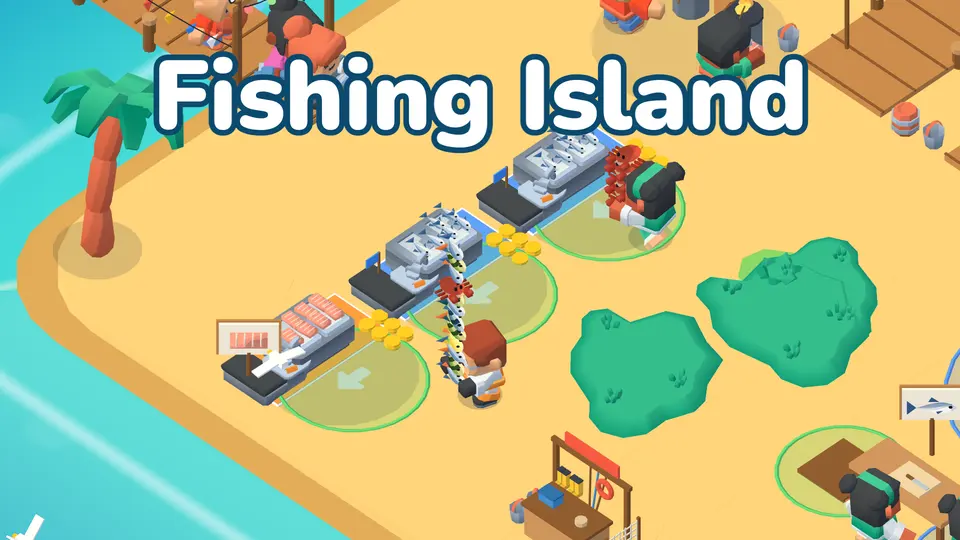
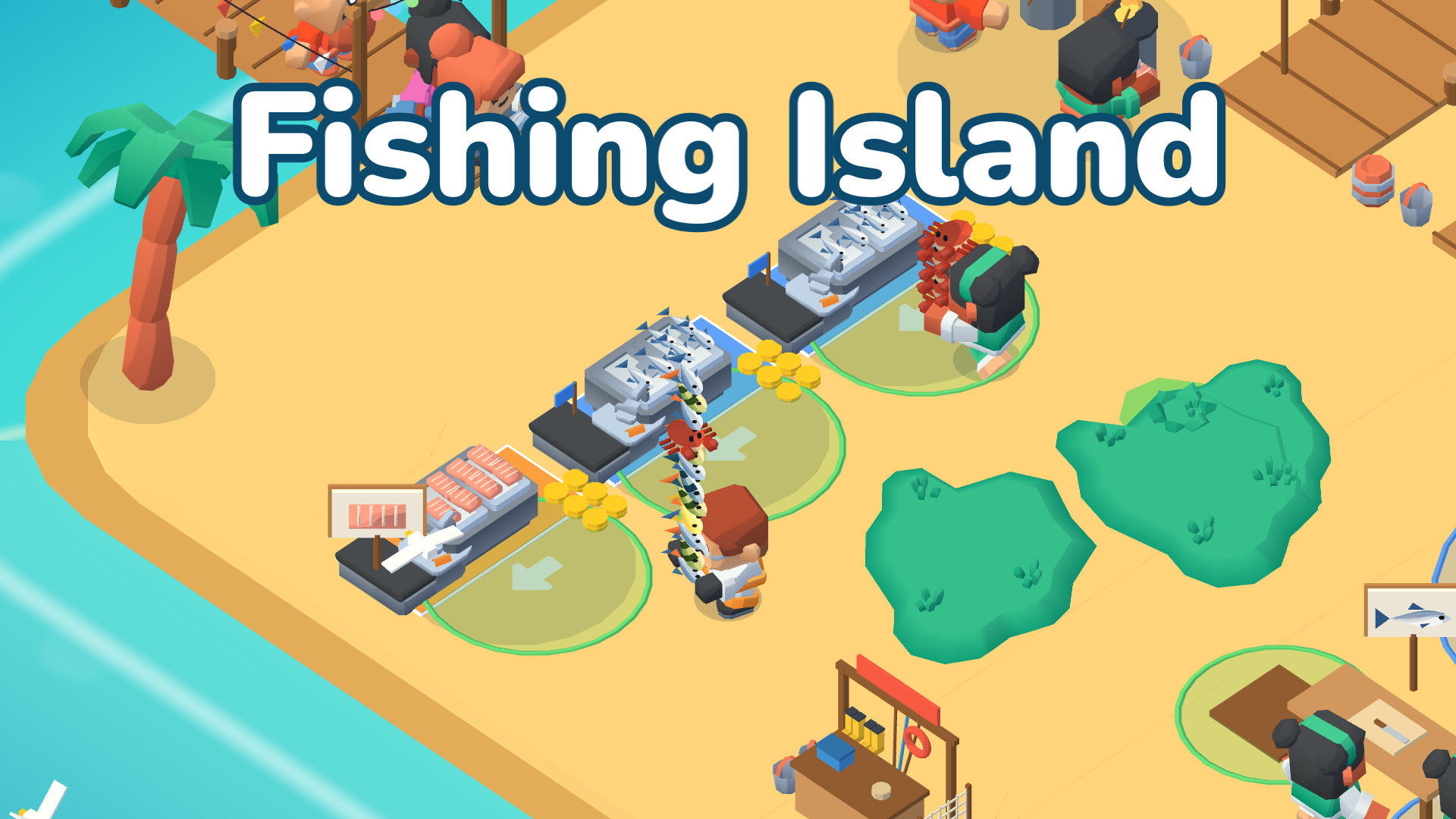
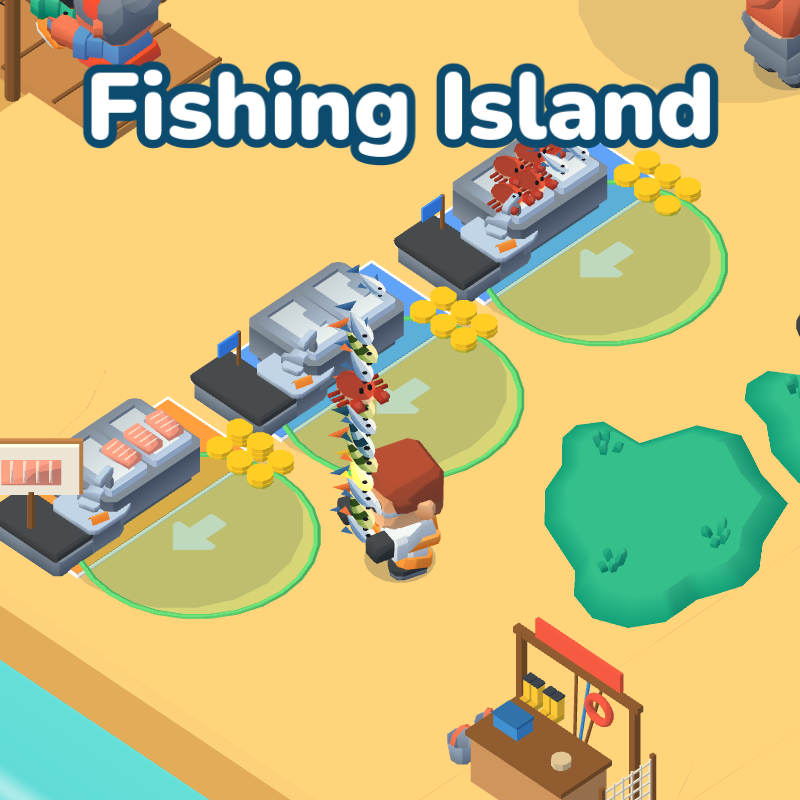
Turn a tiny pier into a giant automated fishing port! Fish with your rod from the end of the pier, carry the catch to the market stalls and watch customers line up. Open new land that rises from the sea, hire fishers, cutters and porters, run conveyors, smokehouses and sushi bars, and grow a beach grill into a cozy cafe with a cook.
Follow the game’s fishing interactions and watch the cues for your next action. The instructions explain how to handle the equipment and progress. Coins appear in the game’s progression or objectives. Upgrades are part of the progression described by the provider.
How to play Fishing Island
Controls and instructions
Drag anywhere on the screen to walk (or use WASD / arrow keys). Stand on the fish circle at the end of a pier to fish, put the catch on a stall (green arrow zone), and pick up goods from the blue arrow zones. Collect coins from the tables and stand on a price zone to build stations, hire workers and raise new land. Visit the gear shop to upgrade your basket, boots and rod. Automate the whole island to sail to the next one. The Menu button shows island stats and settings.
Getting started with Fishing Island
- Learn the casting or interaction controls before focusing on rewards.
- Check what the game lets you do with coins before spending them.
- Compare the upgrade description with your next objective before choosing it.
About this game
- Platform
- Web browser
- Supported devices
- Android, iOS, Desktop
- Screen orientation
- Landscape and Portrait
- Languages
- American English, Russian (Russia), European Spanish, Brazilian Portuguese, Turkish (Türkiye), German (Germany), French (France), Italian (Italy), Polish (Poland), Indonesian (Indonesia)
- Genres
- Arcade, 3d, Tycoon, Management, Cozy, Fishing, Idle
- In-game purchases
- Available
- Provider
- Playgama
- Provider audience
- Male, Female
Game features and tags
- Casual
- Business
- Brain Training
- Addictive
- Characters
- Collecting
- 1 Player
- Incremental
- Resource Management
- Action Adventure
Fishing Island images
Questions about Fishing Island
How do I start playing?
Choose Play now in the game window above to load Fishing Island through Playgama. Read the controls and instructions above before you start.
Which devices can I play on?
The provider lists support for Android, iOS, Desktop. Play in your web browser using the controls described above.
Which languages does the game support?
American English, Russian (Russia), European Spanish, Brazilian Portuguese, Turkish (Türkiye), German (Germany), French (France), Italian (Italy), Polish (Poland), Indonesian (Indonesia).
Does the game have in-game purchases?
The provider lists optional in-game purchases. Any available purchases are handled inside the game. Games may display advertisements.
Related game categories
Game facts and artwork supplied by Playgama. Descriptions adapted and getting-started guidance added by LookBear. Game content, ads and purchases are provided by Playgama and the game provider.