 Mine Obby 3D: Car Wash Tycoon

Steal a Weapon!
Provided by Playgama

Steal a Weapon!via Playgama








 Haystack Works
 Stickman Night Defense
 Steal an Egg: Sky Pets
 Rusty Park
 Web Shoot +1
 Grow an Egg: Brainrot Pets Online
 Break the Egg and Run away!
 Egg Empire
 Fill and Swim
 Pump It Up
 Anime Lifting Simulator
 Dino Rodeo 3D
 Casual Party Games
 Market Hero
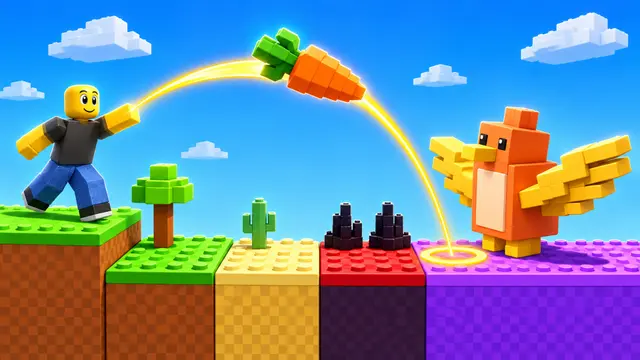 Throw Food - Catch Animals
 Swim Fitness Club
 Idle Train Empire Tycoon
 Idle Game Dev Simulator
 Idle Airport Tycoon
 Grow a Garden 3D
 My Arcade Center
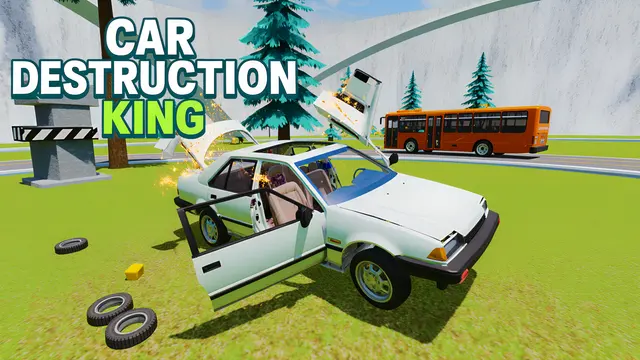 Car Destruction King
 Your Obby Parkour
 Blocks Shooter 3D! Run, Shoot, Merge Weapons!
 Burger Restaurant Simulator 3D
 Gas Station Simulator
 Grow Slime
 Destruction Simulator
 Idle Supermarket Tycoon
 Idle Crafting Empire Tycoon
 Idle Cinema Tycoon
 Steve parkour in mine
 Money Maker
 Millionaire Factory
 Gravity Shift Sky Racers GT
 Idle Cookie Tycoon
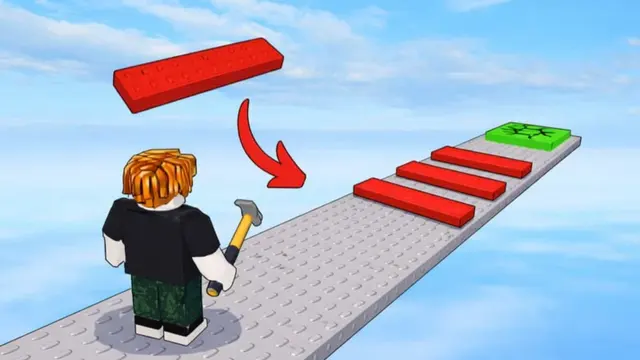 Build a Road
 Build an Aquapark
 My Phone Store
 Big Boom! Building Smash!
 Idle Zoo Tycoon
 Money cutter idle
 Ninja Survival Simulator
 Soda Sandbox
 Tiny Sports Empire Idle
 ObbyTycoon: Money Tycoon
 Roll to Riches
 Stickman Gun Rush
 Garage Boss
 JUICE TYCOON
 Obby: Run Star | Speed and Pets
 The Hustler
 Obby: Build an ASMR Keyboard Tycoon
 Obby: Battle Arena
 Smash and Break
 TNT Sandbox
 Chop Up!
 Obby Parkour: Crazy Descent
 CrashDown Voxel Destruction
 Ashfall Industries
 Keyboard Escape: +1 Speed | Sweets
 Roll Rush
 Sell Lemons Idle
 Merge Shoot Run!
Play Steal a Weapon! online
Steal a Weapon is a 3D simulator that combines boss chases, weapon collecting, and idle tycoon progression. Grab a weapon case and race back to safety before its guardian catches you! Open cases at your base and display weapons on pedestals to earn passive income.
Manage the activity at the center of the game and decide where to put your resources next. Read how income, purchases and improvements are connected. Upgrades are part of the progression described by the provider. The instructions describe joystick input.
How to play Steal a Weapon!
Controls and instructions
Train on your base's treadmill to increase your speed, then enter the arena. Hold E near a case to steal it and wake its boss. Escape to the lobby before you get caught! Place the case on your base's floor, wait for the timer, and open it. Put the weapon on a pedestal to earn money, then buy upgrades and take on tougher zones. Merge three weapons of the same type and star level in the Fuse Machine to get a higher-level case.
PC:
WASD or arrow keys — move.
Space — jump.
Hold the right mouse button and move the mouse — rotate the camera.
Hold E — pick up a case.
Mouse wheel — zoom.
Left click — place cases, open ready cases, and select pedestals.
Mobile:
Move using on-screen joystick.
Swipe on the right side to rotate the camera; in portrait mode, swipe on the upper half.
Hold the on-screen pickup button near a case to take it.
Tap to place cases, open ready cases, and select pedestals.
Pinch with two fingers to zoom.
Getting started with Steal a Weapon!
- Identify the next purchase requirement before committing your resources.
- Compare the upgrade description with your next objective before choosing it.
- Start with a short joystick movement to judge how the character responds.
About this game
- Platform
- Web browser
- Supported devices
- Android, iOS, Desktop
- Screen orientation
- Landscape and Portrait
- Languages
- American English, Russian (Russia)
- Genres
- Action, Simulation, 3d, Running, Tycoon, Obby, Idle
- In-game purchases
- Available
- Provider
- Playgama
- Provider audience
- Male, Female
Game features and tags
- Mission
- Addictive
- Avoid
- Speed
- Webgl
- Collecting
- Agility
- Incremental
- Roblox Tycoon
Steal a Weapon! images


Questions about Steal a Weapon!
How do I start playing?
Choose Play now in the game window above to load Steal a Weapon! through Playgama. Read the controls and instructions above before you start.
Which devices can I play on?
The provider lists support for Android, iOS, Desktop. Play in your web browser using the controls described above.
Which languages does the game support?
American English, Russian (Russia).
Does the game have in-game purchases?
The provider lists optional in-game purchases. Any available purchases are handled inside the game. Games may display advertisements.
Related game categories
Game facts and artwork supplied by Playgama. Descriptions adapted and getting-started guidance added by LookBear. Game content, ads and purchases are provided by Playgama and the game provider.