 Dungeon Master - Cult & Craft
SWARM MINERS
Provided by Playgama

SWARM MINERSvia Playgama




 Mars Colony
 Hard Working Man
 Gas Station Simulator
 Grow Slime
 Build Obby World
 Survival Tycoon: City of Zombie
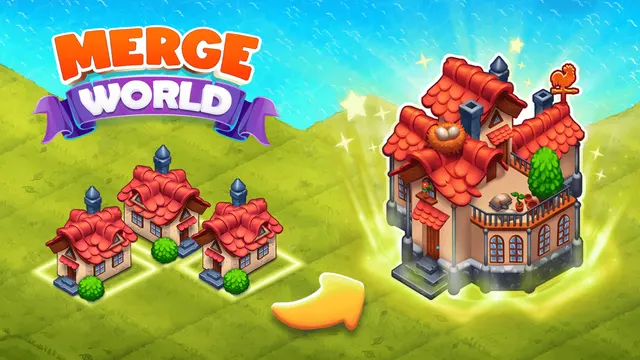 Merge World
 Island Expander
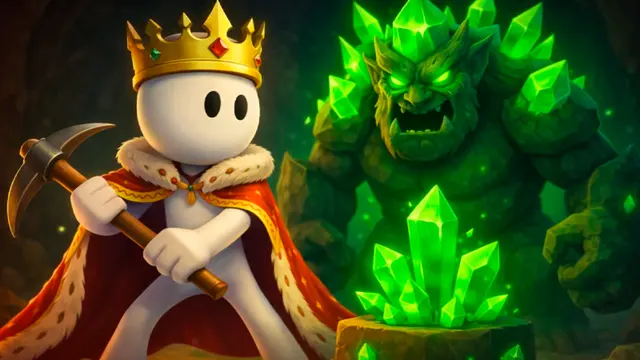 King Dungeon
 Idle Magic Academy Tycoon
 Idle Hotel Empire Tycoon
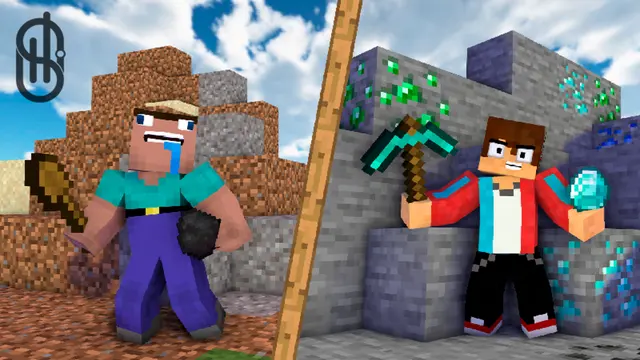 Mine Mining Islands: Skyblock Village!
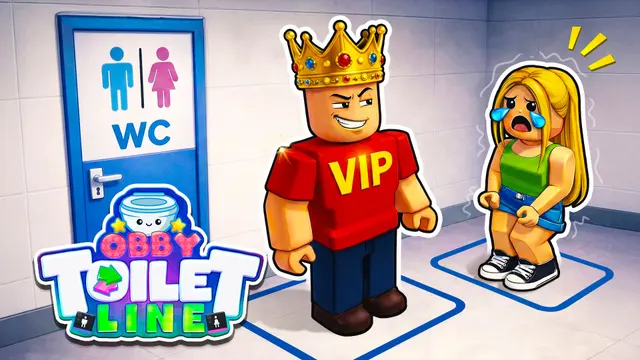 Obby Toilet Line
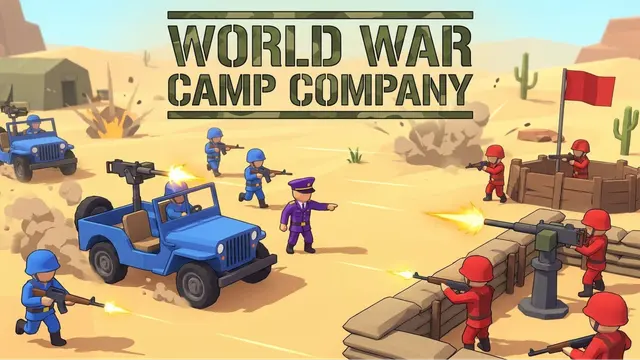 World War Camp Company
 Lucky Brainrot Blocks Online
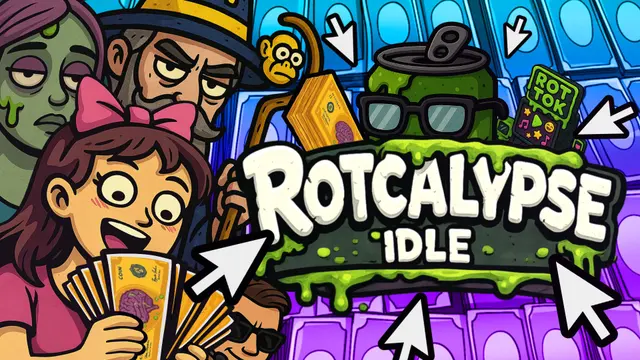 Rotcalypse Idle
 Obby: Mine Crasher
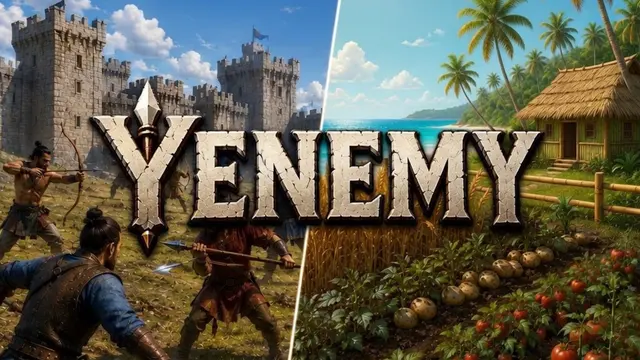 Yenemy
 Idle Vlogger Simulator
 Click Click Clicker
 Build levels – earn money!
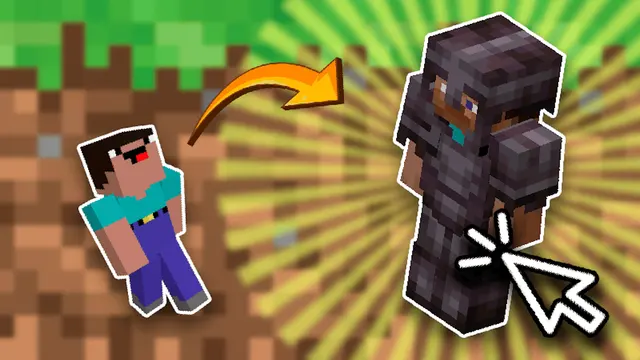 Steve Evolution Mega Clicker
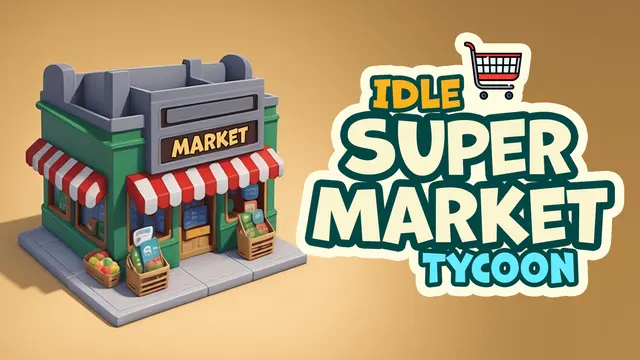 Idle Supermarket Tycoon
 Sigma Boy: Musical Clicker
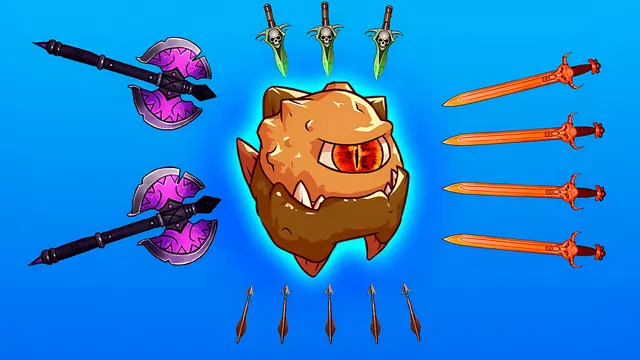 Weaponsmith Evolution - Weapon Merge
 Money Pong
 Idle Cinema Tycoon
 Click & Idle - Slimes!
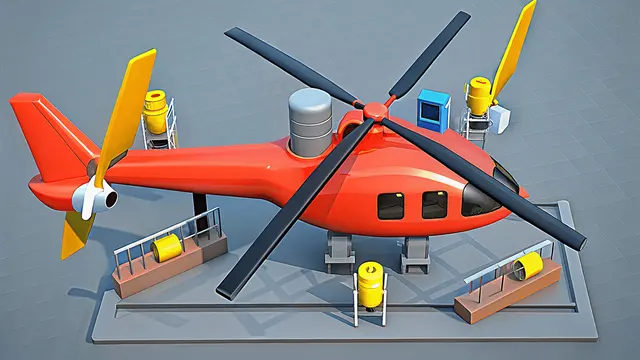 Airplane Factory - Tycoon
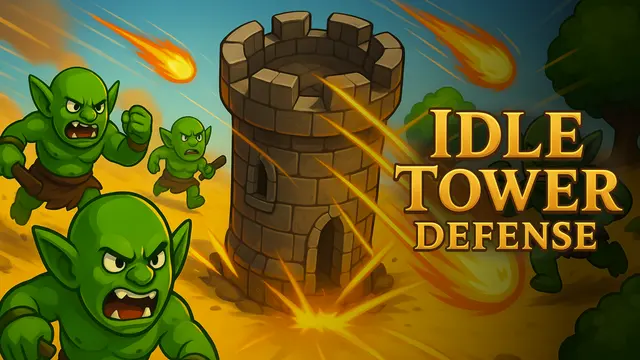 Idle Tower Defense
 Money Empire
 Shopping Simulator
 RPG Idle Clicker
 Stickman Clicker
 Click Kitty Idle
 Obby +1 Power!
 Idle Pong
 Tap Hunters
 Money Maker
 Millionaire Factory
 Idle Cookie Tycoon
 Spin and Collect
 PolyBounce Tycoon
 Slime Clicker
 Survival Sandbox for 99 Nights
 Merge Plane Tycoon
 Build a Road
 Crusher Block
 Loopvival
 Insect Clicker
 Obby: Upgrade Your Lucky Machine!
 Alchemy Elixir of Life
 Build an Aquapark
 Bird Game Clicker
 Feeding A Black Hole
 Maskinery Idle
 Home Decor Clicker
 99 Nights In The Forest
 Clicker Knights Vs Dragons
 Obby: Survival Island
 My Phone Store
 Elements Craft Ultimate
 Poker Clicker
 Gun Bounce Idle
Play SWARM MINERS online
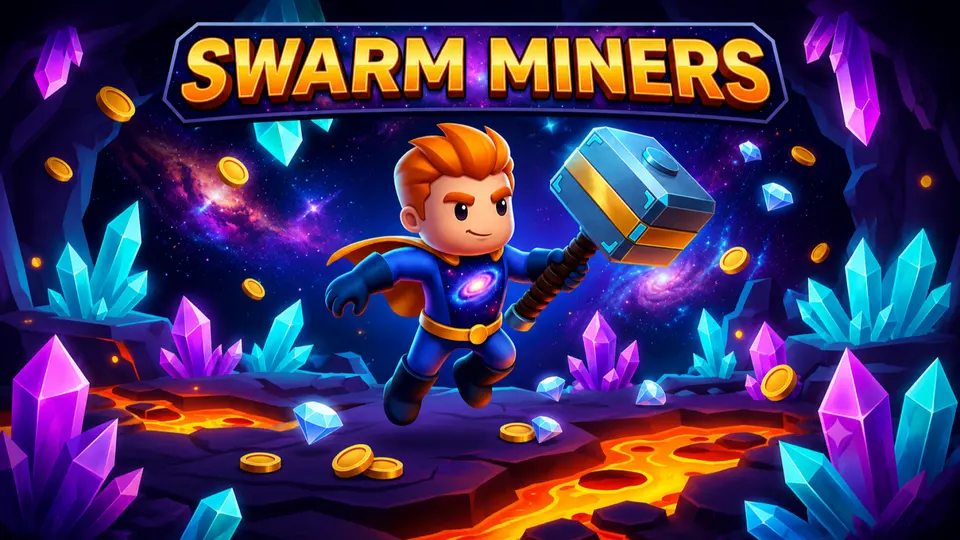
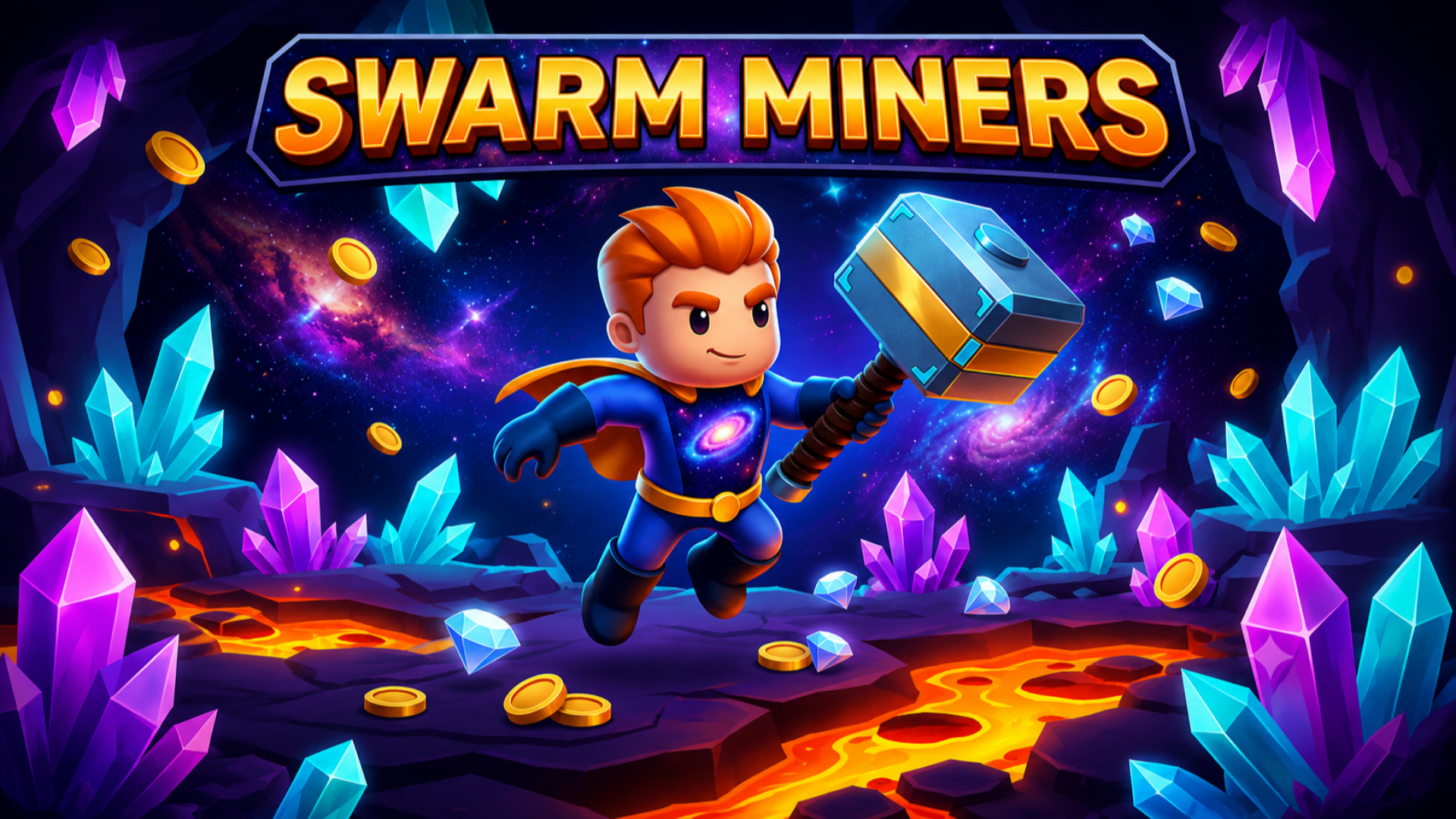
SWARM MINERS is a cozy mining-idle adventure. Swing your pickaxe to smash gem-rich rocks, hatch a swarm of collectible pets that mine and fight alongside you, and unlock 40 worlds from sunny meadows to cosmic voids. Upgrade tools, chase treasure rocks, spin the Wheel of Fortune, blast ore with dynamite, and battle bosses.
Follow the game’s progression systems and review the available upgrades. Check which actions need your input and which processes continue on their own. Coins appear in the game’s progression or objectives. Upgrades are part of the progression described by the provider.
How to play SWARM MINERS
Controls and instructions
Move with WASD or the arrow keys (touch: drag the on-screen joystick). Walk up to a rock and your miner swings automatically — fill your backpack, then sell ore to the merchant for coins. Spend coins on stronger tools, bigger backpacks, new worlds, and pets. Press E (or tap) to talk to vendors and open menus; press 1-9 to switch hotbar items and place dynamite with E inside the mine. Unlock every world and build the strongest swarm!
Getting started with SWARM MINERS
- Read the upgrade descriptions instead of assuming every improvement has the same effect.
- Check what the game lets you do with coins before spending them.
- Compare the upgrade description with your next objective before choosing it.
About this game
- Platform
- Web browser
- Supported devices
- Android, iOS, Desktop
- Screen orientation
- Landscape and Portrait
- Languages
- American English, Arabic (Egypt), Chinese (China), German (Germany), European Spanish, French (France), Indonesian (Indonesia), Italian (Italy), Japanese (Japan), Korean (South Korea), Polish (Poland), European Portuguese, Russian (Russia), Thai (Thailand), Turkish (Türkiye), Vietnamese (Vietnam)
- Genres
- Crafting, Idle
- In-game purchases
- None listed by the provider
- Provider
- Playgama
- Provider audience
- Male, Female
Game features and tags
- Addictive
- Collecting
- 1 Player
- Mine
- Mining
- Minecraft Clicker
SWARM MINERS images
Questions about SWARM MINERS
How do I start playing?
Choose Play now in the game window above to load SWARM MINERS through Playgama. Read the controls and instructions above before you start.
Which devices can I play on?
The provider lists support for Android, iOS, Desktop. Play in your web browser using the controls described above.
Which languages does the game support?
American English, Arabic (Egypt), Chinese (China), German (Germany), European Spanish, French (France), Indonesian (Indonesia), Italian (Italy), Japanese (Japan), Korean (South Korea), Polish (Poland), European Portuguese, Russian (Russia), Thai (Thailand), Turkish (Türkiye), Vietnamese (Vietnam).
Does the game have in-game purchases?
The provider lists no in-game purchases for this game. Games may display advertisements.
Related game categories
Game facts and artwork supplied by Playgama. Descriptions adapted and getting-started guidance added by LookBear. Game content, ads and purchases are provided by Playgama and the game provider.