 Dungeon Master - Cult & Craft
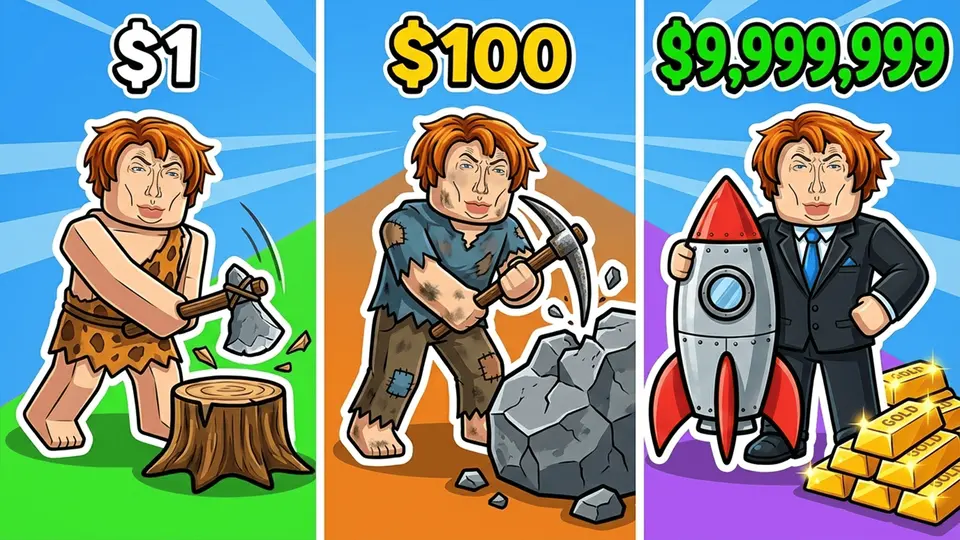
Obby: Mine, Build, Launch
Provided by Playgama

Obby: Mine, Build, Launchvia Playgama






 Idle Vlogger Simulator
 Egg Thief
 Idle Supermarket Tycoon
 Idle Cinema Tycoon
 Airplane Factory - Tycoon
 Money Empire
 Stickman Clicker
 Obby Pizza Delivery
 Obby +1 Power!
 Millionaire Factory
 Idle Cookie Tycoon
 Merge Plane Tycoon
 Build a Road
 Obby: Upgrade Your Lucky Machine!
 Build an Aquapark
 Obby: Survival Island
 My Phone Store
 Capi bar
 My Bakery
 Object 73: Survival Clicker
 Idle Zoo Tycoon
 Shoes Outlet Game
 Money Factory: Tycoon Idle Game
 Cooking Shawarma Idle Game
 Mine Miner 3D: Mayor of Dream Island
 ObbyTycoon: Money Tycoon
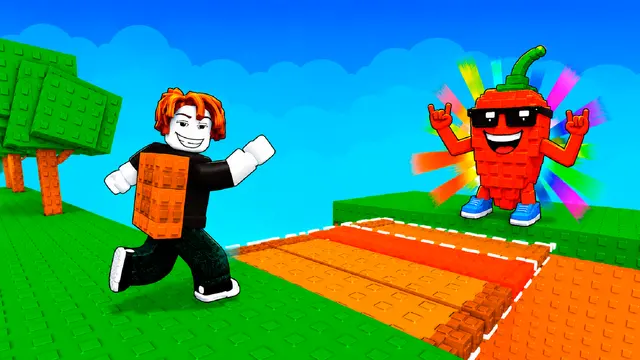 Robby: Build Bridge To Brainrots
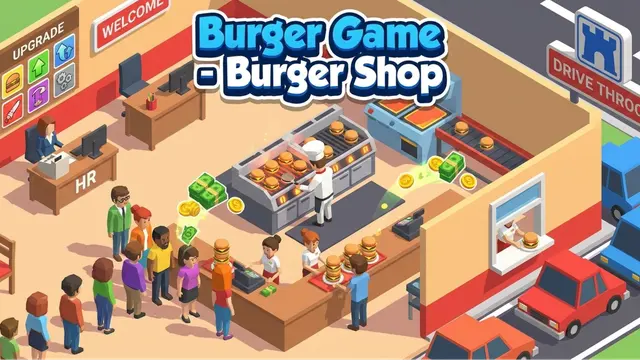 Burger Game - Burger Shop
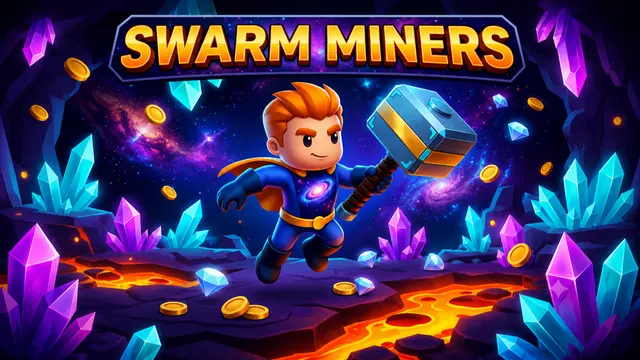 SWARM MINERS
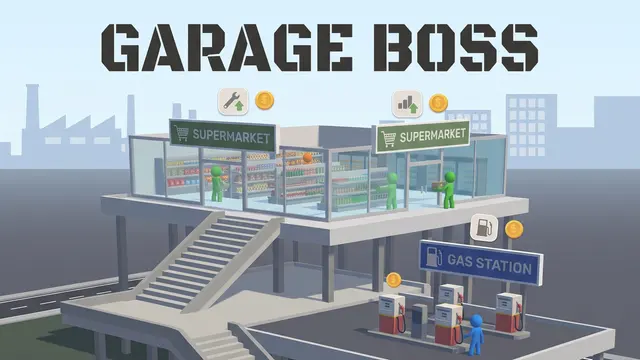 Garage Boss
 JUICE TYCOON
 Capy Cafe
 Clickdom
 OIL RIG Driller
 The Hustler
 Obby: Build an ASMR Keyboard Tycoon
 Mine Obby 3D: Car Wash Tycoon
 Moon Potato Clicker
 Idle Chicken Farm
 The MachinEGG
 Potion Kitchen
 Scratch Raw Stone: Gem Master
 Harvest Haulers
 Ashfall Industries
 Jelly Drop: Merge & Sell
 Minimarket 67/7: Store Tycoon
 Sell Lemons Idle
 Gas Station 24: Simulator
 My Little Park 3D
 Capitalist Hunter
 Wild Manager
 Railroad Magnate
 My Gym Manager: Idle Tycoon
 Kingdom Master
 Mowmentum
 Drift Tycoon
 Veggie Harvest
 Bee Rise
 Obby: +1 Jump with Brainrot
 Tap the Crop
 Car Wash Idle
 Restore Lab
 Find the Needle
 Collect Brainrots on a Skateboard Online
Play Obby: Mine, Build, Launch online
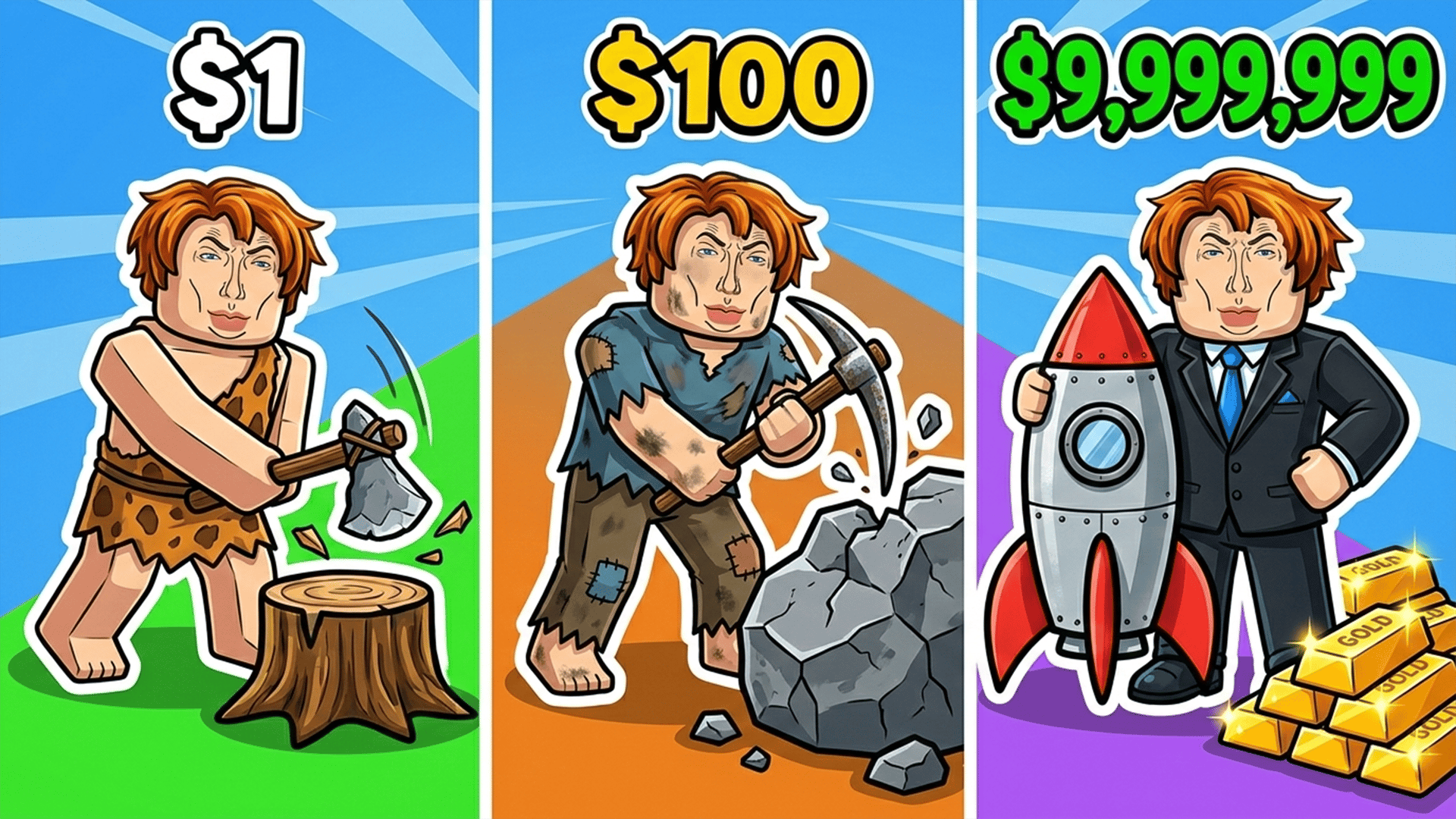
Explore a fast, satisfying browser obby where the real goal is simple: mine resources, upgrade everything, and grow your digging empire. Grab your tool, break blocks, collect loot, and turn every run into progress. Improve your base, boost your power, and watch your income climb.
Follow the game’s progression systems and review the available upgrades. Check which actions need your input and which processes continue on their own. Upgrades are part of the progression described by the provider. The instructions describe joystick input.
How to play Obby: Mine, Build, Launch
Controls and instructions
PC Version (Keyboard & Mouse):
W, A, S, D — move character
Mining/Harvesting — right mouse button (RMB)
Mobile Version (Joystick & Touch):
Movement — joystick
Mining/Harvesting — tap the right side of the screen
Getting started with Obby: Mine, Build, Launch
- Read the upgrade descriptions instead of assuming every improvement has the same effect.
- Compare the upgrade description with your next objective before choosing it.
- Start with a short joystick movement to judge how the character responds.
About this game
- Platform
- Web browser
- Supported devices
- Android, iOS, Desktop
- Screen orientation
- Landscape
- Languages
- American English, Russian (Russia)
- Genres
- Obby, Management, Crafting, Idle
- In-game purchases
- None listed by the provider
- Provider
- Playgama
- Provider audience
- Male, Female
Game features and tags
- Roblox
- Collecting
- 1 Player
- Mine
- Incremental
- Building
- Mining
- Minecraft Clicker
Obby: Mine, Build, Launch images

Questions about Obby: Mine, Build, Launch
How do I start playing?
Choose Play now in the game window above to load Obby: Mine, Build, Launch through Playgama. Read the controls and instructions above before you start.
Which devices can I play on?
The provider lists support for Android, iOS, Desktop. Play in your web browser using the controls described above.
Which languages does the game support?
American English, Russian (Russia).
Does the game have in-game purchases?
The provider lists no in-game purchases for this game. Games may display advertisements.
Related game categories
Game facts and artwork supplied by Playgama. Descriptions adapted and getting-started guidance added by LookBear. Game content, ads and purchases are provided by Playgama and the game provider.