 SmashSite.io
Aura Farming Master
Provided by Playgama

Aura Farming Mastervia Playgama
 Stickman Kombat 2D
 Brawl Simulator 3D
 Special Ops: GO
 Revoxel 3D - Voxel RPG Shooter
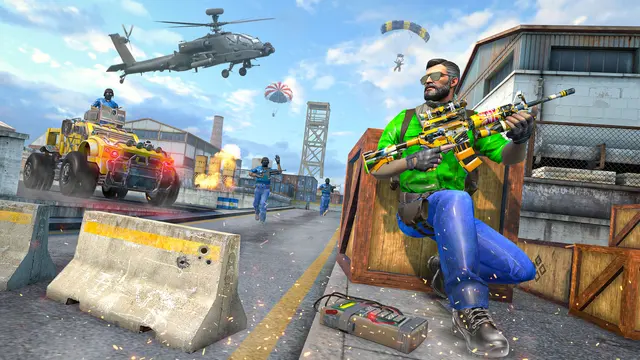 FPS Gun Shooting Game 3D
 Left 4 Die
 Stalker 2033: The Path of the Survivor
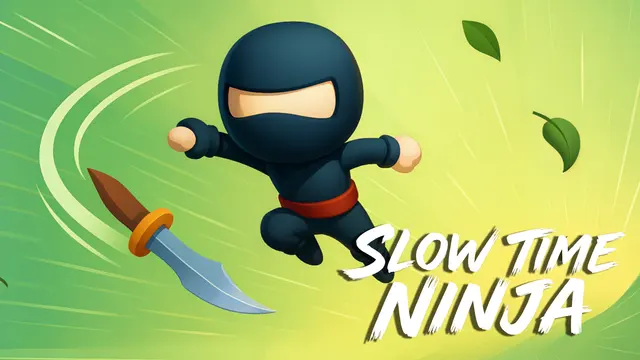 Slow Time Ninja
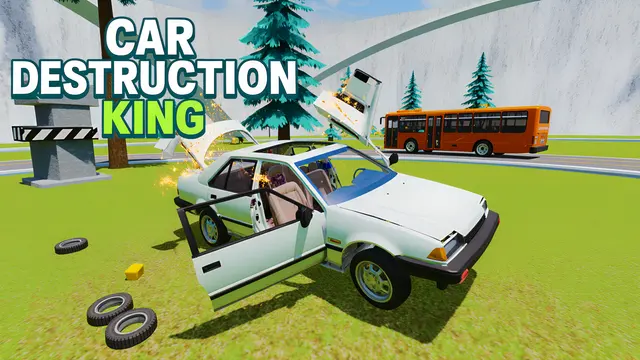 Car Destruction King
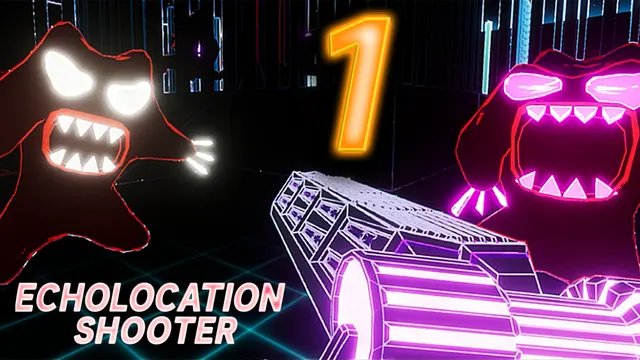 Echolocation Shooter
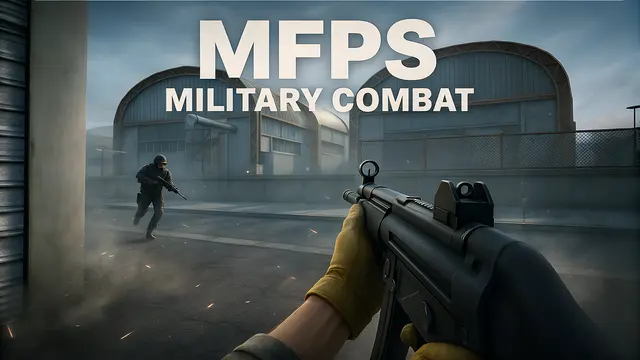 MFPS:Military Combat
 Blocks Shooter 3D! Run, Shoot, Merge Weapons!
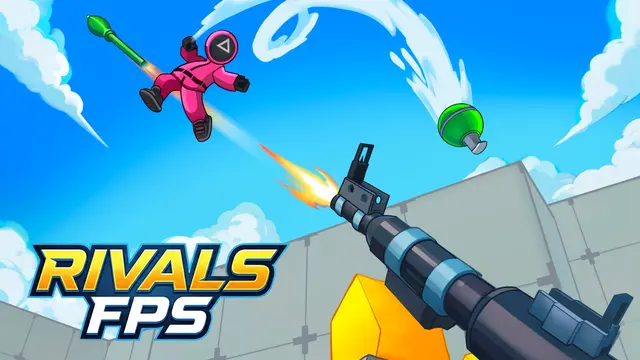 RIVALS FPS: Online Shooter
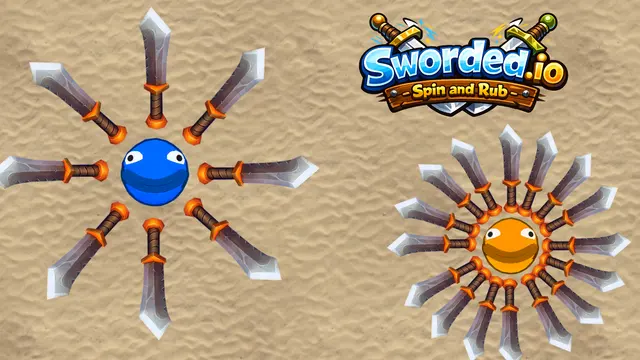 Sworded io - Spin and Rub
 SlowMo Sniper
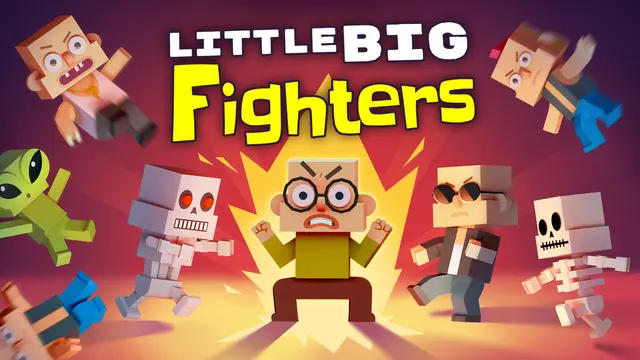 Little Big Fighters
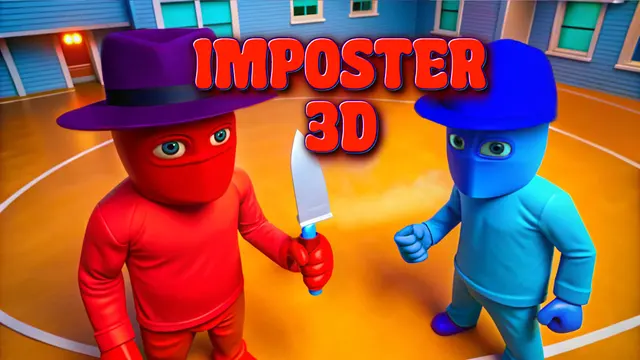 Imposter 3D
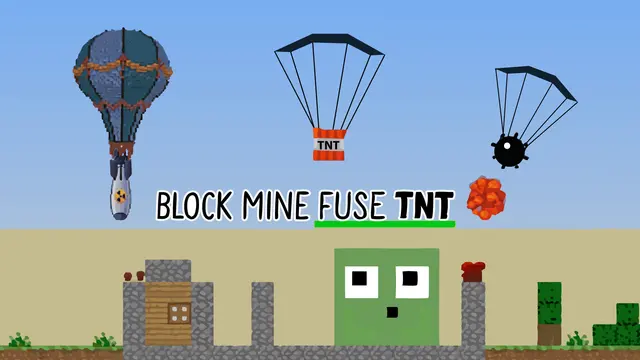 Block Mine Fuse TNT
 Rift of Hell - Demons War
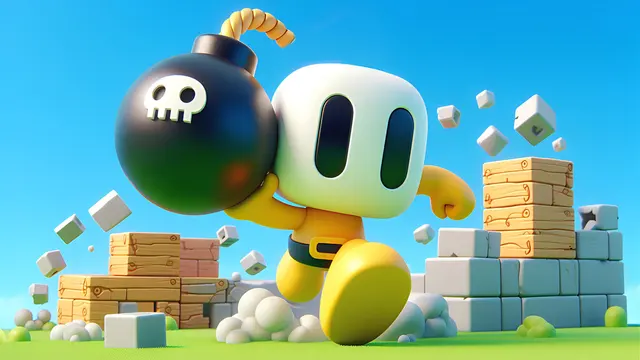 BOMBAMAN 3D
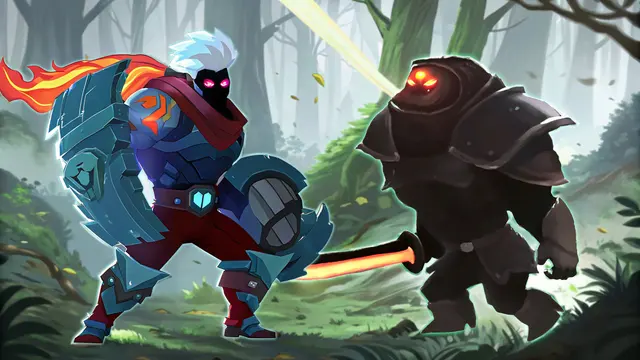 Shadow Stick - Lightning Ninja
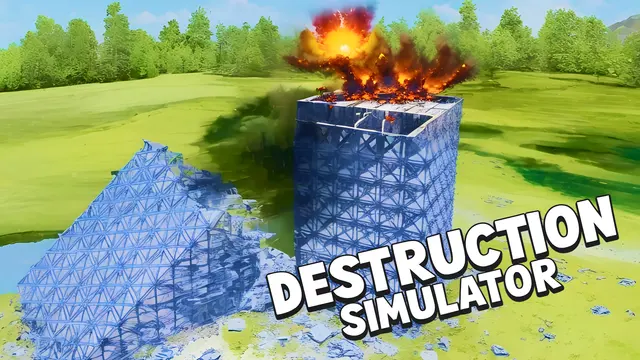 Destruction Simulator
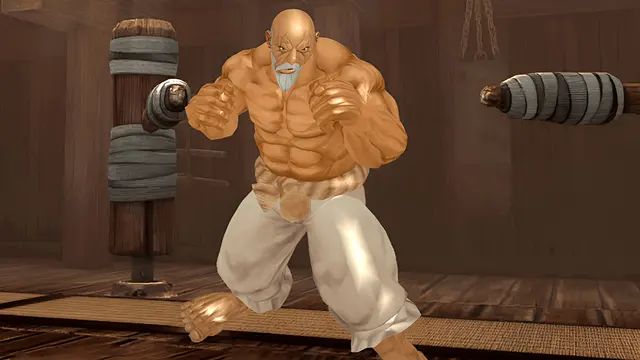 Sumo Fury
 Russian Drift: Overtaking in the City
 shrinkzone.io
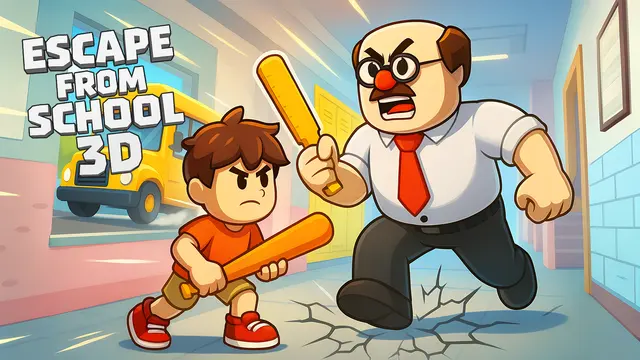 Escape from School 3D
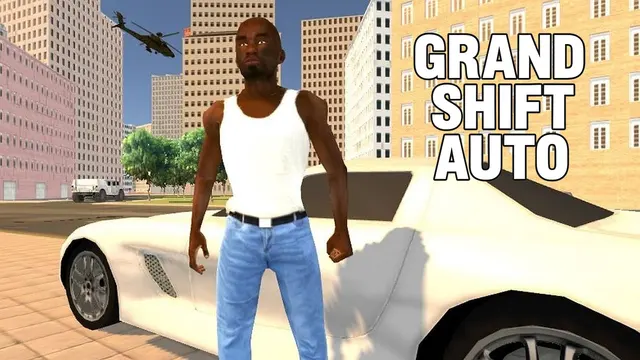 Grand Shift Auto
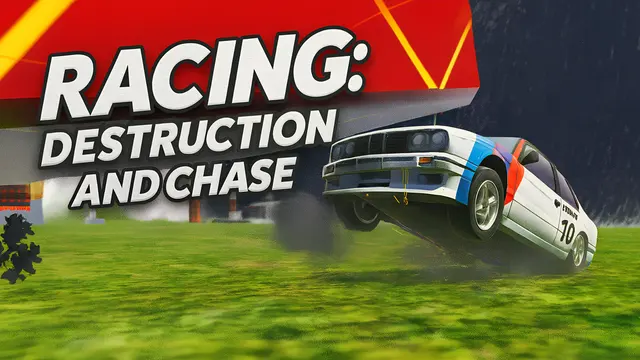 Racing: Destruction and Chase
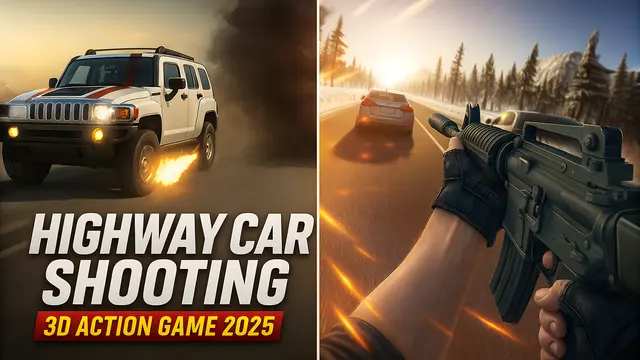 Highway Car Shooting 3D Action Game 2025
 Gravity Shift Sky Racers GT
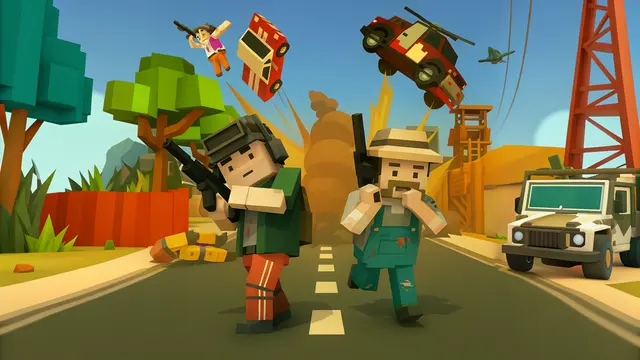 Cube shooter
 Real COD Strike
 Project: Survival
 Super Car Soccer Arena
 Shot a Brainrot!
 TANKNAROK
 The cow of the apocalypse
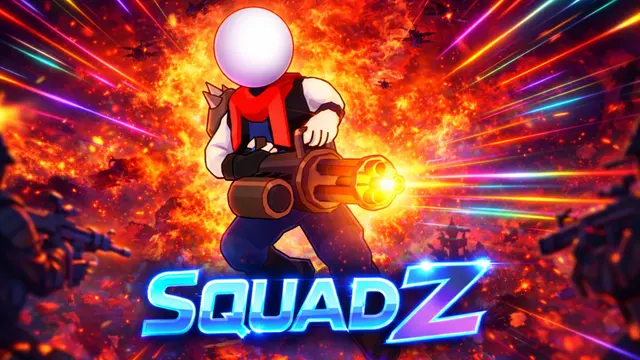 SquadZ
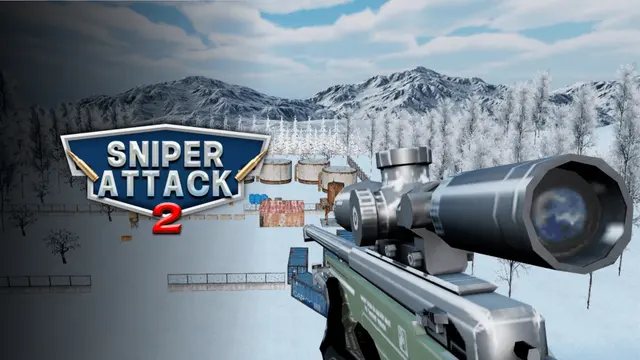 Sniper Attack2
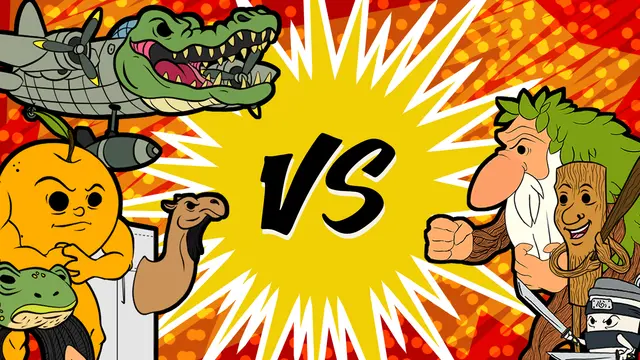 Ultimate Brainrot Battle
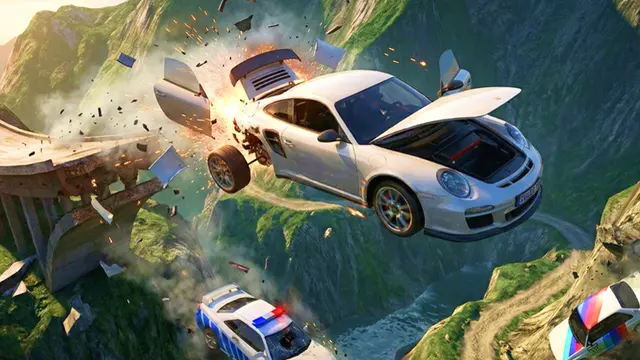 A deadly car crash
 Sword Master: Slice Your Enemies!
 Big Boom! Building Smash!
 Drift Master 3D
 Sword Play: Chop enemies to pieces!
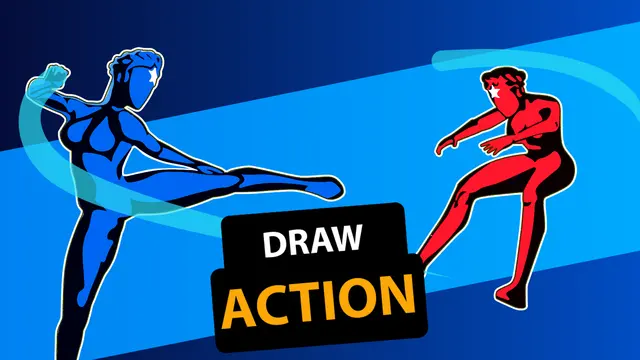 Draw Action
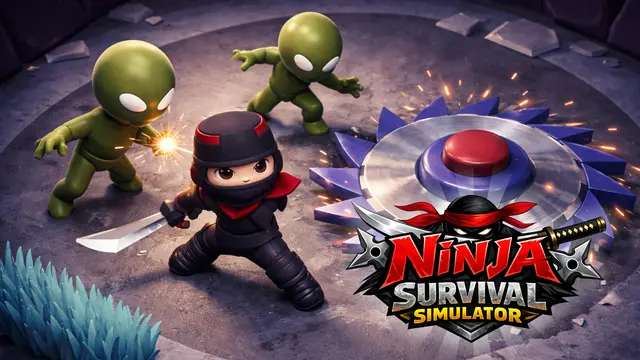 Ninja Survival Simulator
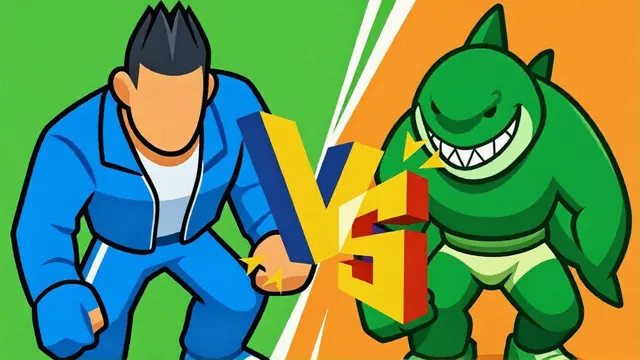 Draw Action Freestyle Fight
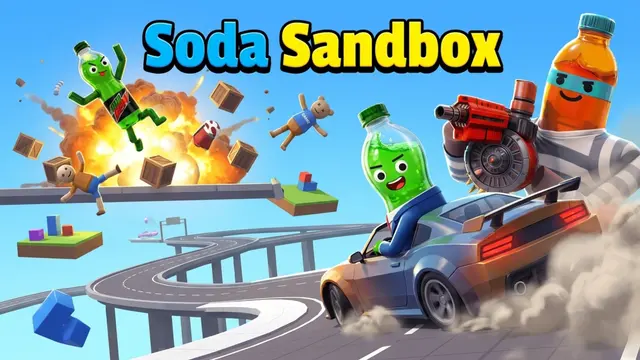 Soda Sandbox
 Obby: RPG Slasher Blade Loot
 Flying Robot Transform Car Games
 Stickman Gun Rush
 Air Assault: Ship Defense
 Ragdoll Fury
 Obby: Battle Arena
 Smash and Break
 Ragdoll Fighter
 CrashDown Voxel Destruction
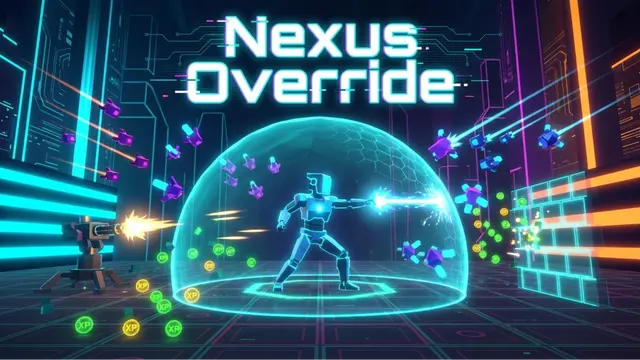 Nexus Override
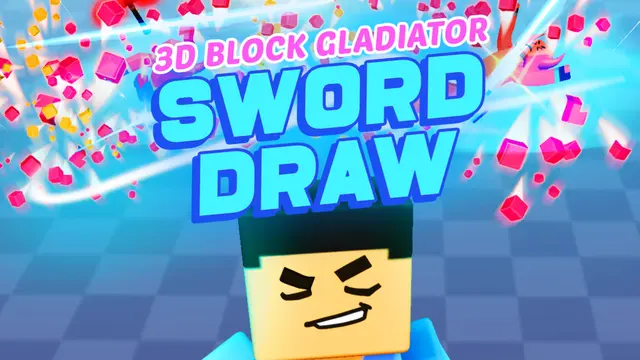 3D Block Gladiator: Sword Draw
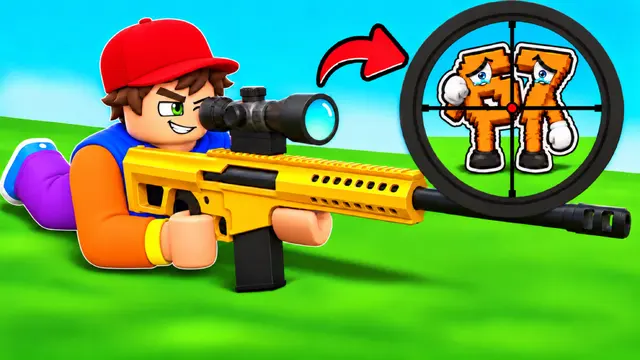 Sniper for Brainrots
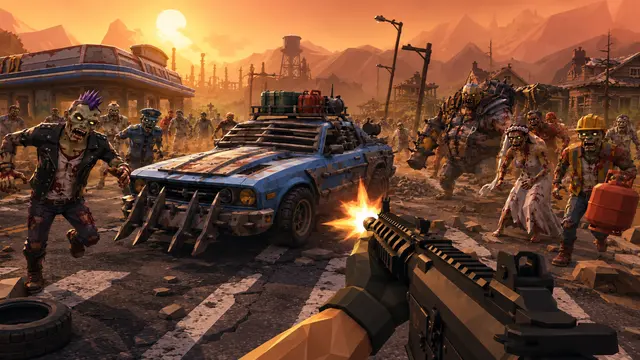 Zombie defence
 Shadow Ninja RPG: Enemy Legends
 Supercar Battle Arena
Play Aura Farming Master online
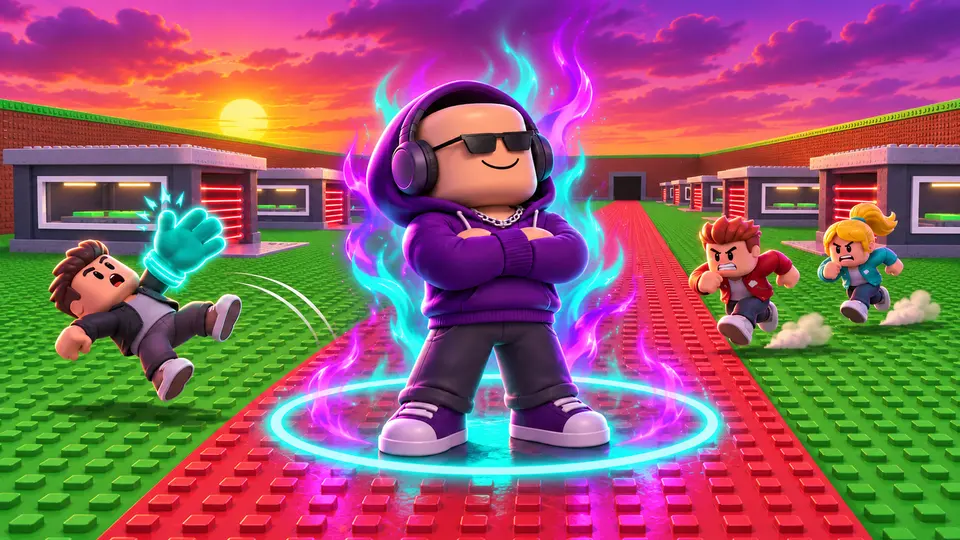
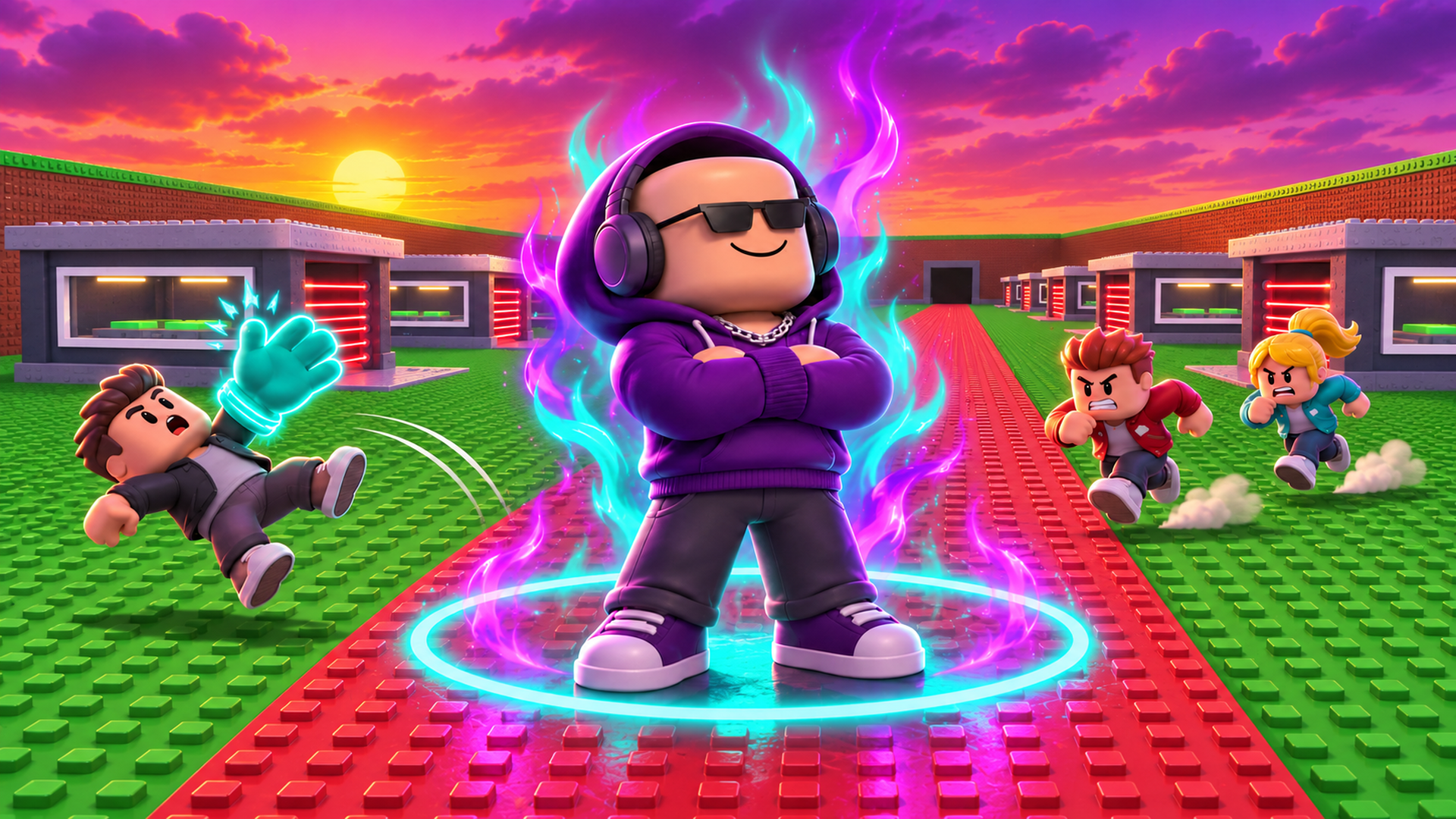
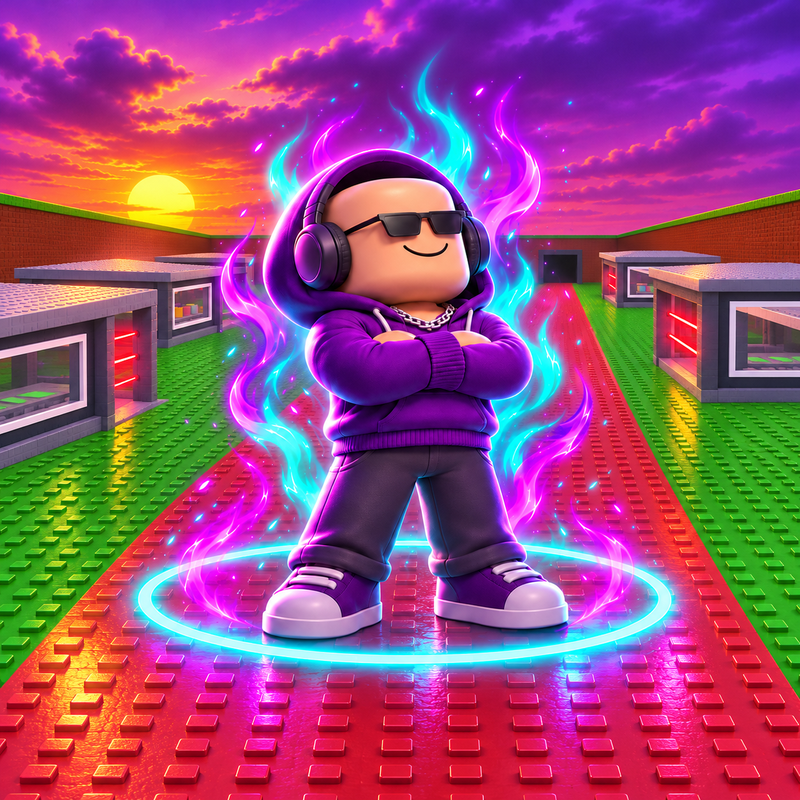
Farm aura on floating neon rooftops at sunset. Stand in the glowing aura zones to earn aura every second and build a streak multiplier, while bots run in and try to slap you out. Hit the Pose button at the right moment for a burst of aura and a slow-motion phonk moment.
Get familiar with the movement and attack inputs before entering the next encounter. Read the controls for any additional actions rather than assuming a standard button layout. The instructions describe joystick input. The listed controls include WASD input.
How to play Aura Farming Master
Controls and instructions
Goal: farm as much aura as you can and don't fall off the roof. PC: WASD or the arrow keys to move, Space to dash, E to pose, hold the mouse button and drag to turn the camera. Mobile: joystick on the left, drag on the right to turn the camera, Dash and Pose buttons. Stand in a glowing zone to earn aura every second. Press Pose and stop the arrow in the green window for a burst of aura. Walk into rivals to slap them out of the zone. Enter lobby portals to pick a mode.
Getting started with Aura Farming Master
- Try the basic actions first so you know which input performs each move.
- Start with a short joystick movement to judge how the character responds.
- Check the action mappings as well as movement; extra actions may use different keys.
About this game
- Platform
- Web browser
- Supported devices
- Android, iOS, Desktop
- Screen orientation
- Landscape and Portrait
- Languages
- American English, Russian (Russia)
- Genres
- Action, 3d, Fighting, Battle Royale
- In-game purchases
- None listed by the provider
- Provider
- Playgama
- Provider audience
- Male, Female
Game features and tags
- Customization
- Casual
- Roblox
- Arena
- Collecting
- 1 Player
- Action Fighting
Aura Farming Master images
Questions about Aura Farming Master
How do I start playing?
Choose Play now in the game window above to load Aura Farming Master through Playgama. Read the controls and instructions above before you start.
Which devices can I play on?
The provider lists support for Android, iOS, Desktop. Play in your web browser using the controls described above.
Which languages does the game support?
American English, Russian (Russia).
Does the game have in-game purchases?
The provider lists no in-game purchases for this game. Games may display advertisements.
Related game categories
Game facts and artwork supplied by Playgama. Descriptions adapted and getting-started guidance added by LookBear. Game content, ads and purchases are provided by Playgama and the game provider.