 Shadow Ninja
Block Zero
Provided by Playgama
Block Zerovia Playgama
 Zombie defence
 Obby Prison Craft Escape
 Only Up Obby: Tower Climb
 Wild Wolf Simulator Animal Games
 Obby Up: Parkour Run
 BOMB BANANA
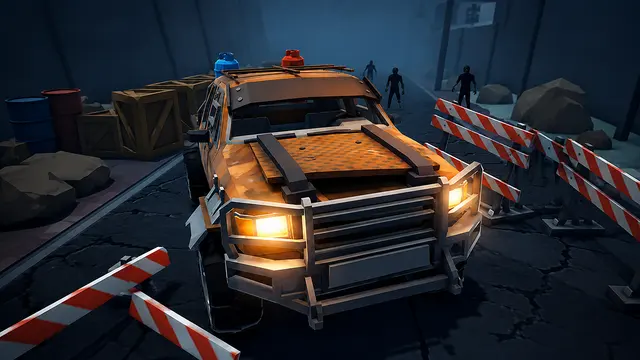 Cars vs Zombies
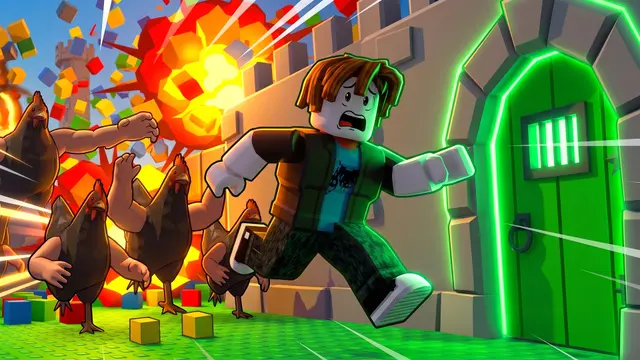 Obby Way
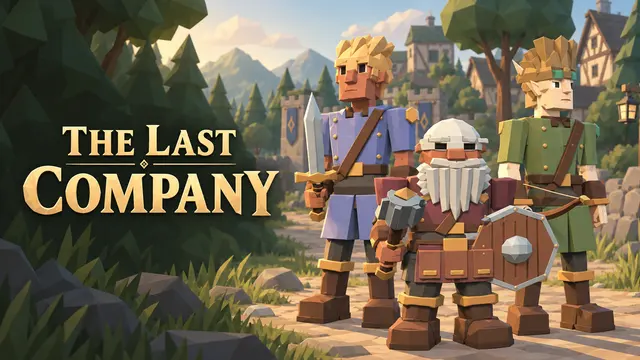 The Last Company
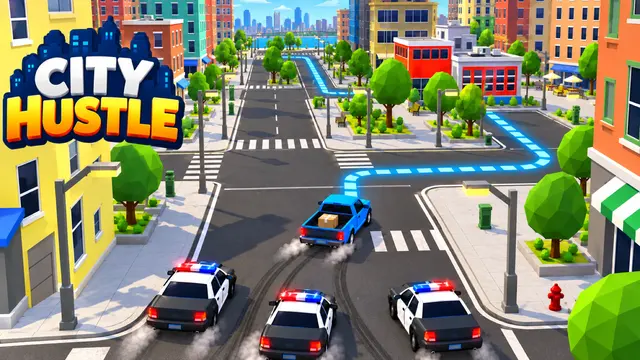 City Husle
 Web Swing Obby: Aqualand
 Ash of the Depths
 UNSTOPPABLE BRAWLER
 Gorbo the Orc: Crown Quest
 Shadow Duel
 Bandana Blitz
 Build and Defend your Base
 Obby: +1 Click Wall Breaker
 Soak & Squeeze
 Super Chop: Forest Hero
 Crown Guard
 Deep Drill Run
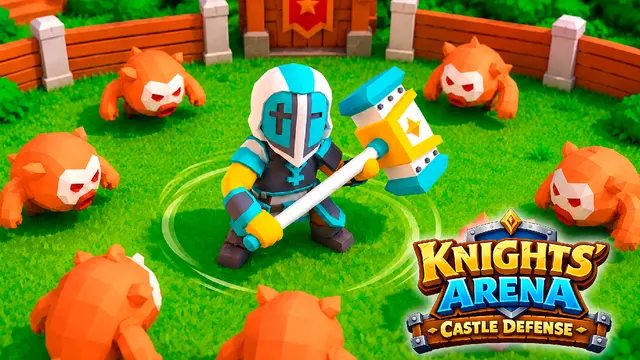 Knight's Arena - Castle Defense
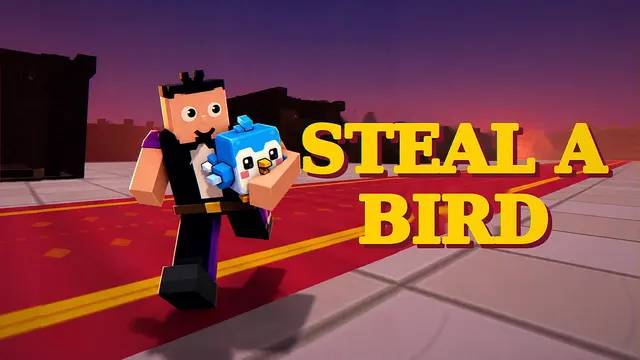 Steal a Bird
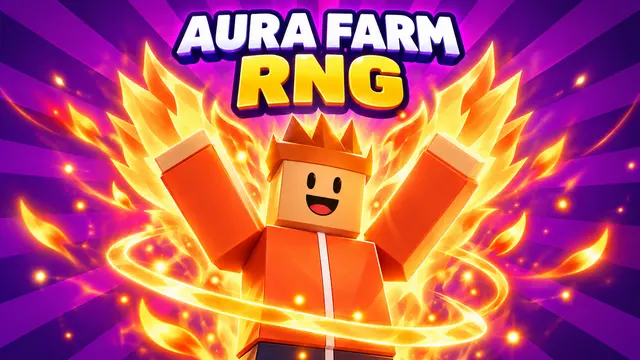 Aura Farm: RNG
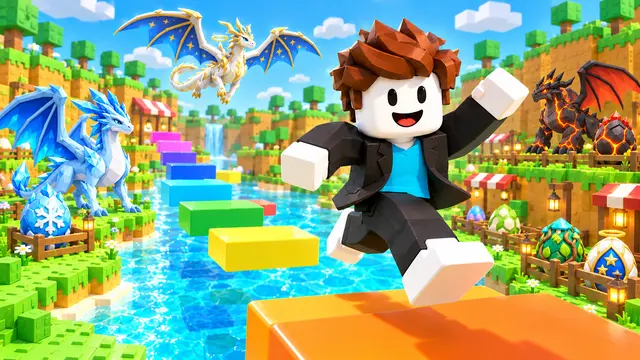 Obby Ultimate Parkour
 Sunny Bay Heroes
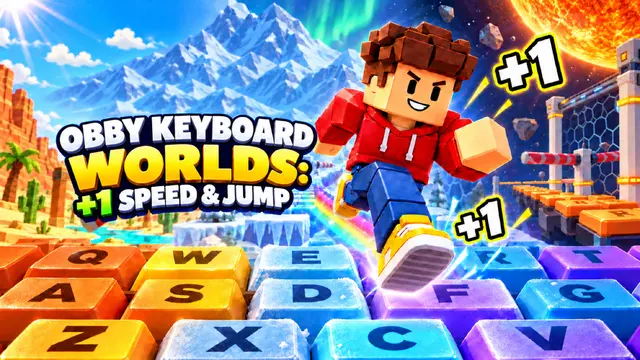 Obby Keyboard Worlds: +1 Speed & Jump
 Obby: Steal an Egg - The Great Escape
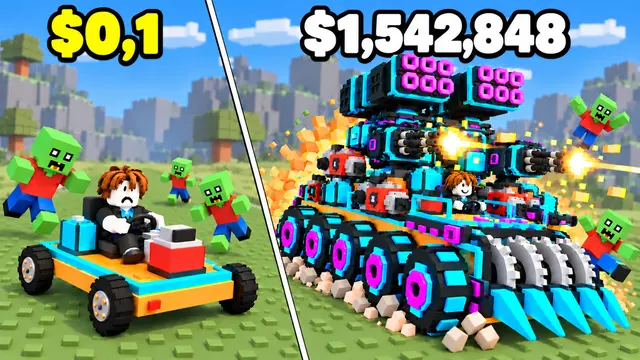 Build Car for Kill Zombies
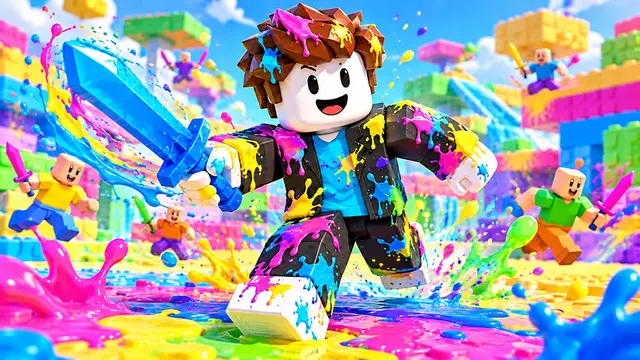 ASMR Obby Slicer
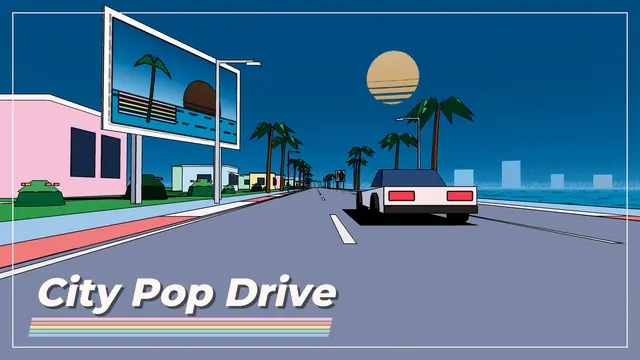 City Pop Drive
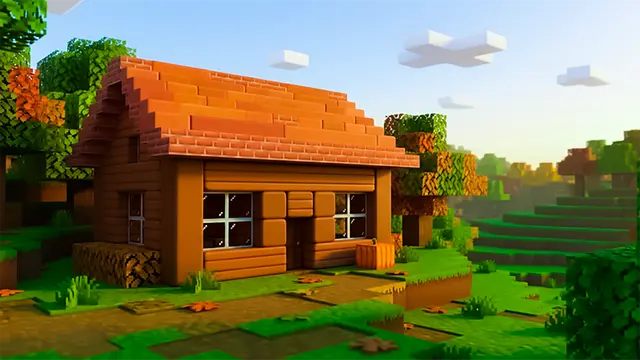 Noob in Mine - Sandbox & Craft
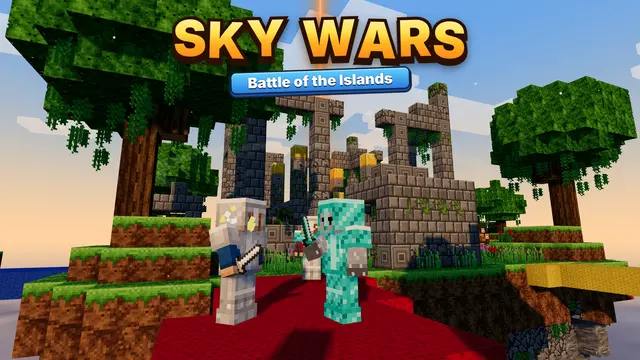 Sky Wars: Battle of the Islands
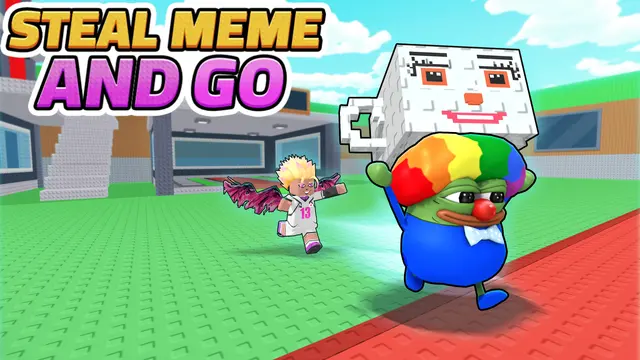 Steal Meme And Go
 SmashSite.io
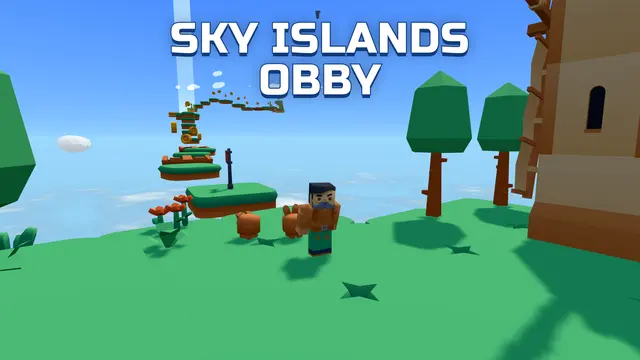 Sky Islands Obby
 Splash Rivals
 Echo Rift
 Don't Look Down, Kitty!
 ASMR Keyboard Escape Classic
 Color Race Obby
 Lanternborne
 Frostport
 +1 Guns vs Zombies
 Keyboard Escape Classic
 +1 Zombie Survival
 Obby Dont Splash He Knows
 Star Rank Heroes
 Archer: Dungeon Hero
 Mega Block Survivors
 Kaboom Miner
 Steal a Destruction Egg
 +1 Wings Escape
 +1 Wings Keyboard Speed
 +1 Smash Monsters Evolution
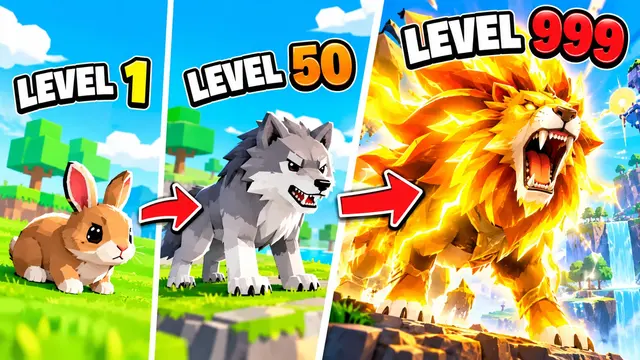 Evolution Simulator
 Monster Truck Sky Obby
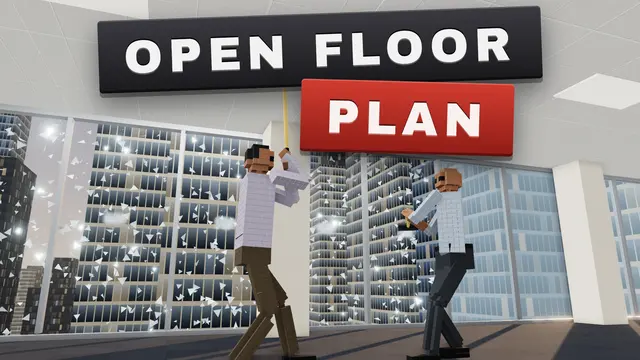 Open Floor Plan
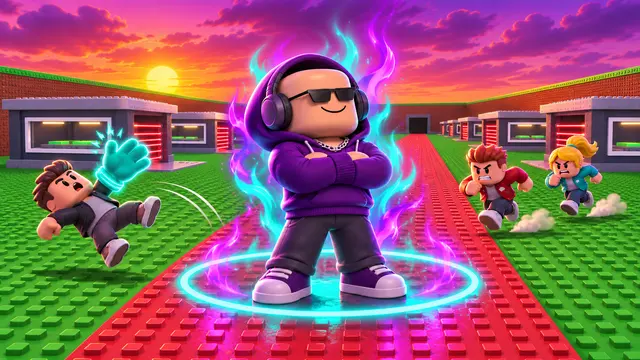 Aura Farming Master
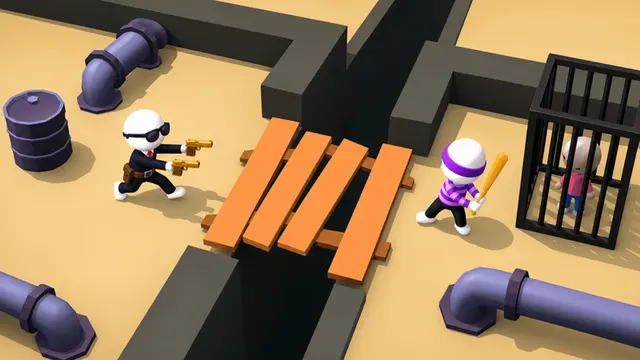 Tony Archer: Escape
 +1 Black Slime Evolution
 Undead & Unemployed
 Snipers War: FPS Strike
Play Block Zero online
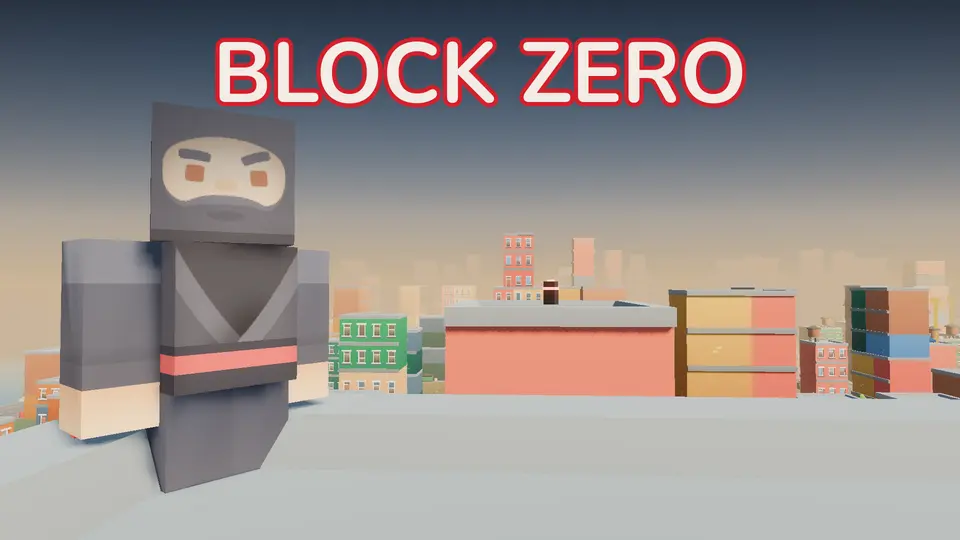
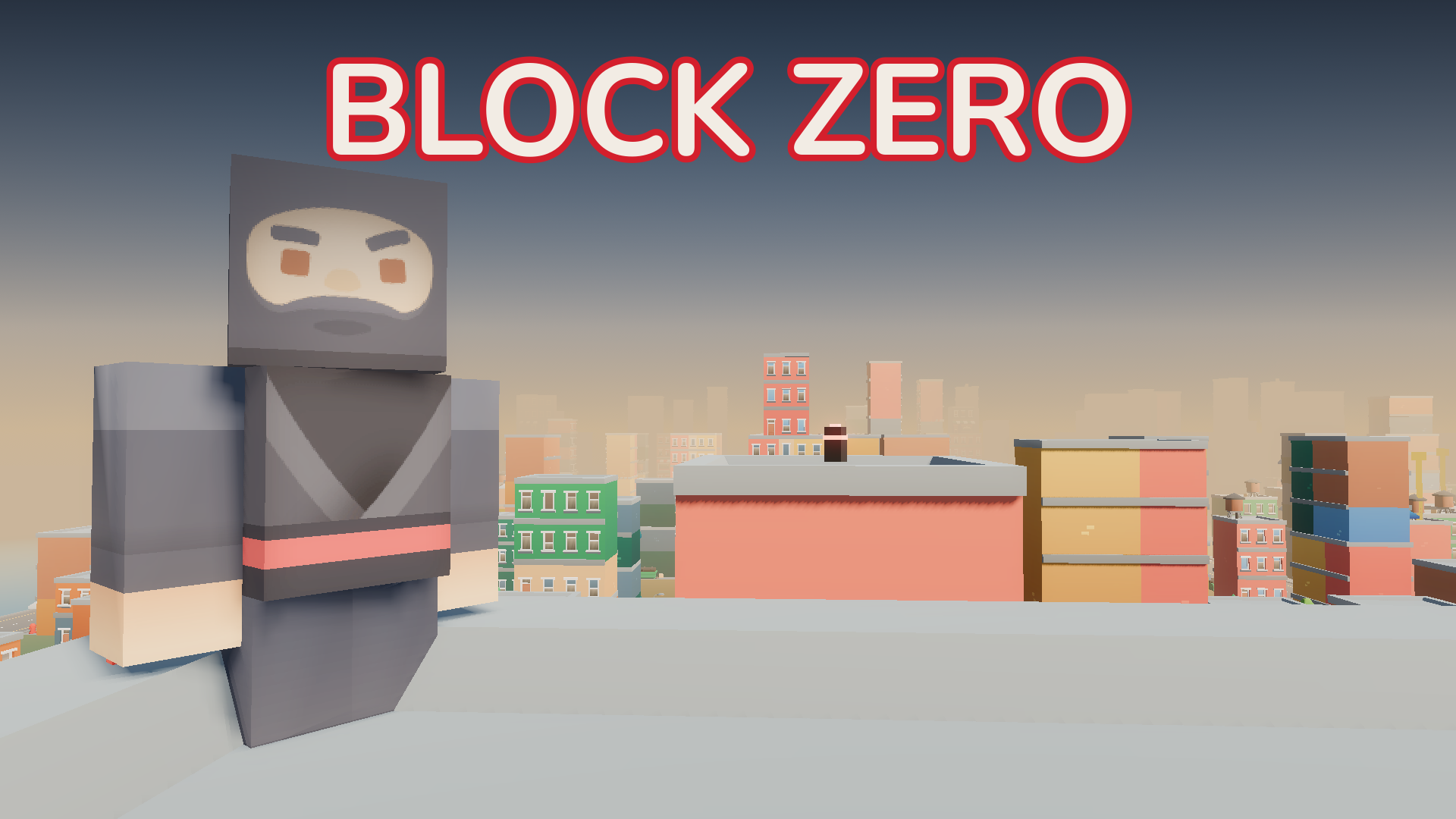
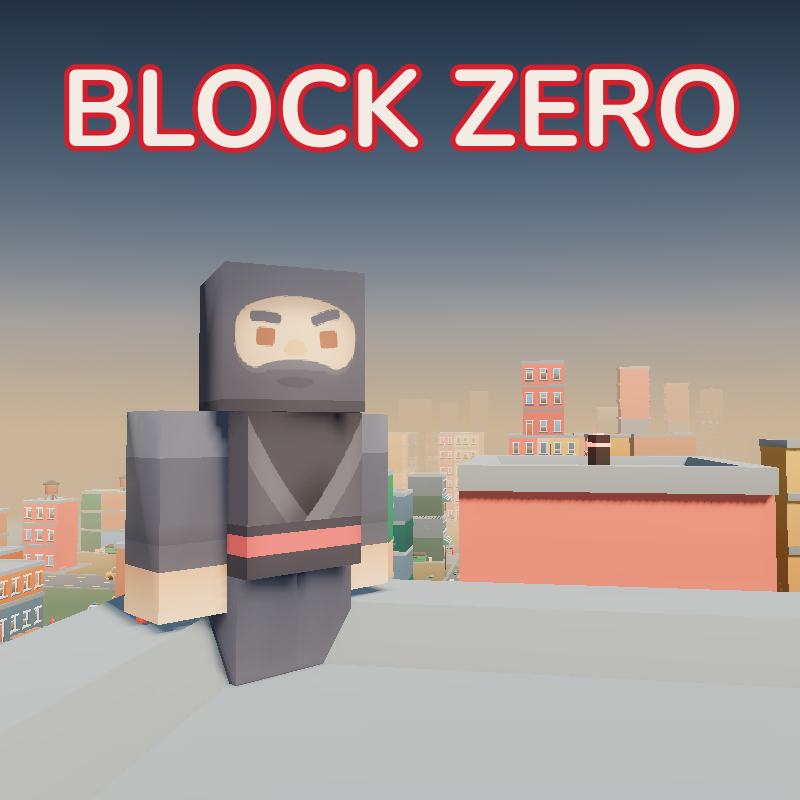
Block Zero is a third-person action game in an open low-poly city. You are a blocky mutant born of the outbreak: every wall is a road to the roof, every roof is a launch pad. Sprint into a building to run straight up its wall, hold jump to glide across the streets, dash in mid-air and land wherever you like.
Navigate the platforms and obstacles using the movement controls provided. Learn how movement and jumping work together before attempting a difficult gap. The listed controls include WASD input.
How to play Block Zero
Controls and instructions
1. Press "Play". You start on a rooftop above a crowd of infected — jump down into them. The first mission teaches every move on the way: fighting with borrowed mauls, absorbing, throwing a car, running up a wall and gliding.
2. Move with WASD or the arrow keys (on a touch screen — the stick on the left half of the screen). Hold Shift or push the stick to the edge to sprint.
3. Sprint into a wall to run up it. Tap Space for a short jump, hold it for a high one; hold it in the air to glide. Ctrl (or the Dash button in the air) dashes forward.
4. Left click (the Attack button) strikes with claws — tap three times for a combo. The camera turns with the mouse after a click on the game; without mouse capture drag with the right button (on a touch screen — drag on the right half).
5. A weakened enemy gets a marker: press E (the context button) to absorb it.
6. Q (the Echo button) highlights mission targets through walls. Esc or the pause button in the top-left corner pauses the game.
7. Terminals give missions: walk up to one and press E. The arrow at the screen edge points to the goal.
8. Hold the attack button for a maul smash (after mission 4); F (the Harpoon button) hooks and pulls enemies in (after mission 7); Tab (the Form button) switches arm forms.
9. E next to a car lifts it; E or attack throws it — the best answer to drones, turrets and the helicopter.
10. Yellow pillars start medal challenges outside missions and alerts: press E (the context button) next to one. R (the circle-arrow button) restarts a challenge at once; the "Daily challenge" card in the menu takes you straight to today's one.
11. The "Achievements" button in the menu lists all 10 achievements: each with its icon, name, what to do to unlock it and your progress.
Getting started with Block Zero
- Test a short movement or jump first, then judge the next obstacle.
- Check the action mappings as well as movement; extra actions may use different keys.
About this game
- Platform
- Web browser
- Supported devices
- Android, iOS, Desktop
- Screen orientation
- Landscape and Portrait
- Languages
- American English, Russian (Russia), Turkish (Türkiye), European Spanish, Brazilian Portuguese, Indonesian (Indonesia), French (France)
- Genres
- Action, Adventure, 3d, Platform, Fighting, Zombie, Ninja
- In-game purchases
- None listed by the provider
- Provider
- Playgama
- Provider audience
- Male, Female
Game features and tags
- Destruction
- Webgl
- Apocalypse
- Combat
- Agility
- 1 Player
- Open World
- Action Adventure
- 2d Action
Block Zero images
Questions about Block Zero
How do I start playing?
Choose Play now in the game window above to load Block Zero through Playgama. Read the controls and instructions above before you start.
Which devices can I play on?
The provider lists support for Android, iOS, Desktop. Play in your web browser using the controls described above.
Which languages does the game support?
American English, Russian (Russia), Turkish (Türkiye), European Spanish, Brazilian Portuguese, Indonesian (Indonesia), French (France).
Does the game have in-game purchases?
The provider lists no in-game purchases for this game. Games may display advertisements.
Related game categories
Game facts and artwork supplied by Playgama. Descriptions adapted and getting-started guidance added by LookBear. Game content, ads and purchases are provided by Playgama and the game provider.