 Slow Time Ninja
Shadow Stick - Lightning Ninja
Provided by Playgama
Shadow Stick - Lightning Ninjavia Playgama
 Knife Battle
 Katana Flash
 Jelly Sandbox Playground
 Knight's Arena - Castle Defense
 Bonecrypt
 Kick & Run
 ASMR Obby Slicer
 Attack & Dash
 SmashSite.io
 Echo Rift
 Ash and Silver
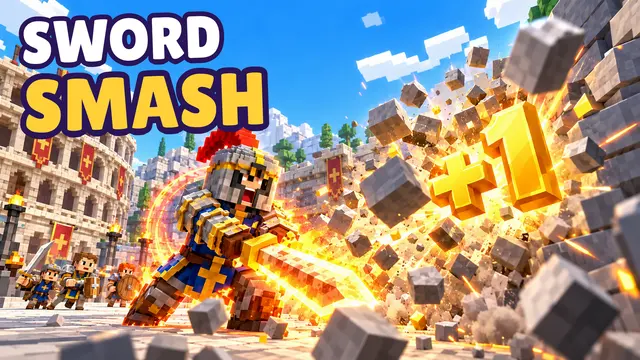 Sword Smash
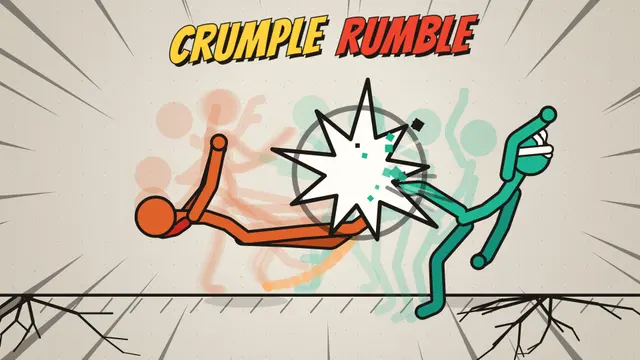 Crumple Rumble
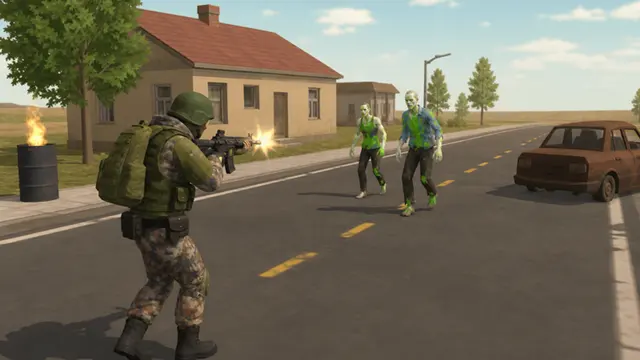 Mutant Zone: Zombie Merge Fighter
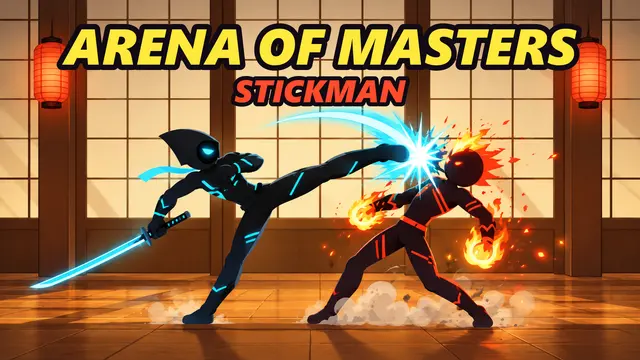 Arena of Masters: Stickman
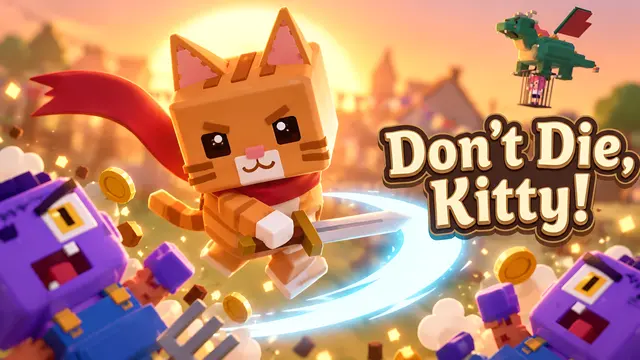 Don't Die, Kitty
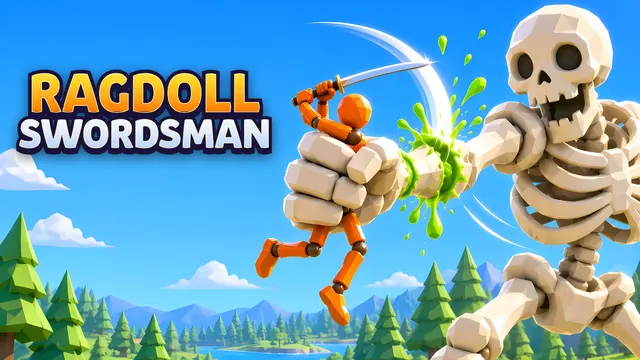 Ragdoll Swordsman
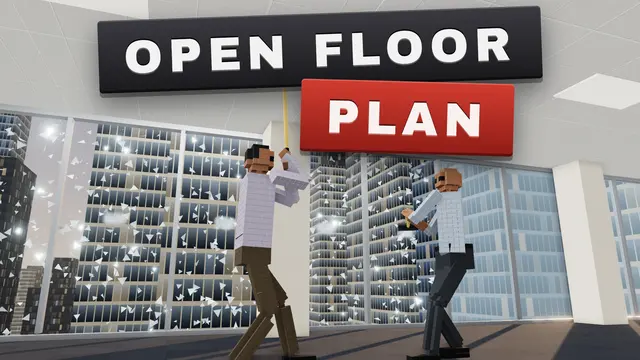 Open Floor Plan
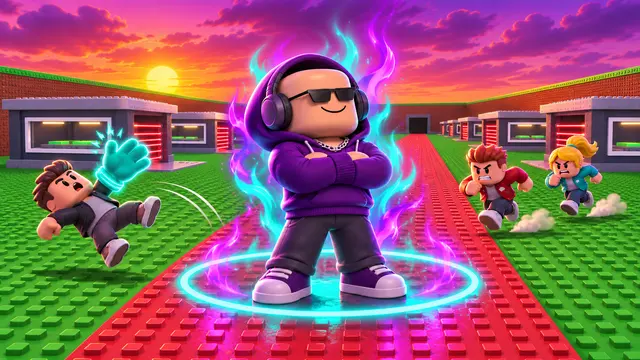 Aura Farming Master
 DeadMart: Outbreak Register
 Island Arena: Steel and Honor
 Ink Blade
 Slap League
 Ragdoll Rumble: Online
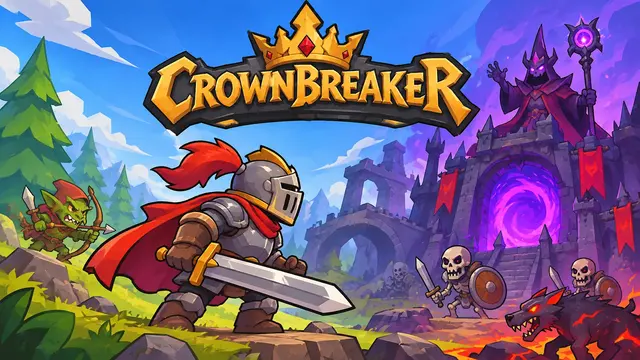 Crownbreaker
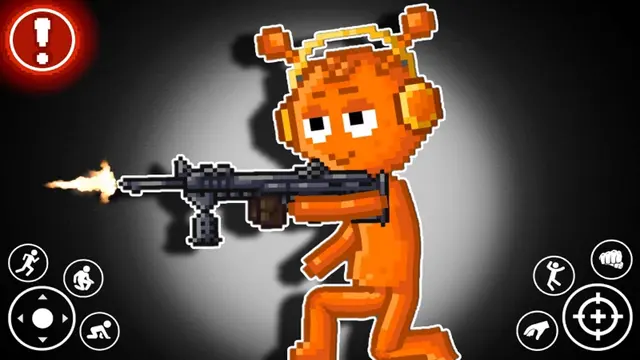 BEAR PICKSprunki Action Playground: Ragdoll Sandbox
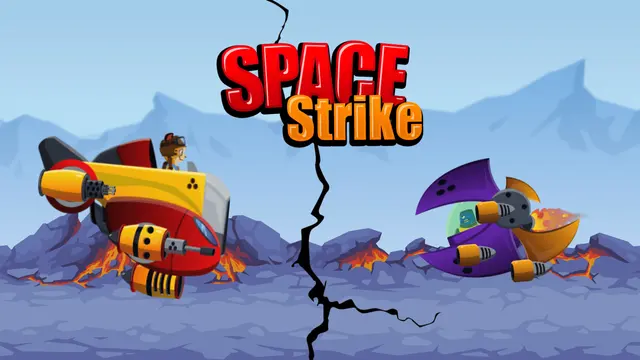 Space Strike: Galaxy Shooter
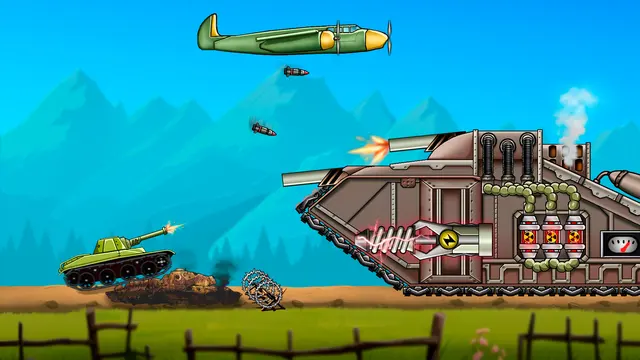 Tank Fury: Boss Battle 2D
 Gangsta Island: Crime City
 Rise of the Dead
 One Man Army: Battle Game
 Moto X3M
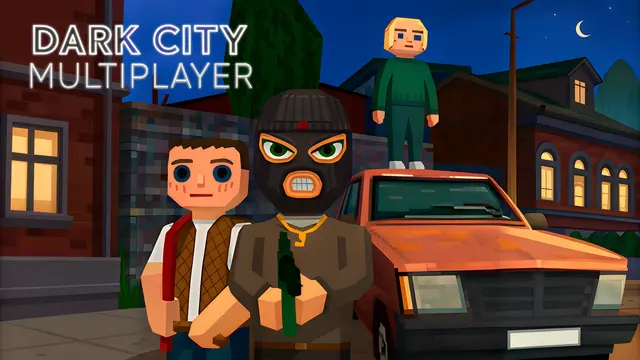 Dark City. Multiplayer
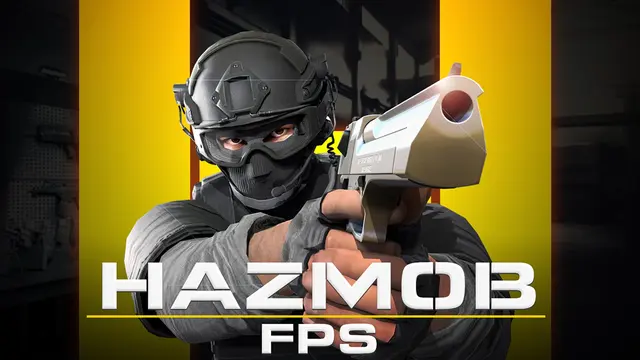 Hazmob FPS: Online Shooter
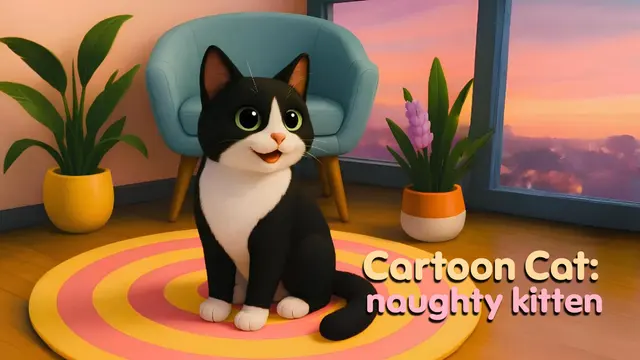 Cartoon cat: naughty kitten
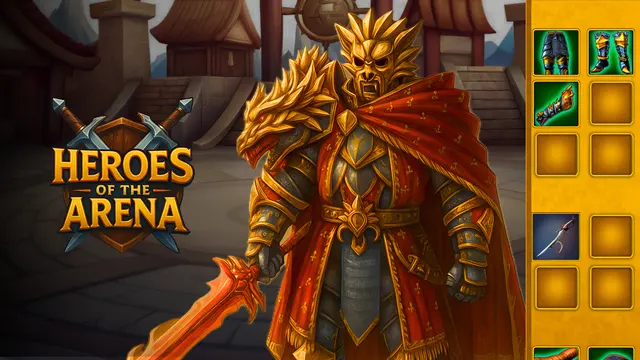 Heroes of Arena
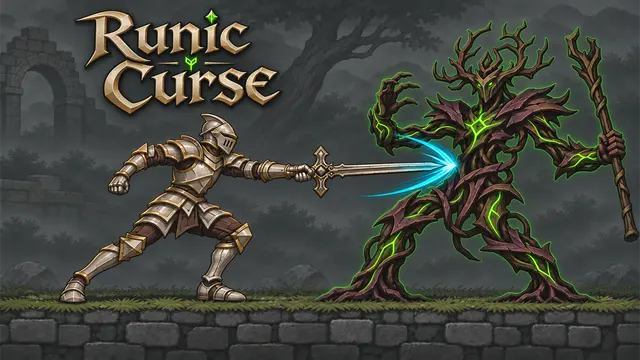 Runic Curse
 Only Jump RPG
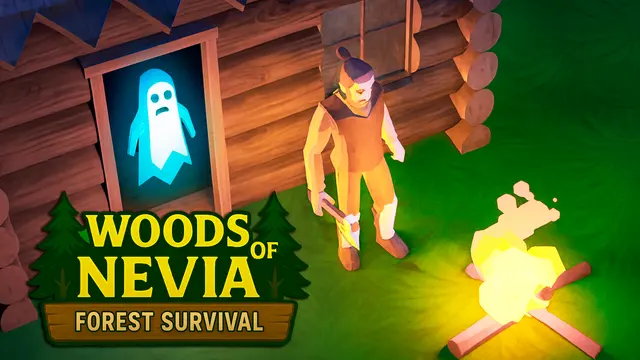 Woods of Nevia: Forest Survival
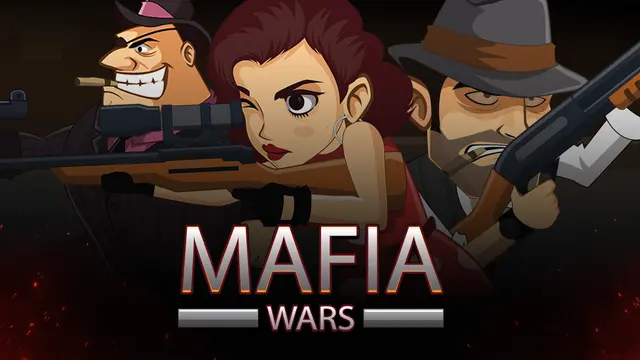 Mafia Wars
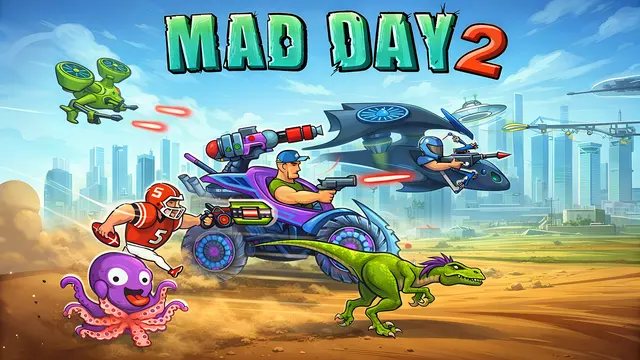 Mad Day 2 Special
 Brawl Simulator 3D
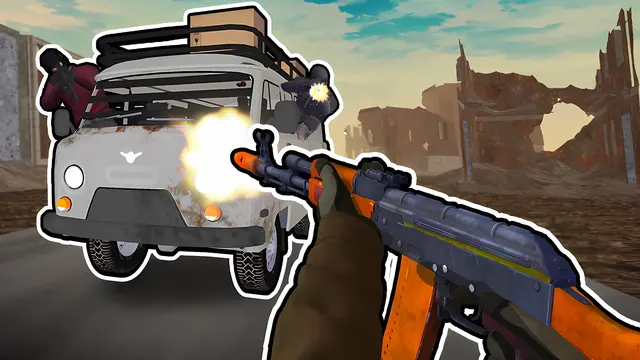 Road Chase: Shooter Realistic Guns
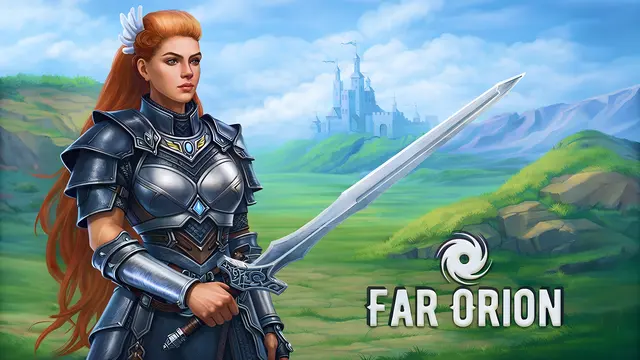 Far Orion: New worlds
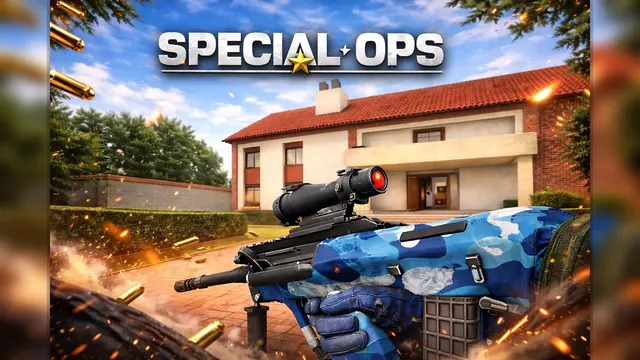 Special Ops: GO
 Revoxel 3D - Voxel RPG Shooter
 Animals vs Zombies
 Dead Land: Survival
 Game of Warrior
 Drive Quest
 Prison Architect: Cage Break Tycoon
 Basket Random
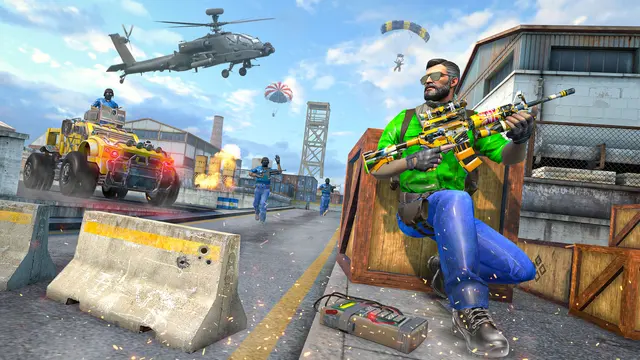 FPS Gun Shooting Game 3D
 Left 4 Die
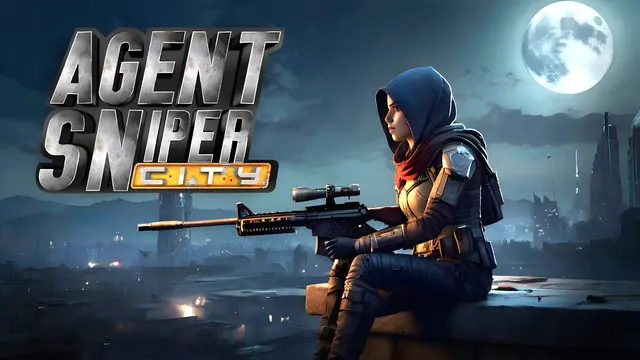 Agent Sniper City
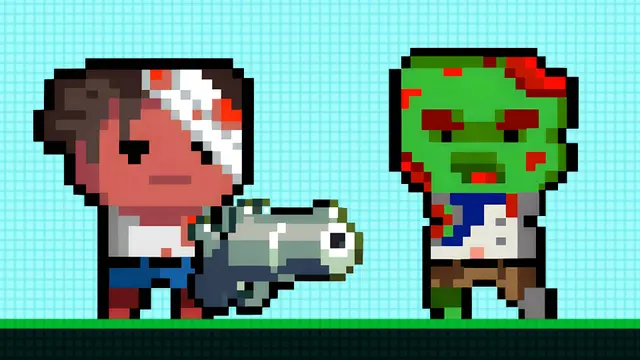 ENDLESS Z SURVIVOR
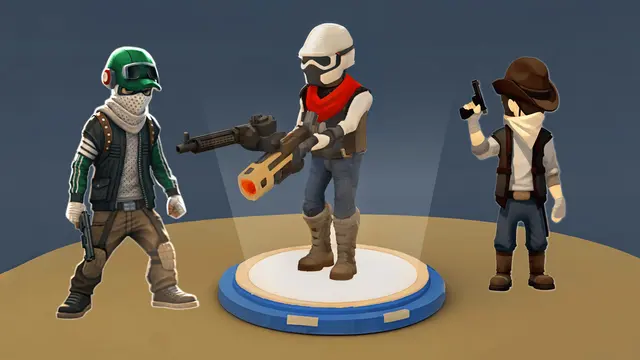 Badlands Hero
 Stalker 2033: The Path of the Survivor
 Epic Battle Simulator
 War V: Path of the Survivor!
 Kingdom Defense
 Time Travel: Tower Rush - TD
 Noob saves the village
 Carvivor Ops
Play Shadow Stick - Lightning Ninja online
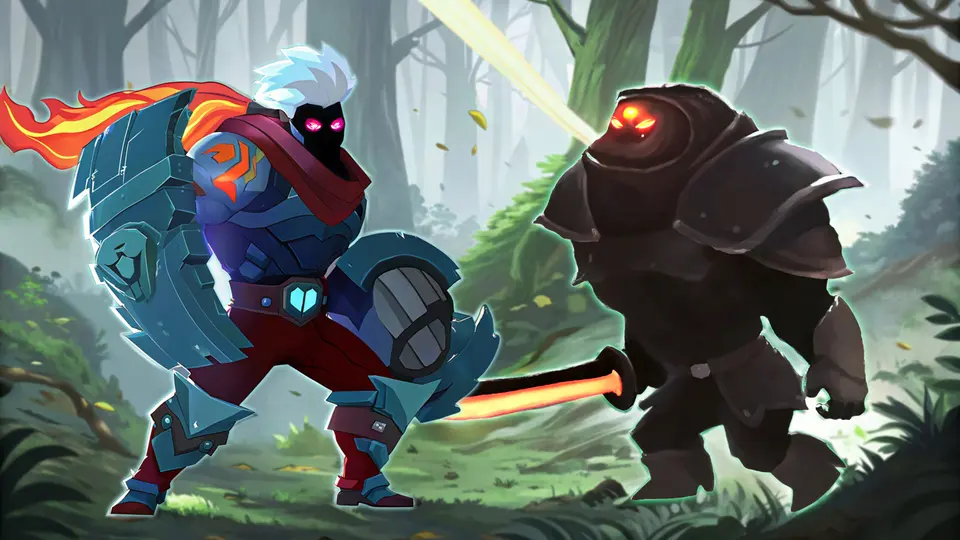
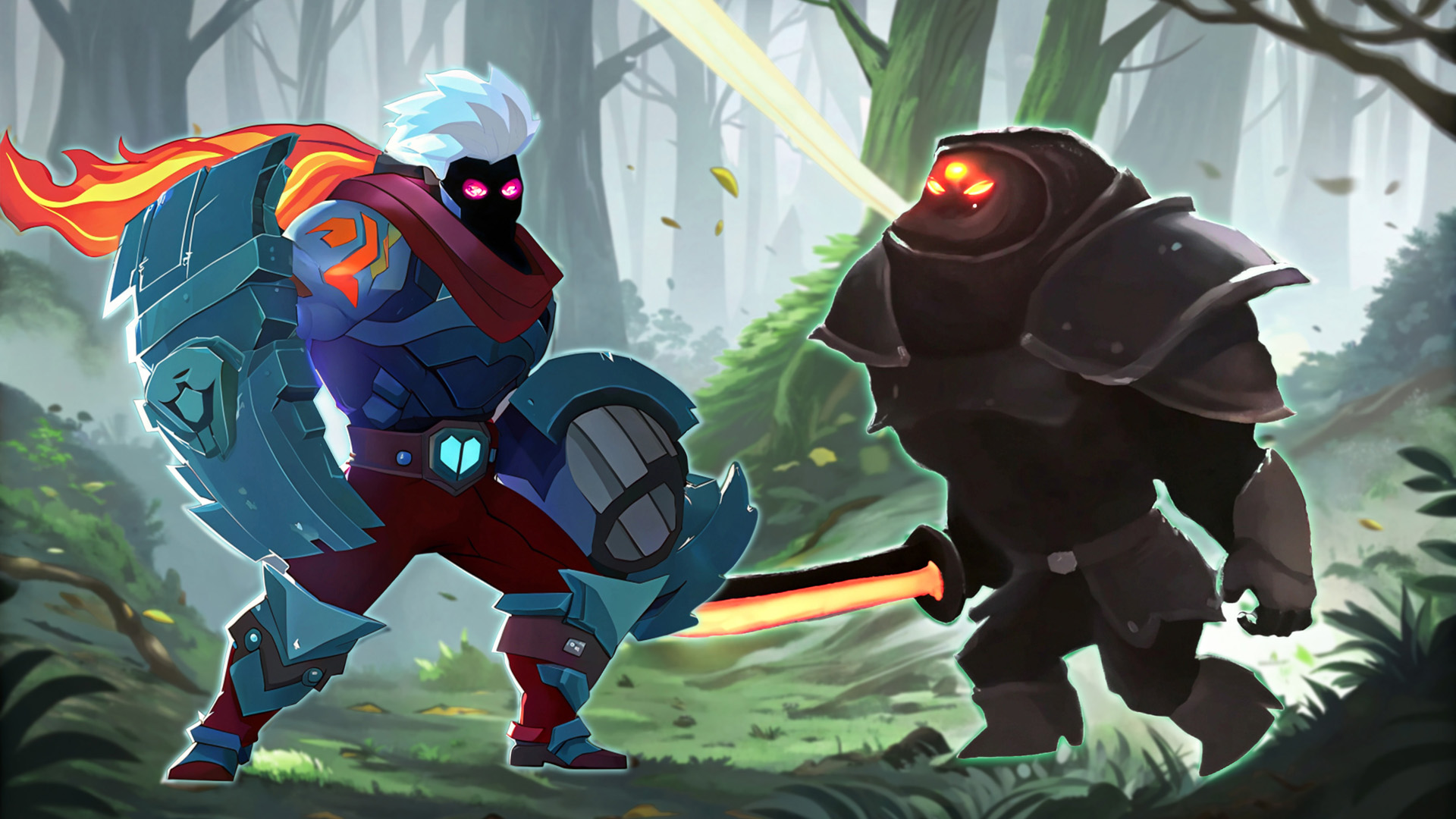
Experience the thrill of battle in "Shadow Stick - Lightning Ninja," a 2D fighting game enriched with RPG elements. Conquer over 120 levels, facing tough bosses, customize your character, and unlock legendary gear. Play this engaging game for free online on your phone or computer.
Get familiar with the movement and attack inputs before entering the next encounter. Read the controls for any additional actions rather than assuming a standard button layout.
How to play Shadow Stick - Lightning Ninja
Controls and instructions
Controls for PC/Keyboard:
1. arrow keys "left" and "right" for movement;
2. arrow key "up" - jump;
3. key "V" - normal attack;
4. key "B" - Special skill, allowing a 30% increase in attack and defense for 15 seconds;
5. key "F" - Summon dragon;
6. keys "Z," "X," "C" - skill buttons providing powerful attacks (effect depends on the skill branches chosen).
Controls for mobile devices/touchscreen:
1. slider in the bottom left corner - for movement "left" and "right";
2. other control buttons are displayed on the screen.
Getting started with Shadow Stick - Lightning Ninja
- Try the basic actions first so you know which input performs each move.
About this game
- Platform
- Web browser
- Supported devices
- Android, iOS, Desktop
- Screen orientation
- Landscape
- Languages
- American English
- Genres
- Action, Fighting, Ninja
- In-game purchases
- None listed by the provider
- Provider
- Playgama
- Provider audience
- Male, Female
Game features and tags
- 2d
- Japanese
- Borwser
- Unity Games Online
- Samurai
Shadow Stick - Lightning Ninja images

Questions about Shadow Stick - Lightning Ninja
How do I start playing?
Choose Play now in the game window above to load Shadow Stick - Lightning Ninja through Playgama. Read the controls and instructions above before you start.
Which devices can I play on?
The provider lists support for Android, iOS, Desktop. Play in your web browser using the controls described above.
Which languages does the game support?
American English.
Does the game have in-game purchases?
The provider lists no in-game purchases for this game. Games may display advertisements.
Related game categories
Game facts and artwork supplied by Playgama. Descriptions adapted and getting-started guidance added by LookBear. Game content, ads and purchases are provided by Playgama and the game provider.