 Dark City. Multiplayer
Brawl Simulator 3D
Provided by Playgama
Brawl Simulator 3Dvia Playgama



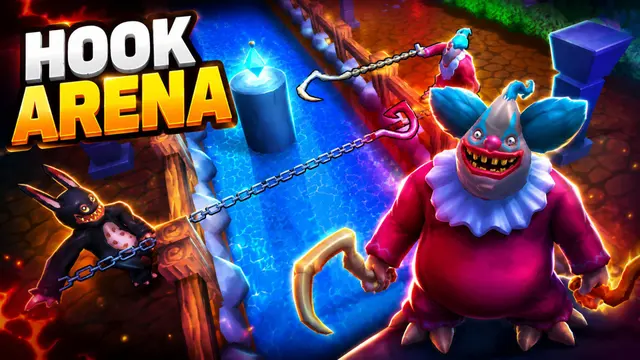 Hook Arena 3D
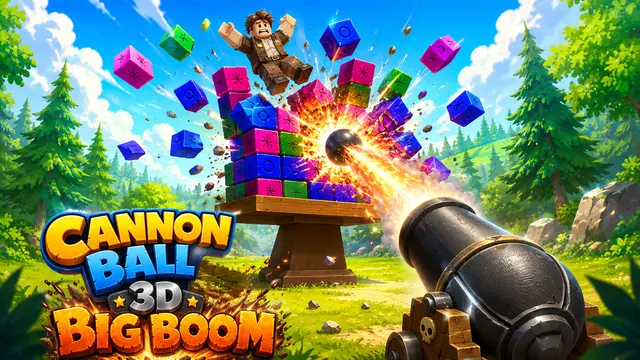 Cannon Ball 3D : Big Boom Obby
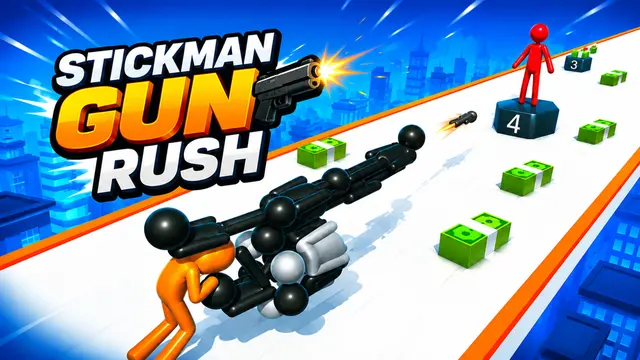 Stickman Gun Rush
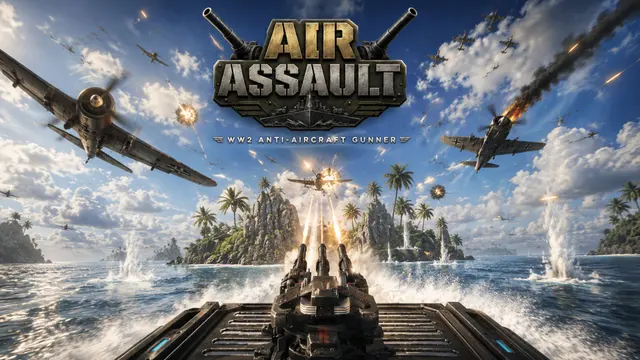 Air Assault: Ship Defense
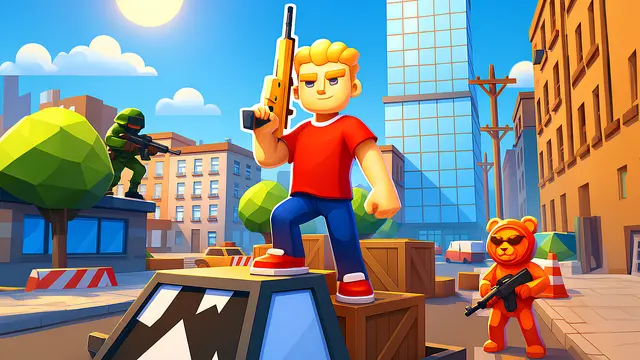 Obby: Battle Arena
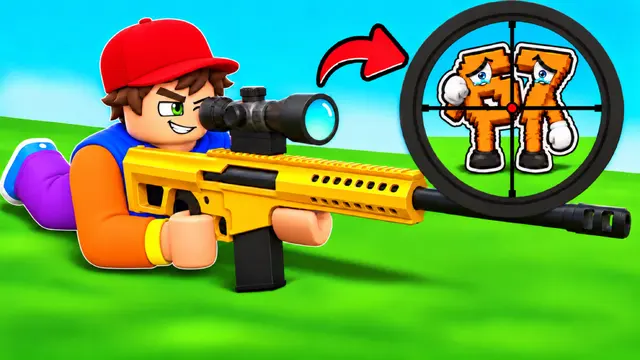 Sniper for Brainrots
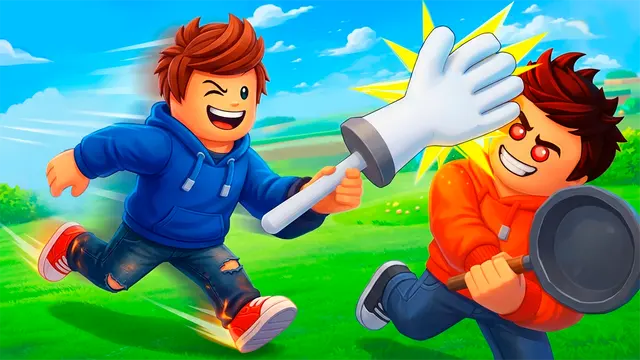 Slap Battle: Arena Online
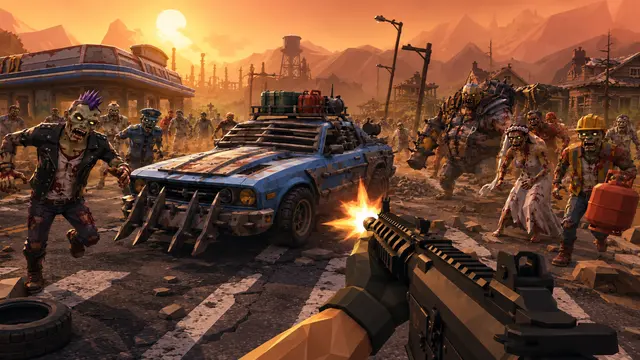 Zombie defence
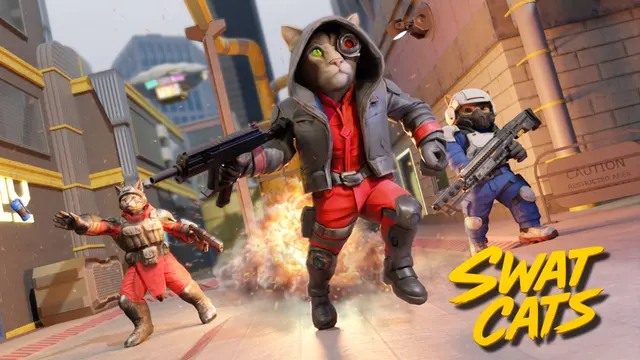 SWAT Cats
 Smash Master
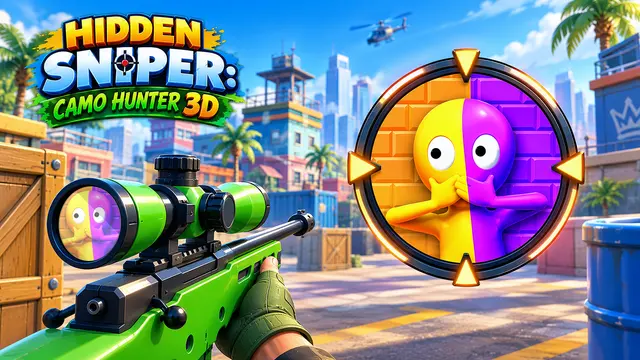 Hidden Sniper: Camo Hunter 3D
 Planet Blast: Rockets
 Tide & Powder
 Desert Gunship
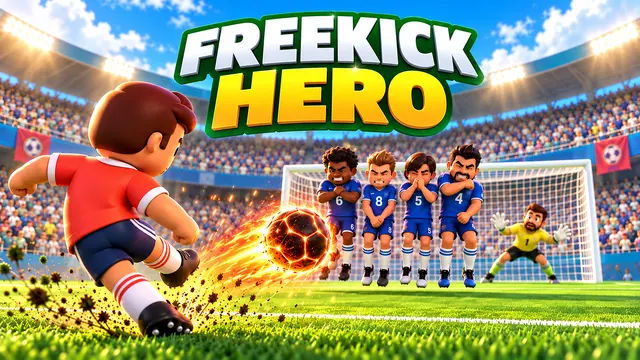 Freekick Hero
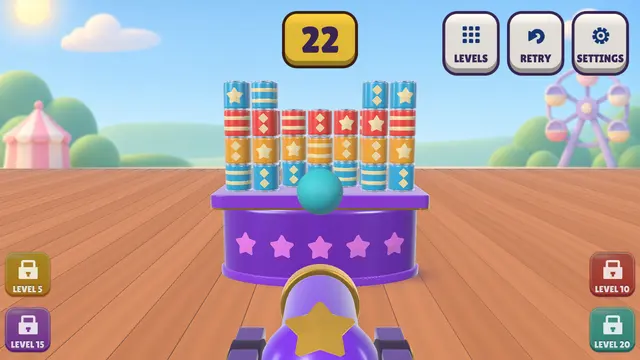 Toy Smash
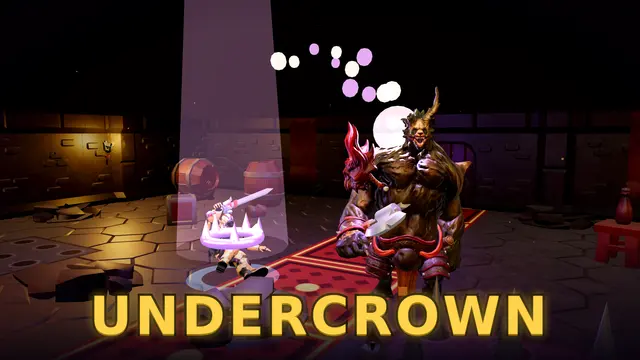 Undercrown
 Sky Kingdoms: Castle Siege
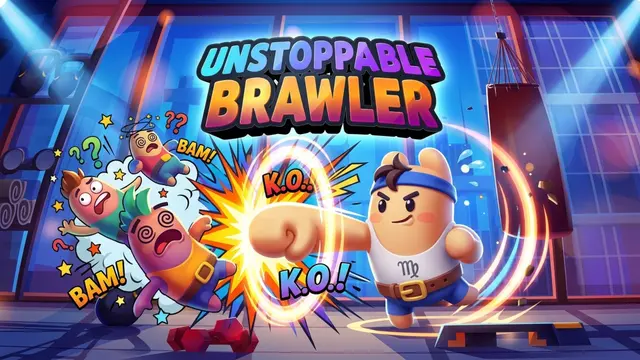 UNSTOPPABLE BRAWLER
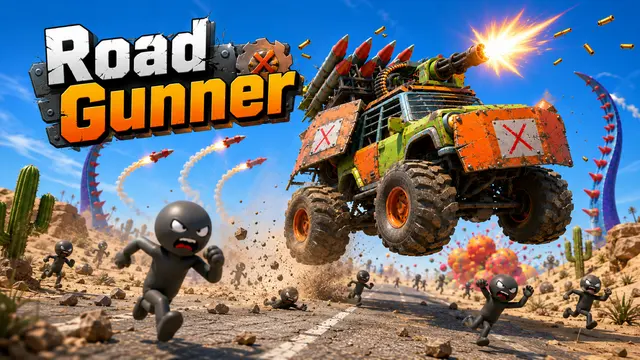 Road Gunner 3D
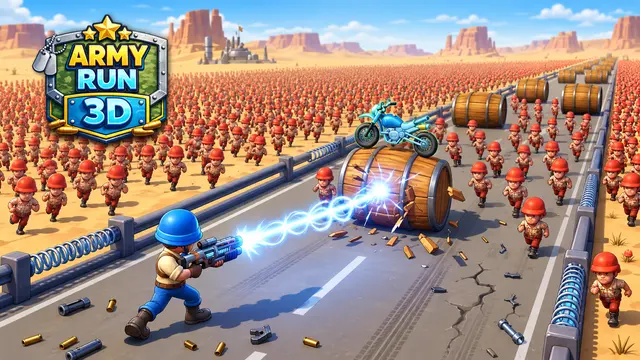 Army Run 3D
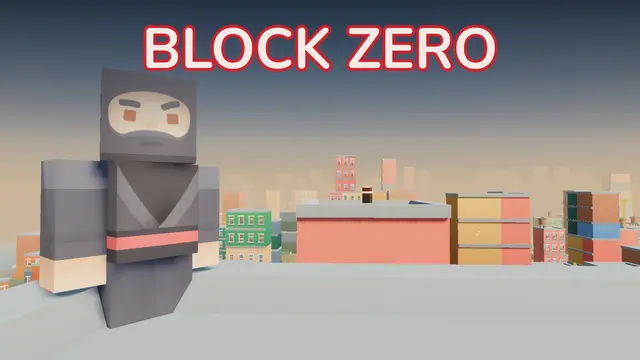 Block Zero
 Jade Toss: Arrow Challenge
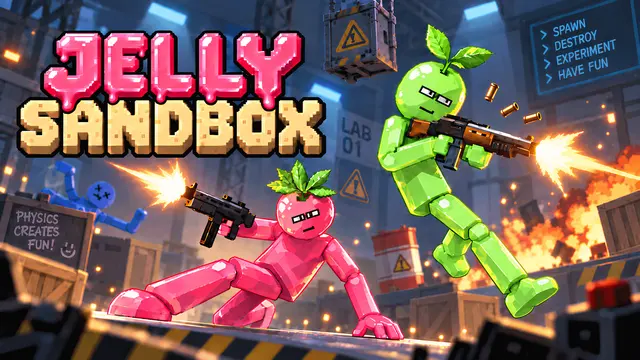 Jelly Sandbox Playground
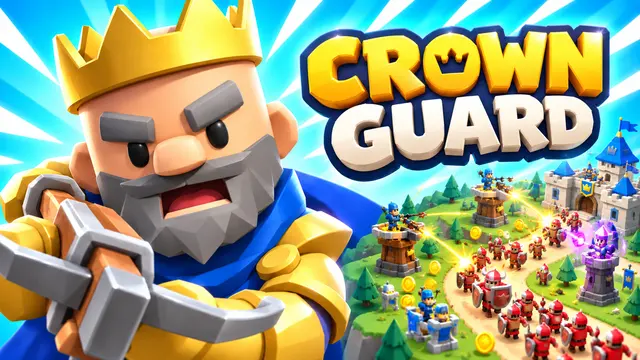 Crown Guard
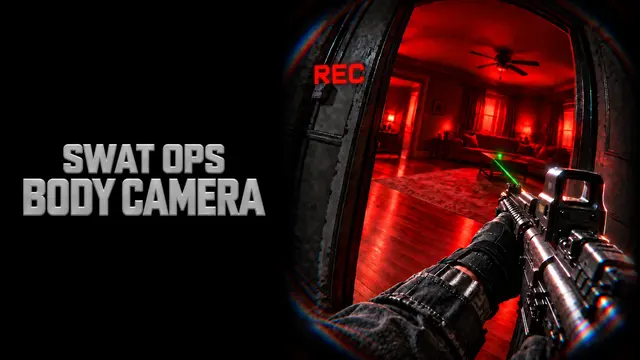 SWAT OPS: Body Camera
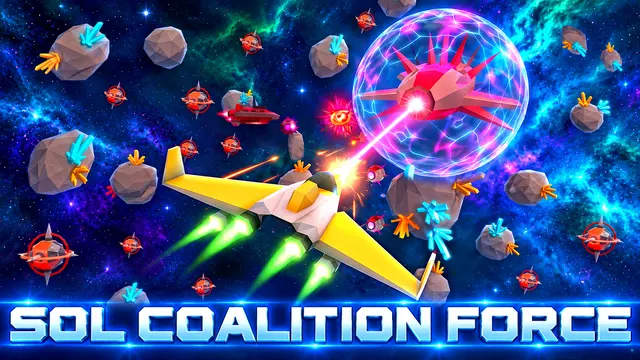 Sol Coalition Force
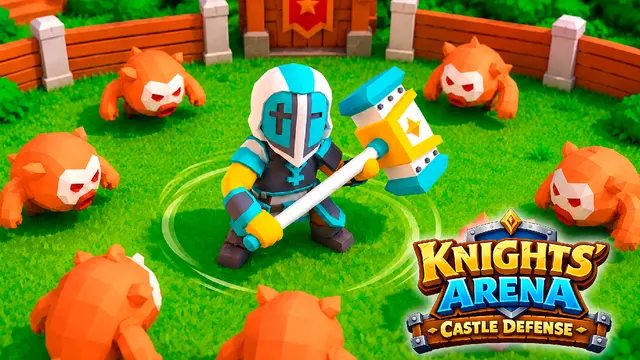 Knight's Arena - Castle Defense
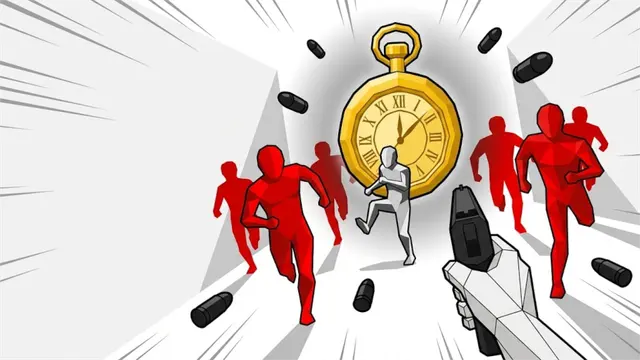 TIME STOP
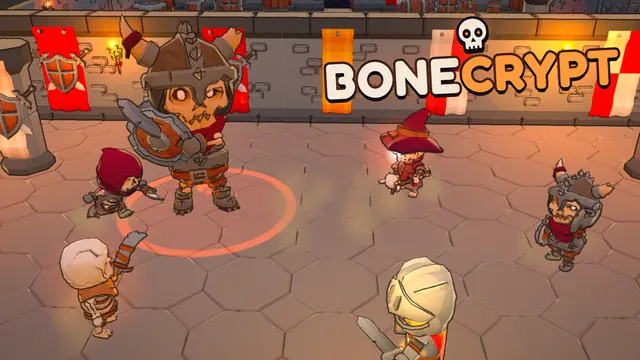 Bonecrypt
 Obby Arena: +1 Frag
 Feed Them All!
 Plane Crash Ragdoll Simulator
 Robot Scrapyard Arena
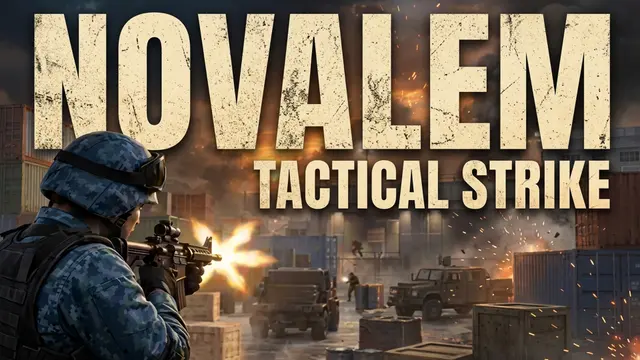 NOVAHELM - TACTICAL STRIKE
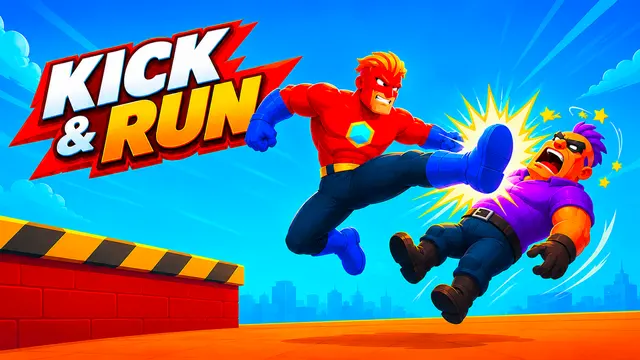 Kick & Run
 ASMR Obby Slicer
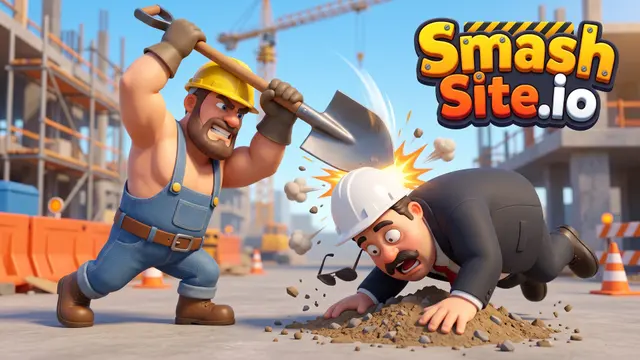 SmashSite.io
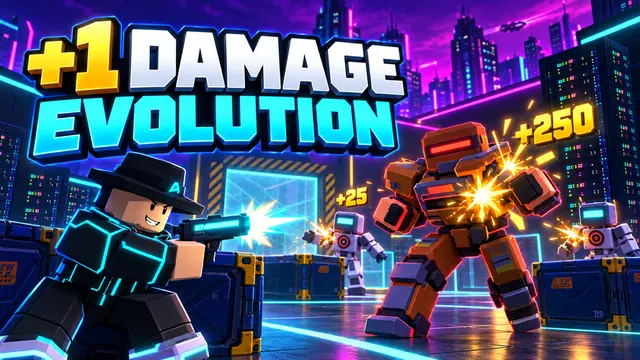 +1 Damage Evolution
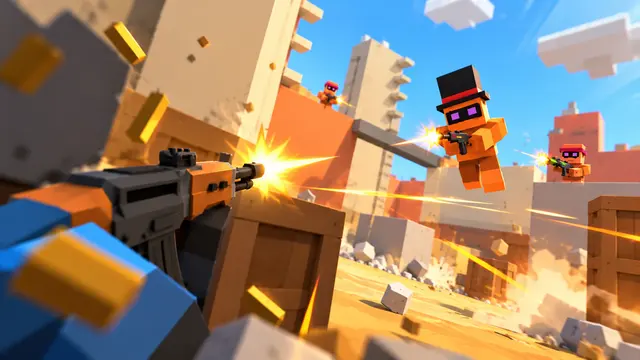 Cube Rivals
 Splash Rivals
 Angry Pets: 3D Boom!
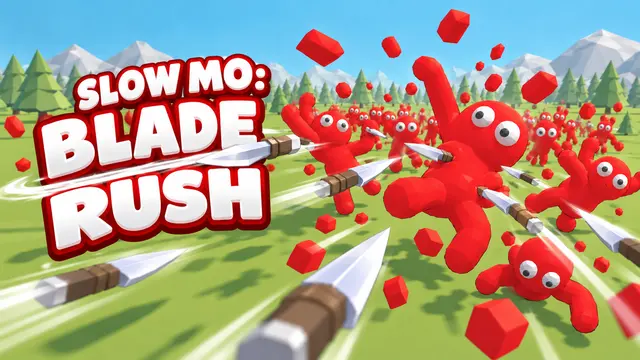 Slow Mo: Blade Rush
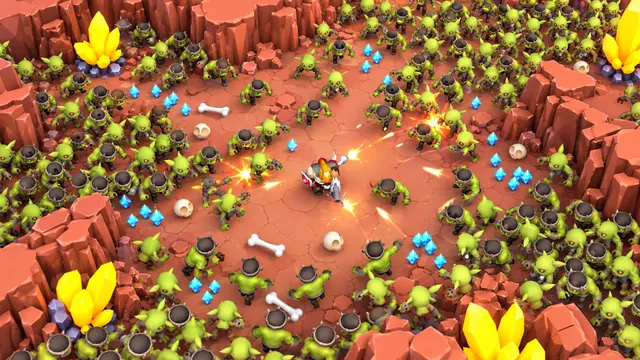 Mine And Rush Survival
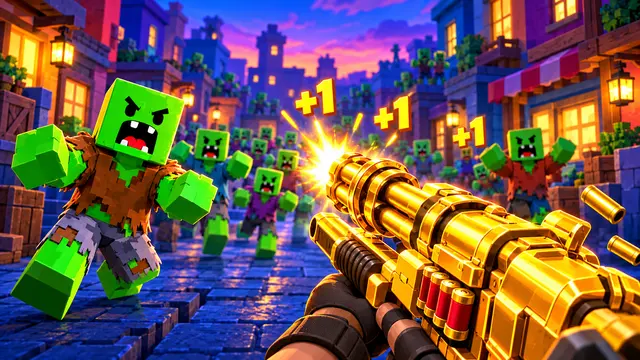 +1 Guns vs Zombies
 Ash and Silver
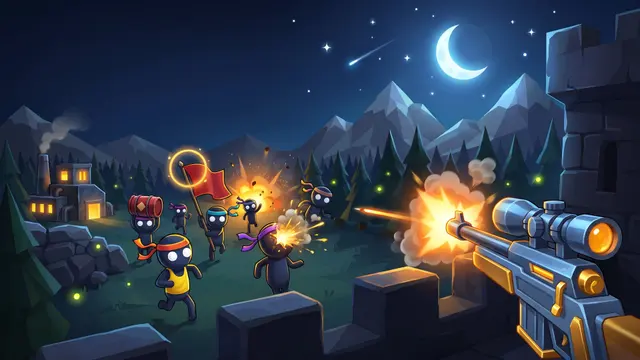 Stickman Night Defense
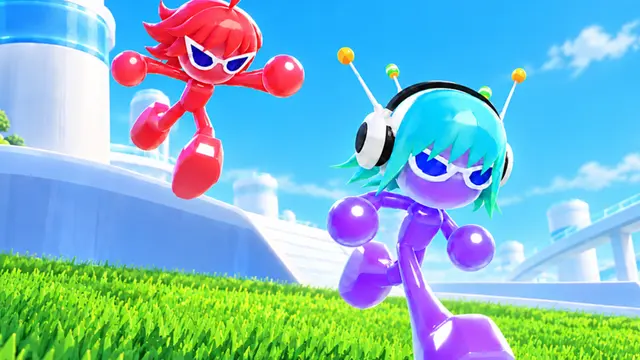 Frutiger Friends IO
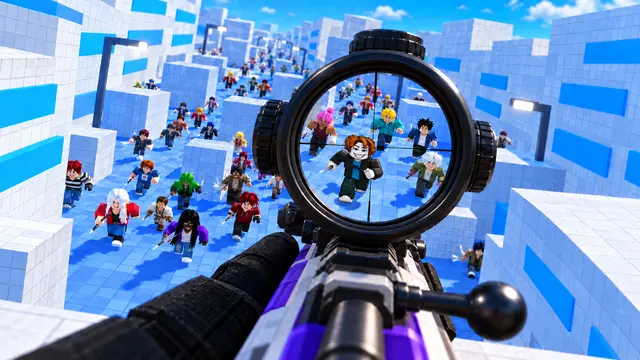 Sniper VS 99 Players
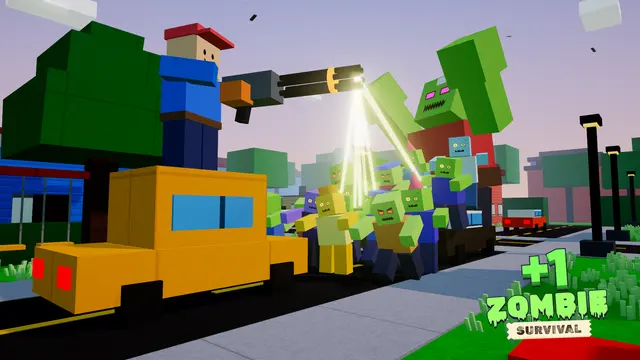 +1 Zombie Survival
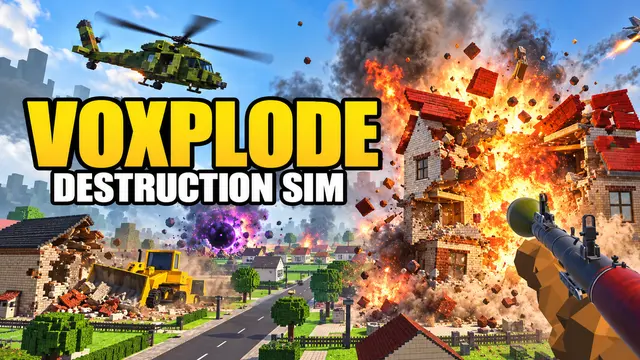 Voxplode: Destruction Sim
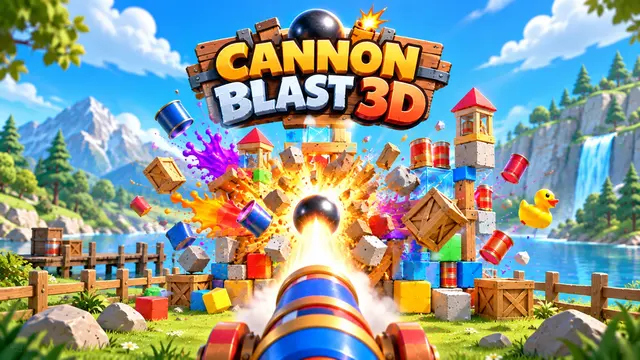 Cannon Blast 3D
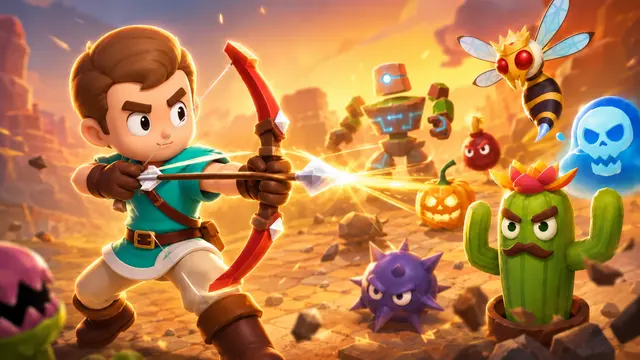 Archer: Dungeon Hero
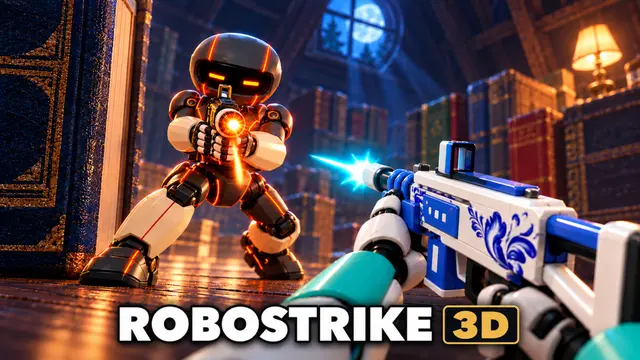 RoboStrike 3D
 Bug War
 Mutant Zone: Zombie Merge Fighter
 Steal a Destruction Egg
 Goo Turf
 Don't Die, Kitty
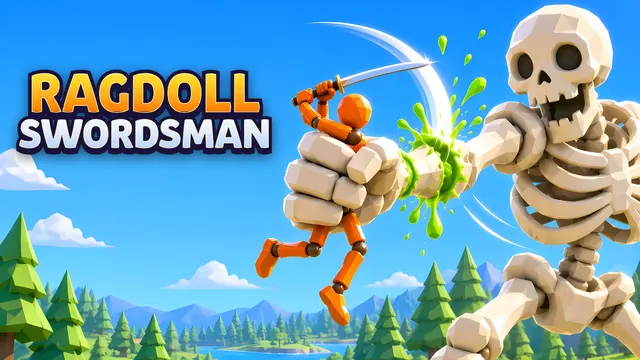 Ragdoll Swordsman
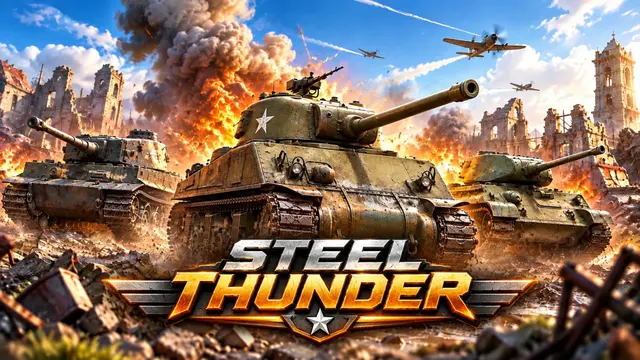 Steel Thunder
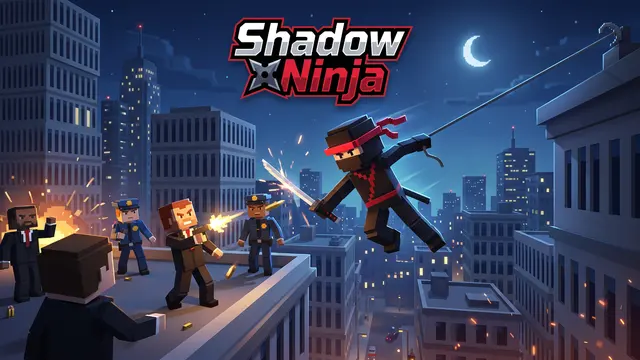 Shadow Ninja
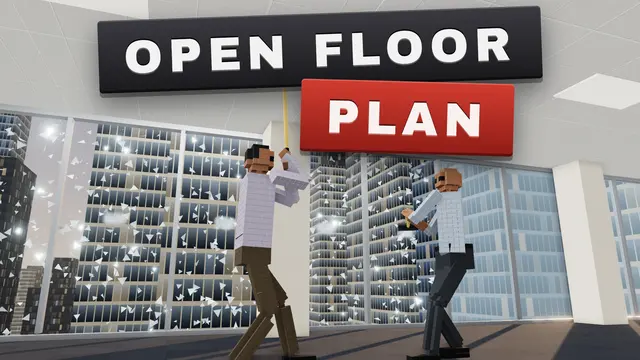 Open Floor Plan
 Aura Farming Master
Play Brawl Simulator 3D online
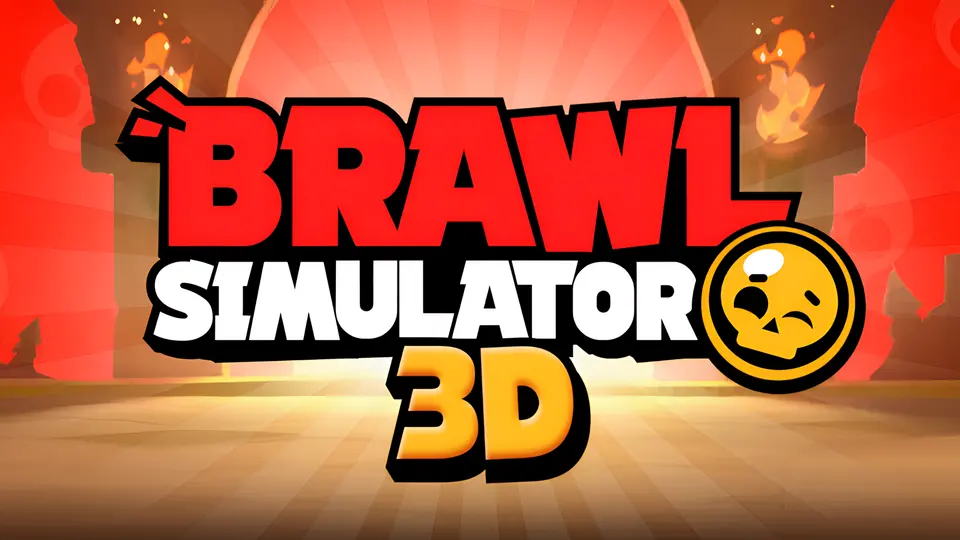
The best 3D Brawl Stars simulator in history! REAL 3D BATTLES: Destroy enemies, level up, and show everyone what players are worth! LOTS OF PRIZES: Open regular boxes, trophy boxes, and Starr Drops to catch all brawlers!
Learn the aiming and firing controls, then follow the objective shown in the game. Movement and interaction inputs may be separate from the weapon controls. The instructions describe joystick input. The listed controls include WASD input.
How to play Brawl Simulator 3D
Controls and instructions
Mobile devices:
To move players, use the left blue joystick
To aim, use the right red joystick
To shoot, release the right red joystick
Desktop devices:
To move players, use the arrow keys or WASD
To aim, move the mouse
To shoot, press the left mouse button
Getting started with Brawl Simulator 3D
- Check aiming, firing and movement inputs individually before combining them.
- Start with a short joystick movement to judge how the character responds.
- Check the action mappings as well as movement; extra actions may use different keys.
About this game
- Platform
- Web browser
- Supported devices
- Android, iOS, Desktop
- Screen orientation
- Landscape and Portrait
- Languages
- American English, German (Germany), European Spanish, Russian (Russia), Turkish (Türkiye)
- Genres
- 3d, Shooting, Fighting
- In-game purchases
- Available
- Provider
- Playgama
- Provider audience
- Male, Female
Game features and tags
- Iphone
- Collecting
- Android
- Gam Supported
Brawl Simulator 3D images

Questions about Brawl Simulator 3D
How do I start playing?
Choose Play now in the game window above to load Brawl Simulator 3D through Playgama. Read the controls and instructions above before you start.
Which devices can I play on?
The provider lists support for Android, iOS, Desktop. Play in your web browser using the controls described above.
Which languages does the game support?
American English, German (Germany), European Spanish, Russian (Russia), Turkish (Türkiye).
Does the game have in-game purchases?
The provider lists optional in-game purchases. Any available purchases are handled inside the game. Games may display advertisements.
Related game categories
Game facts and artwork supplied by Playgama. Descriptions adapted and getting-started guidance added by LookBear. Game content, ads and purchases are provided by Playgama and the game provider.