 Bonecrypt
Don't Die, Kitty
Provided by Playgama
Don't Die, Kittyvia Playgama



 The First Emberpyre
 Slap League
 Chop Survivor
 Ragdoll Rumble: Online
 Crownbreaker
 Runic Curse
 Only Jump RPG
 Far Orion: New worlds
 Noob saves the village
 Echolocation Shooter
 Blocks Shooter 3D! Run, Shoot, Merge Weapons!
 RIVALS FPS: Online Shooter
 Sworded io - Spin and Rub
 Archer: Trial by Fate
 SlowMo Sniper
 Imposter 3D
 Noob Legends Dungeon Adventures
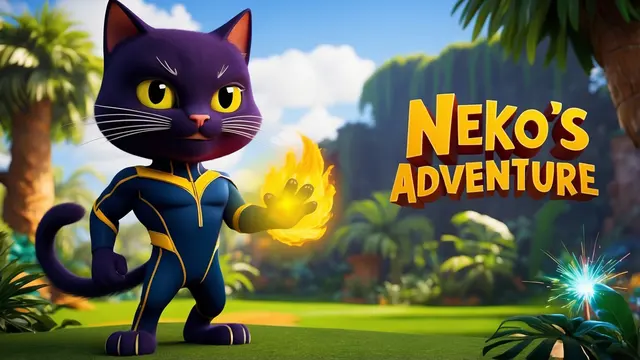 Neko's Adventure
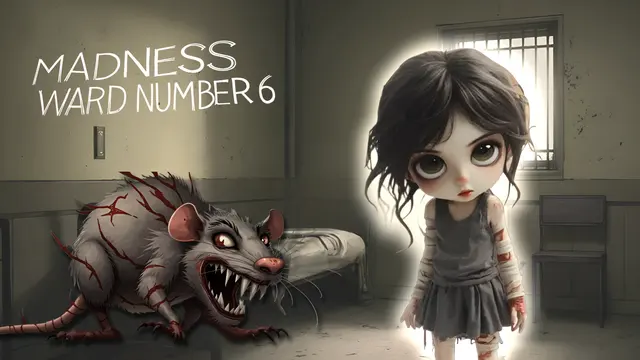 Madness: Ward number 6
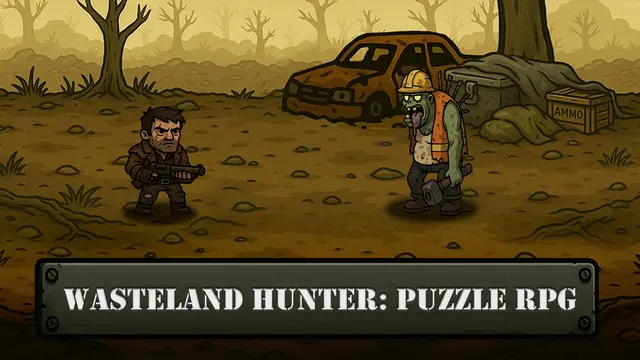 Wasteland Hunter: puzzle RPG
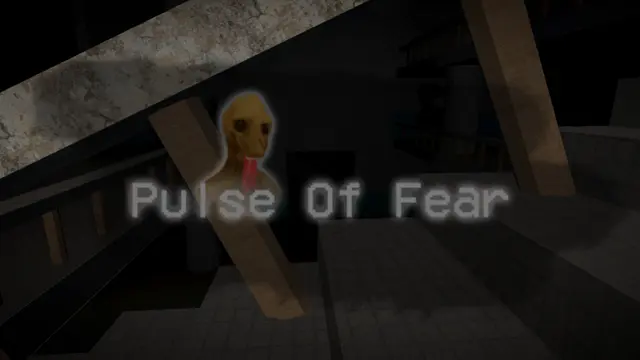 Pulse Of Fear
 Gravity Shift Sky Racers GT
 The cow of the apocalypse
 Loopvival
 The Upside Down
 Drift Master 3D
 Mine Fight! Cut Mob Army!
 Hook Arena 3D
 Soda Sandbox
 Obby: RPG Slasher Blade Loot
 Crazy Bob
 Magic Castle Invasion: Idle RPG
 Dungeon Descent
 Hook King Runner
 Slap Battle: Arena Online
 DUNJUN
 Roll Rush
 SWAT Cats
 Cruel Fable
 LAST CHAIR
 Only Up Obby: Tower Climb
 Desert Gunship
 SnakeArmyDefense
 +1 Grass Cutting: Become Stronger
 Not Your Seafood Salad
 Cheat and Don't Get Caught!
 BBlaster
 Toybox: Pixel World Sandbox
 Obby Up: Parkour Run
 Sky Kingdoms: Castle Siege
 Horizon: Flight Into the Light
 Crowd Runner
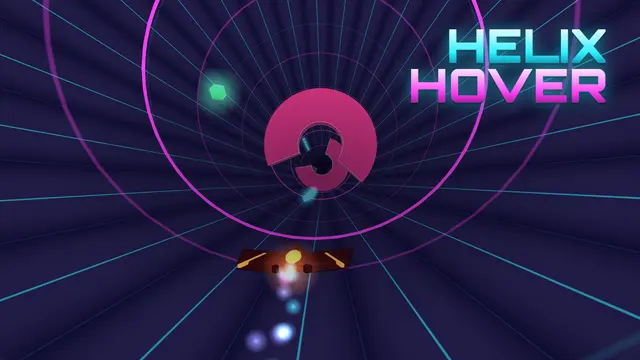 Helix Hover
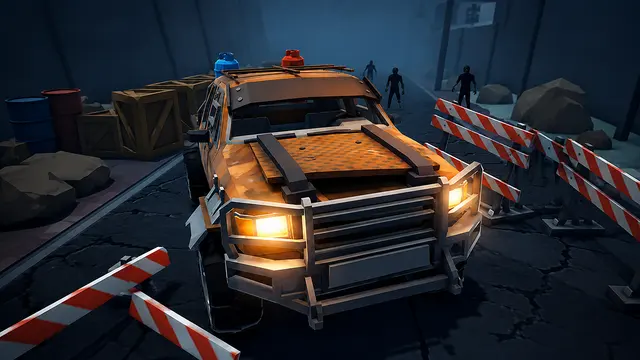 Cars vs Zombies
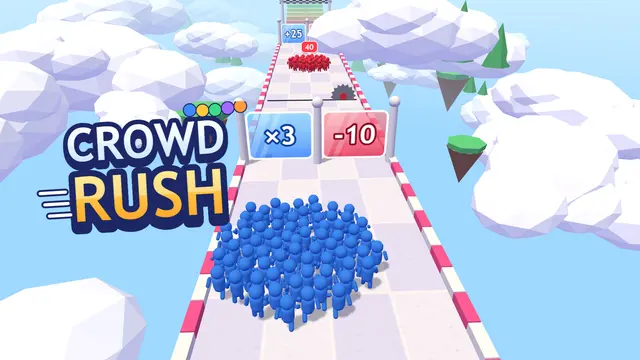 Crowd Rush
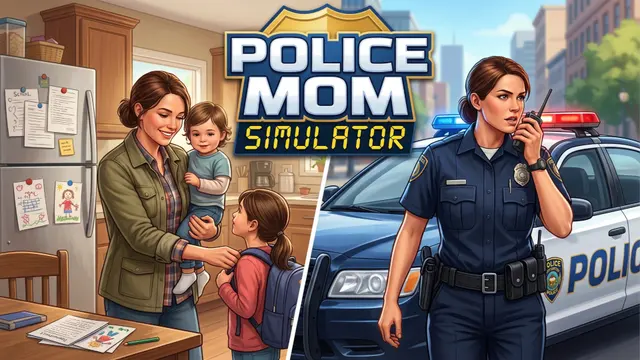 Police Mom Simulator
 Rocket Rush
 Horizon Racer
 Web Swing Obby: Aqualand
 Clown Fiesta
 Launch the Dummy!
 Heist Escape: City Lockdown
 Road Gunner 3D
 Knife Battle
Play Don't Die, Kitty online
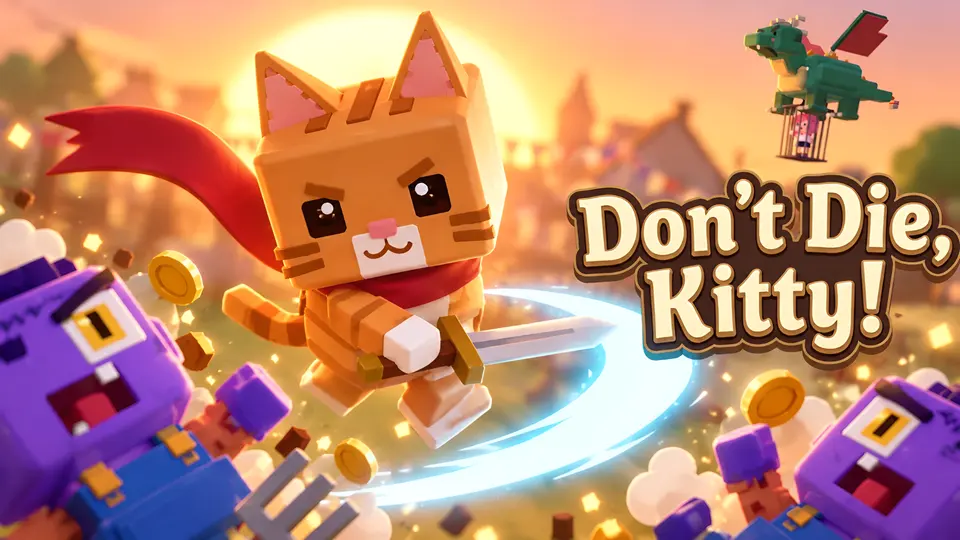
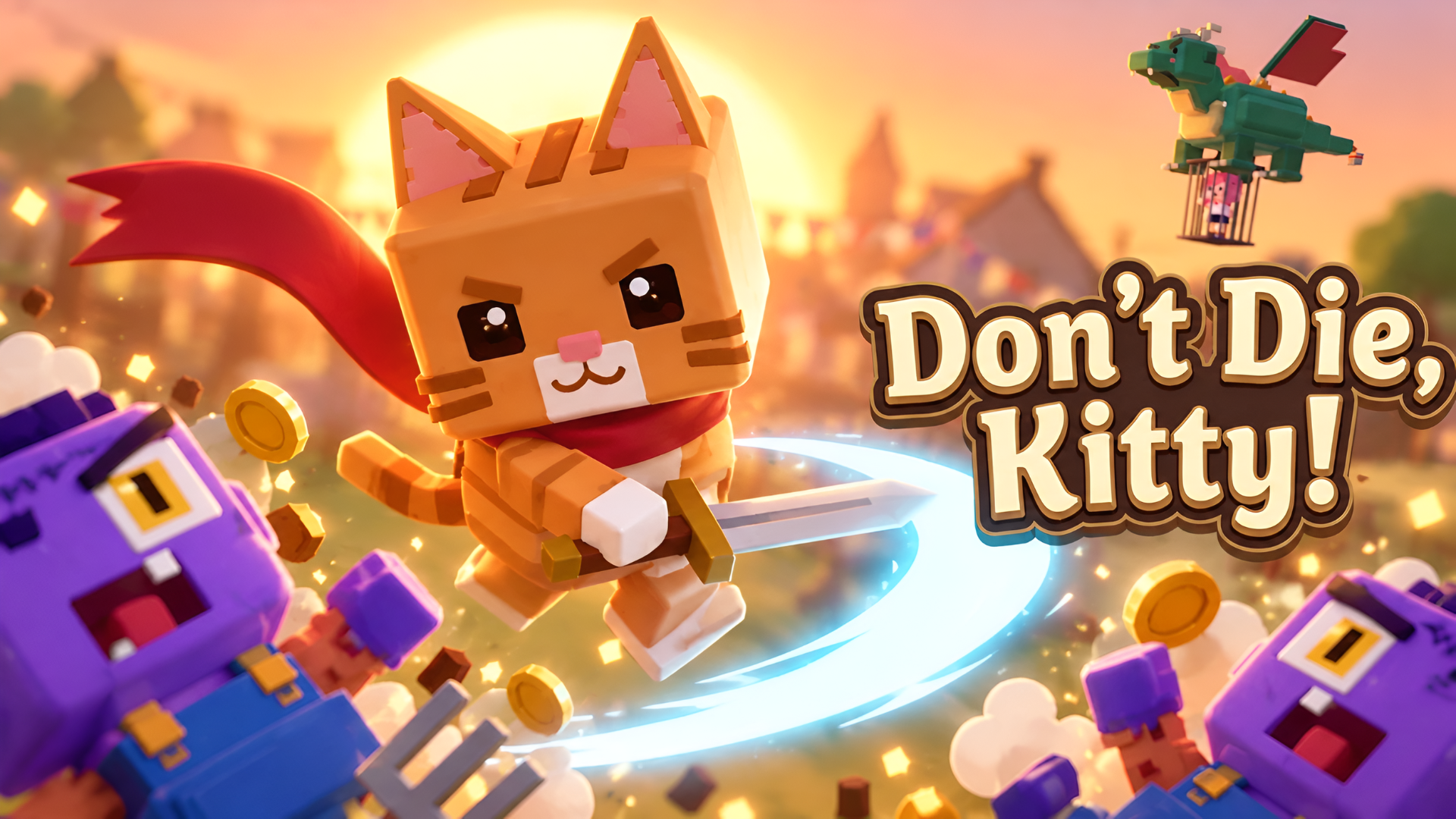
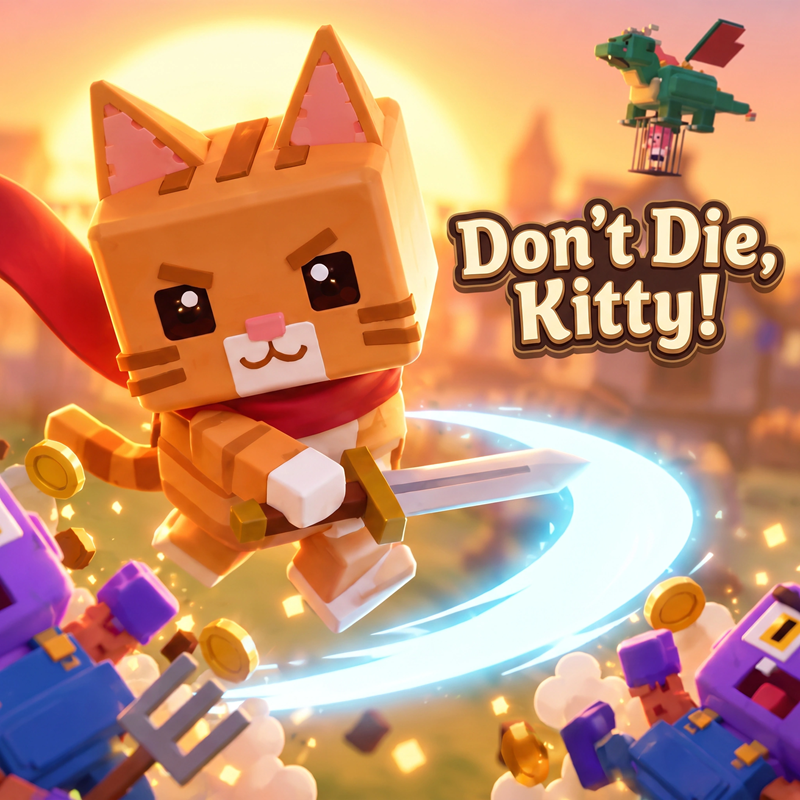
is a cute action roguelite about one very brave cat. A grumpy green dragon has stolen your favourite human and flown off with her in a cage. Grab your sword, tie on your red scarf and fight your way through the Kingdom to bring her home.
Get familiar with the movement and attack inputs before entering the next encounter. Read the controls for any additional actions rather than assuming a standard button layout. Upgrades are part of the progression described by the provider. The listed controls include WASD input.
How to play Don't Die, Kitty
Controls and instructions
Computer
WASD / Arrow keys: move
J or Left click: attack
Space, Shift or Right click: roll (dodge)
Q: Big Meow (when charged)
1 / 2: use toys
E: use / interact
I: gear
P: pause
M: sound on / off
Phone & tablet
Left side of the screen: drag to move
The cat attacks on its own (the AUTO switch turns it off)
Roll button: dodge
Meow button: Big Meow when charged
Toy buttons: use toys
Getting started with Don't Die, Kitty
- Try the basic actions first so you know which input performs each move.
- Compare the upgrade description with your next objective before choosing it.
- Check the action mappings as well as movement; extra actions may use different keys.
About this game
- Platform
- Web browser
- Supported devices
- Android, iOS, Desktop
- Screen orientation
- Landscape and Portrait
- Languages
- American English, German (Germany), European Spanish, French (France), Indonesian (Indonesia), European Portuguese, Russian (Russia), Turkish (Türkiye)
- Genres
- Action, Arcade, Adventure, 3d, Fighting, Cats, Rpg
- In-game purchases
- None listed by the provider
- Provider
- Playgama
- Provider audience
- Male, Female
Game features and tags
- Fast Paced
- Addictive
- Cute
- Heroes
- Sword
- Kitty
- 1 Player
- Roguelike
- Dungeon
- Action Adventure
- Action Rpg
- Fast Paced Action
Don't Die, Kitty images
Questions about Don't Die, Kitty
How do I start playing?
Choose Play now in the game window above to load Don't Die, Kitty through Playgama. Read the controls and instructions above before you start.
Which devices can I play on?
The provider lists support for Android, iOS, Desktop. Play in your web browser using the controls described above.
Which languages does the game support?
American English, German (Germany), European Spanish, French (France), Indonesian (Indonesia), European Portuguese, Russian (Russia), Turkish (Türkiye).
Does the game have in-game purchases?
The provider lists no in-game purchases for this game. Games may display advertisements.
Related game categories
Game facts and artwork supplied by Playgama. Descriptions adapted and getting-started guidance added by LookBear. Game content, ads and purchases are provided by Playgama and the game provider.