 My Bakery

Capy Cafe
Provided by Playgama

Capy Cafevia Playgama







 Money Factory - Earn a Billion
 Kinder Garden
 Paws And Pals Diner
 Mavy The Fish Mom
 Mars Colony
 Burger Restaurant Simulator 3D
 Gas Station Simulator
 Grow Slime
 Survival Tycoon: City of Zombie
 Idle Magic Academy Tycoon
 Idle Hotel Empire Tycoon
 Idle Vlogger Simulator
 Idle Supermarket Tycoon
 Idle Crafting Empire Tycoon
 Idle Cinema Tycoon
 Airplane Factory - Tycoon
 Money Empire
 Stickman Clicker
 Obby Pizza Delivery
 Millionaire Factory
 Doodle Boba Bubble Tea.
 Merge Plane Tycoon
 My Phone Store
 Obby: Mine, Build, Launch
 Capi bar
 My Little Farm
 Idle Zoo Tycoon
 Shoes Outlet Game
 Kitty Kitty
 Amigurumi: Cozy Stitches
 Money Factory: Tycoon Idle Game
 CraftMart
 Garage Boss
 Clickdom
 OIL RIG Driller
 Garden Pals IDLE
 The Hustler
 Agrarian Magnate
 Moon Potato Clicker
 Idle Chicken Farm
 The MachinEGG
 Potion Kitchen
 FISH FACTORY
 Harvest Haulers
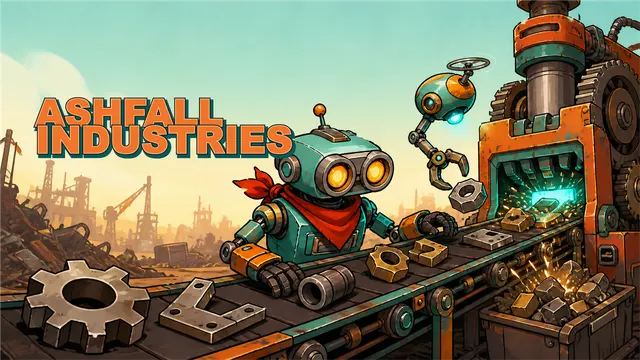 Ashfall Industries
 Jelly Drop: Merge & Sell
 Minimarket 67/7: Store Tycoon
 Sell Lemons Idle
 Cozy idle village
 Gas Station 24: Simulator
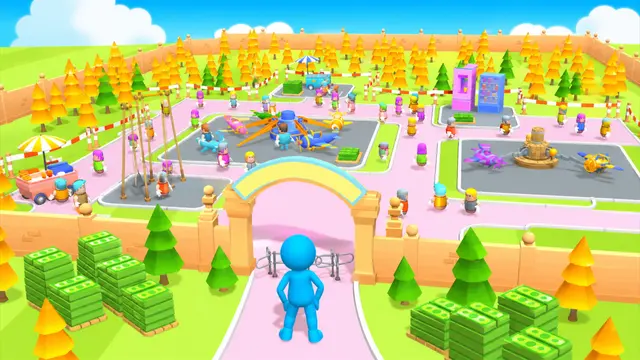 My Little Park 3D
 Cake Ready
 Noodle Pull
 Capitalist Hunter
 Wild Manager
 Railroad Magnate
 My Gym Manager: Idle Tycoon
 Kingdom Master
 Clean The Garden
 Hotbath Simulator
 Glossy Garage - Car ASMR
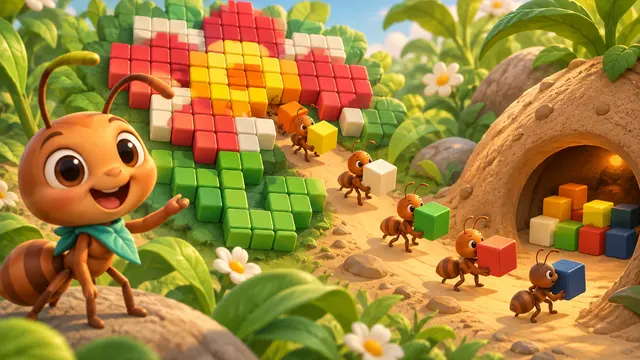 Swarm Picnic
 Drift Tycoon
 Wildkin Isles
Play Capy Cafe online
In Capy Cafe, run an adorable café as a hard-working capybara barista. Harvest fresh strawberries and tea leaves, brew fragrant teas, shake up bubble tea and boba, and blend creamy smoothies — then serve them to a steady stream of happy customers. There are no buttons to fumble with: just waddle up to a station and your capy gets to work automatically.
Follow the game’s progression systems and review the available upgrades. Check which actions need your input and which processes continue on their own. The instructions describe joystick input.
How to play Capy Cafe
Controls and instructions
Desktop Controls:
↑ / W: Move upward.
↓ / S: Move downward.
← / A: Move left.
→ / D: Move right.
No buttons needed — just walk up to a plant, brewer, fridge, or the cashier and pause beside it. Your capybara picks up ingredients, brews drinks, and serves customers automatically. Some stations want you to stand still while they work.
Mobile Controls:
Floating Joystick: Touch and hold anywhere on the screen — a joystick appears under your paw. Drag to move in any direction.
Push for Speed: A gentle drag strolls; push the joystick further to scurry at full speed.
Auto-Serve: Step next to any station or customer and pause — harvesting, brewing, and serving all happen on their own.
Getting started with Capy Cafe
- Read the upgrade descriptions instead of assuming every improvement has the same effect.
- Start with a short joystick movement to judge how the character responds.
About this game
- Platform
- Web browser
- Supported devices
- Android, iOS, Desktop
- Screen orientation
- Landscape and Portrait
- Languages
- American English, Chinese (China), German (Germany), European Spanish, French (France), Italian (Italy), Japanese (Japan), Korean (South Korea), European Portuguese, Russian (Russia), Turkish (Türkiye)
- Genres
- Food, Management, Cozy, Idle
- In-game purchases
- None listed by the provider
- Provider
- Playgama
- Provider audience
- Male, Female
Game features and tags
- Games For Pc
- Capybara
- Casual
- Relaxing
- Shop
- Time Management
- 1 Player
Capy Cafe images


Questions about Capy Cafe
How do I start playing?
Choose Play now in the game window above to load Capy Cafe through Playgama. Read the controls and instructions above before you start.
Which devices can I play on?
The provider lists support for Android, iOS, Desktop. Play in your web browser using the controls described above.
Which languages does the game support?
American English, Chinese (China), German (Germany), European Spanish, French (France), Italian (Italy), Japanese (Japan), Korean (South Korea), European Portuguese, Russian (Russia), Turkish (Türkiye).
Does the game have in-game purchases?
The provider lists no in-game purchases for this game. Games may display advertisements.
Related game categories
Game facts and artwork supplied by Playgama. Descriptions adapted and getting-started guidance added by LookBear. Game content, ads and purchases are provided by Playgama and the game provider.