 Chef Tycoon
CraftMart
Provided by Playgama
CraftMartvia Playgama



 Grow a Garden 3D
 ASMR Girl: Livestream Mukbang
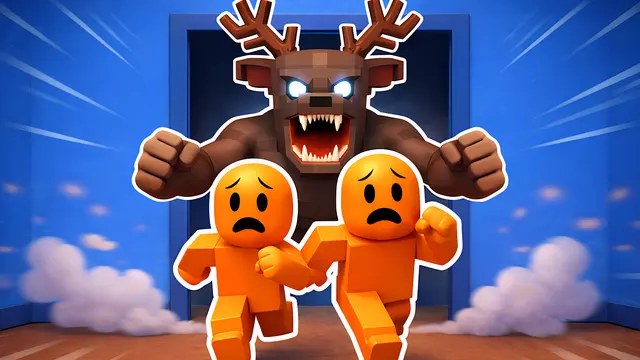 Scary Rooms: Idle Horror
 My Arcade Center
 Dead Land: Survival
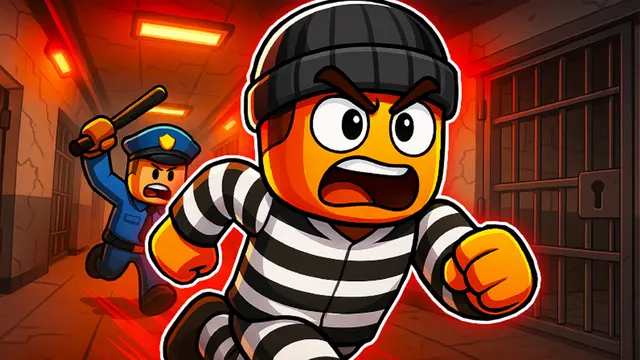 Prison Architect: Cage Break Tycoon
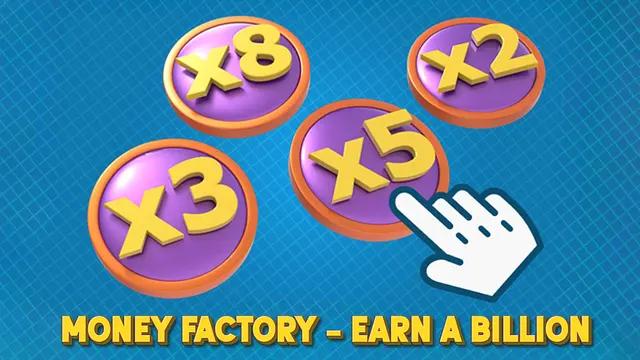 Money Factory - Earn a Billion
 Car Sales Empire Simulator
 Kinder Garden
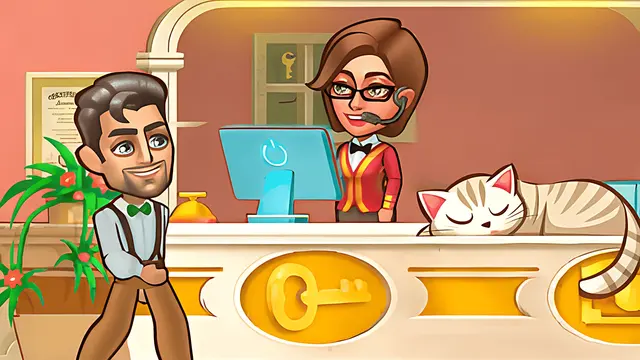 Hotel Manager Simulator
 Your Majesty - Build & Conquer
 Sweet Supermarket Simulator
 Skyblock 3D: Survival
 Jurassic Digging - Tycoon
 Business Go
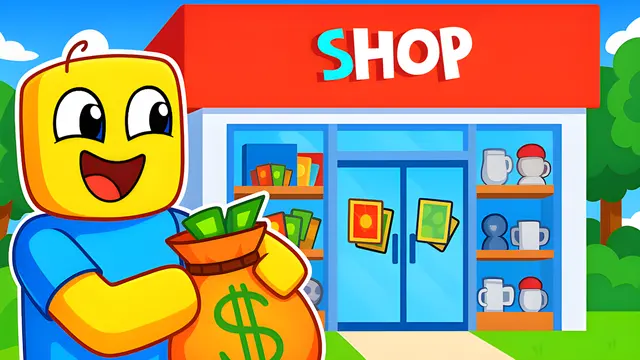 TCG Shop: Maps, Toys and Comics
 Sneaker Factory!
 Mavy The Fish Mom
 Mars Colony
 Hard Working Man
 War Groups
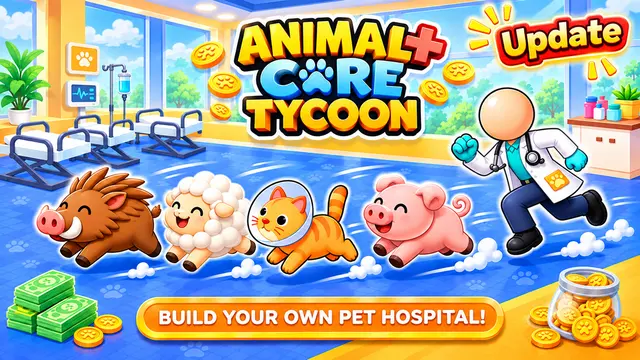 Animal Care Tycoon
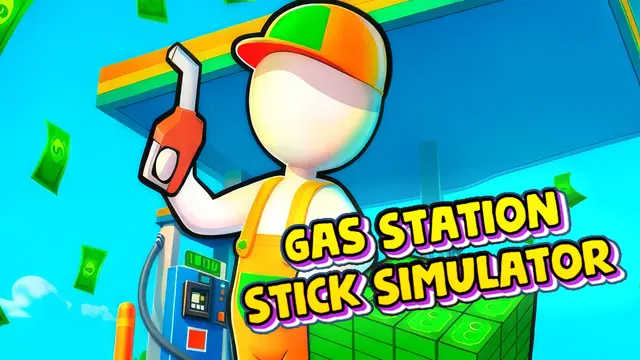 Gas Station - Stick Simulator
 3D Acrylic Nail: Nail Art Game
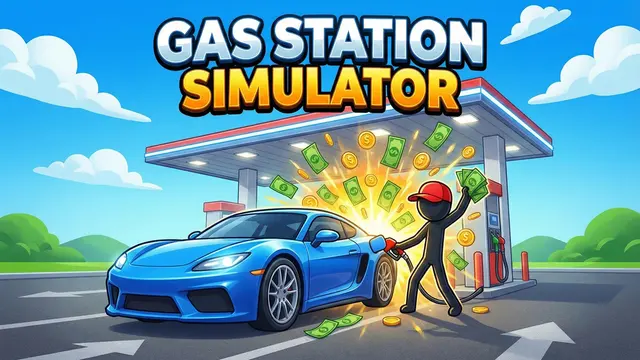 Gas Station Simulator
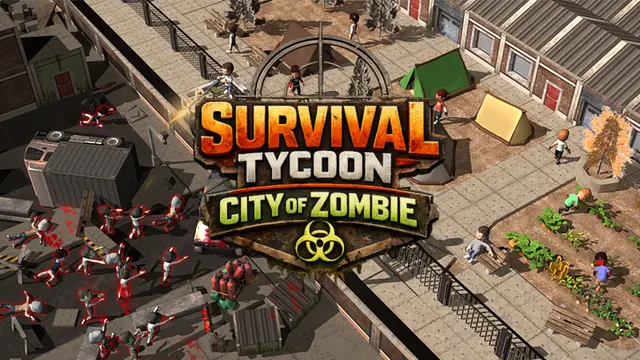 Survival Tycoon: City of Zombie
 Island Expander
 Field Master
 Idle Magic Academy Tycoon
 Block Battle - Noob vs Pro
 Supermarket Manager
 Idle Hotel Empire Tycoon
 Mine Block Party: World of Minigames
 Supermarket Empire
 Trash Master
 Cook Soups: 3 in a Bowl
 Idle Vlogger Simulator
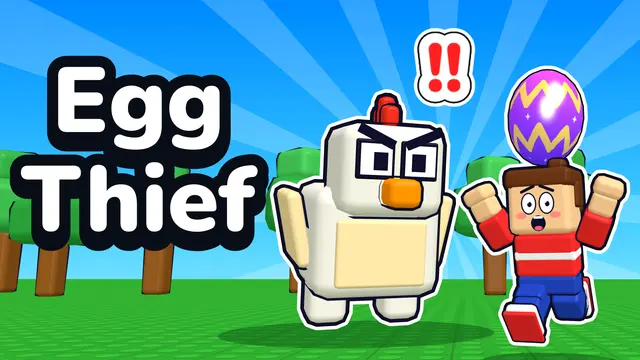 Egg Thief
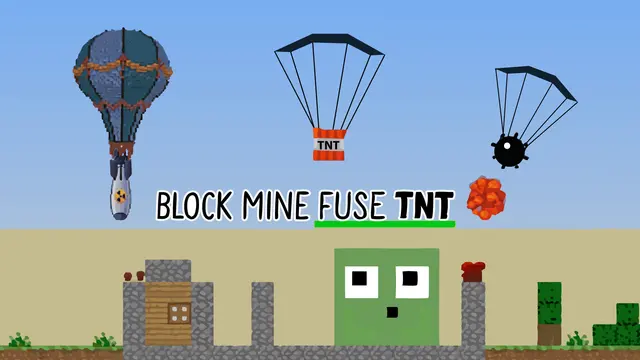 Block Mine Fuse TNT
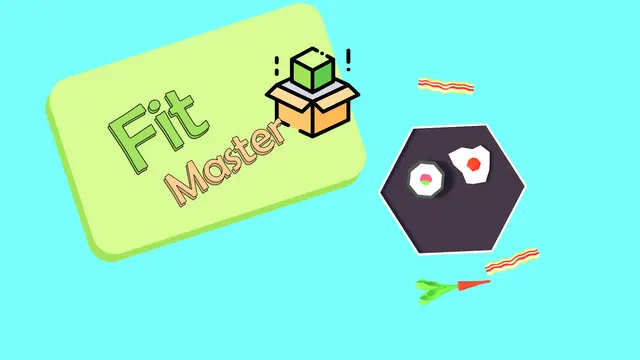 Fit Master 3D
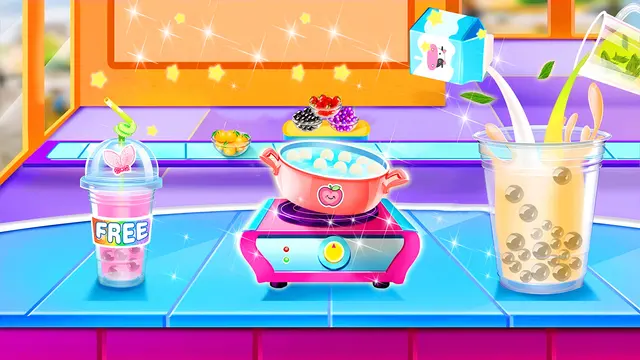 Bubble Tea Cocktail Maker Mix Drinks
 Idle Supermarket Tycoon
 Airport Controller
 Idle Crafting Empire Tycoon
 Idle Cinema Tycoon
 Airplane Factory - Tycoon
 Cooking Letters - Word Search
 Vikings
 Blockadventure io
 Money Empire
 Stickman Clicker
 Farm Business Saga
 Steve parkour in mine
 Eating Simulator The Italian Animals Brainrot
 Fruit Chopper
 Tiny Delivery
 Fruit Slicer
 Word Chef
 Millionaire Factory
 Halloween Fruit Slice
 Nubiks build a defense vs zombies
 Sweet Flip
 Cooking in the City of Winds
 Fruit Fusion
Play CraftMart online
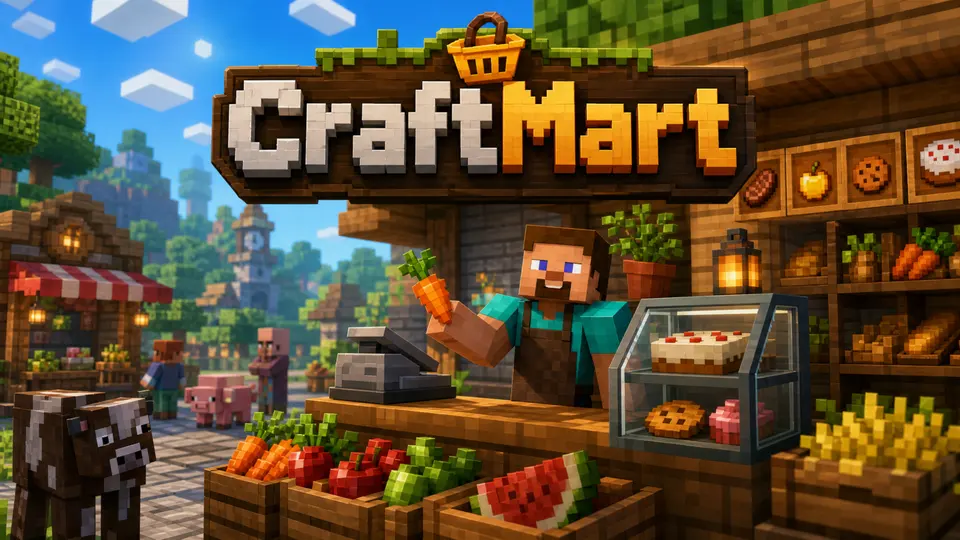
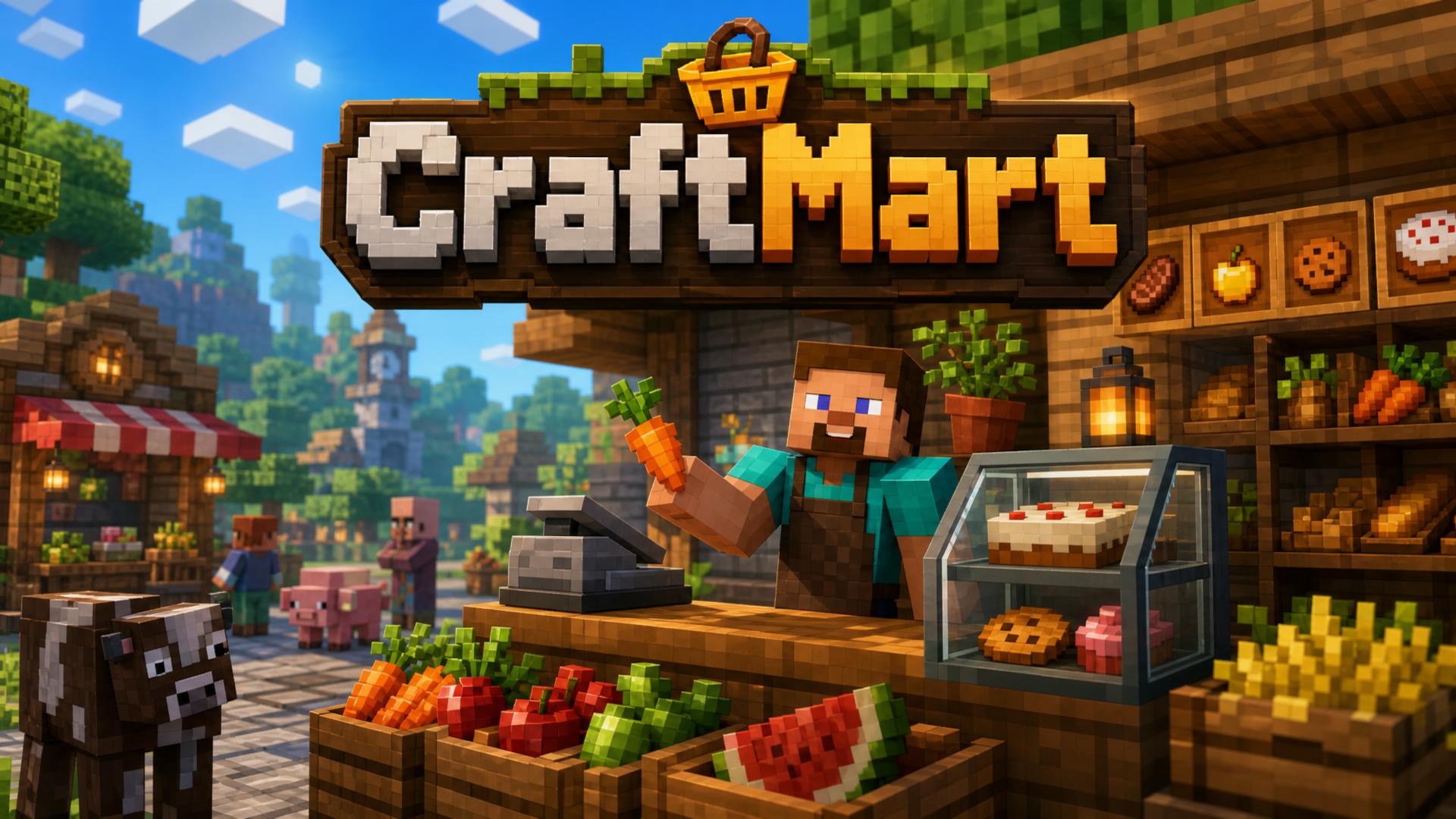
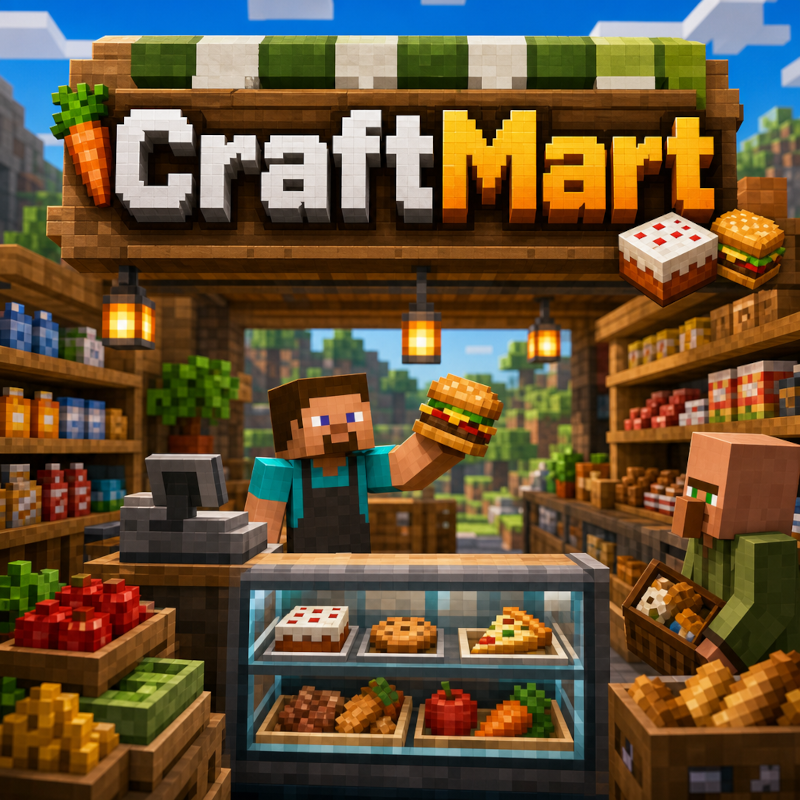
Noob decided to go into business and open his own shop. And what do all the people of Minecraft want? In Noob's shop you can always buy beet soup and bread!
Make decisions about the resources and activities under your control. The instructions explain how purchases, tasks and improvements fit together.
How to play CraftMart
Controls and instructions
Control Noob with the arrows on your keyboard (or by tapping on the screen of your mobile device). Build a building, pick up products and take them to the counter. When the customer has bought everything, help him pay at the cash register.
Getting started with CraftMart
- Find the current goal and resource requirements before making a purchase.
About this game
- Platform
- Web browser
- Supported devices
- Android, iOS, Desktop
- Screen orientation
- Landscape and Portrait
- Languages
- American English, Russian (Russia)
- Genres
- Food, Minecraft, Management
- In-game purchases
- Available
- Provider
- Playgama
- Provider audience
- Male, Female
Game features and tags
- Business
- Resource Management
CraftMart images
Questions about CraftMart
How do I start playing?
Choose Play now in the game window above to load CraftMart through Playgama. Read the controls and instructions above before you start.
Which devices can I play on?
The provider lists support for Android, iOS, Desktop. Play in your web browser using the controls described above.
Which languages does the game support?
American English, Russian (Russia).
Does the game have in-game purchases?
The provider lists optional in-game purchases. Any available purchases are handled inside the game. Games may display advertisements.
Related game categories
Game facts and artwork supplied by Playgama. Descriptions adapted and getting-started guidance added by LookBear. Game content, ads and purchases are provided by Playgama and the game provider.