 Hedgies
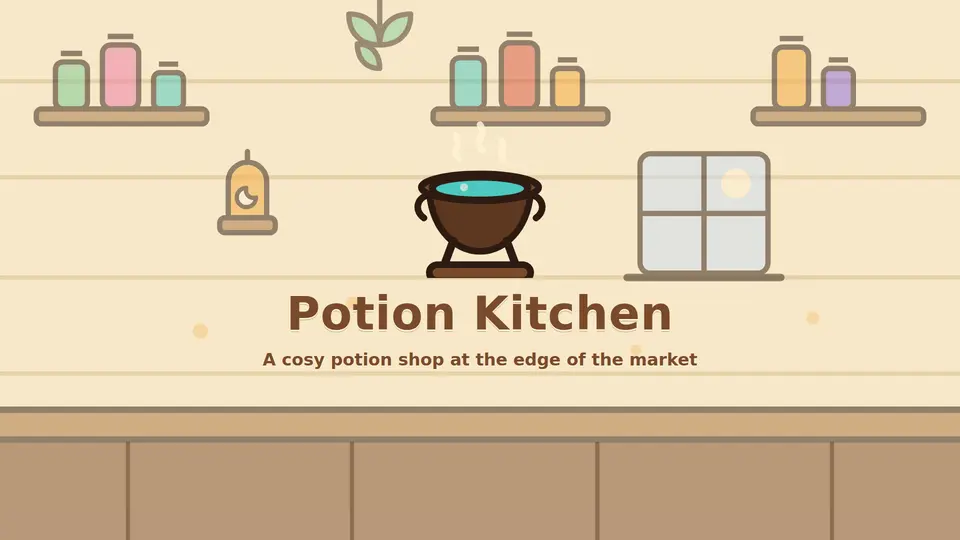
Potion Kitchen
Provided by Playgama

Potion Kitchenvia Playgama








 Leaf Blower: Autumn Yard
 Witch's Shop: Potion Brewing
 Grave: Necromancer Mortician
 Hot Diggity Dogs
 Hex Hamlet
 Hexa Village: Sort & Match
 Snackrab
 Capy Market
 Reaper’s Graveyard Shift
 Pearl Paws
 Cat Hotel 24/7
 Grow the Baby
 Colonora: Colony Survival
 Hlbina
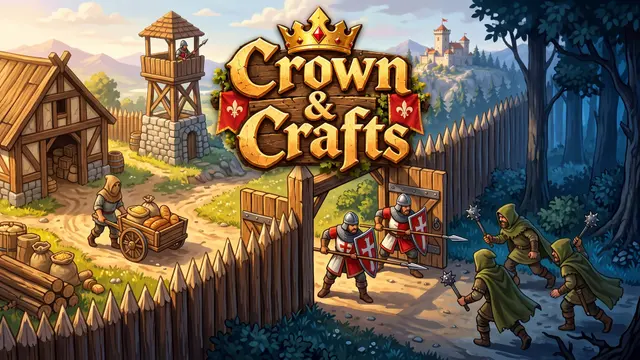 Crown & Crafts
 Chicken Farm 3D
 Cat on a Vacuum: Home Cleaning Simulator
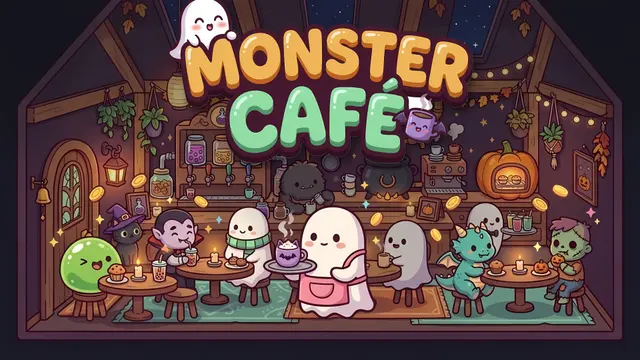 Monster Cafe: Idle Tycoon
 Single Dad Simulator Family Life
 Nest Heist
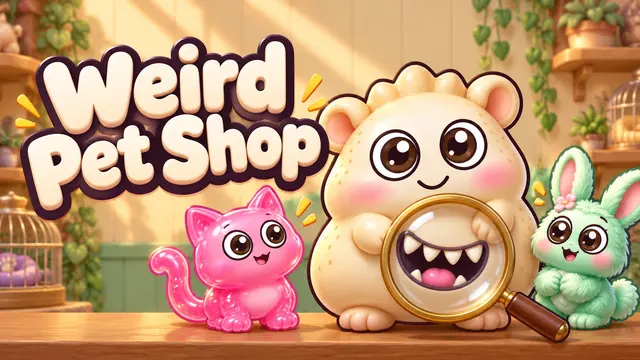 Weird Pet Shop
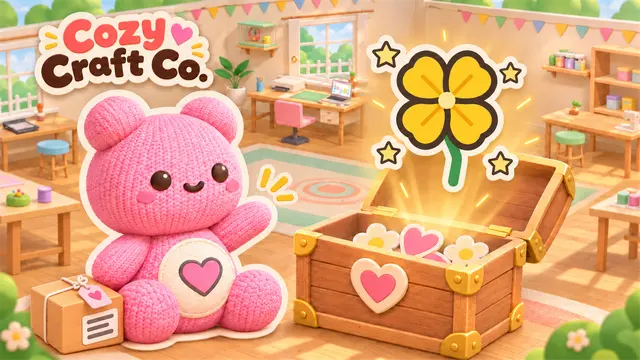 Cozy Craft Co.
 Alchemy Store
 Vet Tycoon: Pet Hospital
 Cake Shop Simulator
 Would You Like to See My Ants?
 Egg Empire
 City Rush 2000
 Fix It Garage
 Pump It Up
 Hair Salon Master
 My Little Hospital
 My Castle
 Pixel Farm
 Ok! I Pull Up Capybay!
 Gingerbread Town
 Moose Cafe
 Puppy Ranch: Pet Breeder
 Clothespin Jam
 Sprunki Craft - Sandbox 3D
 Idle Train Empire Tycoon
 Emily's Hotel Solitaire
 TB World
 Piece of Cake: Merge & Bake
 Desolate Isle: Survival
 Magic Kingdom: Hex Match
 Idle Game Dev Simulator
 Grow Empire
 Woods of Nevia: Forest Survival
 Idle Airport Tycoon
 Grow a Garden 3D
 Yarn Fever! Unravel Puzzle
 Kiki World: Kawaii Doll Decor
 99 Nights in the Forest. Horror Multiplayer
 Build and Fly Obby
 Revoxel 3D - Voxel RPG Shooter
 Chef Tycoon
 Scary Rooms: Idle Horror
 My Arcade Center
 Cooking City
 Prison Architect: Cage Break Tycoon
 Tidy Up - Satisfeel ASMR
 Money Factory - Earn a Billion
 My Town Home: Family Playhouse
Play Potion Kitchen online
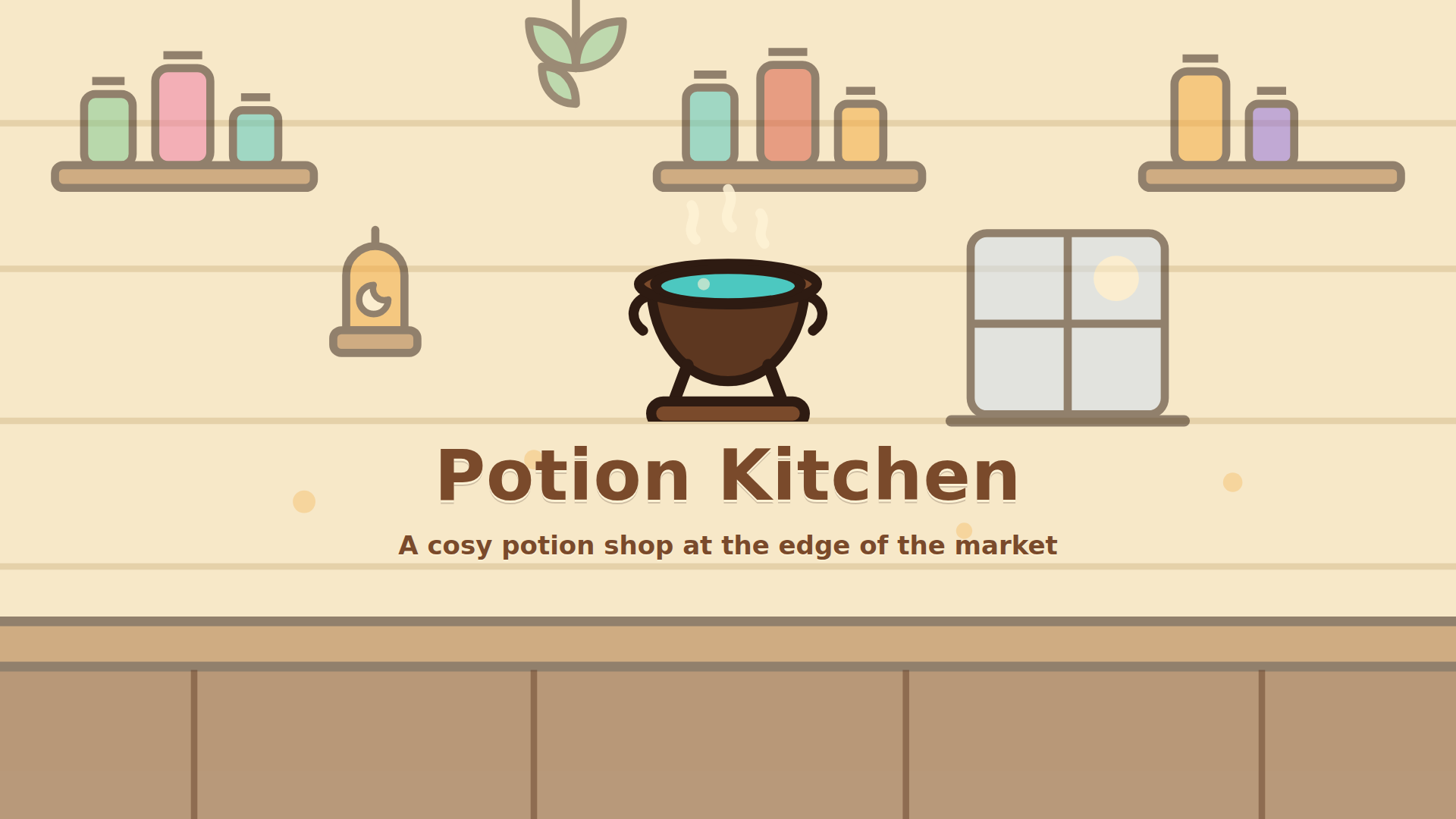
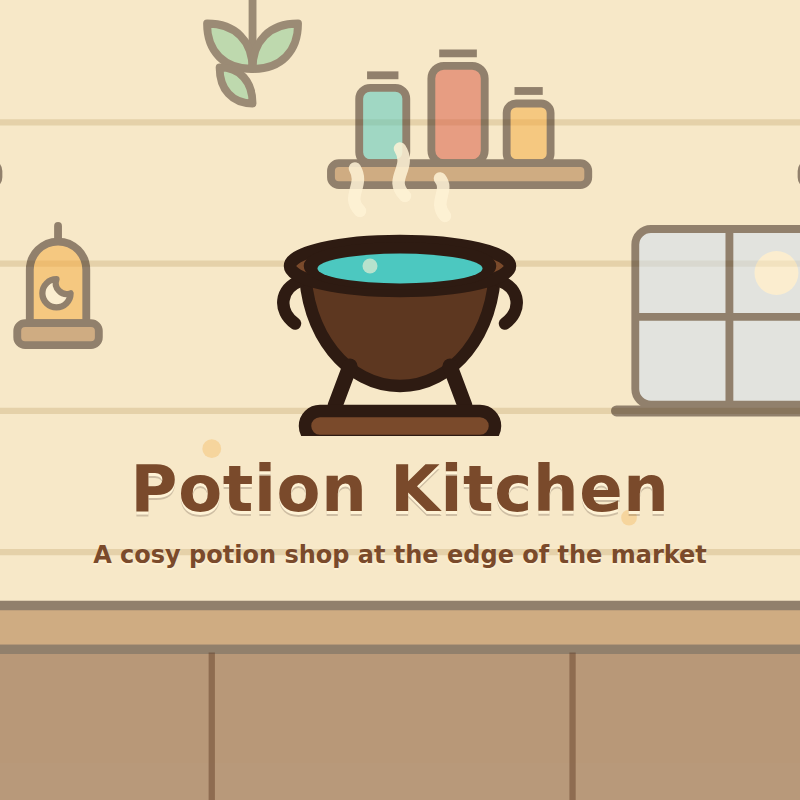
Potion Kitchen is a cosy crafting puzzle about running a potion shop at the edge of the market. Guests arrive with orders — one needs a potion of warmth, another a good night's sleep, and some speak in riddles and expect you to work it out. Mix ingredients in the cauldron, brew, and serve before your guest gives up.
Make decisions about the resources and activities under your control. The instructions explain how purchases, tasks and improvements fit together. Coins appear in the game’s progression or objectives.
How to play Potion Kitchen
Controls and instructions
Serve every guest before their patience runs out.
1. Press "Start shift" — the first guest walks up to the counter.
2. Read the order. A direct request names the potion, a riddle describes its effect; the hints below the order narrow it down.
3. Tap an ingredient on the shelf or drag it into the cauldron. It holds two ingredients, or three once upgraded.
4. Press "Brew" and see what came out. An exact match is "Perfect", but any real potion still sells.
5. Press "Serve": the guest pays in coins and reputation, and a new recipe goes straight into the book.
6. Between shifts, spend coins in the shop on kitchen upgrades.
Mouse, touch or keyboard — Space or Enter to brew and serve, C to empty the cauldron, H for a hint, B for the recipe book, P or Esc to pause, M for sound.
Getting started with Potion Kitchen
- Find the current goal and resource requirements before making a purchase.
- Check what the game lets you do with coins before spending them.
About this game
- Platform
- Web browser
- Supported devices
- Android, iOS, Desktop
- Screen orientation
- Landscape and Portrait
- Languages
- American English, Russian (Russia)
- Genres
- Management, Cozy, Crafting
- In-game purchases
- None listed by the provider
- Provider
- Playgama
- Provider audience
- Male, Female
Game features and tags
- Relaxing
- Shop
- Witch
- 1 Player
Potion Kitchen images
Questions about Potion Kitchen
How do I start playing?
Choose Play now in the game window above to load Potion Kitchen through Playgama. Read the controls and instructions above before you start.
Which devices can I play on?
The provider lists support for Android, iOS, Desktop. Play in your web browser using the controls described above.
Which languages does the game support?
American English, Russian (Russia).
Does the game have in-game purchases?
The provider lists no in-game purchases for this game. Games may display advertisements.
Related game categories
Game facts and artwork supplied by Playgama. Descriptions adapted and getting-started guidance added by LookBear. Game content, ads and purchases are provided by Playgama and the game provider.