 Log Splash
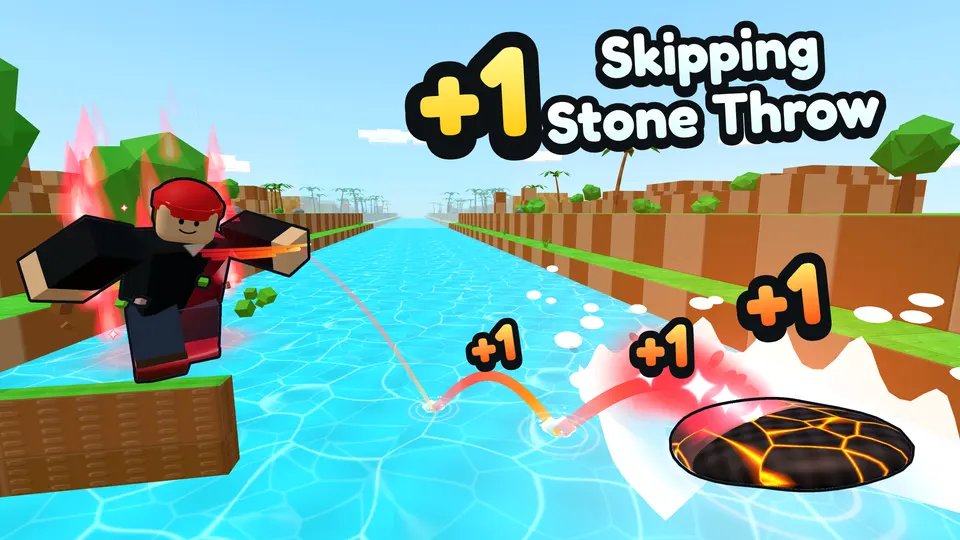
+1 Skipping Stone Throw
Provided by Playgama
+1 Skipping Stone Throwvia Playgama








 Bridge Builder
 MR RACER Stunt Mania
 Hyper Cars Ramp Crash
 Build And Run
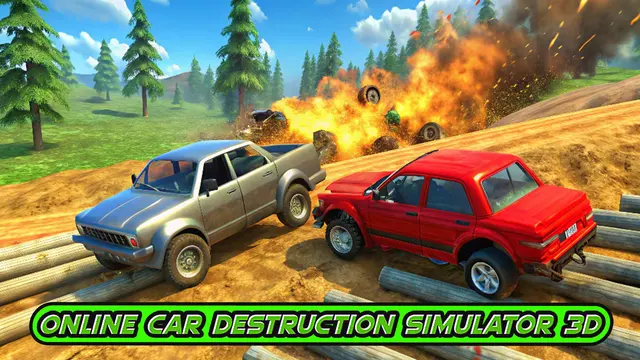 Online Car Destruction Simulator 3D
 Stack Ball 3D
 Drift King Racing Multiplayer
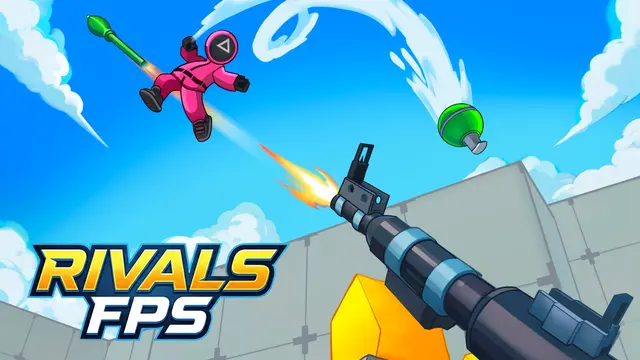 RIVALS FPS: Online Shooter
 SlowMo Sniper
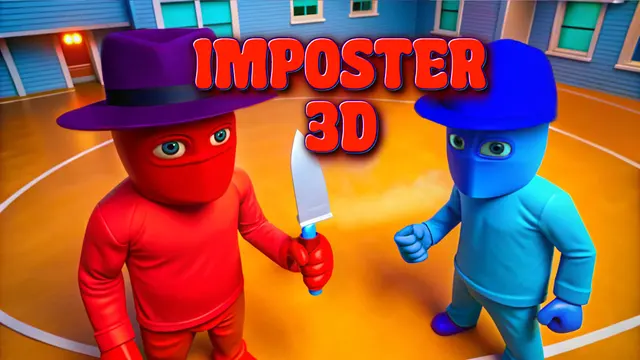 Imposter 3D
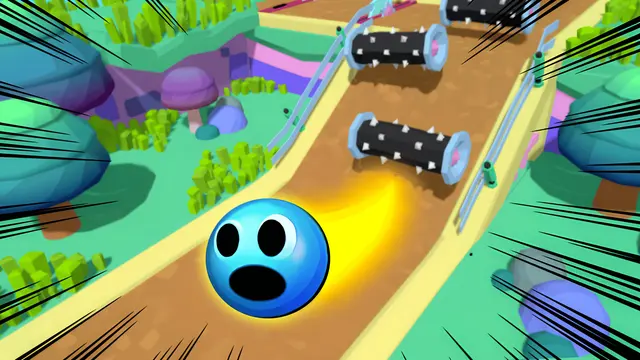 Ball: Path Through Obstacles
 Snake of Balls
 Winged Wheels 2
 Cut It 3D
 Steve parkour in mine
 Tiny Delivery
 Moving Balls - Going Sphere
 Gravity Shift Sky Racers GT
 Mini Car Racing Master 3D
 Precision Parking Pro
 Furious GT Drift
 Rolling Balancer Ball
 Snow Rush 3D
 Extreme Balancer
 Crime and Vice City Police
 3D Pool Mania
 Soda Sandbox
 Drive & Crash Sandbox
 Knife Slice 3D
 Quick Draw Cowboys
 Car Parking Driving School
 BOMB PONG: ONLINE
 Roll Rush
 Parkour Run - 3D Runner
 BAROHO
 TRAFFIC Rush Online
 Bridge Bounce: Jump Challenge
 Night Racing - Drag
 Fit in the Wall
 Backflip Master: Parkour Stunts
 Only Up Obby: Tower Climb
 My Gym Manager: Idle Tycoon
 Desert Gunship
 Click That Button
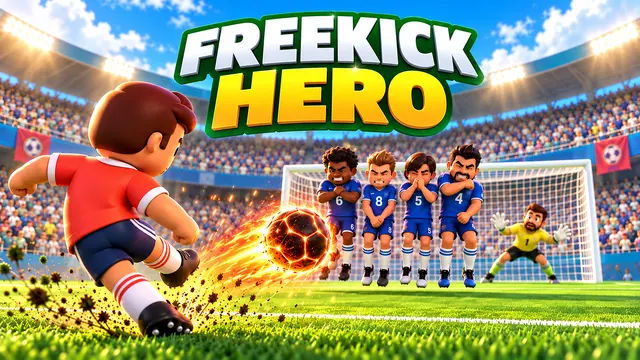 Freekick Hero
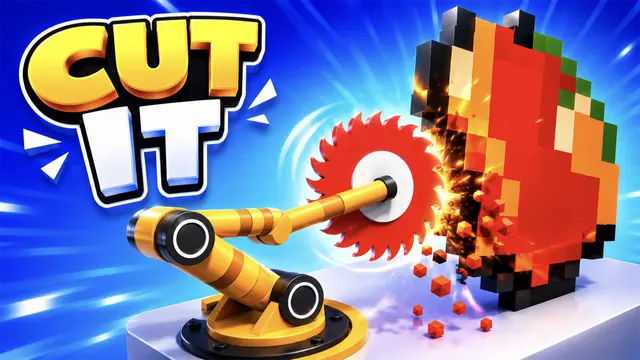 Cut it : Voxel Crusher
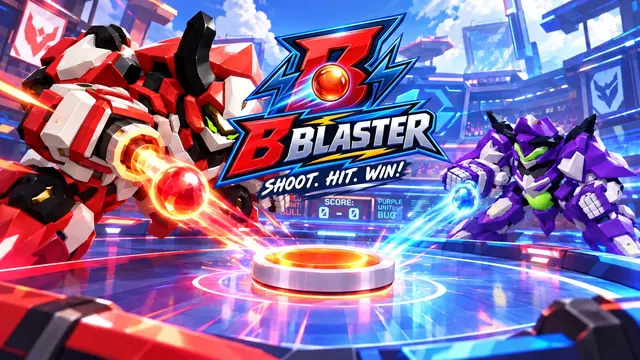 BBlaster
 Rich Mom Family Simulator Luxury Life
 Clean The Garden
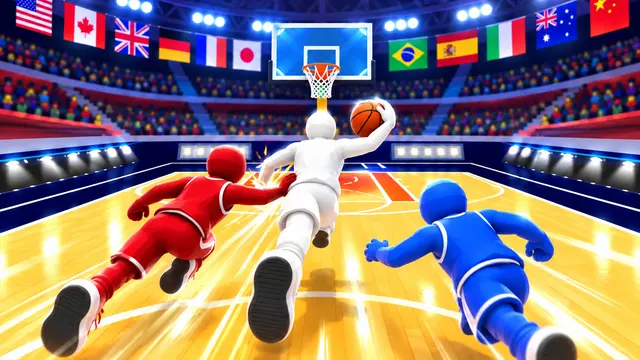 Super Basketball
 Wild Wolf Simulator Animal Games
 Horizon: Flight Into the Light
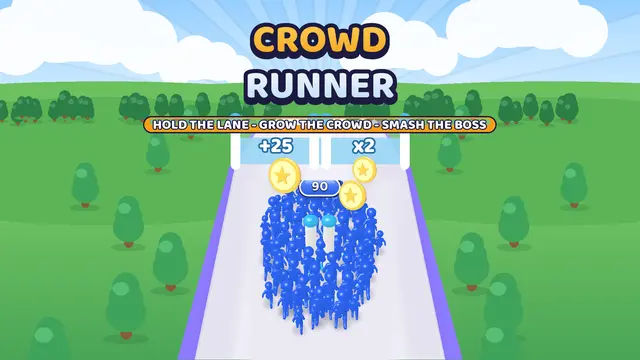 Crowd Runner
 Voxel Atelier
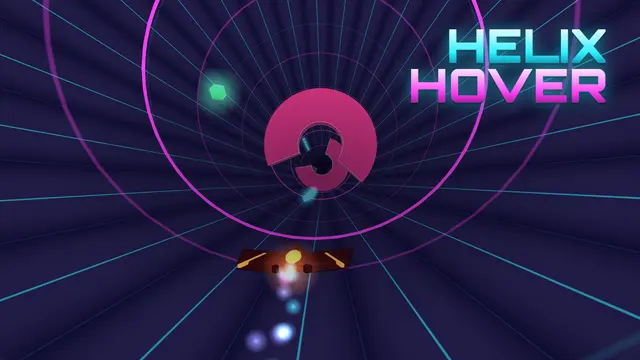 Helix Hover
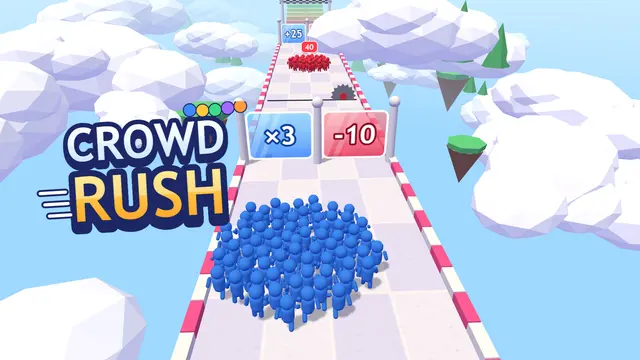 Crowd Rush
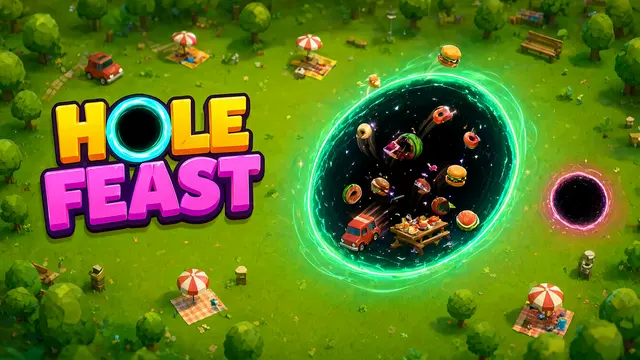 Hole Feast
 Police Mom Simulator
 Wall Rush 3D
 Squeeze'n'Slide
 Web Swing Obby: Aqualand
 Launch the Dummy!
 Car Wash Idle
 Football Free Kick
Play +1 Skipping Stone Throw online
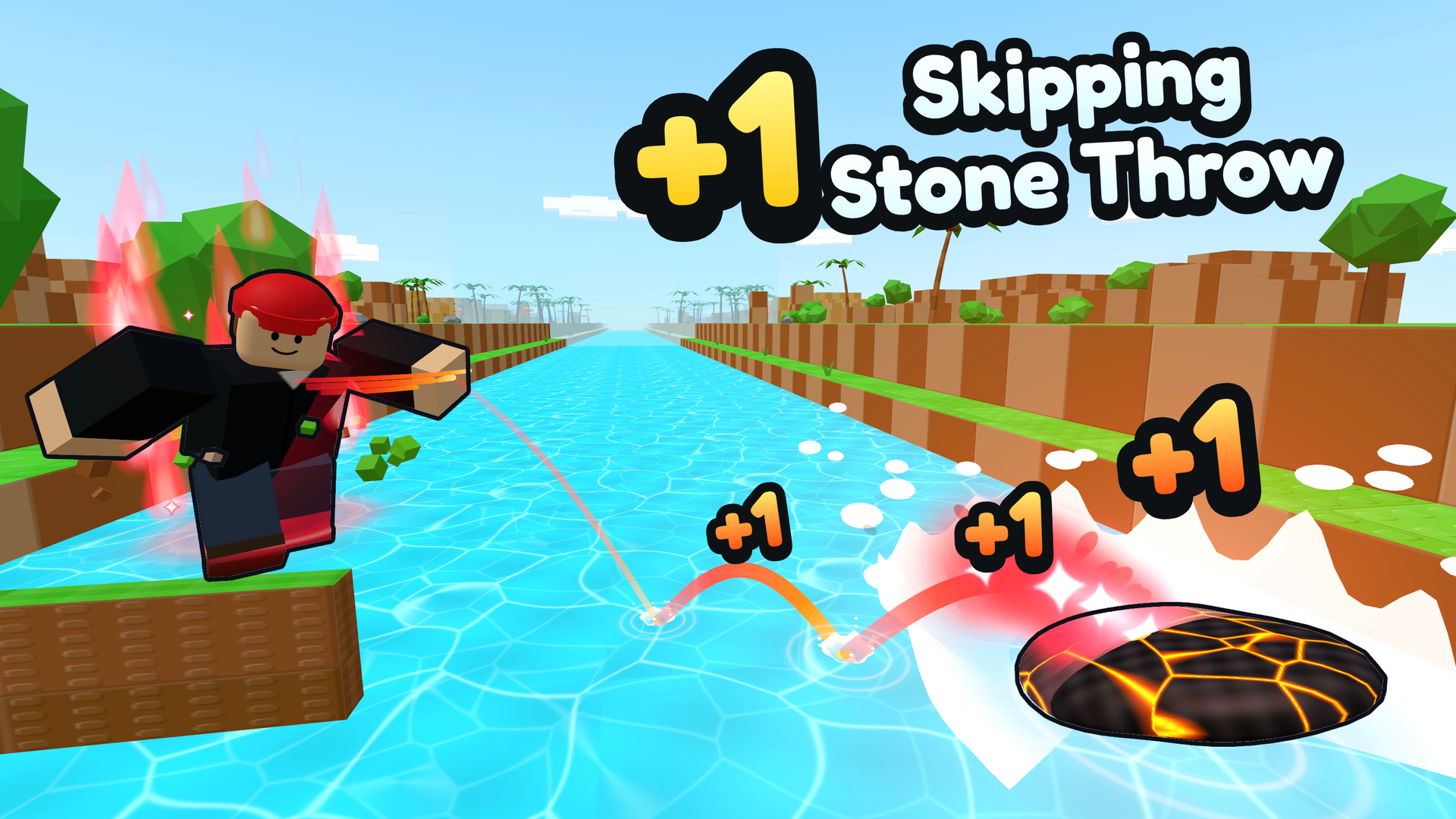
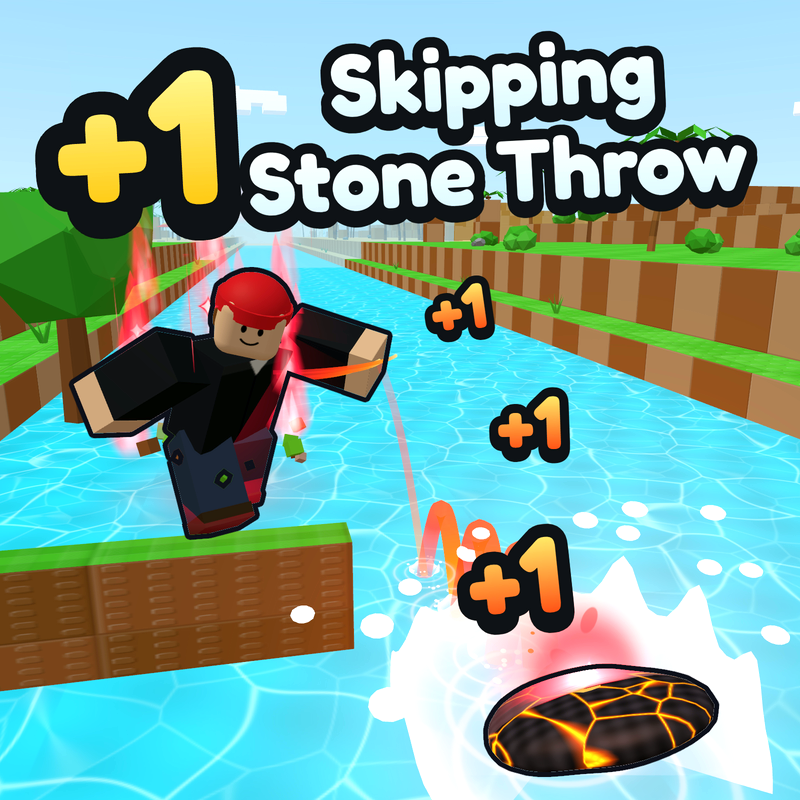
Train on the pads, build up your skill and skip a stone down the river: the more skill you have, the more bounces it makes and the further it flies. Every coloured zone of the river gives you Wins — spend them on new stones, pet eggs, trails and skins. The Secret Throw (1/100), the Colossus Throw (1/1000) and the Void Throw (1/10000) start a spectacular scene and give you many times more Wins.
Use repeated interactions to make progress and review the available improvements. Check what an upgrade changes before spending resources on it. The instructions describe joystick input. The listed controls include WASD input.
How to play +1 Skipping Stone Throw
Controls and instructions
PC: WASD or arrow keys — walk, Space — jump, E — action and throw, drag with the mouse — turn the camera, mouse wheel — zoom. At an egg: E — hatch one, T — auto hatch.
Phone and tablet: joystick — walk, swipe the screen — turn the camera, on-screen buttons — throw and actions.
Getting started with +1 Skipping Stone Throw
- Compare an upgrade’s cost with the benefit described in the game.
- Start with a short joystick movement to judge how the character responds.
- Check the action mappings as well as movement; extra actions may use different keys.
About this game
- Platform
- Web browser
- Supported devices
- Android, iOS, Desktop
- Screen orientation
- Landscape and Portrait
- Languages
- American English, Russian (Russia)
- Genres
- Arcade, Simulation, Skill, 3d, Multiplayer, Clicker
- In-game purchases
- Available
- Provider
- Playgama
- Provider audience
- Male, Female
Game features and tags
- Customization
- Casual
- Hyper Casual
- Addictive
- Pet
- Collecting
- Challenge
- Agility
- 1 Player
- Timing
- Incremental
- Simple
+1 Skipping Stone Throw images
Questions about +1 Skipping Stone Throw
How do I start playing?
Choose Play now in the game window above to load +1 Skipping Stone Throw through Playgama. Read the controls and instructions above before you start.
Which devices can I play on?
The provider lists support for Android, iOS, Desktop. Play in your web browser using the controls described above.
Which languages does the game support?
American English, Russian (Russia).
Does the game have in-game purchases?
The provider lists optional in-game purchases. Any available purchases are handled inside the game. Games may display advertisements.
Related game categories
Game facts and artwork supplied by Playgama. Descriptions adapted and getting-started guidance added by LookBear. Game content, ads and purchases are provided by Playgama and the game provider.