 Cheat and Don't Get Caught!

I am Monkey
Provided by Playgama

I am Monkeyvia Playgama





 Duck Family Simulator Animal Games
 Wild Manager
 LAST CHAIR
 My Gym Manager: Idle Tycoon
 Desert Gunship
 +1 Grass Cutting: Become Stronger
 Speed chaos: Crazy race
 Rich Mom Family Simulator Luxury Life
 Clean The Garden
 Hotbath Simulator
 Steal An Egg - Grow Animals
 Avocado Yard: Ragdoll Sandbox
 Sheeps: Herd Them All!
 BOMB BANANA
 Hole Feast
 Police Mom Simulator
 Rocket Rush
 Obby: +1 Jump with Brainrot
 My Cute Virtual Pet
 Car Wash Idle
 Relic Rush 3D
 Ragdoll Robots: Sandbox
 Steal a Pet!
 Cuddle Crane
 FAKE HUNTER
 Wooden Vest
 Pocket Mart
 Crumb Bandit
 Scoop Empire
 Monster Truck Jump
 +1 Pickaxe Hit: Break Blocks
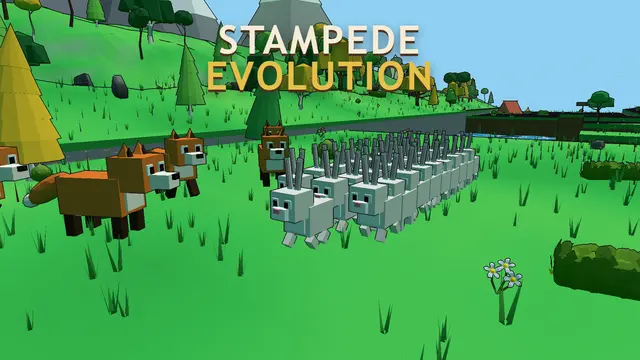 Stampede Evolution
 VoxelBomb
 Leaf Blower: Autumn Yard
 Steals Eggs From Animals
 Wash Master
 Army Base
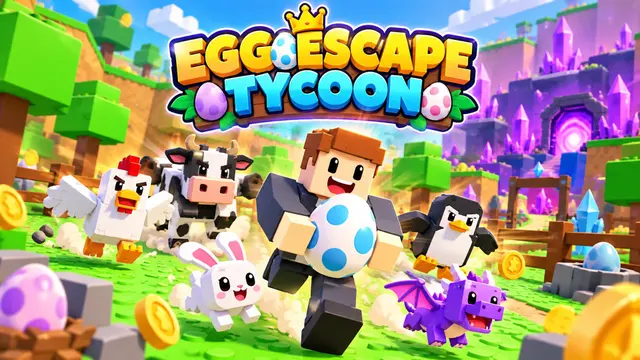 Egg Escape Tycoon
 Reel & Slash II - Beach Legends
 Master of Riding a Pet
 Leftover Screw: Furniture
 Ultimate Horse Simulator
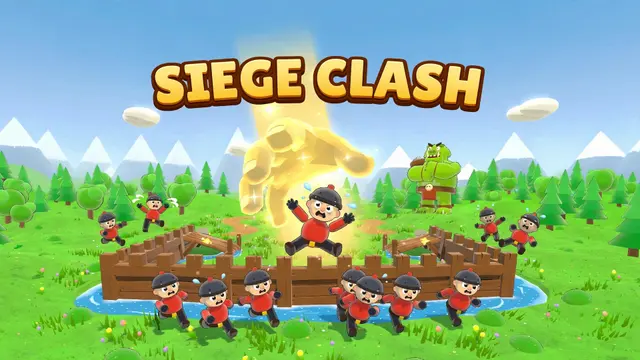 Siege Clash
 Loot Hole
 Bank Tycoon Simulator Money Empire
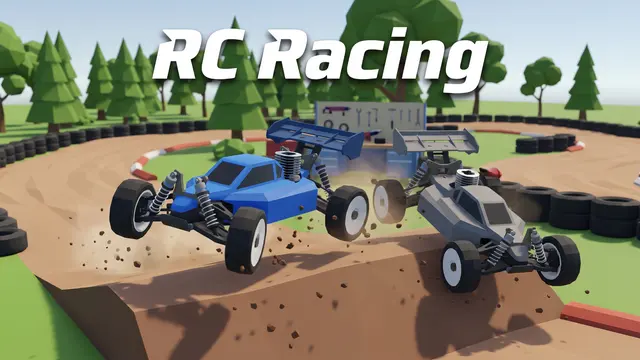 RC Racing
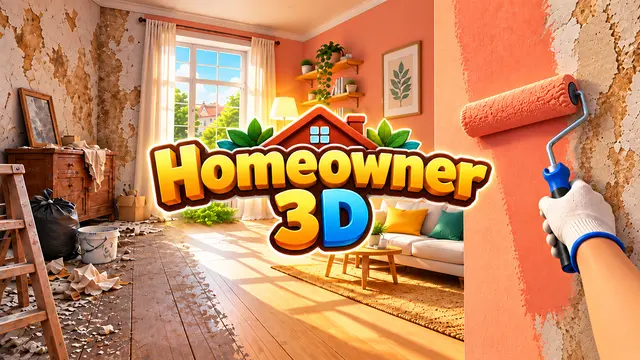 Homeowner 3D
 Master of Break an Eggs
 Tall Noob Man
 Ragdoll Revenge! Throw at Annoying People
 Baolings: Mystery Dumpling Unbox
 Monster Card Shop
 Park Tycoon
 Tumble Tower Survival
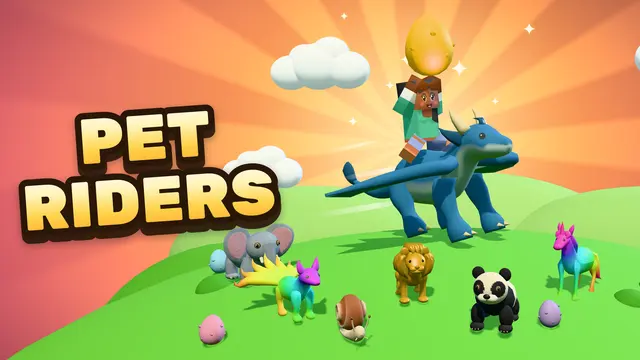 Pet Riders
 Build a Skyscraper!
 Pull-up Bar Tricks
 Twerk: Eat & Run
 Snack Stack
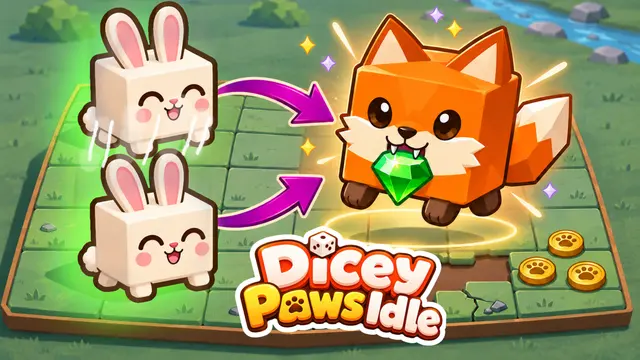 Dicey Paws Idle
 Squishy Clicker
 Relax Box: ASMR Mini Games
 Zone Breaker
 Haystack Works
Play I am Monkey online
Explore the fun world of the zoo , where you play as a quick and clever monkey. Jump and run around your enclosure , collect various items , and deal with annoying visitors . Complete funny tasks given by the wise elephant , unlock new abilities , and take on challenges .
Explore the activity being simulated and learn which parts you can control. Read the instructions to understand how each interaction affects your next step. The instructions describe joystick input.
How to play I am Monkey
Controls and instructions
On PC:
Movement: use W/A/S/D to move the monkey.
Jump: press Space to jump around the enclosure and climb objects.
Attack / Hit: press LMB (left mouse button) to hit annoying visitors.
Interact with Items: press E to pick up, R to drop, F to throw objects
Elephant Tasks: approach the elephant and press to receive a new task.
Camera: control the view with the mouse.
On Mobile:
Movement: use the on-screen joystick to move the monkey.
Jump: tap the Jump button to leap over obstacles and climb objects.
Attack / Hit: tap the Attack button to hit annoying visitors.
Interact with Items: tap the Interact button to pick up and use objects.
Elephant Tasks: approach the elephant and tap Interact to receive a new task.
Camera: swipe on the screen to change the camera angle.
Getting started with I am Monkey
- Try the main interaction first, then review the options it opens.
- Start with a short joystick movement to judge how the character responds.
About this game
- Platform
- Web browser
- Supported devices
- Android, iOS, Desktop
- Screen orientation
- Landscape and Portrait
- Languages
- American English, Russian (Russia)
- Genres
- Arcade, Simulation, 3d, Funny, Animals
- In-game purchases
- Available
- Provider
- Playgama
- Provider audience
- Male, Female
Game features and tags
- Mission
- Fast Paced
- Casual
- Jumping
- 1 Player
I am Monkey images


Questions about I am Monkey
How do I start playing?
Choose Play now in the game window above to load I am Monkey through Playgama. Read the controls and instructions above before you start.
Which devices can I play on?
The provider lists support for Android, iOS, Desktop. Play in your web browser using the controls described above.
Which languages does the game support?
American English, Russian (Russia).
Does the game have in-game purchases?
The provider lists optional in-game purchases. Any available purchases are handled inside the game. Games may display advertisements.
Related game categories
Game facts and artwork supplied by Playgama. Descriptions adapted and getting-started guidance added by LookBear. Game content, ads and purchases are provided by Playgama and the game provider.