 My Gym Manager: Idle Tycoon
Homeowner 3D
Provided by Playgama
Homeowner 3Dvia Playgama







 My Arcade Center
 Burger Restaurant Simulator 3D
 3D Acrylic Nail: Nail Art Game
 Field Master
 Gravity Shift Sky Racers GT
 Dream Supermarket: 3D Shop
 Soda Sandbox
 Shop Cashier Simulator 3D
 JUICE TYCOON
 Dream Home
 Mine Blogger Simulator 3D
 Chop Up!
 Gas Station 24: Simulator
 Wild Manager
 Desert Gunship
 +1 Grass Cutting: Become Stronger
 My Little Kingdom
 Cheat and Don't Get Caught!
 Hotbath Simulator
 Braveward
 Glossy Garage - Car ASMR
 Wild Wolf Simulator Animal Games
 Mowmentum
 Wildkin Isles
 Police Mom Simulator
 Rocket Rush
 Obby: +1 Jump with Brainrot
 The Last Company
 Open to Offers!
 Busy Bites Tycoon
 Launch the Dummy!
 Relic Rush 3D
 Find the Needle
 Steal a Pet!
 Cuddle Crane
 Dreamy Home
 Tiny Cinema
 Log Splash
 Bee Swarm
 Farm Care Tycoon
 Monster Truck Jump
 Fishing Island
 +1 Pickaxe Hit: Break Blocks
 VoxelBomb
 Leaf Blower Tycoon
 Wash Master
 Witch's Shop: Potion Brewing
 Reel & Slash II - Beach Legends
 Grave: Necromancer Mortician
 Kickoff Academy: Football Tycoon
 Dungeon Shop Rush
 Hot Diggity Dogs
 Sunny Bay Heroes
 Obby: Steal an Egg - The Great Escape
 Hex Hamlet
 Smash and Steal an Egg!
 Leftover Screw: Furniture
 Pizza Delivery: Drive and Deliver Hot
 Loot Hole
 RC Racing
 Reaper’s Graveyard Shift
 Bun Boss
 Peel the Potato
 Baolings: Mystery Dumpling Unbox
Play Homeowner 3D online
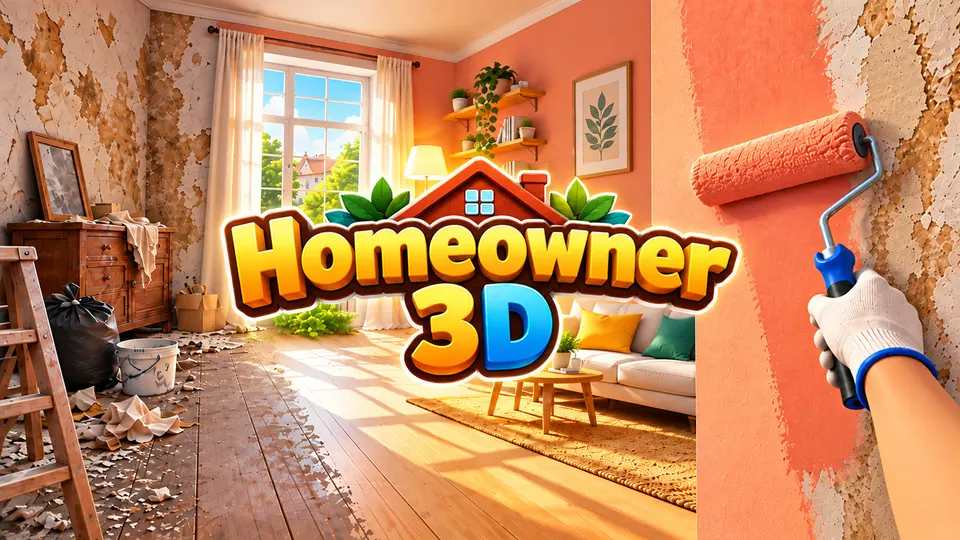
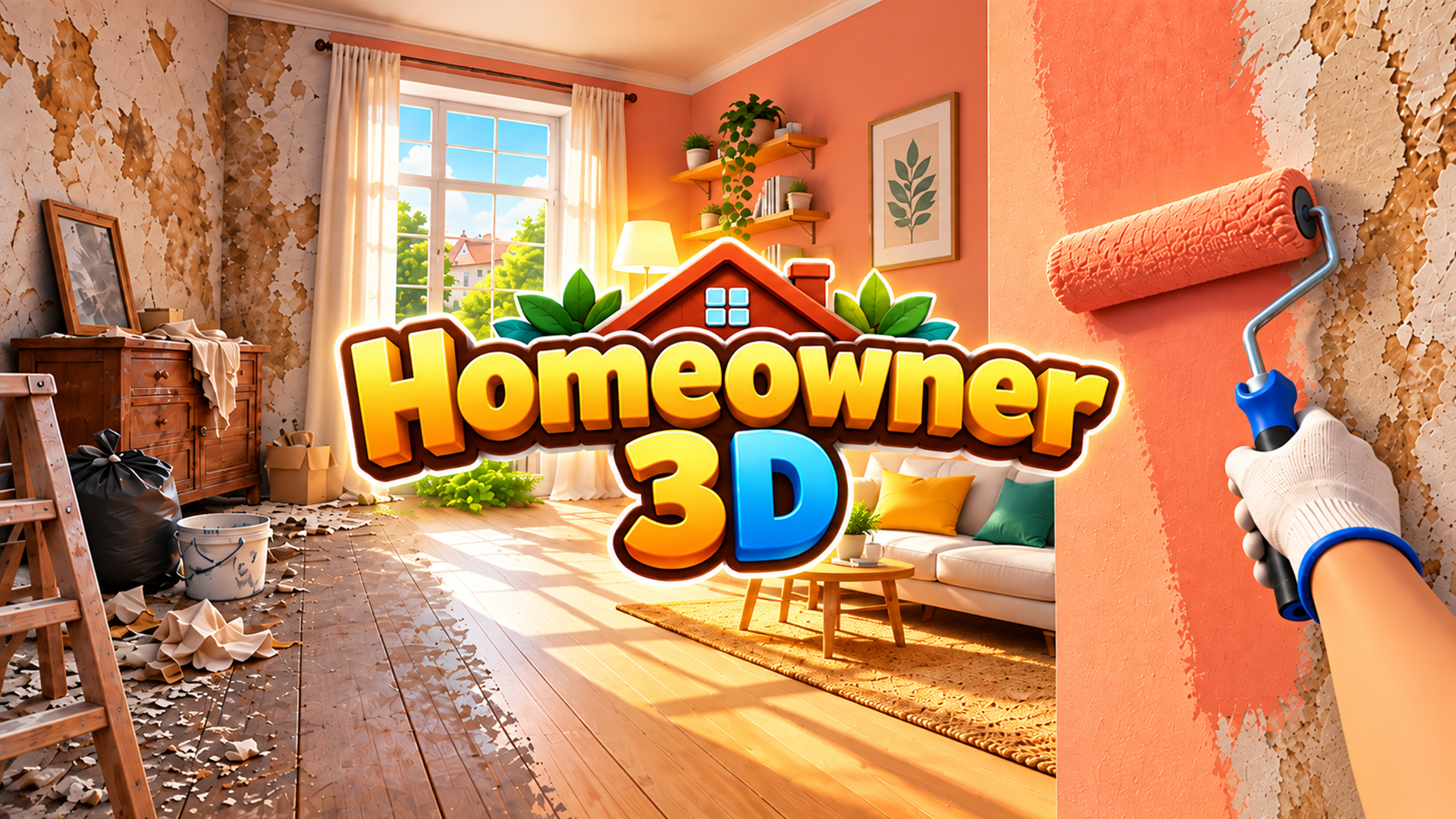
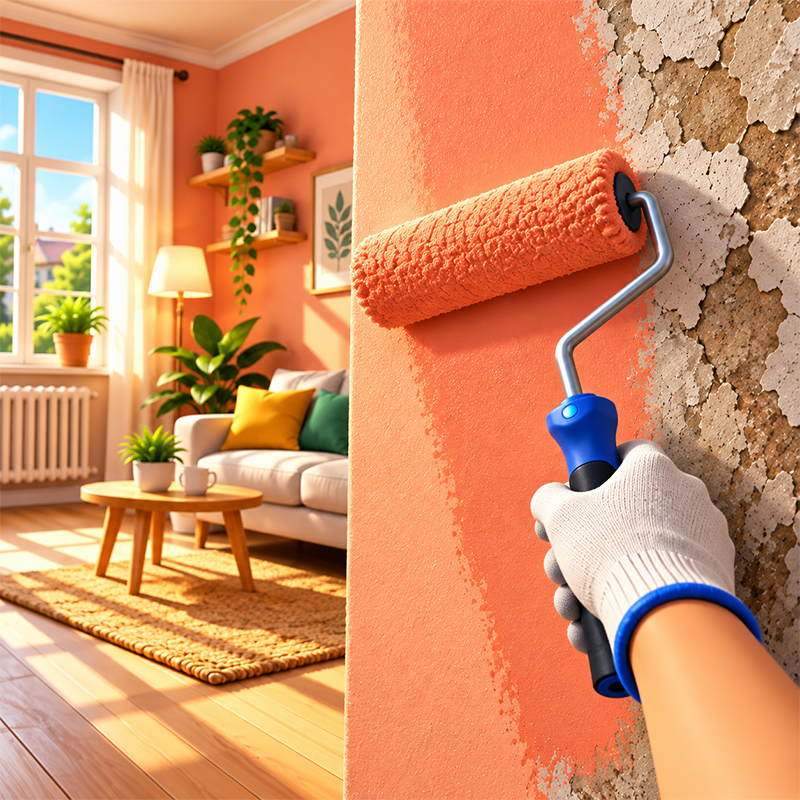
«Homeowner 3D» — a relaxing first-person cleaning, renovation, and home design simulator. Complete orders: clear out trash and dirt, wash surfaces, dismantle old items, paint walls, put up wallpaper, replace flooring, and arrange furniture. Earn money for your work, buy furniture, pets, and real estate, decorate your own home, and unlock new goals.
Make decisions about the resources and activities under your control. The instructions explain how purchases, tasks and improvements fit together. The instructions describe joystick input. The listed controls include WASD input.
How to play Homeowner 3D
Controls and instructions
Take on jobs, turn run-down houses into cozy homes and build your own property empire!
Controls
FOR PC
WASD — walk, Shift — run, mouse — look around
Hold LMB — clean up trash and take apart old furniture
E — doors, laptop, van
F — tools, Tab — tablet with the catalog
Furniture: Q/E or mouse wheel — rotate, LMB — place
FOR PHONE
Joystick at the bottom left — walk
Swipe the screen — look around
Action button at the bottom right (hold) — clean, take apart, open doors
Cart at the top left — furniture catalog
Tools — mop, roller, wall finish, flooring
Furniture: arrows — rotate, tick — place
How to play
Pick a job on the laptop and drive there in your van
Clear the trash, mop the puddles, mow the lawn
Paint walls, hang wallpaper, lay tiles and floors
Arrange furniture the way the owner wants it
Take photos of your work and get rated
Getting started with Homeowner 3D
- Find the current goal and resource requirements before making a purchase.
- Start with a short joystick movement to judge how the character responds.
- Check the action mappings as well as movement; extra actions may use different keys.
About this game
- Platform
- Web browser
- Supported devices
- Android, iOS, Desktop
- Screen orientation
- Landscape and Portrait
- Languages
- American English, Russian (Russia), Turkish (Türkiye)
- Genres
- Arcade, Simulation, 3d, Decoration, Management
- In-game purchases
- Available
- Provider
- Playgama
- Provider audience
- Male, Female
Game features and tags
- Cleaning
- Customization
- Casual
- Relaxing
- House
- Addictive
- Life Simulation
- Webgl
- Desktop
- 1 Player
- Building
Homeowner 3D images
Questions about Homeowner 3D
How do I start playing?
Choose Play now in the game window above to load Homeowner 3D through Playgama. Read the controls and instructions above before you start.
Which devices can I play on?
The provider lists support for Android, iOS, Desktop. Play in your web browser using the controls described above.
Which languages does the game support?
American English, Russian (Russia), Turkish (Türkiye).
Does the game have in-game purchases?
The provider lists optional in-game purchases. Any available purchases are handled inside the game. Games may display advertisements.
Related game categories
Game facts and artwork supplied by Playgama. Descriptions adapted and getting-started guidance added by LookBear. Game content, ads and purchases are provided by Playgama and the game provider.