 Break The Walls
Drink the Ocean
Provided by Playgama

Drink the Oceanvia Playgama





 Rich Mom Family Simulator Luxury Life
 Clean The Garden
 Wild Wolf Simulator Animal Games
 Mowmentum
 Avocado Yard: Ragdoll Sandbox
 BOMB BANANA
 Police Mom Simulator
 Rocket Rush
 Open to Offers!
 Car Wash Idle
 Crazy Driver
 Relic Rush 3D
 Find the Needle
 Ragdoll Robots: Sandbox
 Cuddle Crane
 Mine Tycoon
 Crust Crusher
 Obby: +1 Click Wall Breaker
 FAKE HUNTER
 Wooden Vest
 Obby: Dig to the center of the Earth
 Bee Swarm
 Pocket Mart
 Scoop Empire
 Monster Truck Jump
 VoxelBomb
 Leaf Blower: Autumn Yard
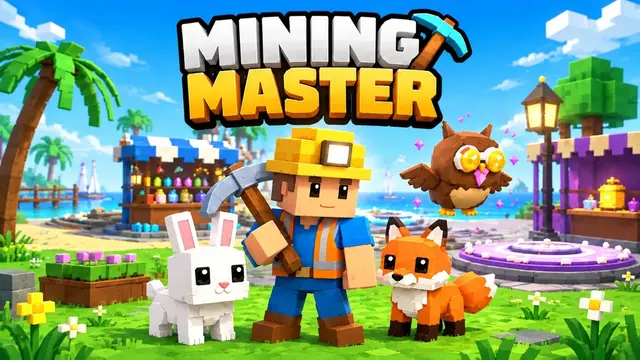 Mining Master
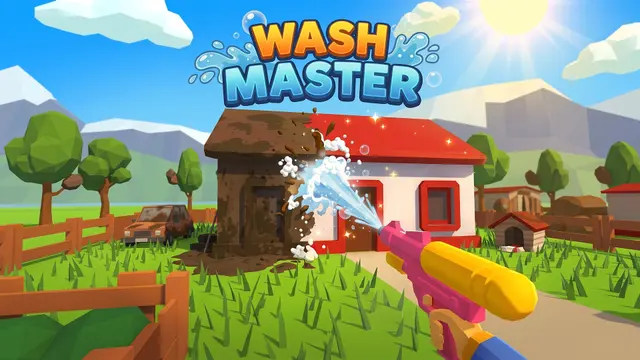 Wash Master
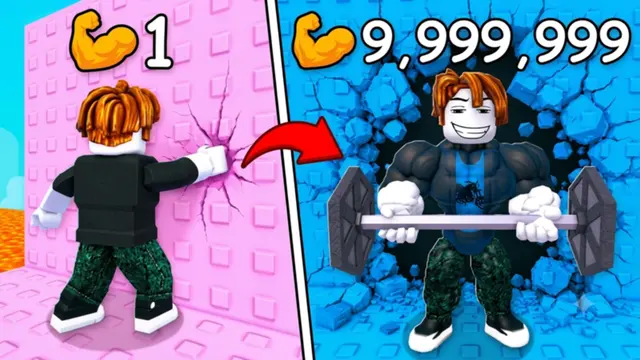 +1 Strength for escape
 Army Base
 Duck You
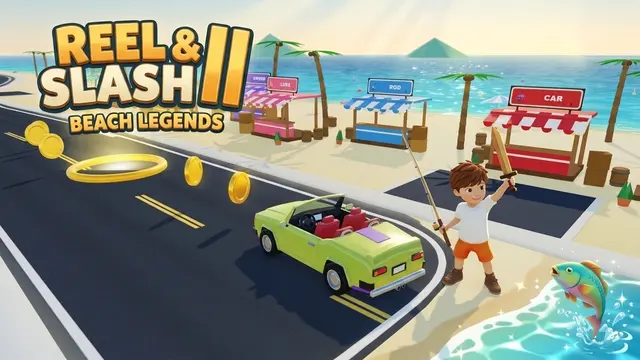 Reel & Slash II - Beach Legends
 Obby: Steal an Egg - The Great Escape
 Smash and Steal an Egg!
 Leftover Screw: Furniture
 Siege Clash
 Loot Hole
 Bank Tycoon Simulator Money Empire
 RC Racing
 Capy Market
 Homeowner 3D
 Pearl Paws
 Tall Noob Man
 +1 Damage Evolution
 Ragdoll Revenge! Throw at Annoying People
 Baolings: Mystery Dumpling Unbox
 Monster Card Shop
 Park Tycoon
 Tumble Tower Survival
 Deep Mine: +1 Strength
 Build a Skyscraper!
 Pull-up Bar Tricks
 Twerk: Eat & Run
 Snack Stack
 Chicken Farm 3D
 Sea Restore
 Squishy Clicker
 Relax Box: ASMR Mini Games
 The Ink Shop - Tattoo Art ASMR
 Voxplode: Destruction Sim
 Harvest Rush
 Collect Million Coins
 Single Dad Simulator Family Life
Play Drink the Ocean online
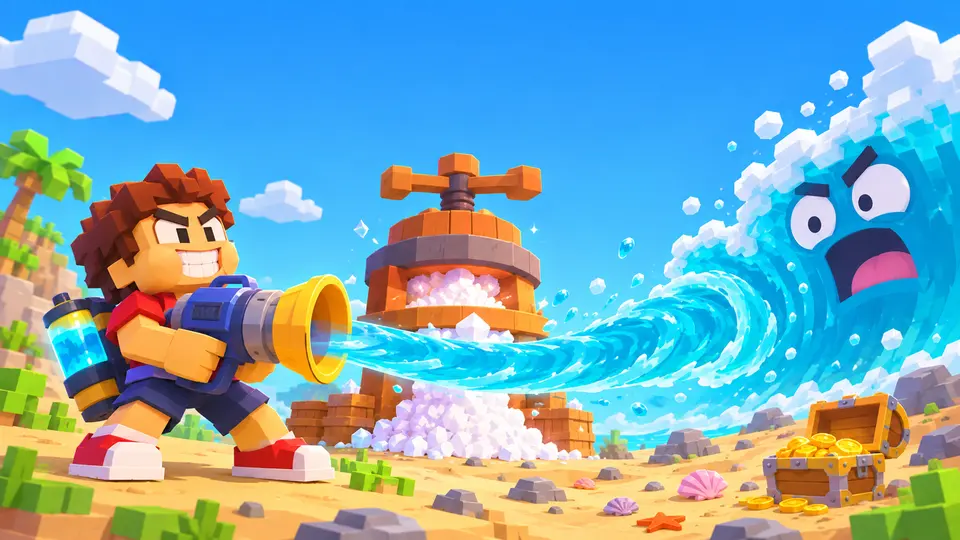
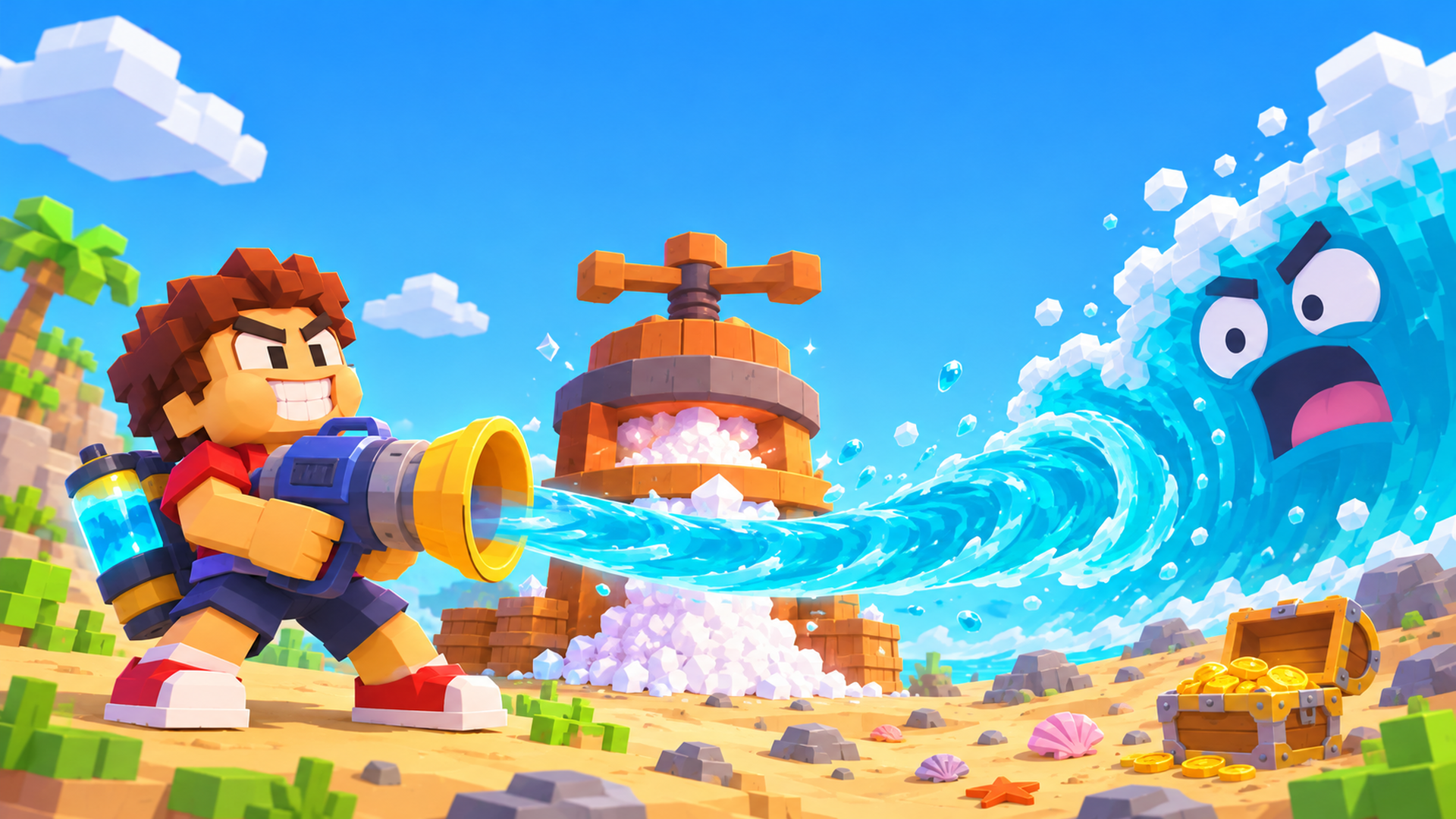
A blocky first-person simulator: sip the sea through a straw, let the press on the beach squeeze the salt out of you, and spend it on a bigger belly, extra straws, a mouth vacuum and a pocket whirlpool. Watch the water level drop, uncover a shipwreck, a whale skeleton and a sunken city, pick boons from the Sky Duck, collect achievements and pull the plug at the bottom to start a new ocean of cola, lemonade, slime or lava.
Use repeated interactions to make progress and review the available improvements. Check what an upgrade changes before spending resources on it. The listed controls include WASD input.
How to play Drink the Ocean
Controls and instructions
Walk to the water and left click to drink through the straw (on phones, hold the DRINK button). When your belly is full, stand under the PRESS to turn the water into salt. Step on the blue SHOP pad to spend salt on upgrades and new tools. Drink the ocean down to the plug, pull it and start a stronger new ocean. Controls: WASD to move, mouse to look, left click to drink, Space to jump, 1-2-3 to switch tools, T to go home, E to open the duck's gifts, P for settings, Tab to free the mouse.
Getting started with Drink the Ocean
- Compare an upgrade’s cost with the benefit described in the game.
- Check the action mappings as well as movement; extra actions may use different keys.
About this game
- Platform
- Web browser
- Supported devices
- Android, iOS, Desktop
- Screen orientation
- Landscape
- Languages
- American English, Russian (Russia), European Spanish, Brazilian Portuguese, French (France), German (Germany), Italian (Italy), Turkish (Türkiye), Polish (Poland), Dutch (Netherlands), Indonesian (Indonesia), Vietnamese (Vietnam), Ukrainian (Ukraine), Japanese (Japan), Korean (South Korea), Chinese (China)
- Genres
- Arcade, Simulation, 3d, Funny, Clicker
- In-game purchases
- Available
- Provider
- Playgama
- Provider audience
- Male, Female
Game features and tags
- Casual
- Voxel
- Hyper Casual
- Addictive
- Webgl
- 1 Player
- Incremental
Drink the Ocean images

Questions about Drink the Ocean
How do I start playing?
Choose Play now in the game window above to load Drink the Ocean through Playgama. Read the controls and instructions above before you start.
Which devices can I play on?
The provider lists support for Android, iOS, Desktop. Play in your web browser using the controls described above.
Which languages does the game support?
American English, Russian (Russia), European Spanish, Brazilian Portuguese, French (France), German (Germany), Italian (Italy), Turkish (Türkiye), Polish (Poland), Dutch (Netherlands), Indonesian (Indonesia), Vietnamese (Vietnam), Ukrainian (Ukraine), Japanese (Japan), Korean (South Korea), Chinese (China).
Does the game have in-game purchases?
The provider lists optional in-game purchases. Any available purchases are handled inside the game. Games may display advertisements.
Related game categories
Game facts and artwork supplied by Playgama. Descriptions adapted and getting-started guidance added by LookBear. Game content, ads and purchases are provided by Playgama and the game provider.