 MR RACER Stunt Mania

Loot Hole
Provided by Playgama

Loot Holevia Playgama








 Reel & Slash II - Beach Legends
 Sunny Bay Heroes
 Obby: Steal an Egg - The Great Escape
 Smash and Steal an Egg!
 Leftover Screw: Furniture
 Bank Tycoon Simulator Money Empire
 RC Racing
 Capy Market
 Homeowner 3D
 Pearl Paws
 Baolings: Mystery Dumpling Unbox
 Grow the Baby
 Monster Card Shop
 Park Tycoon
 Build a Skyscraper!
 Pull-up Bar Tricks
 Steal an Egg 3D
 Snack Stack
 Chicken Farm 3D
 Relax Box: ASMR Mini Games
 Zone Breaker
 Haystack Works
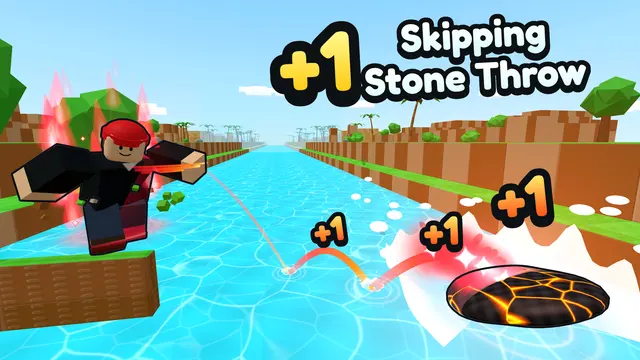 +1 Skipping Stone Throw
 The Ink Shop - Tattoo Art ASMR
 Voxplode: Destruction Sim
 Harvest Rush
 Single Dad Simulator Family Life
 Obby: Build a Car Farm
 Nest Heist
 Master Car Destruction
 Rusty Park
 Event Horizon: Black Hole Idle
 Single Mom Baby Care Prank Game
 Blok Fishing
 I am Monkey
 Vet Tycoon: Pet Hospital
 Drink the Ocean
 OBBY: Throw Food for Pets!
 Break the Egg and Run away!
 Throw Foods For Pets
 Fridge: Perfect Sorting
 Crush City
 Sticky Memo - Ripping Game
 Dino Rodeo 3D
 Clean the Moon
 Market Hero
 Break The Walls
 Monster City
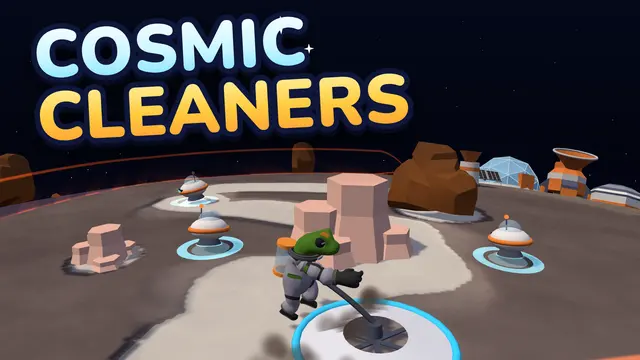 Cosmic Cleaners
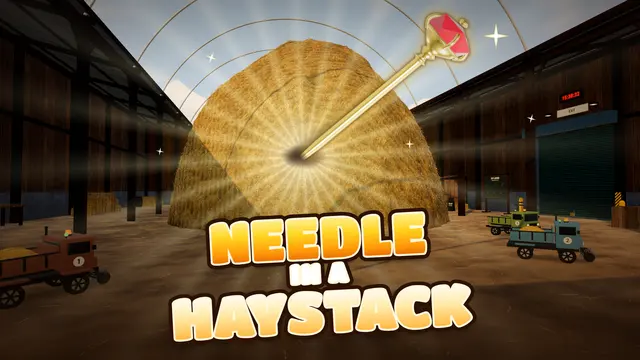 Needle in a Haystack
 Throw Food - Catch Animals
 Little Monsters Toy 3D
 Ballpit Clean Master
 Bridge Builder
 Dungeon Master - Cult & Craft
 Zombie Derby 2
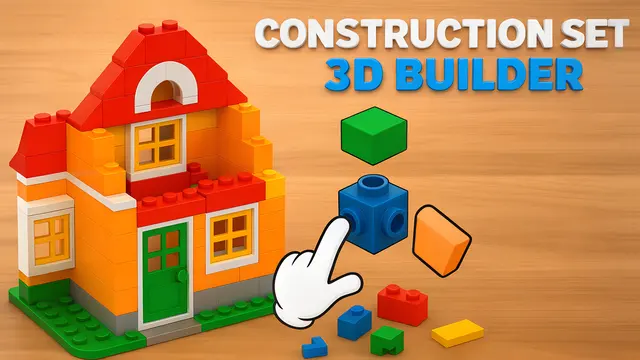 Construction Set - 3D Builder
 Grow a Garden 3D
 My Arcade Center
 Hyper Cars Ramp Crash
 Build And Run
 Online Car Destruction Simulator 3D
 Parking Master: Urban Challenges
 Fix The Hoof
Play Loot Hole online
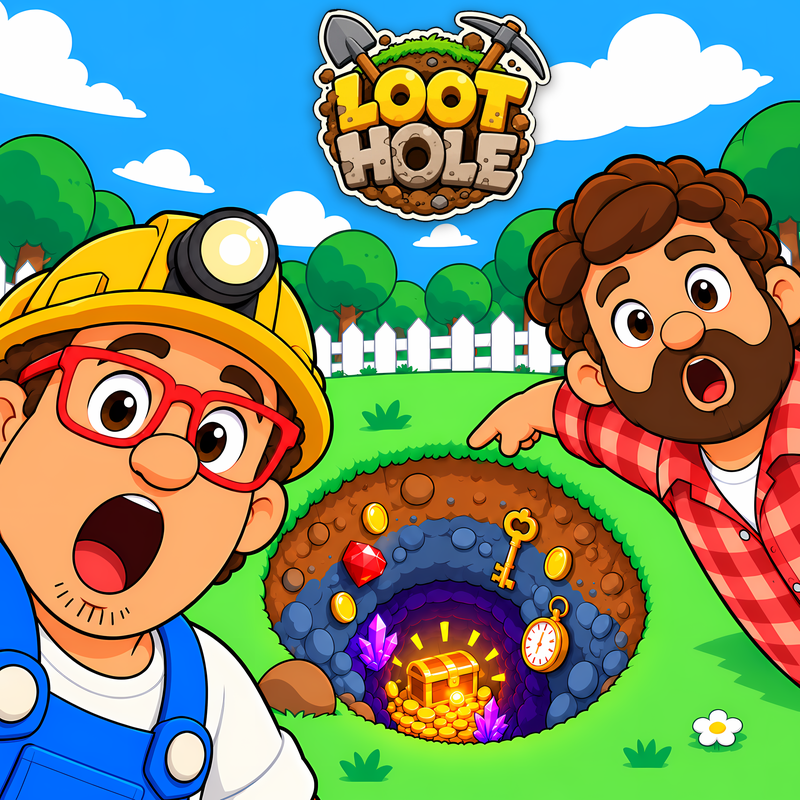
Loot Hole is a cartoony first-person digging game. Dig down through your front yard, find buried treasure, carry it up and sell it at your yard stall. Spend your coins on better shovels, pickaxes and drills, bigger backpacks, jetpacks and explosives, then dig deeper through ever harder layers of rock on the way to the bottom, 1000 m down.
Explore the activity being simulated and learn which parts you can control. Read the instructions to understand how each interaction affects your next step. Coins appear in the game’s progression or objectives. The listed controls include WASD input.
How to play Loot Hole
Controls and instructions
Hold the left mouse button (or touch and hold on a phone) to dig where you aim. Walk near a find to put it in your backpack. When the backpack is full, press H to go back to the surface and walk into the yard stall to sell everything. Buy better tools and bigger backpacks at the tool shed to dig through harder layers and reach the bottom. Keyboard: WASD to move, mouse to look, Space to jump (or use the jetpack), H to surface, B or I for the backpack, C for the collection, X to throw an explosive, Q to switch its kind. On phones and tablets, use the on-screen stick and buttons. Press O (or open Play together from the menu) to host a co-op yard, join a room by code, find an open yard, or enter a Neighbours race. Up to four players can dig in one co-op yard. P pauses.
Getting started with Loot Hole
- Try the main interaction first, then review the options it opens.
- Check what the game lets you do with coins before spending them.
- Check the action mappings as well as movement; extra actions may use different keys.
About this game
- Platform
- Web browser
- Supported devices
- Android, iOS, Desktop
- Screen orientation
- Landscape and Portrait
- Languages
- American English, Arabic (Egypt), Chinese (China), German (Germany), Dutch (Netherlands), European Spanish, French (France), Indonesian (Indonesia), Italian (Italy), Japanese (Japan), Korean (South Korea), Polish (Poland), European Portuguese, Russian (Russia), Thai (Thailand), Turkish (Türkiye), Ukrainian (Ukraine), Vietnamese (Vietnam)
- Genres
- Arcade, Simulation, 3d
- In-game purchases
- Available
- Provider
- Playgama
- Provider audience
- Male, Female
Game features and tags
- Casual
- Hyper Casual
- Addictive
- Shop
- Digging
- Collecting
- 1 Player
- Mine
- Incremental
- Mining
Loot Hole images

Questions about Loot Hole
How do I start playing?
Choose Play now in the game window above to load Loot Hole through Playgama. Read the controls and instructions above before you start.
Which devices can I play on?
The provider lists support for Android, iOS, Desktop. Play in your web browser using the controls described above.
Which languages does the game support?
American English, Arabic (Egypt), Chinese (China), German (Germany), Dutch (Netherlands), European Spanish, French (France), Indonesian (Indonesia), Italian (Italy), Japanese (Japan), Korean (South Korea), Polish (Poland), European Portuguese, Russian (Russia), Thai (Thailand), Turkish (Türkiye), Ukrainian (Ukraine), Vietnamese (Vietnam).
Does the game have in-game purchases?
The provider lists optional in-game purchases. Any available purchases are handled inside the game. Games may display advertisements.
Related game categories
Game facts and artwork supplied by Playgama. Descriptions adapted and getting-started guidance added by LookBear. Game content, ads and purchases are provided by Playgama and the game provider.