 EdgeFire
Ink Blade
Provided by Playgama

Ink Bladevia Playgama


 RoboStrike 3D
 Bug War
 Hatch or Steal: Online
 Alderun
 Nothing 2 Lose
 Heroes Shop Battlers
 RIFT OPS: Fractured Frontier
 Obby: Murder Mystery 2 Online
 INK BRICK RONIN
 Tapshot.io
 Ragdoll Rumble: Online
 BEAR PICKSprunki World Online RP - Play with Friends!
 Moto X3M
 Dark City. Multiplayer
 Hazmob FPS: Online Shooter
 Domino Online Multiplayer
 Knight Legend
 Only Jump RPG
 Epic Sword Battle! Fight in the Ragdoll Arena!
 Dead Land: Survival
 FPS Gun Shooting Game 3D
 Left 4 Die
 Melon Maker : Fruit Game
 Kingdom Defense
 Wednesday’s Battle: Monster Symphony
 Mr Shooter
 Tall io
 Drift King Racing Multiplayer
 Catoom! - Bomb Barrel
 Sworded io - Spin and Rub
 Party Games Mini Shooter Battle
 Yenemy
 SlowMo Sniper
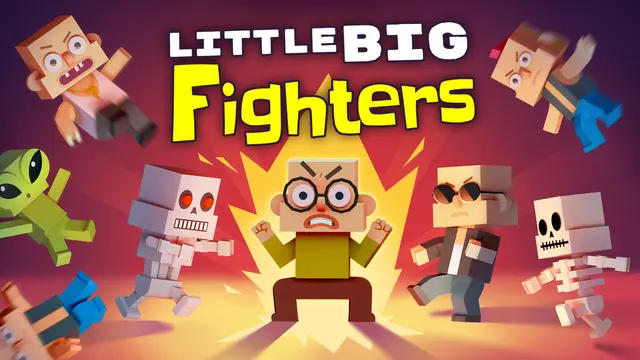 Little Big Fighters
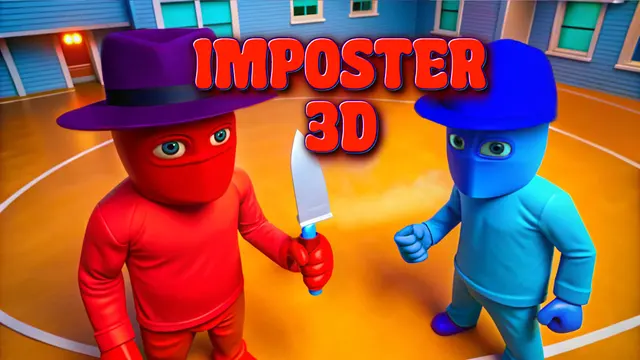 Imposter 3D
 Strategy of war: Tanks and helicopters
 Cowboys Duel
 BOMBAMAN 3D
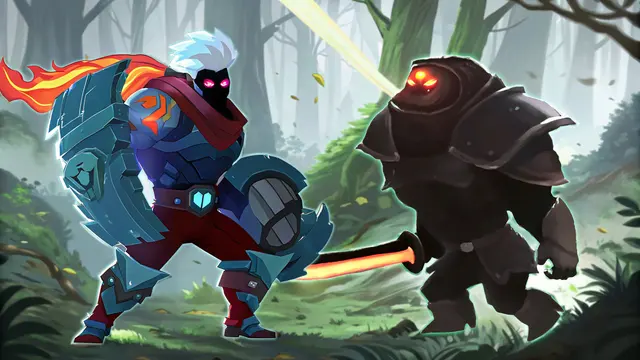 Shadow Stick - Lightning Ninja
 Stunsteval Siderollers
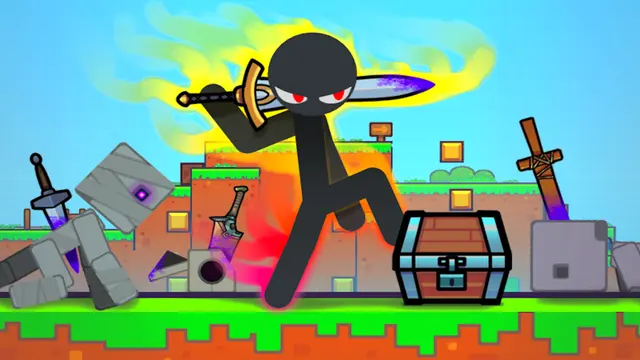 Stickboy Epic Swordsman
 Legions: Way of War
 Sumo Fury
 Turbo Racer Extreme
 Golf Invaders
 Gravity Speed Run
 shrinkzone.io
 Shoot & Sprint: Warfare
 Duck Hunter
 Cars
 Blade & Bedlam
 Snake of Balls
 Mr. Drifter: Car Chase Simulator
 Head Jump
 Winged Wheels 2
 Hot Rods Arena Stars
 Cosmic Dash
 Ball Attack
 Bow Brawls
 Hit & Knock Down
 Slap Master
 Nubiks build a defense vs zombies
 Cube shooter
 Astro Shooter
Play Ink Blade online
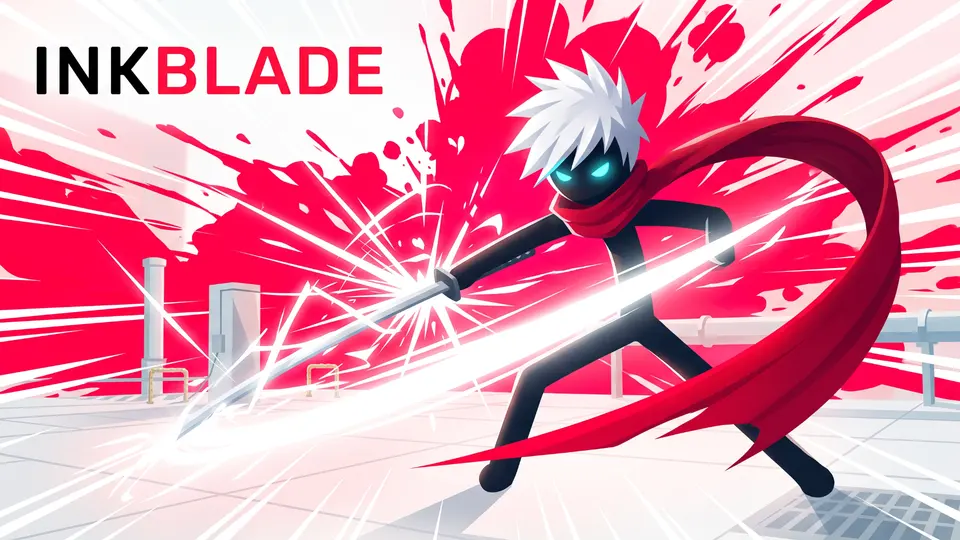
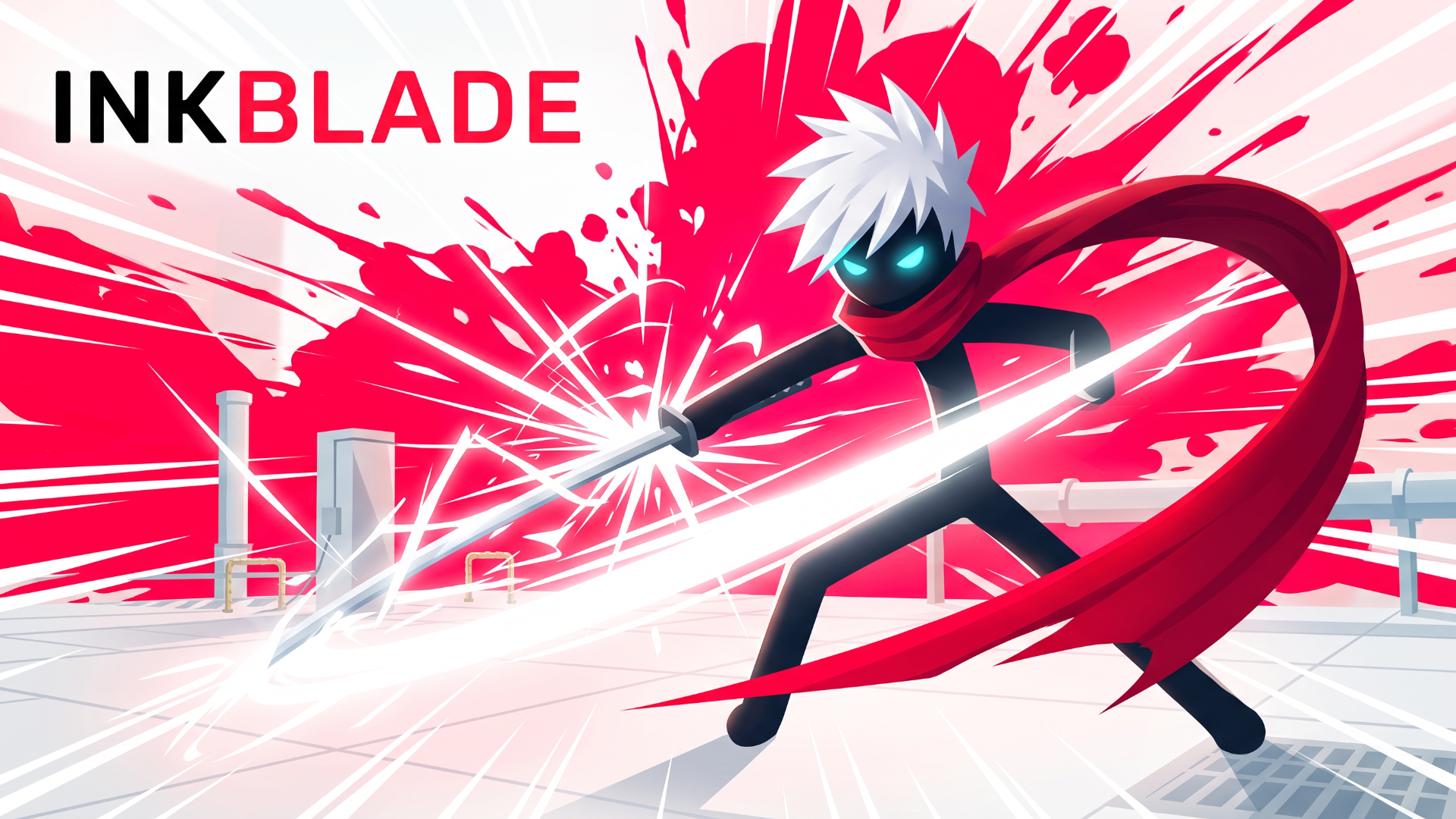
Ink Blade is a dark isometric sword action game. Fight waves of enforcers in a rain-soaked city with one blade and a red scarf. Read every attack: a ring closes in on the enemy, and a guard timed as it closes parries the hit and staggers them.
Get familiar with the movement and attack inputs before entering the next encounter. Read the controls for any additional actions rather than assuming a standard button layout. Upgrades are part of the progression described by the provider. The listed controls include WASD input.
How to play Ink Blade
Controls and instructions
Move: W A S D / Arrows -- Left stick -- virtual stick
Slash (chain combo): Left mouse / J -- X -- Slash button
Dash: Space -- A -- Dash button
Guard and parry: Right mouse / L -- RB -- Guard button. Press it as the ring closes on an enemy.
Pause: P or the pause icon -- Start. Mute: M or the speaker icon.
Clear 4 waves and beat the boss to reach the next district. Every second wave you pick an upgrade and your health refills.
Getting started with Ink Blade
- Try the basic actions first so you know which input performs each move.
- Compare the upgrade description with your next objective before choosing it.
- Check the action mappings as well as movement; extra actions may use different keys.
About this game
- Platform
- Web browser
- Supported devices
- Android, iOS, Desktop
- Screen orientation
- Landscape and Portrait
- Languages
- American English
- Genres
- Action, Skill, Multiplayer, Fighting, Co Op, Pvp
- In-game purchases
- None listed by the provider
- Provider
- Playgama
- Provider audience
- Male, Female
Game features and tags
- 2d
- Arena
- Webgl
- Combat
- Sword
- Isometric
- 1 Player
- Teams
- Action Fighting
- 2d Action
Ink Blade images
Questions about Ink Blade
How do I start playing?
Choose Play now in the game window above to load Ink Blade through Playgama. Read the controls and instructions above before you start.
Which devices can I play on?
The provider lists support for Android, iOS, Desktop. Play in your web browser using the controls described above.
Which languages does the game support?
American English.
Does the game have in-game purchases?
The provider lists no in-game purchases for this game. Games may display advertisements.
Related game categories
Game facts and artwork supplied by Playgama. Descriptions adapted and getting-started guidance added by LookBear. Game content, ads and purchases are provided by Playgama and the game provider.