 Hazmob FPS: Online Shooter
Sword Smash
Provided by Playgama
Sword Smashvia Playgama


 Star Rank Heroes
 RoboStrike 3D
 Bug War
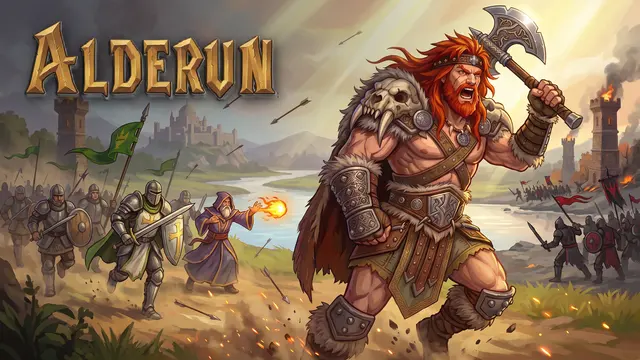 Alderun
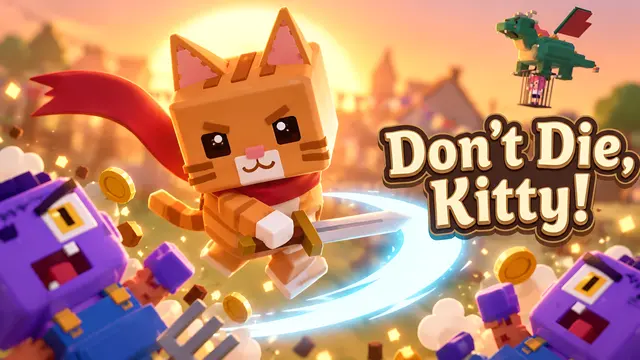 Don't Die, Kitty
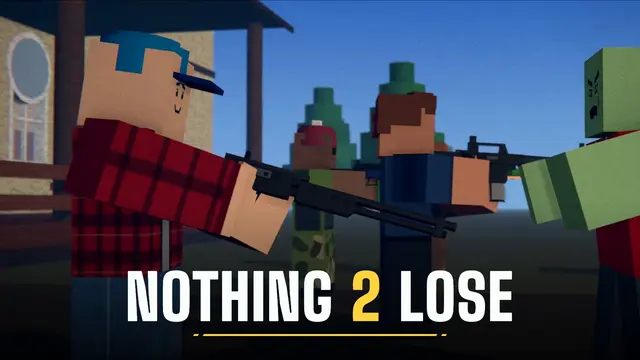 Nothing 2 Lose
 Steel Thunder
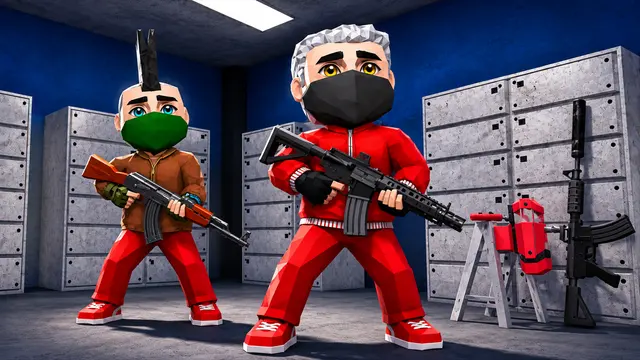 Heist Crew: Crime, Robbery and Escape
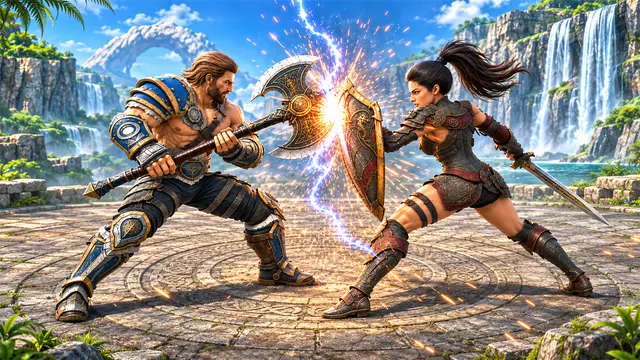 Island Arena: Steel and Honor
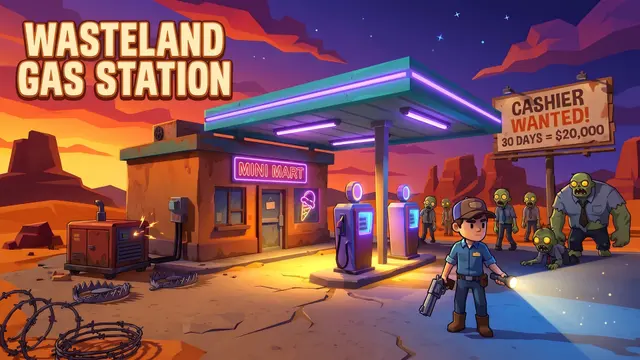 Wasteland Gas Station
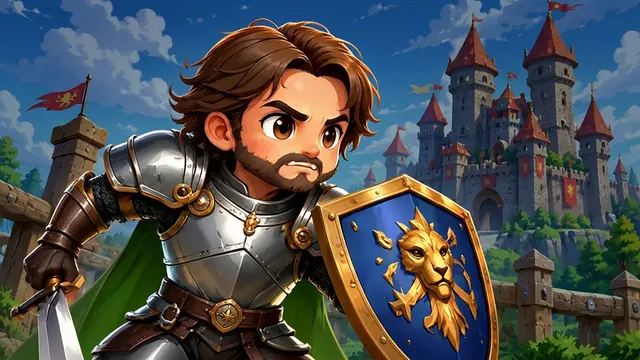 My Castle
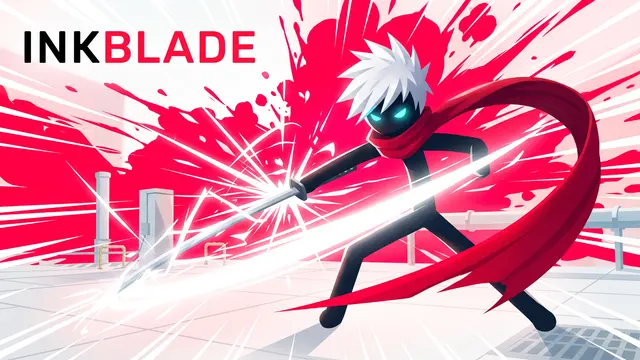 Ink Blade
 Tapshot.io
 Ragdoll Rumble: Online
 BEAR PICKSprunki Action Playground: Ragdoll Sandbox
 Idle Train Empire Tycoon
 SWAT and GREENS vs Zombies
 Gangsta Island: Crime City
 Rise of the Dead
 Dark City. Multiplayer
 Idle Game Dev Simulator
 Heroes of Arena
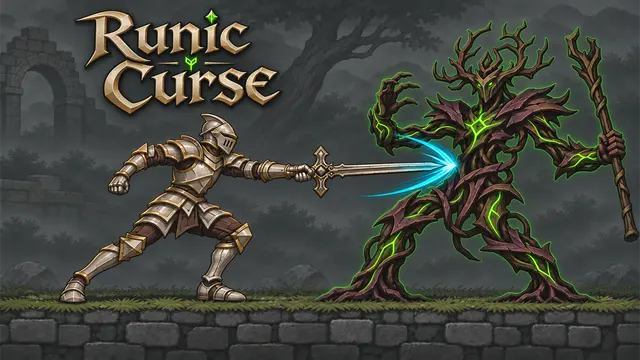 Runic Curse
 Only Jump RPG
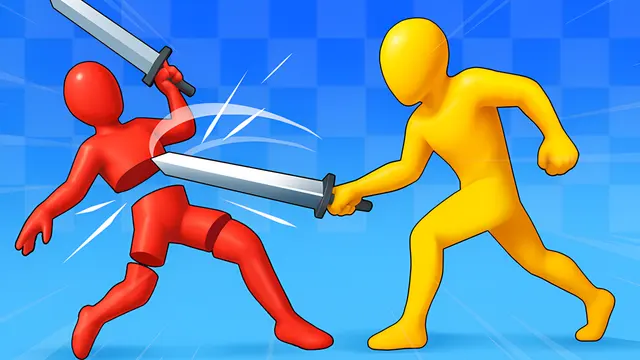 Epic Sword Battle! Fight in the Ragdoll Arena!
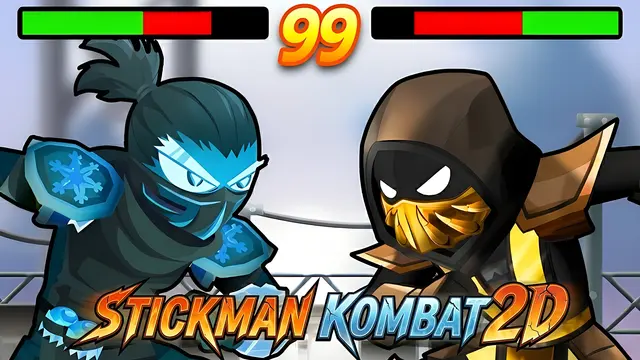 Stickman Kombat 2D
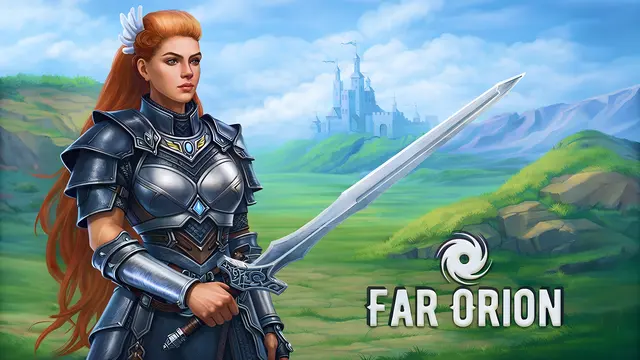 Far Orion: New worlds
 Revoxel 3D - Voxel RPG Shooter
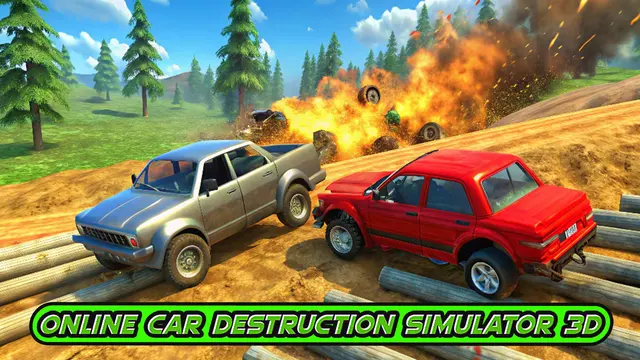 Online Car Destruction Simulator 3D
 Color Brawls
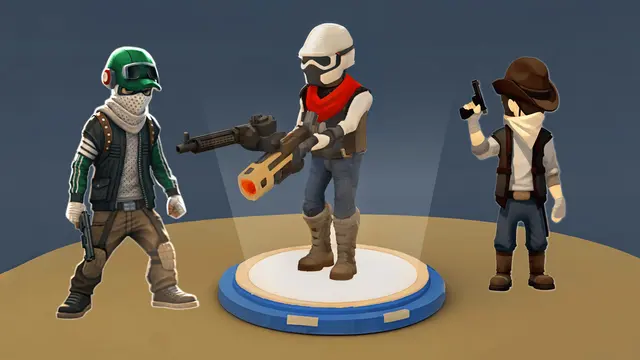 Badlands Hero
 Stalker 2033: The Path of the Survivor
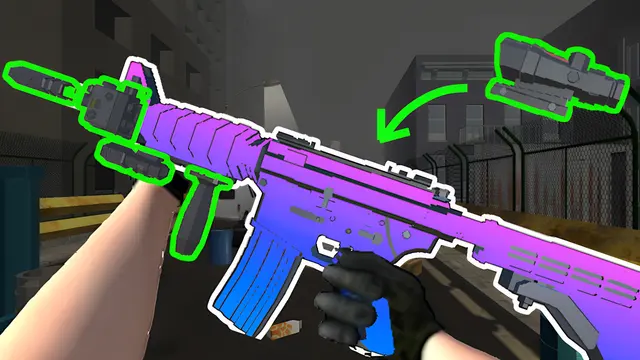 War V: Path of the Survivor!
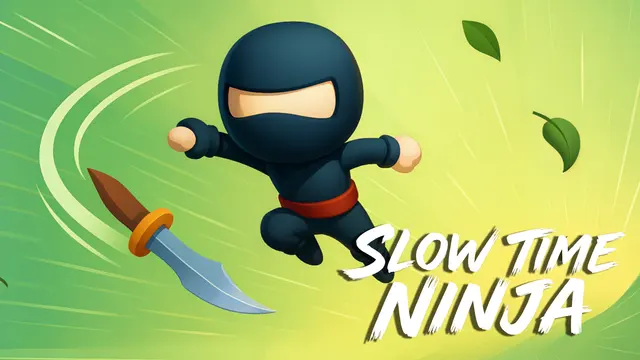 Slow Time Ninja
 Noob saves the village
 Car Destruction King
 DreamBlox
 Playground Ragdoll Sandbox
 Grow Slime
 Fun fishing
 Sworded io - Spin and Rub
 Archer: Trial by Fate
 Party Games Mini Shooter Battle
 Doodle RPG Survivor
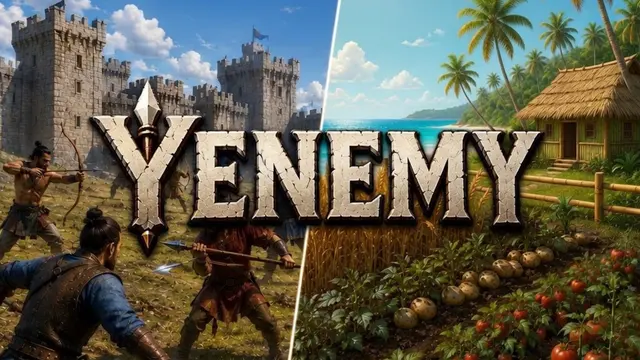 Yenemy
 Driver Club: Highway Racing
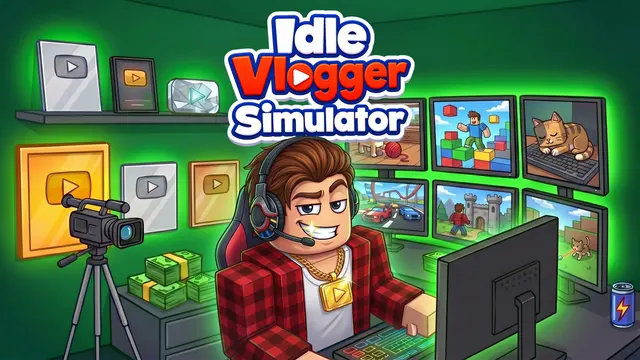 Idle Vlogger Simulator
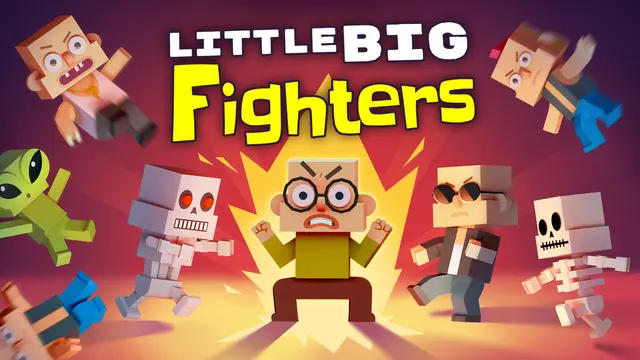 Little Big Fighters
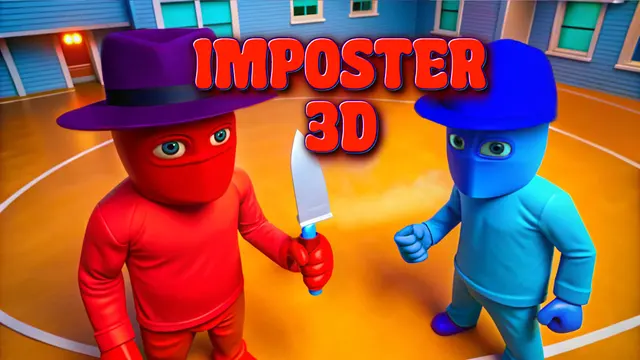 Imposter 3D
 Rift of Hell - Demons War
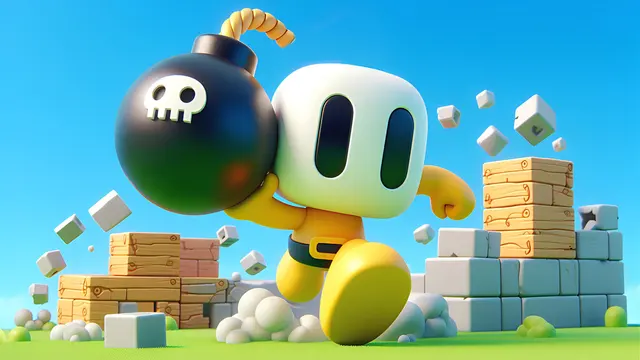 BOMBAMAN 3D
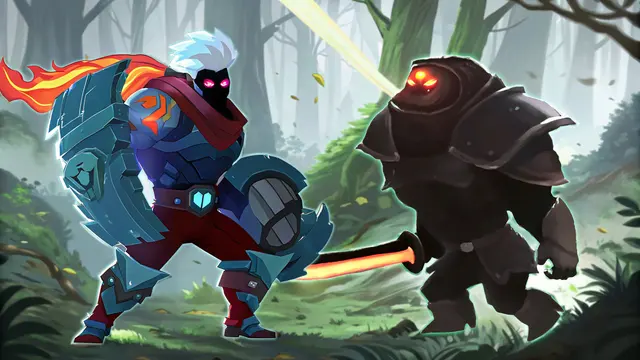 Shadow Stick - Lightning Ninja
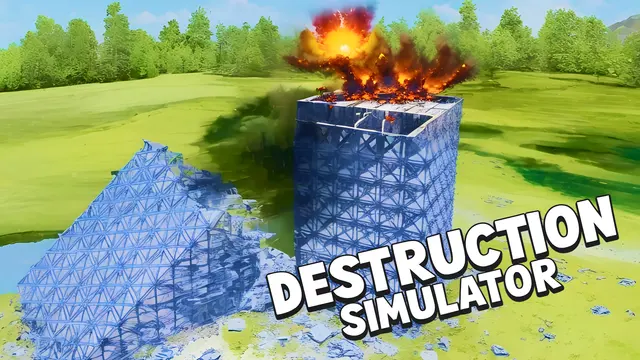 Destruction Simulator
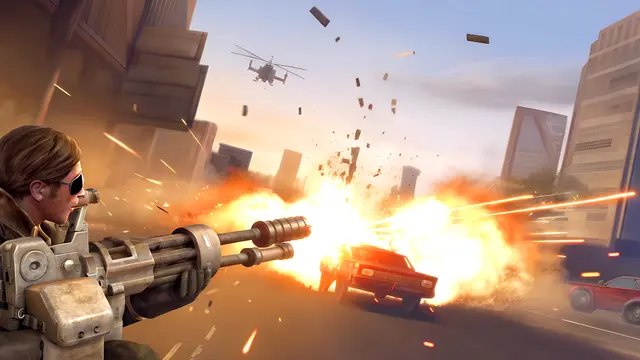 Gunner Pursuit
 Sumo Fury
 shrinkzone.io
 Shoot & Sprint: Warfare
 Blade & Bedlam
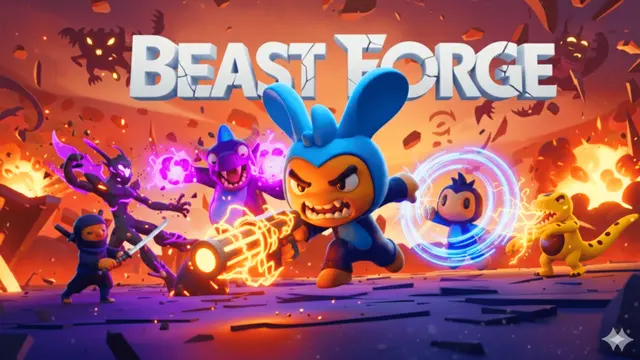 BeastForge Rival
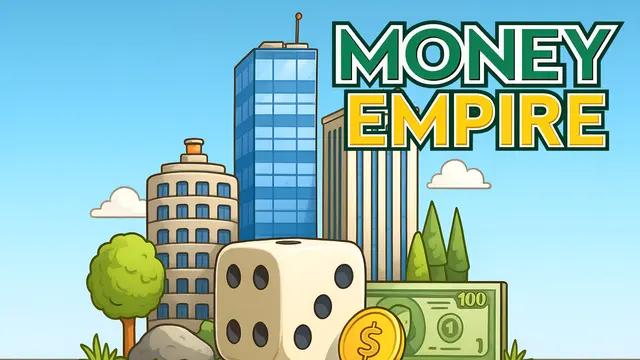 Money Empire
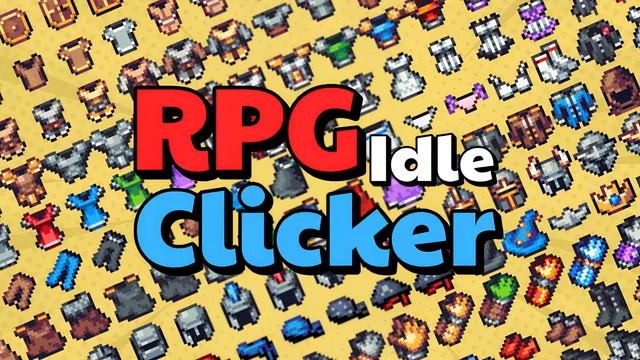 RPG Idle Clicker
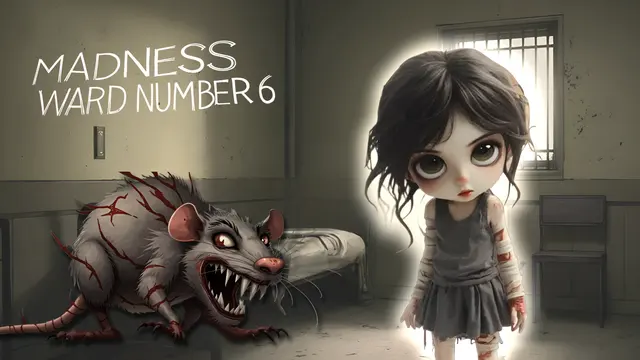 Madness: Ward number 6
 Winged Wheels 2
 Assault on Squid Island
Play Sword Smash online
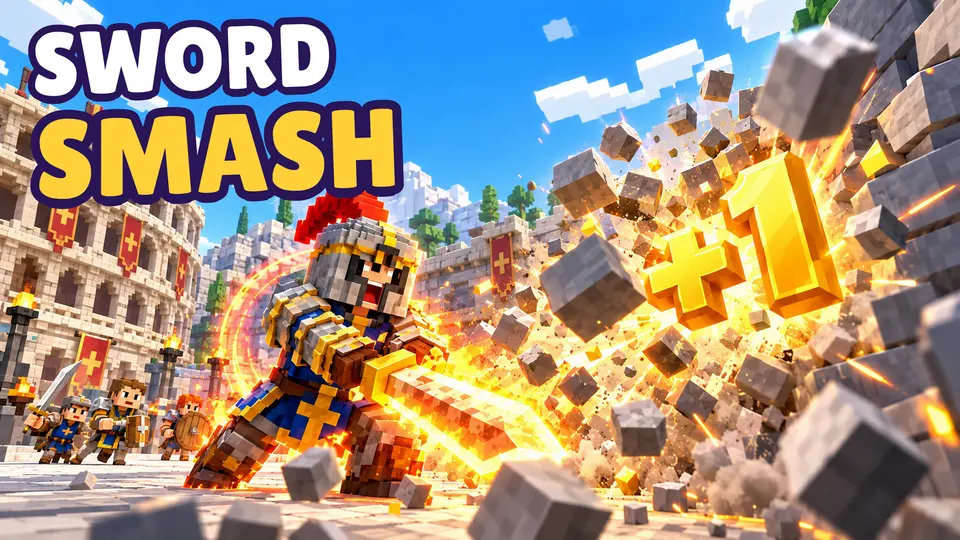
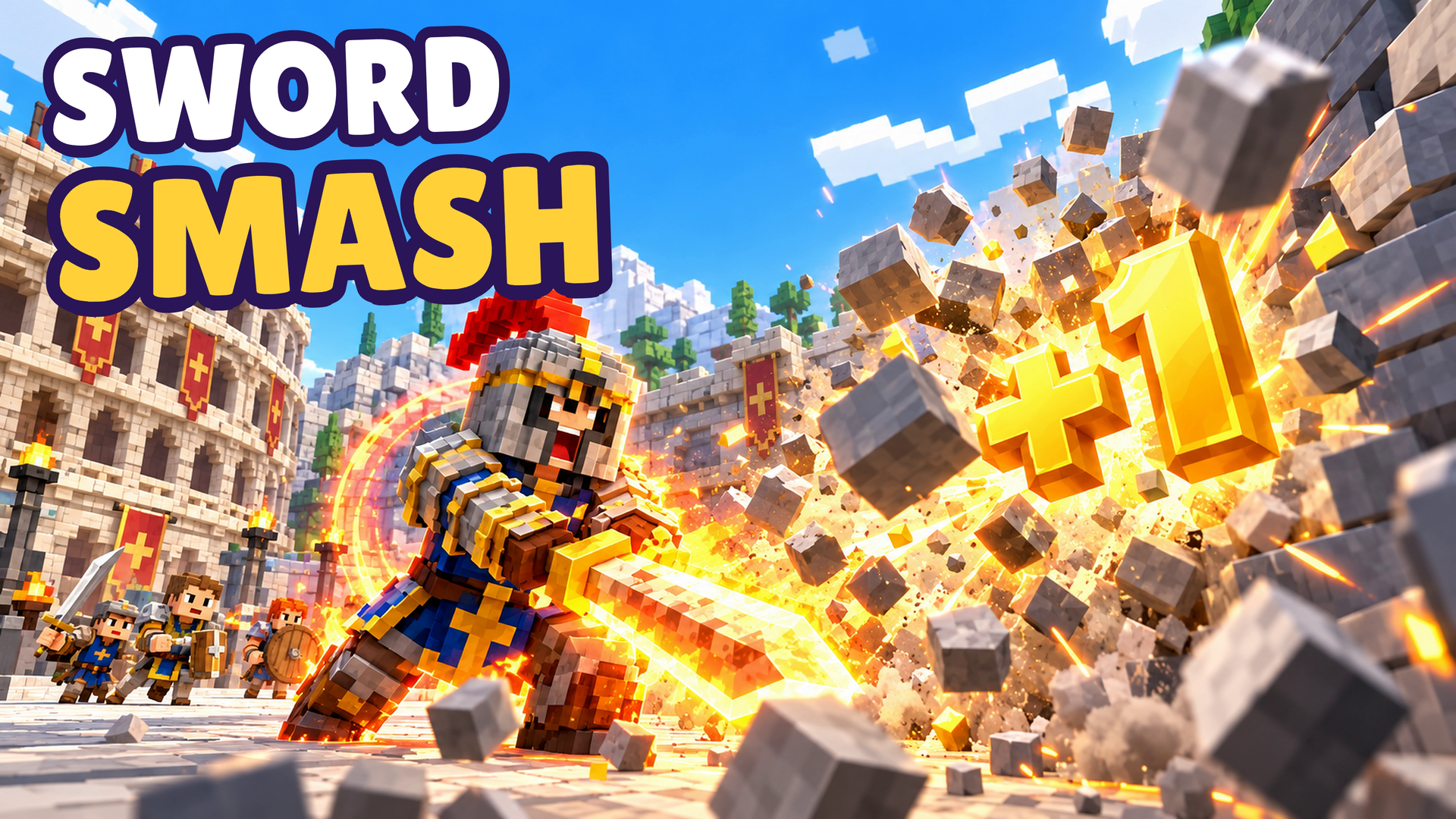
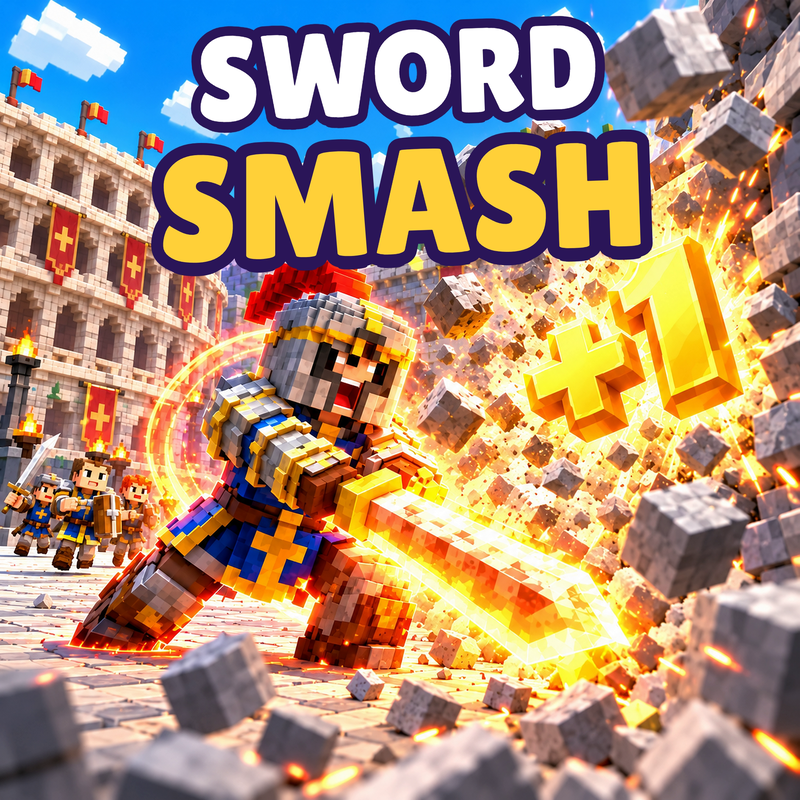
Sword Smash is a strength simulator in a busy online-style lobby. Hit training dummies to gain strength with every swing, then walk into the wall lane and smash wall after wall: the stronger you are, the faster they break and the more gold you get. Spend gold on better weapons, from a wooden sword to a katana and a giant claymore, and trophies on new armor tiers.
Use repeated interactions to make progress and review the available improvements. Check what an upgrade changes before spending resources on it. The provider describes a ranking or leaderboard feature. The listed controls include WASD input.
How to play Sword Smash
Controls and instructions
Computer: move with WASD, look with the mouse, hit with the left click (or press E next to a dummy or a wall to auto-hit), jump with SPACE. Keys 1 to 5 open the Armory, Wardrobe, Worlds, Rebirth and Arena; O opens options, TAB the leaderboard and G makes you dance. In the Arena, move the mouse to a side and click to slash there: short click for quick, hold for heavy, right click to block. Phone and tablet (landscape): move with the stick on the left, drag to look, and use the HIT, JUMP and USE buttons; the side buttons open each shop. In the Arena: left and right slash buttons, BLOCK and JUMP. Goal: gain strength, smash every wall, open the six worlds and win the Arena.
Getting started with Sword Smash
- Compare an upgrade’s cost with the benefit described in the game.
- Read what contributes to the ranking rather than assuming it is based on time.
- Check the action mappings as well as movement; extra actions may use different keys.
About this game
- Platform
- Web browser
- Supported devices
- Android, iOS, Desktop
- Screen orientation
- Landscape
- Languages
- American English, European Spanish
- Genres
- Action, Simulation, Multiplayer, Fighting, Clicker, First Person Shooter, Rpg
- In-game purchases
- None listed by the provider
- Provider
- Playgama
- Provider audience
- Male, Female
Game features and tags
- Mission
- Customization
- Medieval
- Arena
- Combat
- Sword
- 1 Player
- Vikings
- Incremental
- Dungeon
- Castle
- Medieval Io
- Action Rpg
- Fps Horror
- Samurai
Sword Smash images
Questions about Sword Smash
How do I start playing?
Choose Play now in the game window above to load Sword Smash through Playgama. Read the controls and instructions above before you start.
Which devices can I play on?
The provider lists support for Android, iOS, Desktop. Play in your web browser using the controls described above.
Which languages does the game support?
American English, European Spanish.
Does the game have in-game purchases?
The provider lists no in-game purchases for this game. Games may display advertisements.
Related game categories
Game facts and artwork supplied by Playgama. Descriptions adapted and getting-started guidance added by LookBear. Game content, ads and purchases are provided by Playgama and the game provider.