 Constructor Bricks
Miner Builder
Provided by Playgama
Miner Buildervia Playgama



 Last Play: Ragdoll Sandbox
 Cat Life Simulator: Devil Cat
 ASMR Girl: Livestream Mukbang
 Night Club Security
 Fishing: Catch the Secret Brainrot
 My Arcade Center
 Dead Land: Survival
 Hyper Cars Ramp Crash
 Online Car Destruction Simulator 3D
 Parking Master: Urban Challenges
 Fun Town Parking
 Agent Sniper City
 Fix The Hoof
 Car Sales Empire Simulator
 Kinder Garden
 Jewel Blocks
 Hotel Manager Simulator
 Sweet Supermarket Simulator
 TetraDice–Merge & Blast Blocks
 Skyblock 3D: Survival
 Bus Jam: Pick up them all!
 Space Rovers
 Mavy The Fish Mom
 Dice Puzzle
 Wood Color Block
 Tower Tap
 Tile Stack
 Craftsman Land
 A Block Too Many
 Tower Colour Crash
 Car Destruction King
 Car Smash Simulator: Crash & Tune
 God Of Entropy
 Cats Block Puzzle
 Fill The Lines
 We Are In A Simulation Simulator
 Millionaire Life
 DreamBlox
 Cube Drop Puzzle
 Stack Master
 Mars Colony
 Destructive Car Crash Simulator
 Playground Ragdoll Sandbox
 Car Wash DIY
 Block Puzzle King
 Ultimate Lawn Mowing Simulator: Mower Master
 Burger Restaurant Simulator 3D
 Pregnant Mother Simulator
 Animal Care Tycoon
 Gas Station - Stick Simulator
 Animal Evolution Simulator
 Deadly Catch!
 Zombie Check: Survival Shelter
 Gas Station Simulator
 Break a Lucky Block!
 Grow Slime
 Fun fishing
 2048 Merge Blocks
 I am Crazy Bird
 Island Expander
 Field Master
 Block Battle - Noob vs Pro
 Supermarket Manager
 Supermarket Empire
Play Miner Builder online
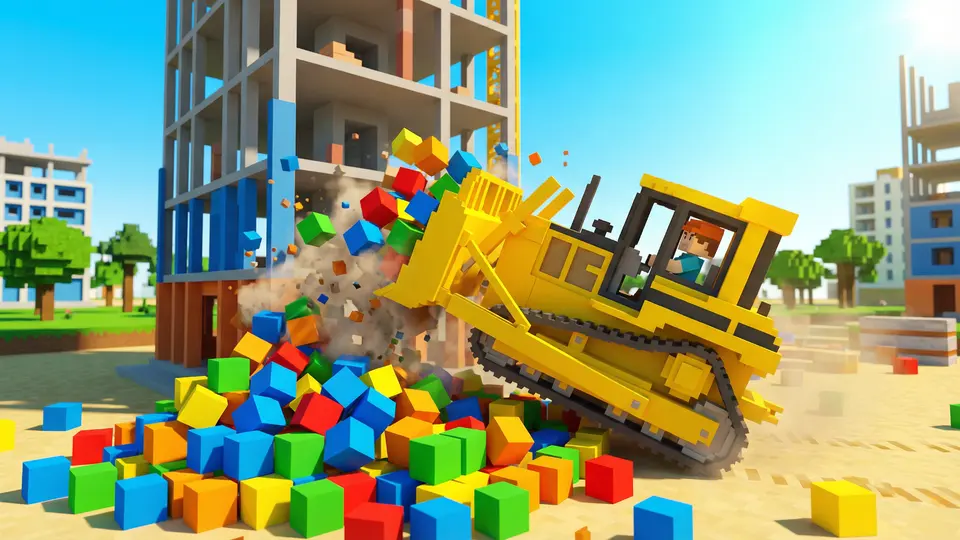
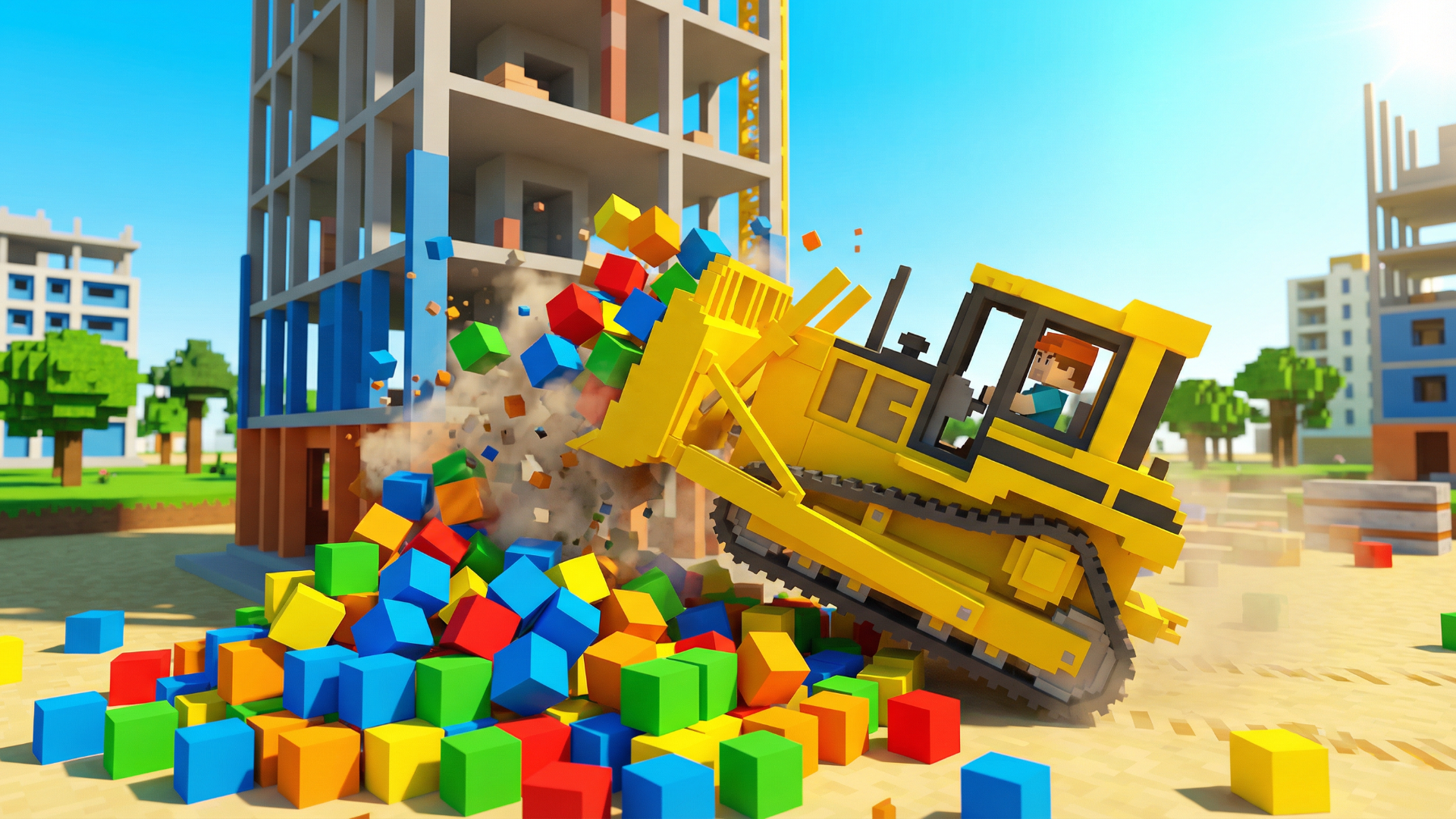
You'll become a skyscraper builder! Operate construction equipment and build the tallest skyscraper in the world.
Explore the activity being simulated and learn which parts you can control. Read the instructions to understand how each interaction affects your next step. Coins appear in the game’s progression or objectives. Upgrades are part of the progression described by the provider.
How to play Miner Builder
Controls and instructions
⁃ Move using the on-screen stick/WASD/Arrows;
To board a bulldozer, approach it. Wait for the gauge to fill;
To exit the bulldozer, press the button;
Board the bulldozer and collect cubes;
To board a crane, approach it. Wait for the gauge to fill;
To exit the crane, press the button;
Board the crane, build a house from cubes, and earn coins;
To upgrade construction equipment, go to the upgrade menu and press the button;
Upgrade your character and unlock new types of cubes;
To unlock a new conveyor belt, accumulate coins and purchase a conveyor belt;
To hire assistants, accumulate coins and purchase an assistant.
Getting started with Miner Builder
- Try the main interaction first, then review the options it opens.
- Check what the game lets you do with coins before spending them.
- Compare the upgrade description with your next objective before choosing it.
About this game
- Platform
- Web browser
- Supported devices
- Android, iOS, Desktop
- Screen orientation
- Portrait
- Languages
- American English, Russian (Russia), Turkish (Türkiye)
- Genres
- Simulation, Construction, Blocks
- In-game purchases
- Available
- Provider
- Playgama
- Provider audience
- Male, Female
Game features and tags
- Building
- Stacking
Miner Builder images
Questions about Miner Builder
How do I start playing?
Choose Play now in the game window above to load Miner Builder through Playgama. Read the controls and instructions above before you start.
Which devices can I play on?
The provider lists support for Android, iOS, Desktop. Play in your web browser using the controls described above.
Which languages does the game support?
American English, Russian (Russia), Turkish (Türkiye).
Does the game have in-game purchases?
The provider lists optional in-game purchases. Any available purchases are handled inside the game. Games may display advertisements.
Related game categories
Game facts and artwork supplied by Playgama. Descriptions adapted and getting-started guidance added by LookBear. Game content, ads and purchases are provided by Playgama and the game provider.