 Busy Bites Tycoon
Pizza Delivery: Drive and Deliver Hot
Provided by Playgama
Pizza Delivery: Drive and Deliver Hotvia Playgama




 Gas Station 24: Simulator
 TRAFFIC Rush Online
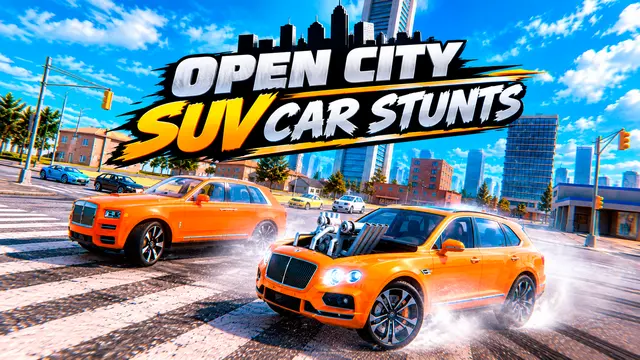 Open City SUV Car Stunts
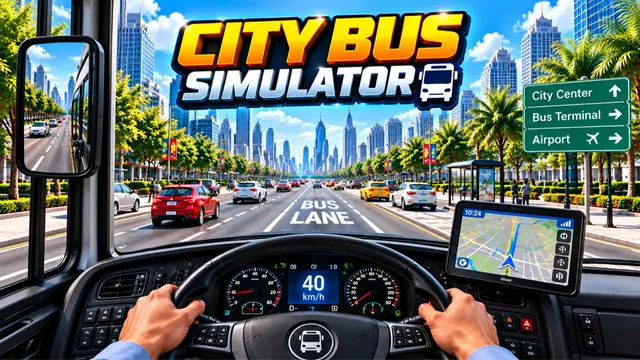 City Bus Simulator Driving Games
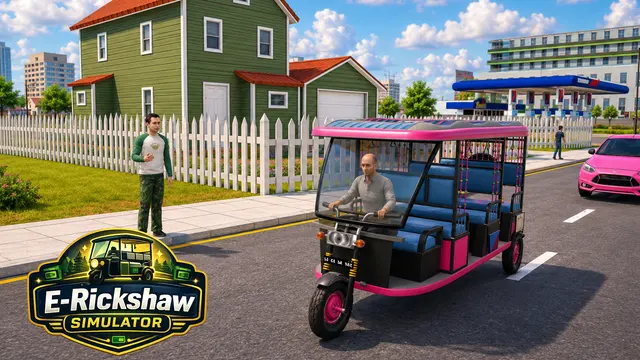 E-Rickshaw Simulator
 My Gym Manager: Idle Tycoon
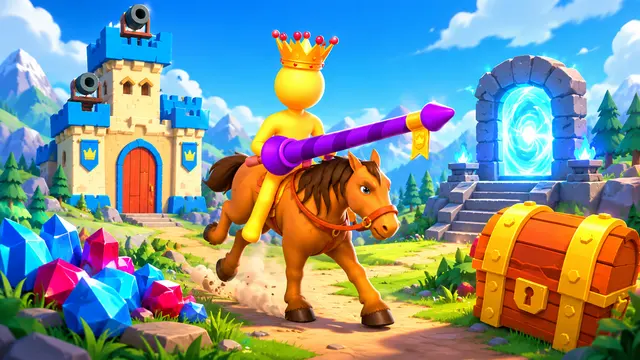 My Little Kingdom
 Rich Mom Family Simulator Luxury Life
 Clean The Garden
 Glossy Garage - Car ASMR
 Police Mom Simulator
 Rocket Rush
 Car Wash Idle
 Relic Rush 3D
 Find the Needle
 FAKE HUNTER
 Wooden Vest
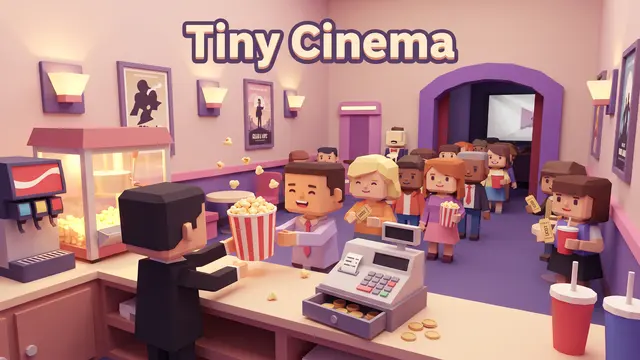 Tiny Cinema
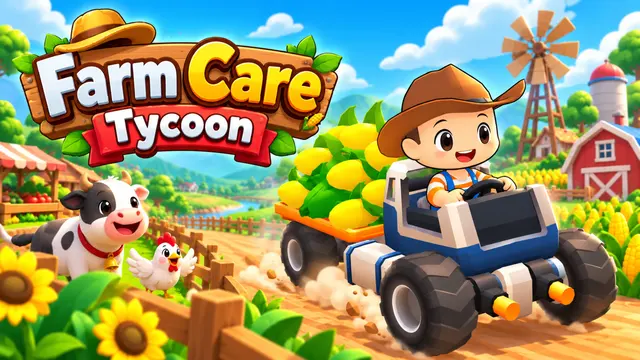 Farm Care Tycoon
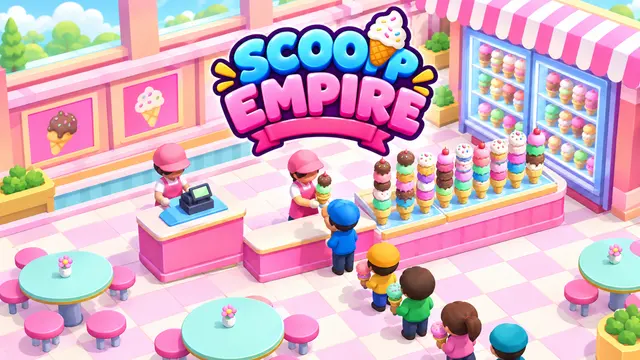 Scoop Empire
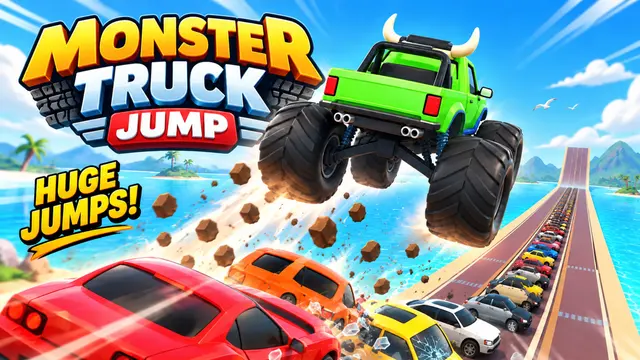 Monster Truck Jump
 Leaf Blower: Autumn Yard
 Army Base
 Washing Toilets
 Witch's Shop: Potion Brewing
 Sunny Bay Heroes
 Blue Tractor
 Hex Hamlet
 Bank Tycoon Simulator Money Empire
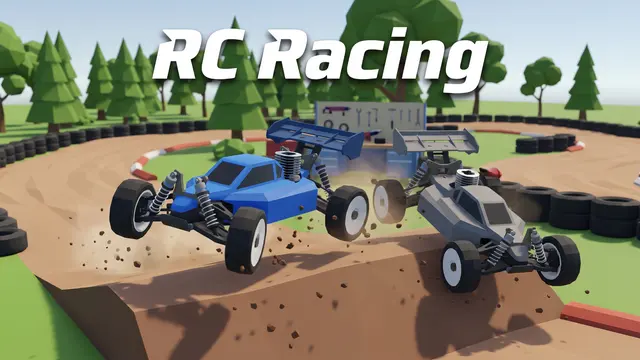 RC Racing
 Capy Market
 Reaper’s Graveyard Shift
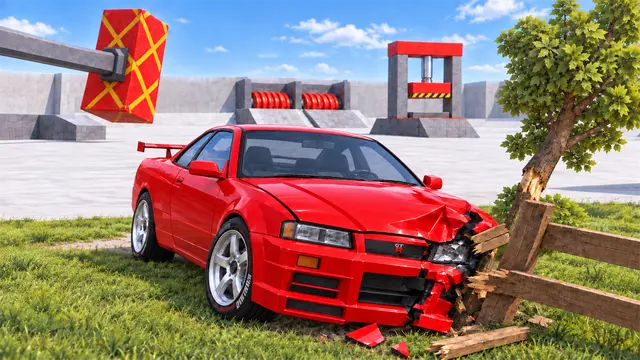 Realistic Car Destruction Sandbox
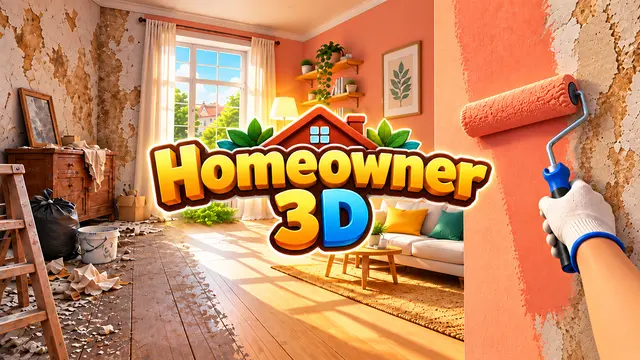 Homeowner 3D
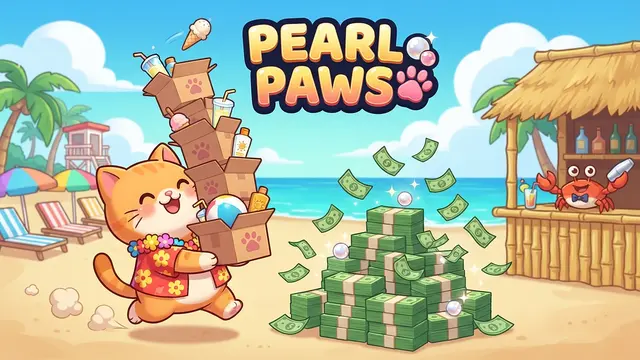 Pearl Paws
 Peel the Potato
 Grow the Baby
 Monster Card Shop
 Park Tycoon
 French Fries Tycoon: Farm to Fryer
 Pet Riders
 Farm Around
 Snack Stack
 Chicken Farm 3D
 Haystack Works
 The Ink Shop - Tattoo Art ASMR
 Harvest Rush
 Farm mart
 Cat on a Vacuum: Home Cleaning Simulator
 Single Dad Simulator Family Life
 Nest Heist
 Master Car Destruction
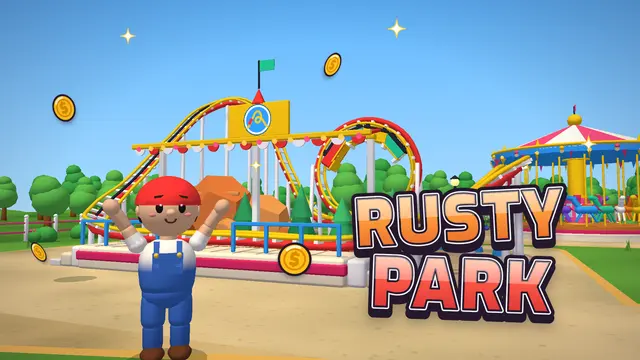 Rusty Park
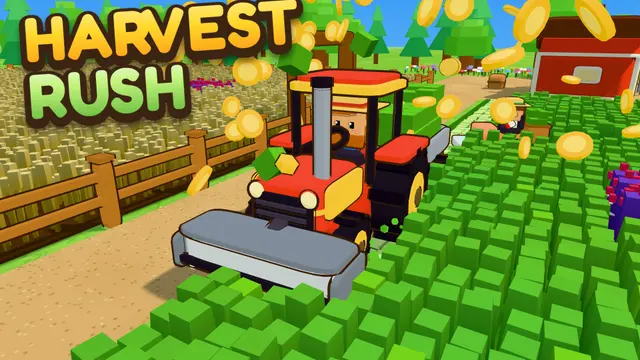 Harvest Rush: Tractor Farm
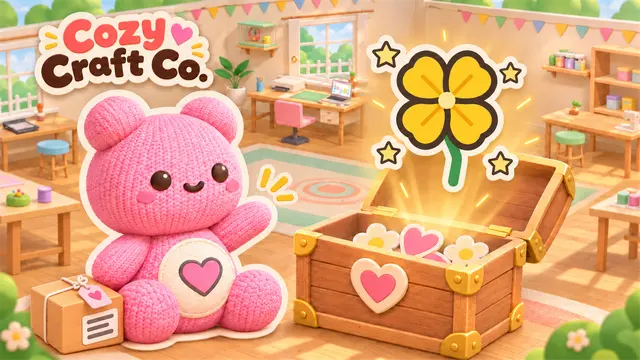 Cozy Craft Co.
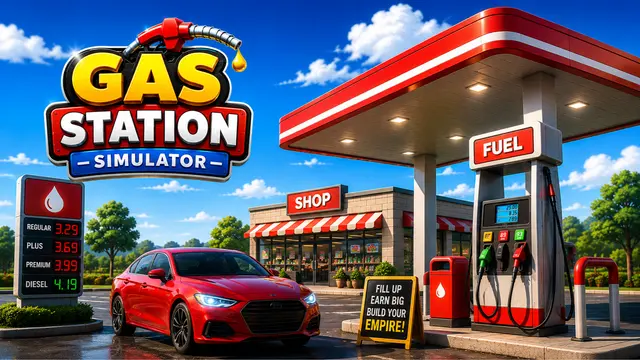 City Gas Station Simulator
 Happy Supermarket 3D Simulator
 Vet Tycoon: Pet Hospital
 Lumberjack Simulator
 Real Survival: Not Fake
 Fish Eggs for Animals
 Build a Winter Resort
 City Rush 2000
 Obby Steal a Car
Play Pizza Delivery: Drive and Deliver Hot online
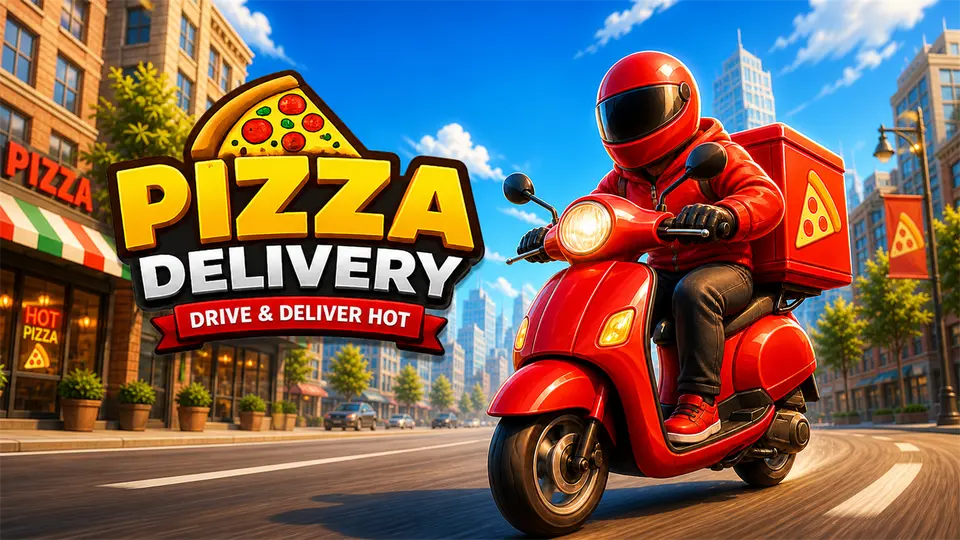
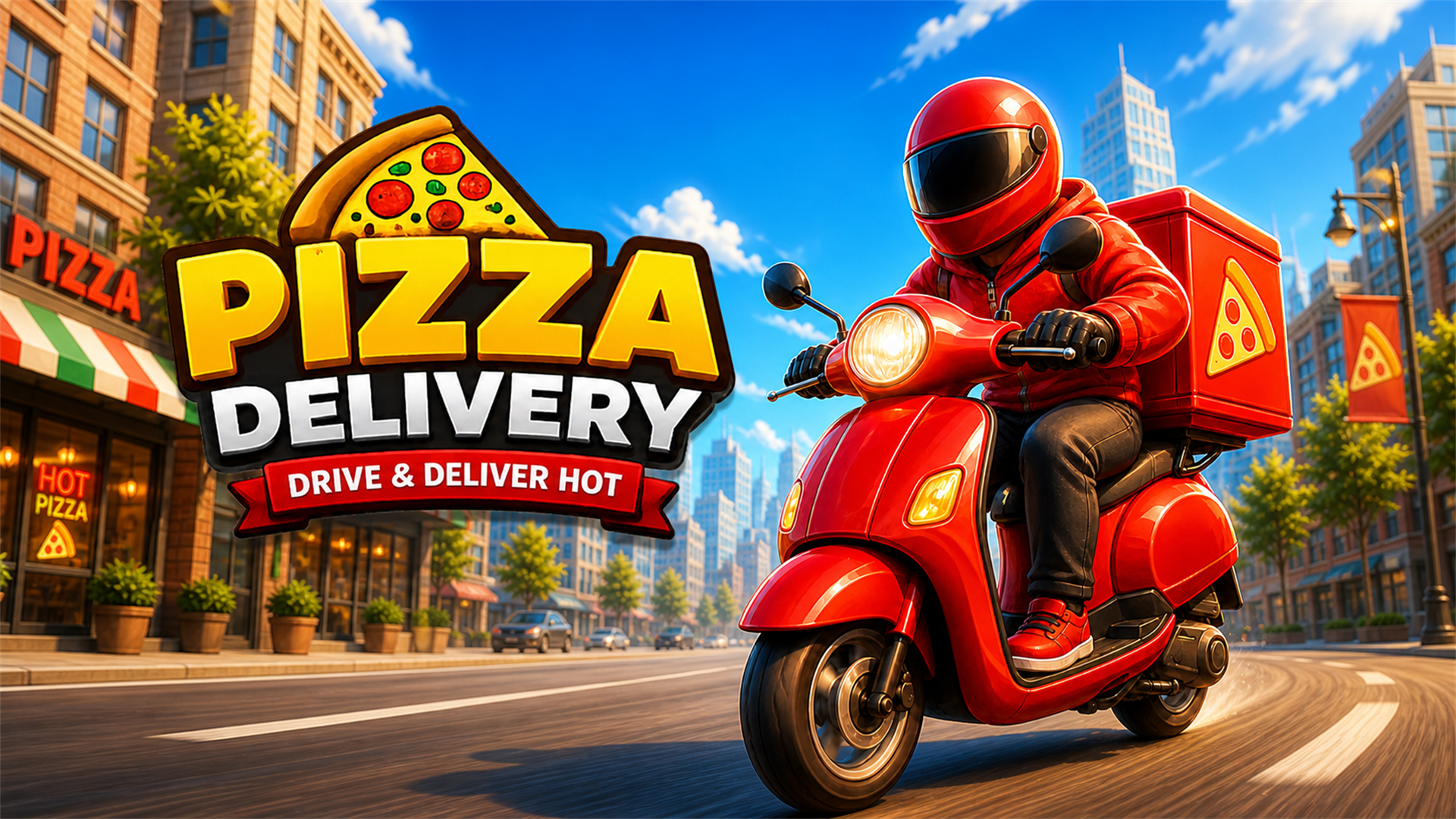
Become a city delivery rider and complete pickup and drop-off missions on your scooter. Navigate busy streets, manage fuel and time, earn coins, unlock and upgrade scooters, and build your career as the city’s fastest delivery driver. Every mission combines open-world exploration, vehicle simulation, and rewarding progression.
Get familiar with the vehicle and the route ahead. Read the movement controls and the game’s objective before setting off. Coins appear in the game’s progression or objectives. Upgrades are part of the progression described by the provider.
How to play Pizza Delivery: Drive and Deliver Hot
Controls and instructions
Accept a delivery mission from your phone, travel to the pickup point, collect the package, and place it in the scooter’s storage box. Follow the route to the destination, remove the package from storage, and deliver it to the customer before time runs out. Complete deliveries quickly to earn more coins, unlock scooters, and purchase upgrades.
Desktop controls: Use W to accelerate or move forward, S to reverse, A/D to steer or move left and right, Space to brake, and the mouse to control the camera and select interaction buttons. Use the on-screen buttons to enter or exit the scooter, interact with packages, open storage, and select missions.
Mobile controls: Use the on-screen movement, steering, brake, interaction, phone, and scooter buttons.
Getting started with Pizza Delivery: Drive and Deliver Hot
- Check whether steering, acceleration and braking use separate controls.
- Check what the game lets you do with coins before spending them.
- Compare the upgrade description with your next objective before choosing it.
About this game
- Platform
- Web browser
- Supported devices
- Android, Desktop
- Screen orientation
- Landscape
- Languages
- American English
- Genres
- Simulation, 3d, Pizza, Management, Driving
- In-game purchases
- Available
- Provider
- Playgama
- Provider audience
- Male, Female
Game features and tags
- Casual
- Delivery
- Vehicles
- Webgl
- Traffic
- Open World
Pizza Delivery: Drive and Deliver Hot images
Questions about Pizza Delivery: Drive and Deliver Hot
How do I start playing?
Choose Play now in the game window above to load Pizza Delivery: Drive and Deliver Hot through Playgama. Read the controls and instructions above before you start.
Which devices can I play on?
The provider lists support for Android, Desktop. Play in your web browser using the controls described above.
Which languages does the game support?
American English.
Does the game have in-game purchases?
The provider lists optional in-game purchases. Any available purchases are handled inside the game. Games may display advertisements.
Related game categories
Game facts and artwork supplied by Playgama. Descriptions adapted and getting-started guidance added by LookBear. Game content, ads and purchases are provided by Playgama and the game provider.