 Cuddle Crane

Blue Tractor
Provided by Playgama

Blue Tractorvia Playgama


 City Bus Simulator Driving Games
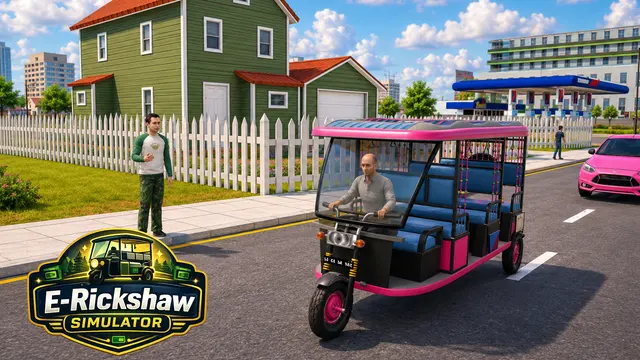 E-Rickshaw Simulator
 Clean The Garden
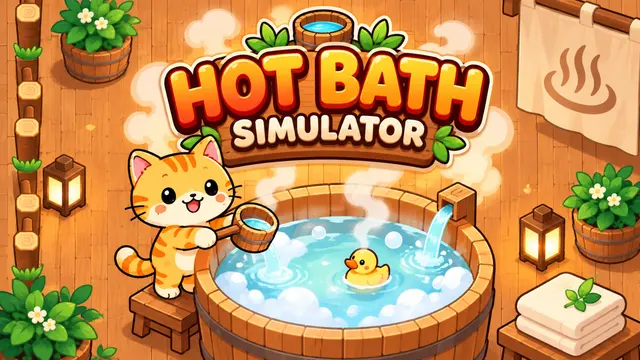 Hotbath Simulator
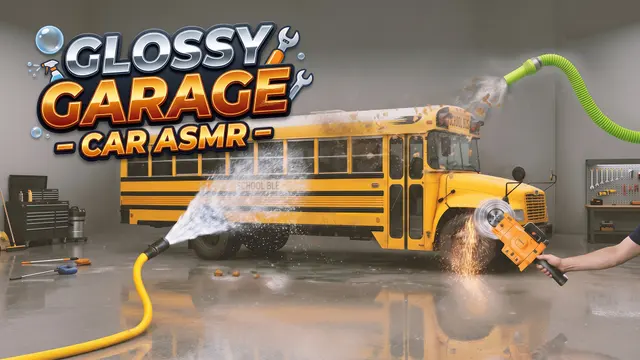 Glossy Garage - Car ASMR
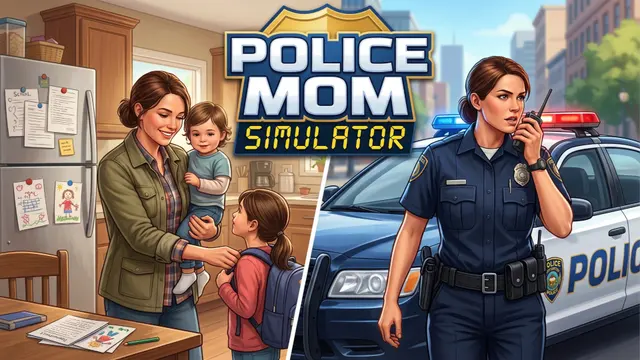 Police Mom Simulator
 Rocket Rush
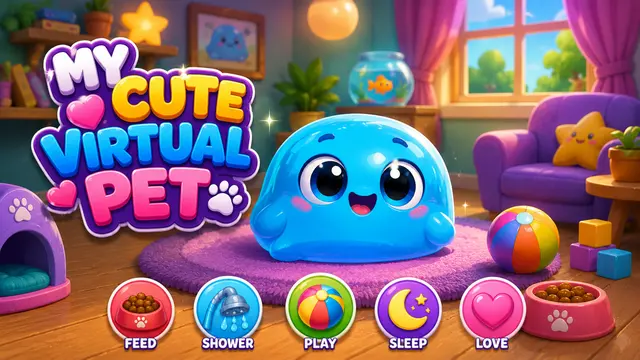 My Cute Virtual Pet
 Relic Rush 3D
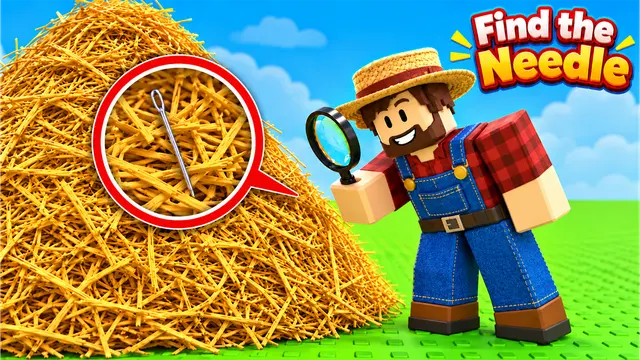 Find the Needle
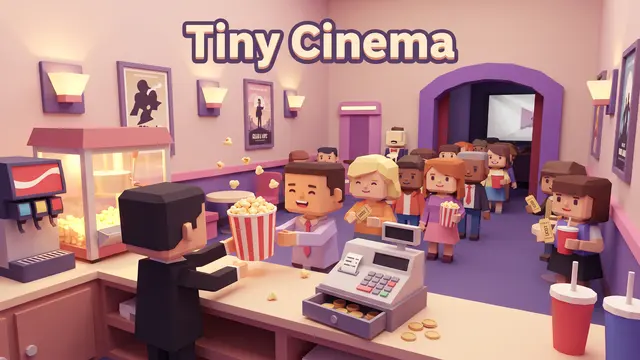 Tiny Cinema
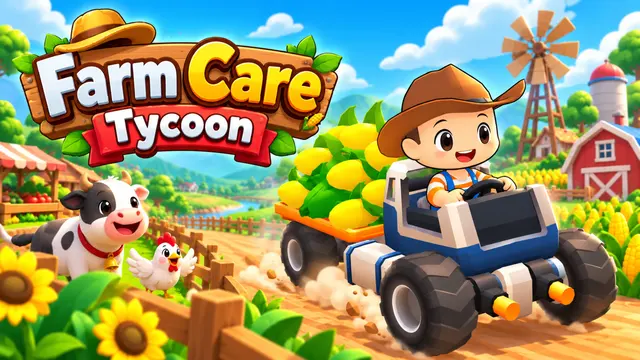 Farm Care Tycoon
 Pocket Mart
 Monster Truck Jump
 Leaf Blower: Autumn Yard
 Wash Master
 Witch's Shop: Potion Brewing
 Hot Diggity Dogs
 Sunny Bay Heroes
 Hex Hamlet
 Leftover Screw: Furniture
 Pizza Delivery: Drive and Deliver Hot
 RC Racing
 Capy Market
 Reaper’s Graveyard Shift
 Realistic Car Destruction Sandbox
 Pearl Paws
 Baolings: Mystery Dumpling Unbox
 Grow the Baby
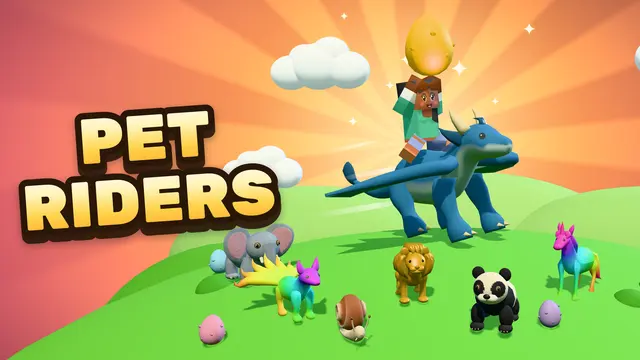 Pet Riders
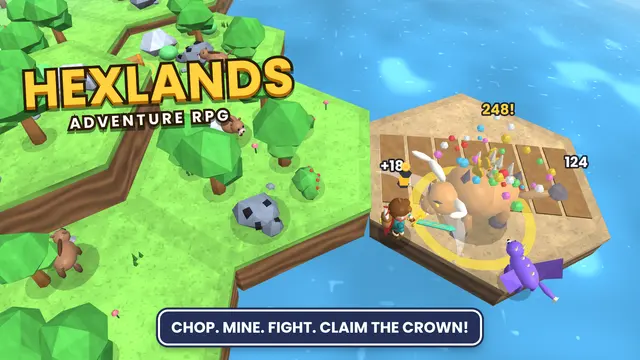 Hexlands
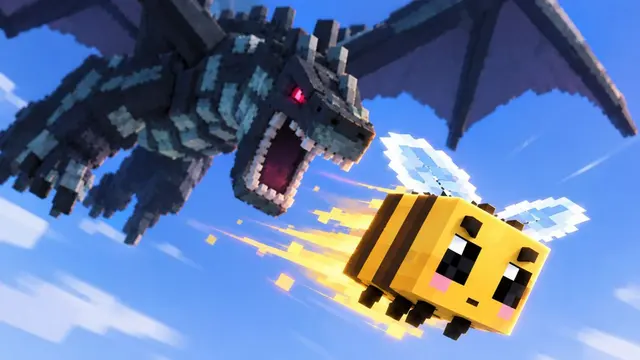 Bee Simulator: Mine
 Cat on a Vacuum: Home Cleaning Simulator
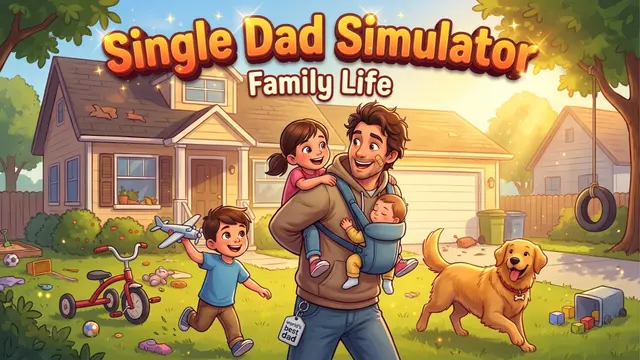 Single Dad Simulator Family Life
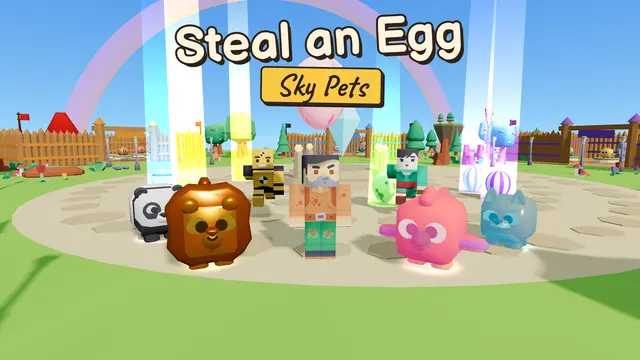 Steal an Egg: Sky Pets
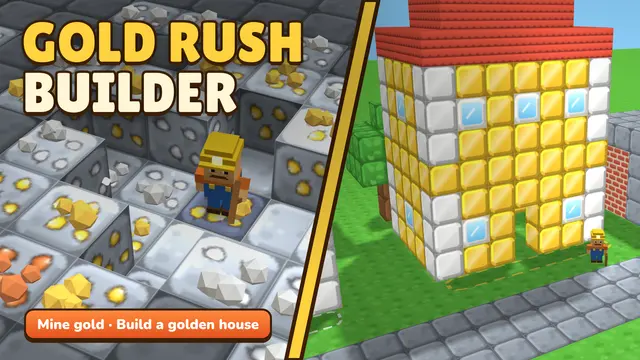 Gold Rush Builder
 Nest Heist
 Master Car Destruction
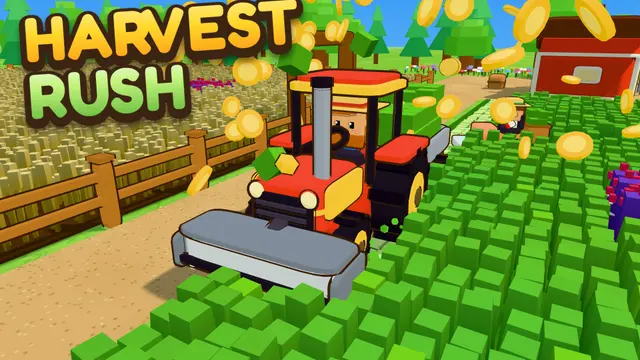 Harvest Rush: Tractor Farm
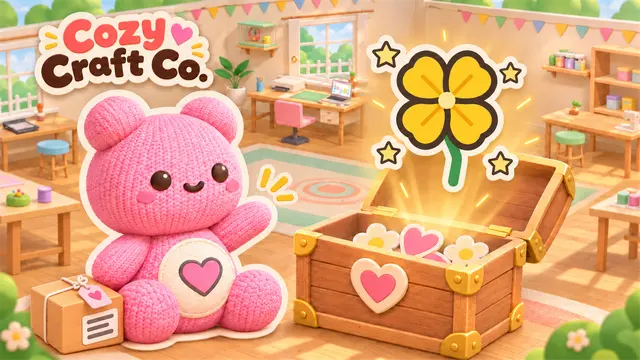 Cozy Craft Co.
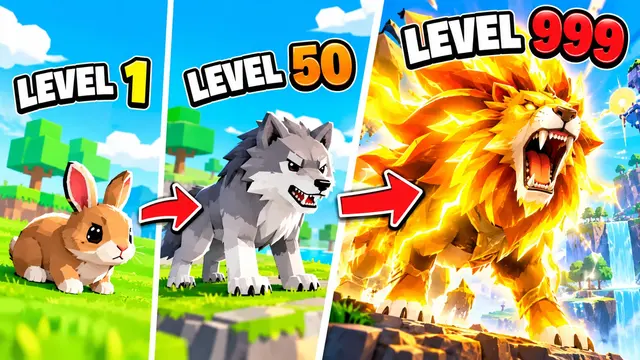 Evolution Simulator
 Vet Tycoon: Pet Hospital
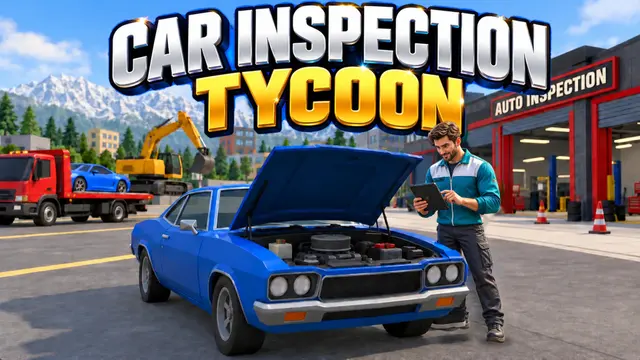 Car Inspection Tycoon
 OBBY: Throw Food for Pets!
 Fridge: Perfect Sorting
 City Rush 2000
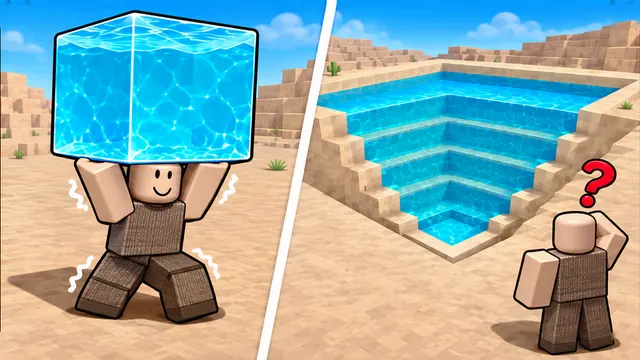 Fill and Swim
 Obby Steal a Car
 Sunny Island: Farm
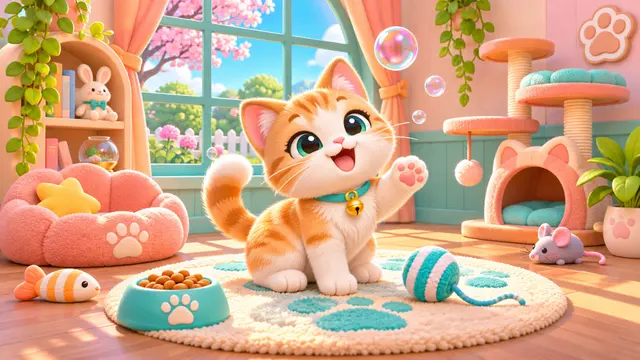 Virtual Pet
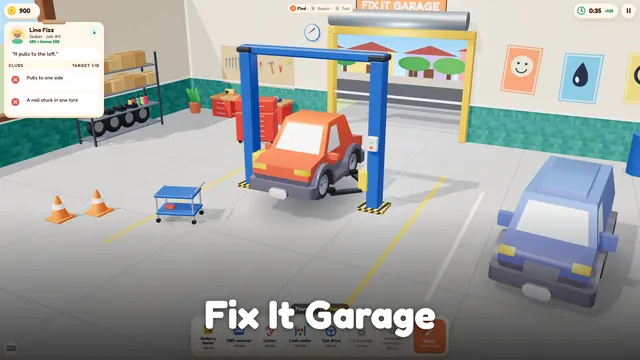 Fix It Garage
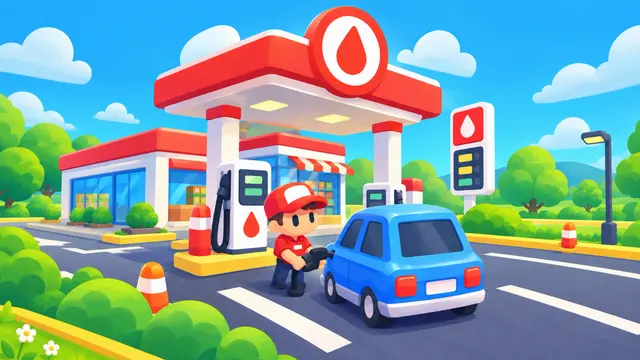 Pump It Up
 Hair Salon Master
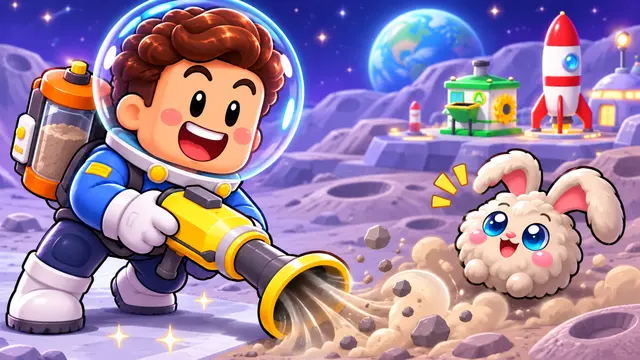 Clean the Moon
 My Little Hospital
 Pixel Farm
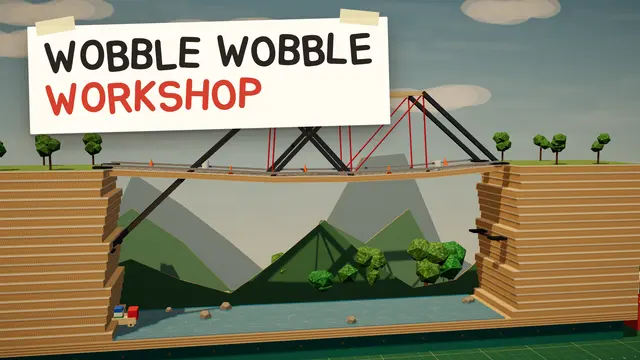 Wobble Wobble Workshop
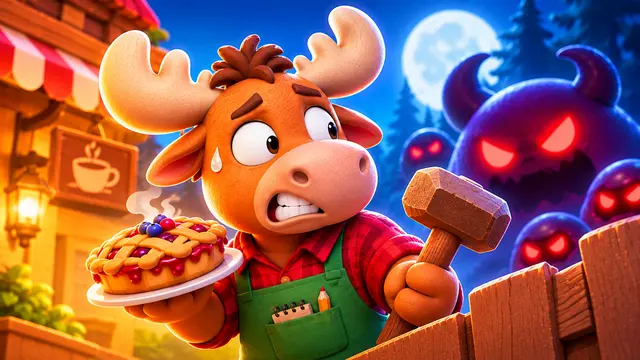 Moose Cafe
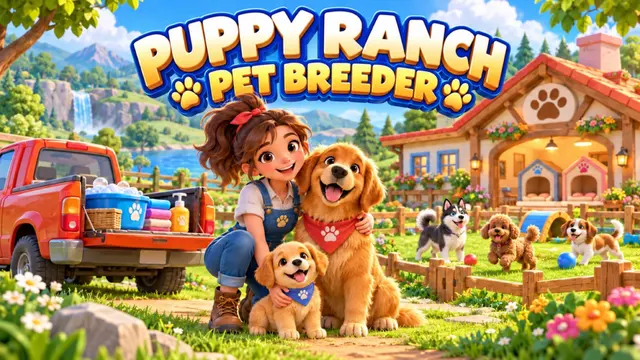 Puppy Ranch: Pet Breeder
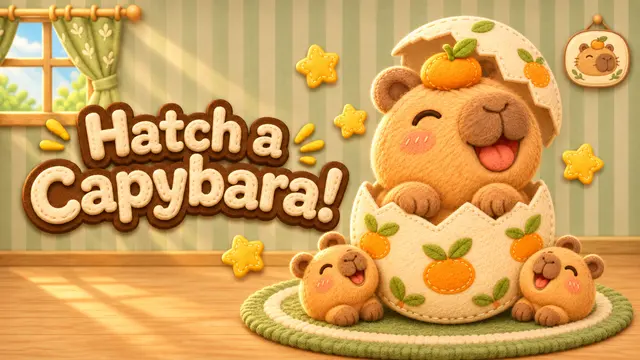 Hatch a Capybara!
 Matchbox Girl
 Sunny Bay RP
 Cosmic Cleaners
 Charm Studio: Jewelry Design DIY
Play Blue Tractor online
A cheerful 3D driving adventure for kids. Hop into the blue tractor, explore a big sunny countryside and help the villagers: bring cheese to chef Peppino, deliver hay, eggs and parcels, collect lost animals and find hidden treasures. Earn coins for every job and spend them in the garage on a faster engine, a bigger fuel tank, mud tyres, paint and fun cosmetics.
Get familiar with the vehicle and the route ahead. Read the movement controls and the game’s objective before setting off. Character tasks or quests provide goals to work toward as you explore. Searching for hidden objects or characters is one of the activities described.
How to play Blue Tractor
Controls and instructions
Goal: follow the arrow to each character, complete their delivery and collect-quests, and earn coins to upgrade your tractor.
Desktop: W/A/S/D or arrow keys — drive and steer; Space — brake. Pause button in the corner.
Mobile: drag the on-screen joystick to drive and steer.
Tips: keep an eye on the fuel bar — buy fuel in the shop (if the tank runs empty, the farmers refill it for you after a short stop). Repair broken wheels in the shop, or wait and the farm mechanic will fix them. Avoid deep water. The pause menu shows your longest ride and longest time on the farm — try to beat the leaderboard!
Getting started with Blue Tractor
- Check whether steering, acceleration and braking use separate controls.
- Check the current task before deciding where to go next.
- Look over the visible area before moving on to a new one.
About this game
- Platform
- Web browser
- Supported devices
- Android, iOS, Desktop
- Screen orientation
- Landscape and Portrait
- Languages
- American English, Arabic (Egypt), Azerbaijani (Azerbaijan), German (Germany), European Spanish, Hindi (India), Kazakh (Kazakhstan), Russian (Russia), Turkish (Türkiye), Ukrainian (Ukraine)
- Genres
- Simulation, Kids, 3d, Tractor, Cozy, Driving
- In-game purchases
- Available
- Provider
- Playgama
- Provider audience
- Male, Female
Game features and tags
- Customization
- Casual
- Relaxing
- Delivery
- Vehicles
- Cute
- Collecting
- Children
- Open World
- Car For Kids
Blue Tractor images


Questions about Blue Tractor
How do I start playing?
Choose Play now in the game window above to load Blue Tractor through Playgama. Read the controls and instructions above before you start.
Which devices can I play on?
The provider lists support for Android, iOS, Desktop. Play in your web browser using the controls described above.
Which languages does the game support?
American English, Arabic (Egypt), Azerbaijani (Azerbaijan), German (Germany), European Spanish, Hindi (India), Kazakh (Kazakhstan), Russian (Russia), Turkish (Türkiye), Ukrainian (Ukraine).
Does the game have in-game purchases?
The provider lists optional in-game purchases. Any available purchases are handled inside the game. Games may display advertisements.
Related game categories
Game facts and artwork supplied by Playgama. Descriptions adapted and getting-started guidance added by LookBear. Game content, ads and purchases are provided by Playgama and the game provider.