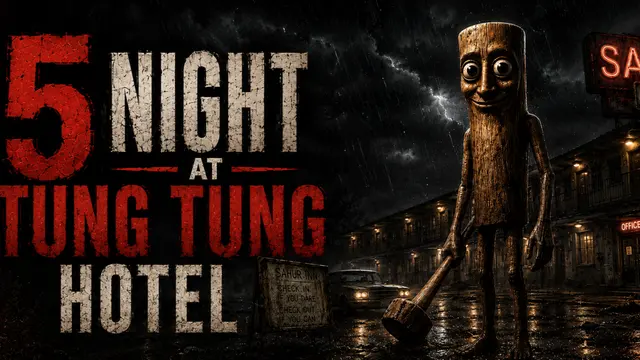
 5 Nights at Tung Tung Hotel - Horror 3D
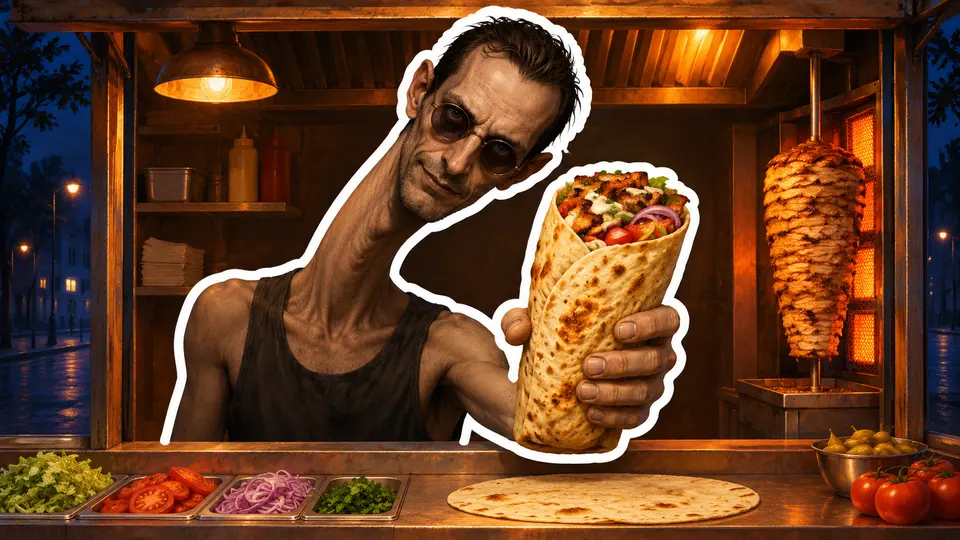
Scary Shawarma Kiosk: The Anomaly
Provided by Playgama
Scary Shawarma Kiosk: The Anomalyvia Playgama




 Idle Vlogger Simulator
 Idle Supermarket Tycoon
 Airport Controller
 Idle Crafting Empire Tycoon
 Creepy playtime
 Same Room Same Day
 Idle Cinema Tycoon
 Patagonians
 Farm Business Saga
 Locked in Grandma’s Basement 2: Revenge - Horror Escape
 Pulse Of Fear
 Millionaire Factory
 Find Visitors - 99 Nights
 Idle Cookie Tycoon
 Groomy Island
 LAST NIGHT!
 Five Nights at Christmas
 Cat and Granny
 My Phone Store
 Capi bar
 My Bakery
 Idle Zoo Tycoon
 SCP-173: Foundation Escape
 Car Dealership
 Escape from the Portal
 Cooking Shawarma Idle Game
 Dream Supermarket: 3D Shop
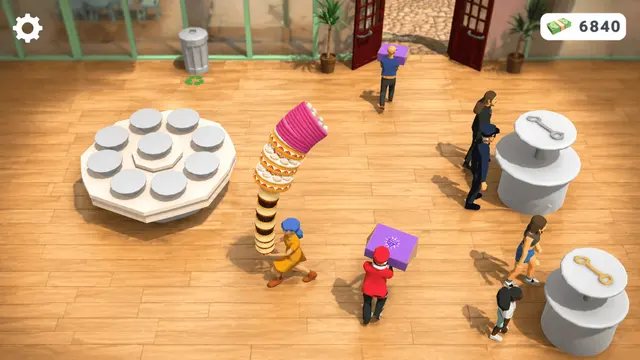 My SweetStreet Shop
 Trash Baron
 ObbyTycoon: Money Tycoon
 Shop Cashier Simulator 3D
 Unfamiliar Object
 Garage Boss
 JUICE TYCOON
 My resale. Cases and sales
 The Hustler
 Agrarian Magnate
 Animal Hospital
 Idle Chicken Farm
 Mine Blogger Simulator 3D
 Chop Up!
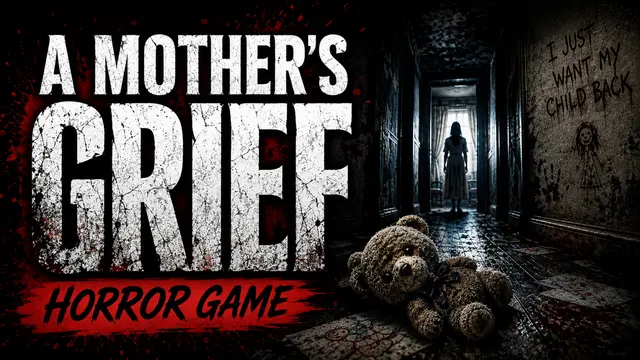 A Mother's Grief
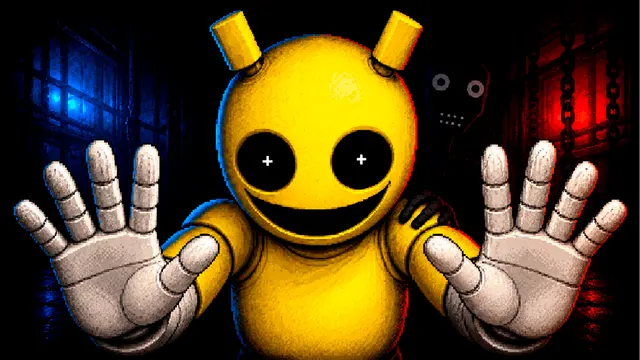 The Secret of the Toy Factory
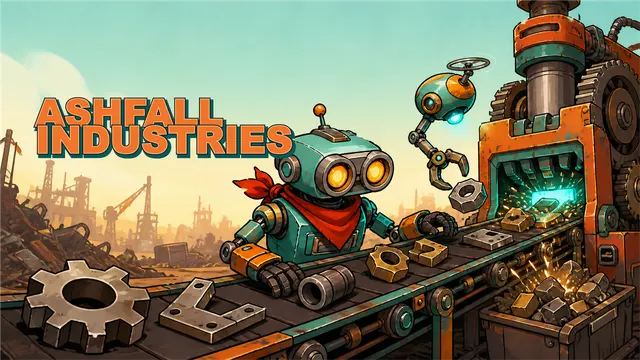 Ashfall Industries
 Baker City: Family Bakery
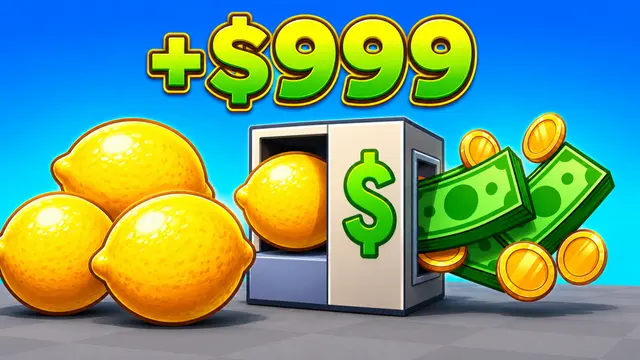 Sell Lemons Idle
 Gas Station 24: Simulator
 Capitalist Hunter
 Wild Manager
 My Gym Manager: Idle Tycoon
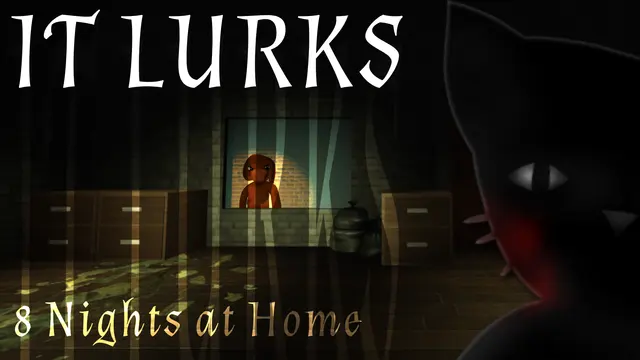 IT LURKS
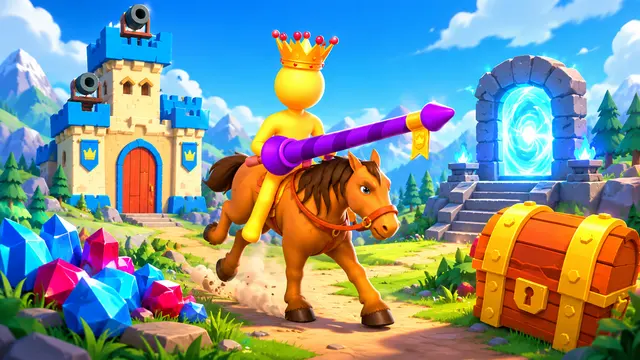 My Little Kingdom
 Rich Mom Family Simulator Luxury Life
 Clean The Garden
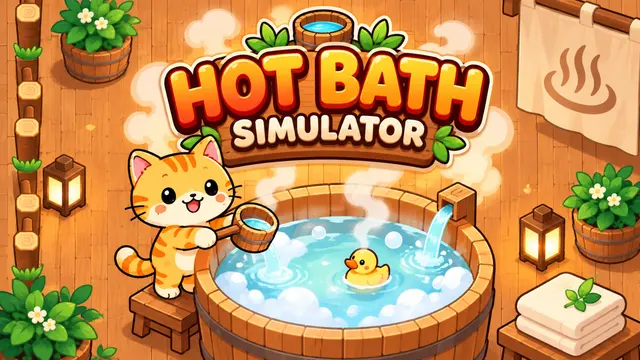 Hotbath Simulator
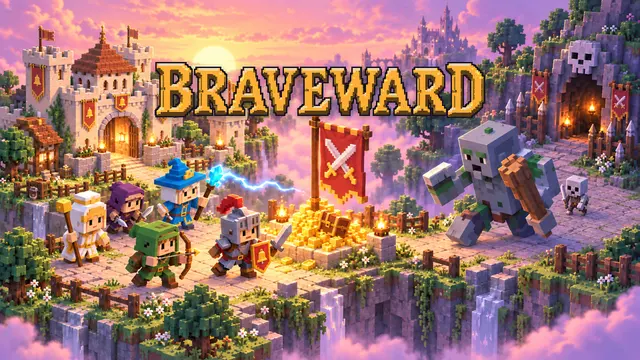 Braveward
 Glossy Garage - Car ASMR
 Mowmentum
 Wildkin Isles
 Backrooms: Exit Protocol 0
 Open to Offers!
 Busy Bites Tycoon
 Car Wash Idle
 Restore Lab
Play Scary Shawarma Kiosk: The Anomaly online
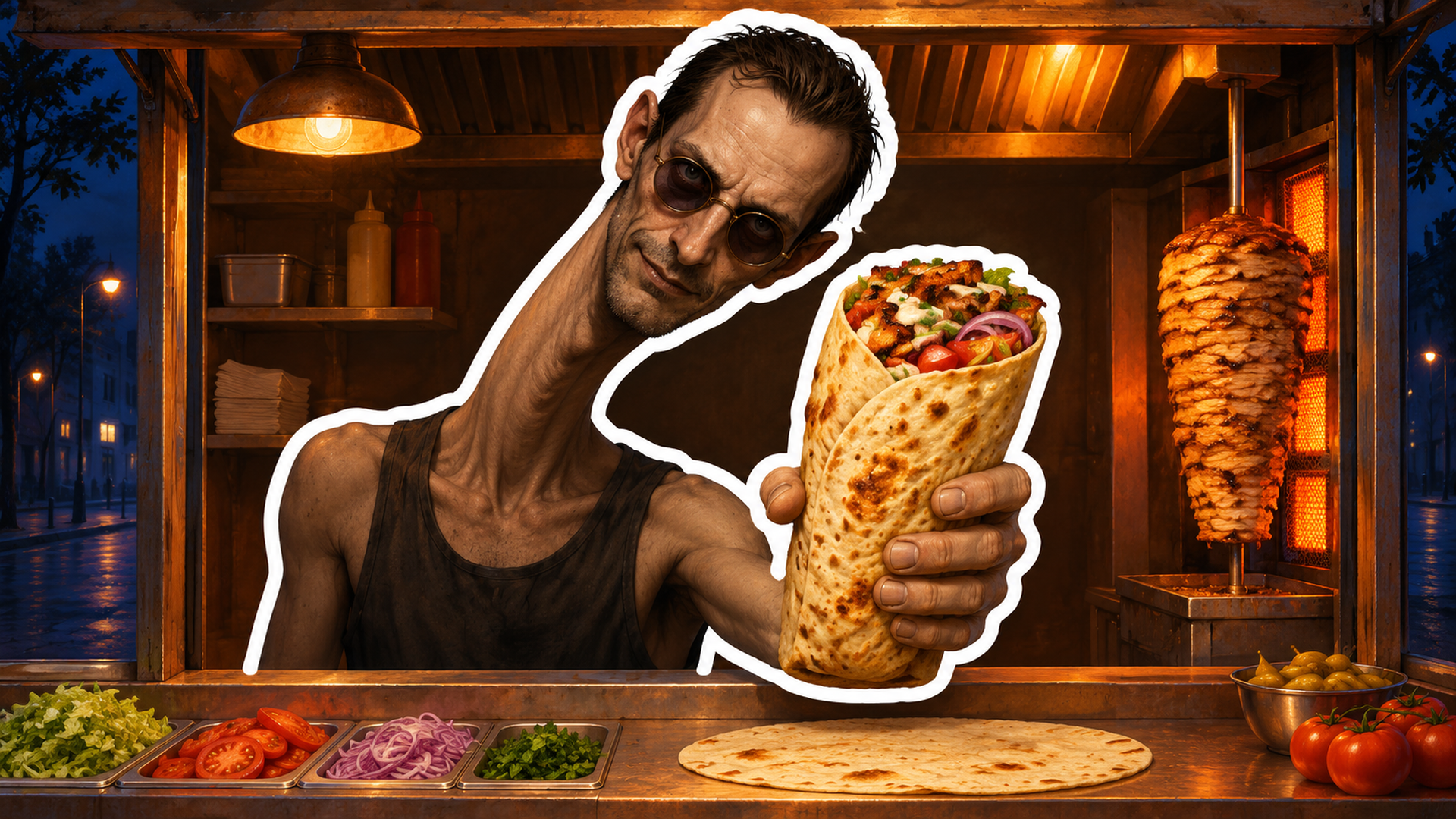
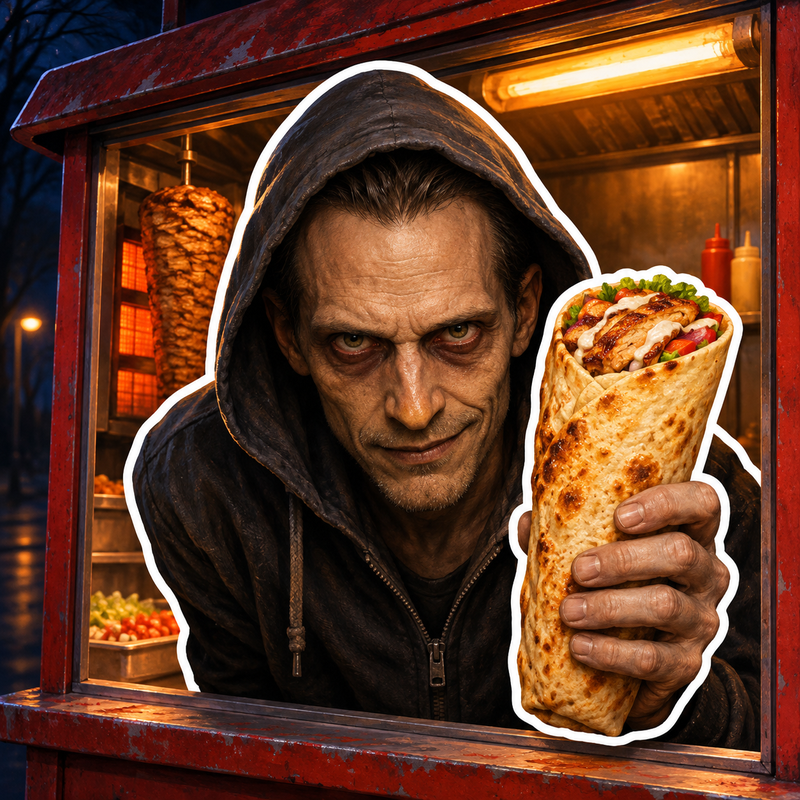
A first-person horror night shift in a roadside shawarma kiosk. Take orders, roll shawarma, pour drinks and keep the kitchen clean, but study every customer at the window first: some of them only pretend to be human. Each shift brings new company rules, and every mistake brings the Overseer one step closer to climbing out of the floor.
Make decisions about the resources and activities under your control. The instructions explain how purchases, tasks and improvements fit together. The instructions describe joystick input. The listed controls include WASD input.
How to play Scary Shawarma Kiosk: The Anomaly
Controls and instructions
Goal: survive each night shift, serve real customers and refuse the anomalies. Read the shift rules (Tab), look closely at the customer, then serve or refuse. Mistakes add penalties; too many and the Overseer comes for you. Desktop: WASD to move, mouse to look, E to interact, Q archive, R establishments, T daily rewards, Tab rules, P pause. Mobile: left joystick to move, swipe to look, on-screen buttons to act.
Getting started with Scary Shawarma Kiosk: The Anomaly
- Find the current goal and resource requirements before making a purchase.
- Start with a short joystick movement to judge how the character responds.
- Check the action mappings as well as movement; extra actions may use different keys.
About this game
- Platform
- Web browser
- Supported devices
- Android, iOS, Desktop
- Screen orientation
- Landscape
- Languages
- American English, Russian (Russia)
- Genres
- Simulation, Horror, Management, Scary
- In-game purchases
- Available
- Provider
- Playgama
- Provider audience
- Male, Female
Game features and tags
- Mystery
- Decision
- Webgl
- Time Management
- Challenge
- 1 Player
- Survival Horror
- Single Player Horror
- 3d Horror
Scary Shawarma Kiosk: The Anomaly images
Questions about Scary Shawarma Kiosk: The Anomaly
How do I start playing?
Choose Play now in the game window above to load Scary Shawarma Kiosk: The Anomaly through Playgama. Read the controls and instructions above before you start.
Which devices can I play on?
The provider lists support for Android, iOS, Desktop. Play in your web browser using the controls described above.
Which languages does the game support?
American English, Russian (Russia).
Does the game have in-game purchases?
The provider lists optional in-game purchases. Any available purchases are handled inside the game. Games may display advertisements.
Related game categories
Game facts and artwork supplied by Playgama. Descriptions adapted and getting-started guidance added by LookBear. Game content, ads and purchases are provided by Playgama and the game provider.