 Stickman Punishment 2
Snowed In
Provided by Playgama

Snowed Invia Playgama






 Zombie Derby 2
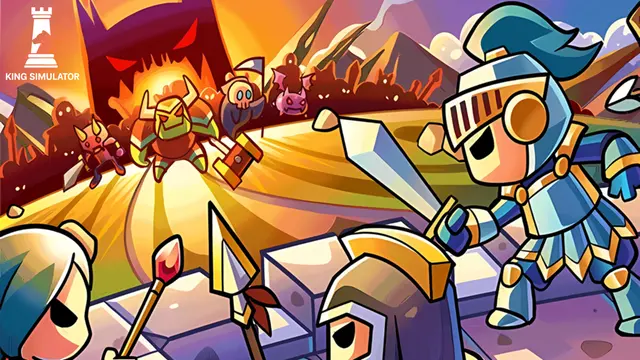 King Simulator
 MR RACER Stunt Mania
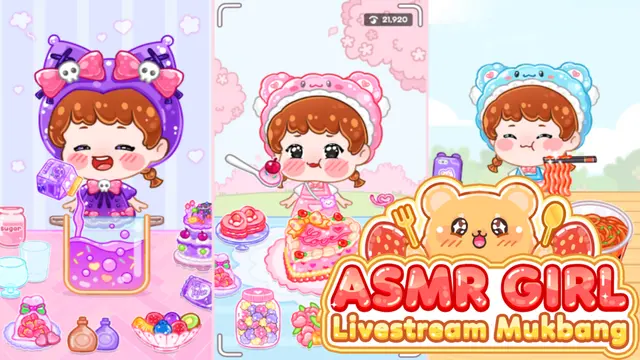 ASMR Girl: Livestream Mukbang
 Fishing: Catch the Secret Brainrot
 My Arcade Center
 Agent Sniper City
 Climb Up!
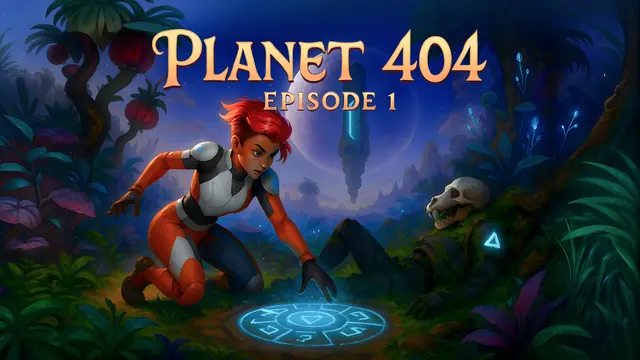 Planet 404. Episode 1
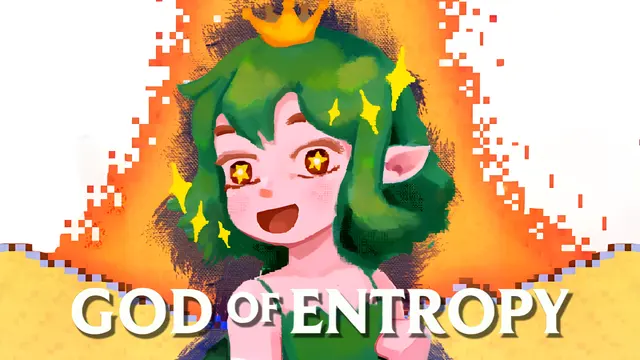 God Of Entropy
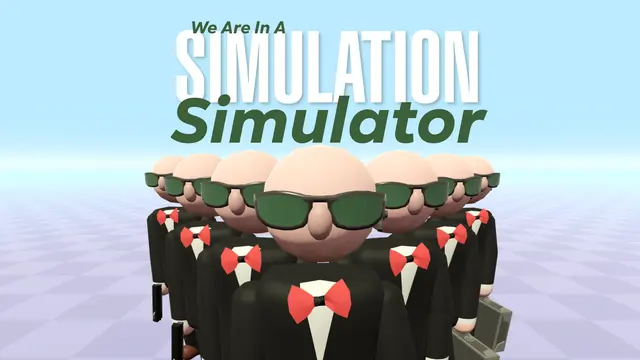 We Are In A Simulation Simulator
 Millionaire Life
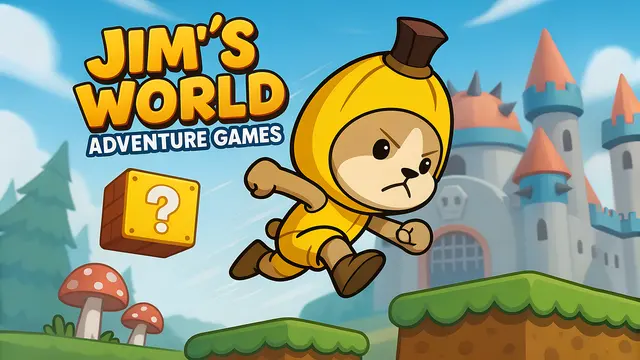 Jim's World: Adventure Games
 Space Blast
 I am Crazy Bird
 Island Expander
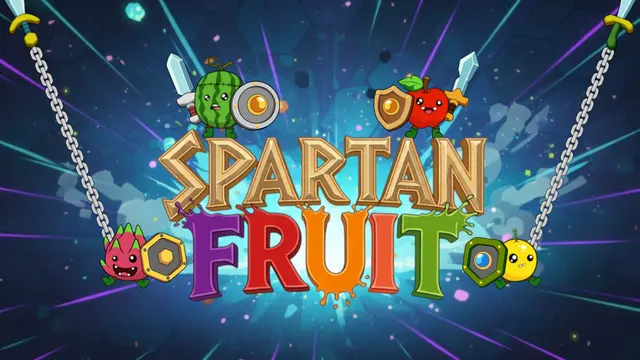 Spartan fruits
 SlowMo Sniper
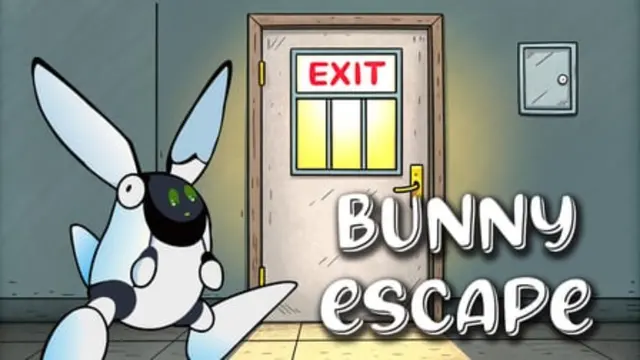 Bunny Escape
 Noob Legends Dungeon Adventures
 Steve Evolution Mega Clicker
 Mouse Survivor
 Zigzag Snow Adventure
 StickerBall
 Neko's Adventure
 Winged Wheels 2
 Tiny Delivery
 99 Nights In The Forest - Survival Simulator
 Millionaire Factory
 Road Crosser
 Gravity Shift Sky Racers GT
 Precision Parking Pro
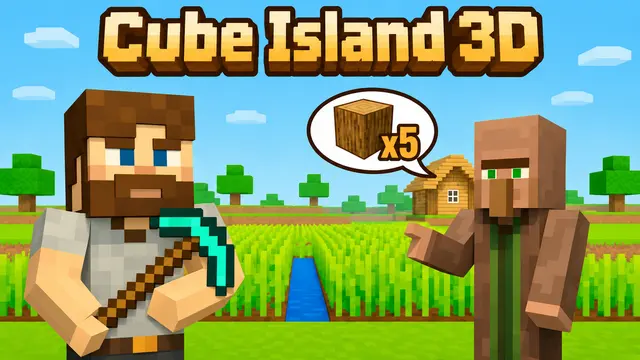 Cube Island 3D
 Blade Hit
 Space Cleaner
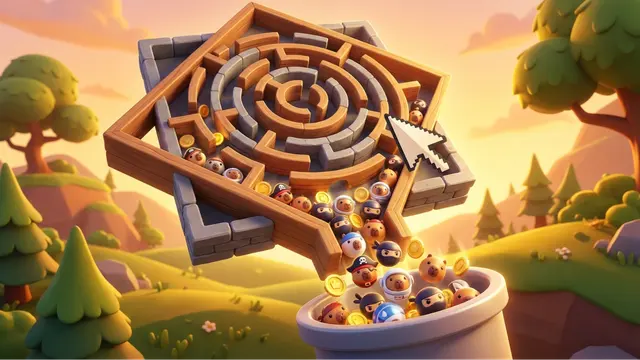 Capyballra - Capybara Ball Collector!
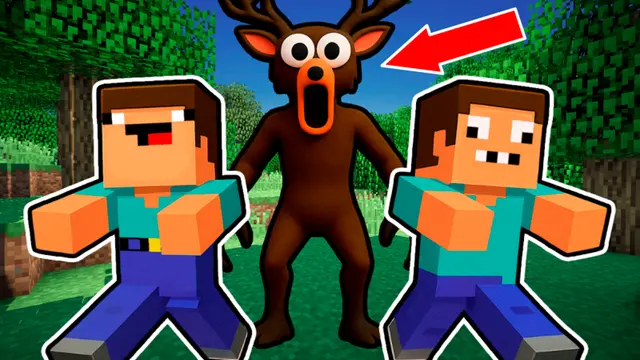 99 Nights in the Forest with Noob and Pro!
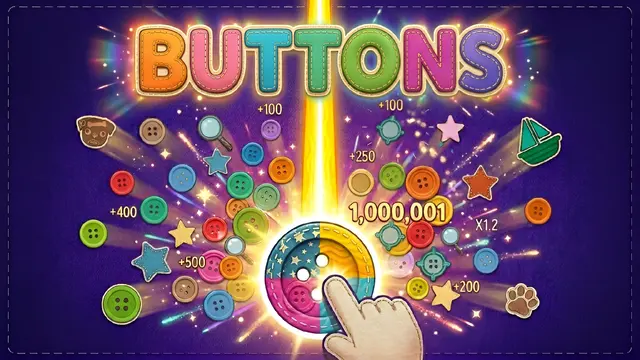 Buttons
 Soda Sandbox
 Crazy Bob
 Survival Island
 Hook King Runner
 JUICE TYCOON
 Exploring the Galaxy 1: Andora
 DUNJUN
 Miki Oath
 Sponge Strike: Clean & Smash
 Wild Manager
 Swing Hero
 Only Up Obby: Tower Climb
 My Gym Manager: Idle Tycoon
 Desert Gunship
 Not Your Seafood Salad
 Heist Idle
 Where Are the Puffies?
 Rich Mom Family Simulator Luxury Life
 Clean The Garden
 Hotbath Simulator
 Braveward
 Steal An Egg - Grow Animals
 ArrowGami: Arrow Puzzle
 Obby Up: Parkour Run
 Sky Kingdoms: Castle Siege
 Avocado Yard: Ragdoll Sandbox
Play Snowed In online
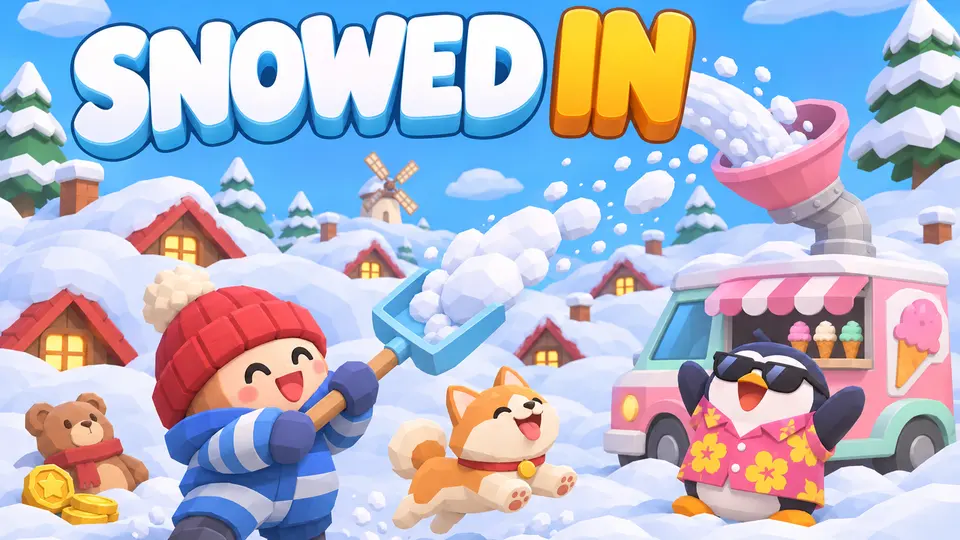
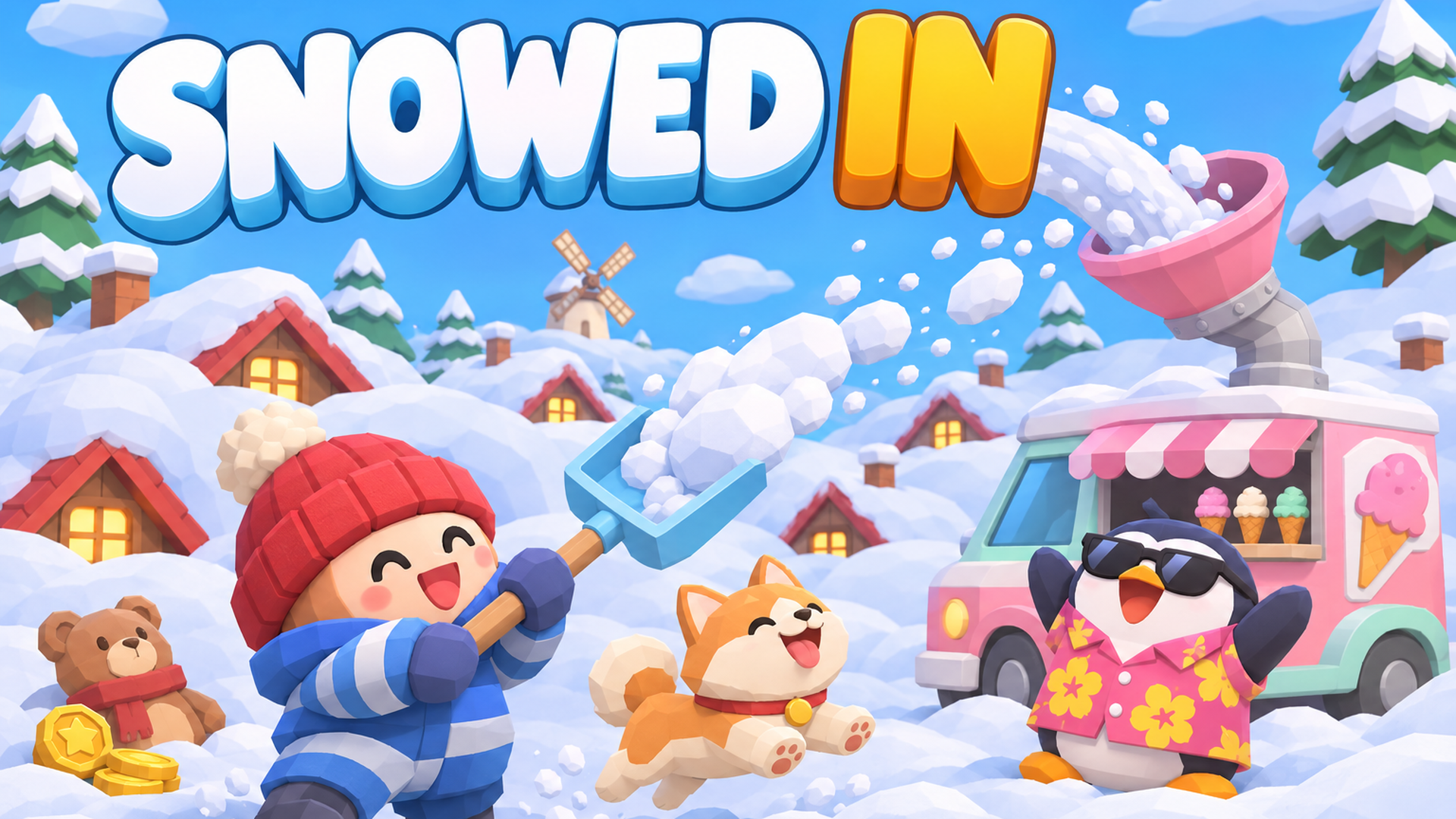
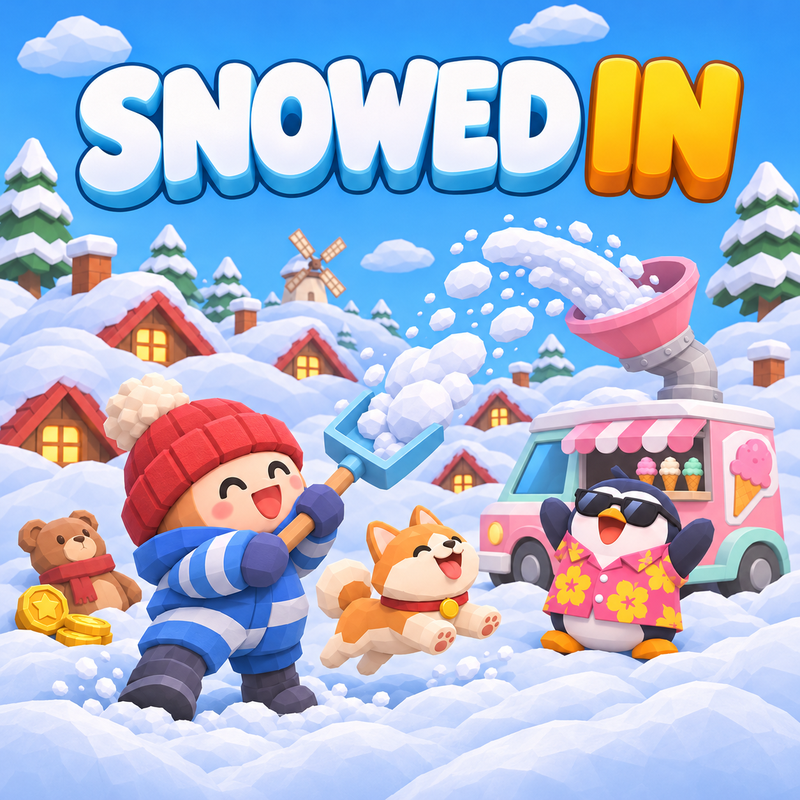
Sunnyhollow woke up under a mountain of snow. Grab a shovel and dig the little village out - house by house, window by window, until the lights come back on and the town square is free again. Every scoop counts: carry your snow to the penguin and his ice cream truck, sell it for coins and spend them on bigger and sillier gear.
Explore the setting and follow the tasks described in the game. Learn how to move and interact before heading toward your next objective. Searching for hidden objects or characters is one of the activities described. Coins appear in the game’s progression or objectives.
How to play Snowed In
Controls and instructions
Dig the snowed-in village of Sunnyhollow free. Dig snow, carry it to the penguin's ice cream truck and sell it for coins. Buy better tools and upgrades in the shop, clear all 14 houses and the town square, and help the villagers along the way. Your progress saves automatically.
Keyboard and mouse:
WASD / Arrow keys - Move
Mouse - Look around
Left click (hold) / F - Dig
Space - Jump, C - Crouch
1-8 / Mouse wheel - Switch tool
E - Use (sell snow, shop, sled, ladder, pet the dog)
R - Refuel
Q (hold) - Village wishlist, M - Map, Tab - Progress
V - First / third person
I - Play with friends
T / X (hold) - Quick chat / emotes
P - Pause
Touch:
Left side - Move (joystick), right side - swipe to look
DIG, JUMP, CROUCH and USE buttons on screen, plus tool, map, chat and emote buttons
Getting started with Snowed In
- Check how to interact with the world before leaving the starting area.
- Look over the visible area before moving on to a new one.
- Check what the game lets you do with coins before spending them.
About this game
- Platform
- Web browser
- Supported devices
- Android, iOS, Desktop
- Screen orientation
- Landscape
- Languages
- American English
- Genres
- Arcade, Adventure, Simulation, Mouse, Co Op
- In-game purchases
- None listed by the provider
- Provider
- Playgama
- Provider audience
- Male, Female
Game features and tags
- 3 Player
- Casual
- Brain Training
- Addictive
- Digging
- Collecting
- 1 Player
- Snow
- Action Adventure
- 2 Player Arcade
Snowed In images
Questions about Snowed In
How do I start playing?
Choose Play now in the game window above to load Snowed In through Playgama. Read the controls and instructions above before you start.
Which devices can I play on?
The provider lists support for Android, iOS, Desktop. Play in your web browser using the controls described above.
Which languages does the game support?
American English.
Does the game have in-game purchases?
The provider lists no in-game purchases for this game. Games may display advertisements.
Related game categories
Game facts and artwork supplied by Playgama. Descriptions adapted and getting-started guidance added by LookBear. Game content, ads and purchases are provided by Playgama and the game provider.