 Roll to Riches
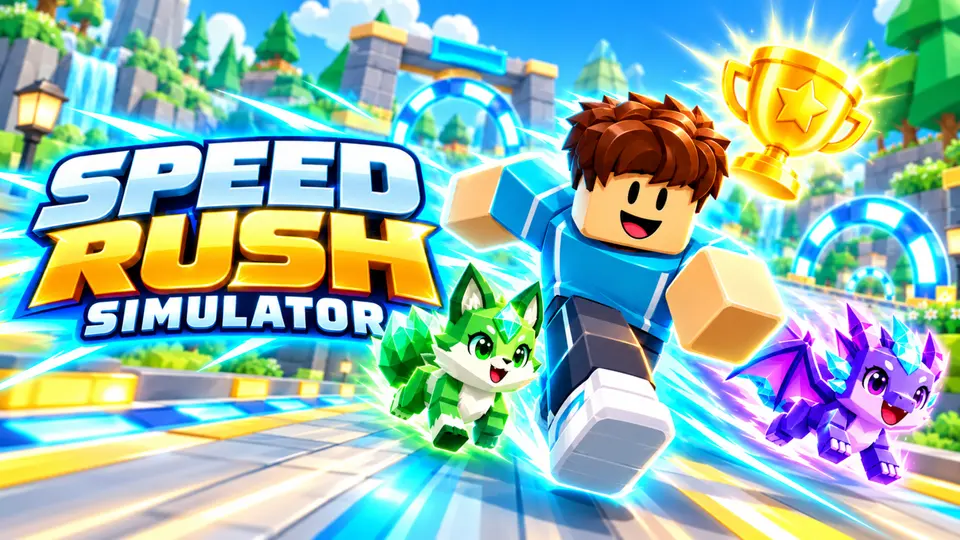
Speed Rush Simulator
Provided by Playgama
Speed Rush Simulator via Playgama







 Break the Egg and Run away!
 Throw Foods For Pets
 Fish Eggs for Animals
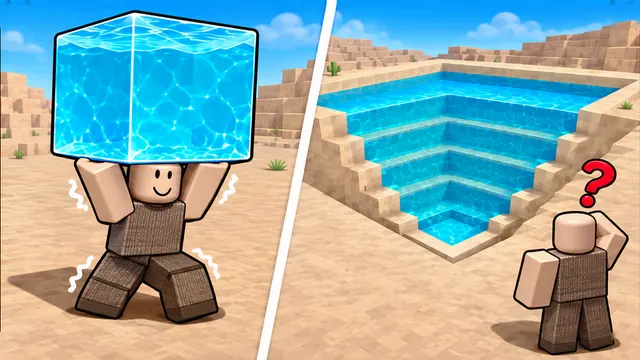 Fill and Swim
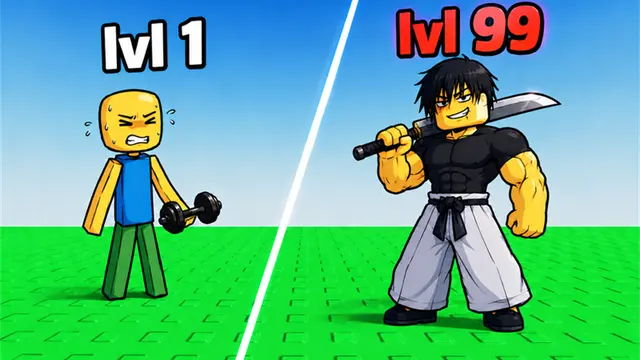 Anime Lifting Simulator
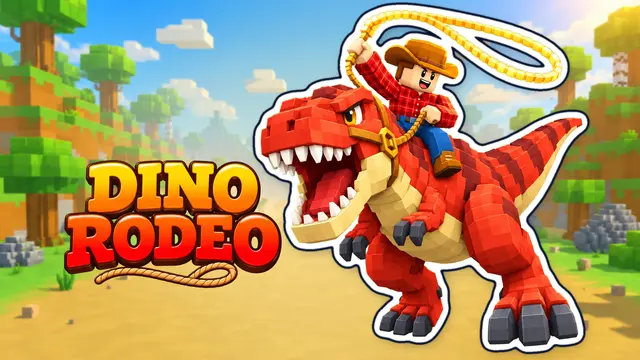 Dino Rodeo 3D
 Sunny Bay RP
 Steal a Weapon!
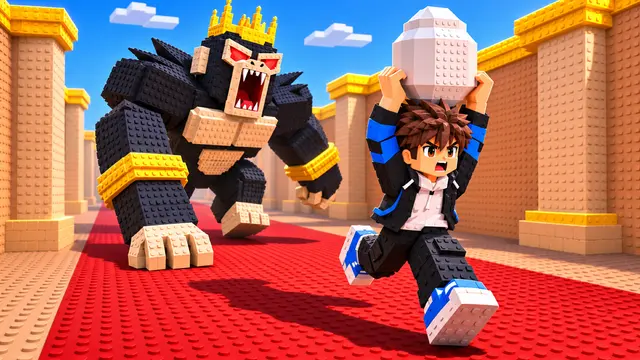 Obby Eggs: Grab, Escape
 BEAR PICKSprunki World Online RP - Play with Friends!
 Bridge Builder
 Dungeon Master - Cult & Craft
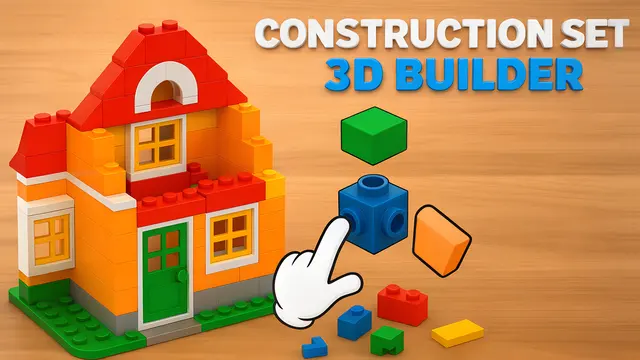 Construction Set - 3D Builder
 Obby: Click and Grow
 Grow a Garden 3D
 MR RACER Stunt Mania
 Hyper Cars Ramp Crash
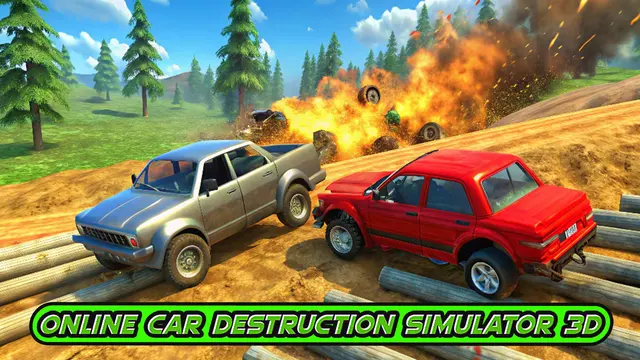 Online Car Destruction Simulator 3D
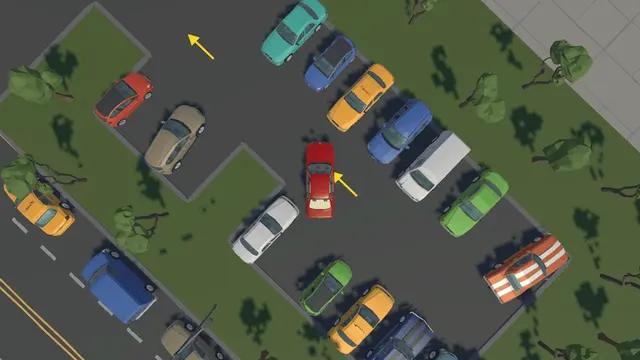 Parking Master: Urban Challenges
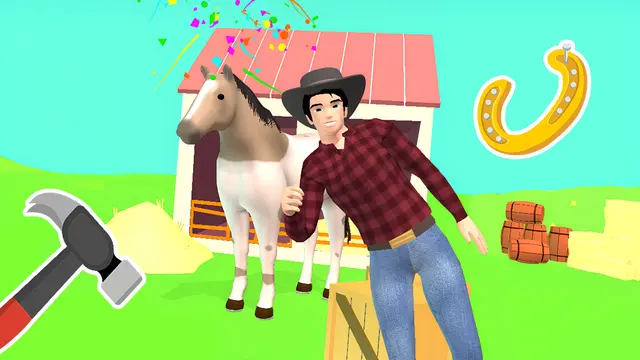 Fix The Hoof
 Skyblock 3D: Survival
 Car Destruction King
 Car Smash Simulator: Crash & Tune
 Your Obby Parkour
 Blocks Shooter 3D! Run, Shoot, Merge Weapons!
 Burger Restaurant Simulator 3D
 Pregnant Mother Simulator
 Obby: King of the Hill
 Obby Football Soccer 3D
 Impossible Parkour 3D
 Island Expander
 Find The Pets
 Field Master
 Egg Thief
 Obby Royal races in flight
 Destruction Simulator
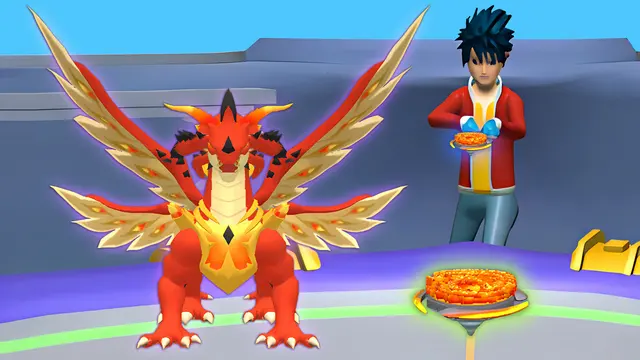 Mystical Blade 3D
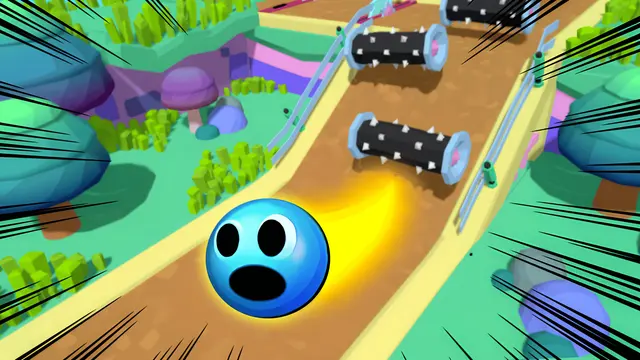 Ball: Path Through Obstacles
 Steve parkour in mine
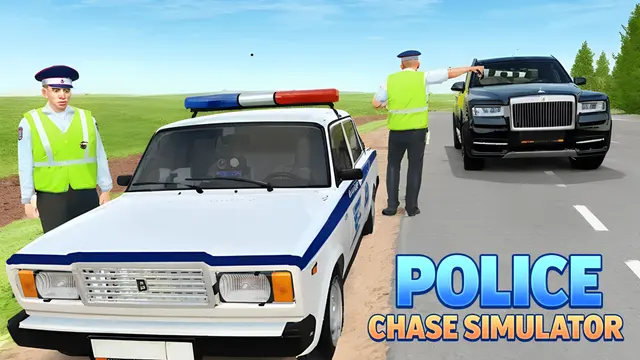 Police Chase Simulator
 Buggy Simulator Sandbox 3D
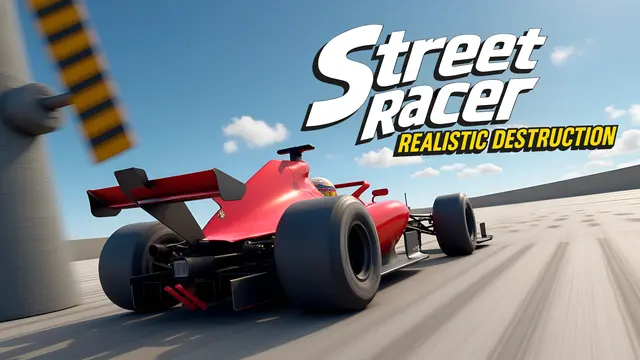 StreetRacer: Realistic Destruction
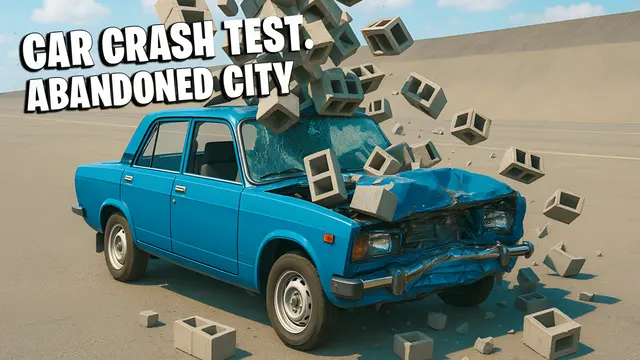 Car Crash Test: Abandoned City
 Simulator GT Motorsport
 Gravity Shift Sky Racers GT
 Furious GT Drift
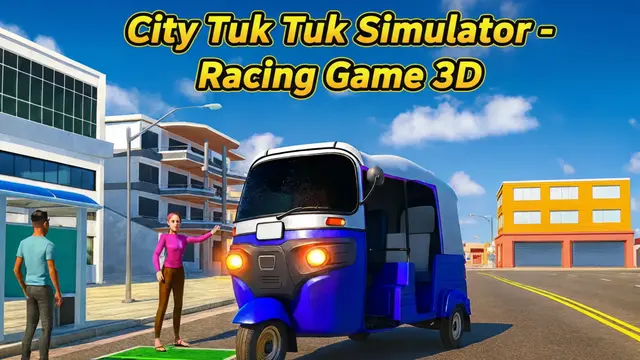 City Tuk Tuk Simulator: Racing Game 3D
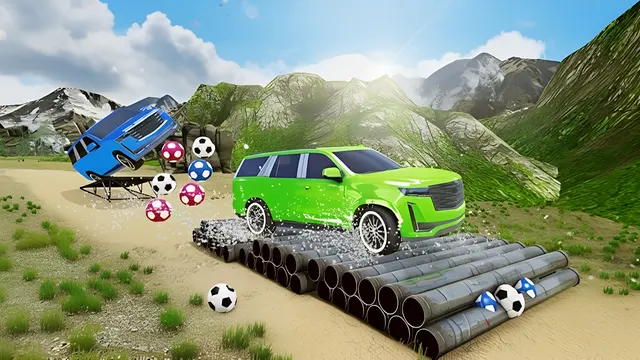 USA Luxury 4x4 SUV Offroad Driving Simulator
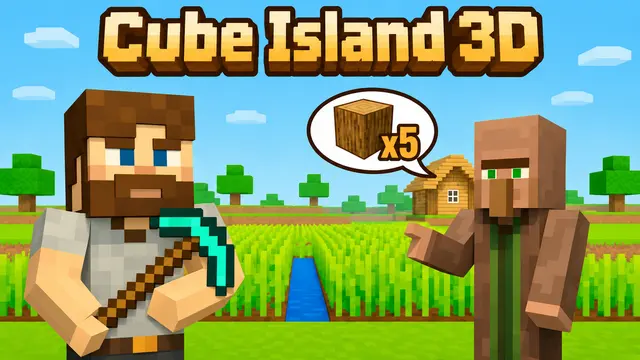 Cube Island 3D
 Your Obby Escape
 Parkour World
 Parkour World 2
 Crime and Vice City Police
 Build an Aquapark
 Big Boom! Building Smash!
 Noob Fuse
 Ninja Survival Simulator
 Dream Supermarket: 3D Shop
 My Pet Care Salon: Obby Dress-Up 3D
 Mine Obby 3D: Minigame World
 Crash Test Simulator 3d
 Mine Miner 3D: Mayor of Dream Island
 Car Crash Sandbox
 Soda Sandbox
Play Speed Rush Simulator online
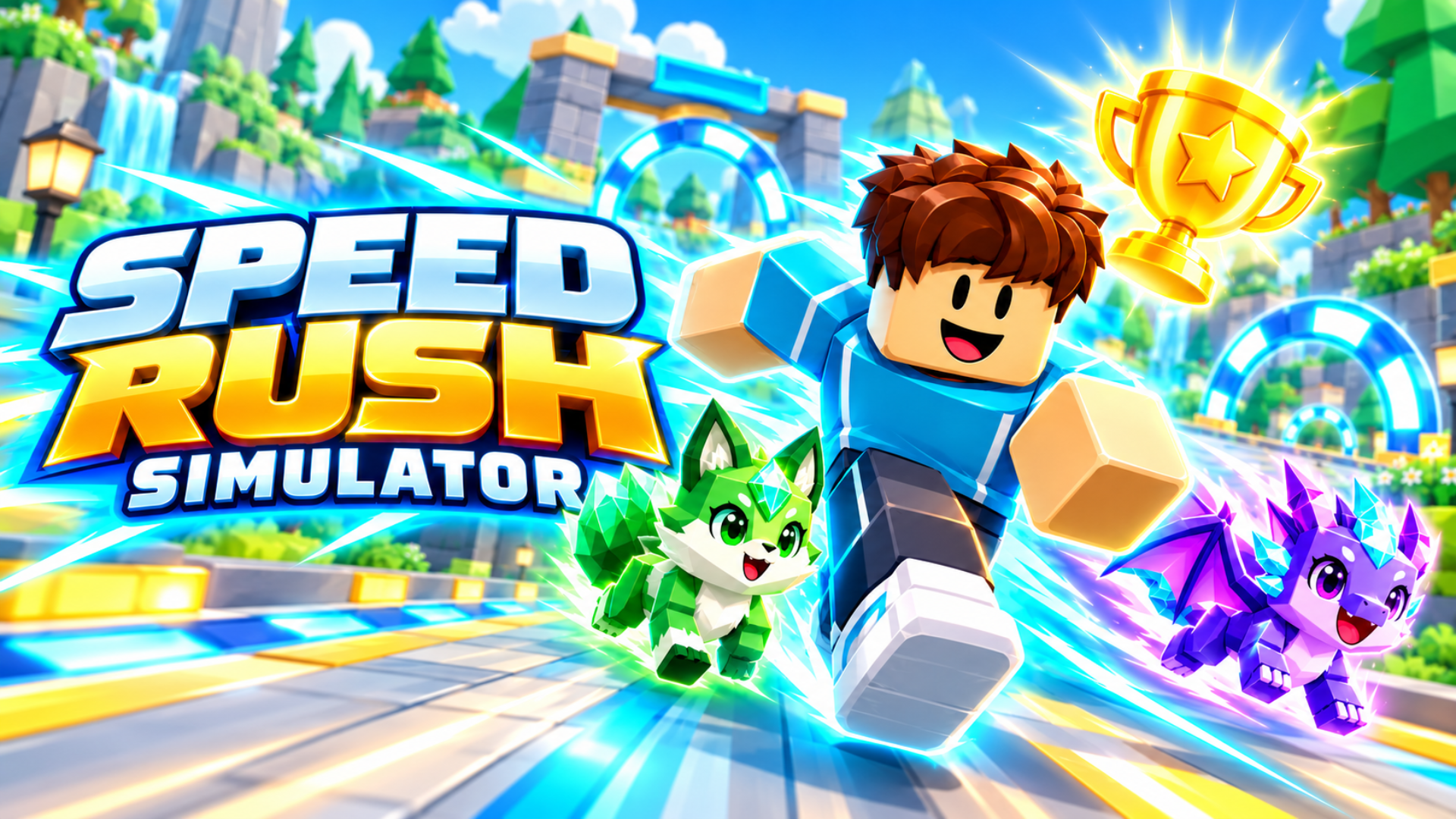
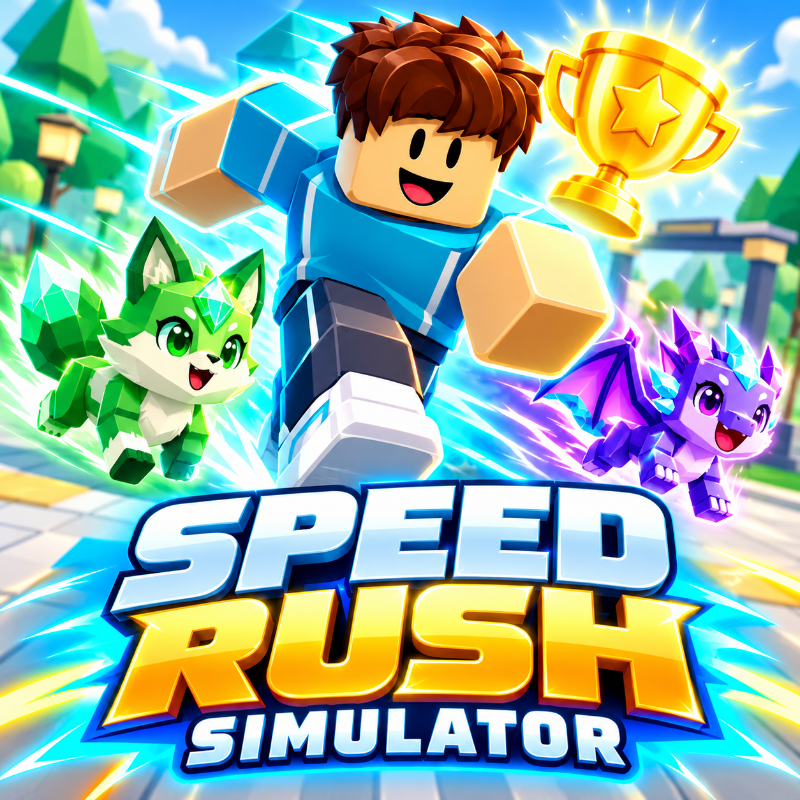
Train your speed, collect trophies, and hatch pets in a colorful 3D running adventure! Race through forests, Pumpkin Valley, and castle-themed areas. Jump over obstacles and reach checkpoints to earn rewards.
Work through an obstacle course by reading the route and controlling your movement. Check the available movement actions before taking on the next section. The instructions describe joystick input. The listed controls include WASD input.
How to play Speed Rush Simulator
Controls and instructions
PC:
WASD or arrow keys — move.
Space — jump.
E — interact with a training station or open an egg.
R — open three eggs by watching a rewarded ad.
Hold the mouse button and drag — rotate the camera.
Mouse wheel — zoom.
Shift — capture or release the mouse cursor.
Esc — release the cursor.
During races, running is automatic. Use A/D or the left/right arrows to steer, and Space to jump.
Mobile:
Play in landscape mode.
Move using left joystick.
Tap the right jump button while holding the joystick to run and jump together.
Swipe on the game world to rotate the camera.
Tap the on-screen buttons to interact and open menus.
Enter fullscreen mode using fullscreen button.
Getting started with Speed Rush Simulator
- Look at the next landing area before committing to a jump.
- Start with a short joystick movement to judge how the character responds.
- Check the action mappings as well as movement; extra actions may use different keys.
About this game
- Platform
- Web browser
- Supported devices
- Android, iOS, Desktop
- Screen orientation
- Landscape and Portrait
- Languages
- American English, Russian (Russia)
- Genres
- Simulation, 3d, Obby
- In-game purchases
- None listed by the provider
- Provider
- Playgama
- Provider audience
- Male, Female
Game features and tags
- Fast Paced
- Endless
- Obstacles
- Speed
- 1 Player
- Ai
Speed Rush Simulator images
Questions about Speed Rush Simulator
How do I start playing?
Choose Play now in the game window above to load Speed Rush Simulator through Playgama. Read the controls and instructions above before you start.
Which devices can I play on?
The provider lists support for Android, iOS, Desktop. Play in your web browser using the controls described above.
Which languages does the game support?
American English, Russian (Russia).
Does the game have in-game purchases?
The provider lists no in-game purchases for this game. Games may display advertisements.
Related game categories
Game facts and artwork supplied by Playgama. Descriptions adapted and getting-started guidance added by LookBear. Game content, ads and purchases are provided by Playgama and the game provider.