 Skyblock 3D: Survival
Mine Miner 3D: Mayor of Dream Island
Provided by Playgama
Mine Miner 3D: Mayor of Dream Islandvia Playgama



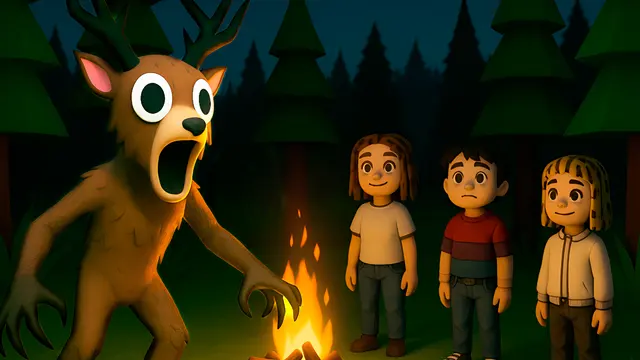 99 Nights in the Forest. Horror Multiplayer
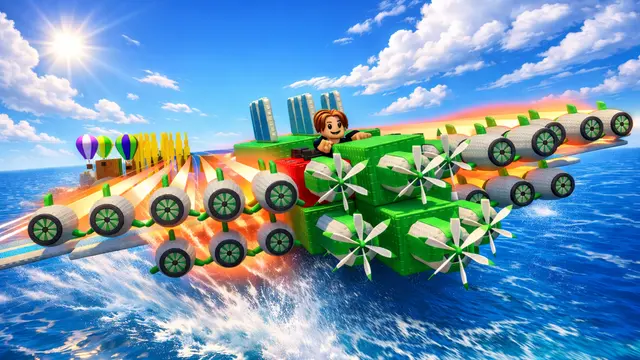 Build and Fly Obby
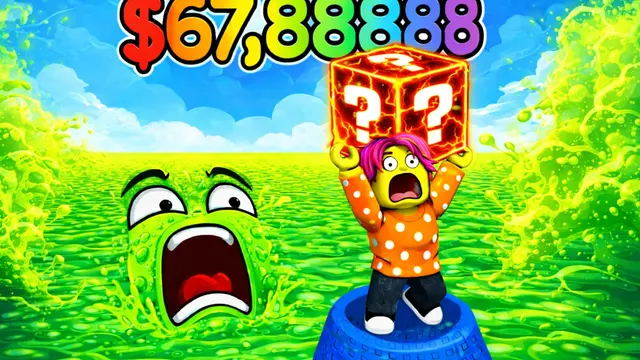 Survive Lava for Brainrots!
 Dead Land: Survival
 Left 4 Die
 Abandoned Mansion
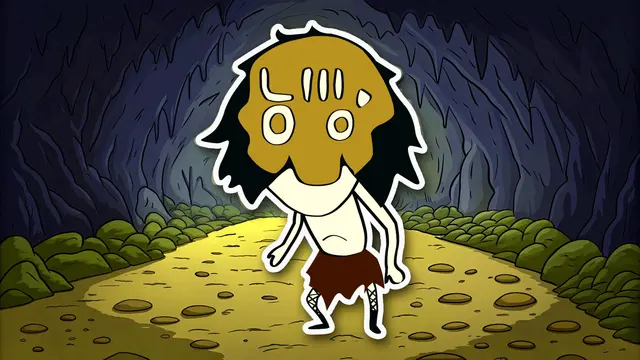 Primal Druid - Kingdom of Animals
 Stalker 2033: The Path of the Survivor
 Your Obby Parkour
 Survive the Disasters: Obby
 Blocks Shooter 3D! Run, Shoot, Merge Weapons!
 Obby: King of the Hill
 Obby Football Soccer 3D
 Impossible Parkour 3D
 Build Obby World
 King Dungeon
 Find The Pets
 Breinrot Bog
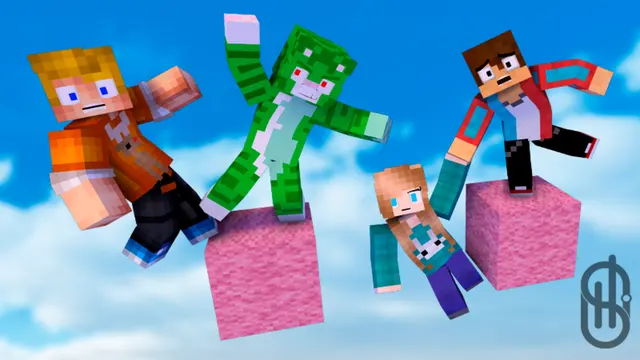 Mine Block Party: World of Minigames
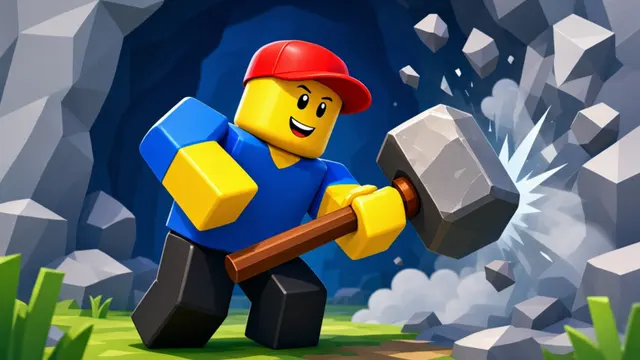 Obby: Mine Crasher
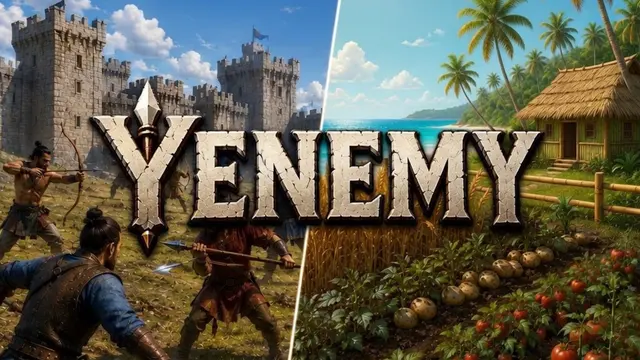 Yenemy
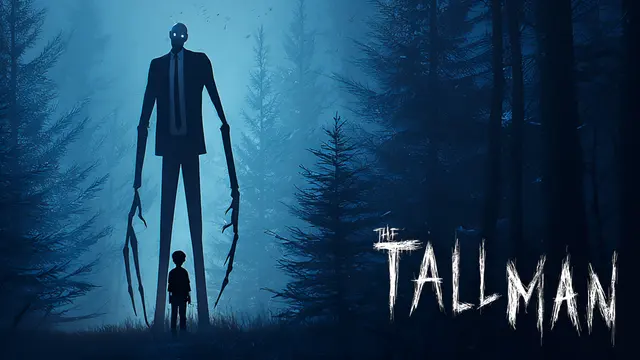 The Tall Man
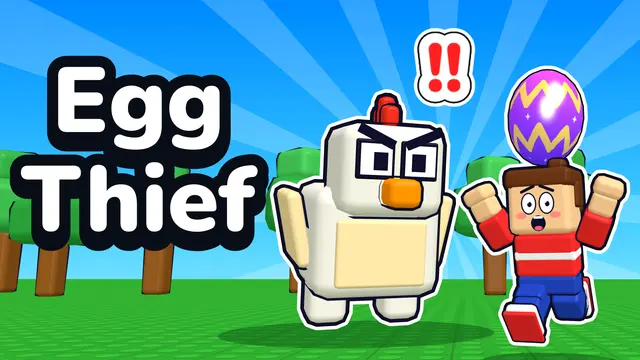 Egg Thief
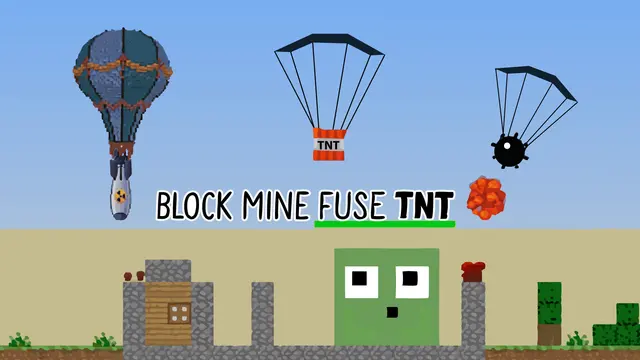 Block Mine Fuse TNT
 Rift of Hell - Demons War
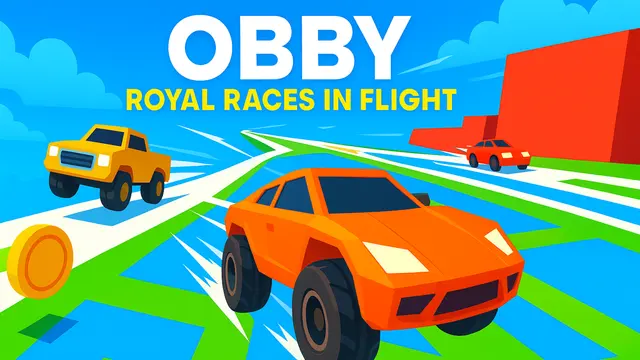 Obby Royal races in flight
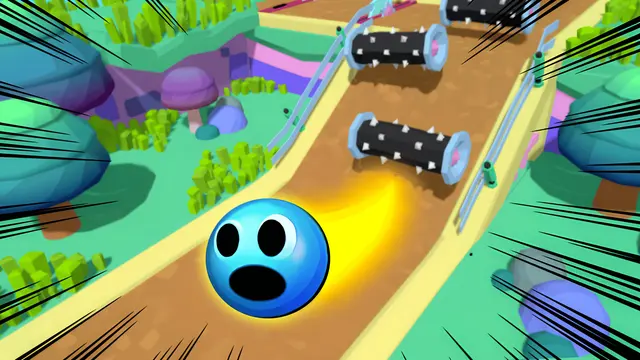 Ball: Path Through Obstacles
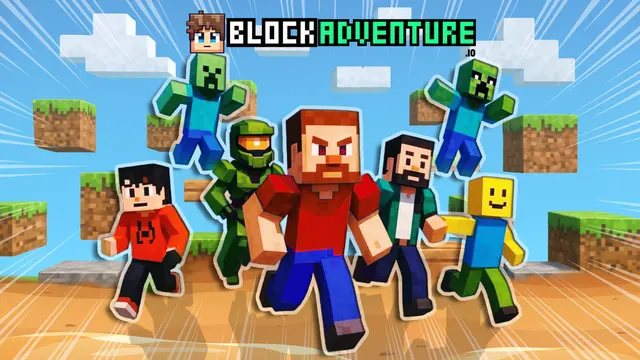 Blockadventure io
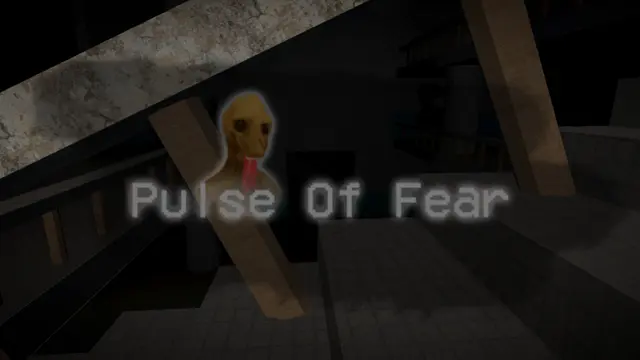 Pulse Of Fear
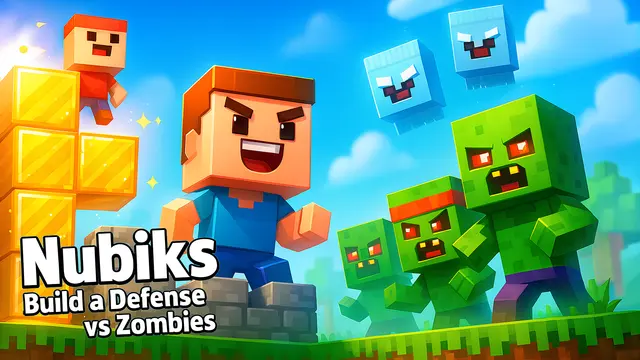 Nubiks build a defense vs zombies
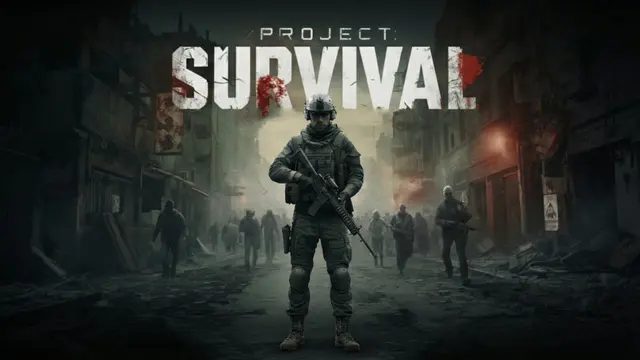 Project: Survival
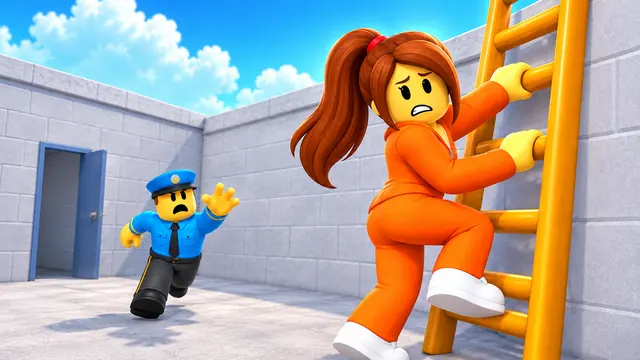 Your Obby Escape
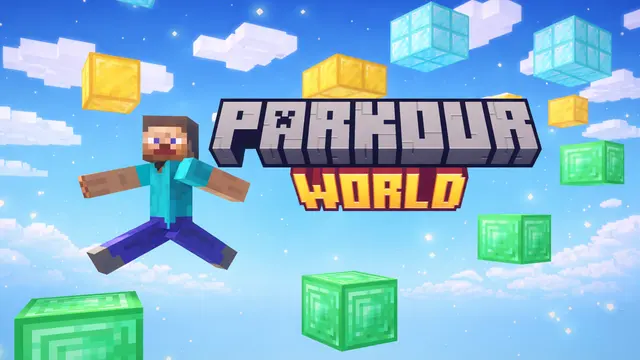 Parkour World
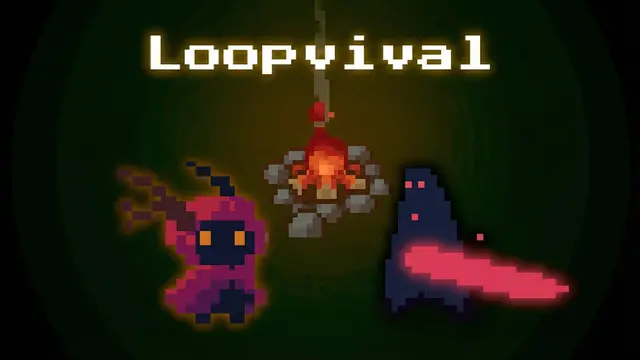 Loopvival
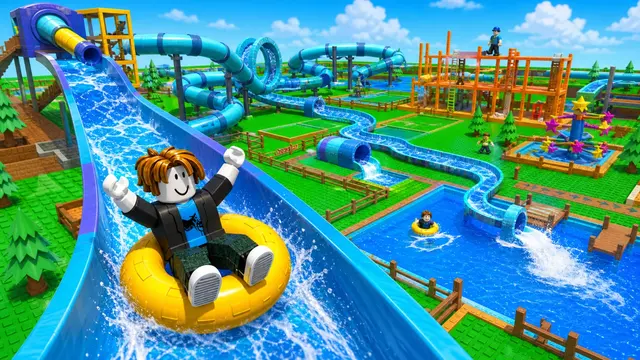 Build an Aquapark
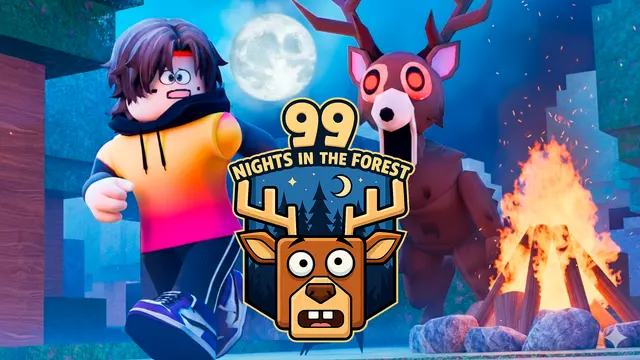 99 Nights In The Forest
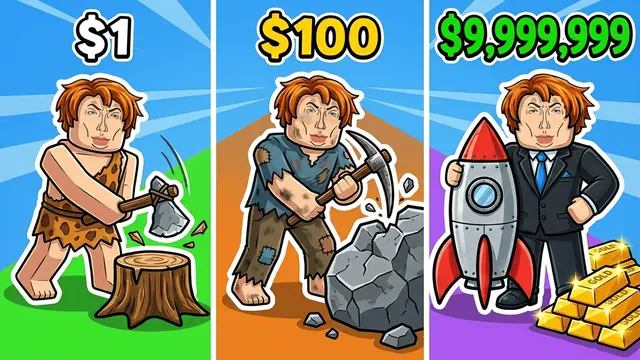 Obby: Mine, Build, Launch
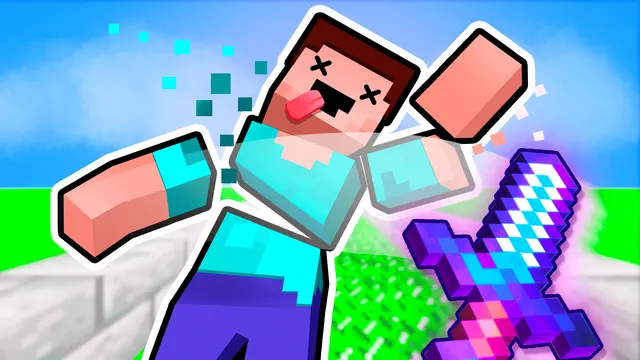 Mine Fight! Cut Mob Army!
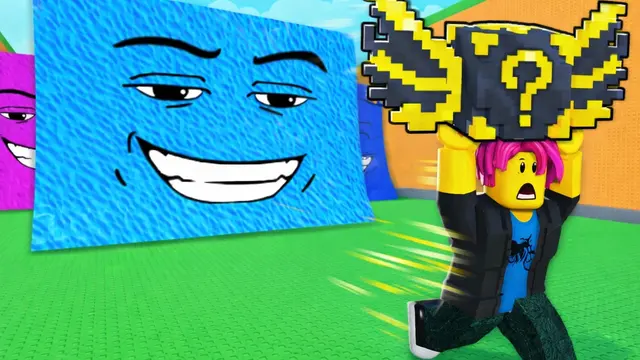 Escape Waves for Lucky Blocks
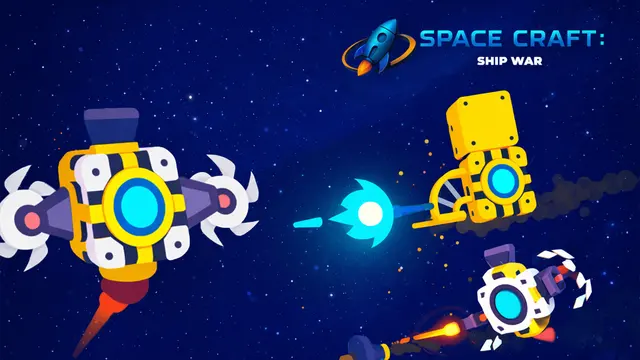 Space Craft: Ship War
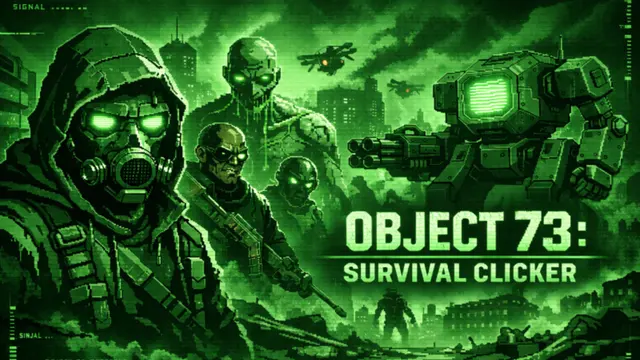 Object 73: Survival Clicker
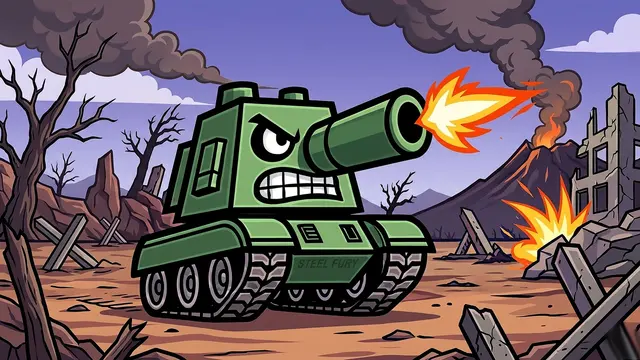 Tank Craft 2
 Mine Obby 3D: Minigame World
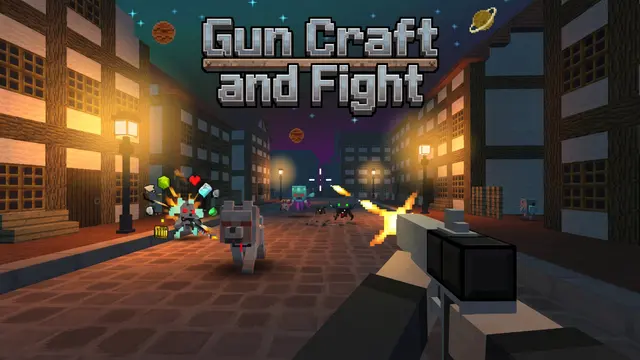 Gun Craft and Fight
 Long Drive to Horizons Sim
 Survival Island
 Robby: Build Bridge To Brainrots
 Roll to Riches
 Cannon Ball 3D : Big Boom Obby
 Obby: Run Star | Speed and Pets
 Mine Obby 3D: Car Wash Tycoon
 Obby: Battle Arena
 Exploring the Galaxy 1: Andora
 TNT Sandbox
 Newbie’s Escape from Blogger Prison
 Block Party: Obby, Robby, Mini games!
 Cube Trap
 Obby Parkour: Crazy Descent
 Rustlings online
 Nexus Override
 Collect Brainrot Arena
 Merge Rockets: Obby
 Ninja Obby Speed Run
 Island Survival
Play Mine Miner 3D: Mayor of Dream Island online
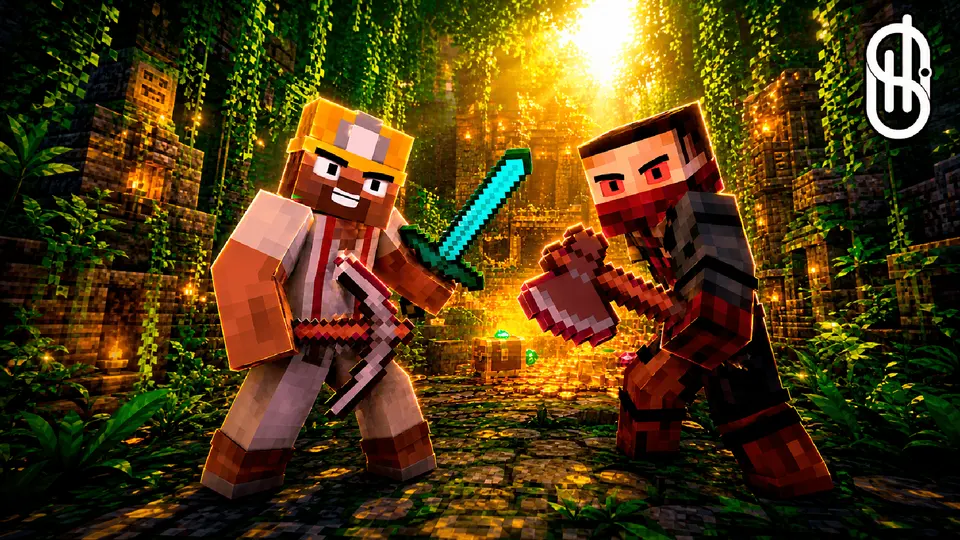
Build a thriving island city and become the hero of a mining world! — Mine resources: dig into the mines, collect valuable materials, and sell them for coins — Grow your city: upgrade buildings, unlock new opportunities, and help the villagers — Discover islands: explore new lands and find rare resources — Power up your character: upgrade speed, strength, and luck for faster mining — Defend your city: repel monster raids and prove your power in the arena Collect riches, expand your territory, and become the best mayor in this world!
Work through an obstacle course by reading the route and controlling your movement. Check the available movement actions before taking on the next section. Coins appear in the game’s progression or objectives. Upgrades are part of the progression described by the provider.
How to play Mine Miner 3D: Mayor of Dream Island
Controls and instructions
Desktop controls:
W, A, S, D or ↑, ←, ↓, → — move.
The space bar is a jump.
Mouse movement is camera control.
Left mouse button — destruction of blocks
Management for mobile devices:
The joystick on the left is moving.
The button on the left with the image of the tool is the destruction of blocks.
The button on the right is jump.
Swipes on the right side of the screen — camera control.
Getting started with Mine Miner 3D: Mayor of Dream Island
- Look at the next landing area before committing to a jump.
- Check what the game lets you do with coins before spending them.
- Compare the upgrade description with your next objective before choosing it.
About this game
- Platform
- Web browser
- Supported devices
- Android, iOS, Desktop
- Screen orientation
- Landscape
- Languages
- American English, Russian (Russia)
- Genres
- 3d, Obby, Minecraft, Survival, Crafting
- In-game purchases
- None listed by the provider
- Provider
- Playgama
- Provider audience
- Male, Female
Game features and tags
- City Building
- Collecting
- Mine
- Building
- Resource Management
- Mining
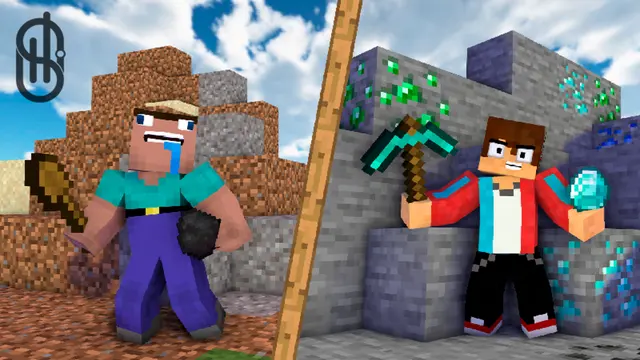
Mine Miner 3D: Mayor of Dream Island images
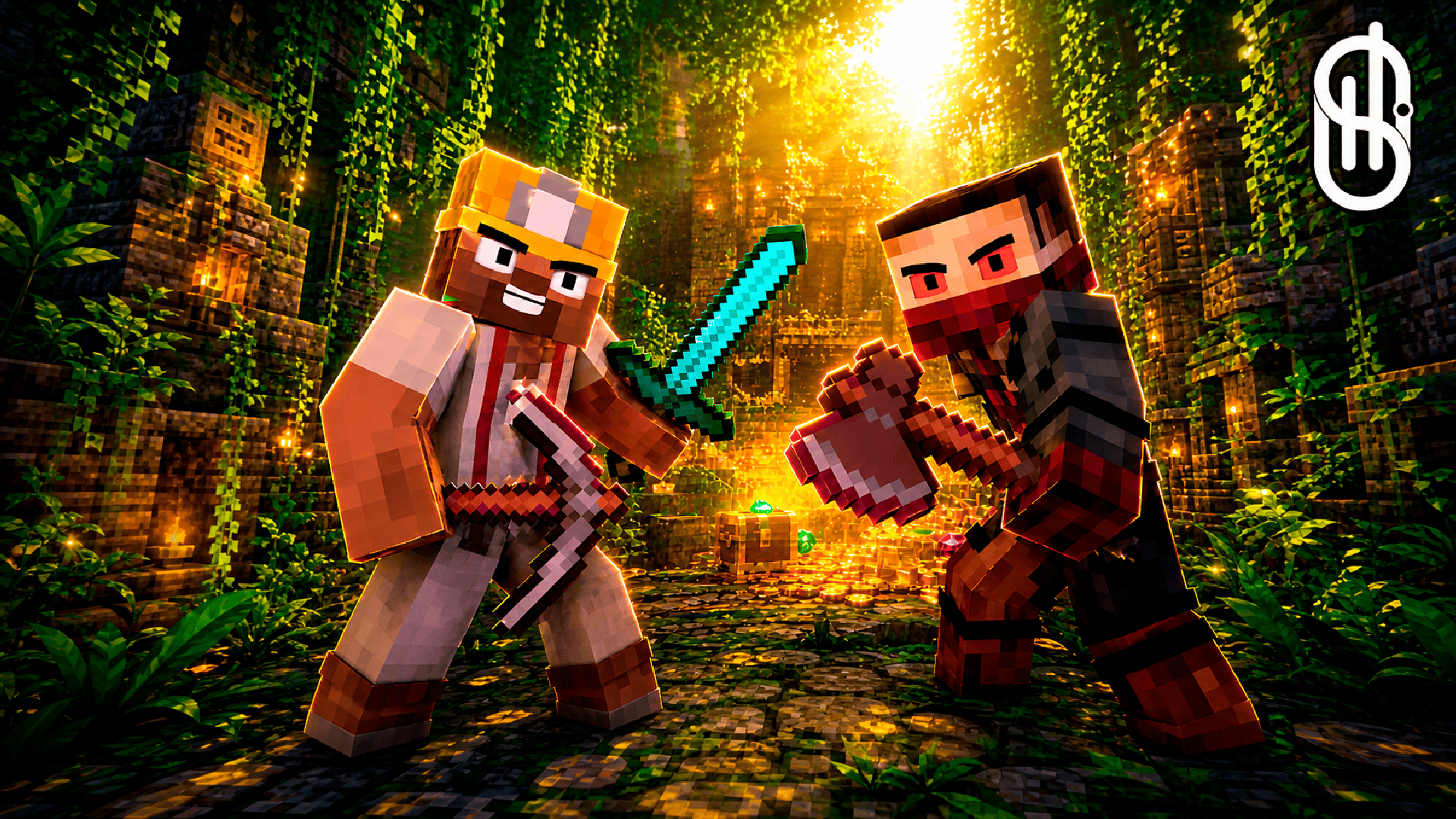
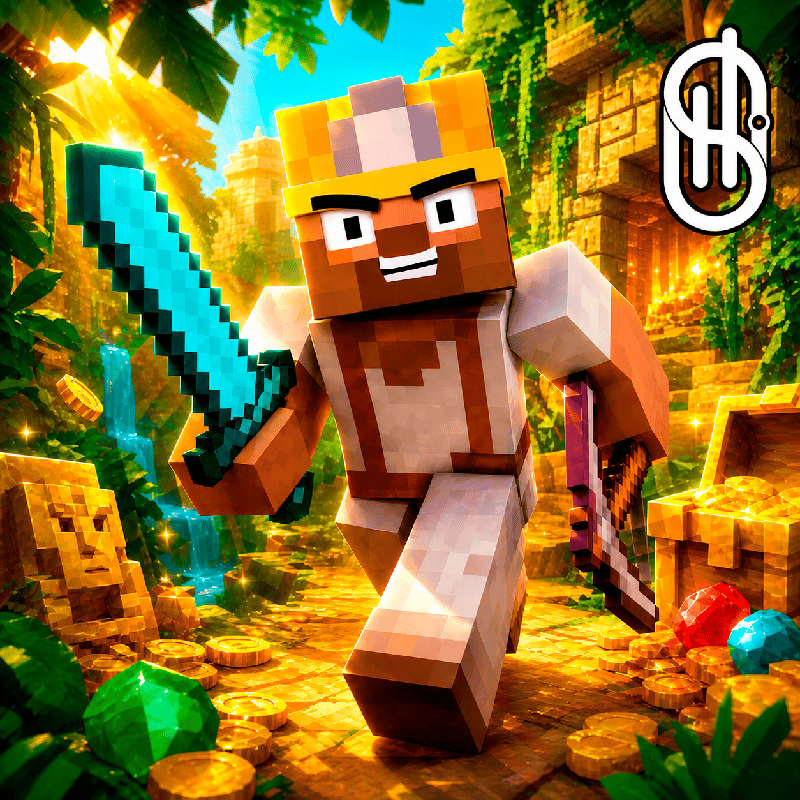
Questions about Mine Miner 3D: Mayor of Dream Island
How do I start playing?
Choose Play now in the game window above to load Mine Miner 3D: Mayor of Dream Island through Playgama. Read the controls and instructions above before you start.
Which devices can I play on?
The provider lists support for Android, iOS, Desktop. Play in your web browser using the controls described above.
Which languages does the game support?
American English, Russian (Russia).
Does the game have in-game purchases?
The provider lists no in-game purchases for this game. Games may display advertisements.
Related game categories
Game facts and artwork supplied by Playgama. Descriptions adapted and getting-started guidance added by LookBear. Game content, ads and purchases are provided by Playgama and the game provider.