 Chef Tycoon
Burger Bay
Provided by Playgama
Burger Bayvia Playgama







 Idle Airport Tycoon
 Grow a Garden 3D
 Scary Rooms: Idle Horror
 My Arcade Center
 Cooking City
 Money Factory - Earn a Billion
 Gas Station Simulator
 Survival Tycoon: City of Zombie
 Idle Magic Academy Tycoon
 Idle Hotel Empire Tycoon
 Idle Supermarket Tycoon
 Idle Crafting Empire Tycoon
 Idle Cinema Tycoon
 Airplane Factory - Tycoon
 Money Empire
 Millionaire Factory
 Idle Cookie Tycoon
 Merge Plane Tycoon
 My Phone Store
 PC Cafe Simulator 3D
 My Bakery
 Idle Zoo Tycoon
 Money Factory: Tycoon Idle Game
 Cooking Shawarma Idle Game
 Burger Game - Burger Shop
 Garage Boss
 JUICE TYCOON
 OIL RIG Driller
 The Hustler
 Agrarian Magnate
 Mine Obby 3D: Car Wash Tycoon
 Chop Up!
 FISH FACTORY
 Ashfall Industries
 Minimarket 67/7: Store Tycoon
 Sell Lemons Idle
 Steal Memerot: Zoo Tycoon
 Capitalist Hunter
 Wild Manager
 My Little Kingdom
 Kingdom Master
 Drift Tycoon
 Restore Lab
 Mine Tycoon
 Tiny Cinema
 Farm Care Tycoon
 Pocket Mart
 Scoop Empire
 Leaf Blower Tycoon
 Grave: Necromancer Mortician
 Kickoff Academy: Football Tycoon
 Capy Market
 Bun Boss
 Peel the Potato
 Park Tycoon
 Sir Shiba: Monster Island
 Obby Break an Egg
 Harvest Rush
 Farm mart
 Monster Cafe: Idle Tycoon
 Obby: Build a Car Farm
 Big Bob's Burger Truck
 Smartphone Legends
 City Gas Station Simulator
Play Burger Bay online
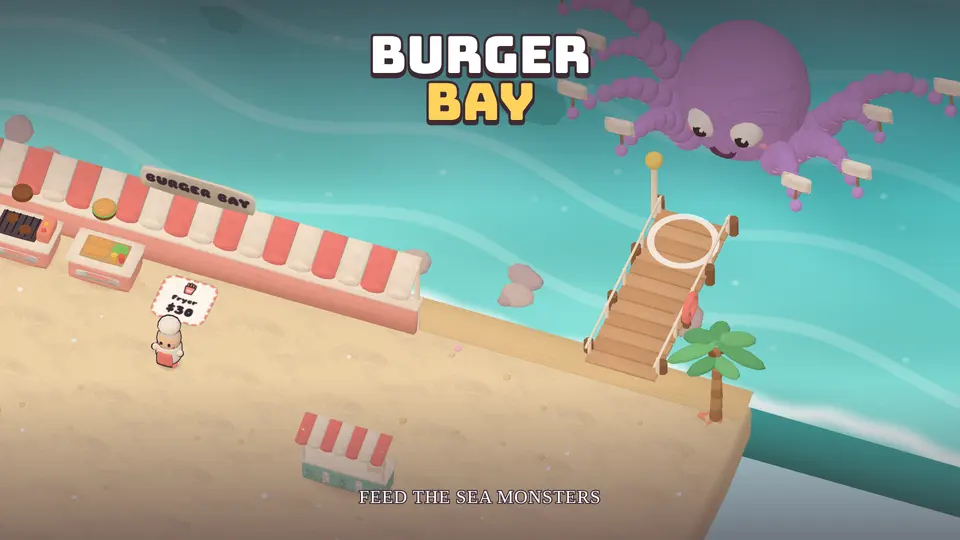
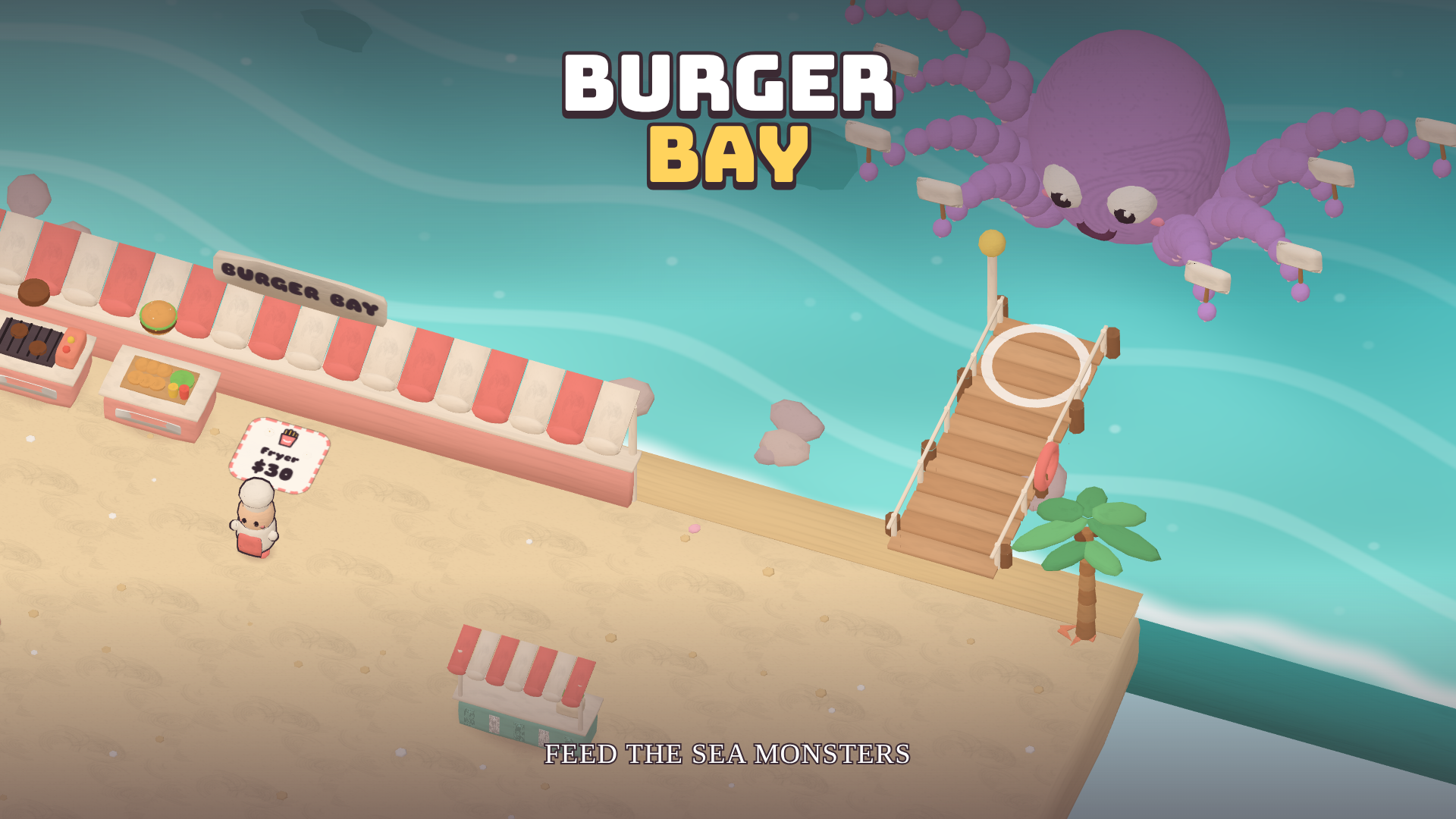
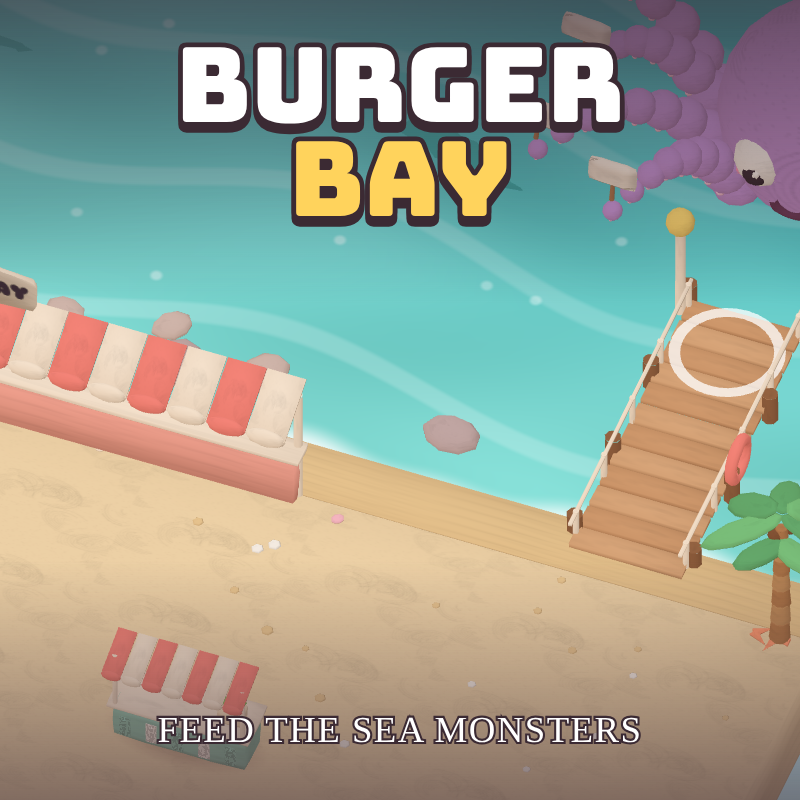
Burger Bay is an idle burger shop on the beach. Cook patties, stack burgers, serve customers and collect cash to unlock new stations, hire helpers and grow your boardwalk along the coast to new beaches. Every few minutes a sea-creature boss shows up: a Kraken, a giant crab or a whale with a mega order and a countdown.
Follow the preparation and serving steps shown by the game. Understanding the order of actions helps you keep track of what still needs to be done. The listed controls include WASD input.
How to play Burger Bay
Controls and instructions
Walk to stations to cook and carry food, then serve the customers. Spend cash on new stations, upgrades and helpers. Serve the sea-monster orders before the timer runs out.
Controls: Desktop: WASD or arrow keys to walk, T to toss the top item, P to pause. Mobile: drag to walk.
Getting started with Burger Bay
- Read the current order or task before selecting ingredients or tools.
- Check the action mappings as well as movement; extra actions may use different keys.
About this game
- Platform
- Web browser
- Supported devices
- Android, iOS, Desktop
- Screen orientation
- Landscape and Portrait
- Languages
- American English
- Genres
- 3d, Tycoon, Management, Restaurant, Cooking, Idle
- In-game purchases
- None listed by the provider
- Provider
- Playgama
- Provider audience
- Male, Female
Game features and tags
- Casual
- Business
- Addictive
- Burger
- Shop
- Time Management
- Collecting
- 1 Player
- Incremental
- Resource Management
Burger Bay images
Questions about Burger Bay
How do I start playing?
Choose Play now in the game window above to load Burger Bay through Playgama. Read the controls and instructions above before you start.
Which devices can I play on?
The provider lists support for Android, iOS, Desktop. Play in your web browser using the controls described above.
Which languages does the game support?
American English.
Does the game have in-game purchases?
The provider lists no in-game purchases for this game. Games may display advertisements.
Related game categories
Game facts and artwork supplied by Playgama. Descriptions adapted and getting-started guidance added by LookBear. Game content, ads and purchases are provided by Playgama and the game provider.